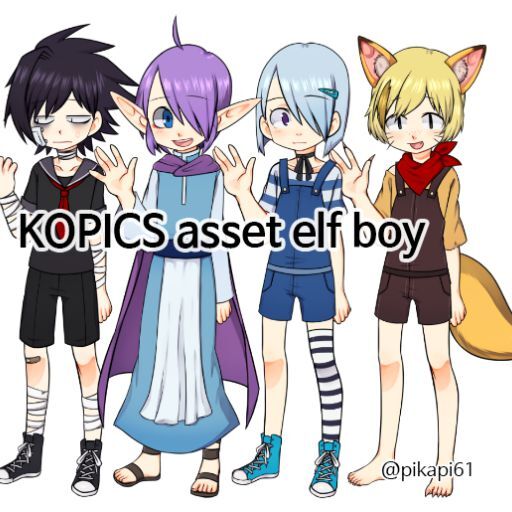
You can use this as a personal, and commercial. But, you have to credit my copyright somewhere, like game's staff roll or introduction page. And please don't use this as politically or to offend someone.
Do not edit(tracing, retouching, etc.) the picture. But it's ok to resize and adjusting colors.
Do not repost, or upload egd file.
Please, keep the rule and enjoy it.
+You can use ears parts in Accessory Body, noses and tails are in Accessory Others. Parts' name including A; lighter shading/B: darker shading
If you have a question about asset or parts, please send a email to pikapi61@gmail.com
*If you had a program error on KOPICS, please contact OCTET.
KOPICS v1.2.1 released
General
Changed some of the achievements.
Improved the tutorial.
Home Screen
Improved the UI.
Player Mode
Changed to be able to move items with the keyboard.
Changed that movable items can be scaled and rotated with mouse scroll.
Changed to be able to select items with mouse scroll.
Added checkboxes to enable / disable item selection.
Creator Mode
Added horizontal / vertical flip functions and position adjustment functions.
Added item divide function.
Change some default settings for items.
Fixed a ListView issue.
KOPICS v1.2.0 released
Features (Home Screen)
Improved UI layout.
Features (Creator Mode)
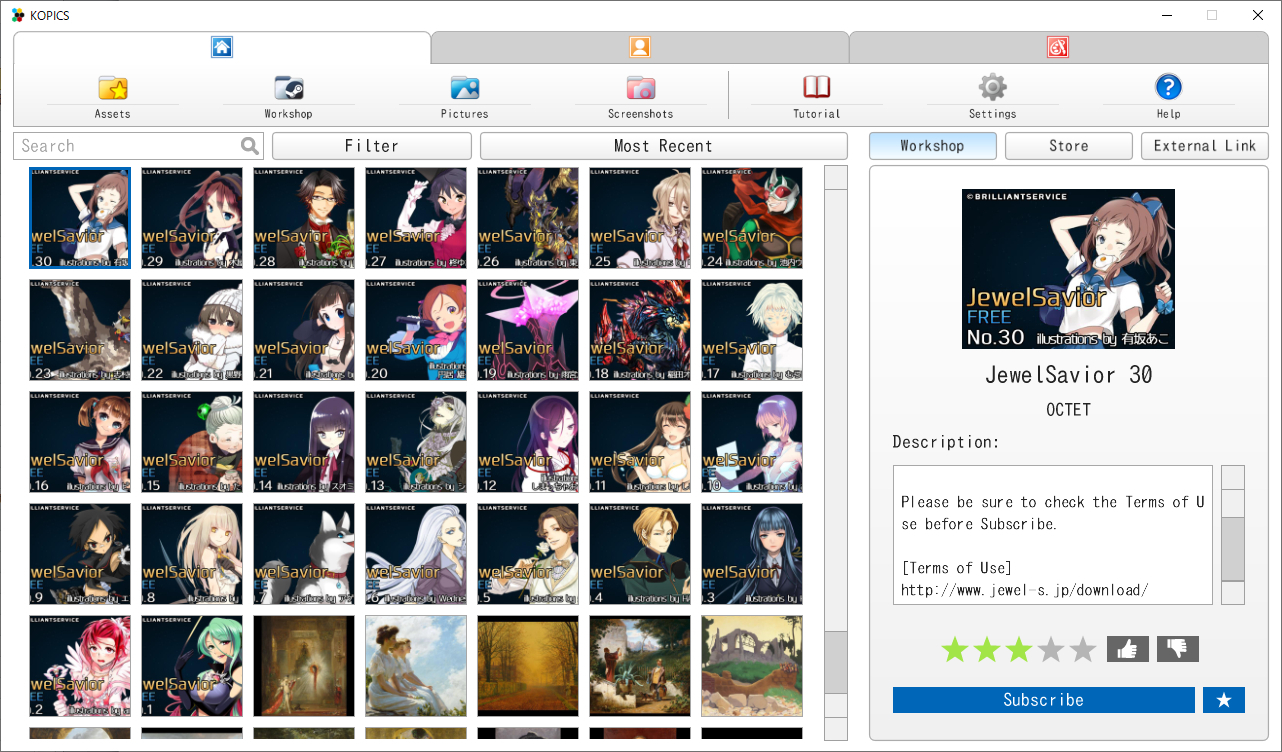
Implemented the Curated Workshop and the Item Store. You can sell your assets on the Steam Item Store now!
How to sell assets on the Steam Item Store
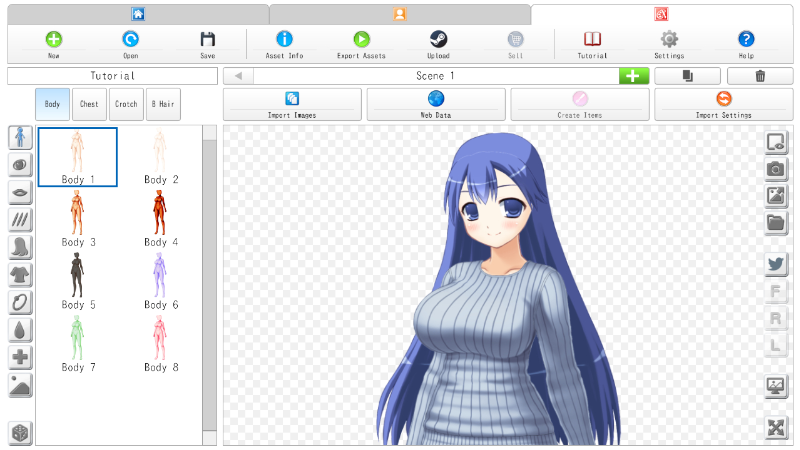
Select the "Sell" button on Creator Mode.
Fill out the required information and click "Sell".
Enter Payment Info
Enter Contact Information Enter your name, address, postal code, and phone number in alphanumeric characters. *Bank account holder name must match bank records.
Enter Payment Details Payee Name: Enter the name of the bank account holder. Payee Account Number: Enter your bank account number. Bank SWIFT Code: Enter your bank identification number. Bank Name: Enter the bank name. Bank Street Address~: Enter your bank address. Account Type: Select your bank account type.
Enter Tax Information Click "Continue".
Select "Individual / sole proprietor or single-member LLC" and select "Yes". Enter your name, last name, and select your date of birth and country. Click "Continue".
Enter the address in the same way as "Enter Contact Information" Click "Continue" and the message will be displayed in red at the bottom. Check "I received an error message stating the address input was invalid, however I confirm that the address is valid" and click "Continue" again.
Select "Yes" for both and click "Continue".
*Pattern A: Except United States Select "No" and click "Continue".
Check that "Individual" is entered and click "Continue".
Check only "None of the above apply" at the bottom and click "Continue".
Make sure your country of residence is selected and click "Continue".
Select "Yes" and enter your tax ID (TIN) in the "If you have a ~ TIN, then provide this number in the box to the right" *Reference: https://partner.steamgames.com/doc/finance/taxfaq#2
Click "Continue".
Select "No" and click "Continue".
Check the contents of "W-8BEN" and click "Continue".
Check all check boxes. Enter your name in "Name of beneficial owner (or individual authorized to sign for beneficial owner)". Enter your Steam account email address in "Email address associated with your Steam Account". Enter "Individual" in the "Capacity in which acting" field. Click "Submit W-8BEN" after entering all.
Tax information entry (for non-US users) is complete.
*Pattern B: United States Select "Yes" and click "Continue".
Select "Individual". Enter a TIN and select whether the number corresponds to SSN or EIN. Click "Continue".
Check the contents of "W-9" and click "Continue".
Check all check boxes. Enter your name in "Signature". Enter your Steam account email address in "Email address used to log in to your Steam Account". Click "Submit W-9".
Tax information entry (for US users) is complete.
Finalize item revenue sharing Click "Finalize" to publish the item to the curated workshop. In curated workshop, users vote for items, which are then sold on the Steam item store. 60% of the sales of items sold in the store are paid to the item creator.
*KOPICS workshop revenue share (60%) may change in the future.
KOPICS v1.1.2 released
Creator Mode
Fixed bug when loading project files v1.0.8 or earlier.
KOPICS v1.1.1 released
General
Changed the name of the "Illustration Creation Screen" to "Player Mode".
Changed the name of the "Asset Creation Screen" to “Creator Mode”.
Changed the main menu icons.
Changed some of the conditions for achievements.
Changed the contents of sample files.
Improved the TextBox.
Creator Mode
Improved tutorial.
Changed that keyboard can be used for position adjustment.
KOPICS v1.1.0 released
Features
Improved UI layout of Asset Creation Screen.
General
Fixed the issues that occurred when change language.
Asset Creation Screen
Improved UI layout.
Fixed the issue when sorting items.
Fixed the issue when delete all scenes.
KOPICS v1.0.9 released
Improved start-up speed.
Added the option of the additional parts to random function and auto generation.
Home Screen
Changed UI layout.
Asset Creation Screen
Added the function to adjust the overall position and size on the thumbnail setting screen.
Added the scene duplication function.
Fixed the issue when importing images.
KOPICS v1.0.8 released
Fixed issues when exporting EGD files.
Fixed issues when reading language files.
Asset Creation Screen
Changed to display progress bar when importing images.