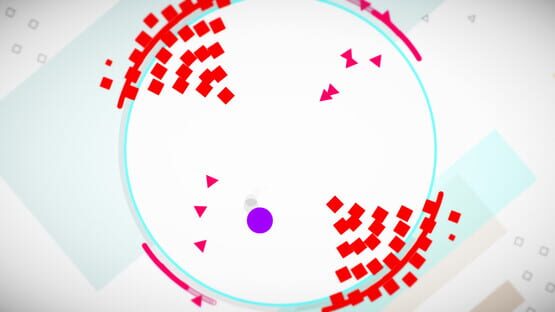
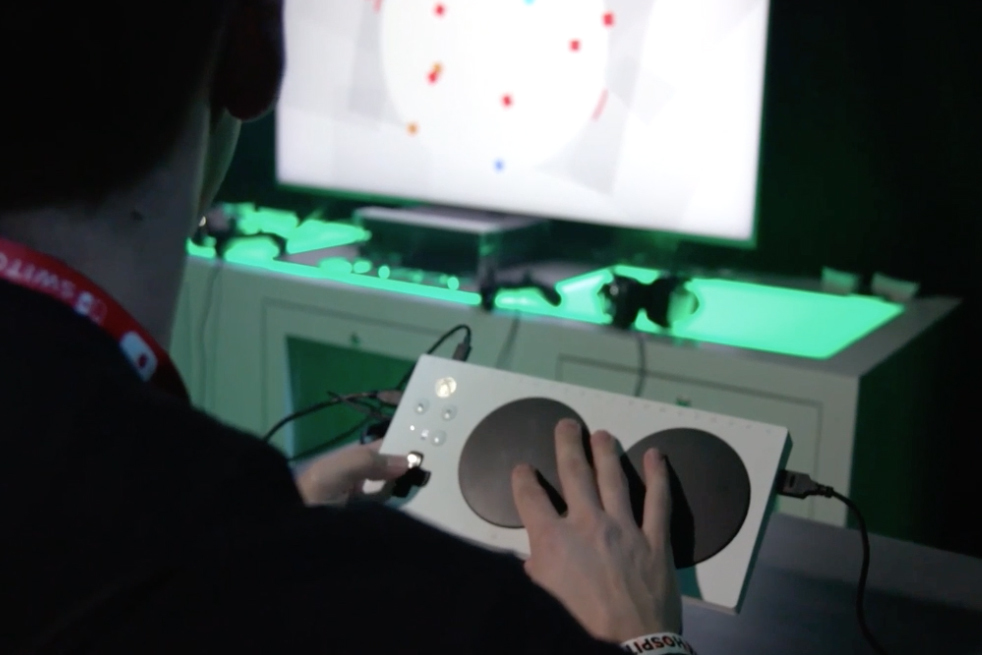
HyperDot features a high-contrast mode and full gameplay support with a range of traditional and alternate controllers including the Xbox Adaptive Controller and eye-tracking. Even though Charles has worked hard to make his game flexible and accessible, there's always more to be done. Enter #HyperDotA11y.
We're partnering with streamers in the accessibility (#a11y) space to play the game and discuss their experiences. How it works: Research participants stream their first impressions of the game. After playing, participants can answer a short series of questions on video or using a form.
This data will inform possible updates to HyperDot that will make it more accessible to more players.
Interested in lending your voice? Visit hyperdotgame.com/a11y for more information and to sign up. Note: research window is Monday, September 16 through Sunday, September 22.
Play HyperDot with eye tracking
Developer Charles McGregor designed HyperDot with a pillar of flexibility. One way this manifests is in the wide range controllers HyperDot supports — traditional controllers, mouse/keyboard, Xbox Adaptive Controller, tilt, touch, and eye tracking.
Eye tracking in particular provides a unique challenge. Instinctively, most players want to glance at the enemy dots as they enter the screen. Except when playing with eye tracking, this action directs the player straight to their death. The best strategy we've found is to zone out and focus on the white space.
Here's a clip of Sarah, friend of the team, testing the game with eye tracking.
[previewyoutube="LmoPE1KUmww;full"]
We're hitting 3 conventions in 3 states over the next 3 weekends
We're wrapping up August with events, road trips, and more events. Here's where you can play HyperDot now through Labor Day.
All donations of physical energy may be addressed to Charles McGregor.
It's the little things
Earlier in development, Charles made a small but meaningful tweak to the HyperDot logo. Spot the difference.
Before:
After:
That shade of red changed just a tad, and if you're red-green colorblind, it makes a world of difference. We got feedback that on certain backgrounds, half the title vanished and it looked like the game was just called "|dot." Add a little more blue to that red and ✨ ta-da! Red-green colorblind approved.
And while we're on the topic, HyperDot also features a color-blind mode. That's play without compromise.
What happened at E3
We brought HyperDot to E3 and spent five days luring people to our booth at the Xbox Experience to try it out. It was surreal and exciting and humbling to be there, showing HyperDot alongside well-established game making powerhouses that we love. We met a ton of new people (you might have wishlisted us after you stopped by — hi again!) and got the ball rolling on some new projects we'll tell you about later. For now, a mini roundup.
Mixer
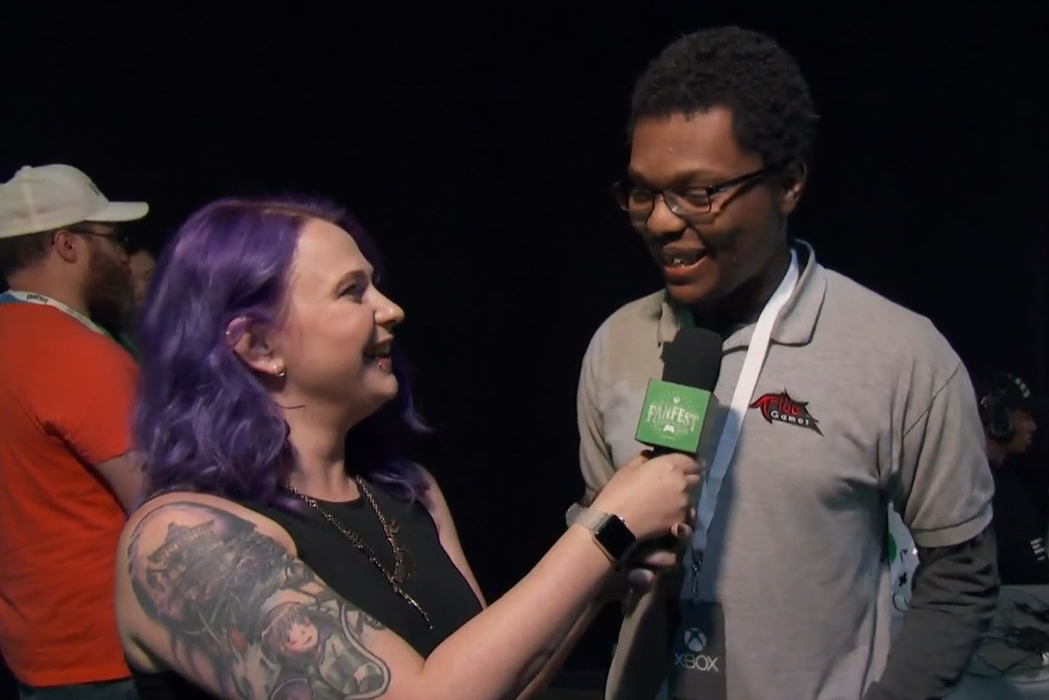
HyperDot was designed with a pillar of flexibility, and one way that manifests is in the wide range of controllers it supports. Our E3 booth was equipped with two Xbox Adaptive Controllers and peripherals, including the 3dRudder foot motion controller. Having a very accessible set-up meant accessibility came up a lot in interviews, including the coverage we got from Mixer.
"Easy to learn, but maddeningly cerebrum-busting to master, HyperDot asks you to stay away from all incoming squares, triangles and abstract shapes. I survived 13.2 seconds — even after multiple tries. But I didn’t want to stop indulging." — Harold Goldberg, Ten under-the-radar games at E3 2019 you need to get excited about right now
Tom's Guide
"You are a circle inside another circle, and must dodge everything that comes towards you. This basic rule is the heart of HyperDot, but the fun comes from the multitude of other conditions you can add on top of the game. This one will be great for fast-thinking puzzle fiends." — Richard Priday, Best of E3 2019: The Games and Gadgets to Watch
Gamertag Radio
"It's chaos with a controller, and I love it." Peter Toledo from Gamertag Radio plays HyperDot and interviews Charles. Listen here.