PSA: Indivisible and RivaTuner / MSI Afterburner don't get along!
If your Windows version of Indivisible is crashing on startup - or when you press a key or use the joystick - please try disabling RivaTuner, MSI Afterburner, and any other 3rd-party programs that mess with the graphics card.
We've fixed some crashes, but I've now helped several people whose game still crashed - all of them had RivaTuner installed, and exiting it fixed the problem in every case.
Until we can determine the actual problem interaction, please try playing the game with those programs disabled. If it still crashes reliably, please respond to this post and we'll contact you to try and figure out why.
Thank you! :^)
"Unstable" build update - Oct 17th - #39261
For those of you on the Unstable build, we've fixed some more things! For those of you on the regular version of the game, please wait patiently while those brave Unstable Build people verify some more fixes, so we can finally update the real game. :^)
Changes:
FIXED possible random crash when collecting a Ringsel.
Fixed at least one more crash-on-load.
Yay, the change that made update sizes smaller worked! This update is not 2.8 GB. :^)
The DLC validation check happens at a better time now, so you shouldn't be able to boot the game directly into a save with DLC colors and have the colors accidentally removed even though you own them.
Savedata file sizes are now much smaller than before!
Pause menu: backing out of a submenu now remembers your position, instead of sending you back to the top of the menu each time.
Spoiler'd Changes:
Fixed Yan having two colors that were the same. :^P
Updated Act 2 and 3 enemies with more blocking, and some health and damage adjustments. It's getting there...
Baz now has the correct amount of health, and does his attacks correctly.
Bugfix - Lanshi now doesn't damage from barking at enemies that deal contact damage.
Because of the way we needed to fix it, they're available to everyone, even if you didn't preorder! ...as long as you buy the game before we fix that. :^)
We've made some updates to the Unstable build!
Fixed crash-on-load on dual-core machines!
Fixed the buggy text in Korean, Chinese, and Russian on the Travel screen, in dialogue choices, and in the dye shop.
The Save/Load Game menus now default to the most recently used save slot.
Apparently did something that makes loading faster? I'm not sure what it is, but it worked! :^P
Divided the PC packages up better, to drastically reduce the size of future patch downloads.
The game now mutes itself when the window is unfocused, except during the startup logo; use launch option -dontmutewhenunfocused to disable this behavior.
Changed when the game checks for DLC, so that fast computers can't check before it is enumerated and fail to find the DLC.
Fixed major bug - You can no longer hit disabled collision or collision that's in a gameplay layer which is off! HA HA HAHAHAHAHA HA OOPS. This may fix some 'random' PC crashes.
Collapsible collision does not restore itself during battles; should fix some softlocks.
Performance should be slightly improved, as we are now updating animated objects in parallel. Please be on the lookout for any problems with animated objects (breakable walls, collapsible floors, etc.)
Added several people to the Backer credits; fixed spelling errors in the regular credits.
Fixed the headers in the inner realm so the text is centered.
And spoiler-related fixes:
ALL Iron Kingdom Nature's-Embrace-required Balloons are now not limited lives! Thanks Discord person for the help!
ALL Kaanul Nature's-Embrace-required Cihuateteo (Useful Bird) spawns now have unlimited lives.
Fixed a bug that would despawn the Ahp (hair ghost) in Zahra's quest.
BUGFIX - One of Ajna's late-game supers now properly aligns with the target at all times.
Lanshi no longer has uncancellable sections on parts of his attacks.
A perfect spear throw on Baozhai's Lv1 now adds does 166% damage, instead of always adding a flat 1000 damage, because 1000 was a trivial amount later in the game.
Ginseng's Lv3 now heals everyone for 40% and revives dead characters ALL the time, instead of only doing this to characters that are at a positive X position in the world. (Oops.)
Improved some of Ginseng's sound volumes.
Removed the Oont (wizard) from Vimana after Tungar, because it was just weird.
Added "public_unstable" build for testing fixes! - Oct 12th
Hello, everyone!
We've created a special "public_unstable" test depot, where I can put up builds that might fix problems! ....they also might have new problems, so be aware of that and definitely back up your savedata before you try it. :^)
If you don't need specific help with an issue, do not use this build! If you have problems while using this build, you were warned.
Here's a list of fixes that are currently available in this branch:
A fix for "the game crashes on launch". PLEASE try this build if your game doesn't run at all!
A fix for "the birds in Kaanul don't respawn". If you're stuck without the Useful Birds because you killed them until they gave up and didn't come back, try this build! BE AWARE that if you switch to this version, your savedata will NOT WORK with the regular version of the game until we update it again! You can continue to play this build, though.
To access this depot:
Go to your Steam Library and rightclick on Indivisible
Choose "Properties"
Choose the "Betas" tab at the top
In the text box enter the password imightbeunstable and then click the "Check Code" button. Pressing Enter in the box will just close that whole window without doing anything. That's no fun.
Once it says "private beta 'public_unstable' is now available", from the dropdown box above the text box, choose "public_unstable" and then you can close that window.
The build should download automatically, but if it doesn't you can exit Steam and start it again to force the download. If the code doesn't work, and you don't want to wait for Steam to discover it should work, exit Steam and restart it, and it will check right away.
To switch back to the regular game, simply go back to the Betas tab and choose "NONE". BUT REMEMBER, your savedata won't work until we update that version!
I hope that was enough bold and italic text that nobody does this unless you really need to. :^)
The game will switch between displaying controller buttons and keyboard keys onscreen depending on which input device was most recently used.
If you have already played the game, your controls will not be overwritten. If you want the new default controls, you may either choose Restore Defaults from the World Controls and Battle Controls menus or use the -defaultkeys launch option in Steam.
Other Updates
Deal A Total Of 2216972 Damage Steam achievement no longer repeatedly pops up progress notifications each time you damage enemies.
Battle framerate improvements for all platforms!
Using Nature's Embrace on an enemy just as you get into battle with it no longer forces a long wait while it unfreezes.
Fixed various other soft locks in odd battle situations.
A patch for the other platforms is coming sometime soon, and will include all that plus additional fixes:
Overall framerate improvements for PS4 and Xbox One.
Fixed several crashes or soft locks that occurred when skipping various cutscenes on PS4.
DLC Key and Keyboard Layout Issues
Pre-Order Rewards and Backer Keys
First off, a big apology to all of our Backers and pre-orderers!
We accidentally ordered the incorrect type of DLC codes to send you. The code(s) you received would only work if the DLC items were being sold on the Steam Store, which obviously isn't the case.
So we need to request a whoooooole new batch of codes and then send them out to all of you exceptionally patient people. We will update you all as soon as possible.
Regarding Keyboard controls
We’re currently discussing the best way to make keyboard controls more intuitive. We will get back to you as soon as we are ready to make changes, but we’re working to get this asap.
For those playing right now, here are the current keyboard defaults:
Menu Navigation ESC = open Menu ARROW KEYS = Navigation / Toggle Selection Z to Select EXC or Z to go back a menu level
World Controls Jump = Z Attack = A Special = S Focus = X Shoot = C Guard = D OK / Cancel = Z / A
Battle Controls: Top Position: W Left Position = A Right Position = S Bottom Position = Z All Block = D Meter Burn / Special Attack = C
We appreciate your patience as we work to update these issues!
Indivisible - Combat and Character Trailer
The latest trailer of Indivisible is here!
[previewyoutube="juSdZIKBGk4;full"]
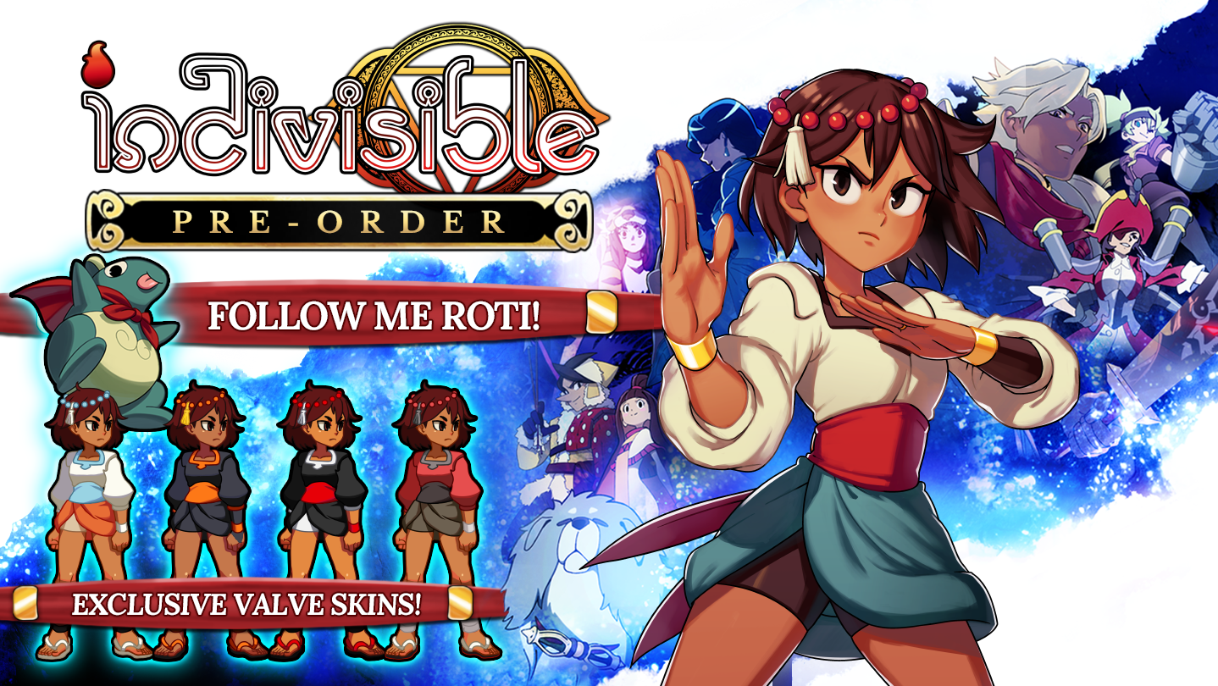
Pre-order now to get the "Follow me, Roti" and exclusive Valve skins!
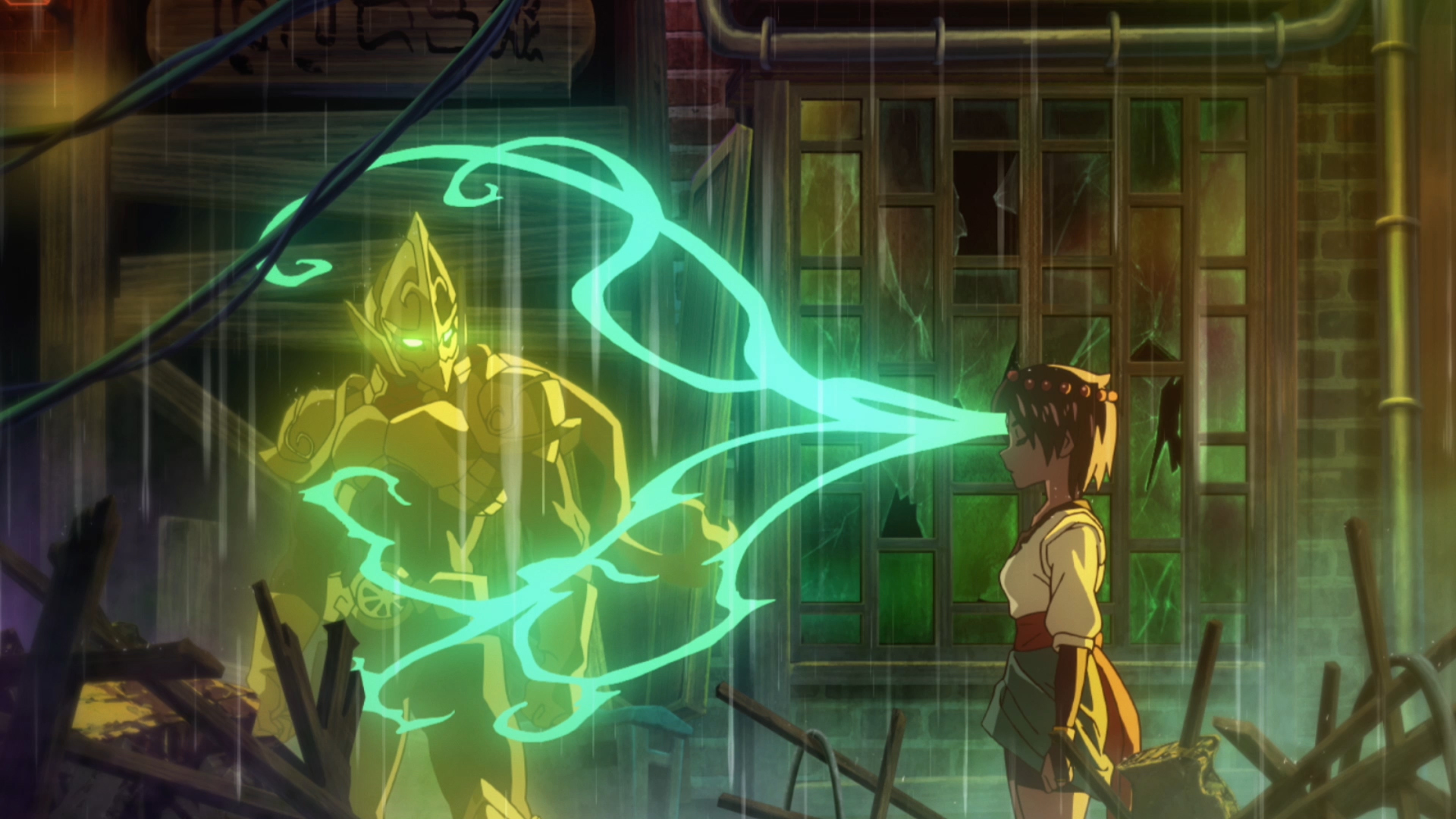
Check out the FULL animated opening for Indivisible created by Studio TRIGGER and Titmouse with music by Hiroki Kikuta! We are deeply honored to have these titans of the anime and game music industry be a part of Indivisible.
We received a lot of feedback on regional pricing for the game following yesterday’s pre-order. The main complaint was that prices in some regions were much higher than expected.
After an exhaustive review, we’ve significantly lowered the price across multiple regions. These changes are currently live but please keep in mind not every region received a price adjustment. There were a few places where prices were actually lower than they could be, but we haven’t made any increases.
If you have previously purchased the game on Steam, simply refund it and re-purchase to apply the price difference. This MUST be done before launch day.
A huge thank you to our community for all the constructive feedback and support of Indivisible.
Indivisible Release Date and Pre-Order Info
Indivisible releases on Steam on October 8th, 2019!
You want a pre-order bonus? You got it. Pre-order now to receive the “Follow Me Roti!” bonus and have Ajna’s lovable pet tapir, Roti, follow along on their adventure to save the world of Loka!
Pre-orders on Steam will also unlock character skins in the theme of timeless Valve games such as Half-Life, Portal and Team Fortress 2. A Portal Companion Cube also awaits in game to make sure you never get lonely! Is there cake too, or is it a lie?