Hello, explorers! 👋 Apart from today’s hotfix we’ve released a graphics settings guide to help better understand how they function in VR, along with some tips and suggestions :D
We also have some news regarding the performance issues related to fps drops some of you have encountered after playing version 2.6. After thorough research and testing, we’ve come to the conclusion that the problem lies with a specific graphics settings file. If you’ve been experiencing this issue after downloading version 2.6, please do the following:
Find the “Settings.ini” file located in “\Documents\MyGames\IntoTheRadius\v2.0” and delete it.
Fixed the difference between the rotation angle setting and its actual value.
The player is no longer thrown up in the air anywhere on the map.
Fixed the bug that wouldn’t let you repair some guns in yellow condition with brush and oil.
Explosions will no longer damage the player through the walls.
Fixed a number of visual bugs, including textures and reflections.
Fixed the values display in the graphics settings.
Improved the use of 4X scope on SKS.
Fixed a number of localization issues.
Performance and Crashes in Update 2.6
Hello, explorers 👋
We are aware of the performance and crashing issues encountered in 2.6. We are investigating them and working on a hotfix.
Very often the reason for a crash can be a mod that doesn’t support the latest update. Please make sure to remove any mods before launching the game. If you experienced a crash without any mods installed, please fill out the report that shows up after. Our devs and QA read these reports, and they are very helpful. Because you can describe in detail what lead up to the crash we can attempt to reproduce it and subsequently find the cause 👍
Regarding the poor performance you are experiencing in the current update: It has nothing to do with the removal of DLSS. We’re noticing these issues across various hardware setups and graphical settings. We removed DLSS due to not functioning properly with our new settings. It also slows down development of features that actually do work for the majority of players. In VR due to high frame rate + high resolution and supersampling (which DLSS wasn’t designed for in the first place), this feature doesn’t work as well as it does for non-VR titles.
Thank you! With your help we hope to deal with these bugs as soon as possible 🧐
Update 2.6 FEEL AT HOME!
Hello, explorers 👋 Our newest update, Feel at Home, is finally out! We hope your time in the Radius becomes even more terrifying enjoyable 😏
This update includes 8 new languages, yay! If you find translation issues, please submit them to us in the form of bug reports. We will do our best to fix them asap 👍
GENERAL CHANGES & FEATURES
🔸 Significantly improved visuals of the player’s hub as well as the look and feel of some other locations throughout the game. For aesthetic purposes and your convenience, we rearranged the tables at the base a little – please make sure to do your spring cleaning and move your stuff there. 🔸 Localized in-game and store page texts into eight languages (German, French, Spanish, Italian, Russian, Simplified Chinese, Japanese, and Korean). Now more explorers can enjoy adventures in the Radius in their native language. 🔸 Reworked and rebalanced Mimic AI, resulting in more interesting gameplay situations. Mimics move and attack more actively, team up, and adjust to shooting distance.
GRAPHICAL OPTIONS
🔸 Now you can select Graphics presets. 🔸 Added new tech ScreenSpaceReflections, Fixed Foveated Rendering, MSAA as an Antialiasing option. 🔸 Removed DLSS in favor of new settings that provide better performance/quality on a wider range of systems. 🔸 Note on MSAA: be aware that resolution is not directly comparable to when you use TAA. For example, roughly comparable scenarios would be 110% in MSAA and 150% in TAA.
IMPROVEMENTS
🔸 Reworked the firearms' jamming mechanics – now the weapons can jam in any condition, but very rare in a clean state. The worse the condition, the higher the jamming chances. In addition, different guns now have different jamming probability curves. 🔸 Stock folding sound has been added for firearms with folding stocks. 🔸 Improved grenade behavior when thrown. 🔸 More realistic sound of enemy footsteps. 🔸 More accurate comments regarding various cases of gun firing issues. 🔸 Improved interaction with tables in the Store. 🔸 Improved product details display when selling in the Store. 🔸 Selected Pocket Flashlight color is saved when moving between locations. 🔸 The flashlight left on does not turn off when you re-enter the base. 🔸 A new option in the game settings lets you turn the fallen objects highlight on and off. 🔸 Changes to graphics and difficulty settings are now applied immediately upon closing the settings UI. Added a button to reset the graphics to default. 🔸 New visual and sound effects.
BUG FIXES
🔸 Fixed bugs when reloading and jamming/false shooting for M4A1, DVL-10, M14, MP5, IZh-81, and PPSh. 🔸 Fixed names for both PPSh versions. 🔸 Fixed the Repair Box monitor bug. 🔸 Fixed food bite size on a knife or machete. 🔸 The flashlight is no longer on after purchase. 🔸 Fixed posters at the base and added a new one. 🔸 The Committee’s emblem has been slightly refined. 🔸 Fixed hand position on some items for Valve Index controllers. 🔸 Multiple visual and audio bug fixes.
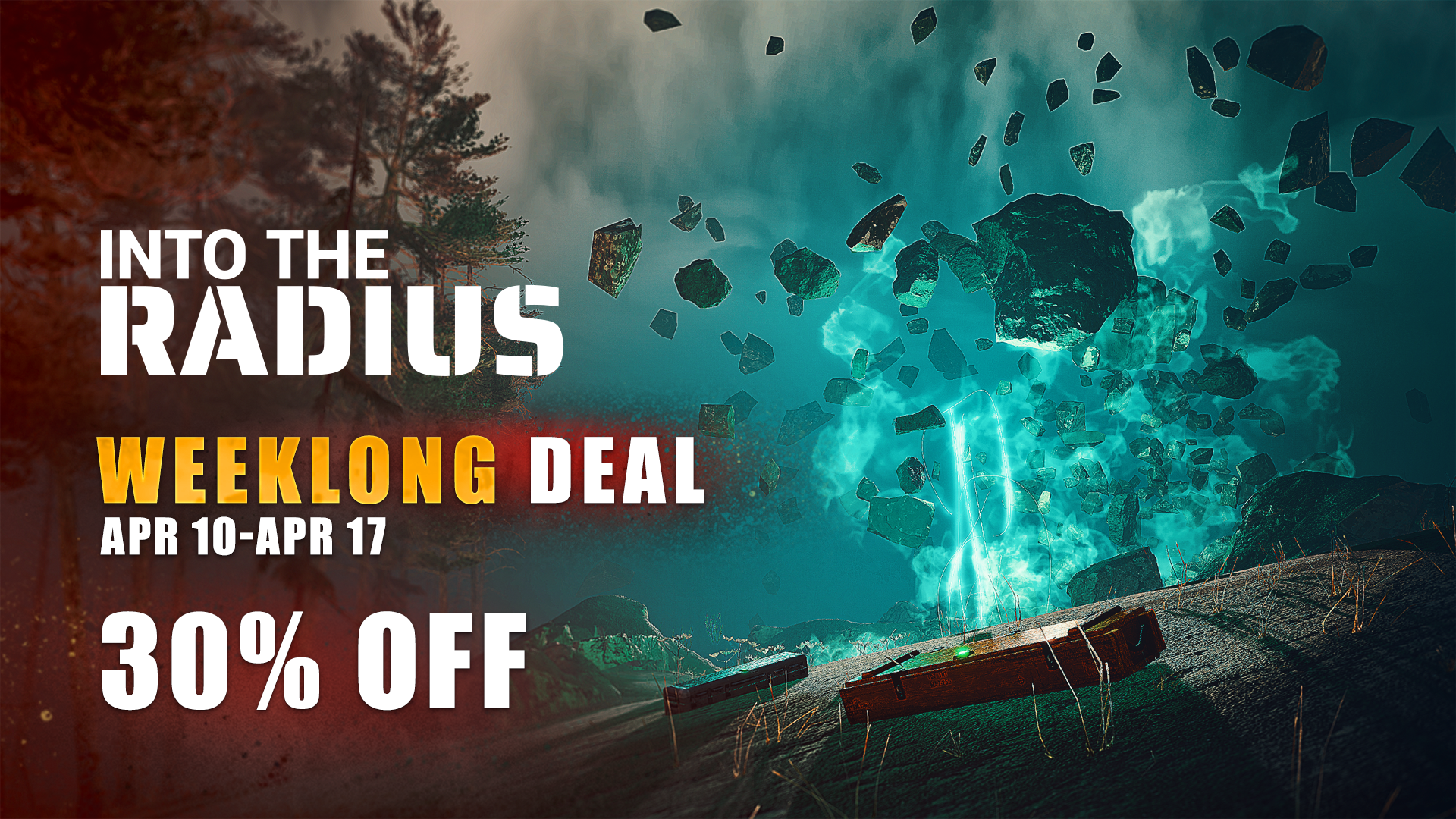
Weeklong Deal 30% until April 17th!
PATCH 2.6 BETA 3
The testing continues, explorers! After the second beta there were still plenty of technical issues that needed improving. Please don’t forget to share your feedback on this latest beta as well 😌
As always, the beta has its own save folder and the saves will be compatible with the live version, once 2.6 goes out of beta. To access the beta go to Steam, Select Into the Radius game, Manage>Properties>Betas> select “active-beta”
🔸 Improved reflections and the work of Screen Space Reflection (SSR). 🔸 Fixed Graphical Settings UI to allow disabling of FSR and its proper configuration. 🔸 Fixed crashes and visual and technical bugs.
PATCH 2.6 BETA 2
Hello, explorers 👋 Patch 2.6 still needs some fine-tuning, which is why Beta 2 is now live! It would help us a lot if you could check the beta out and share your feedback. This will make the experience on release a lot more enjoyable for all explorers of the Radius 😌
As always, the beta has its own save folder and the saves will be compatible with the live version, once 2.6 goes out of beta. To access the beta go to Steam, Select Into the Radius game, Manage>Properties>Betas> select “active-beta” 🛠️
🔸 We have updated and improved translations in 8 languages (German, French, Spanish, Italian, Russian, Simplified Chinese, Japanese, and Korean). 🔸 Fixed MSAA and Ultra graphics settings. 🔸 Improved overall stability and fixed reported crashes and bugs.
Spring Sale | Zero Radius Bundle
From now until March 23rd, there's a 20% discount on Into the Radius.
You can take advantage of a special offer during this time by purchasing a bundle that includes both Into the Radius and Zero Caliber at 15% off — complete your library or get both games at a discount ✌️
With this update we hope our explorers will truly Feel at Home in the Radius 😈 As always, the beta has its own save folder and the saves will be compatible with the live version, once 2.6 fully releases (you’ll need to copy your saves from the beta folder). To access the beta go to Steam, Select Into the Radius game, Manage>Properties>Betas> select “active-beta”
GENERAL CHANGES & FEATURES
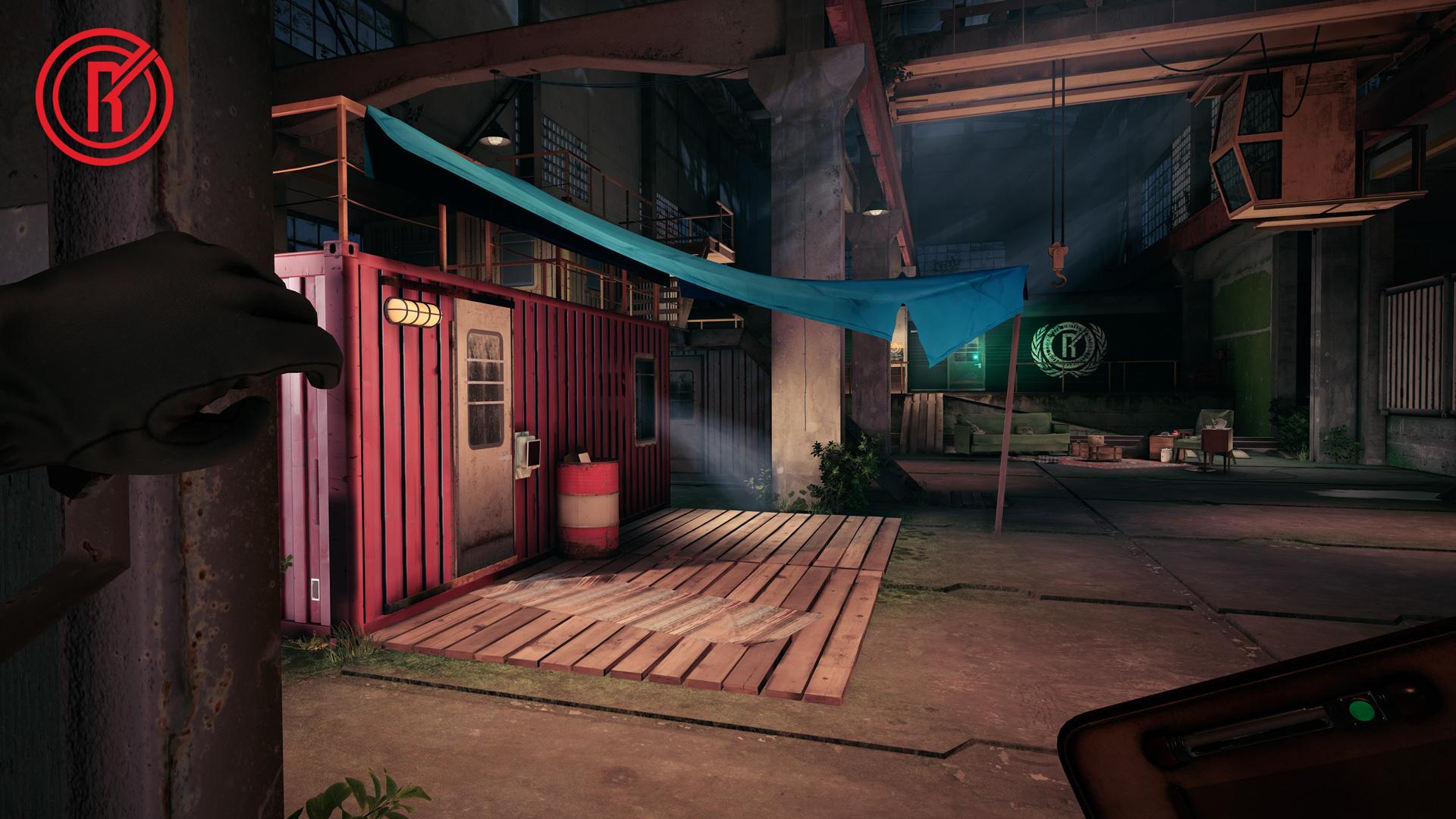
🔸 Significantly improved visuals of the player’s base as well as the look and feel of some other locations throughout the game. 🔸 Localized in-game texts into seven languages (German, French, Spanish, Italian, Simplified Chinese, Japanese, and Korean). Now more explorers can enjoy adventures in the Radius in their native language. Additional localization is on the way. 🔸 Reworked and rebalanced enemy AI, resulting in more interesting gameplay situations. Monsters move and attack more actively, team up, and adjust to shooting distance.
PCVR GRAPHICAL OPTIONS
🔸 Now you can select Graphics presets. 🔸 Added new tech ScreenSpaceReflections, Fixed Foveated Rendering, MSAA as an Antialiasing option. 🔸 Removed DLSS support as it doesn’t provide any actual performance benefit in VR most of the time, reducing both FPS and quality. 🔸 Note on MSAA: currently this option is bugged and will be fixed during the beta. Please avoid enabling MSAA or Ultra graphics, otherwise you might encounter glitches and bugs.
IMPROVEMENTS
🔸 Changed jamming probability and corrected jamming odds for all firearms. 🔸 Stock folding sound has been added for firearms with folding stocks. 🔸 Improved grenade behavior when thrown. 🔸 More realistic sound of enemy footsteps. 🔸 More accurate comments regarding various cases of gun firing issues. 🔸 Improved interaction with tables in the Store. 🔸 Improved product details display when selling in the Store. 🔸 Selected Pocket Flashlight color is saved when moving between locations. 🔸 The flashlight left on does not turn off when you re-enter the base. 🔸 A new option in the game settings lets you turn the fallen objects highlight on and off. 🔸 New visual and sound effects.
BUG FIXES
🔸 Fixed bugs when reloading and jamming/false shooting for M4A1, DVL-10, M14, MP5, IZh-81, and PPSh. 🔸 Fixed names for both PPSh versions. 🔸 Fixed the Repair Box monitor bug. 🔸 Fixed food bite size on a knife or machete. 🔸 The flashlight is no longer on after the purchase. 🔸 Fixed posters at the base and added a new one. 🔸 The Committee’s emblem has been slightly refined. 🔸 Fixed hand position on some items for Valve Index controllers. 🔸 Lots of visual and audio bug fixes.
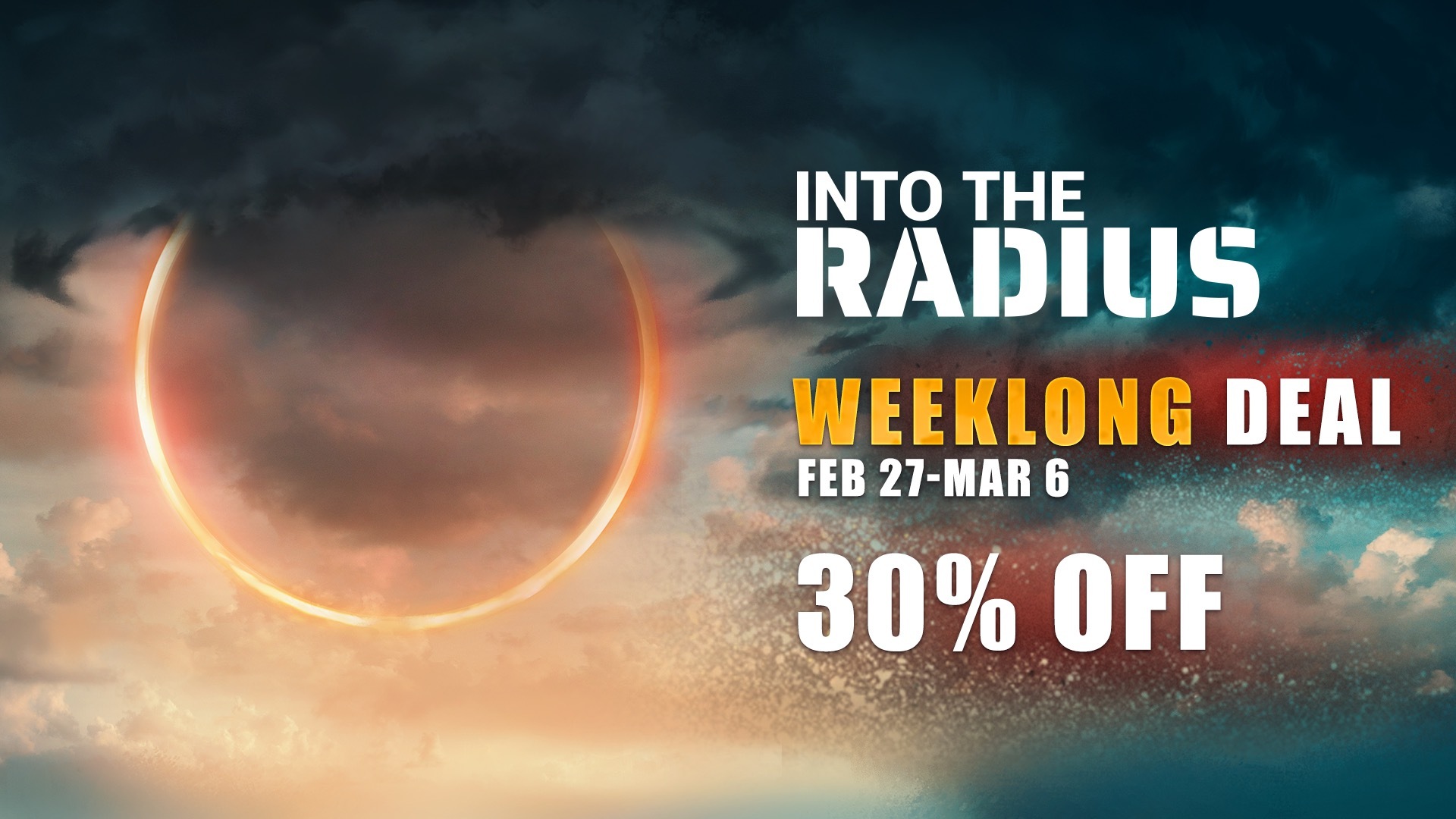
Weeklong Deal 30% until March 6th!
A Sneak Peek for 2.6
🔸 Spoiler season is upon us, explorers! And that can only mean that patch 2.6 isn’t far away 😌