

Jigsaw 360
Valve Index support fixed
Thanks.
The Big Update
- Up to 200 piece complexity jigsaws.
- 5 new images in the standard game.
- New website link to download more images and link to other download sources (more images coming soon).
Custom photos
- Better quality (mipmapping) and auto resizing on imported photos.
- Browse your PC drives within the game to link to your photos.
- Normal photos supported for flat jigsaws - best using a 2:1 size ratio (height:width)
- Now supports .png and .jpg files.
- Custom photos now count towards the in-game badges and they are ticked in the menus when completed at the different difficulty levels.
Usability
- You can now grab and move the tray anywhere.
- The tray is larger to allow pieces to be grouped and arranged more easily.
- You can point and grab pieces or the puzzle from far away (remote grab).
Accessibility
- See the new menu option for accessibility and comfort.
- Play reclined or laying down.
- Play using a laser pointer rather than reaching out and use thumbsticks to rotate pieces. This requires much less movement.
- Sticky keys allows you to click once to grab and again to release so you don't have to hold a button while moving pieces.
There have also been performance improvements and general fixes and improvements.
Thanks for playing and I hope you enjoy the new release.
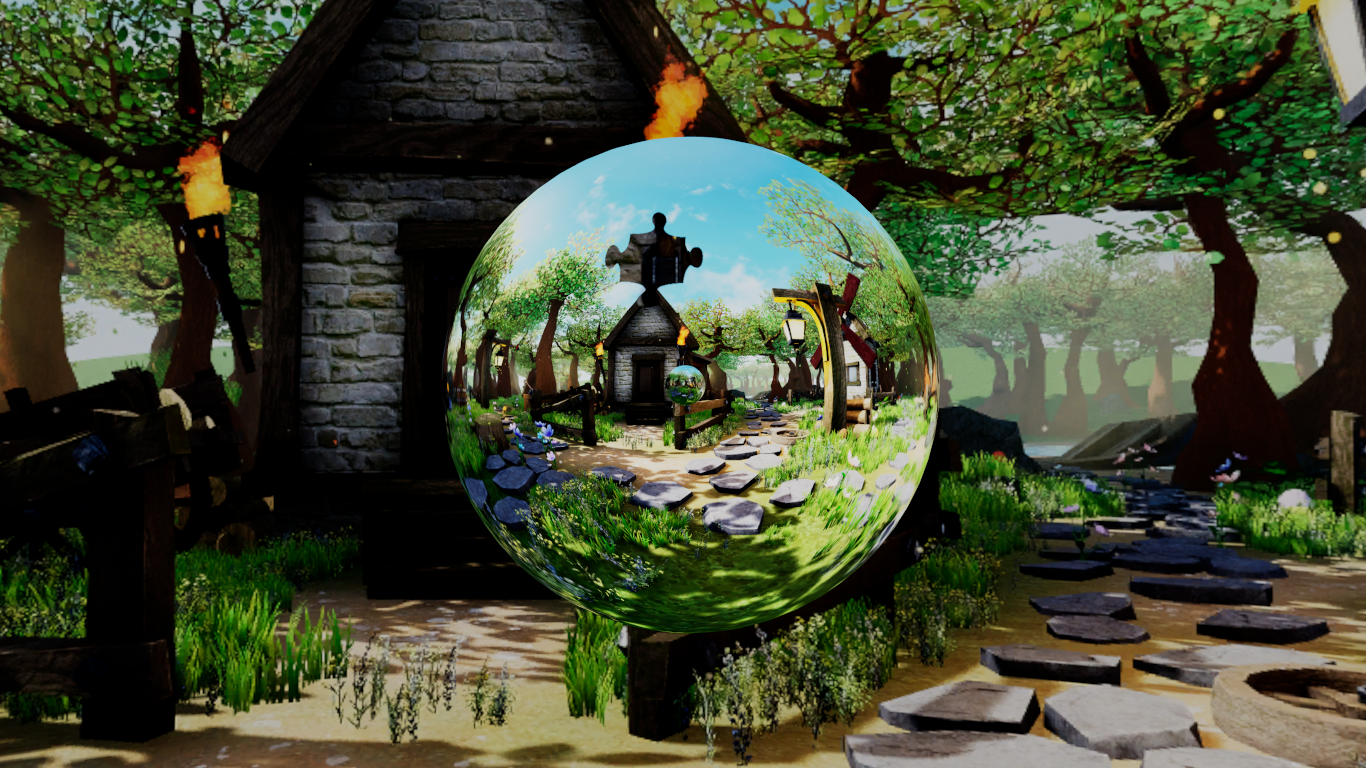
Instructions for adding custom photos
To convert files:
1) Hit your Windows key and type "paint".
2) Open the file you downloaded (I assume you downloaded an equirectangular image using the search link I provide: www.jumblivr.com/photos)
3) Click the re-size button in the toolbar at the top
4) Select the pixels radio button
5) Set the Vertical to 4096 and Horizontal to 8192 (2048 x 4096 works well too and is recommended for mobileVR).
6) Click File -> Save As and change the filename extension from .jpg (or .jpeg) to .png.
To copy files on PC VR in Windows Explorer
1) Right click on your new file and select copy.
2) Click in the current path in the thin box above-left of your files.
3) Type: %localappdata%/VRnChill/Photos
4) Right click in the empty space in this folder and select paste.
The new photo should now be shown in the game after the standard photos.
I'll try and do a video tutorial when I have some time.
Thanks for playing.
Version 2 - more pieces, more options
New features
- New 162 piece jigsaw level.
- Ability to hide jigsaw piece outlines to increase difficulty (see settings).
- Ability to organise pieces in the jigsaw tray (see options in tray toolbar).
- Ability to move and resize the tray to different positions for your comfort.
- Earn two in-game badges.
- MipMapping added to custom photos to increase quality.
- Jigsaw piece outlines are now hidden on completed parts of the jigsaw.
Other new options in settings
- Change the outline colour of jigsaw pieces.
- Show the background while rotating the jigsaw.
- Slowly rotate on completion so you can chill out and appreciate the view.
- Simplified Chinese text.
Please let me know if you find any issues.
Thanks for playing and I hope you enjoy the new version <3
Work in progress - update
Changes include:
- A new complexity level - 162 pieces.
- Ability to drag and drop jigsaw pieces around the tray to sort them.
- Mip mapping on imported photos to improve the quality when using your own photos.
- A new option to hide the full jigsaw outlines and instead just see the outlines at the edges of the jigsaw - this increases the difficulty.
- You can choose to stop the background fading when rotating the jigsaw.
- You can choose to have the whole scene slowly rotate when you finish the jigsaw so you can sit back and enjoy it for a while.
- Earn two badges.
- A choice of 3 tray positions for comfort.
It will probably be a few weeks yet before the new version is released.
Thanks for playing :)
Video - another way to play Jigsaw 360
This video demonstrates a couple of different approaches to playing that you may not have thought of. It removes the benefit of seeing the black outline that makes it easier to find the missing pieces.
https://youtu.be/2m__zgl7DZk
I'm currently working on the mobile version and have more ideas for improvements to the game in the future.