

Jump King
Hotfix for 30/05/2025
Performance & Stability Update for Worldsmith and Jump King
Worldsmith
Quality of Life additions
- Added a new checkbox to determine which folder to load from (Worldsmith's default or custom).
- The prompt will not display if the folder does not exists.
- Fixed a bug where writing the title of the loaded item BEFORE the item name would cause the folder directory to be changed.
- Fixed a bug where the start position would not save changes. (thanks to Czar!)
- Moved start position from the Item Details page to the Screens page for ease of use and overall better experience; the position inside of the Screens page will be relative rather than the final value (that is absolute).
- You can now visually see the start position inside of the Screens page.
- Revamped slighly how the UI looks in the ending details expanders.
- Moved babe screens from the Item Details page to the Screens page for ease of use and overall better experience.
- Fixed a bug where changing any babe screens would not save changes.
- Fixed a bug where changing ending images would not save changes.
- You can now add, move and/or remove a babe directly in the screen page.
Fixes
- Fixed freezes and crashes related a lot of sprites in one screen.
- Fixed level flags not changing on file when adding or removing. (thanks to Cloudy & Czar!)
- Fixed a crash when loading a different project. (thanks to IntroCar!)
- Fixed Hidden Walls sizing and scrolling image previews crashing if the velocity is set to 0.
- Fixed custom Wardrobe base not loading on first load.
- Fixed position offset of scrolling images.
- Fixed velocity calculations of scrolling images.
- Fixed static animations for scrolling images (without using floats).
- Fixed hidden walls not displaying correctly in Screen page.
- Fixed Worldsmith versioning in settings.
- Fixed an internal bug where the item settings would save recursively.
- Fixed a crash when trying to go up/down a screen in the Screen page. (thanks to Czar!)
- Fixed a bug where you couldn't add the same prop twice. (thanks to Czar!)
- Fixed a bug where the taskbar would display with a progress bar all the time after building content. (green background bar on windows 10, long progress bar on windows 11)
- Fixed a bug where a prompt issue dismisses a previously opened prompt
- Removed some unused assets.
Jump King
This update brings:
- Everything inside of the game will now update when clicking the update button in the debug mode.
- In debug mode, a new option to disable all labels when testing.
To all Jumpers: JUMP KING QUEST is Evolving!
Jump King Quest launched on February 12th:
Shocking, Brutal, Ridiculously Cool - the sequel to the original Tactical Leaping Adventure greatly expands the Jump King™ style with “souls-like” and "metroidvania" elements, combat, RPG system, multiplayer and more...
Do you feel it? The itch to discover the next stage of the evolution of Jump King's world? To experience the most insane game concept to this day?
The best part? - The journey is just beginning!
We are cooking up some sick new stuff for Jump King Quest at Nexile HQ...
It's not Act 2… not yet.
But it might change EVERYTHING!
Trust us, you don’t want to miss this...
Get It Now or Wishlist to get notified when the new stuff drops!
https://store.steampowered.com/app/2317640/JUMP_KING_QUEST/
Join our Discord and follow us on Twitter. More info will come soon...
/Nexile
Update notes for 05/01/2025
- A bug where the current map played displayed in the pause menu/main menu would be different from the one actually played.
Update notes for 05/11/2024
Jump King
This update fixes:
- A bug where starting a new custom level without a save will ask you to override the old inexistend save.
Tileset Update
Worldsmith [BETA]
What's new:
- Tilesets! You can now create, modify and publish your tilesets or use already existing ones from the community to easily create screen details!
- Full mod support! You can now use Worldsmith to create, manage and debug your new and old mods with ease!
- Project linking! With this highly requested feature, you can now link a local project (on your computer) to modify and/or update an already existing Steam Workshop item!
- Quality of life improvements! Worldsmith loads projects 70-80% faster compared to the last build, you can now also see Jump King blog updates from inside Worldsmith and the preview screen is now resizable.
- Added the ability to add props, hidden wall props, scrolling images, world items, NPCs, merchants, messages and sounds onto a screen.
This update fixes:
- A bug where a mask would not correctly save.
- A bug where the wardrobe settings would be wiped.
- A bug where props could not be created.
- A bug where skin sets would be missing the base skin.
- A bug where one or more props on a screen would delete itself.
Get started with the Workshop: https://teamnexile.github.io/jk-workshop-docs/
Jump King
This update fixes:
- A bug where the white raven's position would skip ahead by default.
WARNING! Custom maps that depended on skipping the white bird's placement to prevent this bug, will need to fix their white raven's placement by removing those empty slots. - A bug where mods were not considered when creating the workshop menu.
- A bug where Jump King would uninstall tilesets on start-up.
Workshop documentation
The documentation has been updated to hold the new Worldsmith changes such as new sections, in-depth how-tos and pages for tilesets and mods. Read the documentation's changelog.
Update notes for 15/05/2024
Jump King
This update fixes:
- A bug where playing an official map right after a workshop map would cause the babes to now update their position.
Worldsmith [BETA]
This update fixes:
- A bug where zoomed displays would create antialiased hitboxes.
[WINNERS] Workshop Event has concluded!
:birthday: Announcing 3 winners from 18 entries! :birthday:
Celebrate the 5th Jump King anniversary with us on our DISCORD
----------------------------------------------------------------------------------------------------------------
- For the "Skins" category we had a variety in style. From a Wizard and a Catgirl to a Muscle Man and Trombikus...
The Skins winner is: ossanoa's CatGirl Skin
- For the "Mods" category we had few but impressive additions in such a short amount of time. A character speed modifier and a new game mode.
The Mods winner is: Zebra's King vs Fly
- For the "Level" category we had plenty of high quality entries. It was very hard to judge, but judge we did!
The Level winner is: SunsenKR's Cybernetic Utopia
----------------------------------------------------------------------------------------------------------------
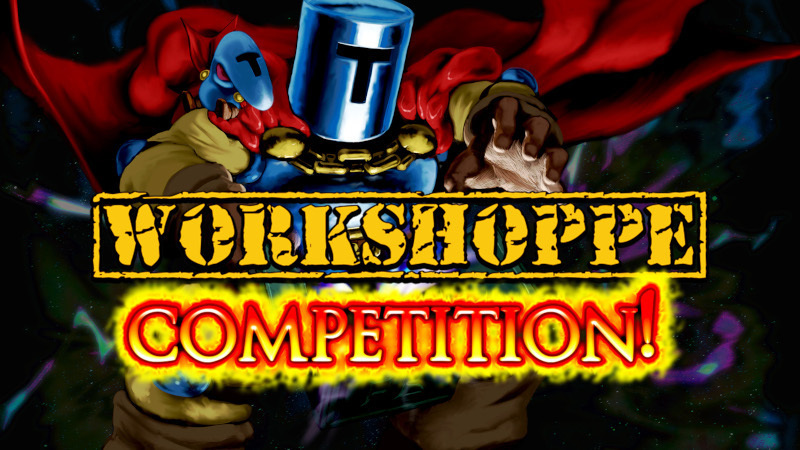
For more in depth information on how we chose the winning level go here: https://www.jump-king.com/event-workshop-competition-winners/
CONGRATULATIONS TO THE WINNERS! WE WILL CONTACT YOU SHORTLY FOR YOUR PRIZES!!!
We just updated Worldsmith with Vertical Scrolling and Phoenixx is working on Tilesets as we speak!
BTW, a Gameplay Trailer for Jump King Quest is coming soon 😎
Follow us on Twitter , Discord and YouTube to keep up with the news!
Also Wishlist Jump King Quest!
Update notes for 02/05/2024
Jump King
What's new:
- Custom blocks can now display a custom color in Level Debug State.
This update fixes:
- A bug that would cause mods to show up as "Unknown level" in the mod list in the Pause Menu.
Worldsmith [BETA]
Update notes for 26/04/2024 & 05/04/2024
What's new:
- You can now change a thumbnail for an already uploaded item (inside the Workshop pages).
- "Your Workshop Mods" page for changing your mods' details properly!
- Horizontal scrolling can now be triggered by holding Shift + Scroll Up/Down.
This update fixes:
- A bug where creating a prop would crash the application.
- A bug where displaying a prop's texture would crash the application.
- A bug where adding a new music piece would get removed instantly after adding it.
- A bug where NPC and merchants would not get removed properly.
- A bug where rolling back World items would crash the application.
- A bug where the application header would not be accessible for moving the window while in a dialog.
- A bug where mouse scrolling would not be triggered on certain elements.
- Removed "Remove thumbnail" button from Item details for never working properly.
Workshop documentation
The documentation has been heavily improved including step-by-step guides (with images) with and without Worldsmith. Check out the documentation to get started on your modding journey!
[EVENT] Steam Workshop Competition! Win Prizes!
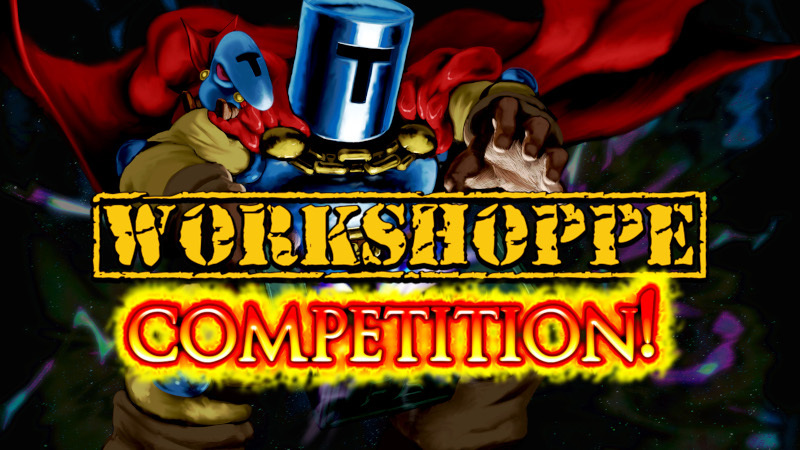
WIN STEAM GIFT CARDS ALONGSIDE A BOGMAN OR JUMP KING PLUSH OF YOUR COICE! Rules below!
To celebrate the successful Jump King Workshop launch and our coming Jump King Anniversary we are holding a Workshop Competition!!!
This event has three categories you can compete in and runs through April 28th
Winners are presented during the Jump King anniversary May 3rd
Categories:
- Best Map (Prize = 1x Jump King or Bogman Plushie + 1x $100 Steam Gift Card)
- Best Mod (Prize = 1x Jump King or Bogman Plushie + 1x $100 Steam Gift Card)
- Best Skin (Prize = 1x Jump King or Bogman Plushie + 1x $50 Steam Gift Card)
Rules & Guidelines
- General Rules
- Must be a NEW creation for the competition
- Must contain only your own work (No copyrighted assets/material)
- Must have a functional thumbnail (50kb max) and at least (1) Screenshot!
- Must specify it is a [Event-Submission] in the workshop item description
- Gameplay (mods/maps) without the win condition of reaching the top are allowed
- Must be a NEW creation for the competition
- Guidelines
- Focus on fun and creative challenges not reliant on difficulty
- Avoid things that makes it hard to track Jump King's basic jumping mechanic (such as skins that does not have a charge animation)
- Focus on fun and creative challenges not reliant on difficulty
- Best Map additional rules
- Must be short (Between 5 and 20 screens)
- Must use at least (1) of the JumpKingPlus blocks from the mod on the workshop
- No use of 1, 2 and 3-frame jumps
- Must be short (Between 5 and 20 screens)
--------------------------------------------------------------------------------------------------------
How To Participate:
Create your workshop item, upload it to the Jump King Steam Workshop with a working thumbnail (50kb max), 1 Screenshot and "[Event-Submission]" or any other mention of it being an Event-Submission in your Workshop Item Description.
Getting Started:
To get started making mods we recommend reading more about Worldsmith and our Modding philosophies in these resources:
----------------------------------------------------------------------------------------------------------
Join our Discord if you have questions on participation!
For making or playing custom maps, don't forget to grab the workshop exclusive block additions
https://steamcommunity.com/sharedfiles/filedetails/?id=3140151035