🛠️Unable to close the tutorial window using GamepadFaceButtonRight
🛠️Gamepad Fix: When painting walls, RT selects the color, but the painting action does not reopen the color selection window
🛠️UI duplication of the gamepad in the Tutorial
🛠️Junkman task hiding does not work under the D-pad
🛠️Large crusher reset does not work with DpadUp
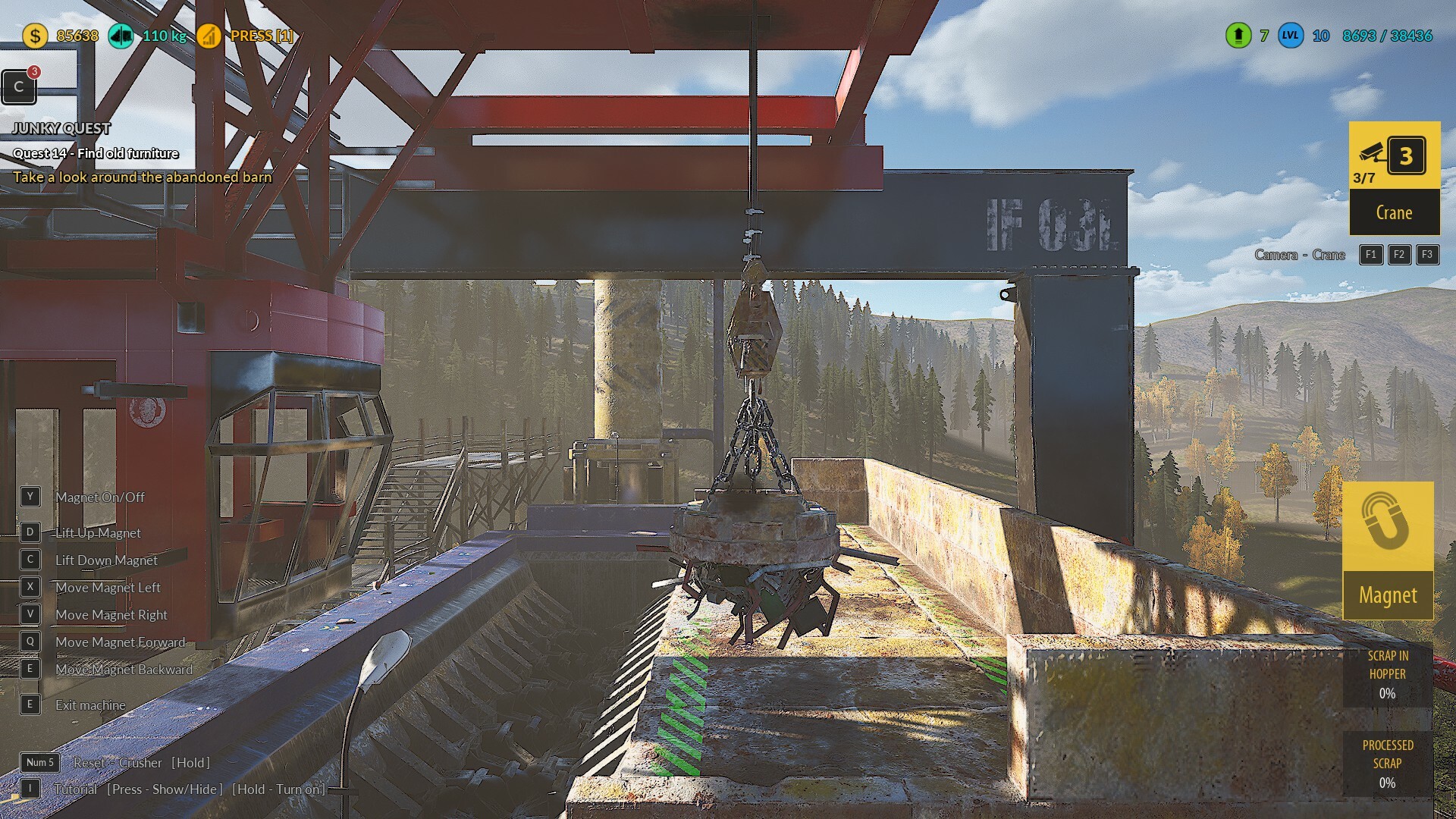
🛠️Lift in the large crusher does not work
🛠️Junkman task count disappears in Sandbox mode
🛠️Action button duplication in the pause menu after exiting the tutorial
🛠️Small Crusher Widget: Fix the LB button
🛠️The object count icon above the backpack is blocked by the D-pad
🛠️Adjust text alignment on the left side of the gamepad UI
🛠️Small Crusher Widget: LB button is under the camera icons on the right
🛠️Small Crusher Widget: Adjust the position of icons next to input action names
🛠️Gamepad Fix: Y button for crusher reset covers the gamepad icon, making it unclear which to activate
🛠️When starting the tutorial, texts next to inputs are missing
🛠️Add information for players about the languages we plan to add in the language selection menu
🛠️UI duplication of the gamepad in the pause menu
🛠️Gamepad Fixes - BLOCKER: Resetting the character via the gamepad freezes the loading screen and locks the game
🛠️Gamepad Fixes: The combobox does not work with the gamepad, and the RB hit animation does not trigger.
🛠️Gamepad Fixes: Crusher – changed analog stick controls for operating the crusher
🛠️Gamepad Fixes: Activating scrapper tasks does not work
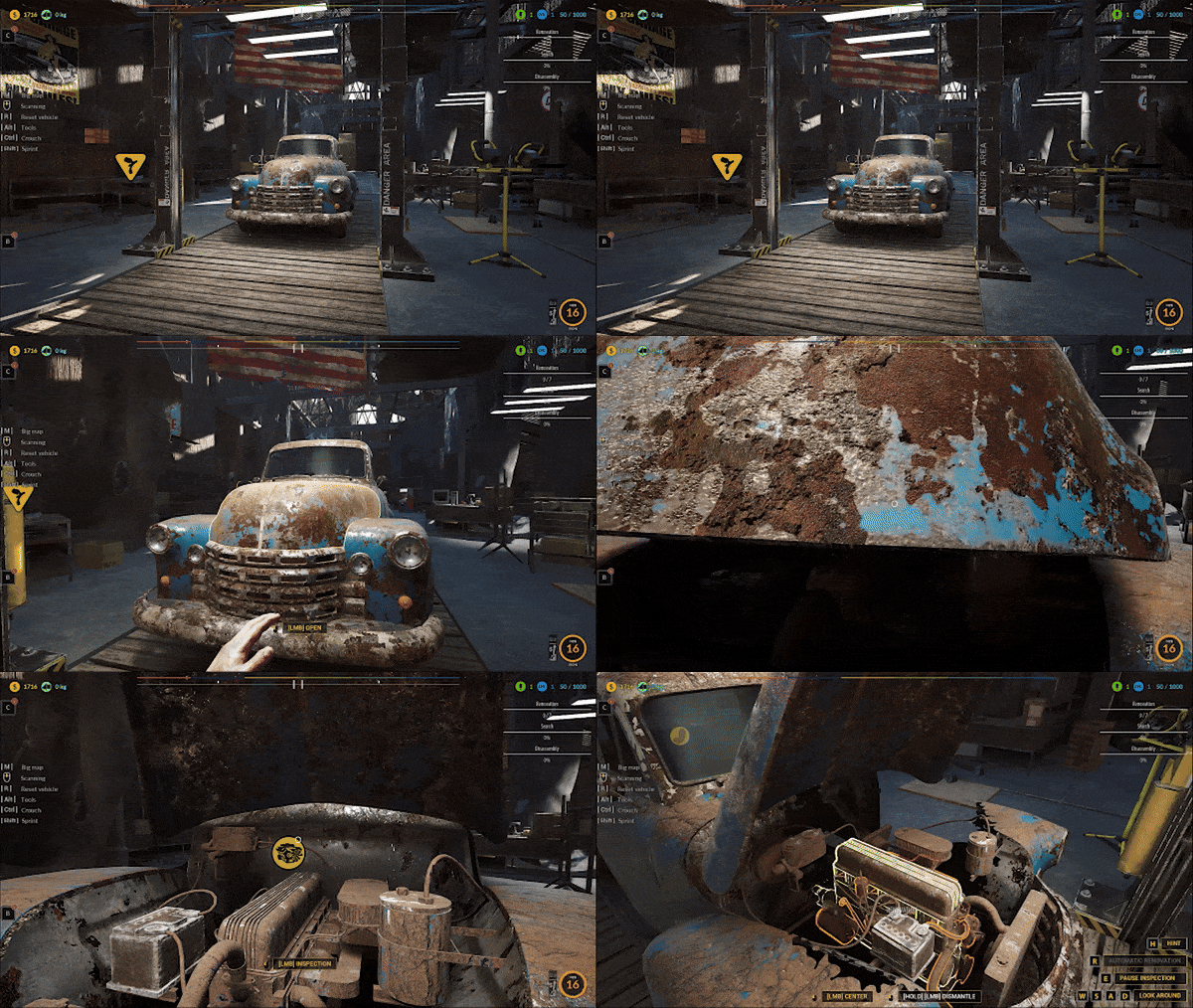
🛠️Making the interface for old vehicle restoration clearer. Currently, during vehicle restoration on the Two-Column Lift, only the vehicle parts that need to be repaired are displayed in the upper right corner. If a vehicle does not have a specific part, the graphic remains invisible.
🛠️Fixing the scrap container movements in the Stationary Press on the gamepad.
🛠️Fixing the automatic mode in the Stationary Press on the gamepad.
🛠️Fixing the Gate movements in the Stationary Press on the gamepad.
🛠️Fixing the Horizontal Pusher movements in the Stationary Press on the gamepad.
🛠️Fixing the Vertical Pusher movements in the Stationary Press on the gamepad.
🛠️Improving the displayed button icon for the scrap container movements in the Stationary Press.
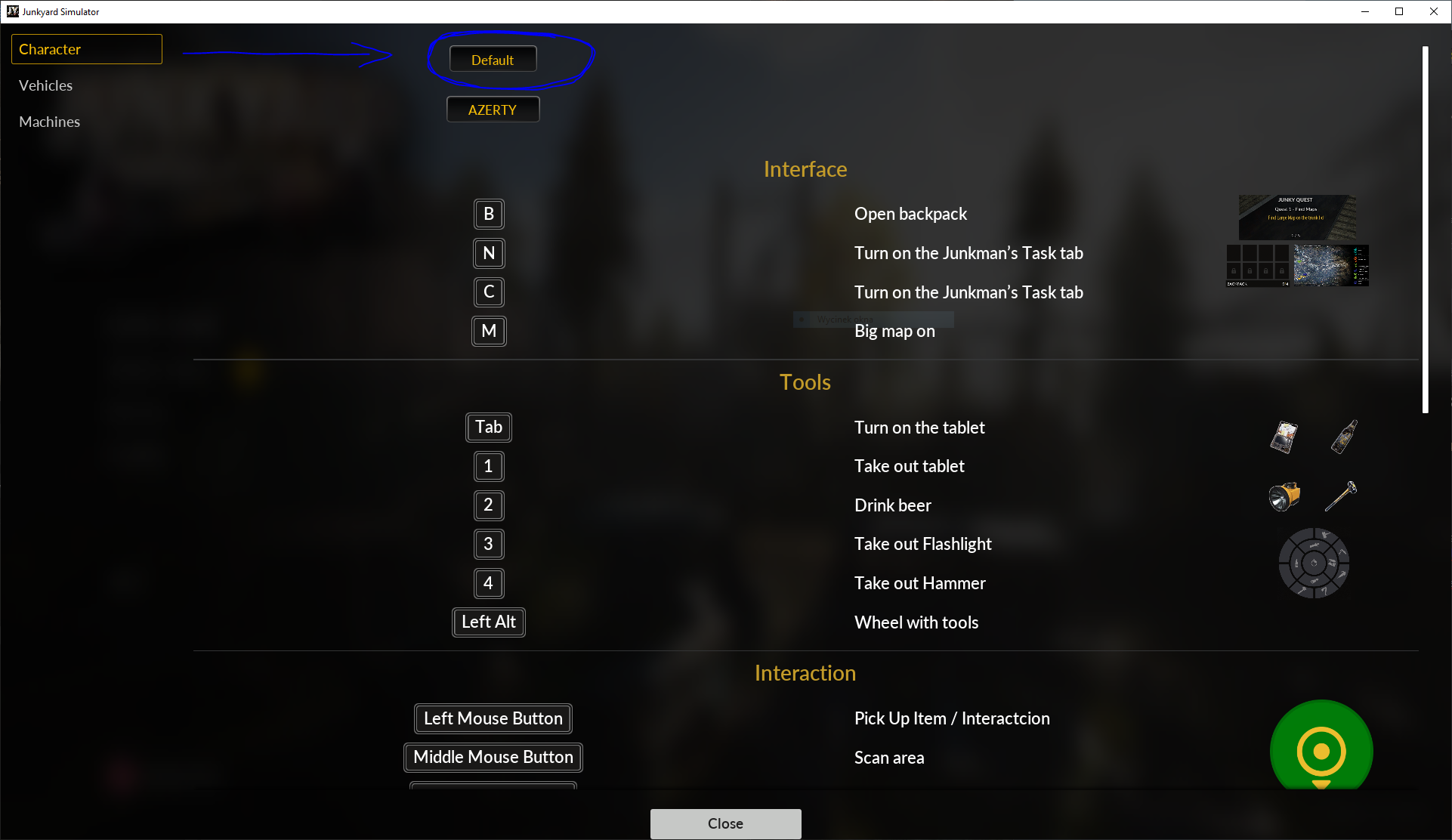
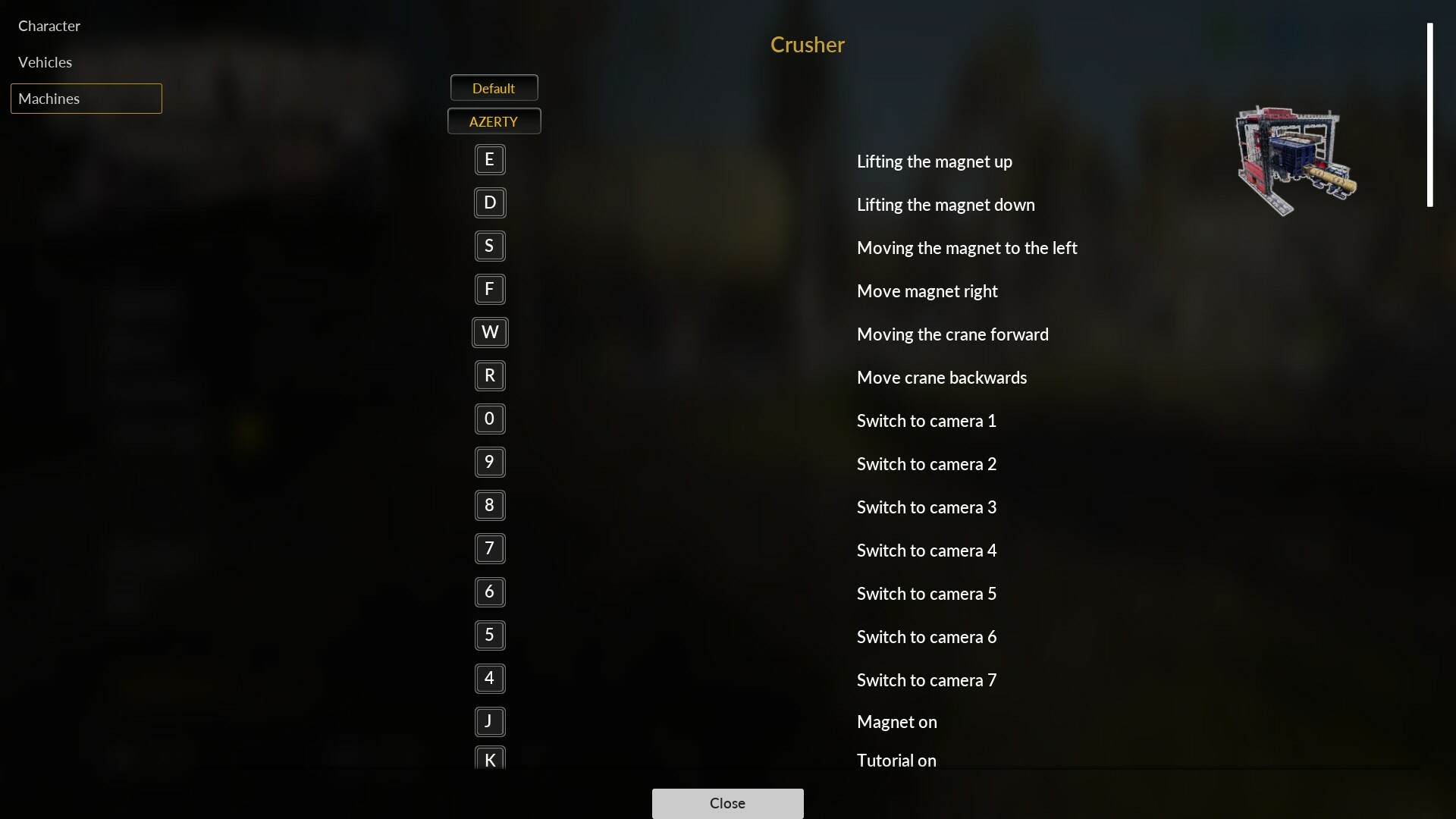
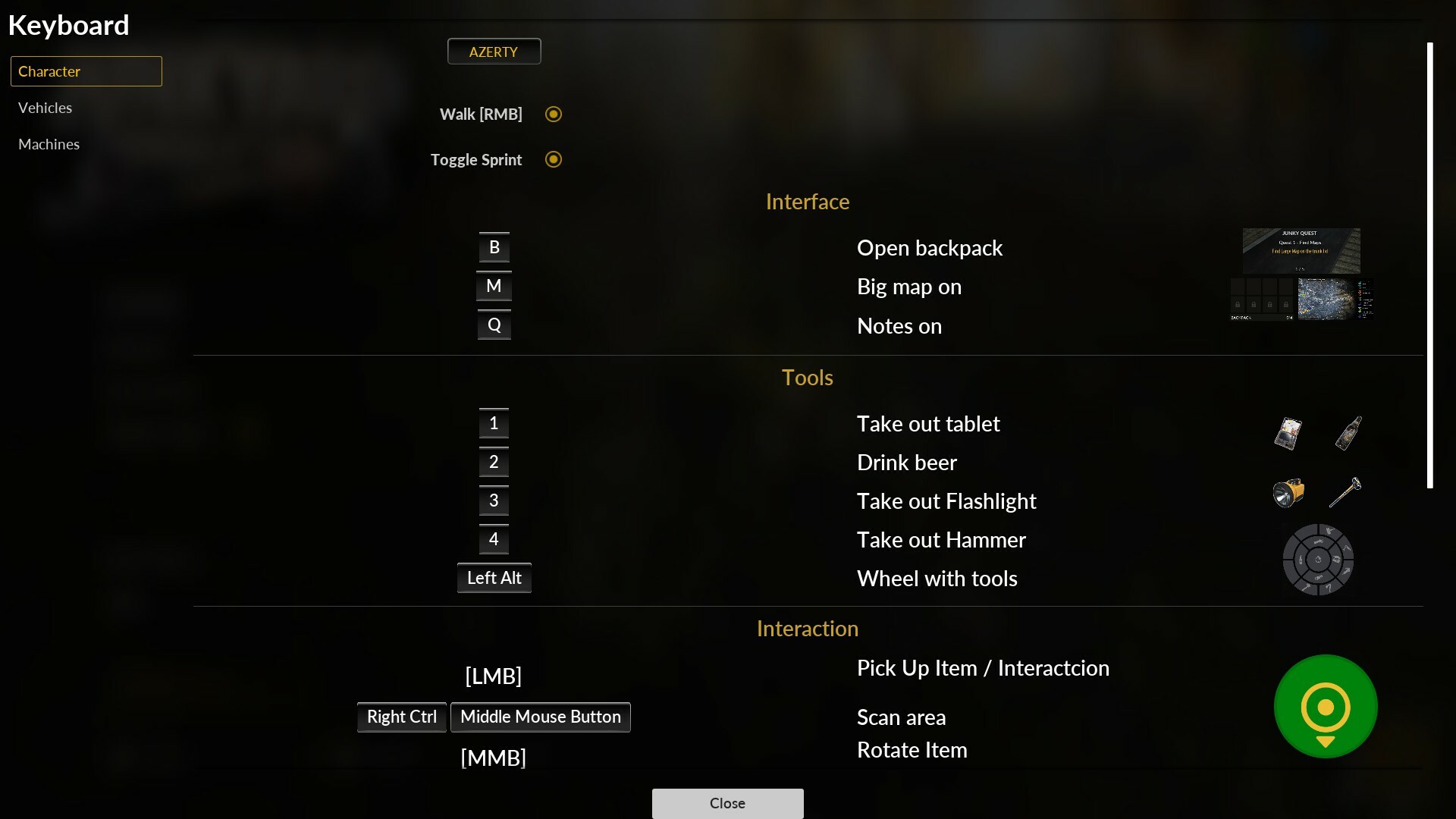
-------------- *Quick update fixing the Gamepad controller & Keyboard issue – if you encounter any problems, simply press the "DEFAULT" button in the keybind settings. 😊 Check the screenshot below – this will fix all the issues.
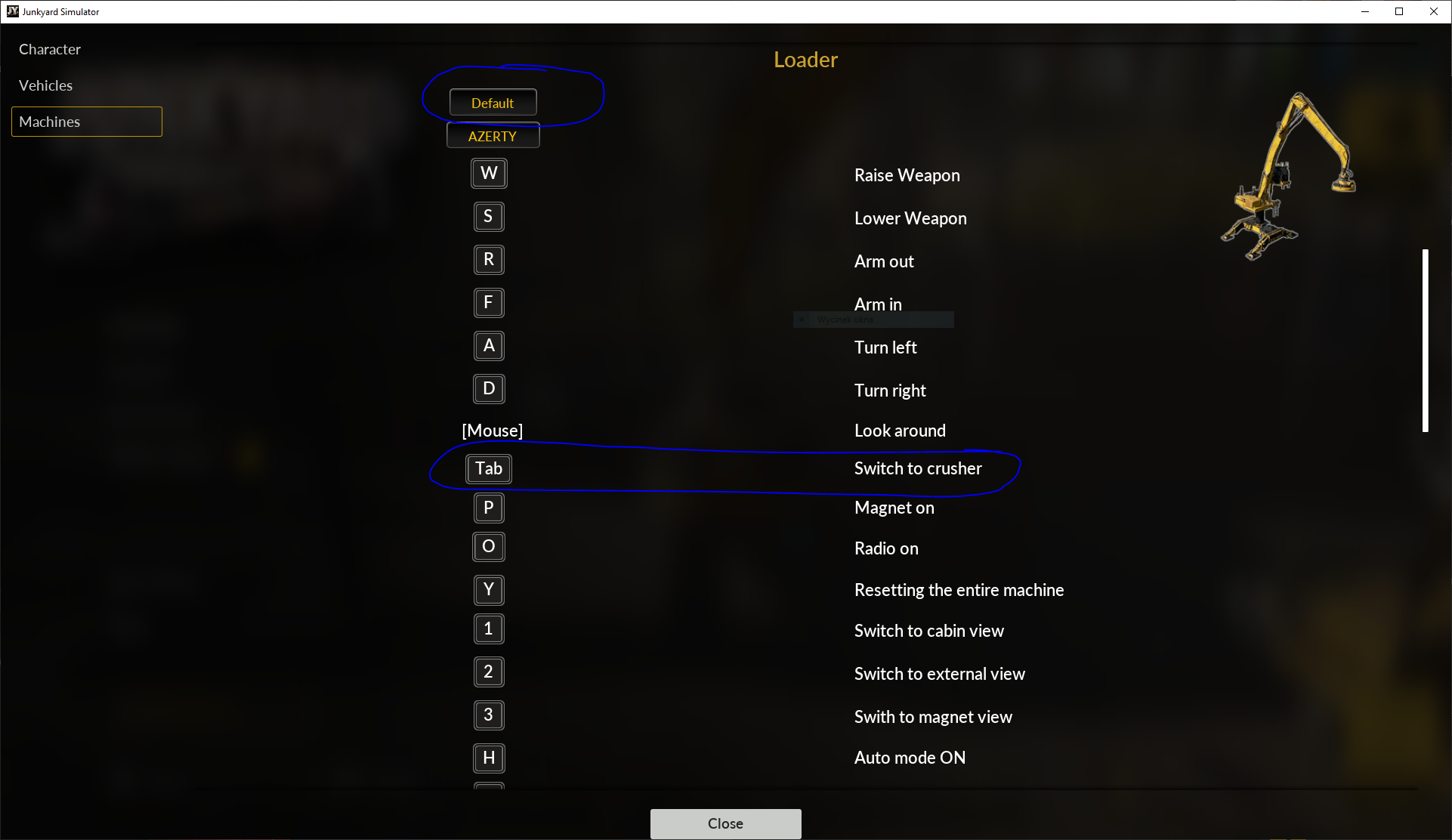
IMPORTANT: Every player who has an issue with the missing keybinding for switching between the Loader and the Car Body Packer must go to the keybinding options and press the DEFAULT button.
TAB Crusher problem?
Also please support us ːsteamthumbsupː 🙂
Gamepad controller&Keyboard QWERTY/AZERTY
Hey, junkers!🛠️
Quick update fixing the Gamepad controller & Keyboard issue – if you encounter any problems, simply press the "DEFAULT" button in the keybind settings. 😊 Check the screenshot below – this will fix all the issues.
IMPORTANT: Every player who has an issue with the missing keybinding for switching between the Loader and the Car Body Packer must go to the keybinding options and press the DEFAULT button.
We sincerely apologize for the bug. 😔 Illness and the rush to deliver the full keybind update for you caused this. Thank you so much for your understanding! 🙏💖
TAB Crusher problem?
Hotfix list:
🛠️Fixed the inability to open cabinets using a gamepad.
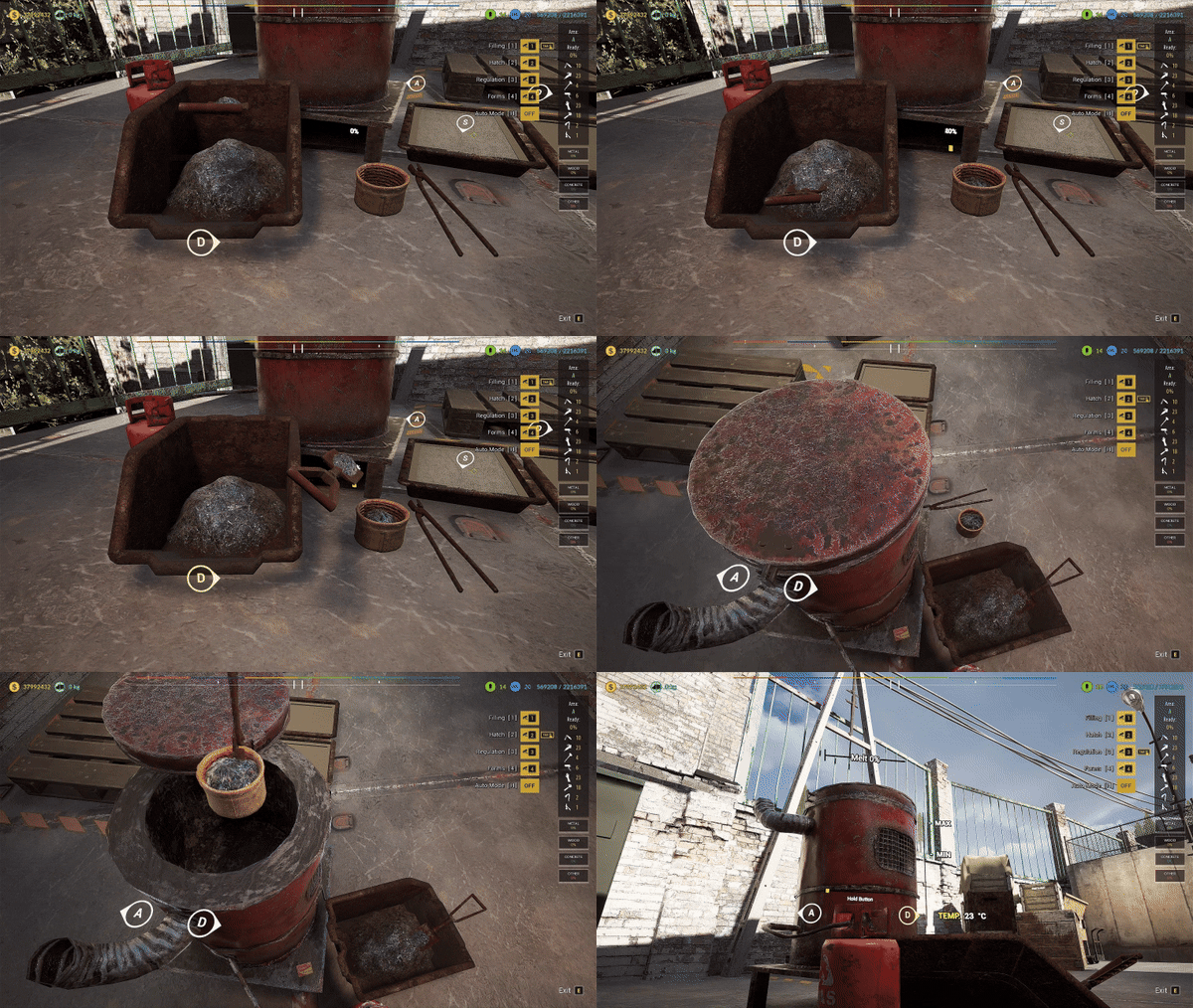
🛠️Fixed the bug with entering and exiting the Furnace and MiniCrusher using a gamepad.
🛠️Fixed door opening on the gamepad.
🛠️Fixed barn door opening on the gamepad.
🛠️Fixed entering and exiting vehicles on the gamepad.
🛠️Fixed entering and exiting the Stationary Press.
🛠️Fixed exiting the Loader using a gamepad.
🛠️Fixed opening mesh gates on the gamepad.
🛠️Fixed exiting the Blue Car disassembly mechanic.
🛠️Fixed the beacon functionality on the gamepad—now it can only be turned on while in the mechanic mode.
🛠️Fixed combo button presses on the gamepad when using tools.
THANKS FOR SUPPORT! 💖chassegallerie 💖Goodman 💖navytoveteran 💖Supreme Emperor Lord As Asriel
Also please support us ːsteamthumbsupː 🙂
Hotfix🛠️🚧Update v.3.3.21🚧🛠️
Hey, junkers!🛠️
Quick update fixing the Gamepad controller issue – if you encounter any problems, simply press the "DEFAULT" button in the keybind settings. 😊 Check the screenshot below – this will fix all the issues.
We sincerely apologize for the bug. 😔 Illness and the rush to deliver the full keybind update for you caused this. Thank you so much for your understanding! 🙏💖
THANKS 💖Goodman & 💖Shaggy Price
Also please support us ːsteamthumbsupː 🙂
Full keybinding system
Hey, Junkers!👷🔧
Over the past four weeks, we've been working on implementing a full keybinding system 🔥 in our game. Many players requested the ability to fully customize controls, so we dedicated a significant amount of time to making it happen.
In addition, we've made some hotfixes. As always, we're eager to hear your feedback!😊🔥👀
Don’t forget to check out the new features and let us know what you think. Every comment is gold to us! ✨
🚨 The update is waiting for you. Let’s go, Junkers!👷
Full list of changes below! 👇
🛠️Creating a full keybind for the Character
🛠️Creating a full keybind for the Baler
🛠️Creating a full keybind for the Loader
🛠️Creating a full keybind for the Furnace
🛠️Creating a full keybind for the Mini Crusher
🛠️Creating a full keybind for the Vehicle mechanic
🛠️Creating a full keybind for the other mechanic
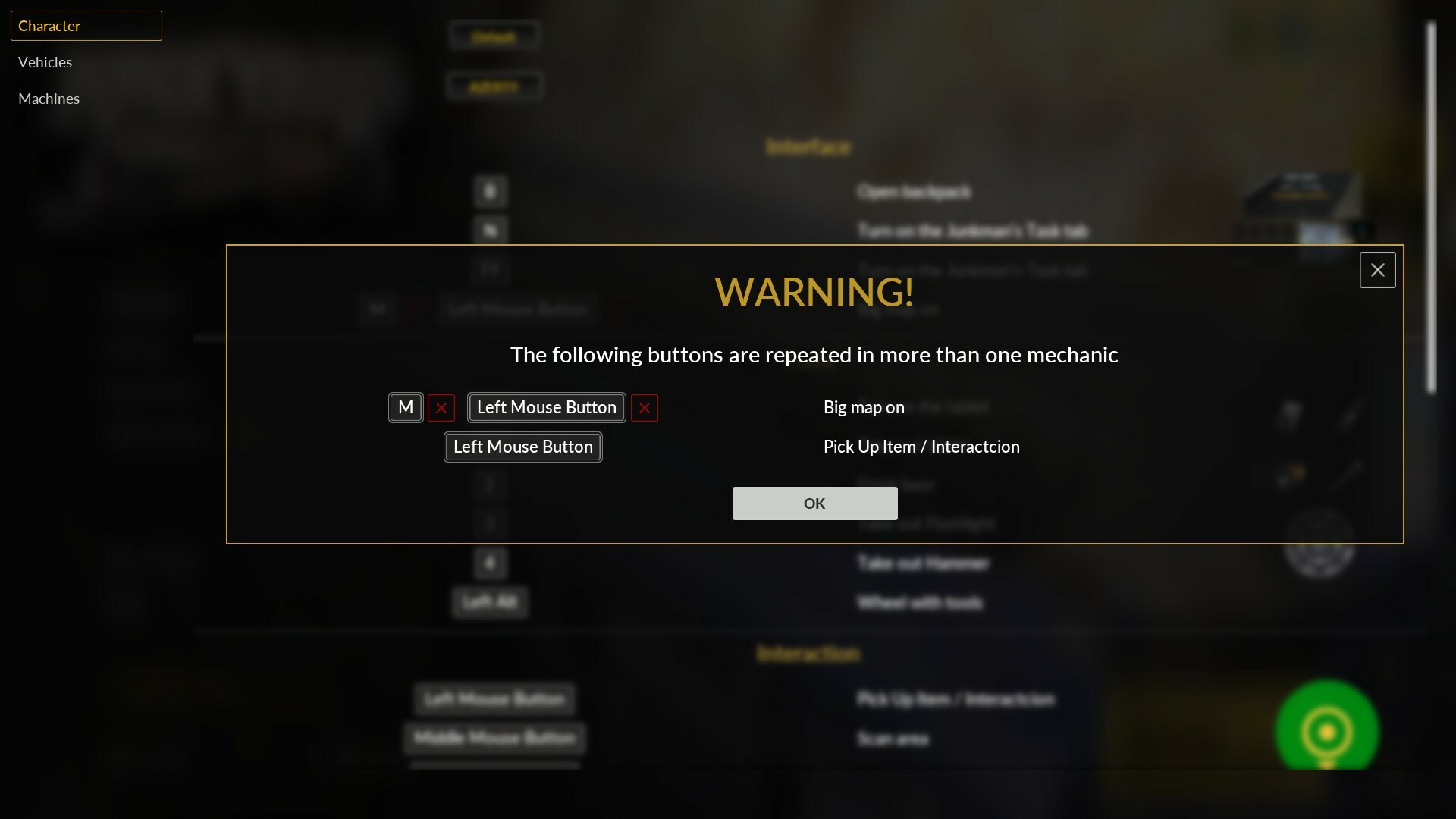
🛠️Adding the ability to remove a key if two keys are assigned to the same function
🛠️Adding hints to indicate which keys are duplicated. This allows the player to identify key conflicts while editing keybinds
🛠️Fixed the Tourer vehicle’s Rear Bumper restoration. Previously, the texture did not change during the process, despite the completion percentage increasing.
🛠️Implementing graphical improvements across the game related to keybinds. Now, all mechanics reflect the player's assigned key and display it during gameplay
🛠️Adding a reset to default keys on the first launch with full keybind to avoid issues with legacy key settings
🛠️Fixing missing translations in the Keybind tab
🛠️Add braking and rolling sounds when braking vehicles
🛠️Improve collision with objects while driving vehicles and refine collision sounds
🛠️Updating the content of keybind messages to make them more understandable for the player
🛠️Fixing the operation of the beacon lights on the Tow Truck
🛠️Reworking the running mechanic to support both tapping and holding. Now, both options can be assigned to different keys simultaneously without having to choose one
🛠️Adjusting the position of the destructible wall in plot A. There was an issue with hitting the wall correctly with the hammer, even when crouching
🛠️Fixing a material bug for the trunks of vehicles transported using the Baler Loader
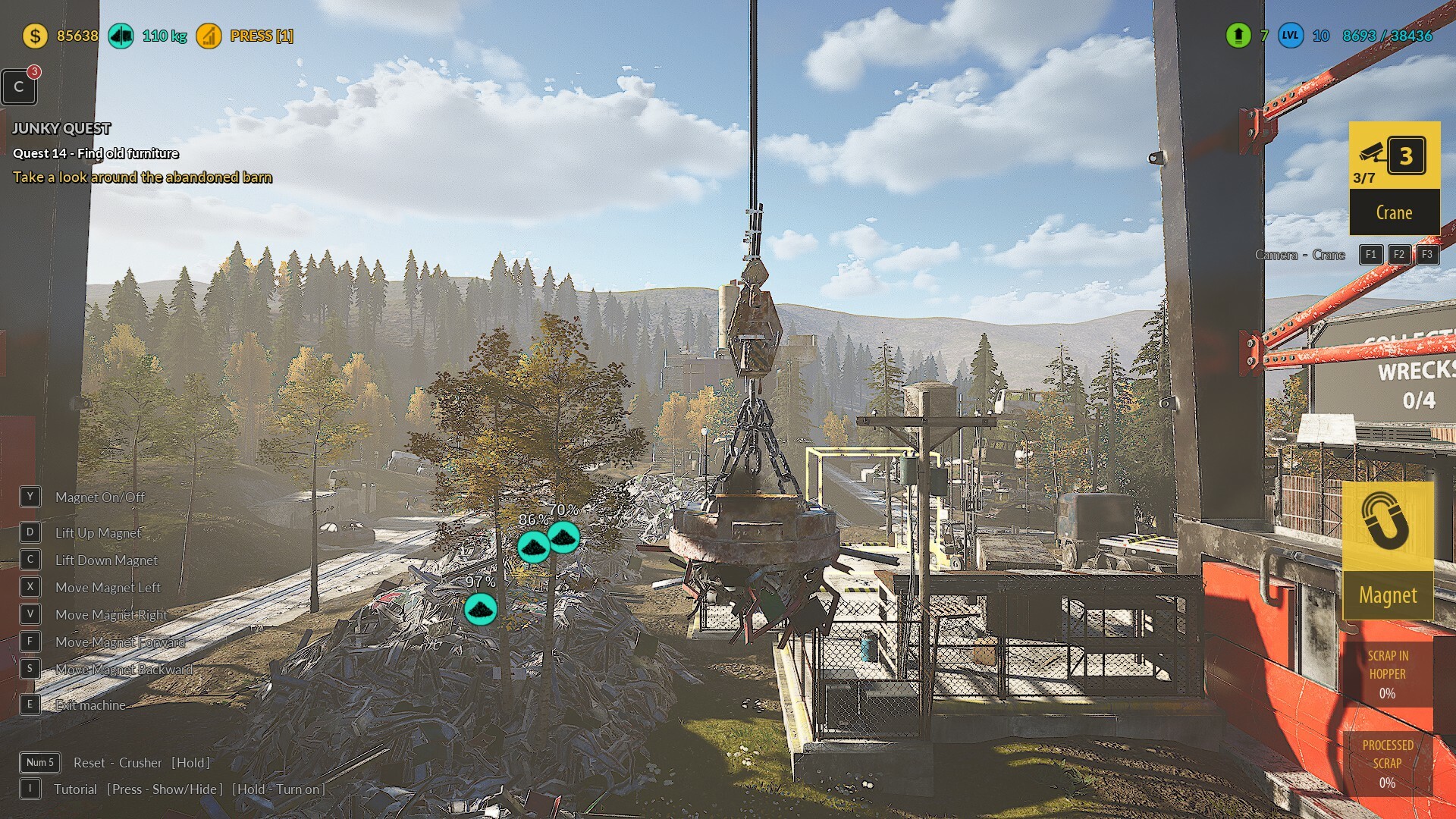
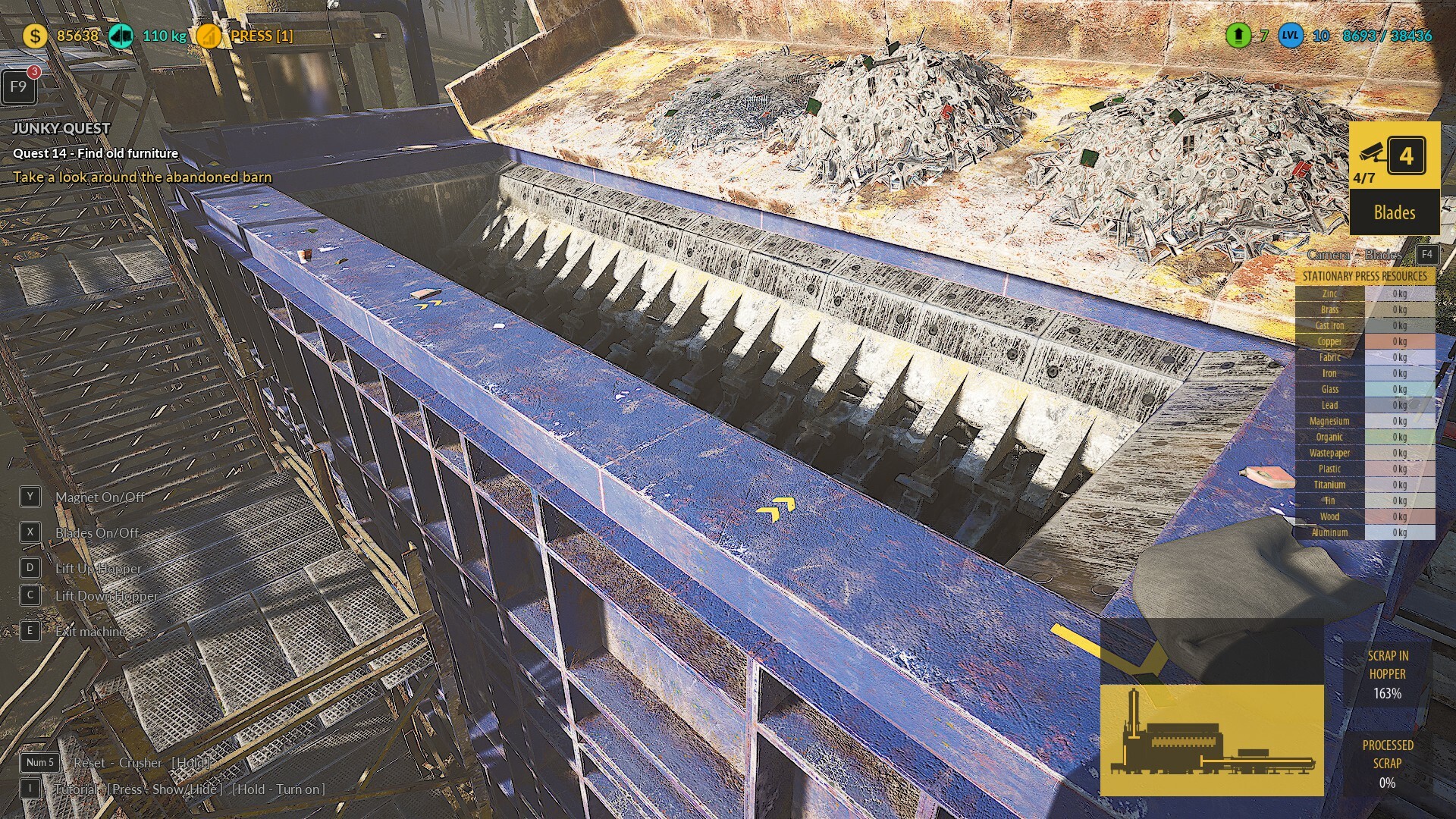
🛠️Adding a new system for displaying and selecting the camera in the Crusher and Loader mechanics. Now, players can see how many cameras are available, which one is currently selected, and the options they can choose from
🛠️Many smaller fixes to the game reported by players, for which we thank you very much! 😊
Hey, Junkers! We've been working hard to squash bugs and refine gameplay based on your valuable feedback. This update includes several important fixes and improvements designed to enhance your overall experience. Let us know what you think! 😊
Full list of changes below! 👇
🛠️Added dynamic annotation text change when selecting an occupied button. The text changes depending on whether the player selected a button locked due to being permanently assigned to a mechanic or one occupied by another mechanic that must be released before use.
🛠️Fixed misalignment of numbers in the resource list when using the Crusher mechanic.
🛠️Corrected the location of one of the findable items for a Task received in the area next to Your Junkyard.
🛠️Fixed ground detection when removing items from storage in the Large Junkyard area. Items would previously bounce when taken out of the backpack.
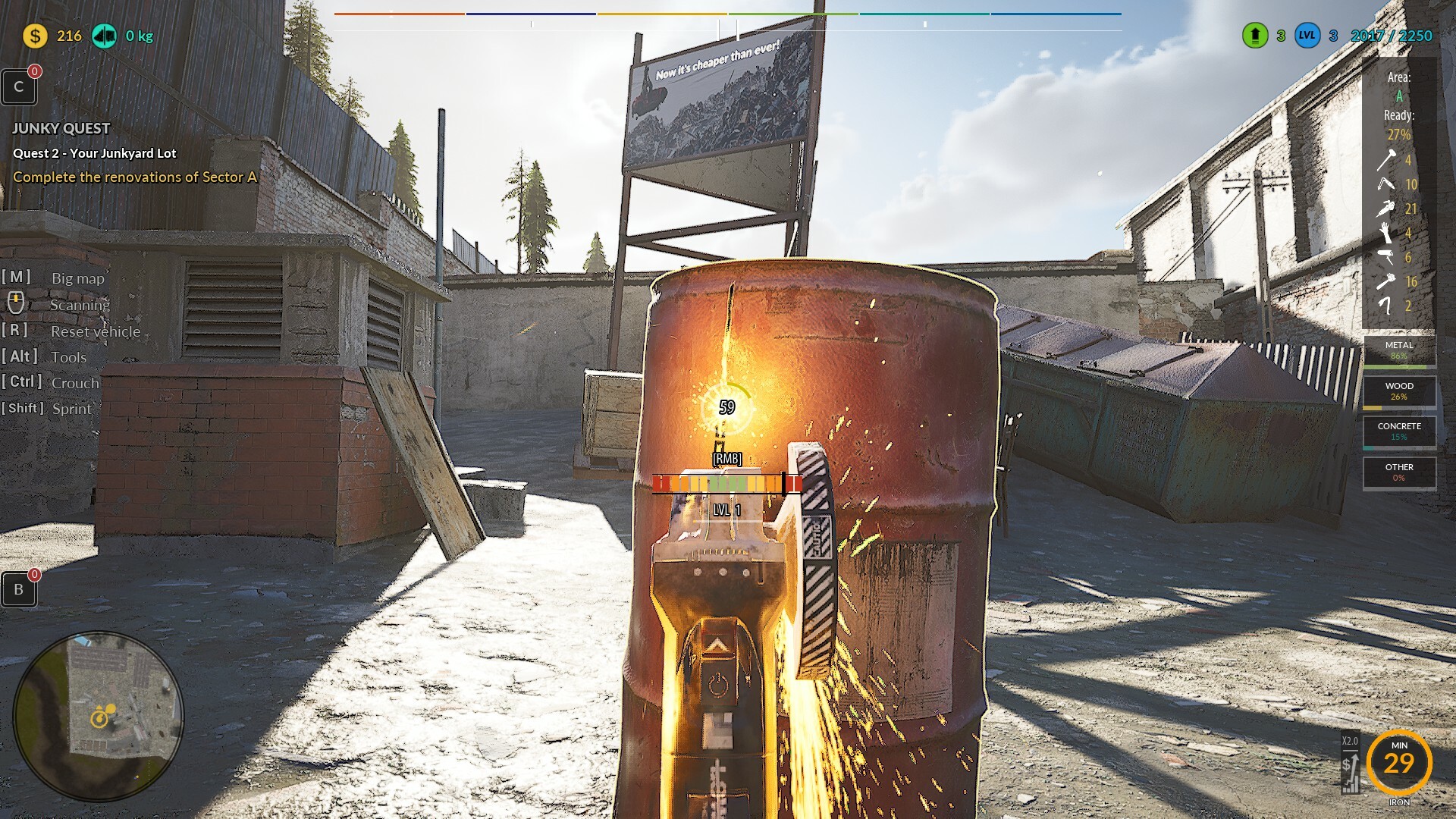
🛠️Improved optimization of Grinder Particles when working at Your Junkyard.
🛠️Fixed invisible collision issues occurring with some vehicles transported on a tow truck.
🛠️Adjusted the number of steps required to complete the Blue Car engine restoration. Now, after using the Sandblaster, the engine is fully restored.
🛠️Improved duration when selecting an occupied button in the Keybind tab. The information now stays visible long enough to be read comfortably.
🛠️Fixed the scaling of the Skill Reset Button when the text was too long in certain languages, such as French.
🛠️Fixed the Tourer vehicle’s Rear Bumper restoration. Previously, the texture did not change during the process, despite the completion percentage increasing.
🛠️Fixed the ability to assign numeric keypad keys (Num 0, Num 1, Num 2, etc.) in Keybind settings.
🛠️Fixed the display of the crouching prompt when interacting with low objects that can be destroyed with a hammer. Now, the prompt appears only when standing near the object and disappears when crouching, moving away, or looking at an object that does not require crouching.
🛠️Fixed the ability to assign numeric keypad keys (Num 0, Num 1, Num 2, etc.) in Keybind settings.
🛠️Optimized the item collection mechanic at Your Junkyard.
Important Announcement! 🚨
The next BIG game update is scheduled for April – due to the massive amount of work ahead, the hotfix process is currently on hold. In April, we will also include hotfixes for the bugs you have reported.
We are working hard to bring you new updates and exciting features! Stay tuned! 🔧🔥
Happy gaming, and stay tuned for more exciting updates coming your way! 🚀💪
Also please support us ːsteamthumbsupː 🙂
gif compression
Hotfix🛠️🚧Update v.3.3.19🚧🛠️
Hey, junkers!🛠️ We've been hard at work squashing bugs and making gameplay smoother based on your feedback. This update brings important fixes to vehicle physics, keybinding improvements, and new control customization options! 💡
Check out the full list of changes below and let us know what you think! 👇
Hotfix
Changed AZERTY key functionality in the Keybinds tab. Now, clicking one of the AZERTY buttons applies the layout to all game mechanics.
Fixed a bug where key labels were not refreshing after switching to AZERTY. Previously, players had to switch tabs or close and reopen the Keybinds tab to refresh the key labels.
Added a special option for Character Controls: now it's possible to move forward using RMB.
Reworked all mechanics that required changes for the Move Forward on RMB option.
Added an option in Character Controls to choose whether sprinting with SHIFT works by holding the key or toggling it with a single press.
Fixed Crusher sounds. After rebinding keys to a custom setup, sounds often wouldn't play when using directional inputs for the Crusher.
Fixed a bug that could cause button press sounds from the Conveyor Panel to play even when standing far away from the conveyor.
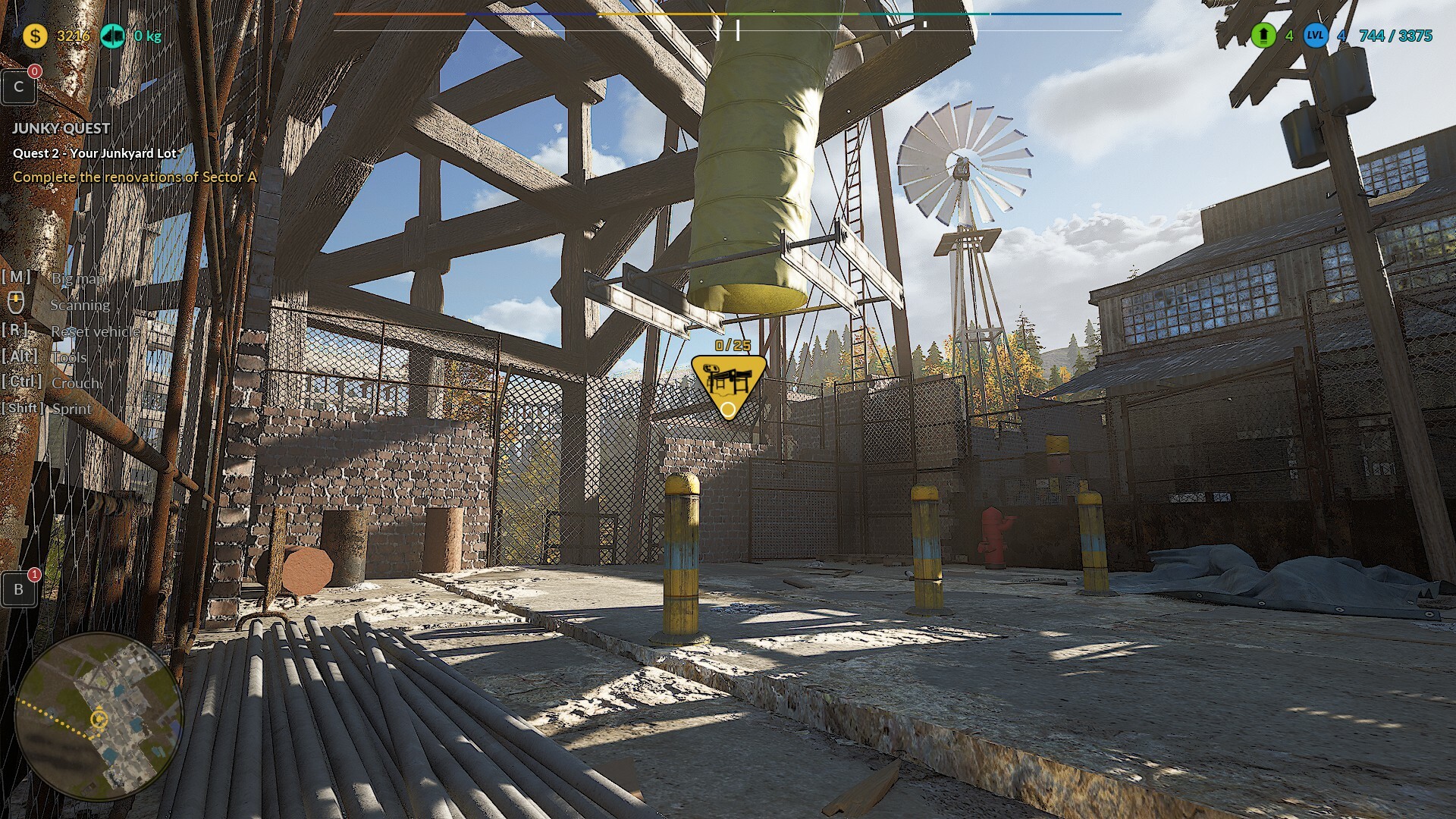
Adding a 3D item counter icon to the Conveyor Belt mechanics and changing the transported item limit to 25
Fix the vehicle physics bug reported by the player, including bouncing, getting stuck in the air, launching above the level, and other similar issues for all vehicles in the game.
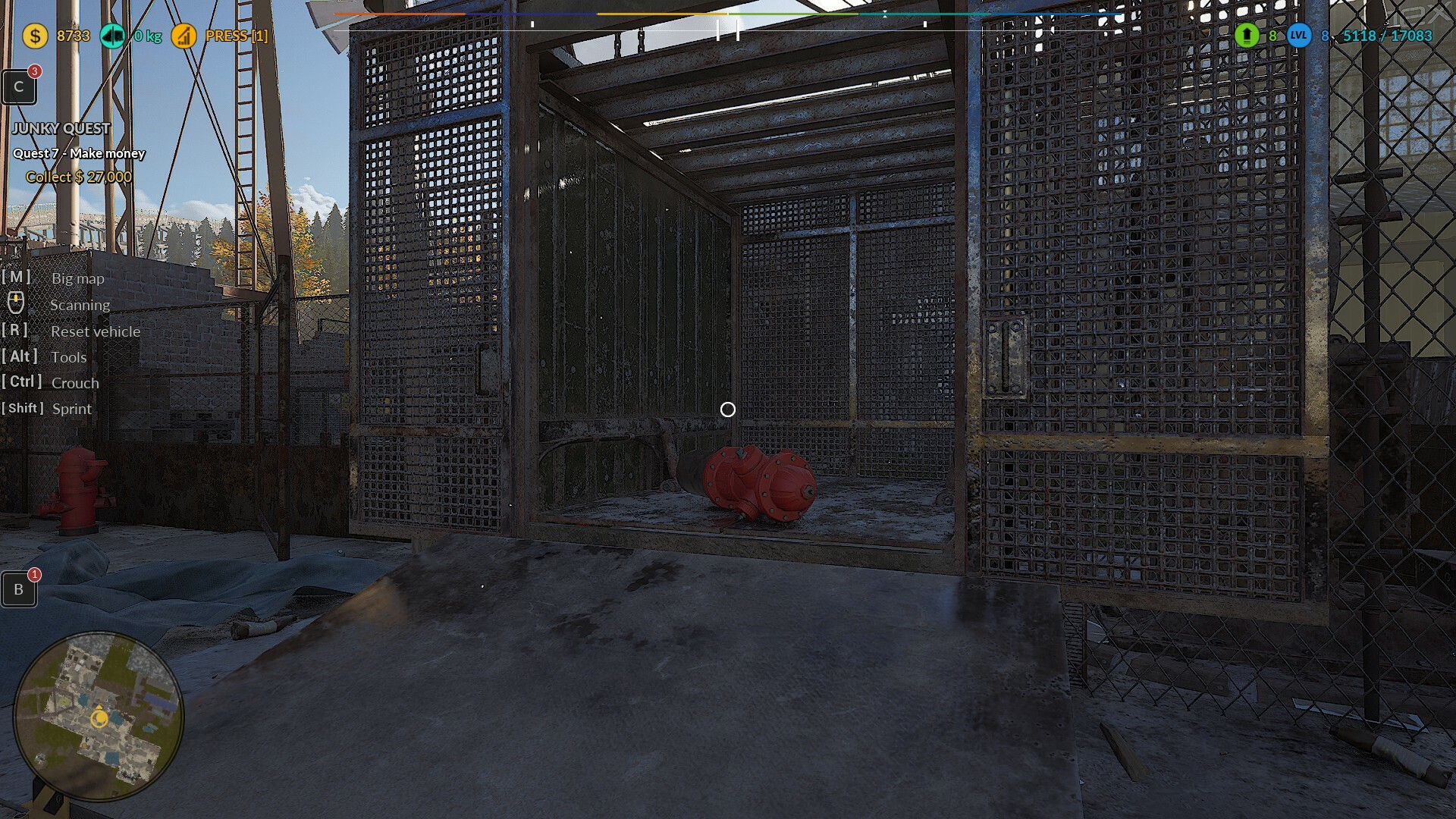
Fixed objects like fire hydrants falling out of the Resource Exchange Cage when removing items from the backpack.
Fixed the current Task being canceled after opening the Tool Wheel [Left Alt].
Important Announcement! 🚨
The next game update is scheduled for April – due to the massive amount of work ahead, the hotfix process is currently on hold. In April, we will also include hotfixes for the bugs you have reported.
We are working hard to bring you new updates and exciting features! Stay tuned! 🔧🔥
Happy gaming, and stay tuned for more exciting updates coming your way! 🚀💪
Today we’ve released another quick update, focusing on controller 🎮 improvements and language fixes! 🌏
A huge thank you to all our players for your ongoing feedback and support – it’s because of you that we’re able to keep making the game better and better! 🙌
Happy gaming, and stay tuned for more exciting updates coming your way! 🚀💪
Hotfix
Malfunctioning/corrupted crouching on the controller when using the right analog stick
Fixed an exploit that allowed the player to collect money from lockers indefinitely after moving slightly away from the building. Now, all collected money will remain collected until the game is restarted
Fixes to translations reported by a player for the French language
Fixes to translations reported by a player for the Chinese language
gif compression
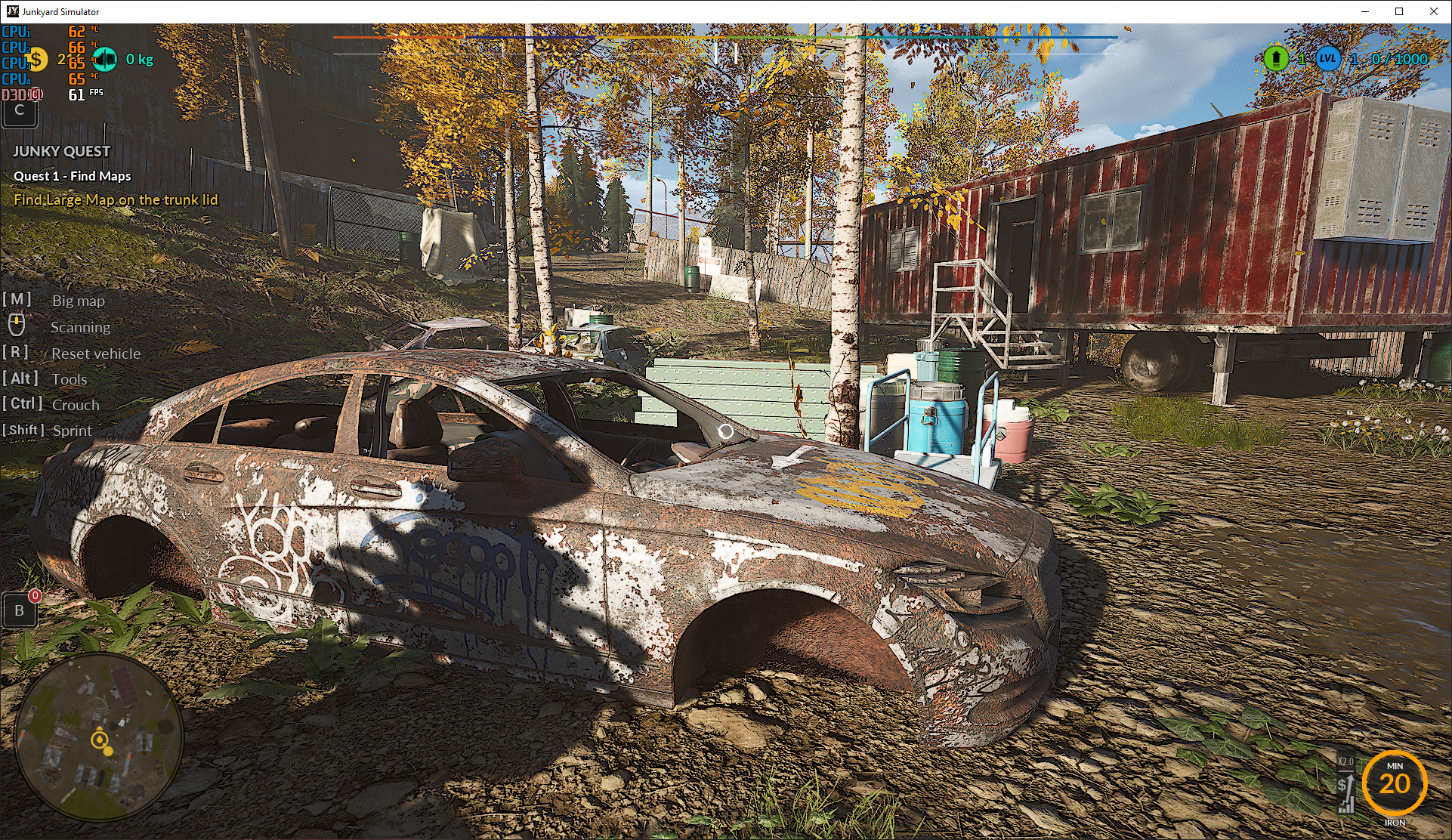
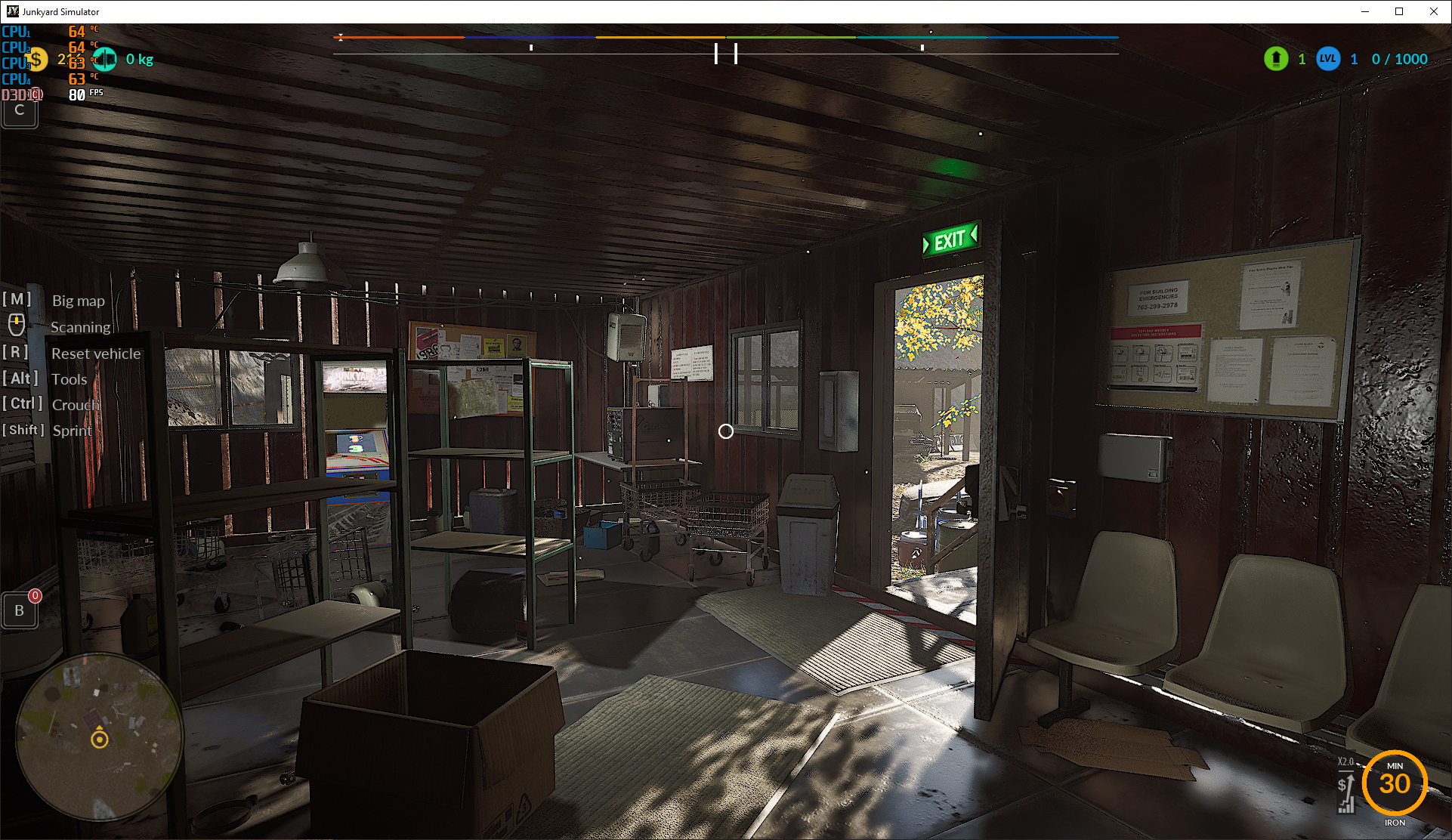
NEW VERSIONSharper visuals and improved FPS! Screenshot directly from the game /PERFORMANCE settings ------------------------------------------------------------------------------------------------ Spec: Resolution: 1920x1080 / Graphics Card: GTX 1070 / RAM: 32GB / Processor: Intel Core i7-7700 CPU @ 3.60GHz
The next update will be on Friday, focusing on improving performance at the large junkyard and factory. 🚀✨
Also please support us ːsteamthumbsupː 🙂
Hotfix🛠️🚧Update v.3.3.17🚧🛠️
Hey, junkers!🛠️
Today we’ve rolled out a quick update to fix the controller 🎮 bug and improve the Chinese translations!
We want to thank all our players for their valuable feedback and support – you’re helping us make the game even better! 🙏
Keep on gaming, and stay tuned for more updates! 💪🚗💨
Hotfix
Fix the issue where the tooltip for the gamepad does not appear in the menu when choosing between story mode and sandbox mode
Fix the missing Chinese translation when selecting game modes
Fix the Chinese translation for the information about searching for wrecks
Fix the Chinese translation for the information about collecting $24k
Fix the Chinese translation of the parcel instructions – based on feedback from the player
gif compression
NEW VERSIONSharper visuals and improved FPS! Screenshot directly from the game /PERFORMANCE settings ------------------------------------------------------------------------------------------------ Spec: Resolution: 1920x1080 / Graphics Card: GTX 1070 / RAM: 32GB / Processor: Intel Core i7-7700 CPU @ 3.60GHz
Also please support us ːsteamthumbsupː 🙂
Hotfix🛠️🚧Update v.3.3.17🚧🛠️
Hey, junkers!🛠️
We have great news for you! 🎮 From now on, you can store your saves in the Steam Cloud and seamlessly switch between computers without worrying about losing your progress. 🌩️
Your experience in Junkyard Simulator will be even more comfortable and flexible! 🚀
Thank you for your support, and happy gaming! 💪
Hotfix
Integrate Steam Cloud – now you can store your saves in the cloud and switch between computers. You also no longer need to worry about losing your game progress when reinstalling Windows.
A bug when resetting the vehicle causes the physics to lock and creates an effect where the wheels are raised to the height of the fender.
A bug when resetting the FPCH character can result in vehicle physics becoming locked.
Hovering over the medium settings causes the marker to stay highlighted permanently.
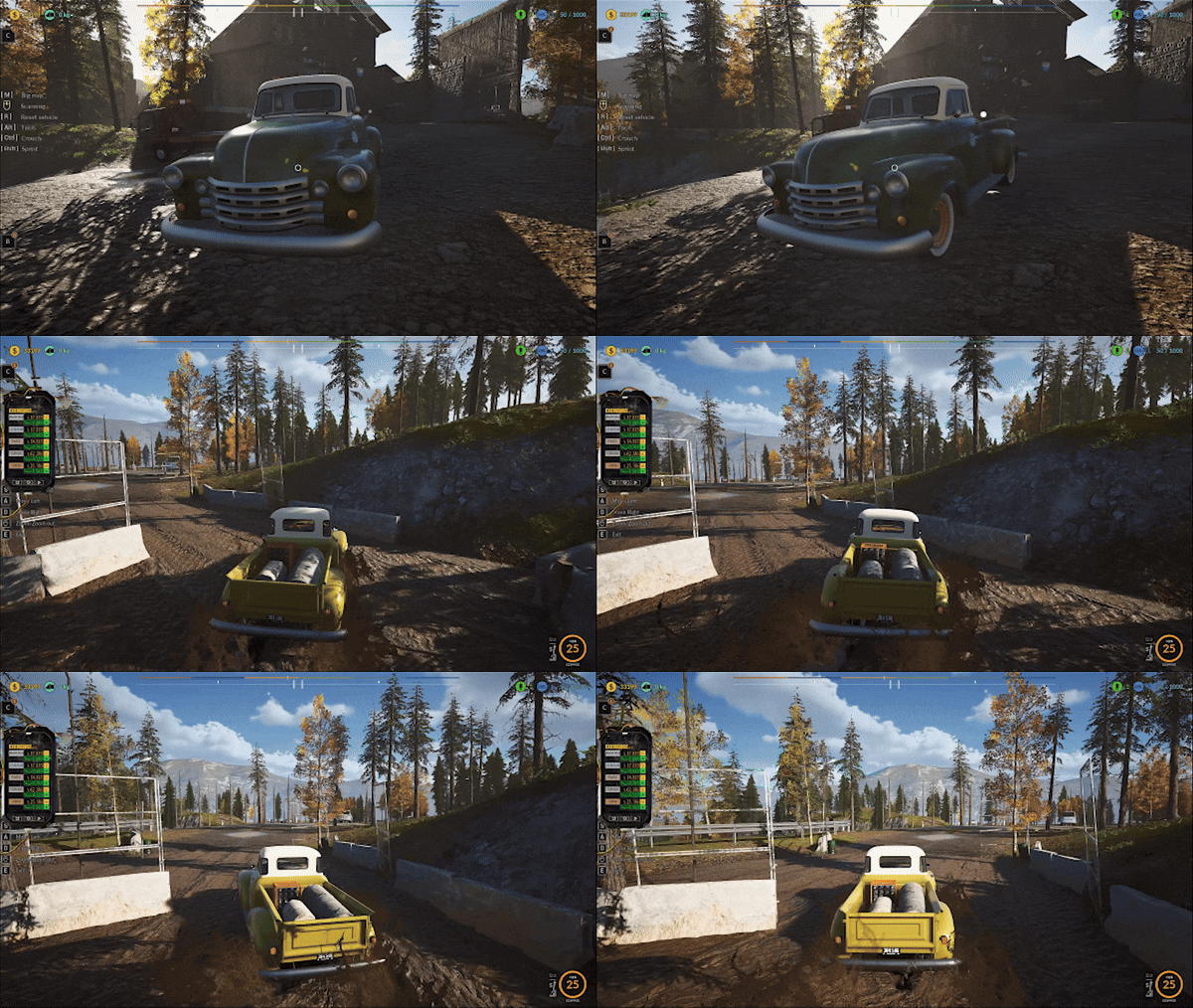
Refine the suspension mechanics of vehicles when driving through mud, including greater slowing of the vehicle and increased resistance when passing through muddy terrain.
Fixed the issue where the correct keys were not displayed during the operation of the Baler. Previously, despite changing the keys, the default ones were always shown.
Fixed a floating animal model near one of the barns.
Improved visibility on the tablet's market resource names located under the current rate columns.
Fixed the bug related to extracting items from the backpack in the area behind the workshop.
Removed the cursor briefly remaining on the screen after the game's initial loading.
Resolved an issue with registering the collection of the Reel Player during Quest 20.
Added a hint message when looking at a small concrete block during plot renovation, suggesting the player crouch to properly hit the small object with a hammer.
Fixed the ability to change keys for renovating the Pickup 1950 and Blue Car. Now, the keys assigned for character movement are the same as those for looking around during disassembly.
Fixed the display of key information for looking around during the disassembly of the Pickup 1950 and Blue Car. The keys now show the exact symbols assigned in the options.
Prevented the possibility of receiving a double dialogue during the quest to collect Audio Set components.
Corrected the French translation for the "Tape Measure" item.
Updated the French translations for the tools "Tronçonneuse" (Chainsaw) and "Balai" (Broom) in the tool upgrade panel.
Fixed an issue with key information for changing cameras being misaligned after the player selects the Hyphen symbol.
Corrected the French translation for the text "Automatic mode on" and "Automatic mode off."
Moved processed resources information in the Crusher from the left side to the right to prevent overlapping with active quest text.
Adjusted the French translation for "À RÉNOVER" to "RÉNOVER" when looking at a car part during the Blue Car renovation.
gif compression
NEW VERSIONSharper visuals and improved FPS! Screenshot directly from the game /PERFORMANCE settings ------------------------------------------------------------------------------------------------ Spec: Resolution: 1920x1080 / Graphics Card: GTX 1070 / RAM: 32GB / Processor: Intel Core i7-7700 CPU @ 3.60GHz
Also please support us ːsteamthumbsupː 🙂
Hotfix🛠️🚧Update v.3.3.16🚧🛠️
Hey, junkers!🛠️
Today's update focuses on boosting the game's performance and optimizing data reloading when moving between the workshop area 🏗️ and the scrapyard parcel. In future updates, we’ll keep fine-tuning the factory 🏭 and scrapyard areas 🗑️ to make them even smoother!
NEW VERSIONSharper visuals and improved FPS! Screenshot directly from the game /PERFORMANCE settings ------------------------------------------------------------------------------------------------ Spec: Resolution: 1920x1080 / Graphics Card: GTX 1070 / RAM: 32GB / Processor: Intel Core i7-7700 CPU @ 3.60GHz
Hotfix
Fixed a potential issue with completing the restoration of the right and left front fenders for the Mercury vehicle.
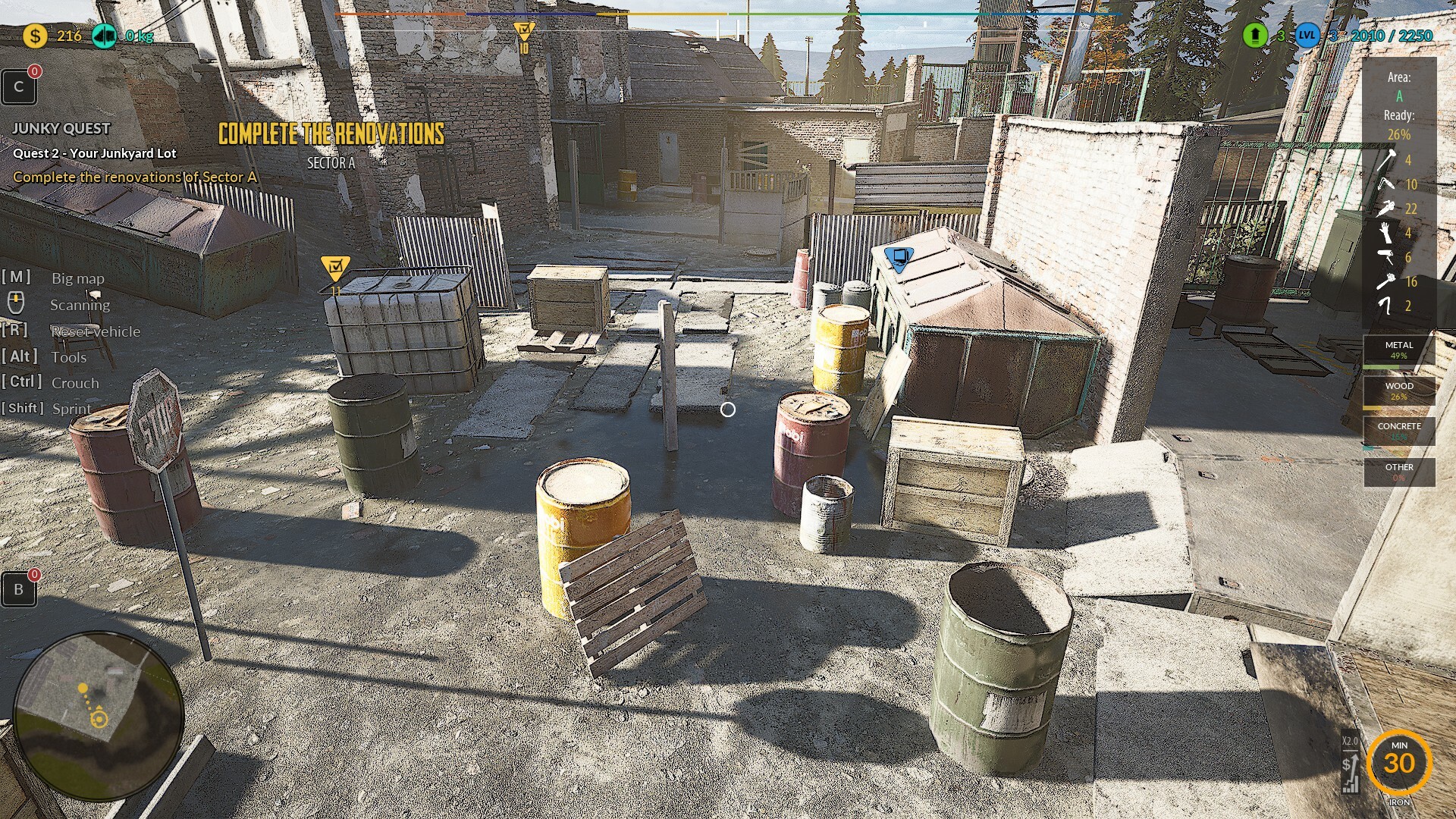
Added percentage completion information to the vehicle restoration graphic. Now, the overall percentage of the vehicle's completion is always visible, without needing to check each part individually to see the progress.
Added a feature to hide information below the schematic on the vehicle restoration graphic. These details were confusing players by constantly showing 0% information, even when not focusing on any body parts.
Improved particle effect transparency during item and vehicle cleaning with the brush, making it easier to see the area being cleaned.
Improved particle effect transparency during painting with spray and paint gun for items and vehicles, making it easier to see the area being painted.
Optimized the area between the Crusher and the Pawnshop, ensuring smoother vehicle movement through this zone.
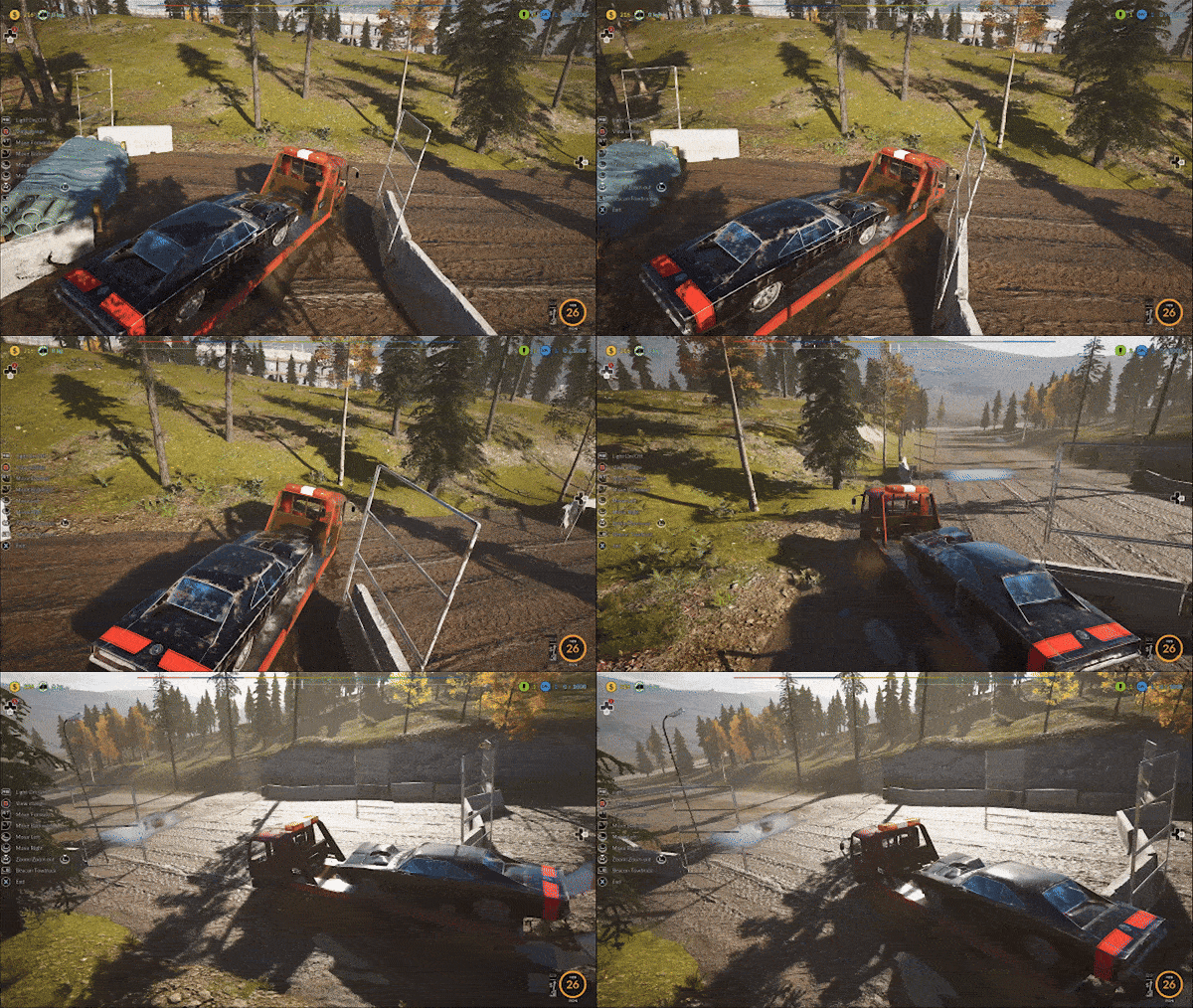
Fix the bouncing tow truck at the start of the game, as it can vibrate in the garage.
Address areas where the player character gets stuck, based on screenshots provided by players.
Adjust the floating boxes in the camper zone near Grandma's pawnshop.
Fixed broken game saves with two vehicles overlapping on the Two-Column Lift. Now, after loading such a broken save, the problematic vehicle will be removed, allowing players to continue the restoration.
gif compression
The next major update will focus on significantly improving the game’s performance, especially in areas traversed by vehicles, to ensure that loading new content in these zones doesn’t cause substantial FPS drops. Additionally, improvements will be made to the junkyard parcel area.
NEW VERSIONSharper visuals and improved FPS! Screenshot directly from the game /PERFORMANCE settings ------------------------------------------------------------------------------------------------ Spec: Resolution: 1920x1080 / Graphics Card: GTX 1070 / RAM: 32GB / Processor: Intel Core i7-7700 CPU @ 3.60GHz