Fixed the time interval after completing a renovation of a new lot area so that the newly restored area has a 25 min difference from the previous one
Counting the time that has passed after leaving the lot. Now, when the player returns to work, he will not have the impression that time stood still when he was away
Fixed detecting the player's vehicle relative to traffic and stopping vehicles at the appropriate distance - previously the AI could sometimes drive into us for no reason
Less aggressiveness of the AI traffic system on the road, keeping larger distances and stopping distances between vehicles, also from each other
Fixes from screenshots of places reported by players, e.g. the wall in the air near the hunting ground area and many others
Improved vehicle navigation, vehicle turning behavior, tow truck and truck physics and suspension
Repair of driveways for vehicles - tow truck, truck. Now hills and inclines are not such a big challenge and you do not have to back out onto flat terrain to enter again
Greater differentiation in truck and tow truck driving characteristics
Improve the collision characteristics of the truck and tow truck so that it cannot be blocked so easily in the game world
Fixed vehicle spawn after fast travel, sometimes vehicles levitating above the ground
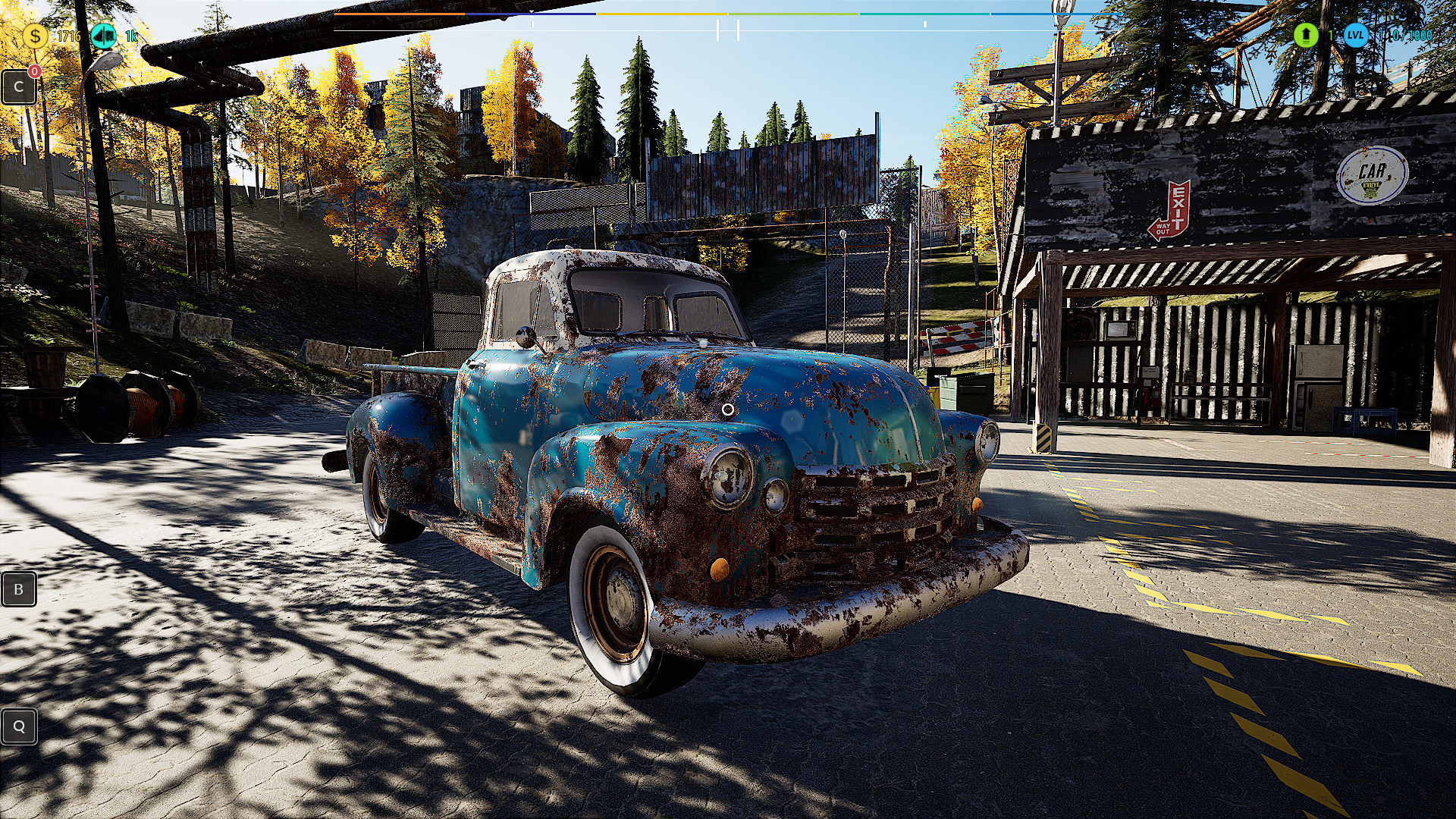
Resetting vehicles does not cause them to stay in the air without physics like e.g. pickup1950
Fixed an error in counting time outside the lot
Lot earnings balance correction so that after 8 hours the player will be able to make up $2,000,000 in Debt for purchasing the lot
Fixed loading when turning on the computer so that the upload does not stop when turning on
Optimize the drop that occurs when returning to the lot when there is a lot of data to load
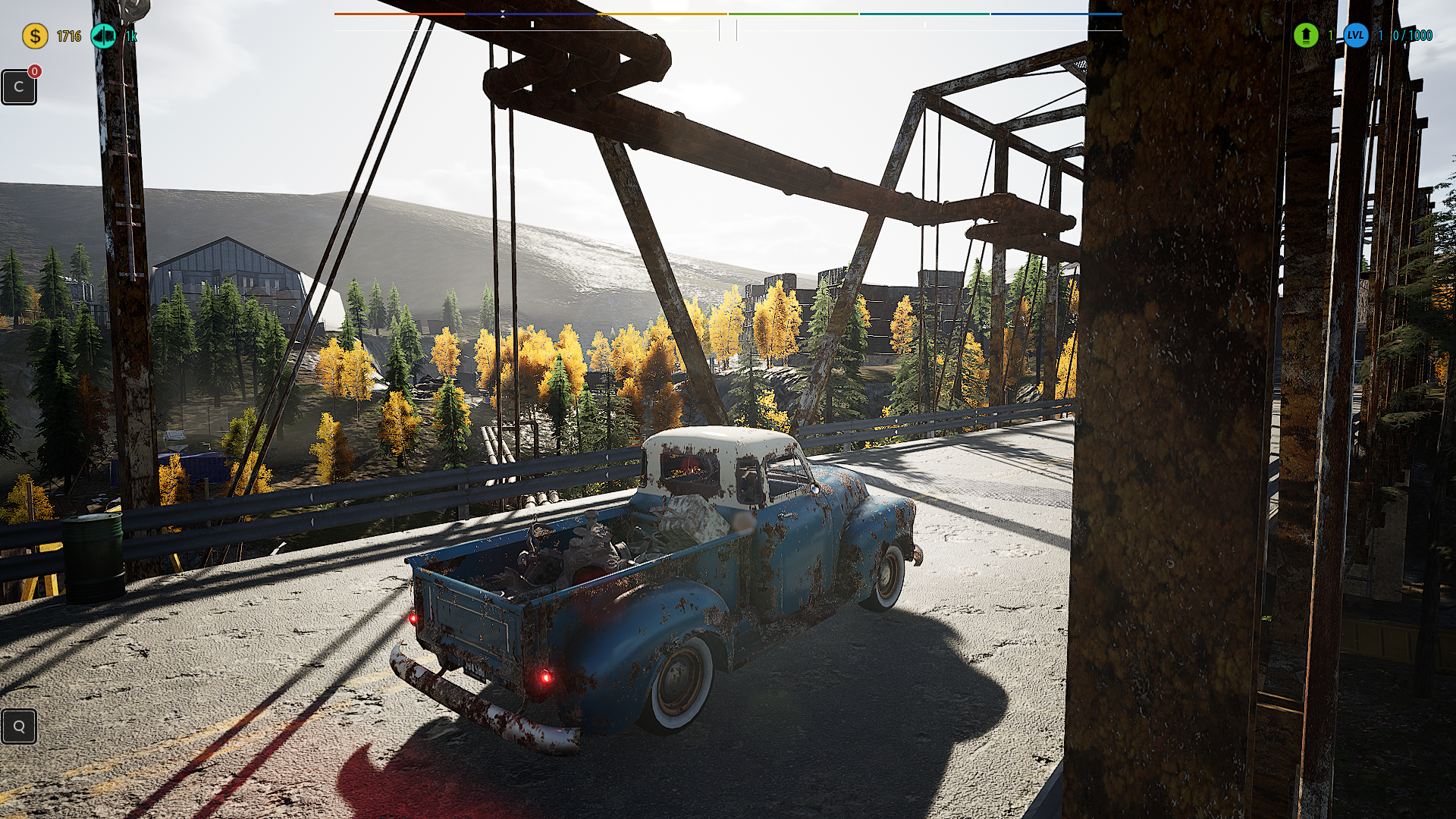
Fast travel and the spawn of the 1950 pickup truck do not cause a traffic jam in the large junkyard
Fast travel and pickup truck spawn1950 motel - the vehicle was blocking the access road for AI traffic
Optimizing street traffic near a large scrapyard where a vehicle collision could occur and a huge traffic jam could occur
Cosmetic UI fixesr
Please continue supporting us by sharing your thoughts and ideas. Your activity is crucial for game development, and we look forward to further feedback from our fantastic community!ːsteamhappyː
Also please support us in the review section ːsteamthumbsupː
Hotfix v.2.2.1C
Increasing the number of employees to 32 on the new plot - at the request of players
Balancing earnings on the plot. Lot areas now earn anywhere from $15,000 to $35,000 when fully built out and hiring all possible workers
Hiding computer icons and messages when we go outside the lot area
Stopping the time on the lot when the player is not present - we are working on an external clock that will not stop. We need time to make changes
Improved hiding of icons so that only one remains after leaving the lot
X3 increase in experience gain rate for Wall Painting, Torch processing and Wall Building
Improved tool upgrade. Now the Level 2 tool speeds up work by X2, and the Level 3 tool speeds up work by X3
Changed the position of the fee or profit prompt so it doesn't overlap with the item processing information in the middle of the screen
Making the tabs in the Parcel Computer have more transparent data. Now only the Fees tab shows detailed fee data at the end of the list
Adding the ability to change all Lot Signs for a given format at once after selecting the appropriate Check Box
Fixed loading the number of employees. Employees will now be updated to the currently set number on older saves
Fix vehicles rolling down hills so that vehicles don't go downhill on their own
The parking position of an old pickup always causes a traffic jam. (Correct the spot from the screenshot)
Fixed unwanted objects moving with the Pickup 1950 vehicle during Fast Travel
Securing Quest item icons while driving the Pickup 1950. Now, when driving in the back of the vehicle, they are hidden until you exit the vehicle
Fixed Quest Items disappearing when clicking Enter to enter the Challenge. After returning, the item will be in the place where the player returns after the Challenge
In the pause menu, enable resolution (windowed) selection from the in-game options without having to go to the main menu
Please continue supporting us by sharing your thoughts and ideas. Your activity is crucial for game development, and we look forward to further feedback from our fantastic community!ːsteamhappyː
Also please support us in the review section ːsteamthumbsupː
Hotfix v.2.2.1B
Improve cursor centering for all mechanics such as eye view, vehicle renovation, and tool work
Fix bug with Mercury and not being able to transport it to the workshop
Fixed an error reported by a player regarding the possible overlap of two Sign Editions at once and the character being blocked as a result
Correct the overlap appearing of the tape over the entrance road to Bob's zone, when viewed from the area of the entrance to the Lot
Increase the interval for Fees, Employee Experience, Payouts, Happiness - from 40 minutes to 4 hours
Change the German translation for the plot of the following words: "Aktie" to those suggested by the player "Lagerbestand" "Loscomputer" to those suggested by the player "Parzellen Computer" "zu voll" to those suggested by the player "bis voll"
Please continue supporting us by sharing your thoughts and ideas. Your activity is crucial for game development, and we look forward to further feedback from our fantastic community!ːsteamhappyː
If you like our game let us to know ːsteamthumbsupːːsteamhappyː
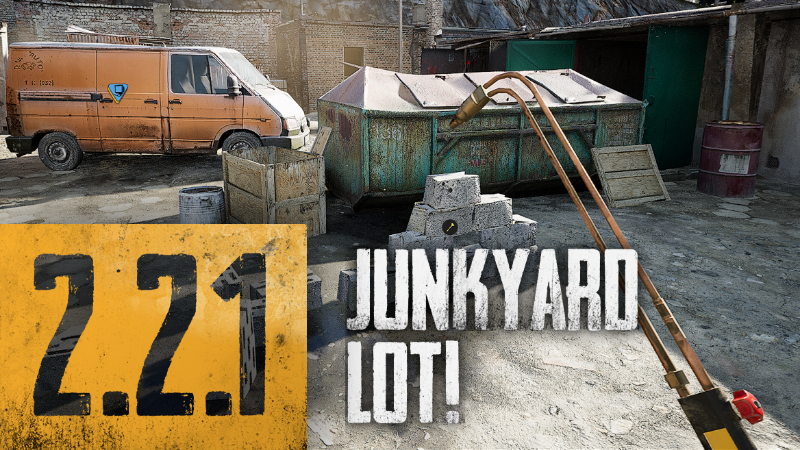
Hotfix v.2.2.1
Traffic at the scrap metal exchange blocked the road, the spawn amounted to about 27 cars blocking the road
Restore Q/B/F/C navigation to tasks, backpack and task from controller position (dpad) after switching between pad and keyboard
Fix switching from the controller between the small crusher and the car parceler gamepad - keyboard
Disabling Tutorial Popups. Now you can see the tutorial just by clicking "T" to enable the widget and choose the right one
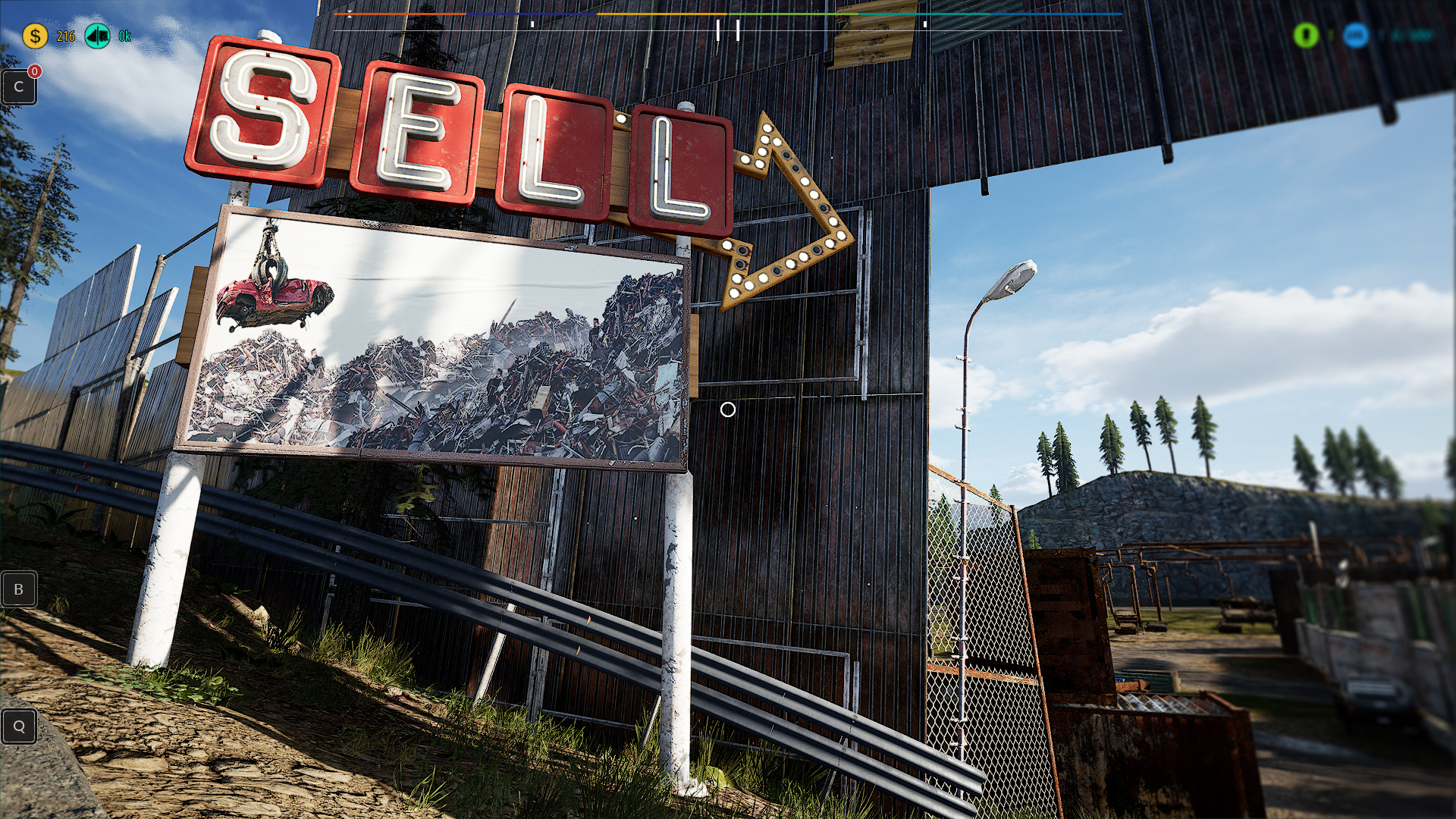
Added fast travel to the lot Junkyard area
Change the style of the widget for purchasing colors and upgrades for the Tow Truck, Pickup Truck and Truck. Fix color consistency so that the color you buy matches what you get (old bug reported by players)
Move the cardboard from plot A to the shade where it will be more visible - many players could not see it in the sunlight of the day
Make more space for parking cars next to the Junkyard lot
Change the Failure time from every 90 minutes to every 4 hours
Added explanation of the Furnace icon to the Legend on the computer - the red icon that many players asked
Adding to the Legend on the computer regarding the new area
Areas that have no employees gray color, not counting losses and profits, stopping timers for fees and failures
Adding 25% more wood raw material because the player claims that he needs this amount to fully expand
Turning off the eternal orange button illumination for the first Tow Truck on the list when purchasing another one
Make sure to move items on the truck to reset your Pickup 1950 so that they move with the vehicle
Improved NPC vehicles collapsing on the straight at the scrap yard by changing the LOD
Improve the speed of getting in and out of pickup1950, tow truck, truck and pickup vehicles so that the time of getting out and door animation is not inconvenient
After entering the crusher, the number of NPC tasks left without the gamepad icon
Removal of sound when clicking on the vehicles tab in the Upgrade panel
Disable (loop hit) the loading sound when fast traveling and vehicle reset when items move to a new location
Increasing the percentage of acceleration in Walking and Running from 5/10% to 10/20%
Increasing the respawn time of searchable piles from 30 minutes to 60 minutes
Fix Checkbox for message when exiting the game. Selecting the "Don't show again" option will never show us this message again
Block the mesh entrances at the tape intersection near Bob's Area
Reducing the number of items in quest 19 and 23 to avoid a crash on weaker computers, and these are the only quests with such a large number of quest recs
Fix Junkman's Task at the factory near the laundry, change Reck to another one because one of the current ones falls below the level for some reason
The particle wheels were turned on after leaving the vehicle
Removal or relocation of too hidden Dirt Spots on the lot
Please continue supporting us by sharing your thoughts and ideas. Your activity is crucial for game development, and we look forward to further feedback from our fantastic community!ːsteamhappyː
If you like our game let us to know ːsteamthumbsupːːsteamhappyː
New mechanics - Junkyard business!
The update introduces an entirely new mechanism for buying, managing, and expanding Junkyard Lot.
Now you have the option to purchase a parcel with accumulated funds or take a loan to kickstart your junkyard faster! Conduct upgrades on the junkyard lot, fix any technical breakdowns, and ensure it remains profitable.
Don't forget to compensate your workers, as only satisfied staff will execute their duties flawlessly. You can hire additional employees to assist you in the day-to-day tasks on the junkyard lot.
Devlog Video Our team has enhanced the vehicle driving model and reduced the risk of vehicle rollovers on curves and uneven terrain.
Additionally, we've implemented new controller handling mechanics. You can now test all game features using a controller. Let us know your impressions of using the controller.
We have optimized the game, reducing its size by another 700 MB. Work on optimizing the game will continue.
Thank you for reporting the discovered errors. Many of them have already been fixed based on the error reports provided by you.
We appreciate your assistance, feedback, emails, and private messages. You are the best scrap enthusiasts! ❤️❤️
Enjoy the game like never before! We're back to work to prepare another exciting update for you.
Stay tuned. 🙂
Hotfix v.2.1.5
Hotfix v.2.1.5
1. Size of the game is reduced by 600MB
2. Autosave is working every 5 minutes. The game will not autosave until you get out of the vehicle. An indicator will notify you when the game is making autosave.
3. Slot upgrades for Pickup and Truck are fixed
4. Achievements are updated. From now the game counts achievements correctly at the launch.
5. Weather - you can disable weather randomization and enjoy the Sun all the time. :
6. Tow Truck is locked until you finish Quest 2.
7. You can remove cars from Unloading Station and the Mini Crusher Area with Unloading Control Panel.
8. Fixed issue with unloading the Tow Truck. When you unload a car from the Tow Truck with the "Remove car" button, the car will get restored in the right place into the game.
9. Fixed an issue when the player is using a game tablet and tries to drink a beer.
10. From now you can select the right tool with the Tool Menu [Alt] when you're maintaining a renovation.
11. Fixed an issue when the player is using a Tablet and tried to reach the Tool Menu with the [Alt] key.
12. Fixed an issue of the front and rear bumper passing through elements during the blue challenger renovation.
13. Fixed an issue when a player tried to use a Backpack when she/he was using Vehicle Reset Menu.
14. Fixed an issue when a player tried to use a Vehicle Reset Menu when she/he was using a Backpack.
15. We reduced the number of particles inside the Crusher to improve performance on low-end computers.
16. We improved fonts visibility of the Tablet interface
17. Fixed an issue with a quest marker in Quest 3 - Wreck Transportation - 6/13 - mark the wrecks and approach them with the Tow Truck
18. LOD fix for convoyer belt panel
19. Fixed a bug with the tow truck disappearing
20. We added a mechanism that prevents the Two Truck from being unloaded too early at Quest 3 - Wreck Transportation - 9/13 - Deliver wrecks to unloading station
21. The trunk lock and trunk lid are now one dismountable item.
22. Crosshair fix, now it returns on the screen when you get out of the vehicle.
The new car is available!
We also brought back the option of putting all physical objects *manually* on the truck crate. You can buy the Pickup 1950 from some NPC's.
For more information check the "What's new?" section in the game menu.
The update also includes:
- Increase of crosshair (players request)
- A fixed collision of selected overlapping objects
- Bigger shaders differentiation of cars on the junkyard
- Fixed issue with the tow truck's flasher beacon
- Fixed lack of rolling wheels sound from vehicles
- Fixed the center of gravity in vehicles. They won't roll over so much on road corners
- Fixed an issue with turning off the cart sound after passing a speed bump on the road
- Language settings are kept after resetting the game
- Keyboard settings are kept after resetting the game
- Visual improvements (sky render, game area) and further optimization resulted in a decrease of the game size by 400MB
- Increased landscape visibility horizon from the cars cockpit view (first person)
- Fixed problem with losing enabled icons on the map after saving the game
- Optimized the number of icons on the map for Junkman's Orders
- Added a screen dimming during car resetting
- Added a new task that allows the purchase of Pickup 1950
- Fixed an issue causing crashes during moves of the large map when all icons are enabled
- Fixed an issue with Junkman's Orders icons on the map
- Redesign of vehicle reset menu - we replaced the wheel menu with a square menu
Hotfix v.2.1.3 - Update
Further game optimization increased the FPS from 4 up to 12, depending on the location in the game. We are constantly working on it. The game increased fluidity, and we got rid of many stutterings – which we will keep fixing until release.
We changed and optimized the shader system on objects. Now they are loading much faster and display textures in higher quality.
We decreased the game’s size from 21GB to 14GB, which will affect the download speed of updates - something longed for by players who have lower bandwidth.
We fixed the issue with mouse sensitivity settings not being saved.
Many minor UI fixes, connecting more game elements to the controller, etc.
We are about 60% done with moving mechanics from the old engine to a new one. Work is going well, and you should expect another big update at the end of January. We need more time for tests because testers have not checked the mechanics yet. As you all know, December is a time to catch a breath before kicking off with new energy next year.
We will share the early build on the testing branch when we get a green light.
Junkyard Simulator Nomination
Greetings People of the Junkyard!
As you propably already know, the Steam Awards are coming - and there is a chance to nominate Junkyard Simulator to this! We know that there is still a lot of work ahead of us, but if you would like to support us, we will be very pleased! Please consider nominating our game.
Thank you! :D
Hotfix v.2.1.2 - Blurry textures
We have good news – we’ve managed to fix the loading textures issue for graphics cards with less than 4GB memory, eg. 1060 3GB, 970 4GB – of course, it’s weekend and we could check it only on a very small scale.
We will make a bigger test next week, but you can download the new version and check it now. Work on this fix is ongoing, So this update is still in the test phase. However, we have very good feedback from our internal tests.
Thank you very much for your patience and feedback! We wouldn’t know about the problem without your help. Please let us know in the comments your thoughts on the update.
To download the right version make sure you are on a default branch.