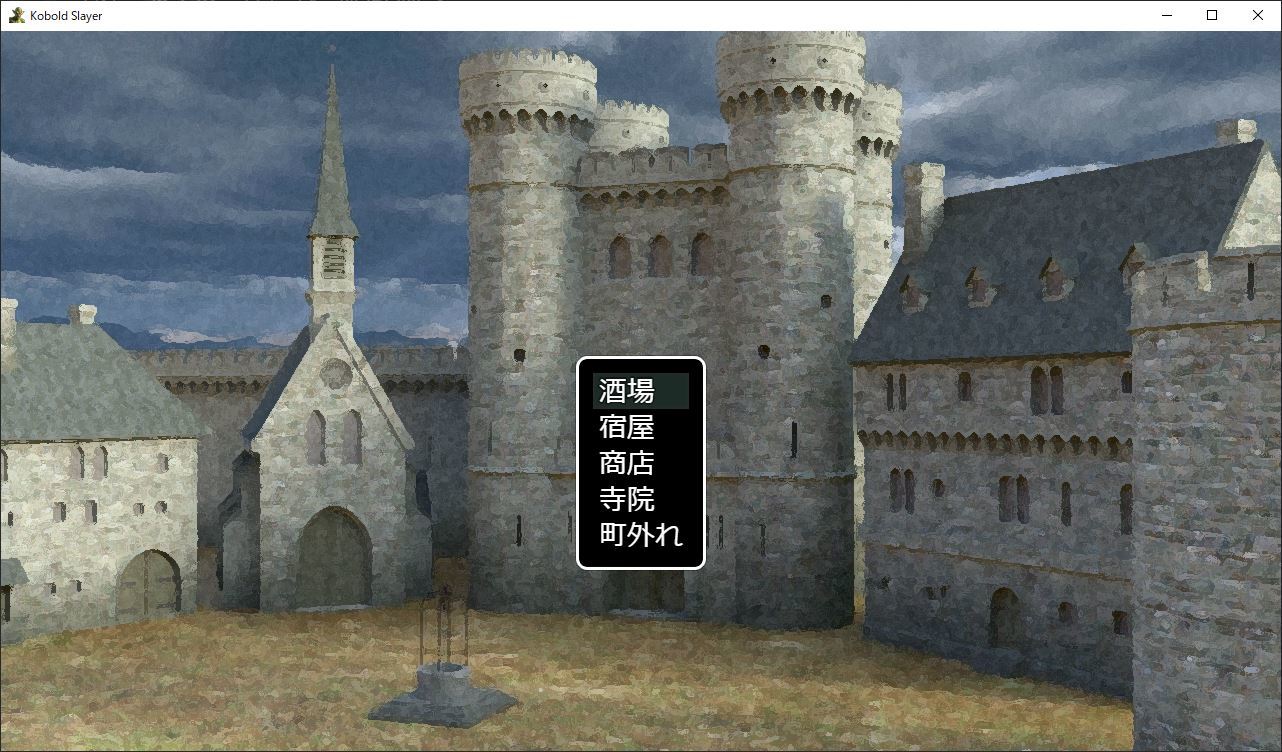
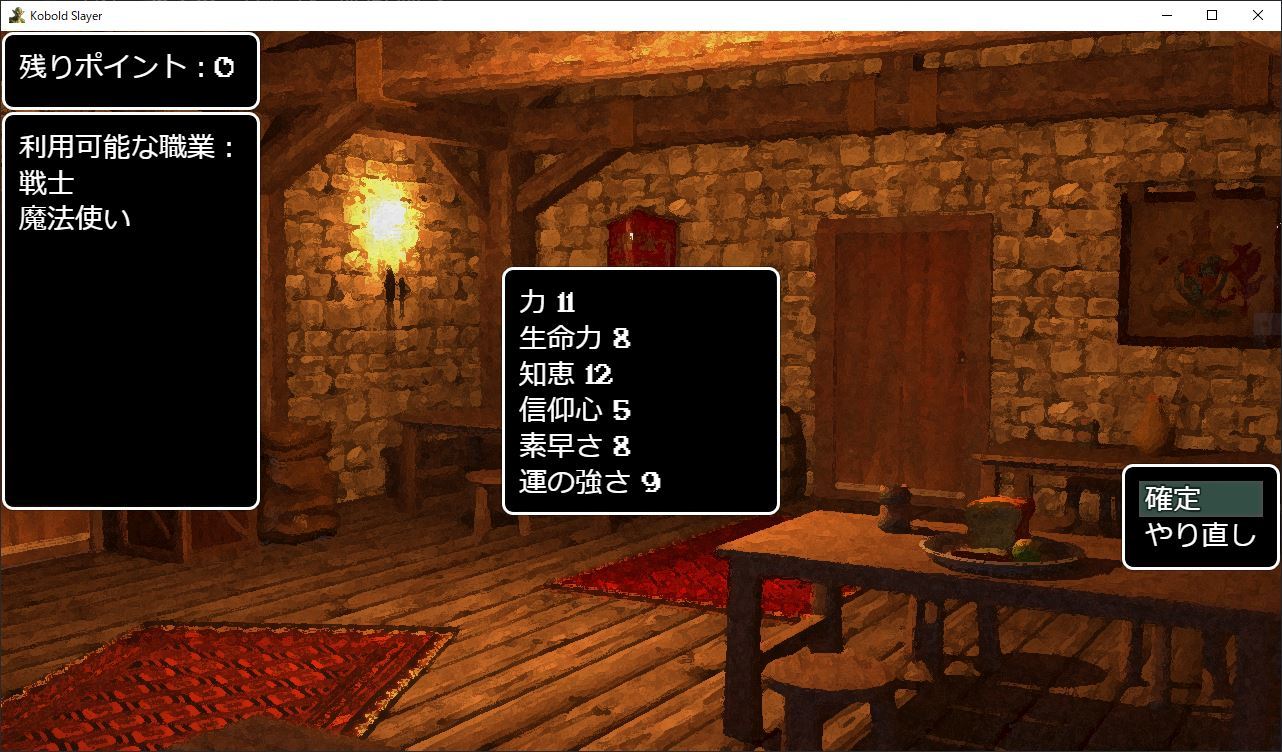
In this update Kobold Slayer now supports the Japanese language.
How to enable Japanese:
1. In the games title screen select options.
2. At the language selection press enter to switch the language to 'Japanese" or "English"
Thank you for your continued support of Kobold Slayer.
July Update
Bugs related to character creation and saving have finally been addressed! Gameplay difficulty has been adjusted as well for more balanced gameplay!
You can now toggle the character faces while in the dungeon when pressing the SHIFT key, or X on the controller.
A full list of fixes in this update:
Fixed bugs related to creating a character when starting a new game.
You are now able to toggle the character faces in the dungeon pressing the SHIFT key or by pressing the X key on the controller
Adjusted Difficulty for more balanced encounters.
If you were facing problems leaving town and running into bugs reported related to the Harold character, these have been fixed so that Harold will automatically be erased when creating a character for the first time. Harold was never meant to leave the town, once Harold is replaced with a new character with a job, you will be able to leave town. So it is advised to start a new game from scratch if you have been running into these problems related to this bug.