

Koth
V2 Released
For this release, we've added a new Classic mode, which may be vaguely familiar to those of you who remember, shall we say, a game similar to this one from a good few years back. Not the same of course, but similar.
Thanks to Robyn for supplying us with the model for the new Avatar, Yes, we have an asset now! Just the one, but still. Woop, woop. Maybe for version 3.0, we'll add a texture. Who knows.
Thanks for playing.
Nearly there
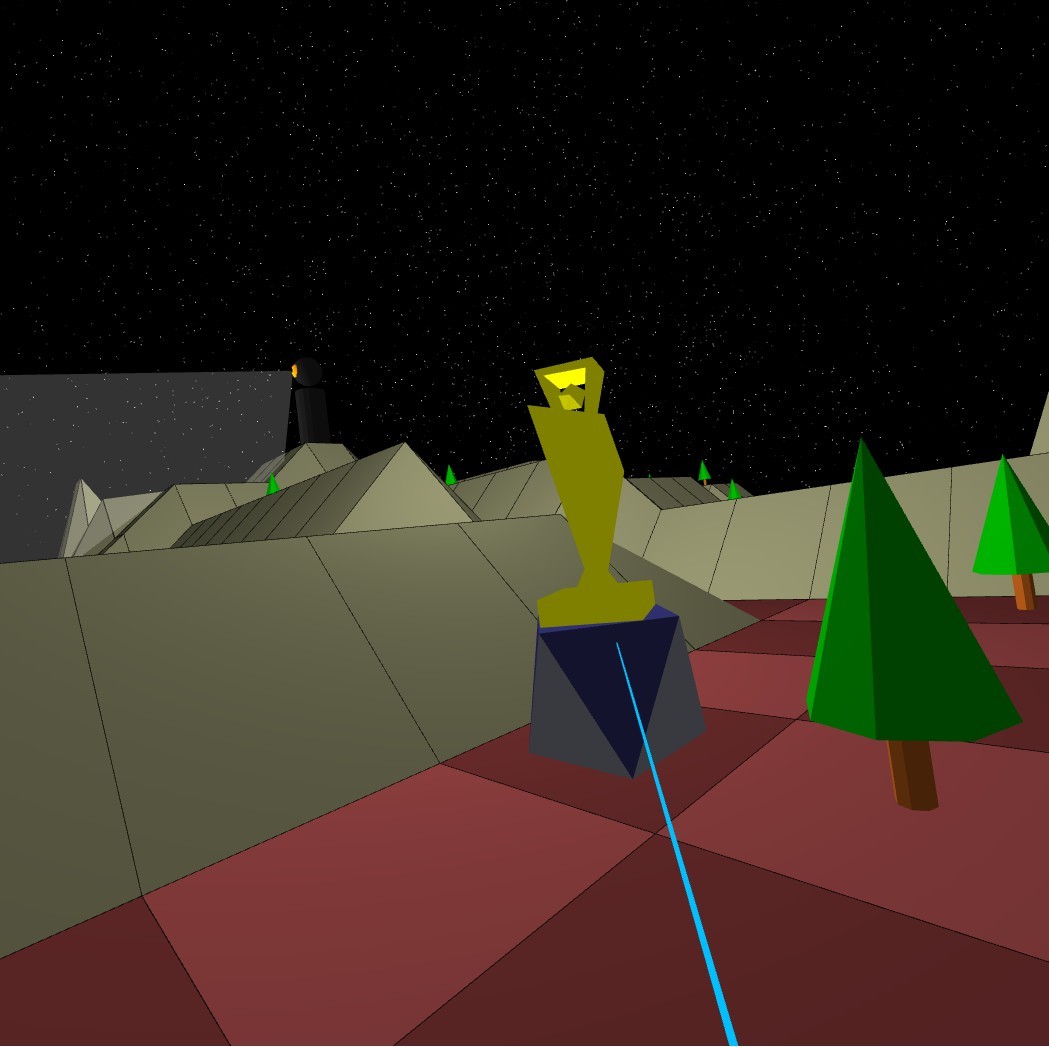
A final beta is now available on the beta branch. It's been a while but V2 is almost here.
In this latest version:
- Leaderboard option to show top scores
- Better support for Valve Index Controllers
- Energy bar broken up a bit
- Lots of tutorial updates/fixes
- Other minor fixes.
v2.0 beta
In this mode, movement is more difficult and requires consideration. You first must spend 3 energy points building an Avatar on the square you wish to move to. Then you can teleport into it and finally (if you're sensible and you have the time) you can absorb your old Avatar to get 3 energy points back. There is also no time measurement in this mode. All that is recorded is how far you can get.
The original mode is now known as Arcade Mode.
To have a play with the beta, change to the beta branch under Koth properties in your Steam games list.
Comments, suggestions, bugs: koth@abbeytek.com
Many thanks for playing.
New Release: v1.2
We've also made the active controller swiching more dynamic so you can freely switch between controllers in game just by operating them.
Many thanks to Jay for making this release possible. He has recently joined the development team and brought some good Rift expertise.
New Release : v1.1r2
New Release : v1.1r1
The main change is to the Koth itself who's had a small makeover. I won't spoil the surprise by telling you what it looks like now but... oh wait...
We've also tidied up the lobby a little and made sure that that guy with the long steam name doesn't overlap the edge of the highscore table.
As always, thanks for playing.
New Release v1.1
Mouse - Look Around
Left Mouse Button - Move
A - Absorb
S - Spawn a box
New Release v1.0r4
Oh, and if no VR is detected, it will run in a new desktop mode and you can use the keyboard and mouse. (If you have VR, you can force this by setting -novr as a command line argument) This is currently in beta and not yet fully complete but if you do give it a go, let us know what you think. Feedback is always welcome.
Thanks for playing.
Coming soon to non-VR PCs
https://youtu.be/KeI9mlcQuvk
New Release v1.0r3
We've started with the controller beam which, fair enough, was a bit TOO retro. (In fact, we hadn't changed it from the original example code. Disgraceful, really.) We think you'll like the new, more dynamic beam.
We've continued to fight with the Steam Leaderboard API and there's also a small fix in for ensuring that if you reach a level with an empty leaderboard, it will display correctly.
That's all for this week. Thanks for playing.