Libra's Mini-Episodes Are Now Live on Steam (10% Off Launch Discount!) Bikini Pillow Dakimakura Giveaway Ending Soon!
Vampire Princess Army,
Happy Monday!
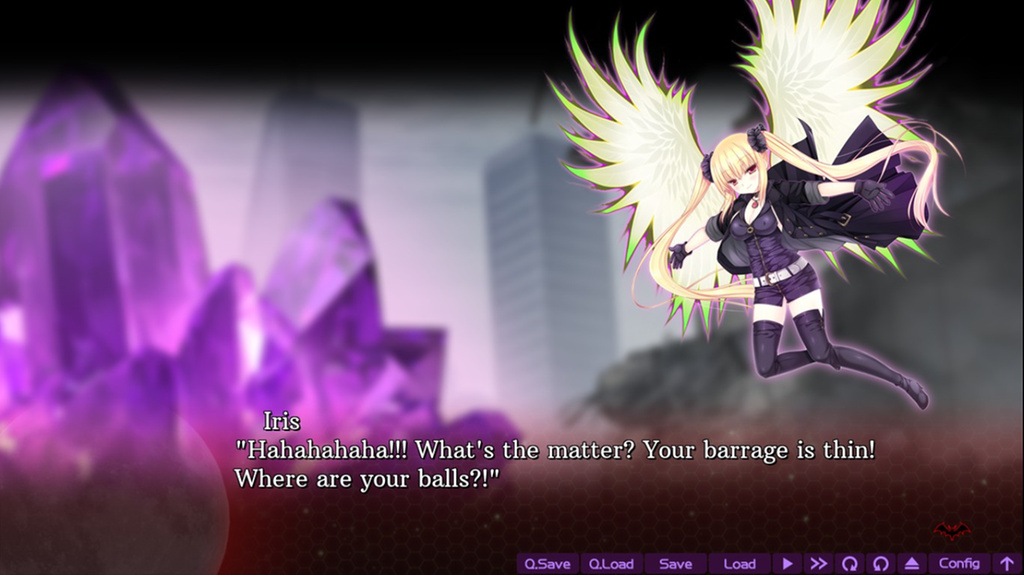
This is a friendly reminder that Libra's new mini episodes, Lycoris & Aoi in "The Promise" and Iris in "Homeworld" are now available on Steam! *Cheer*!
If you don't own either game yet, now is the perfect time as we are offering a special launch discount.
Launch Discount: Digital Game + Mini Episode Bundle!
Exclusive: For one week only, save 10% off both games when you buy at our official Libra shop Lv XERO!
So, are you ready to travel back in time and unravel more of the mystery behind Irs, Lycoris and Aoi? Head over to our Lv XERO and pick this special bundle!
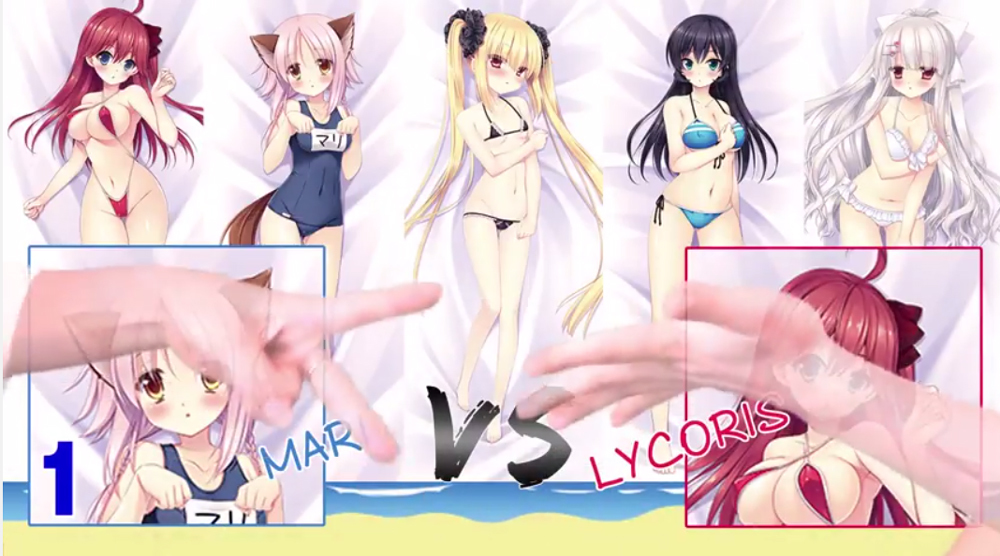
Ending Soon: Biki Dakimakura Giveaway!
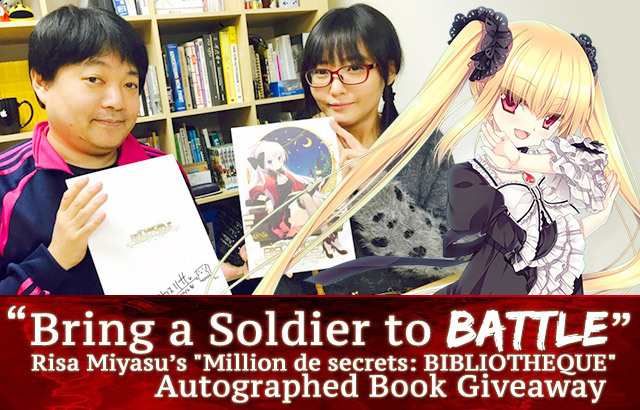
In case you missed it, we're still having a special giveaway as part of Libra's Steam launch! Anyon can join, and participation is simple. Why not take a few moments and help us spread the word that Libra is available!
Onward to Victory! ːsteamhappyː
Libra of the Vampire Princess Steam Patch Update (v2.50)
Greetings,
Below is a summary of adjustments we've made to address issues that were affecting a small number of Steam users.
Misc. Gremlins
Fixed a program stopping phenomenon under specific conditions when the game is preparing to complete an animation.
Fixed a page stopping phenomenon under AUTO mode in specific situations where [AUTO] stops with blinking icon.
Removed break line code that is not following Windows ASCII specifications.
Improved Memory Management
We've made some improvements to memory management. However, under certain computer environments where memory fragmentation can happen easily, issues with the game stopping may happen more than before with this update.
In this case, please revert to the former memory management settings by doing the following:
If the game is running, please shut it down.
Open Steam and go to your Library page.
From your list on the left side of the window, put your mouse cursor on “Libra of the Vampire Princess”, right click. Then select “Properties” from the context menu.
Open the LOCAL FILES tab from the property window, then click the top button “BROWSE LOCAL FILES...”
The folder where Libra is installed will open. Double click on the file RIO_INI_Setting.cmd (It shows two gear icons, name is “RIO_INI_Setting”). Then the command prompt will open.
Change game engine settings below:
6a. Select type of reduce memory fragmentation to “1 Type1(default)”.
6b. Select video format to “2 force mpeg”.
6c. Select video playback option to “1 auto(default)”.
After step 6., save the command prompt and close.
*If the movie causes the game stop (for example, after the game starts the Caution screen appears and then the game stops), please go back to Step 6. and choose “3 force wmv” from “Select video format” or select “4 disable playback” from “Set video playback”.
This may sometimes improve the problem. Libra uses these types of movies only on the title screen and for scene transitions, so if you turn off these movies, it will not effect your ability to understand the story.
Thank you! ːsteamhappyː
Libra's "The Promise" and "Homeworld" coming very soon!
In case you didn't already know...
Two fresh Libra backstories + new characters will be here very soon! ːsteamhappyː
For more info, check out our Coming Soon page!
http://store.steampowered.com/app/644680/
It's the weekend! *Woofooooo*!
Happy Weekend!
This is just a friendly reminder to bring your favorite waifu to the park for some fetch!