

Lion Quest
Lion Quest 1.6.3
Lion Quest 1.6.2
- Fixed an issue with the Animal Maker fill button not working properly with a controller
- Further small adjustments to the Animal Maker
- Fixed an issue where the mouse would display twice on Mac if using the new fullscreen 'Game Mode'
- Engine upgrade
Lion Quest 1.6.1
Lion Quest 1.6.1
- Correct splash screen returns
- Pausing now mapped to both esc and p keyboard keys
- Controller glyphs are no longer shown if the esc key is pressed
Lion Quest 1.6.0 – Animal Maker
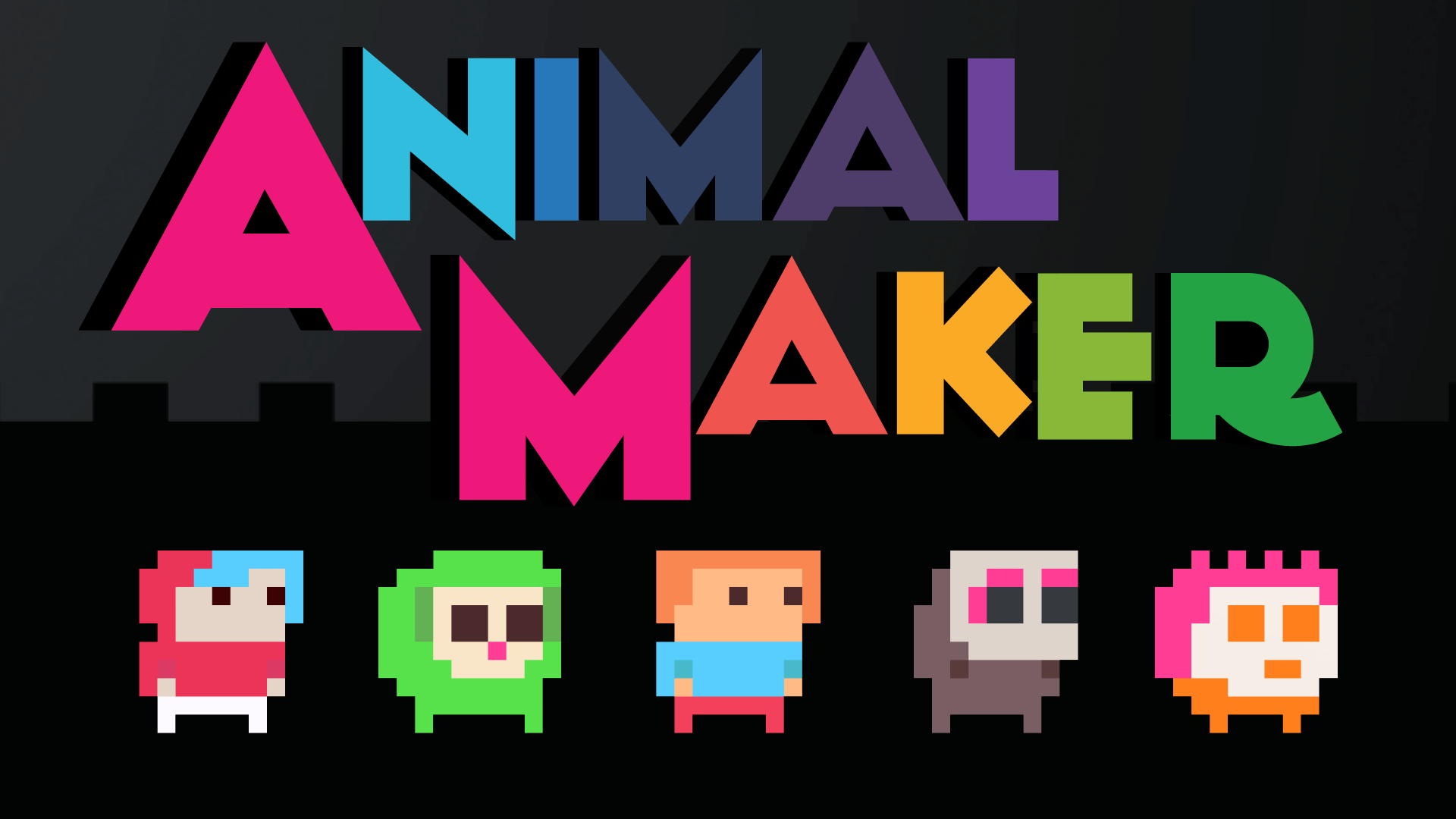
Did you know that it's been seven years to the day since the release of Lion Quest? It surely has been, and now FINALLY you can make your own animal. Welcome to Lion Quest 1.6.0, an exciting new update to the game which adds in a character creator called the Animal Maker.

With the Animal Maker you've got all the tools needed to modify your existing character (e.g you can change their colour or give them a fun hat), but it's also flexible enough for you to create a brand new design. The only limits are your imagination and the 10x10 square grid!

Save and Share your characters
Once you're done you can save your animal as a code on your computer and then load it back any time. It's also super easy to share, codes can be exchanged and loaded as .txt files. You can also copy the character code to the clipboard using EDIT ––> COPY or paste one in by pressing EDIT ––> PASTE.
Here's some characters I've made. This even includes Jimmy the Sloth, who was featured in Sloth Tales and Lion Quest Infinity, but wasn't previously playable in the original Lion Quest.

00000000006906906906906906900000006906906906906906906906906906906906700400400400400400406706906906700409809800409809806706906906700409809800409809806706906906900400400402600400406906906906906900400400400406906900006906906906906906906906900000000006906906906906906906900000000006900000000000000006900009908401
00000004904904901801801801801800004904904901801801810710701800004904910710709910710709901800004904910710710710710710701800000004910710710710710710700000004904904904904904904904900000004904804904904904904904800000004910704904904904904910700000000011511511511511511500000000000011500000000000011500000016715701
00001601601601601601601601601600001601608808808808808808801600001601608808809808808809801600001608808808808808808808801600000008808808808808808808800000005305305305305305305305300000005305405305305305305305400000005308805305305305305308800000000002302302302302302300000000000002300000000000002300000016615601
00000000000300300300300300300300000011700300302602600302602600000011700302611711700311711700011711700302611711700311711700011711700300300300300300300300011711711700300300300300300300011711704811711711711704800000000011711711711711711711700000000011711711711711711700000000000011700000000000011700000010009201
00000002600002600002600002600000002602602602602602602602602602602602600200200200200200202602602602600201701700201701700202602600200201701700201701700202602600200200200200200200200202602600200200200201701700200200001701701700200200200200200000000001701701701701701701700000000000001700000000001700000009211301
00000010010010010010010000000000010010010010010010010010000010010010010010710710710710710710010010010710709809810709809810010010010710709809810709809810010010010710702010709810702010010010010710710710710710710700010010010010710710710710700000000010010010010010010010000000000010000000000000000010000000900901And just to confirm, you copy any of the above codes and then from the Animal Maker screen you press EDIT ––> PASTE to load them in. Then you go FILE ––> DONE to return to the game as your new character.
Some tips for making your own animal:
- There's a new icon on the level select labelled AM (which stands for Animal Maker) to look out for. But you can also just select Animal Maker from the pause menu on the level select, and this is the easiest way to load up the character creation screen.
- Your character should face right slightly. If you draw them facing left then it will look like they're walking backwards in the game.
- The bottom row of the grid is animated, so here's where your character's legs go
Also important to know is that the customisations are made over whatever character you're playing as when you open up the Animal Maker. This means progress, stats and special abilities (such as Roy the Pig's double jump) are all inherited by your custom character.
Oh, and the characters created here are fully compatible with another game I've made called CAPITALISM The action board game for one player. You can copy and paste codes between the two games, use the same custom characters and even copy over your favourite animals from Lion Quest into that game. Here's the code for the main Cowboy character, who you can now play as in Lion Quest:

00000000000000100100100100000000000100100100000000000000100000000100000000000000000000100000100100100100100100100100100100000100100100000100100000100000000100100100100100100100100000000100100100100100100100100000000100100100100000000000000000000100100100100100100100100000000100000000000000000100000012808001How do I stop being a custom character?
Either change animal from the character selector screen or open up the Animal Maker and go FILE ––> RESET
Is anything else new?
There's a couple more minor fixes and optimisations that have also made their way into this update, as well as a new custom cursor used in the rest of the game.
---
That's all for today, have fun making your animals.
Lion Quest 1.5.2
Lion Quest 1.5.1
Lion Quest 1.5.0 – The 2023 Update
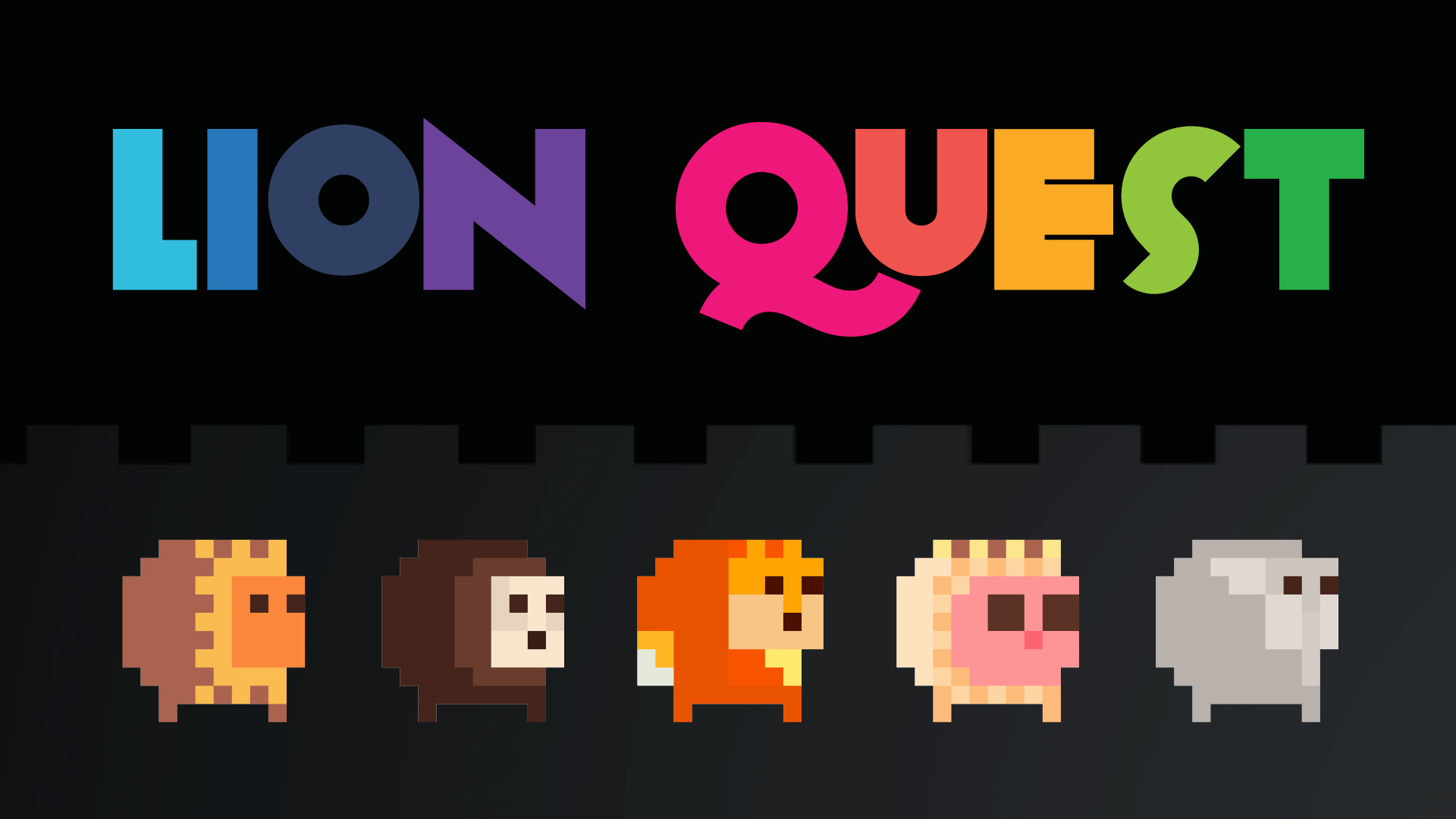
...And we're back. Lion Quest returns with a new update for 2023 and yes, it's been a while. I've been sorting out a couple of bugs that were bugging me with this game and now here we are. Lion Quest 1.5.0 is live and here's what has changed:
- All switches swapped to pinhweels. In terms of mechanical changes, this is the most notable improvement to the game. I've taken the pinwheel switch design from Lion Quest Infinity and retroactively fitted it across all switch instances here too. This means that switches still look the same, but now when you jump into them they spin (like a pinwheel) making it much clearer that you're interacting with them. If you jump into a single-use switch for a second time it now explodes, making it much clearer that you're now done with that switch.
- New input system. This solves a whole bunch of issues for me as all three versions of the game (Windows/ Mac/ Linux) now use the same input system. What this means for you is support for more controllers, consistent input controls on Mac, and rumble support on Linux. Oh, and better keyboard support (you can now use WASD for input in the 1 player game).
- Keyboard and controller button glyphs. These are now used when presenting tutorial information on-screen. The game also automatically detects if you're using an Xbox or PlayStation controller and shows the appropriate icons.
- Music optimisations to stream high quality audio without compromising the game's performance
These are the most significant changes but there's also many more smaller tweaks that have been made which are as follows:
- Revised text on options screen
- Fix for returning to menu from Tutorial 5 level
- Mouse support for pause menu
- A lot of text assets have been swapped to high-res
- Removed the use of the F button for toggling fullscreen (this is mostly because F is dangerously close to the D key, which is now a problem that WASD input is supported).
- Improved game performance
- New mix for Outer Space level music
- Engine upgrade
That's all for today. Thanks for reading, thanks for playing.
Lion Quest Infinity launches on Steam
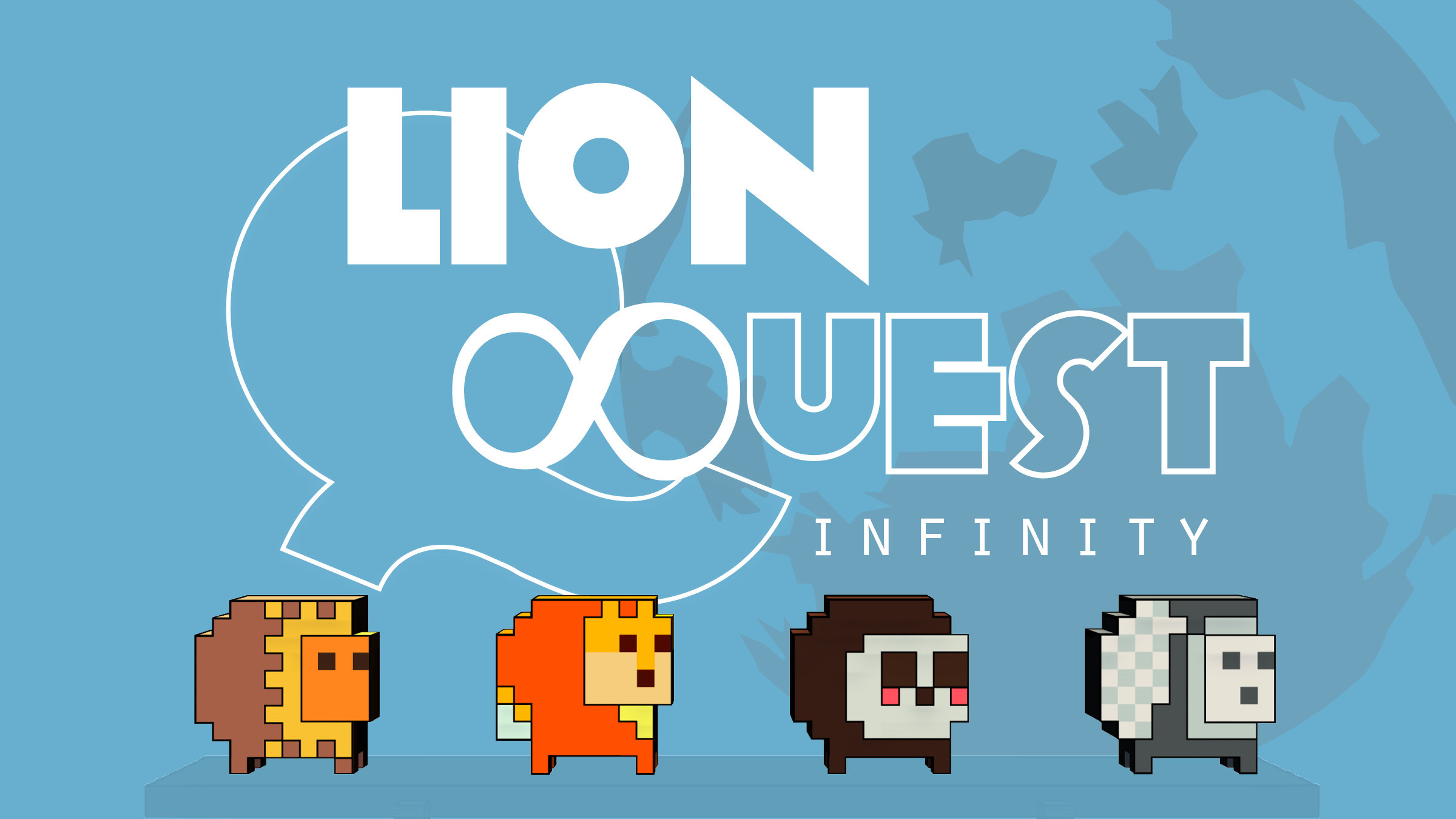
Hello! It's here. 2016 doesn't really seem like that long ago, does it? But here we are, five years on from the original Lion Quest. And today the adventure continues with the the release of Lion Quest Infinity.
https://store.steampowered.com/app/1384530/Lion_Quest_Infinity
[previewyoutube="WPeYv_0MVTA;full"]
Jethro the Lion and friends steal a magic grandfather clock and travel through time and space on an adventure to save the universe. By night that is, by day you're working an office job.

The game fully expands on the ideas from the original Lion Quest in every way. It's much more story driven but equally it contains bigger, more varied worlds and mind-bending puzzles designed to surprise and delight. If you enjoyed the original I am sure you will find it to be a wild ride that doesn't disappoint!

Lion Quest in 2021
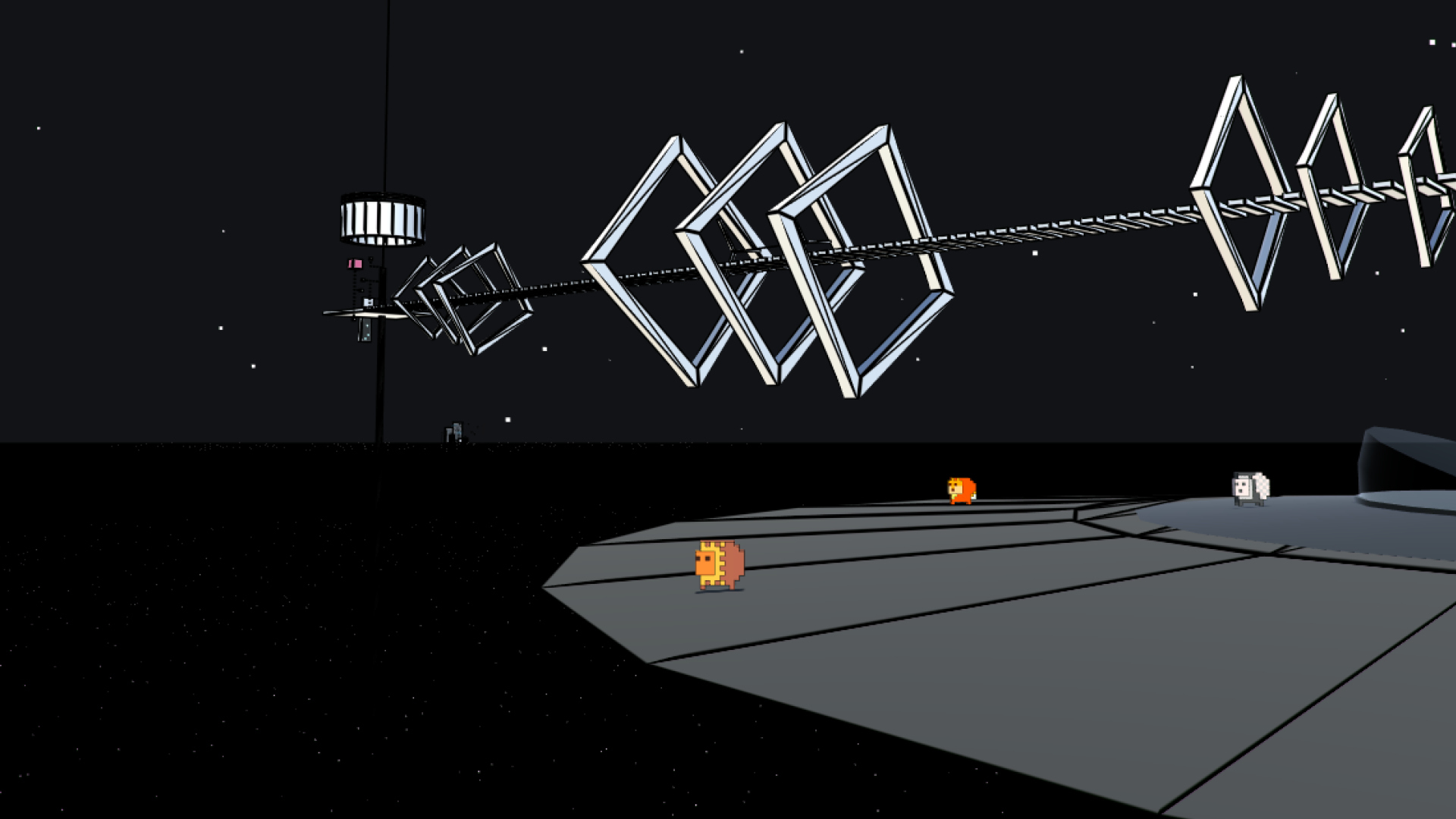
Hello and happy new year. Today I'm here to update you with some exciting news regarding the future of Lion Quest. The next chapter in the series, Lion Quest Infinity, will be releasing on the 5th March 2021.

I'm super excited to finally be able to share this game with you. After 4 years on non-stop development-good-times the release is finally in sight. Lion Quest Infinity brings the series into the 3rd dimension and promises to be the wildest adventure yet for Jethro the Lion and Jefferson the Fox. If you haven't already, you should definitely add it to your Steam wishlist:
https://store.steampowered.com/app/1384530/Lion_Quest_Infinity
Oh, and there's also the Lion Quest spin-off game which is available now and completely free. It's called Sloth Tales and should keep you occupied for about 30 minutes of that long wait until March 5th:
https://store.steampowered.com/app/1435980
Meanwhile things are not completely over for the original Lion Quest just yet...! I have an experimental but sort-of awesome new feature I'm currently testing and hope to add in as a free update later on this year (following on from the release of Lion Quest Infinity). So, y'know, look out for that too!
Thanks, and see you around.
Fraser