Little Witch in the Woods cover
Little Witch in the Woods screenshot
PC Mac XONE Series X Steam
Genre: Role-playing (RPG), Simulator, Adventure, Indie

Little Witch in the Woods

EA Release v4.14.5.0 Patch Notes

v4.14.5.0


  • Adjusted the selling price of Dye to be lower
  • Fixed an issue where the Witch Station was not functioning

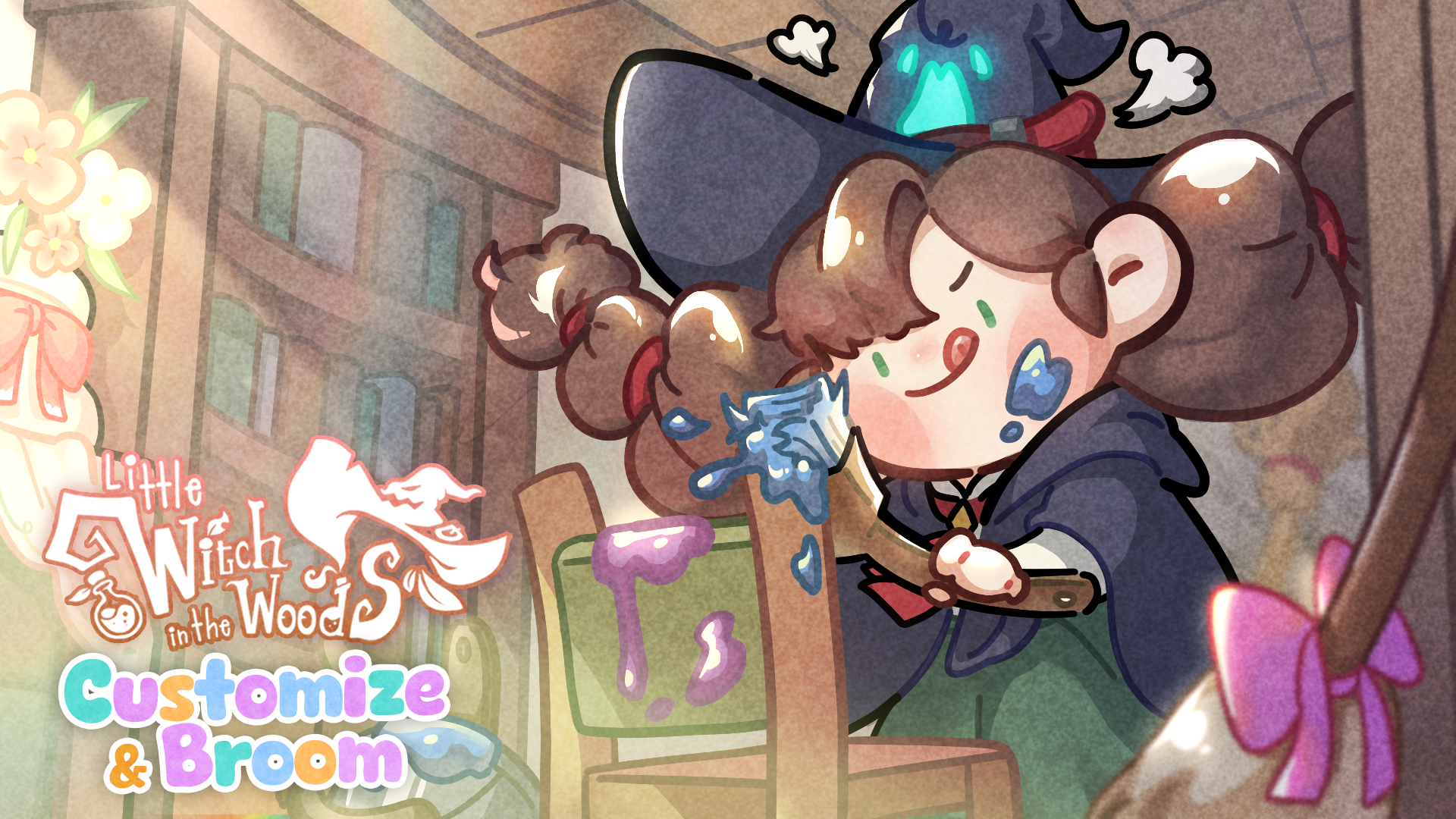
Customize & Broom Update!


[Developer Comment]

Hello, this is the development team SunnySideUp for *Little Witch in the Woods*.

It seems Ellie has learned “Customize.”
Now you can change the color and type of decorative furniture and brooms!

A witch needs a broom, of course.
New types and designs of brooms have been added.
Enjoy your witch life with the broom of your choice!

For more details, please check below!


Customize Feature Added


  • Added the ability to customize decorative furniture and brooms.

    • Decorative Furniture: Change color
    • Broom: Change color and type
  • Added Customize tutorial quest

    • “Furniture Customization”
    • Requirement: [Who Will Come Back? 3] [Repairing Your Broom] quests completed
  • Workbench overhaul

    • Added the ability to perform customizations at the workbench in the Witch’s Workplace
    • Updated the appearance of the workbench
  • Added two new material items for changing colors and types


Broom Overhaul


  • Added new broom types
  • Added broom tutorial quest

    • “Witch and Broom”
    • Requirement: [Performer off the Stage] [Repairing Your Broom] quests completed
  • Added nine new brooms
  • After completing the broom tutorial quest, “Alvin” will sell brooms.
  • Existing “Ribbon Broom” retrieval

    • With the broom overhaul, existing Ribbon Brooms have been retrieved.
    • Retrieved brooms have been converted to 350 Luna Coins each, which can be checked in the mailbox.
    • The Ribbon Broom can no longer be purchased from Diane or the Witches’ Catalogue.


Side Quest Added


  • Build a Small Bridge


Improved Decorative Furniture Usability


  • Removed the rotation key guide for furniture that cannot be rotated in Placement Mode
  • Added an icon to indicate items that can be customized in the item information view
  • Added “*” to the names of customized items


Repair Convenience Improvements


  • Added repair information by broom type
  • Added an auto-fill materials feature
  • Customized to display repair materials held in the inventory at the top


Resident Schedules


  • Added new schedules for residents in the Wisteria Village


Bug Fixes


  • Fixed an issue where time would freeze during the [Repair of the Witch's House] quest.

    • For save files where time has already frozen, the issue cannot be resolved. Please load a save file from before repairing the Witch's House to resolve the issue.

EA Release v4.12.9.0 Patch Notes

v4.12.9.0


  • Fixed an issue where saved files could not be loaded at certain times
  • Fixed an issue where some Cloud Geckos were not spawning correctly in Cloud Valley
  • Fixed an issue where actions would freeze during certain quest progressions
  • Fixed an issue where some parts of the "Playing with the Cats" quest were not progressing correctly

EA Release v4.12.8.0 Patch Notes

v4.12.8.0


  • Fixed an issue where saved files were not loading under certain circumstances
  • Fixed an issue where controls were disabled when climbing walls or swimming in certain situations
  • Fixed an issue where the incubator was not being sold in the Witches' Catalogue

EA Release v4.12.7.0 Patch Notes

v4.12.7.0


  • Fixed an issue where the integrated UI could not be launched while on a broomstick, swimming, or wall-climbing.
  • Fixed an issue with the range of the flame control gauge during compounding.
  • Added sound effects when shaking cat toys.
  • Fixed an issue where information was not displayed when launching the Journal from the Memo Board.
  • Fixed an issue where the animation in the Encyclopedia was not displaying correctly.
  • Fixed an issue where the game would freeze when closing the Adventure Journal using a keyboard shortcut.

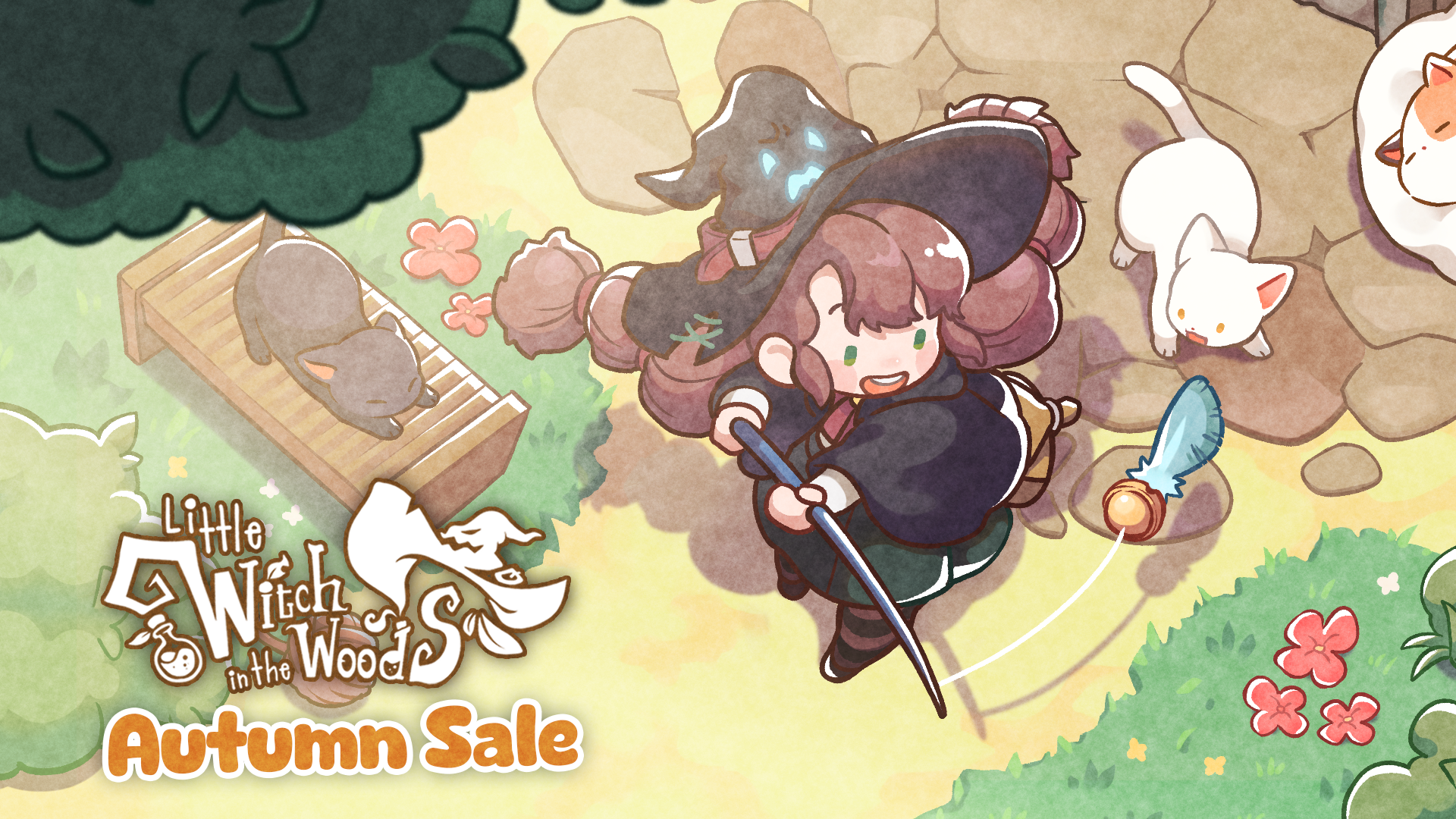
Autumn Sale Update! - v.4.12.6.0


[Developer's Comment]

Hello, we are Sunny Side Up, development team of Little Witch in the Woods.

Have you become closer with the cats in the village?
If so, now play directly with the cats using toys!
Various accessories that cats love are also prepared.

We've improved aspects that were inconvenient when enjoying quest content.
Please check information more comfortably and enjoy quests from now on.

New features have been added to the work tools (witch's cauldron and processing tools)!
Enjoy a richer life of potion crafting.

For more details, please check below!


Add Cat Play Feature


  • Add Play with Cat Feature
  • Add Ellie's Tool ‘Cat Toy’
  • Add Cat Play Quest

    • "Playing with the Cats"
      Prerequisite: [Feed the Cats with Fish] Quest completed + At least three cats registered in the Cat Encyclopedia


Add Cat Accessories


  • Accessories for cats to interact and play with have been added to the village
  • Add Cat Accessories Quest

    • "Place a Cat Cushion"
      Prerequisite: [Playing with the Cats] [A Flying Carpenter] Quest completed
    • "Place a Dangling Cat Toy"
      Prerequisite: [Playing with the Cats] [Who Will Come Back? 3] Quest completed
    • "Place a Cat Exercise Wheel"
      Prerequisite: [Playing with the Cats] [Who Will Come Back? 3] Quest completed


Adventure Journal UI Addition


  • Added Adventure Journal UI to view detailed information on quests

    • Main Quests
    • Side Quests
    • The existing ‘Keyword’ page has been moved to the Adventure Journal UI.
  • Added a feature to the Memo Board UI to track/stop ongoing quests


Memo Board UI Improvements


  • Added quest sorting feature
  • Added quest tracking/stopping feature
  • Added shortcut to Adventure Journal


Balloon Indication for NPCs with Auto Quest Dialogue


  • Added balloon indication for NPCs with auto quest dialogue
  • Added UI feature to show the name of the quest during the start of auto quest dialogue


New Work Tools


  • Glass Butterfly (High-speed feature)
    (New work tools can be purchased from the Witches' Catalogue.)


Addition of Distractions During Compounding


  • Added one type of flame control distraction
  • Added one type of stirring distraction


Simplification of Calling Diane


  • Changed the method of calling Diane from using the Witches' Catalogue to using a calling bell


Revision of Roles between Diane and the Witches' Catalogue


  • The confusing roles of Diane and the Witches' Catalogue have been clarified.
  • From now on, Diane will only handle limited compounding related to quests, and all other aspects will be managed by the Witches' Catalogue.


Improvements to the Broom Equipment UI


  • Added a feature to change the gauge color based on the remaining durability level


Bug Fixes


  • 'Feed the Cats with Fish' quest condition modified
    • If the quest was halted because a letter from Freddie didn't arrive, the condition has been modified so that the letter will arrive properly after a day.
  • Other bug fixes

EA Release v4.8.19.0 ~ v4.8.20.0 Patch Notes

v4.8.19.0


  • Fixed an issue where the interaction to pet the Blue Bubble Lizard was not working correctly after using the Witch Station.
  • Fixed an issue where abnormal animations were displayed during the collection process of the Blue Bubble Lizard when performing certain actions.
  • Fixed a problem where the mushroom elevator at Cloud Valley's mushroom collection site did not work properly immediately after loading a save file.
  • Corrected an issue at Cloud Valley's blue mushroom collection site where it was possible to operate the mushroom elevator without boarding it at a specific location.
  • Fixed a problem where events related to a specific quest could be performed without accepting the quest.

    • Any items obtained through these incorrect events will be removed.


v4.8.20.0


  • Fixed an issue where item names dropped in the basement during the witch's house repair appeared incorrectly.
  • Adjusted the position of the interaction UI for the signboard during the temple repair.

EA Release v4.8.18.0 Patch Notes

v4.8.18.0


  • Fixed an issue where certain save files would not load beyond 0%.

[Notice on Save Data Loading Issues]

We have identified an issue where certain save files do not progress past 0% during loading.
If you encounter this problem, please report it via Discord along with the affected save data.

Discord

The path to the save data is as follows.


Windows


  • C:\Users\[UserName]\AppData\LocalLow\SunnySideUp\Little Witch In The Woods\Saves

    • Please replace [UserName] with your Windows account name.
    • If your Windows installation drive is not the C drive, please adjust the path accordingly.

Mac


  • ~/Library/Application Support/SunnySideUp/Little Witch In The Woods/Saves

    • The folder may be hidden.


  • Please compress the Saves folder to include all save data and attach it.
  • Include the operating system in the name of the compressed file (e.g., Saves-windows, Saves-mac).

EA Release v4.8.15.0 ~ v4.8.17.0 Patch Notes

v4.8.15.0


  • Fixed an issue where keyboard shortcuts were not functional while riding a broom.
  • Fixed a problem where loading save data with the "Fisher's Dream" wallpaper/floor resulted in the disappearance of all furniture placed in that area.

    • If you have played and saved after the furniture disappeared, it's not possible to revert to the previous arrangement.
    • To restore the placed furniture, please run the save file in which the problem occurred.


v4.8.16.0


  • Fixed an issue where interaction text for 'Little Honey Pumpkin Core' was not displaying correctly in all languages.
  • Fixed a problem where the emoticon for Pumpkin Terrier was not displaying correctly.
  • Fixed an issue where animations for Pumpkin Terrier were not functioning correctly in certain actions.
  • Fixed an issue where Enite's dialogue appeared incorrectly during the cat tutorial quest.
  • Fixed a problem where save files could not be loaded.

    • The cause was identified as deletion of the save's meta file. The game now checks for the absence of a meta file upon launch, and automatically creates one if necessary.
    • Those experiencing this issue will see a save recovery prompt when launching the game, which may extend the loading time.
    • Normally, the deletion of a save's meta file should not occur, so if you frequently see the meta file recreation prompt, please report it via Discord.