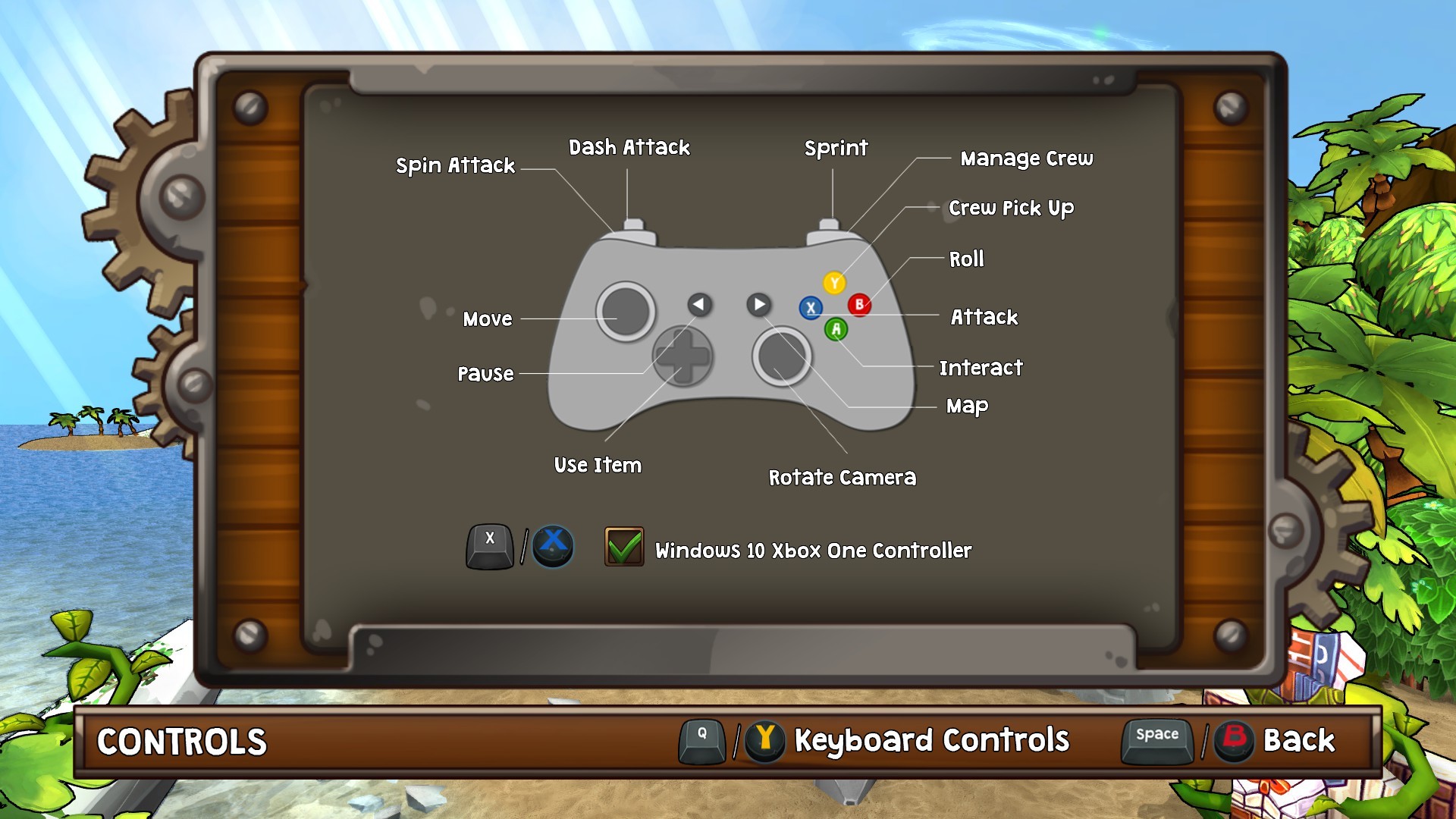
With the recent version of Lost Sea we have addressed the Xbox One Controller issue reported by some users on Windows 10. If you are experiencing problems with your Xbox One Controller, you can now toggle your controller layout in the settings menu.
Start Lost Sea
Go to "Settings"
Select "Controls"
(Switch to Gamepad Controls if using a keyboard)
Press X to apply the Xbox One Controller fix
You can use your keyboard to browse the settings menu if you cannot use your Xbox One Controller. Your settings will be saved in controller_settings.yaml, which is located in your local directory.
Just a brief note that Steam Badges, Trading Cards, Emoticons and Profile Backgrounds are now live. Happy trading...ːsteamhappyː
Version 1.01 (Public Release)
Hey explorers,
Thanks to all the valuable feedback that we have collected during the pre-release period, we are happy to have a new & improved build ready just in time for the public release. Here are some of the updates that went live today and during the last couple of days:
Improved save system: You can now Save & Quit your progress from the pause menu.
Mac version added.
Added 16:10 resolution support.
The D-Pad should now work correctly on Xbox 360 pads.
Improved egg laying dodo behavior.
Fixed missing collision volume on caveman.
Lots of minor fixes and improvements.
Please keep the feedback coming and thanks a lot to everyone for supporting our game.