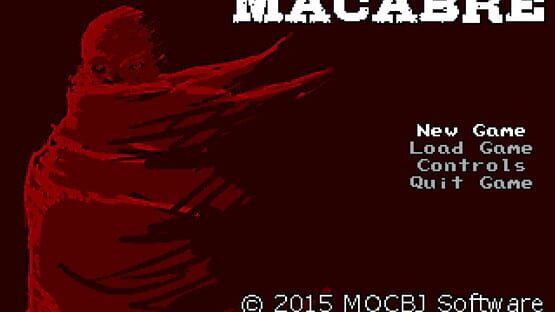

Macabre
Supporting Charity
A sizeable percentage of the proceeds of ALL MOCBJ Software titles (both current and future) will be distributed to Simone's Kids and Friends to the Forlorn Pitbull Rescue. In the coming weeks, a new section of our main site MOCBJ Software will be set up to display this information.
While this really has nothing to do with gaming, we hope to raise awareness of both of these organizations.
Now Available - Trading Cards
Trading Cards
Trading Cards and Steam Achievements
As for Steam Achievements, I'd still like to implement them if possible. There is no date yet as to when/if they will be available. I will keep you posted as best as I can!
Full Screen
I imagine most people can figure this out on their own, but in case you have trouble, do this and win.
Sorry if this confused anyone.
Name Change + Saves
Your saves will remain intact, but you will need to rename your save folder and the actual save file(s) to macabre instead of ruin.
To do this, right click the game in your library and go to properties. Click on the browse local content button and it will open up the file directory.
From there, navigate to the ruin.saves folder on Windows, or the saves folder on Mac/Linux. Replace "ruin" with "macabre" on both the save folder itself AND the save files inside (.rsav extension). After doing that, your saves should work properly in-game.
I apologize for the inconvenience that this has caused. If you run into any issues, please let me know.
Now Available on Mac!
Linux / Mac Test Build Now Available!
To test, simply right click Ruin in your library and go to Properties.
On the beta tab, select the mac-linux-test build from the drop-down menu.
I would appreciate any feedback as to whether that runs on those OSes properly! Thank you!
Controller Support with JoyToKey
http://joytokey.net/en/
Thank you for the support!