Mason: Building Bricks cover
Mason: Building Bricks screenshot
Genre: Simulator, Indie

Mason: Building Bricks

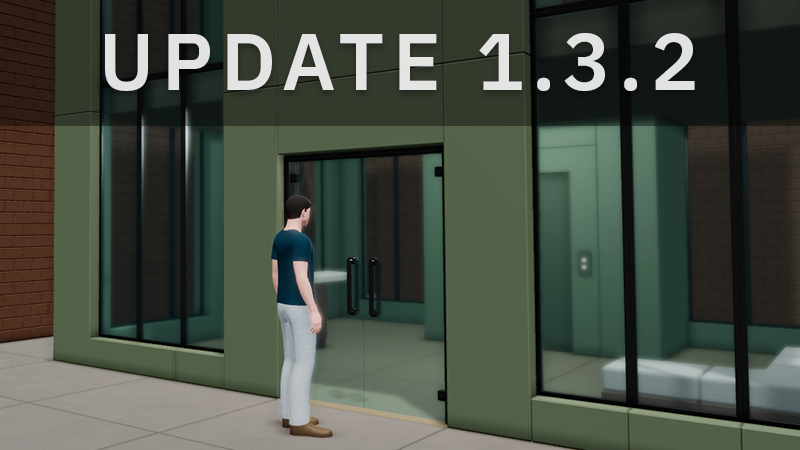
Update 1.3.2


Copy Volume Tool:


Click on the tool button or press the [N] key to enter the volume selection tool. You can readjust the selected volume by dragging its sides. After selecting the volume, press the [N] key or the button aging to copy the volume.


Command Panel:


The command panel displays buttons that act as a replacement for keyboard commands, such as undo [CTRL+Z] and rotate [R] keys. This panel is hidden by default and can be activated using the settings window.


New features:


  • Volume Picker tool.
  • Command Panel.
  • Display grid button. (You can find it under the menu button).
Update 1.3.1

Bug fixes:


  • New figures were painted using selected colors in the figure editor.
  • The figure editor window could not be opened in first-person mode.

Improvements:


  • Less delay while switching between object collections.
  • New cursor icon for the first person pawn placement tool.

Update 1.3.0


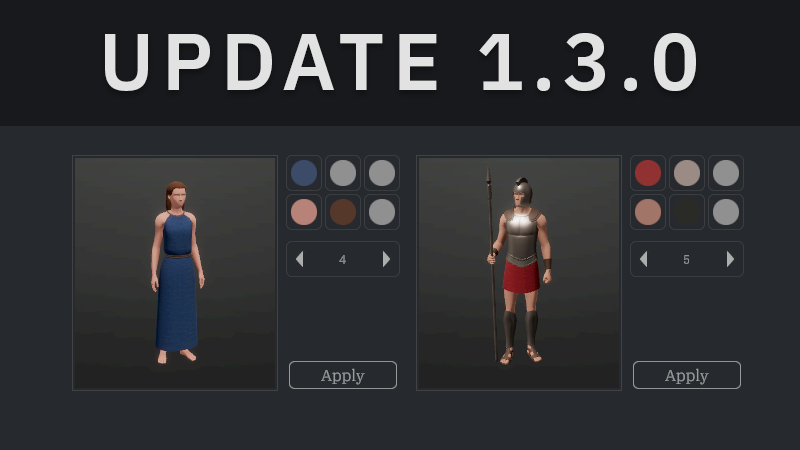
Figure Editor


Click on figures using the new edit tool to change the figure's colors and customizable parts, such as hair.


Liquid Bricks


You can place objects within the liquid bricks.


New content:


  • 1 new female hair style.
  • New round bricks in the Basic collection. [3 bricks]
  • New carpet in the Modernity collection. [1 brick]
  • New rocks in the Gaia collection. [3 bricks]


New features:


  • Figure editor tool.
  • Objects can be placed inside the liquid bricks.