It's with great pleasure that I announce that Meadow Fun!! is now free to play!
For those interested in a fun and relaxing game for children and kids, download it now!
A HUGE thank you for those who paid the game, in the next weeks i'll try to deliver a bonus content only for you, stay tuned!
Lunar sales discount
To celebrate Steam Lunar Sales 2019, Meadow Fun!! is available on sale!
For those mothers and fathers (or even grandparents!) eager to find a relaxing game for their children, perfectly suited for their age, this is the perfect timing! :)
If interested, check the store page for more info!
Thanks for your attention and happy Steam Lunar Sales days!
Fixed last checkpoint position in Tutorial 4
Hi all, thanks to SirShelfu and its awesome review https://youtu.be/Xj93L_qGD00
, he unfortunately couldn't finished Tutorial 4 and, of course, Story mode due to a silly bug that positioned last checkpoint up in the sky ːsteamsadː.
Fortunately, it's now (hopefully) fixed.
Let me know if you encountered same problem and if it's now fixed and thanks again to SirShelfu for the nice review (subscribe to him if you want, his reviews are very cool!)
Cheers
Camera smooth movements, new Font and Magic cards improvements
Hi guys, I've made some changes on these subjects:
camera movements are now smooth, so camera will follow player without changing direction abruptly on Z axis when player reaches steps, stairs or logs
Font has been completely rewritten from scratch to permit better readability (hopefully!).
Spacings are now not too narrow and not too wide.
A better font shadow has been added to increase readability.
magic cards have now description under the title that explains what card does
magic card Attraction now has better movements and physics
magic cards have now different timings based on importance / power
fixed small issue with pressing down arrow in player customization menu caused menu to freeze until ESC was pressed
Big thanks to SooFany to have spotted these one!
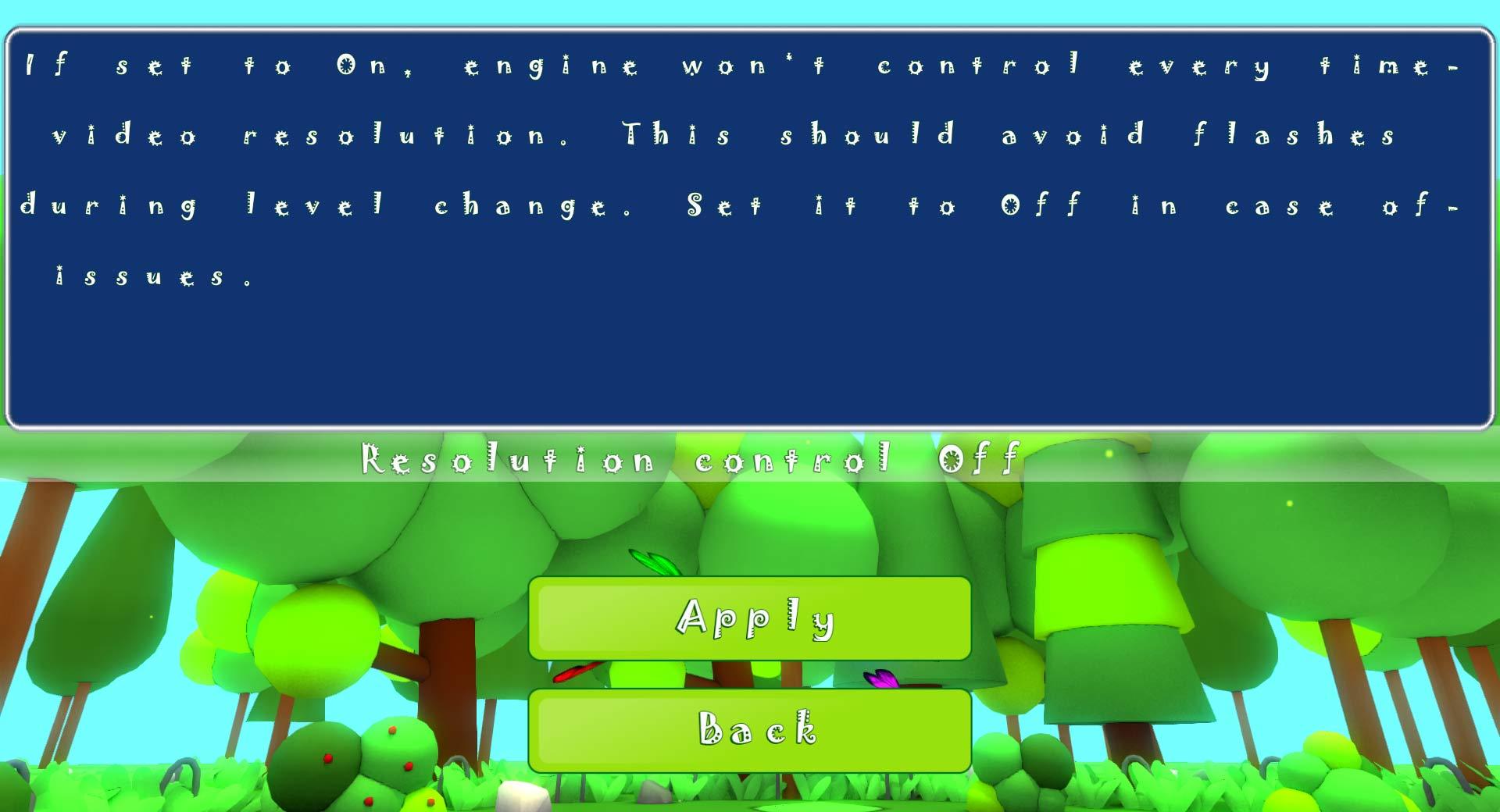
Update: added 'resolution control' button to avoid flashes during level change
Hi guys, I've updated a little change that hopefully will be considered useful. Since an user (thanks SooFany for the heads-up) experienced flashes during level change, I added a button in System options page, that turns off/on control of video risolution by the engine.
Setting it to on, it'll avoid to refresh current resolution every level change, and those flashes should be gone. Instead, the screen will go white until it loads all the contents of the level and it will then present the actual graphics of the game.
If you should experience some issues, you can just turn it off and let me know in the community pages.
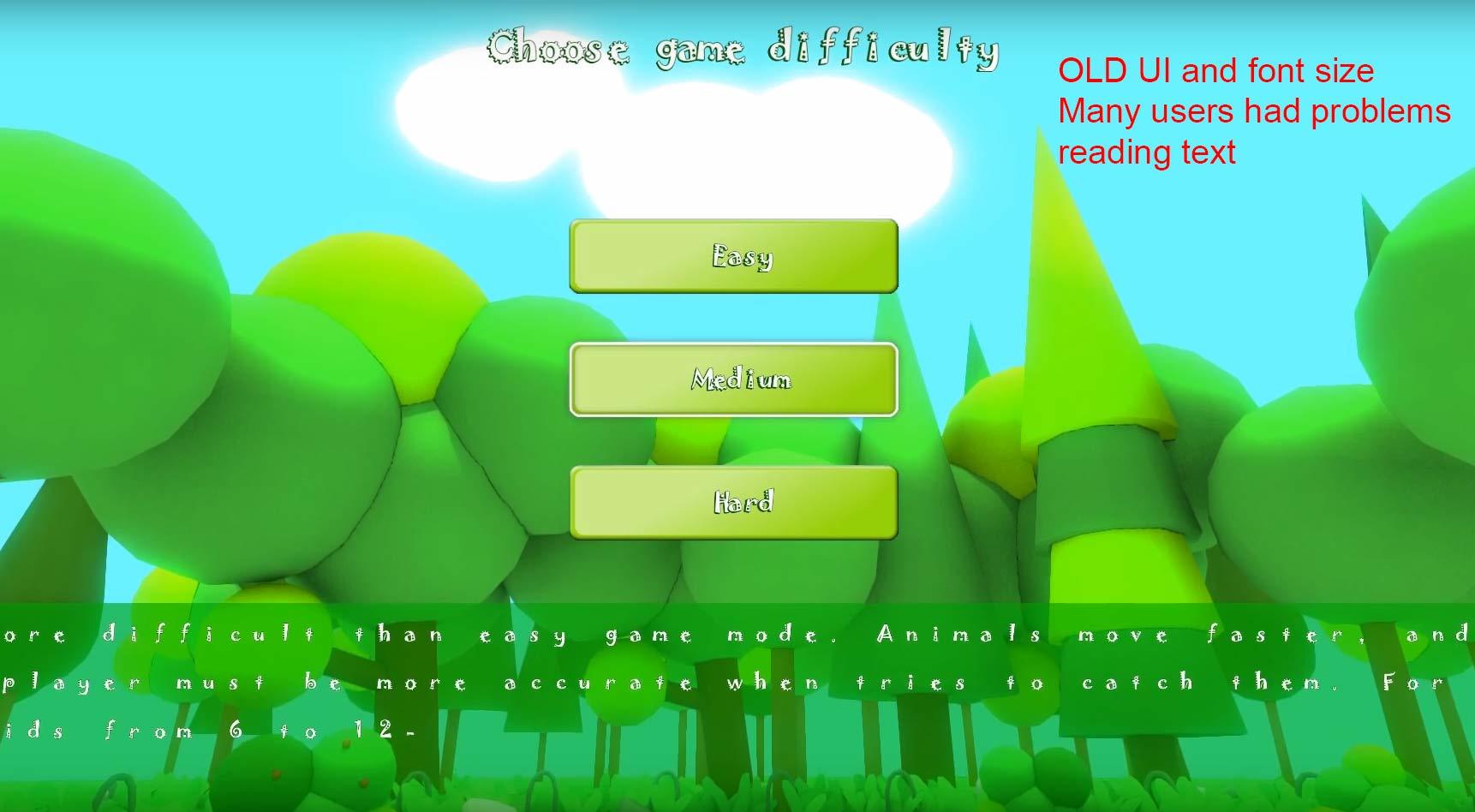
UI and menu changes
Since menu graphics had some imperfections with visibility and usability, I updated the font rendering system and the user interface, so now menu buttons and description should be more visible. I also slightly changed player customization so that's easier and quicker now.
Thanks to the user SooFany to have noticed the issues.
OLD:
NEW:
Unfortunately, doing things by my own, sometimes makes me lose control of Steam community posts and stuff, but I'll get the pace! ːsteamhappyː
This change leds to the next (and always postponed) step: localization. Since now every menu entry, description and game UI items is completely dynamic, I'll try to add, month by month, a list of languages.
I'll start with Italian, because it's easy for me!ːsteamhappyː But then it should come in the future also German, French and Spanish, so..stay tuned!
Meadow Fun!! now live
It has been quite a journey to create Meadow Fun on my own, but now, I'm quite happy with the result! After some days of testing, polishing (mainly on the Store side) and fixing, I can say that Meadow Fun is landed!
Thanks to anyone has given feedbacks and tips and.. I hope you guys (or kids) could enjoying playing as much I did creating it! ːsteamhappyː