Another small update for the Public Stage with particle effects for various actions in the game, bug fixes, small fences, etc. As well as the possibility to make bandits and animals more dangerous (or vice versa).
Well, let's get to work!
How to join the public staging?
Some of you probably have not done this before, so here is a small guide:
Prerequisite: You must have Medieval Dynasty in your library – obviously.
The procedure
Open your game library.
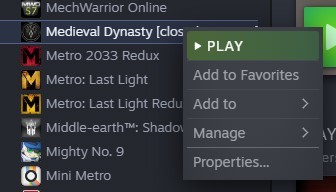
Right Click on Medieval Dynasty there.
Open properties.
Select the tab "BETAS".*
Enter this password below the dropdown in the field:
MedievalStaging
Press CHECK CODE
Use the drop down and select “release_build_staging”. This is the public stage.
Press Close
Steam should now download this version of the game.
IMPORTANT! PLEASE SAVE YOUR LIVE VERSION SAVES GAME BEFORE ACCESSING THE PUBLIC STAGING BUILD!
Just in case something goes awry!
Saves can be found here:
AppData > Local > Medieval_Dynasty > Saved > SaveGames
*Steam labels all those builds as "betas” albeit they’re not betas, so do not be too confused!
3D view of equipped player character and mount.
Game customization now has separate parameters for animals and bandits’ statistics (damage and health).
Particle effects for collecting herbs, mushrooms, sticks, stones.
Particle effect of falling leaves from deciduous trees.
Particle effect of falling conifer cones.
Particle effect of campfire, responding to wind strength and direction.
Particle effect of torch, responding to wind strength and direction.
Particle effect of smoke, responding to wind strength and direction.
Particle effect of dust in building interiors.
Particle effects of sowing and fertilisation.
Particle effect for cutting down trees.
Particle effect of collecting nest contents.
Particle effect of collecting manure.
Particle effect for threshing.
Particle effect for flour milling.
Particle effects for herbalist work.
Plates in the mines had the names of the villages.
Flying trees.
Bandits raining from the sky.
Geese in the nest go through the floor (after skipping a day or season).
Sometimes geese "flutter" while sleeping.
Reworked material of the stone walls (building modules).
Reworked model of Plank Fence.
Terrain colour correction.
Fog colour correction.
Improved blood effects
Numerous tweaks and improvements to the terrain.
All languages updated.
1.5.2.1 - 19 June 2023
Fixed
Frame drops in the inventory
White water after closing the UI of an inventory
Sowing sometimes doesn't affect the field
Sometimes bandits spawn under the map
Low plank fence not visible in destruction mode
Possible fix for crash when entering an inventory
Updated
Improvements in particle effects
1.5.2.2 – 22 June 2023
Fixed
Wooden fence not visible in destruction mode – Fix for: 1.5.2.0
Cases where audio effects from the inspector mode did not turn off
Exiting from management with a displayed sorting selector may result in sorting the UI being displayed in all other tabs
Players playing on a PC can change tabs during sorting selection with the use of shortcuts
The player can change the item/management category and book tab when the sorting selection UI is open
Drinking last the capacity from an item, if there is another exhausted item in different condition, results in [invalid item] showing in the inventory
Updated
Improvements in particle effects – Update for: 1.5.2.0
You can now control cutscene music volume with the master audio slider. Cutscene music has the same default loudness as the in-game music
Update to v.1.5.2.1 - PUBLIC STAGE ! Updated!
Hello village elders!
Another small update for the Public Stage with particle effects for various actions in the game, bug fixes, small fences, etc. As well as the possibility to make bandits and animals more dangerous (or vice versa).
Well, let's get to work!
How to join the public staging?
Some of you probably have not done this before, so here is a small guide:
Prerequisite: You must have Medieval Dynasty in your library – obviously.
The procedure
Open your game library.
Right Click on Medieval Dynasty there.
Open properties.
Select the tab "BETAS".*
Enter this password below the dropdown in the field:
MedievalStaging
Press CHECK CODE
Use the drop down and select “release_build_staging”. This is the public stage.
Press Close
Steam should now download this version of the game.
IMPORTANT! PLEASE SAVE YOUR LIVE VERSION SAVES GAME BEFORE ACCESSING THE PUBLIC STAGING BUILD!
Just in case something goes awry!
Saves can be found here:
AppData > Local > Medieval_Dynasty > Saved > SaveGames
*Steam labels all those builds as "betas” albeit they’re not betas, so do not be too confused!
3D view of equipped player character and mount.
Game customization now has separate parameters for animals and bandits’ statistics (damage and health).
Particle effects for collecting herbs, mushrooms, sticks, stones.
Particle effect of falling leaves from deciduous trees.
Particle effect of falling conifer cones.
Particle effect of campfire, responding to wind strength and direction.
Particle effect of torch, responding to wind strength and direction.
Particle effect of smoke, responding to wind strength and direction.
Particle effect of dust in building interiors.
Particle effects of sowing and fertilisation.
Particle effect for cutting down trees.
Particle effect of collecting nest contents.
Particle effect of collecting manure.
Particle effect for threshing.
Particle effect for flour milling.
Particle effects for herbalist work.
Plates in the mines had the names of the villages.
Flying trees.
Bandits raining from the sky.
Geese in the nest go through the floor (after skipping a day or season).
Sometimes geese "flutter" while sleeping.
Reworked material of the stone walls (building modules).
Reworked model of Plank Fence.
Terrain colour correction.
Fog colour correction.
Improved blood effects
Numerous tweaks and improvements to the terrain.
All languages updated.
1.5.2.1 - 19 June 2023
Fixed
Frame drops in the inventory
White water after closing the UI of an inventory
Sowing sometimes doesn't affect the field
Sometimes bandits spawn under the map
Low plank fence not visible in destruction mode
Possible fix for crash when entering an inventory
Updated
Improvements in particle effects
Update to v.1.5.2.0 - PUBLIC STAGE !
Hello village elders!
Another small update for the Public Stage with particle effects for various actions in the game, bug fixes, small fences, etc. As well as the possibility to make bandits and animals more dangerous (or vice versa).
Well, let's get to work!
How to join the public staging?
Some of you probably have not done this before, so here is a small guide:
Prerequisite: You must have Medieval Dynasty in your library – obviously.
The procedure
Open your game library.
Right Click on Medieval Dynasty there.
Open properties.
Select the tab "BETAS".*
Enter this password below the dropdown in the field:
MedievalStaging
Press CHECK CODE
Use the drop down and select “release_build_staging”. This is the public stage.
Press Close
Steam should now download this version of the game.
IMPORTANT! PLEASE SAVE YOUR LIVE VERSION SAVES GAME BEFORE ACCESSING THE PUBLIC STAGING BUILD!
Just in case something goes awry!
Saves can be found here:
AppData > Local > Medieval_Dynasty > Saved > SaveGames
*Steam labels all those builds as "betas” albeit they’re not betas, so do not be too confused!
3D view of equipped player character and mount.
Game customization now has separate parameters for animals and bandits’ statistics (damage and health).
Collect these 3 achievements in the game: Firstborn, Closure and Village Manager (if you don't have all of them, there is still some time)
Fill out the application form and tell us what makes you a perfect candidate for a beta tester!
The application form for the beta will be available on our Discord server starting July 3rd until July 31st. The number of participants will be limited; thus, we will choose the candidates based on their answers in the application form. The beta test will officially start on August 1st.
See you in the Oxbow!
Introducing: The Oxbow
Villagers, gather round!
We noticed your passionate anticipation for some news about the Co-Op Update. Hence, it is time to break the silence!
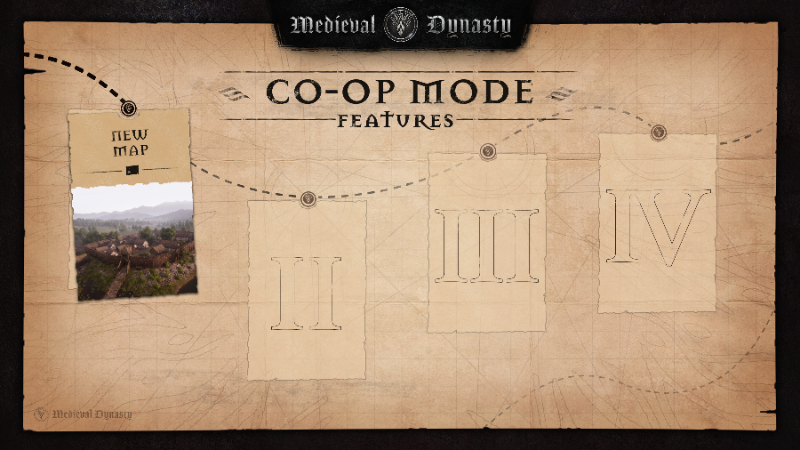
We are thrilled to reveal the first surprise of the Co-Op Update: a brand-new map – The Oxbow! It will include:
lively and unique villages
breathtaking landmarks
new story and characters
You will be able to visit the Oxbow with your friends or in the single-player mode and enjoy all it has to offer. The update will be available on PC, PS5 and Xbox Series X|S.
Stay tuned for more updates about the Co-Op Mode!
Photomode Contest - Winners!
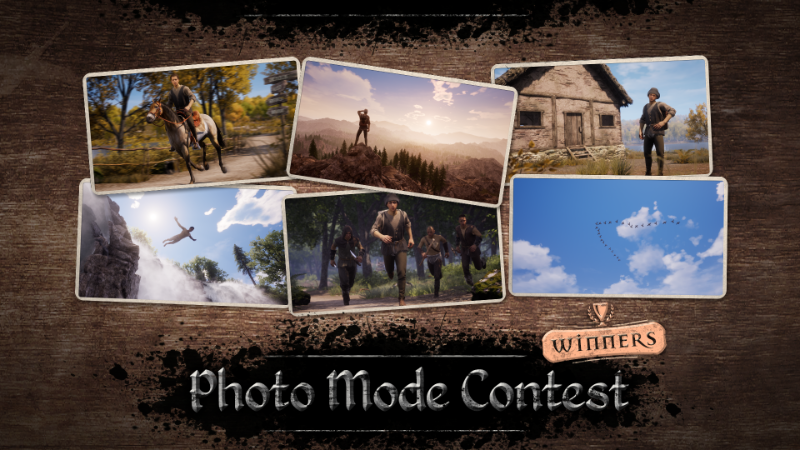
Greetings, Villagers! We are thrilled to announce that we’ve found our winners of the Photo Mode Contest 🥳 Thank you for all of your submissions! We hope that you will continue to have fun taking your medieval pictures.
Without further ado, here are the winners:
Facebook: Paweł Boro Lene Jensen Clara Sinscreations Monika Waniek-Chmielewska Anna Scesny Robert Standord Chrissi Endmann Igor Wilk
Steam: Xyxerotz Baadrix
Congratulations! Please send us a DM on Facebook or on Discord with an account linked to your Steam profile to claim your prize. Our Discord account: Render Cube#3027
Medieval Dynasty's Official Discord Server
Greetings, Villagers!
We are coming to you with a message of the utmost importance! 📜
Today we are opening doors to our official Discord Server! 🥳
Come and join us in discussion about your medieval adventures, participate in special events and let’s grow this wonderful community together! Moreover, soon this server will play a crucial part in the future of Medieval Dynasty, but currently we cannot share more, as it is a secret.
You simply have to join and stay tuned 😉
Welcome 👉
https://bit.ly/MedievalDynastyDiscord
The update notes to 1.5.1.4
Added
Social media buttons in the main menu.
Fixed
The quest "Sew Me" could be given by a teenager if she was working as an apprentice.
Set the position of the bandits when spawning.
Incorrect talent icons when going directly to the skills tab.
Items flying away on game load (Re-save of the game is necessary).
Items not detaching from destroyed building modules.
Drunk physics blend still working on season change.
Player state updating incorrectly if player dies during skinning, shearing or milking animation and switches to heir.
Updated
Numerous tweaks and improvements to the terrain.
NPCs quality improvements.
Improved readability of the talent tree.
Improved readability of the list of schemes.
Chinese updated.
Sound attenuation of projectiles.
Medieval Dynasty - Photo Mode Contest!
Medieval photographers!
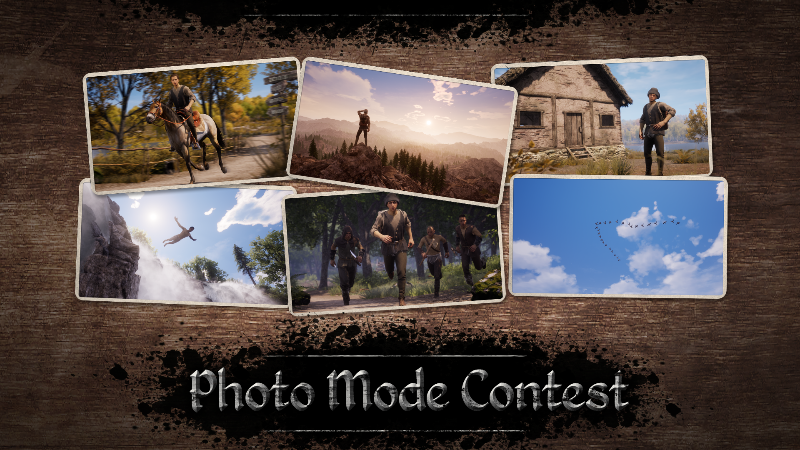
As you have had a chance to play with our Photo Mode for some time now, it’s time to see what you got. That is why we are throwing a contest.
We are looking for the best pictures that will fit the theme “A New Perspective”.
Post them in the Steam Community Hub with #photomodecontest or in the comments of our contest post on Facebook.
Our favourite 10 submissions will win Medieval Dynasty T-shirts. You have time until 19.05.2023 11:59 PM UTC +2.
Hello, villagers! It’s time for another town hall, gather round!
📸 Firstly, we love your response to the Photo Mode! Your pictures are incredible!
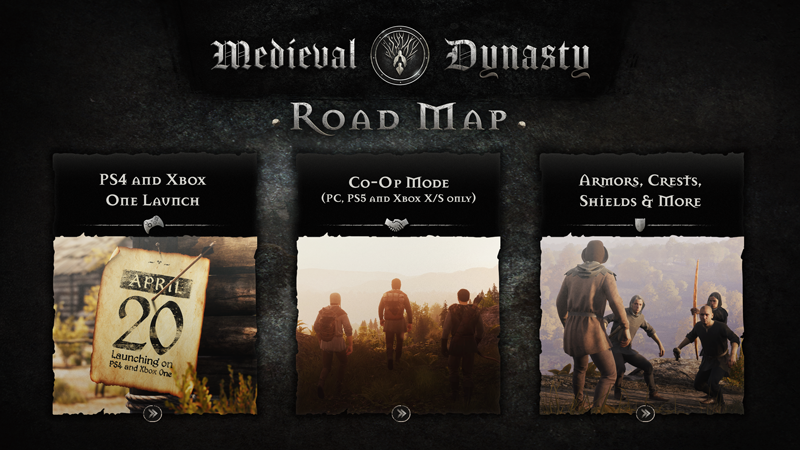
🎮 Then on Tuesday, we made a surprise announcement that Medieval Dynasty is launching on PS4 and Xbox One on 20.04.2023.
🤝 Currently, we are working hard on the big Co-Op Mode Update that will be published later this year. More info is coming soon!
🛡️ Afterward, we will start to forge armor, shields and weapons for the next update.
…and maybe we’ll make some surprises along the way!
Medieval Dynasty – Photo Mode
Say cheese! 📸
Hello, Villagers!
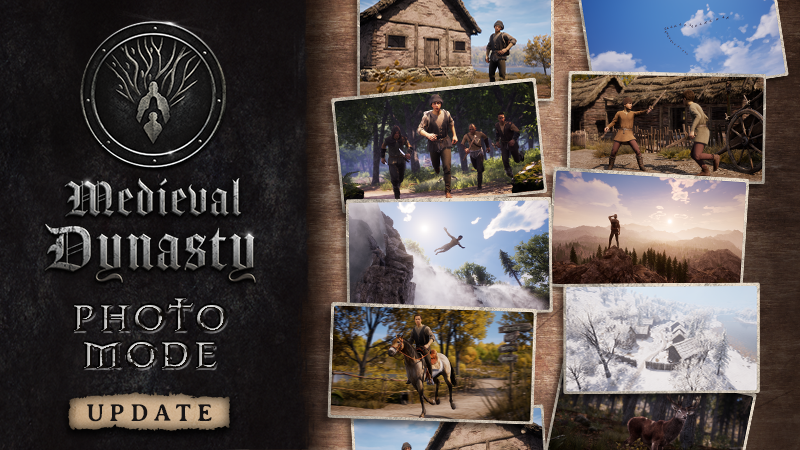
We are happy to announce that the photo mode is here. Now, you will be able to capture your adventures easier than ever before.
In the photo mode, you can:
Shoot from any perspective to take a perfect picture.
Modify the field of view, aperture, focus distance and exposure.
Use effects to polish your masterpieces.
It’s time to get creative!
Be sure to share your photos in the Community Hub on Steam, as well as on our official Facebook Group.
The teams of Render Cube and Toplitz Productions!
Photo Mode.
New gameplay customization "fast build". This allows to instantly fill modules with all desired resources with a single hammer swing (if these resources are present in the inventory).
The wind and rain attenuation and reverb in buildings both depend on the number of walls and the roof that the building has and on materials used.
All liftable items now have their own unique sounds for picking them up from the ground.
New sounds for consuming edible items.
Bedtime sounds for NPCs and the Player.
Footstep sounds for a Dolby Atmos setup.
The widower NPC loses his children on loading the game.
Sickle of contention and Rajmunds cane can be equipped in quickslots.
NPCs who were sitting on the bench sit mid-air after removing furniture in the tavern.
Poppy flowers in the field disappear in the distance.
Hives in the apiary have an incorrect rotation.
Sometimes NPCs can't get to the workbench and just stand idle.
Quest NPCs reacting to a snowball hit.
Traveling with waggoners is not available after the player kicks out a companion from the village in a "follow" quest.
Bandits stay in place, not approaching or looking at the player.
Astrid (special NPC) just died the day she turned 60.
Herald or exotic goods vendor is in a town without a tavern.
Possible fix for NPCs stuck halfway in the ground.
Alwin's buggy questline.
Family quests now don't use the Player's NPCs in them (apart from the family)
Every time you drink a potable item that has a capacity and can be stacked in multiples, the capacity is reduced from a different stack instead of the same one.
No footstep sounds for girl NPCs.
Wolf growling sounds while running are too frequent.
Key binding buttons in the options don't react on mouse hover.
Save and Load menu buttons don't react on mouse hover.
In the options menu when a confirmation pops up, the inputs at the bottom are still clickable.
Version number is not blurred when the option confirmation pops up.
The status in fields and orchards about the missing Farm Shed.
Plain coloured hens.
Incorrect skill names in new level notifications.
An incorrect movement animation when running/sprinting diagonally (which was even more noticeable when playing on gamepad).
Mounts make stepping and neighing sounds while sleeping.
Memory usage optimisations.
Rendering optimisations.
Systems optimisations.
Optimised NPCs.
Tweaked NPCs movement.
Optimised animals.
Tweaked animal movement.
Pop-up LODs of vegetation has been reduced.
Improved and optimized animal ragdolls.
In an orchard, the middle section is cleared, not the entire area.
Vegetation quality improvements.
Increased field size for the "Craft More/Buy scheme" input.