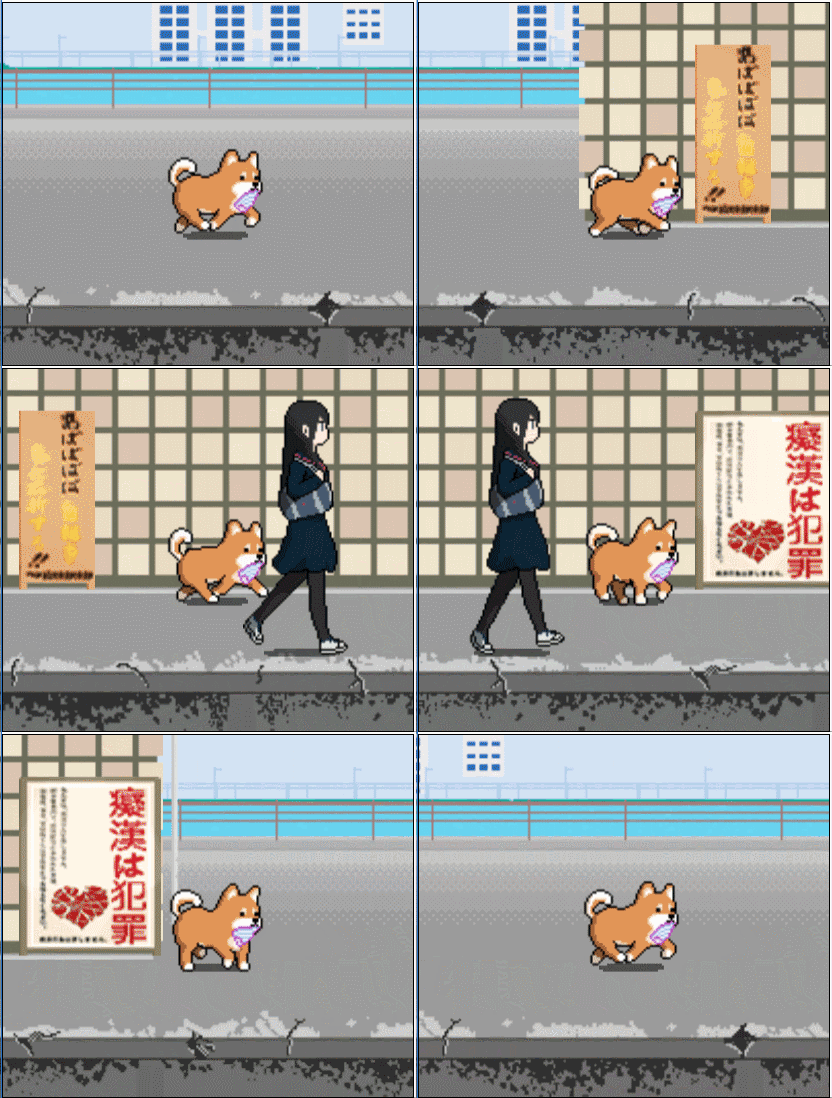
Montaro cover
Montaro screenshot
Genre: Indie

Montaro

Montaro is back!

[UPDATE] Achievement!

Add 15 achievements

language
-English
-Русский
-简体中文
-繁體中文
-Français
-Deutsch
-日本語

Today is PANTSU DAY!!

KEEP CALM AND LOVE PANTSU!


Today is PANTUS DAY!!

KEEP CALM AND LOVE PANTSU!


[UPDATE] V. 1.1.0 More Language Supported

1.New supported language
-Français
-Deutsch
-日本語
-Türkçe

2.Refrigerator behind the Litter Cat is smaller now.

Version update for windows7 64bits

There were some compatibility issues with windows 7 64 bits.
You can run the game with Steam now.
Please re-download the game.

Right click "Montaro" in "Library"
Choose "Properties"
Go to "Local Files"
Choose "Verify integrity of game cache..."
"Montaro" will update or re-download
Thanks for your support and patient!

-------------------------------------

之前梦太郎在WINDOWS 7 64位元有一些相容性的问题,
现在你可以直接从STEAM上启动了,
请重新下载或者检查档案的完整性

在"库"右键点选Montaro
选择 "属性"
点选 "本地文件"
选择 "确认游戏快取档的完整性..."
这样就能在windows7 64bit 上运行了!
感谢你耐心地等待!

-------------------------------------

之前夢太郎在WINDOWS 7 64位元有一些相容性的問題,
現在你可以直接從STEAM上啟動了,
請重新下載或者檢查檔案的完整性

在"收藏庫"右鍵點選Montaro
選擇 "內容"
點選 "本機檔案"
選擇 "確認遊戲快取檔的完整性..."
這樣 就能支援 Windows7 64bit 了!

感謝你耐心地等待!

Windows 7 64 bits compatibility issues (already fixed)

There are some compatibility issues with windows 7 64 bits.
I'm currently working on it, it will be fixed asap.

Current solution:
Goto game directory and modify the compatibility of file "nw.exe" into Windows 7 and run it without steam:

Step by Step Instruction:
1.Goto "Libary" in steam
2.Right click "Montaro"
3.Choose "Properties"
4.Goto "Local Files" tab
5.Choose "Browse local files..."
6.Right click file "nw.exe"
7.Choose "Properties"
8.Goto "Compatibility" tab
9.Check "Run this program in compatbility mode for:"
10.Choose "Windows 7"
11.Click "Apply"
12.Click "OK"
13.Run the file "nw.exe"
14. Ejoy the game, this bug will be fixed asap.(currently the game in windows7-64bit cannot run with steam)

------------------

现在游戏在Windows7-64位元有些相容性的问题,目前正在处理中,会尽快修正

目前的解决办法:
前往游戏目录,将档案"nw.exe"相容性改为Windows7,直接执行"nw.exe":

详细步骤:
1.对"收藏库"中的 "Montaro" 点击右键
2.选取"内容"
3.然后最上方选取 "本机档案"
4.点击"开启本机档案"
5.对档案"nw.exe"点击右键
6.选取"内容"
7.最上方选取"相容性"
8.将"以相容模式执行这个程式"打勾
9.选择"Windows7"
10."套用"后"确定"
11.直接执行"nw.exe"就可以正常执行游戏了,暂时无法透过steam开启
12.享受你的梦太郎,这个BUG会尽快修正

---------------

現在遊戲在Windows7-64位元有些相容性的問題,目前正在處理中,會盡快修正

目前的解決辦法:
前往遊戲目錄,將檔案"nw.exe"相容性改為Windows7,直接執行"nw.exe":

詳細步驟:
1.對"收藏庫"中的 "Montaro" 點擊右鍵
2.選取"內容"
3.然後最上方選取 "本機檔案"
4.點擊"開啟本機檔案"
5.對檔案"nw.exe"點擊右鍵
6.選取"內容"
7.最上方選取"相容性"
8.將"以相容模式執行這個程式"打勾
9.選擇"Windows7"
10."套用"後"確定"
11.直接執行"nw.exe"就可以正常執行遊戲了,暫時無法透過steam開啟
12.享受你的夢太郎,這個BUG會盡快修正

Bugs fixed 07-26c

Steam overlay (F12 screenshot) is supported now.

------------------------------------------------------------------

Steam overlay (F12 萤幕截图) 现在已经可以正常使用。

------------------------------------------------------------------

Steam overlay (F12 螢幕截圖) 現在已經可以正常使用。

Bugs fixed 07-26b

Fixed windows 32-bit compatibility problem.


Please follow these steps, if you're unable to run Montaro.

Right click "Montaro" in "Library"
Choose "Properties"
Go to "Local Files"
Choose "Verify integrity of game cache..."
"Montaro" will update or re-download
Now should support windows 32bit
Thanks for your support and patient!

-------------------------------------

如果您使用32位元的WINDOWS,且无法开启游戏,请按照下列步骤:

在"收藏库"右键点选Montaro
选择 "内容"
点选 "本机档案"
选择 "确认游戏快取档的完整性..."
这样 就能支援 Windows 32bit 了!
谢谢你的支持与等待!

-------------------------------------

如果您使用32位元的WINDOWS,且無法開啟遊戲,請按照下列步驟:

在"收藏庫"右鍵點選Montaro
選擇 "內容"
點選 "本機檔案"
選擇 "確認遊戲快取檔的完整性..."
這樣 就能支援 Windows 32bit 了!
謝謝你的支持與等待!

Bugs fixed 07-26a

1. F12 - wont open the web panel anymore.
2. Mouse right click on black area wont show menu anymore.

-----------------------------------------------------------------------------

1. F12 不会再开启网页控制台
2. 鼠标点击游戏视窗黑色区块不再显示网页选单

-----------------------------------------------------------------------------
1. F12 不會再開啟網頁控制台
2. 滑鼠點擊遊戲視窗黑色區塊不再顯示網頁選單