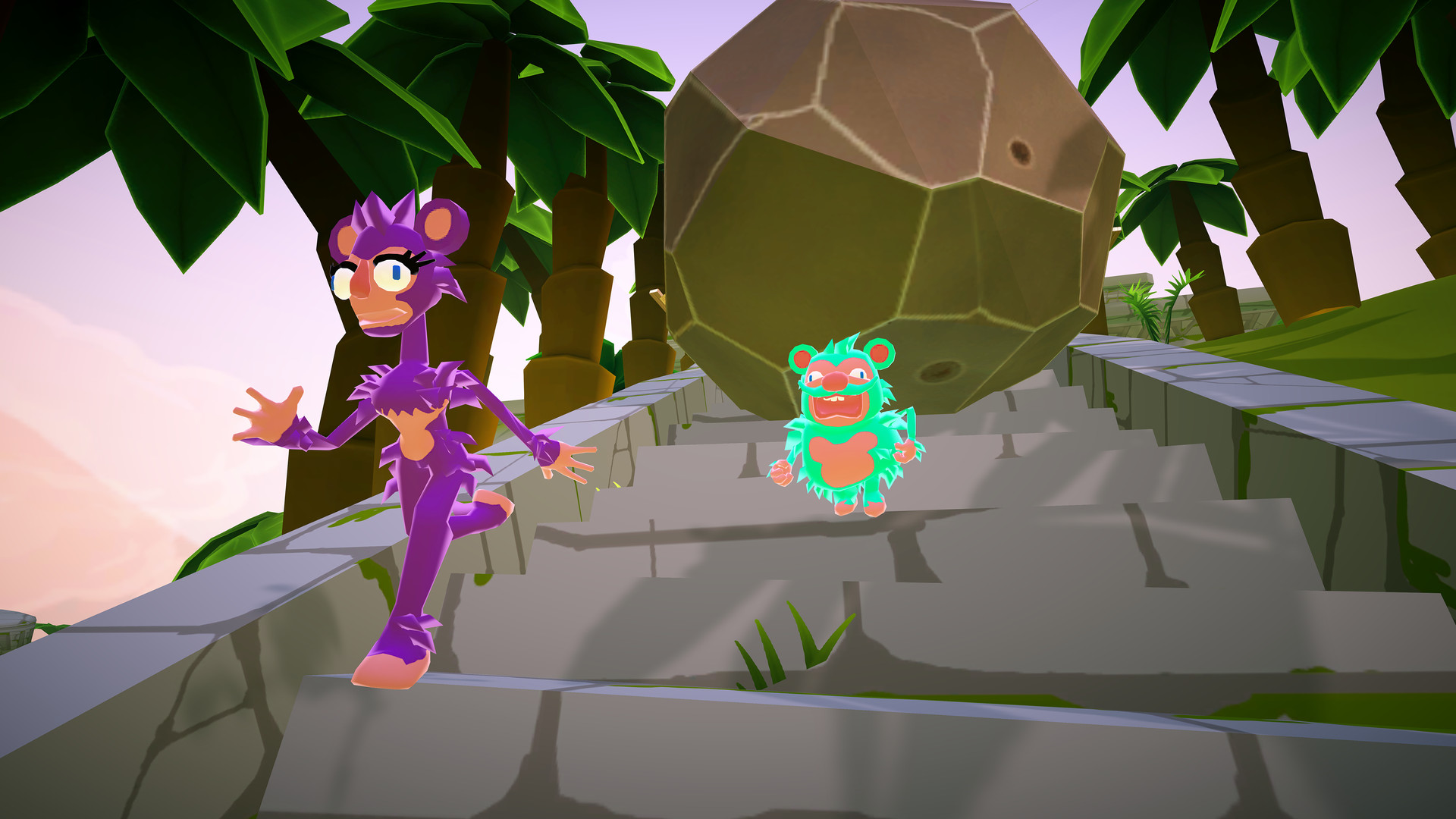
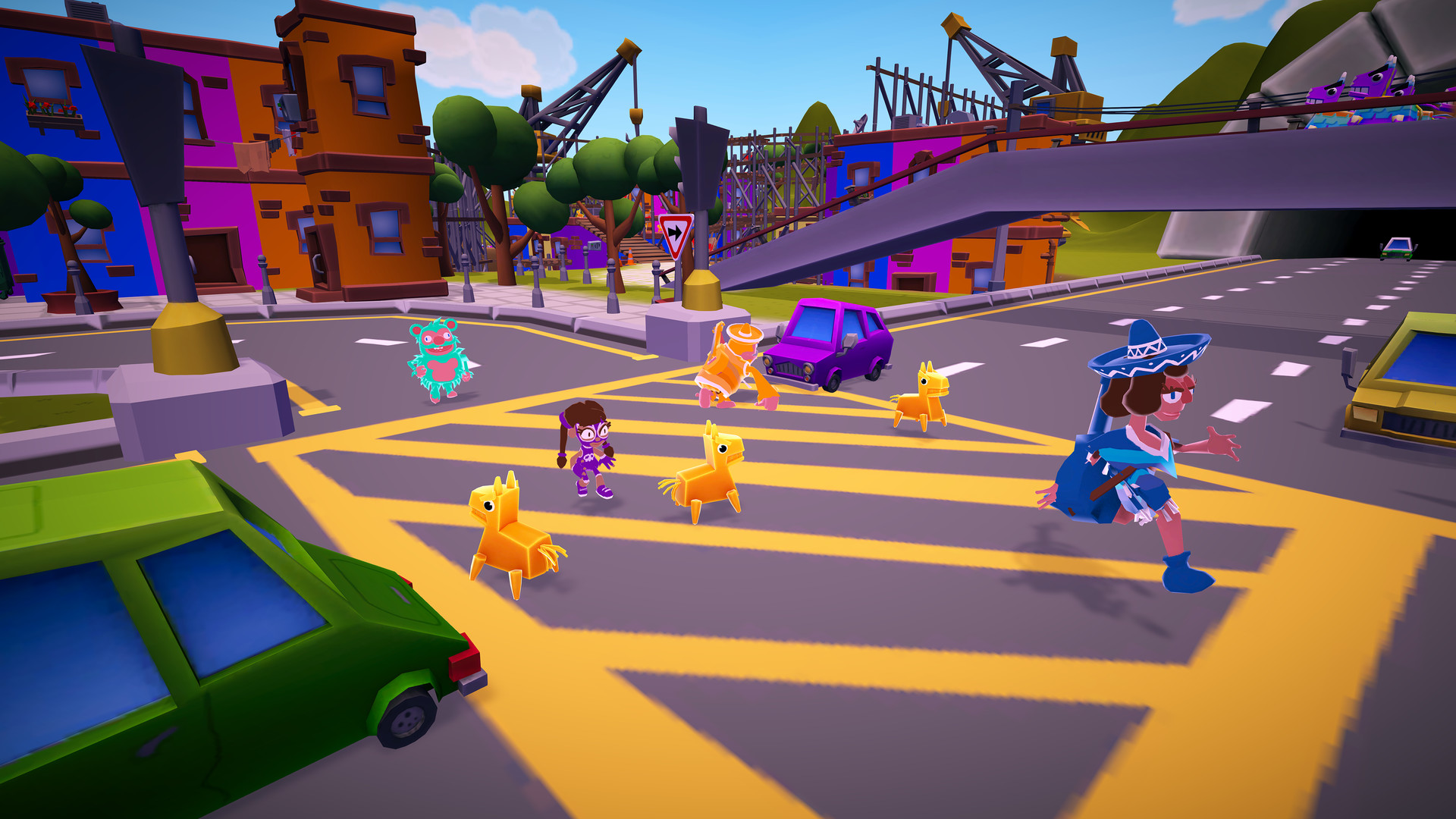
Holy Guacamole! Save 50% During Halloween on Must Dash Amigos
Between now and 1st November Must Dash Amigos is a whopping 50% off!
Plus with Steam Remote Play you can play with your amigos online!
Grab yourself a bargain now and get dashing amigos!
Play Must Dash Amigos Online with Steam Remote Play
The absolutely incredible Steam Remote Play Beta is now available to use, and with it comes the ability to play otherwise local multiplayer games (such as Must Dash Amigos) online with your friends!
The process is really simple too! Just follow these steps to start playing Must Dash Amigos online!
Open Steam
Go to Steam > Settings
In the Account tab, go to the 'Beta Participation' section
If you are already listed as being part of the 'Steam Beta Update' skip ahead to step [8]
Click the 'Change' button
From the Beta Participation drop down menu, choose 'Steam Beta Update' and click OK
Steam may restart and update, so wait for that to finish
Once Steam has re-opened, go to the Remote Play tab
Ensure 'Enable Remote Play' is ticked
And that's it! Once you and your amigos have set things up you will have an additional option on each Friend in your Friends List to 'Remote Play Together', as well as the option to invite friends to join you in your game.
This really is an amazing feature from Valve, and we are thrilled that it will allow more people to play Must Dash Amigos together online!
Happy dashing amigos!
PATCH V1.17 - Bug Fixes & Addition of Vsync Control
* Users can now turn Vsync on/off from the Options menu
Also fixed the following issues:
* Occasional player jitter no longer occurs * River rapid rafts can no longer clip through the river bank and out the game world * Movement on the moving Crane Platform on Rush Hour is no longer broken * Crane movement and river rapid sounds no longer persist during the pause menu
This update also includes general runtime optimisations.
PATCH V1.16 - Bug Fixes
Fixed the following issues:
Bomb-e-Granate is no longer invisible when held underwater
All sounds are correctly muted when exiting a game now
Tweaked the audio levels of player VO in Battle Mode
Stopped players from slowly sliding off screen during the end of Game scene
Fixed an issue with Dour Docks sometimes not registering a completed lap in Single Player Mode
This update also includes general runtime optimisations.
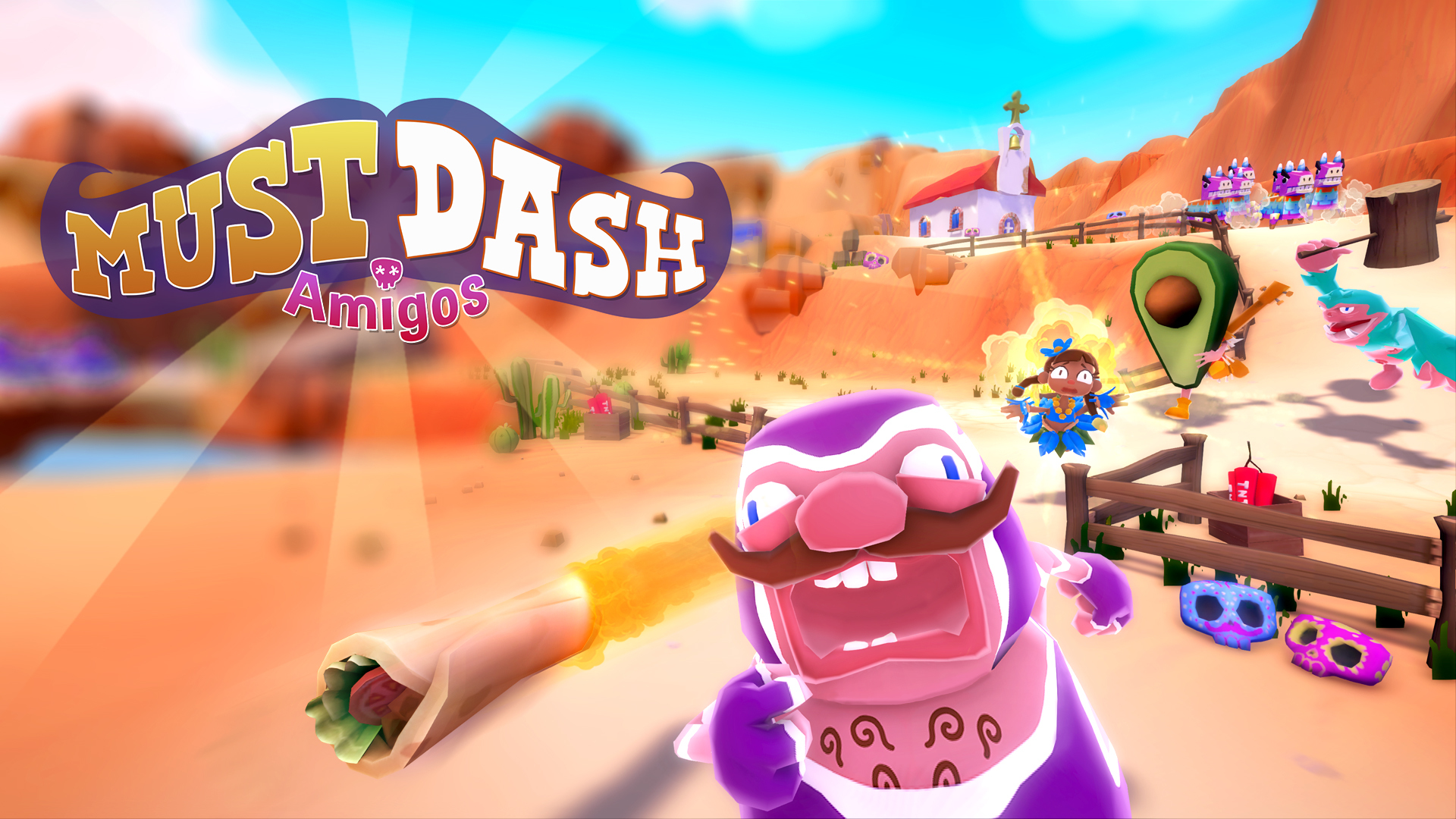
Additionally, we have some shiny new banner art for the game's branding! You can feel Pedro's anguish :D
Official Discord Server
We are thrilled to announce that we now have an Official Discord Server!!
This will be the central HUB for players to talk directly to the games developers and chat to each other about all things Must Dash Amigos.
Come and join for a chat or just hang out and see the amazing things our community is sharing
Save 40% when you buy Must Dash Amigos between 16th and 23rd Sep
What better way to celebrate National Guacamole Day than by turning your friends into avocados and smushing them with a giant mallet?!
[previewyoutube="Crj1SwO9SL0;full"]
"If you're after a unique racing game to add to your couch party games, Must Dash Amigos is a definite grab!"- Xbox Alive
The Sale runs from 10am (PST) on Monday 16th Sep until 10am (PST) on Monday 23rd Sep.
Here's a handy guide to using the Gwack-a-Mole perk in Must Dash Amigos:
Step 1) Take a Whack-a-Mole Mallet Step 2) Turn all your foes into Avocados by pressing the Use button Step 3) Smush them with said Mallet! Step 4) Sarcastically say "Happy National Guacamole Day" (optional)
Grab yourself a bargain and pickup a copy now!
PATCH V1.15 - Bug Fixes
Fixed the following issues:
Pressing Back on Player Select with Player 1 Cancels all Player's Selections
Keyboard Controls Don't work on Pause Menu
If You Engage with Gamepad Initially then Keyboard Button Presses on Menu Fail
Cancelling Selection on Single Player Character Select Spawns P1 Prefabs
Choosing No when Unlocking Outfit also Goes Back a Screen
Numpad 0 is listed as both Use and Discard for Keyboard controls
User was Unable to Unlock Outfit even with Enough Moustachios
Textures on Terrain lose Blending at Full Resolution
This update also includes general runtime optimisations.
PATCH V1.14 - Bug Fixes
Gold outfits will now correctly unlock once criteria to do so has been met
The Mini Tour Cup Tourney will no longer enter an indefinite unresponsive state after the Lost Islands Race
Updated some incorrect German translations
The Mouse Cursor will now be automatically hidden at all times
Fixed a bug with outfit unlock UI occasionally remaining on screen indefinitely
PATCH V1.12 - Minor Bug Fixes
D-Pad will again correctly control the main menus
A french string on the Battle Game Settings screen no longer wraps incorrectly
When exiting and re-opening Graphics Options, the currently selected option will correctly begin at the top again
Fixed an issue with languages being accidentally changed when moving up and down on the main menu
The detailed descriptions for each game mode in the How to play section are no longer invisible
The screen resolution on first load should default to full screen now* and should respect any settings you change in Options > Graphics on each subsequent launch
Using a controller to adjust screen resolution in Options > Graphics whilst in Windowed mode will no longer inadvertently cycle through the choices
*Note: because of how Unity works, you may have to delete the miniBeast Game Studios folder in Registry Editor prior to launching the game to see this update have an effect. This should only be a one-time requirement.