

Myst IV: Revelation
The Myst Franchise is on sale!
Cyan Reveals Development of Myst for VR
We are so excited to share this news about a new Myst game with you!
This has been kept close to our chest for a while now, but now that the cat is officially out of the bag, we can finally talk about it… it’s a brand new version of Myst, built for the first time with VR in mind. Coming soon, Myst will be available to play in both 2D and VR!
Check out our teaser trailer!
[previewyoutube="mtkJkQ3JztY;full"]
This Myst has been fully redesigned and created from the ground up using the Unreal Engine, the same engine we used on Obduction. Many of the puzzles have been reimagined and engineered to include optional puzzle randomization and also keep accessibility in mind.
The pictures speak for themselves, go check them out and wishlist now on Steam
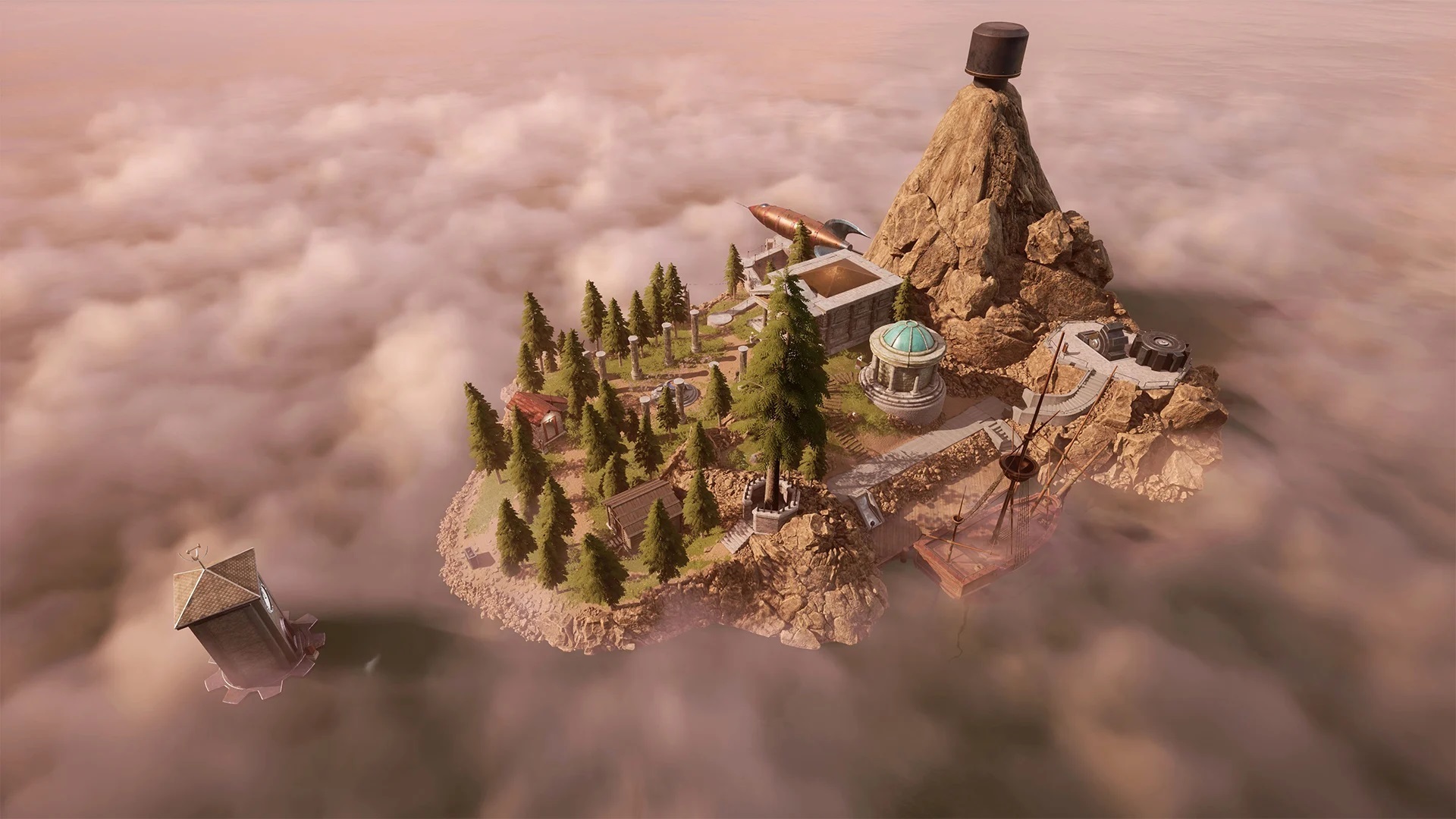
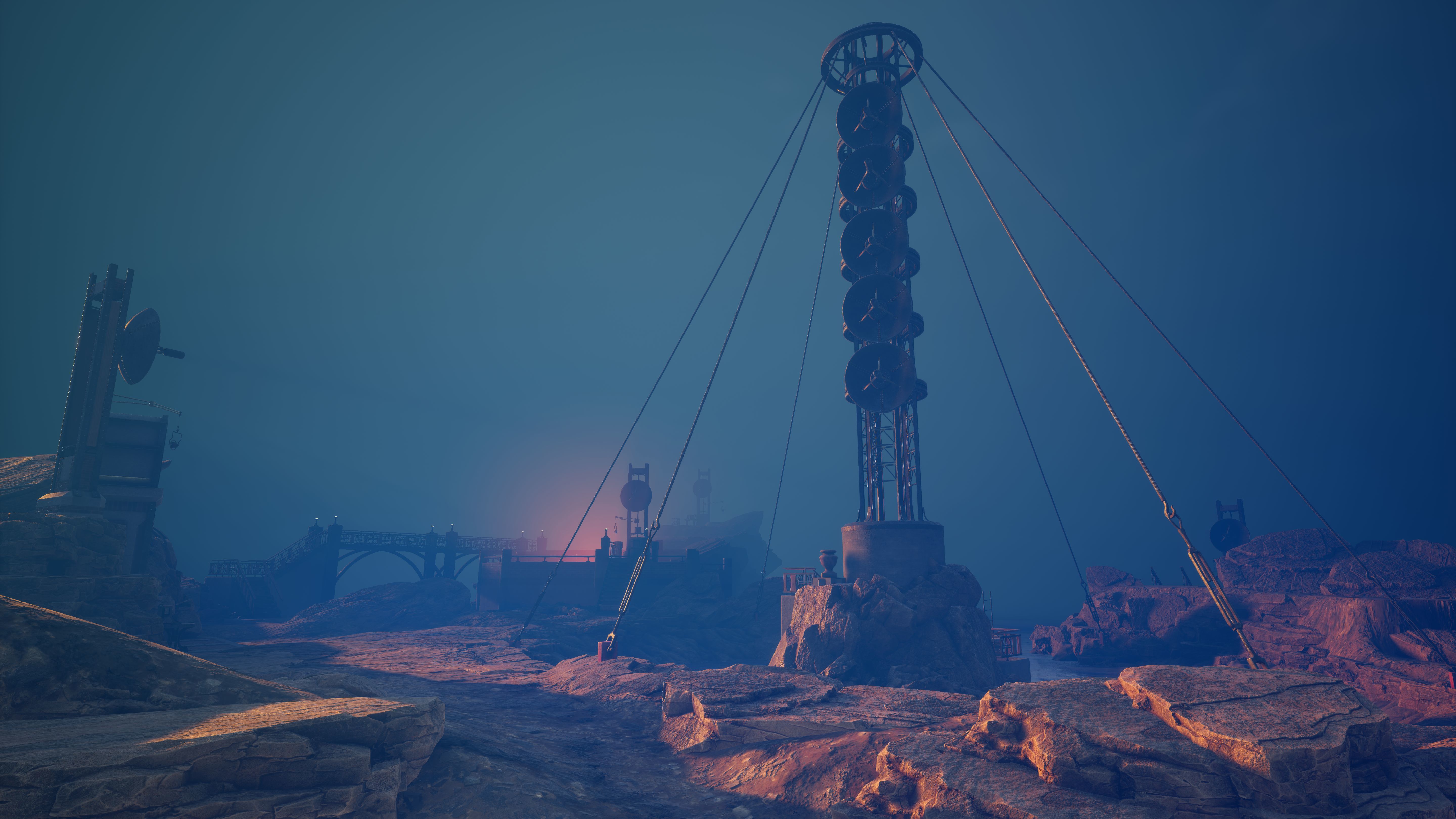

One more thing,
Right now you can get any game from the Myst series for 50% off, and 10% off extra as a part of the Myst 25th anniversary collection if you complete the set. It's a great time to get back into Myst. https://store.steampowered.com/bundle/8699/Myst_25th_Anniversary_Collection/
Thanks,
The Cyan Team
Myst 25th Anniversary Release
Today’s release of Myst III: Exile and Myst IV: Revelation completes the 7-game Myst Collection in digital format. We hope you enjoy the game whether you are a first-time player or a returning player who is feeling a little nostalgic.
Should you have something you would like to report regarding Myst IV: Revelation, please contact us directly at support@cyan.com. We would be happy to assist you.
Release Notes:
Myst IV: Revelation is available in 6 languages: English, French, Italian, German, Spanish, and Dutch. To access language selection after the game has been downloaded, right-click on the game in your Library, select Properties, select the ‘Language tab’, and then select the language option of your choice from the drop-down menu. Language selection can also be changed via the in-game options menu.
Windows 10 compatibility update.
Please make sure your anti-virus program is not blocking the game from launching. You may need to modify the settings in your anti-virus to grant permission to allow the file "myst4.exe' to run. This file is located in C:\Program Files (x86)\Steam\steamapps\common\Myst IV Revelation\bin\Myst4 (for a default install).
Make sure you have the latest drivers installed for your graphics setup, otherwise you may experience crashing or oddities with the graphics.
Known Issues:
We are currently investigating an issue with some players experiencing a crash on launch. The crash happens just after the screen resolution change. If this crash happens to you, (1) check to make sure you have the latest audio and graphic drivers installed for your system and (2) make sure your anti-virus program is not blocking the game from starting up (see above notes). If the game still crashes on launch after trying the suggestions above, please contact our support team and include the dxdiag report for your computer.
The Steam overlay in game only opens in 4:3. Myst IV supports the range of resolutions available in the 4:3 aspect ratio [only] and the game plays in full-screen mode [only]. The Windows command to place the game in a window, Alt+Enter, does not have any effect on this game.
Starting the game without speakers requires a game restart to enable the audio if speakers plugged in after start.