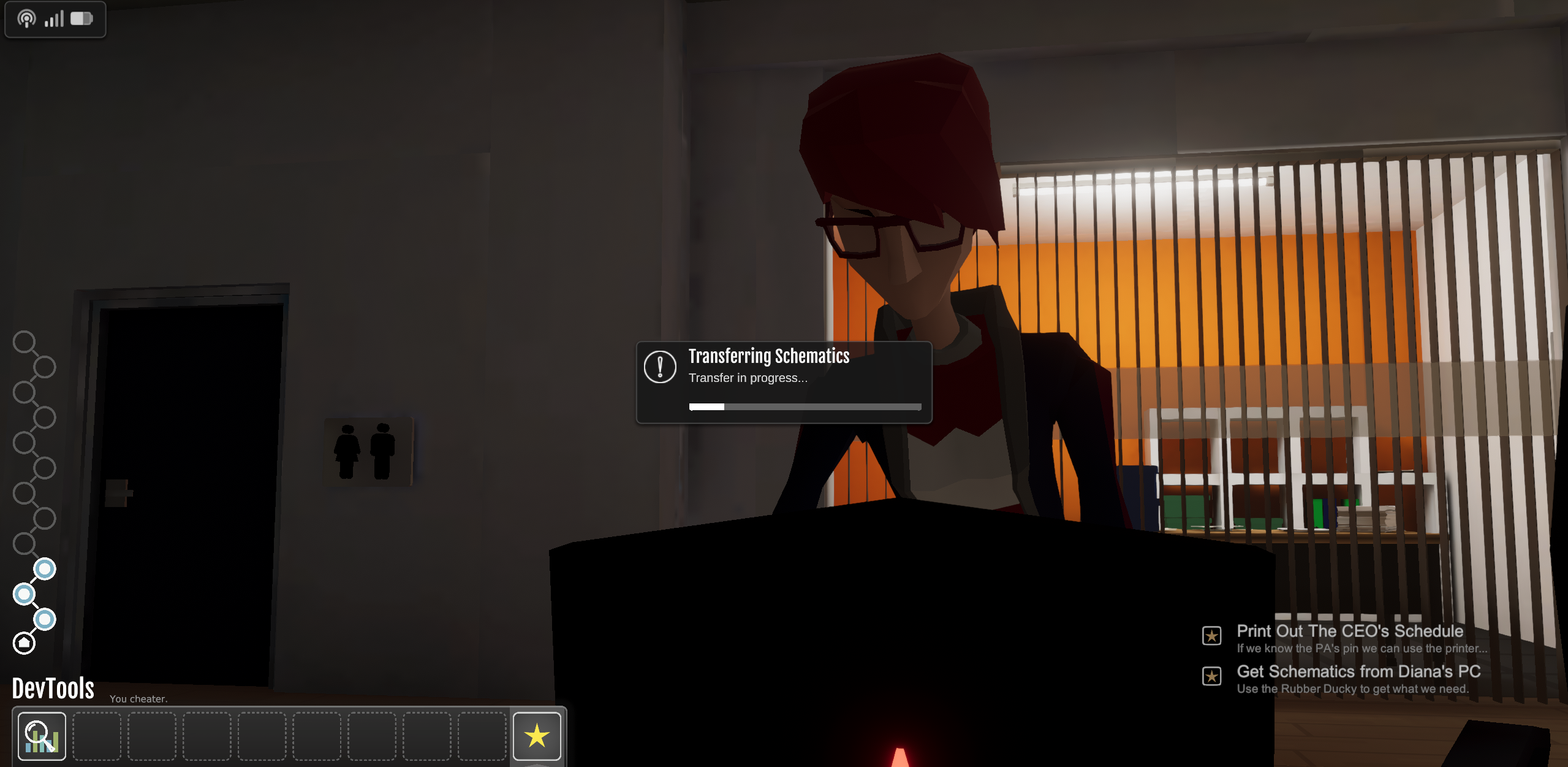
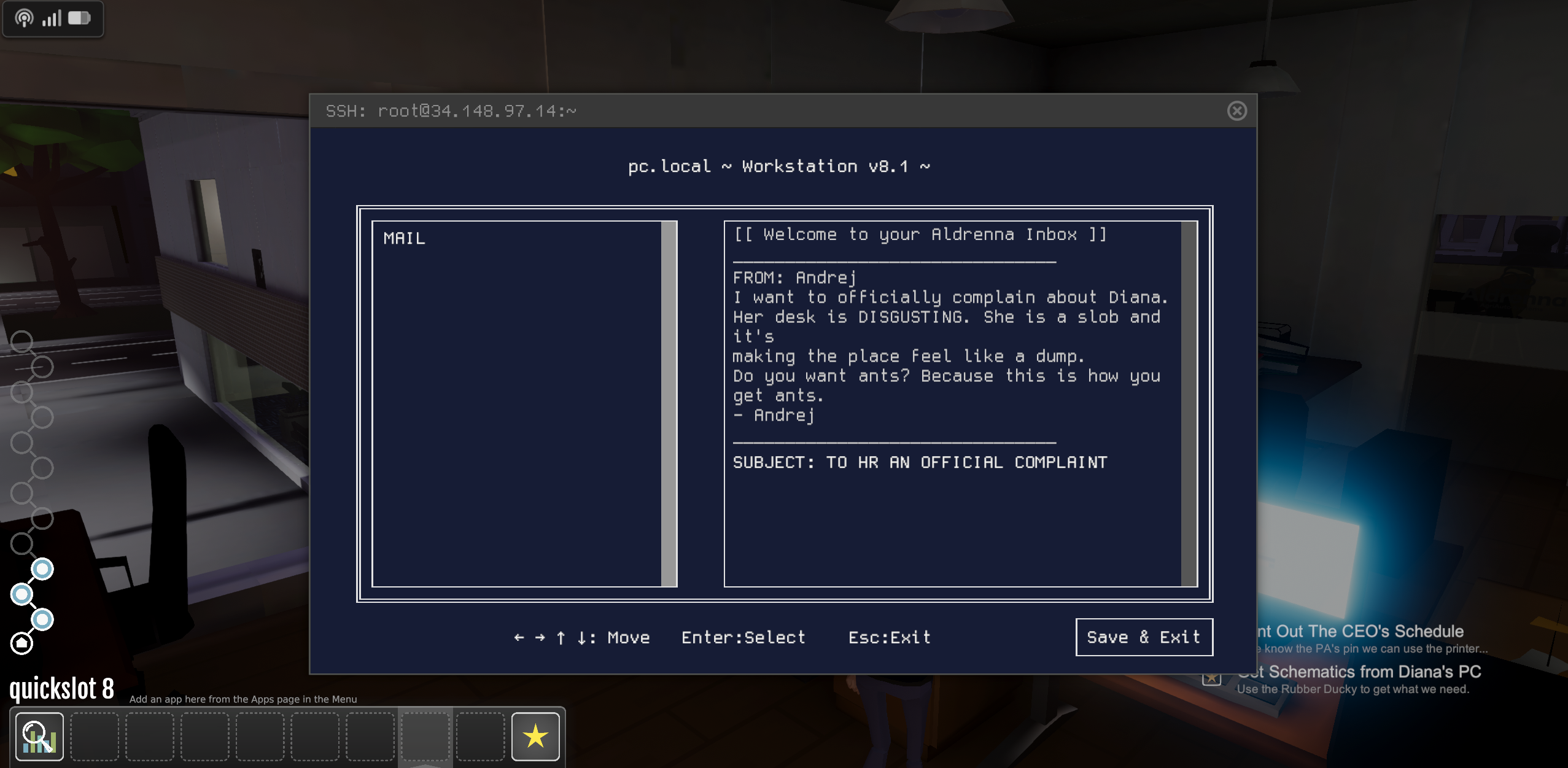
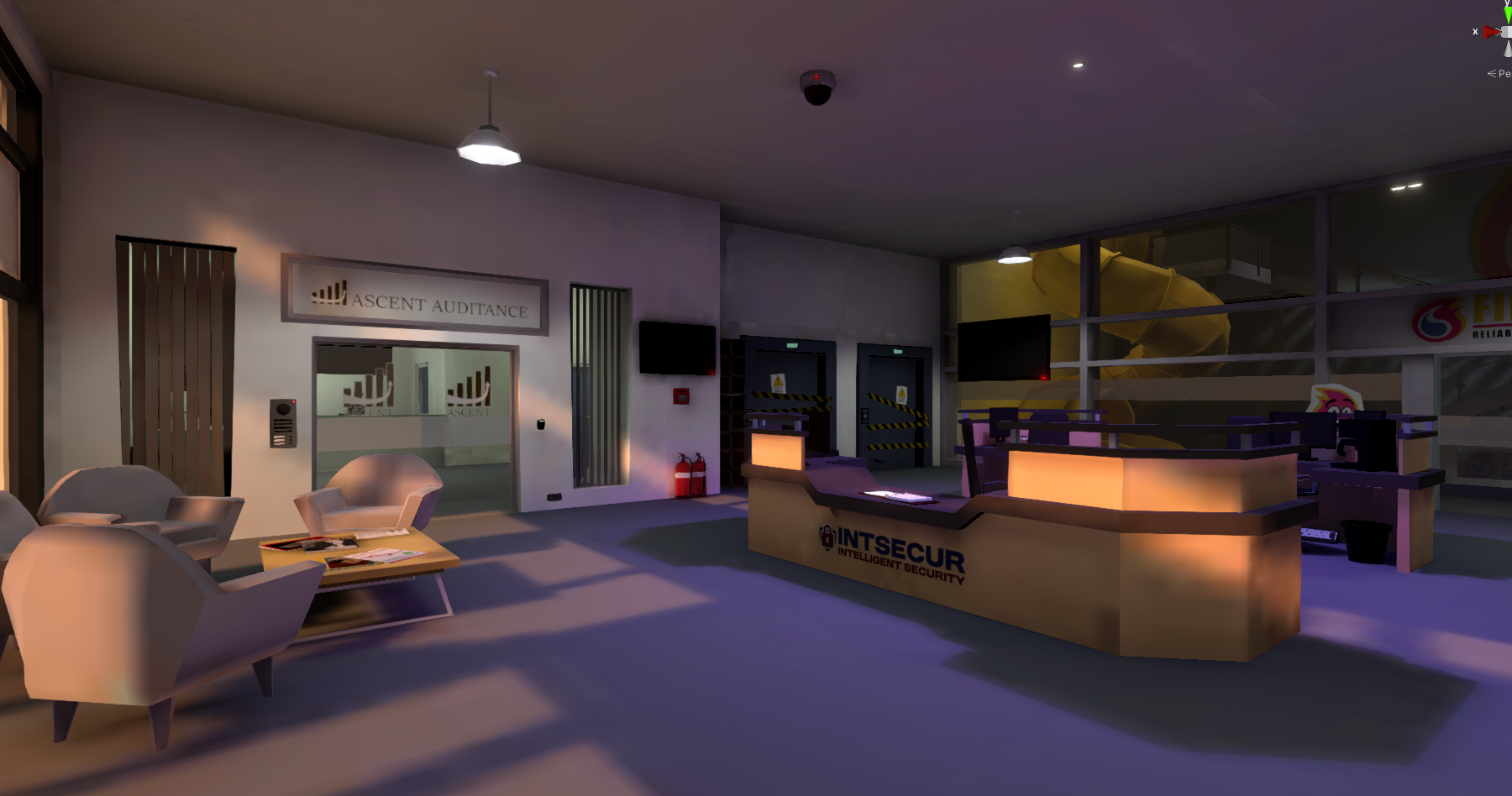
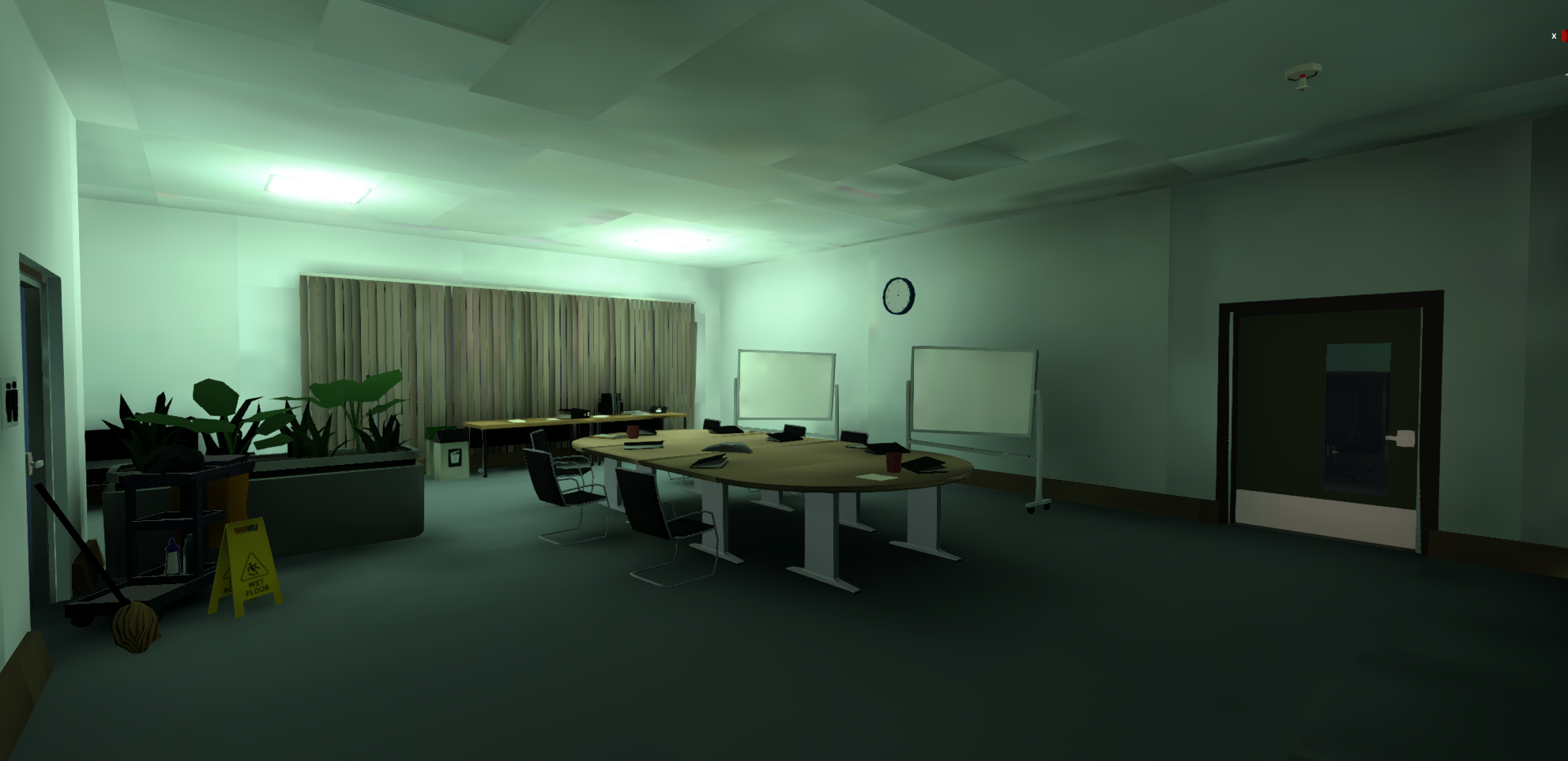
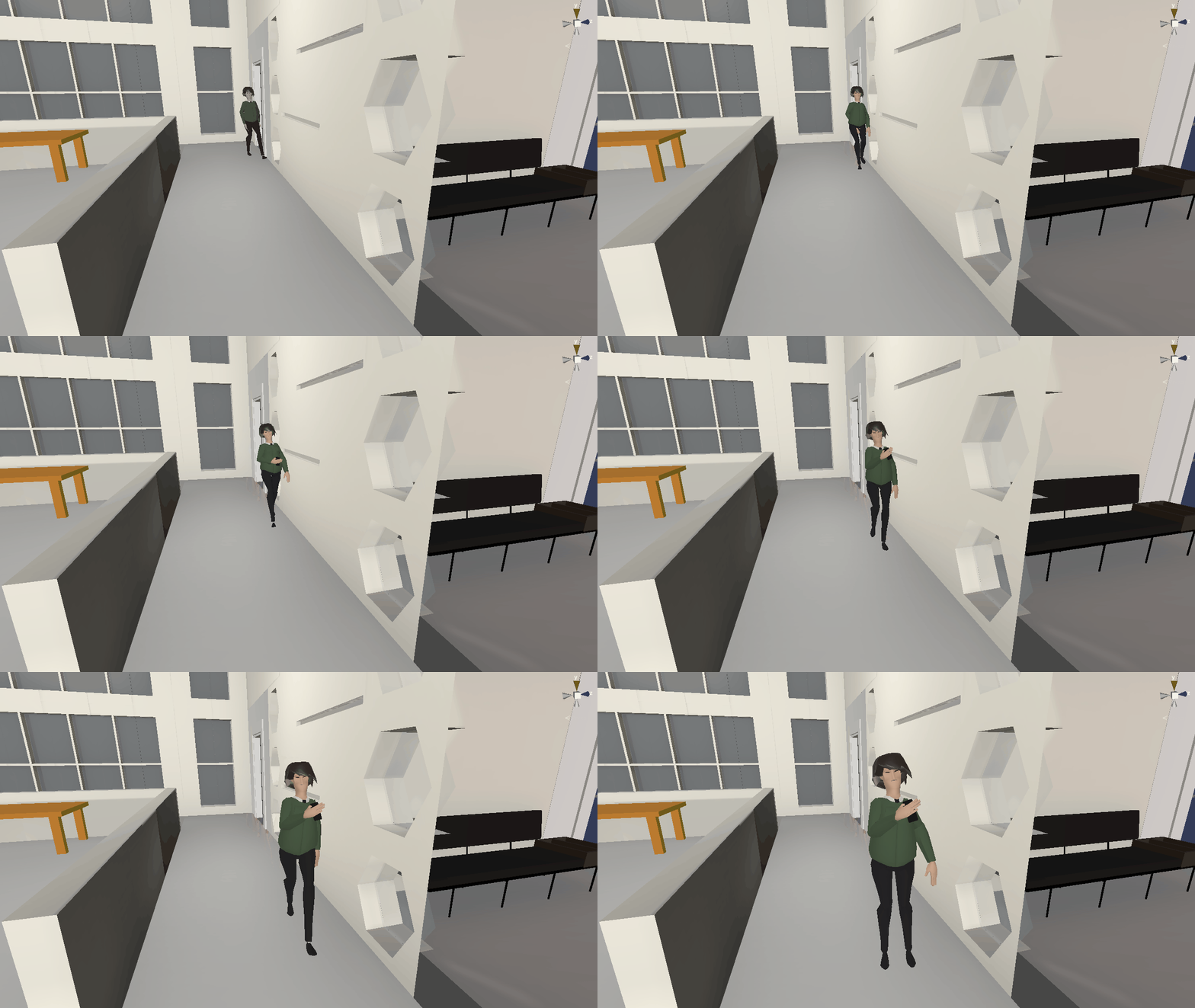
As we announced in our last update back in October, we are developing an experimental subgame, Off Grid: Red Team (OGRT), and playtesting is now currently in progress. Do you want to join in?
Let us start by saying that if you haven’t signed up to test OGRT you still have time over the next couple weeks. Why would you want to? Well let our Playtesters tell you why:
“Just finished the game, and it really is amazing, as I said before the interactions with the browser were amazing, the only thing I have to note about the interactions aside from some specific issues that i will report in the forum channel was the lack of forum posts, and i hope that changes“ “The game seems really good and looks great. Love the ARG with the websites. I’m trying my best not to go full-on hacker mode with the usual suite of tools. The last problems are really tough, though!” “The gameplay is pretty good, I enjoyed it. I also like the element with real websites—I got tripped up a few times, but that was down to my lack of attention to detail. I was a bit gutted when it came to an end.”
OGRT isn’t just engaging—it’s successfully challenging players to think like an attacker!
Why We’re Building This
OGRT is more than just a game—it’s a new approach to cybersecurity education. Our goal is to demonstrate how immersive gameplay can teach real-world security skills and help players develop an attacker mindset.
Through interactive challenges and real-world-inspired mechanics, players are introduced to core cybersecurity principles in a hands-on way. Looking ahead, we see OGRT as a stepping stone into vocational training, mentorship programs, and even career pathways for those who develop problem-solving skills in this space, but also first an foremost, a fun and engaging experience. Games are systems we enjoy learning, we think we cna do something interesting here by layering in some real learnings that you take away as you enjoy exploring the OFF GRID world.
Still Time to Get Involved
The OGRT playtest is running until the end of the weekend, and there’s still time to take part.
We’ll be sharing more updates as we continue developing OGRT, and we appreciate your ongoing support—your backing has made this possible.
Who’s Supporting Us
This work wouldn’t be possible without the support of Ufi VocTech Trust, a leading organization committed to transforming vocational learning through technology.
Ufi’s mission is to improve access to lifelong learning, particularly in digital and technical skills. Their backing has helped us take OGRT from an experimental concept to a fully functional prototype, allowing us to explore how games can act as a bridge to practical cybersecurity education.
To learn more about Ufi’s work, visit www.ufi.co.uk.
Off Grid Ongoing Development
Since October, significant progress has been made in refining the OffGrid world. One of the biggest milestones is the complete overhaul of the intro level, setting the stage for a more immersive experience.
The exterior environments of the first two levels have undergone a full rework, bringing them closer to the final vision.
The LevelKit has also been expanded with more modular assets, making it easier for both developers and modders to craft new environments.
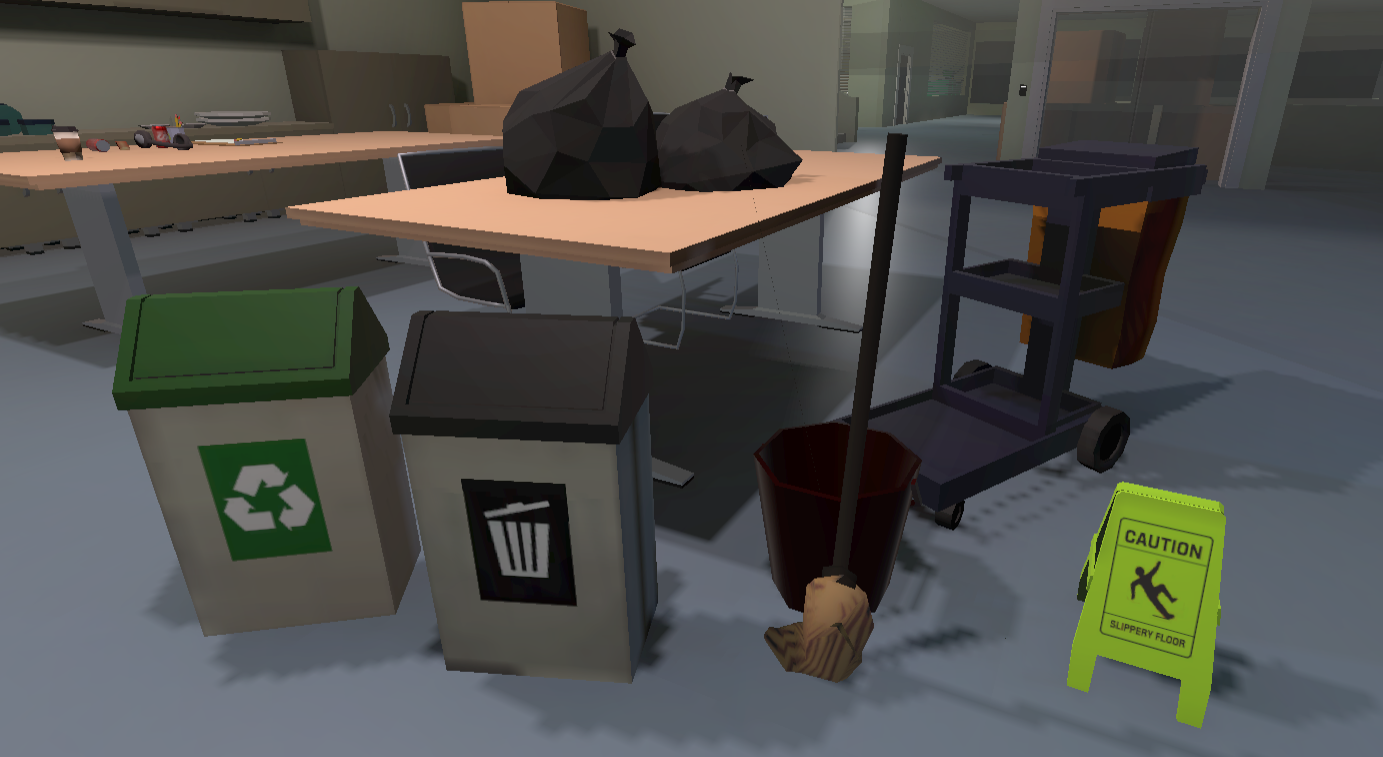
Additionally, new environments—such as underground parking, maintenance hallways, laboratories, and garages—have been created using fresh assets.
The first iterations of improved lighting in the workplace level are underway, enhancing the game’s atmosphere. On the next update those of you who are part of our "Pentesters First Access" program can expect a major upgrade on that front, we are looking forward to seeing what you think!
Before we go we also want to let you know that we deepened the environmental storytelling you’ll experience in OffGrid, increasing the connection between players and narrative through the world itself. Overall, these updates mark a huge step forward in shaping a richer, more immersive game.
We'll keep cracking on, content is coming along, and we'll have a game for you as soon as we can. As always thanks for your persisting patience and support folks, it means a lot to us.
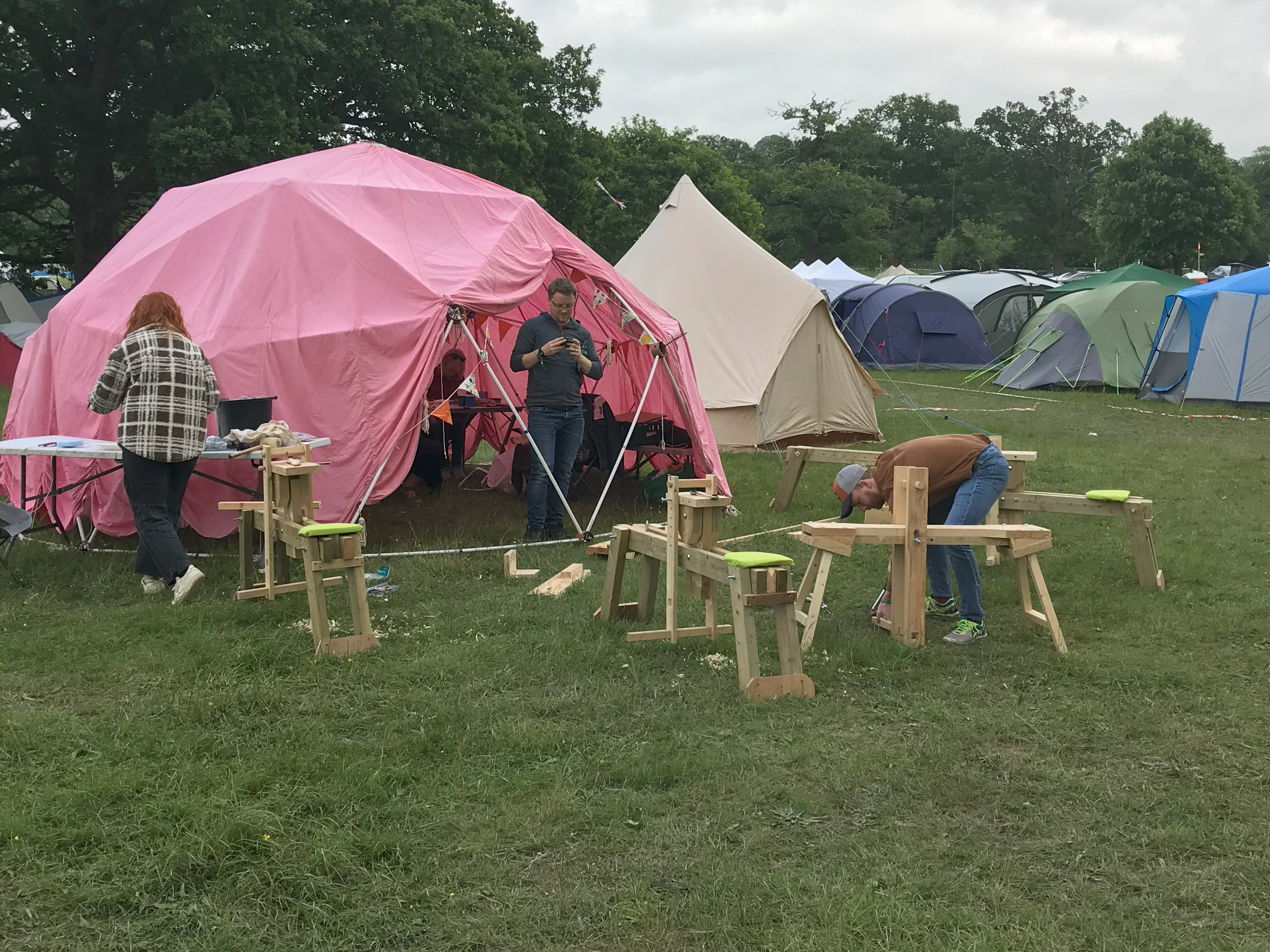
If you’ve never heard of EMF Camp, it stands for Electromagnetic Fields and is the largest outdoor gathering of hackers, tinkerers, and all-around tech enthusiasts in the UK. Picture a sprawling campsite filled with workshops, talks, blinking lights, and people building all sorts of weird and wonderful projects—everything from DIY satellite dishes to interactive art installations. It’s a unique blend of summer camp and tech festival, where the unofficial motto is: “If you can dream it, you can probably make it—just bring some duct tape and a Raspberry Pi.”
EMF is part of a trio of rotating European summer hacker festivals, alongside CCCamp near Berlin and “The Dutch Camp” (which is never content with just one name—past versions include SHA, “Still Hacking Anyway,” and MCH, “May Contain Hackers”). These camps fill the summers between the more serious, wintertime gatherings like the Chaos Communication Congress (CCC) in Germany—a massive event hosted by the Chaos Computer Club, Europe’s largest hacker association.
The CCC itself has deep roots, founded back in 1981 at the height of the Cold War. It started as a response to the vulnerabilities in the West German government’s new tech, but it quickly grew into a cultural institution—a place where democracy and digital rights meet tech wizardry and hacktivism. Fast forward a few decades, and it’s the beating heart behind a whole ecosystem of hacker camps, where EMF has carved out its own space.
All this alphabet soup boils down to one thing: a place where hackers, makers, and dreamers come together to share knowledge, build cool stuff, and push the boundaries of what’s possible. And that’s exactly why we keep coming back.
EMF '24
So, this brings us to EMF this summer. There are plenty of reasons we attend these camps—it’s the community some of us grew up in, and Off Grid as a game is, in part, a love letter to this side of hacker culture. Beyond catching up with old friends and sharing stories around the campfire, this year we had a mission: to do some structured research for Off Grid: Red Team (OG:RT), our new sub-game of OFF GRID that dives deep into teaching precise cybersecurity skills.
We did a teaser announcement about OG:RT a few weeks ago [link to previous post], sharing the exciting news of our partnership and support from Ufi, and now we can finally share more about what we got up to at EMF and why we were there. OG:RT aims to build practical skills and extend the base premise of Off Grid into a companion experience, allowing players to explore infosec concepts. Right now, we’re focusing on a proof of concept (POC) to test whether practical infosec skills can be effectively taught through a video game. Our long-term vision is to offer a foundational learning platform with potential pathways to industry opportunities, but for now, this POC is all about refining the core experience and gathering feedback.
EMF was the ideal place to start gathering feedback about the idea, pick the brains of experts, and get a sense of where current cybersecurity training is missing the mark. We’ll do a proper write-up about what OG:RT is in detail soon, so stay tuned!
In the meantime here’s what we did last summer:
Highlights from EMF ’24
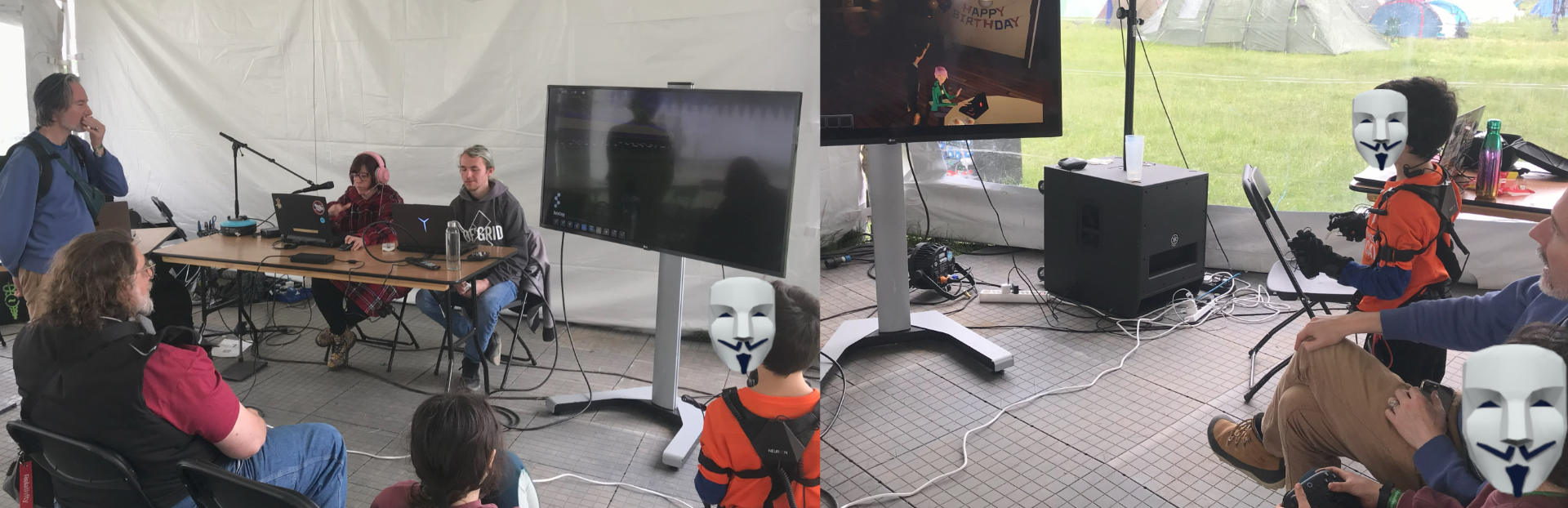
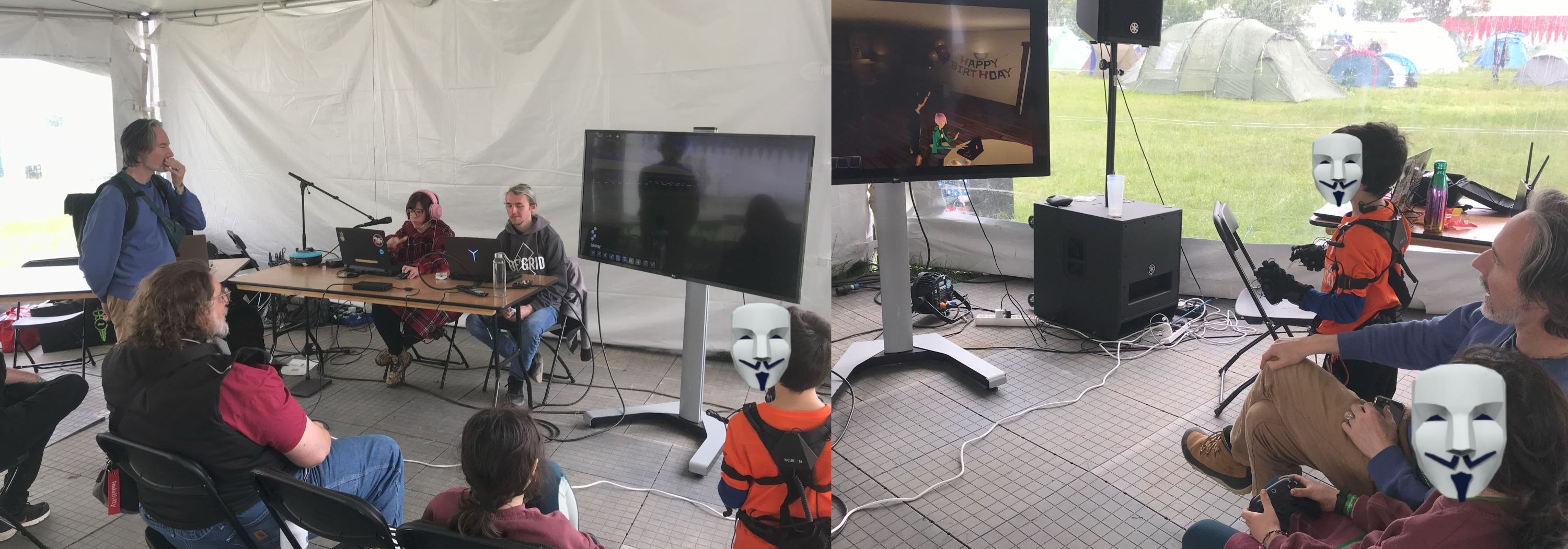
Workshop Fun: We ran a workshop where we played the latest iteration of the intro scene and first tutorials of the core game. It was a great chance to see what’s readable, what’s confusing, and what sparks curiosity. Plus, it was a blast to show off the game to a room full of friendly faces, sharing a few laughs and geeking out over the details.
Lofi Mocap: Ever seen a DIY motion capture suit in action? We brought ours along and captured custom idle animations from our hacker friends who cameo in the game—like Darren, who’s always got that signature, laid-back swagger. These little touches will make Off Grid feel even more like it’s part of the hacker world, blending real and virtual in all the best ways.
Feeding the Community: Rich also brought along his famous smoker, a beast of welded metal he first put together for EMF ’18. It’s become something of a tradition now—smoking meats while sharing stories and knowledge. This year, we joined forces with the Milliways crew to keep the smoker going for four days straight, feeding hackers from dawn till dusk. Friends brought pre-marinated cuts of meat, and we kept the smoky magic alive. (You can read more about the Milliways ethos here.)
Whiskyleaks: Always a crowd-pleaser, Whiskyleaks is our tradition of bringing a bottle and pouring a little liquor on the ground for our fallen and jailed hacker comrades. It’s a moment of solemn reflection, but also a reminder of the resilience and solidarity that runs through this community.
Insights from the Community
We sat down with friends and experts—folks managing security in all sorts of places, from harbours and local councils to tech giants, scrappy startups, and even nuclear facilities (yes, really). Our conversations ranged from the state of infosec to the gaps in current cybersecurity training. One theme kept cropping up over and over again: the importance of an “attacker mindset.” These insights were pure gold, helping us refine our questionnaires and shape the remote and more official interviews for OG:RT that followed as part of our development process.
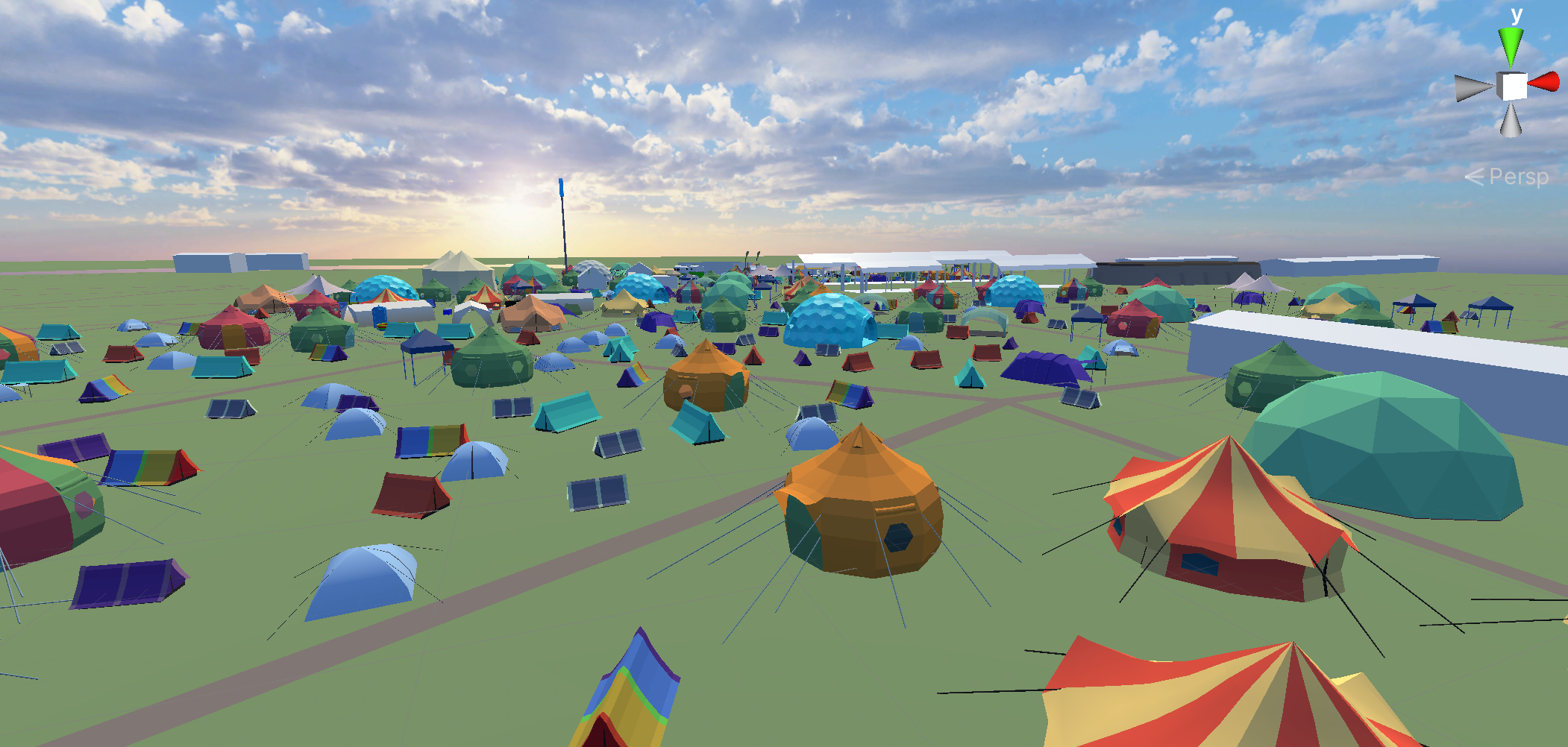
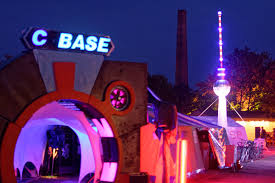
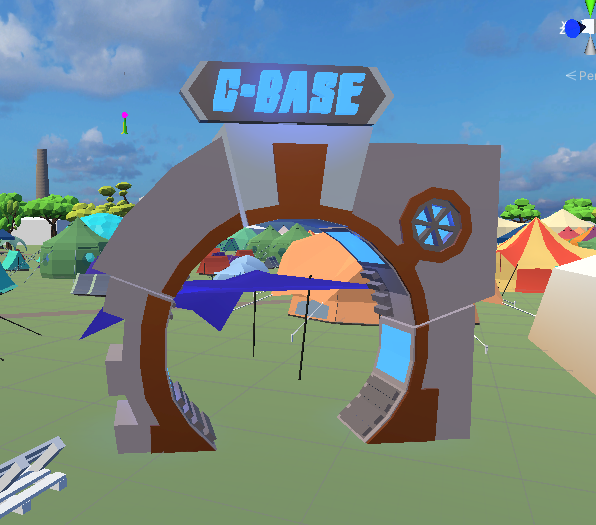
Getting to know the folks from different camps really helped us build this mod with them. C-Base for example has a ton of interesting lore and background to their community, so we know it is important to include as much of this as possible, and although the C-base village wasn’t there in person this year, we brought them there in spirit.
C-Base in Mod / IRL (note this is an image from CCC-Camp not EMF):
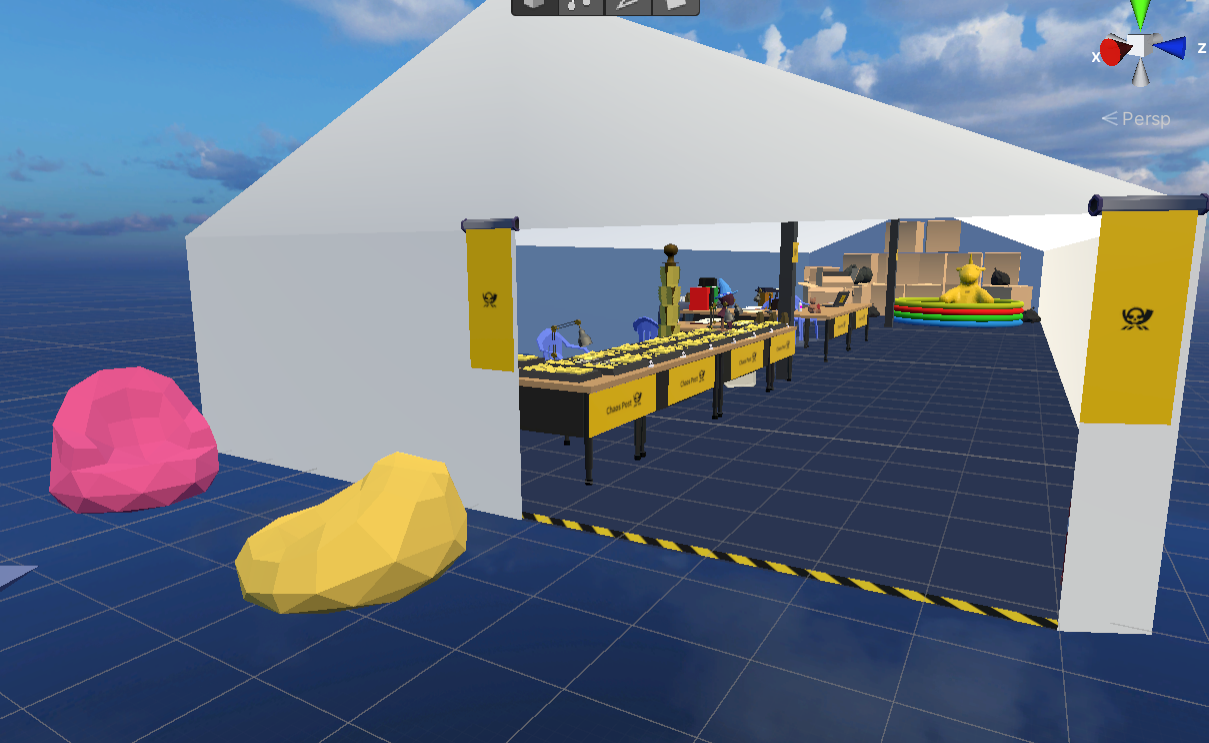
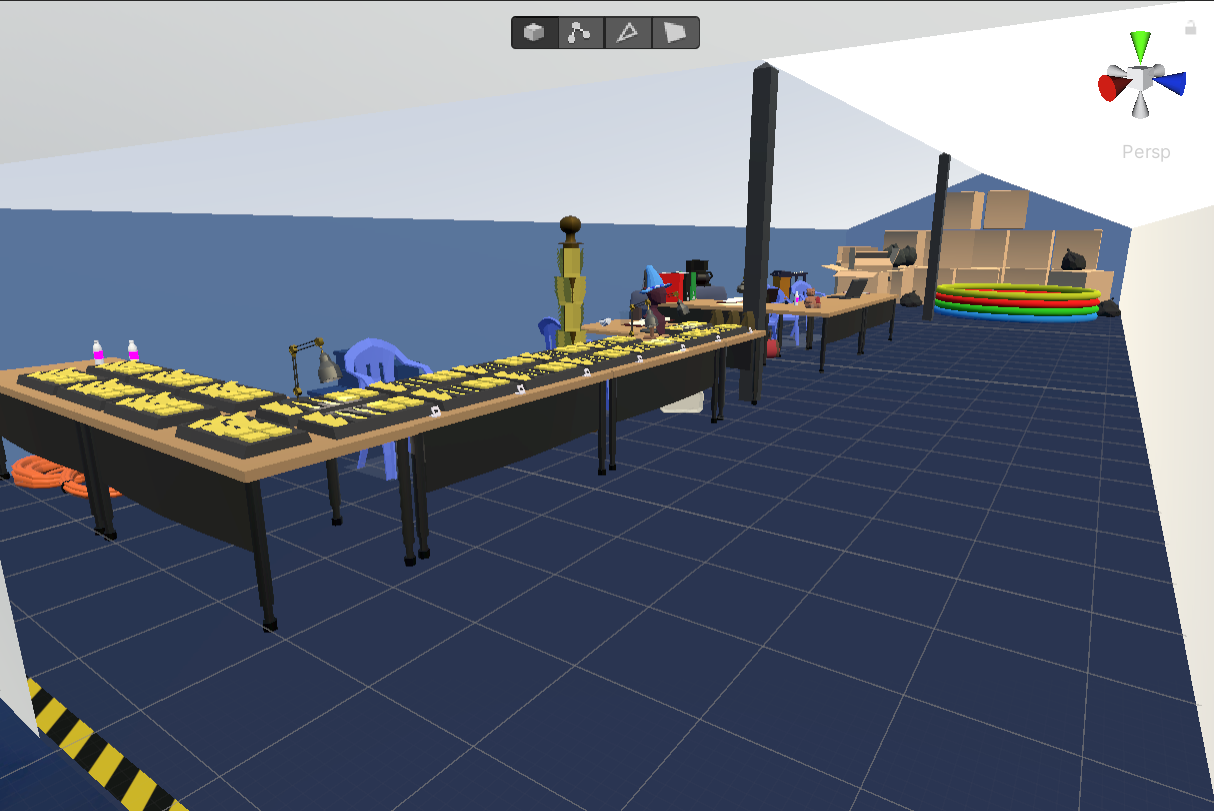
Our intern Elias scripted a section of gameplay about Chaos Post, and we were able to show it to some of the Chaos post team and get their feedback on how to make it better.
Jean’s take on EMF
Going to EMF, I discovered all the things I’d always dreamed about building were all here in full effect: using networks and Arduino’s to build interactable games and installations. It was amazing to see them being realised. It helped me see what is possible and that there is a part of me that wishes to learn these skills.
It’s not just games and tech, but also food, ethics, and diversity—this brings a wholesome vibe to the place. Everyone is massively willing to discuss ideas freely with each other, and that is the essence that bubbles together a melting pot of daring and integrity.
There really is a Goldilocks sweet spot at EMF whereby everyone is engaged enough to bring something; take something away; share with others; reach outside of comfort zones, all because they are interested enough in the first place to being there and thus realise everyone here is approachable and ultimately, my (your) kind of people.
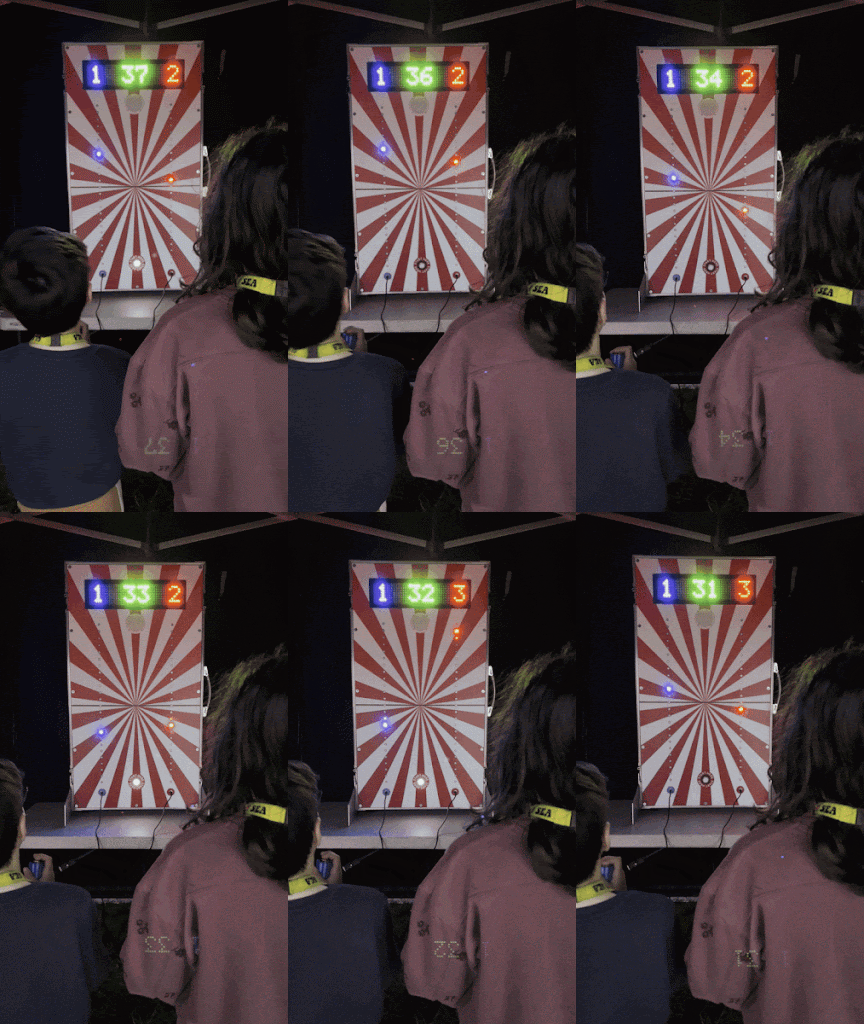
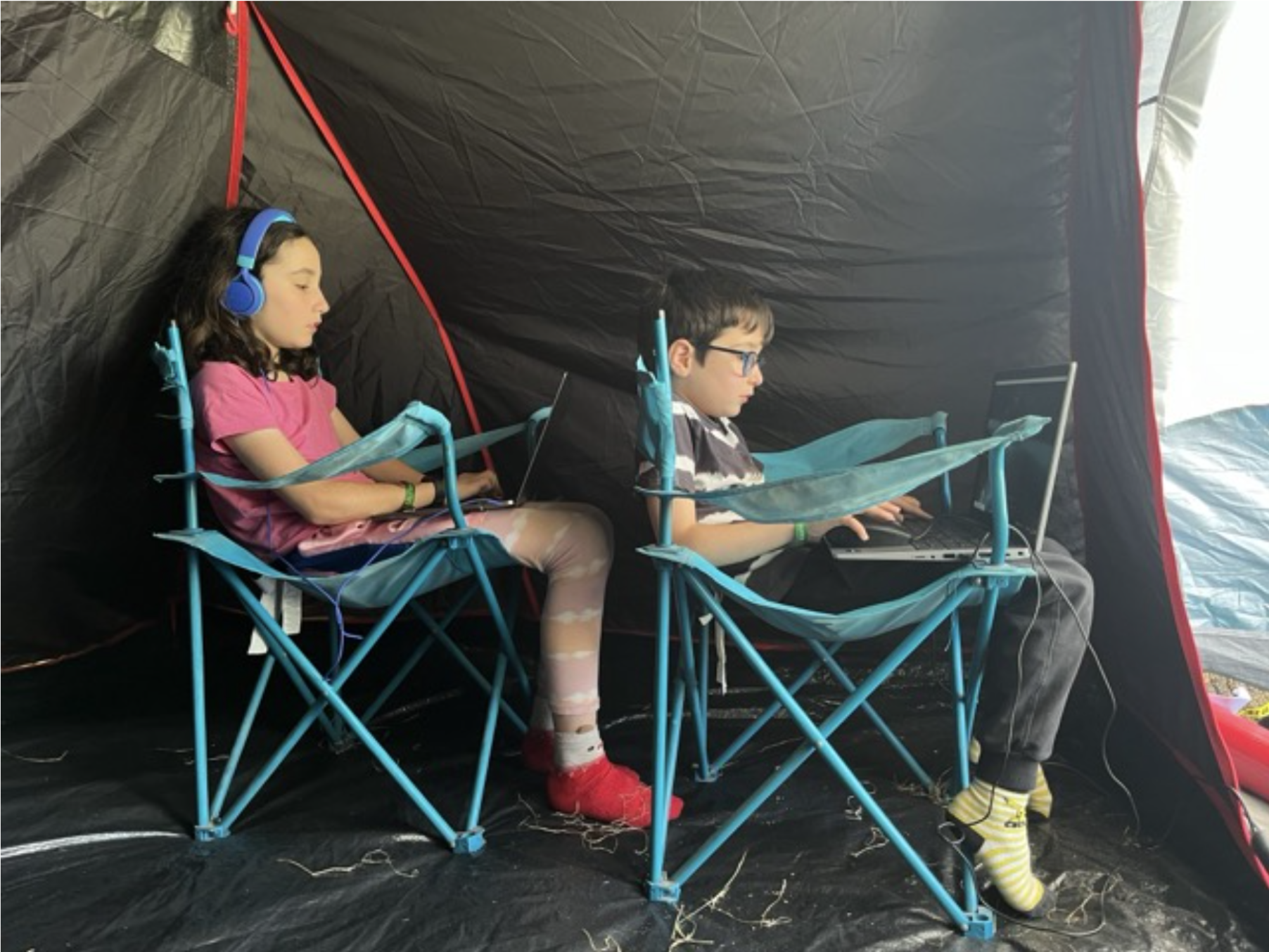
That being said, I took my kids, who loved it more than me! - from coding in the tent, to being free ranged and free to run a muck and take part in as much as the adults. As a parent, who worries about the onslaught of social and gaming (aka mobile gambling) kids via mobile phones, this was a great place to put the point of digital social and creativity to work! For them to see the why this stuff exists and why its fun, and what *you can do* when they grow up is just mind blowing for me. Their favourites were the *physical digital* games (see video below)
So wrapping up with some more highlights:
Lots of play and workshops
Highly accessible
Great ethos (sharing | swapping culture | educational)
The BBQ smoke
A 'choir' room (crying, screaming, shouting, whatever your melody.)
Stef
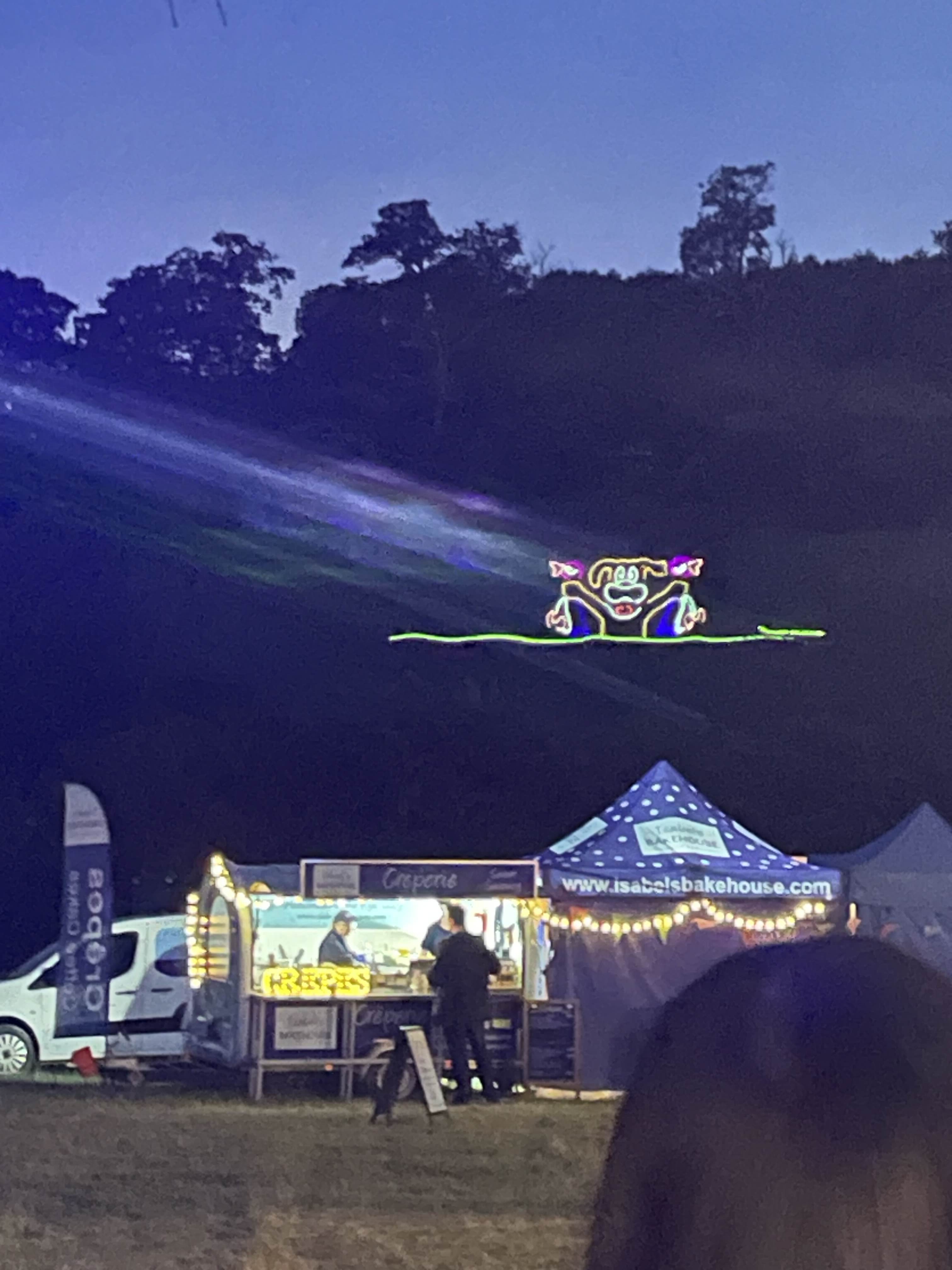
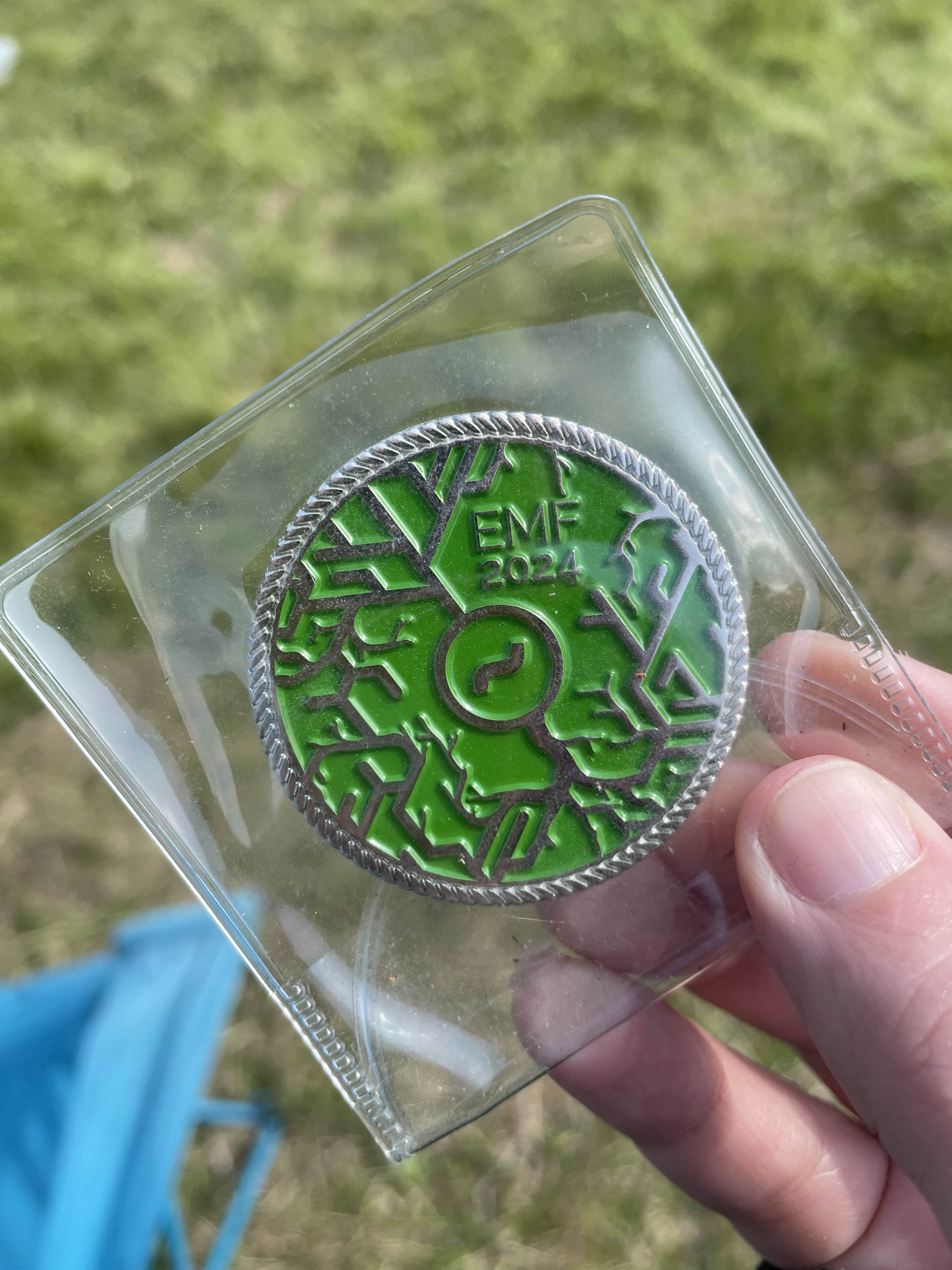
EMF, was awesome. I’d been to CCC in Germany, so I knew I was going to like EMF, but being surrounded by so much tech and crafting in one place, it was actually like being in my own nerdy heaven. There’s a lot of creative and weird things to see, with artists expressing themselves in ways I’d never encountered before. I was obsessed with this Tesla coil that played music. Another big highlight for me was playing Duck Hunt on a hillside… using LASERS (thanks SebLee!) We camped with our good buddies in the Millyways village, such a solid group of geniuses, where I got my hands on a Millyways challenge coin, which is a reminder of just how special this community is, and I can’t wait to go back!
Off Grid:Red Team
If you’re intrigued by all this and want to see how the spirit of IRL hacker culture and knowledge-sharing folds into the game, we’d love for you to get involved! Fill out the form here, and we’ll add you to the OG:RT mailing list. You might even be selected to take part in beta testing and provide feedback as we work towards creating a complete end-to-end prototype.
Even if testing isn’t for you, you can still join this mailing list to stay up to date on all the latest developments. We’ll be back soon with more updates about the game!
OFF GRID DEV BLOG - "Hacking IRL"
Hello folks! We’ve been so busy pushing forward with OFF GRID that it’s been hard to find the right moment for an update—but here we are, and a lot has happened in the last four months! We teased a bit in the interim, but now we’re ready to dive into the details.
First up, we had an amazing time at EMF Camp, the UK’s largest outdoor hacker gathering, where we ran workshops, caught up with friends who cameo in the game (mc.fly, pathfinder, Lauri Love, Darren, et al.), and connected with the wider community. We’ll have a full retrospective post coming soon, but in the meantime, there’s even bigger news…
We're extremely proud to announce we’ve secured funding from Ufi to develop a companion experience to OFF GRID that takes players deeper into the world of infosec (in parallel to how OFF GRID takes players deeper into the world of hacker culture). Interested? Then read on!
Team Updates
We have some team updates, our three lovely volunteers, Elias, Mellissa, and Diogo, had their work experience with us come to a close, they made some fantastic contributions to OFF GRID and the studio and its other projects at large. We have also had our producer Raquel move on to new adventures at Brazilian outsourcing giant Kokku. While we’ll miss them, part of being a small, independent studio is helping talented people grow and take the next step in their careers. We’re incredibly proud of all they’ve accomplished!
As is the way with chi and the movement of energy (yeah man!), we have been incredibly lucky to have new energy come in and fill this void. We’ve welcomed Edvin as a junior environment artist, and long time friend Jay Springett has also joined the team. Bringing with him some deep expertise in worldbuilding and cross-media storytelling. Jay is probably best known for his involvement in Solarpunk’s early origins, he’s also been a contributor to reports for BBC R&D and the Canada Media Fund. He’s been able to jump in and inject his operations expertise into production management and beyond for OFF GRID: Red Team, this new extension of the core OFF GRID game.
Without further ado, here is what we have been up to on the core game in recent months
Core Systems
App System overhaul, part 2
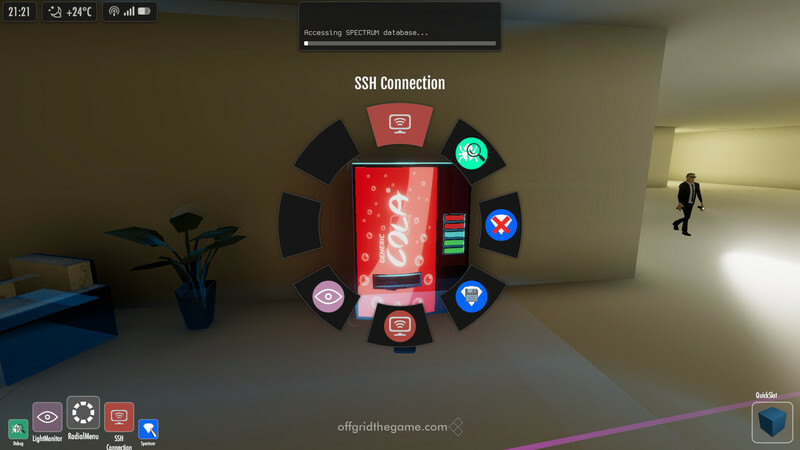
Some of you might remember that we did a redesign and rebuild of large parts of the game's app system last year (if you missed that, then read more from the blog post: OFF GRID: Off Grid Dev Blog - "Still Alive and Hacking"). After that there were plenty of more pressing issues that needed dealing with first, but we finally got to doing the second part of that overhaul, dealing with how apps work in first-person mode.
As nice as the radial UI we had for selecting apps in the first person mode looked like, it didn't really fit well with how the apps now work. First of all, it required the player to first select a target, as it would then automatically show apps appropriate to that target type. However we've moved the control over which targets the player can see at a given time to the currently selected app, so that created a bit of a chicken-and-egg problem here. Next, having to manage two separate lists of apps, assigning them to the radial UI and the normal app dock separately, was unnecessarily complicated. Even more so on the Lua scripting side.
So it was time to clean up the design, and with the way the apps now work, we realised there was actually no reason to have that separate UI any more. We could just as well enable the one and the same app dock in first person mode as well. That means no longer having two different ways how apps work, and how they are used by the player. No need to assign them to two places separately. No more need to define if they can be assigned to dock or the radial UI and setting default states for both, resulting in simpler and cleaner Lua code for modders to deal with as well. Sounds like a win.
Well, as with everything else in game dev, every solution creates some new problems of its own...
The problem we now had was that most of the gameplay is designed around the 3rd-person perspective, giving the player a lot more view around their surroundings, and especially on any guards that might be approaching them from behind. Our goal for the 1st person view was always to allow the player more time to think, to search for useful data, and to take a more tactical approach compared to the direct and fast interactions the apps have (especially after this redesign) in 3rd-person mode. To help with that, after the player had selected a target in 1st person mode we paused the game time to let the player consider their next move safely. Now that we no longer select the target first we had to choose between two options. We could pause the game the moment you enter 1st person mode (but that could be way too powerful of a tool, being able to freely search and hack anything in game with all the NPCs paused. Or we could not pause the game, and lose that bit of safe time for the player to think we wanted to have in 1st person. Neither option sounded great.
Got time?
If we can't stop the time, and we can't keep the game running normally, then that only leaves one option; doing something in between. Which is exactly what we did. We slow the time.
Now entering the 1st person mode changes the game to slow time mode, giving you more time to look around, select targets, and interact with them. But still not unlimited time, all the AI characters in the game are still moving around and going on about their business, so you can't just switch to 1st person mode in the middle of an open area and hack away. If there are guards around, eventually they will spot you and catch you.
This solved all the problems, at least on the game design side. Changing a game that was built to either be running, or paused, to handle an extra slow time state took a bit of work and refactoring various systems.
The hidden tech behind it all
The last part of the app system changes was less to do with gameplay, and more to do with Lua scripting and other things going on in the background. Removing the radial UI already cleaned things up a bit, but we still wanted to simplify the code needed to define what apps the player should have in each mission. And we also had some unsolved situations regarding apps in modded levels, or in special cases like tutorials where one might want to override what apps the player would normally have and instead set them to specific ones.
So we also ended moving defining app's starting states in the app Lua script into the mission scripts, and then added some helpful Lua API calls for setting the apps for the mission more easily, rather than having to call a state change per each app (which wouldn't even have worked when dealing with modded apps/levels, as nobody could possibly know which apps the player has in their game.
As part of implementing that we needed to figure out the logic for how the player's apps are saved between missions. We needed to make sure apps given to player in one mission and the way the player has assigned them to their dock carry over to the next mission correctly, but also handling cases where the player ends up playing a mission that defines different apps/configuration, and then returning back to player's configuration again on the following mission. And of course making sure it doesn't all break if some previously used app isn't available any more (either because it was a custom app defined in one mission only, or because it was from a mod the player has uninstalled).
This is all working now (apart from a bit of more work needed on our save system side), and while it all got a bit complicated on our end, the good thing is it all pretty much "just works" from the player's and even from the modder's perspective.
Layout and Props and Art?
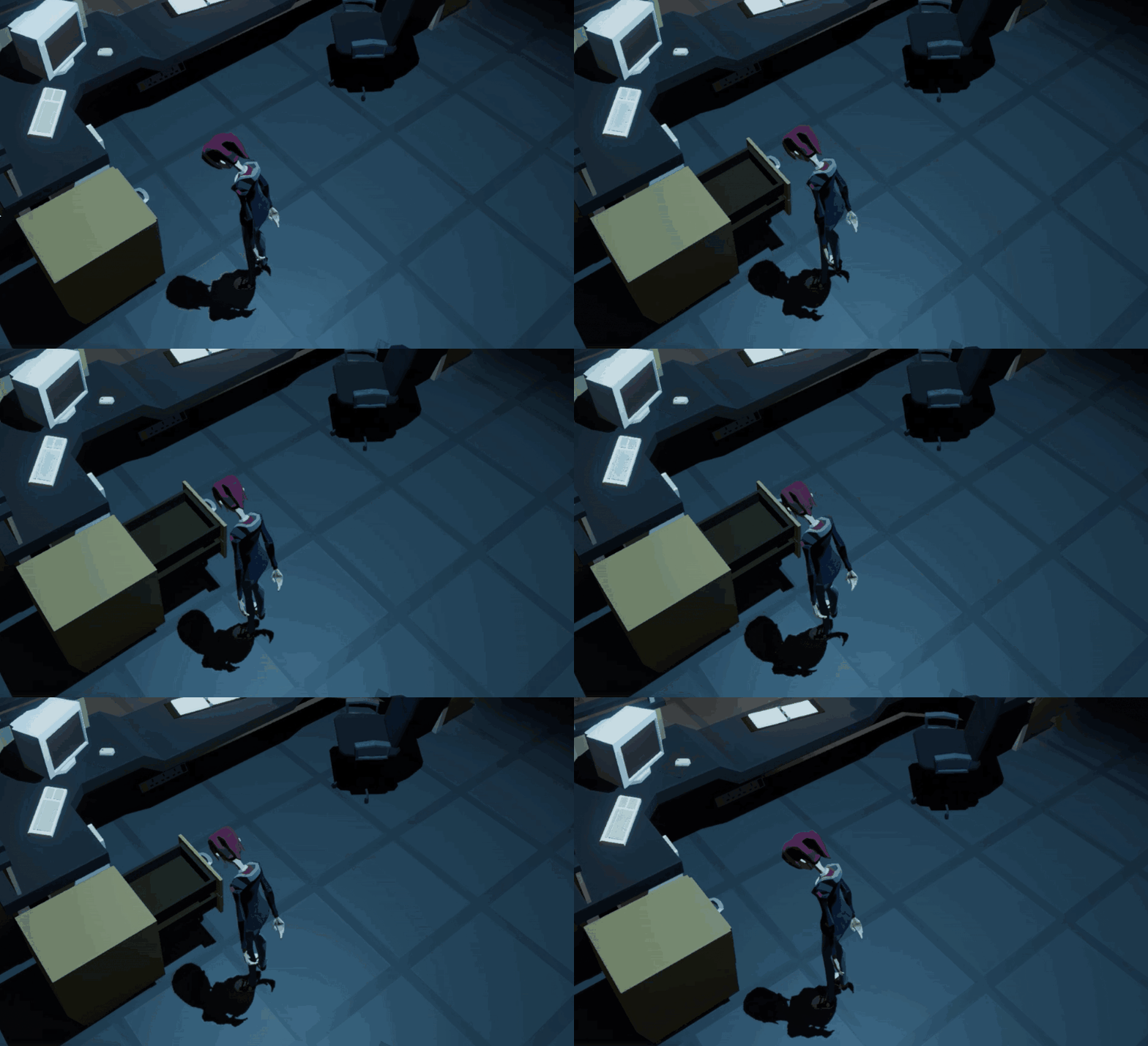
We’ve been hard at work on scripting and interactive objects, which, as you can imagine, brings its own set of challenges—like figuring out how to deal with the ‘haunted’ office drawers in IntSecur’s poltergeist-infested office.
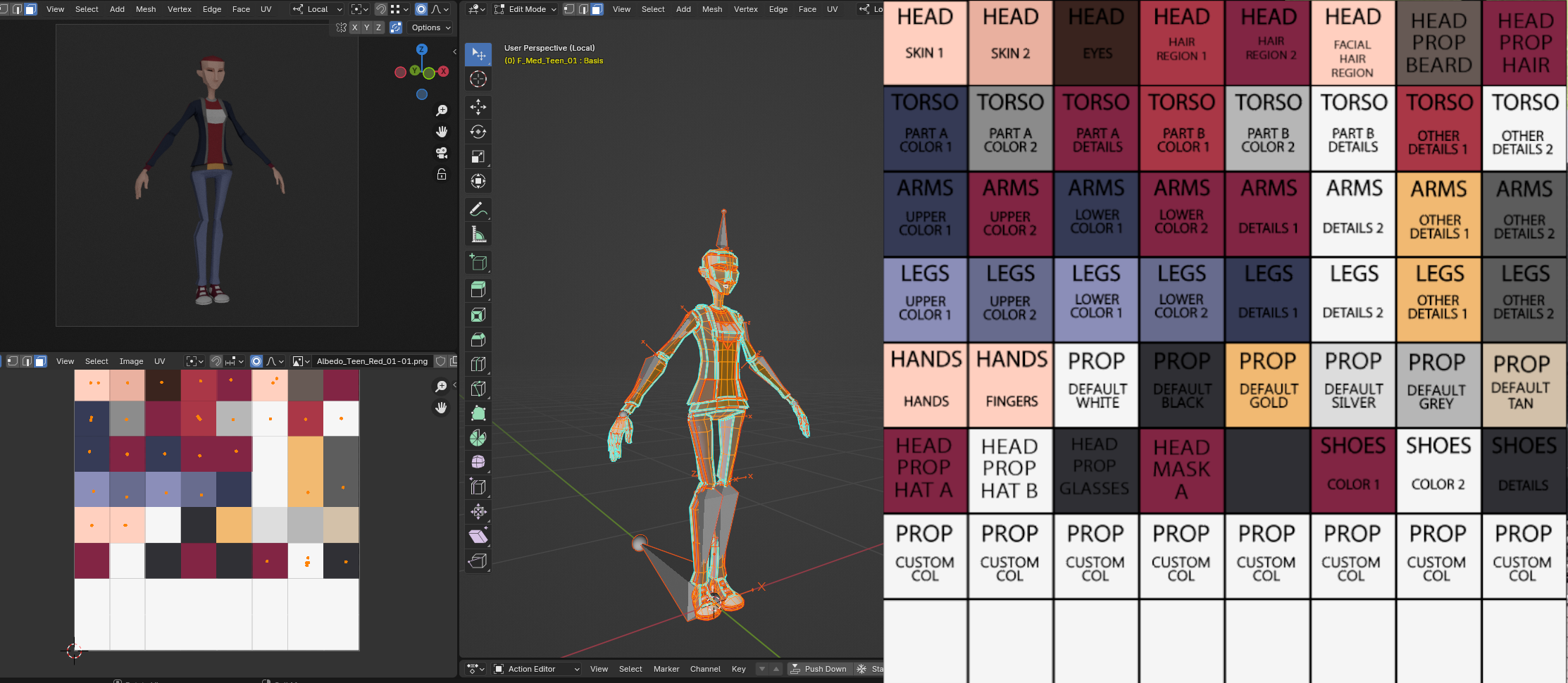
We’ve been fleshing out our production wiki to document everything, ensuring smooth sailing as we continue building out the game. On top of that, we’ve started refactoring the character customization system, making it more intuitive for building levels. We’ll dive into more details in an upcoming blog post, but for now, check out the new LUT layout in action on the Jen model.
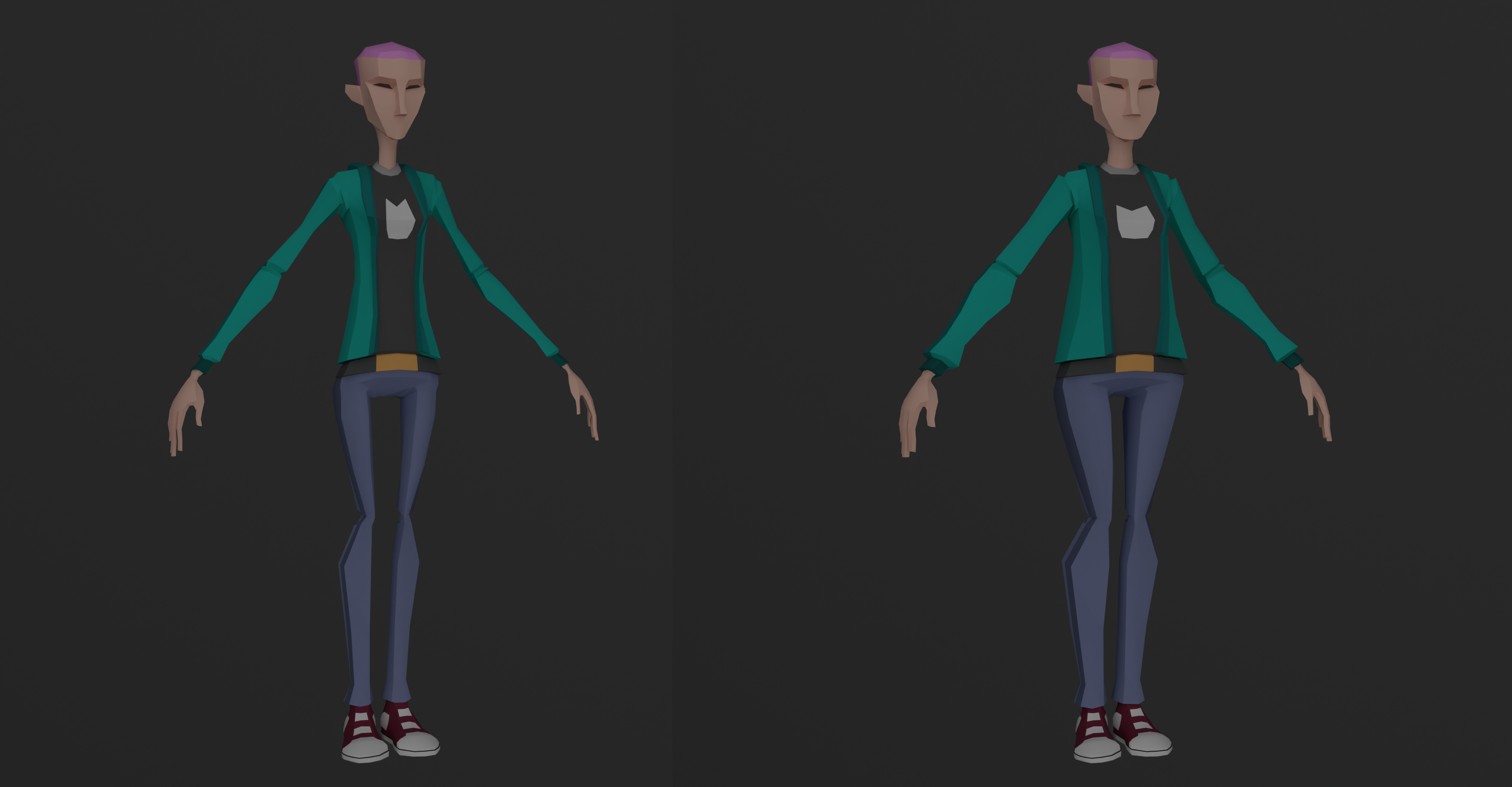
We’ve also added sliders to adjust body shape for greater variety in character design!
Lastly, Stef has been working on our level building updates has this to share:
Studio Announcements
Ufi Supported sidequest
We’re pleased to announce that, with funding and support from Ufi, we’re taking OFF GRID in exciting new directions. We’re developing a vocational training companion experience that will sit alongside the core game. Think of it as an ARG (augmented reality game), where we use experiences and media outside the game to guide players deeper into the world of information security, pentesting, and hacker culture. Specifically, we’re focusing on the ‘attacker mindset’—the skills gap that often goes overlooked in conventional cybersecurity training.
Ufi has pioneered the use of technology to advance vocational skills, coining the term “VocTech” to catalyse the movement. We love how this project blurs the line between fiction and reality, helping players jump down the rabbit hole and explore infosec techniques in a hands-on, immersive way.
OG:RT
OFF GRID: Red Team (OG:RT) is an experimental subgame of OFF GRID, where we’re testing innovative mechanics with ARG elements. The goal is to mirror real-world cybersecurity challenges in a narrative-driven experience, helping players develop an ‘attacker mindset.’
Though OG:RT is currently a standalone project, it’s feeding directly into the development of the core game. Some features we’ve been planning are already in use, and the project has opened new funding avenues that are allowing us to accelerate Off Grid’s development. This initiative has also enabled us to bring new talent, like Jay and Edvin, into the team to help push things forward.
Get Involved
We’re looking for people interested in following the development of OFF GRID: Red Team and gaining early access to our alpha builds. Some participants may be selected to play the game and provide feedback via follow-up questionnaires, helping us shape the project as it evolves.
Even if testing isn’t for you, you can still join our mailing list as part of the form, to stay up to date on all the latest developments.
We’ll be back soon with more details on our time at EMF Camp!
Off Grid Dev Blog - "Expanding Horizons"
The sun is shining, our team has expanded and Off Grid development is in full steam ahead. It's a good time for some updates from us, don't you think?
This is a long one so here is a summary of what you'll find below:
Pontus - On Core Systems
Melissa - On Layout and Props
Diogo - On Gameplay Scripting
Stef - On New Level
Studio Announcements - EMF Festival!
Wait did you say more team members?
For the first half of this year we were joined fulltime by Melissa on Art and Diogo on Level Design. With their help we have been polishing and adding content to the main campaign in Off Grid, but more on that later. We have also been assisted by Pedro, who was with us early in the year working on scripting and tools, Elias, who has recently joined the team and is getting stuck into the Modding side of Off Grid and Raquel, our producer that is keeping us all on track!
Pontus - On Core Systems
Since the previous blog post, we've done a lot of background tech changes, including switching to a new version control system and remodelling our build pipeline to match, especially in the context of how our main project works with the Levelkit project we provide for modders. While not necessarily an obvious change from the user perspective, this will help us making sure we can always make Levelkit builds that match an exact Off Grid version and that are guaranteed to work nicely together.
We've also already tested this setup with some internal test builds, which means a long list of various small bugs, fixed here and there, and all kinds of game features tweaked slightly. Most of them not really big enough to write about here.
One of the more directly interesting ones from player's perspective is a new Tasklist app (making good use of our ongoing overhaul of the app system). As the old joke goes, "there's an app for that", and now there is one to help you keep track of your current objectives without having to go to the pause menu for that.
Melissa - On Layout and Props
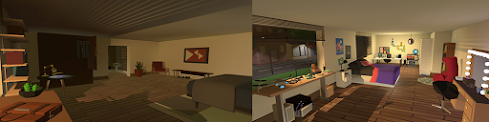
We decided to improve the Apartment level by making new beds, furniture and personal items (clothing, shoes, notebooks, wall art, posters). We wanted the place to feel more like home and add dimension to the characters, especially the bedrooms, after all you can tell a lot about somebody by looking at their rooms! Joe’s room is simpler and more practical, while Jen’s room is messier with a mix of girly/tech stuff.
Joe and Jen's Rooms Work in Progress
We also updated the vending machine art and worked on some in-game branding for food items.
New Vending Machine and Snack Art
New Coffee Machine
Diogo - On Gameplay Scripting
The last few months have been focused on improving the early levels of the game, and with that comes tutorialization to introduce the player to Off Grid’s core mechanics. A particular section to highlight is when we teach the player about being careful with the noise they make when running.
Avoid the Sleeping Guard!
To better tie this tutorial to the rest of the level and to the overall story, we used it as an opportunity to further showcase the characters’ personalities. We start by getting the player to unexpectedly come face to face with a guard (who luckily is sleeping on the job) before having them engage in a small conversation with the always sarcastic figure of Smedley, where they learn about this core part of the game through a humorous interaction.
Stef - On New Level
As well as all of the above, we have been working away at a new level location: the Harbour.
So...the Harbours name is Harbour?
Harbours are interesting locations, they are like a living thing, designed to keep goods constantly moving, constantly shifting, pulsing and transporting stuff around, much like a human body. We rely on them for so much, our harbours are precious, and in constantly increasing demand - after all how do you think your Temu orders are getting to you? As such, they are always looking towards technology for solutions...lovely, hackable, technology.
Here are some early screen captures of work in progress. We have some unique and interesting plans for the harbour, but we don't want to spoil the surprise too much!
Studio Announcements - EMF Festival!
The Off Grid team is once again joining the Milliways Village for some modding fun. We'll be using it as an opportunity to play test our modding tools and immerse our team in the world of digital security to help inspire our level design and story.
Until then we are working away supporting the CCCamp Mod to show off there. If you are also going to EMF come find us and say hi! We'll be in the Milliways Village.
The CCCamp Mod
If you haven’t already - be sure to wishlist Off Grid on Steam - each wishlist makes a big difference to us, and we really appreciate your support!
OFF GRID DEV BLOG - "HAPPY TRAILS"
Howdy y’all, we are probably (definitely) well overdue a new devblog update! It’s been a busy time in the Semaeopus offices (I mean when is it not!? We are making a big video game after all...and funding it by making other people's videogames in parallel) but these last few months have been especially packed on the OFF GRID front. We’ve built new mechanics, polished art, been on international adventures and welcomed a host of new talent onto the team. Here’s some highlights:
Time For a Quick Vent
While we've always talked about trying to focus on realism, and are perfectly aware that air vents rarely are large enough for a person to fit in, what would a stealth game be without being able to crawl through some air vents?
We've had this feature planned almost from the first versions of the game, but now that we are trying to get more of the game levels completed it was the time to make sure it all actually works, and that our designs for air vent dimensions etc are usable.
This has meant a fair bit of adjusting things as far as our character controller and camera behaviour goes while crawling. The movement was fine for hiding behind some cover in more open spaces, but the tight spaces and corners inside air vents are a whole different issue so a lot needed to change to make it easier to navigate your way through the vents. We've adjusted both the movement code (and controls), tweaked our animation setup, and locked the camera more tightly close to the player to avoid clipping through the air vent walls and to make sure the player has good visibility in front of the character while moving.
...and talking about good visibility, it turns out air vents are really, really dark. And keeping things feeling suitably dark for hiding, while at the same time having enough light for the player to see what's going on, can be a bit of a challenge to balance. So we've set the camera to adjust more to different lighting conditions, just like your eyes would adapt in real life, and also cheated a tiny bit by adding some light around the player. This works reasonably well, and we'll certainly get things to look and feel even better in the long run. Same goes for the movement and control.
The main thing is that from now on you can finally do what every action film hero and stealth game main character has been doing for ages, crawl your way through the air vent networks in buildings to reach different areas conveniently out of the sight of the guards.
CCCamp 2023 and Modding in Off Grid
Stef headed over to Germany this year to get stuck in at The Chaos Communication Camp, which describes itself as ‘a five-day open-air event for hackers and associated life-forms’.
While there she did a talk about Off Grid’s development history and the modding options we have available in game. You can watch the talk here.
Following the talk Stef held two workshops where she walked people through the modding and setup process of Off Grid, the Level Kit tools and how to get involved with a CCCamp specific mod built by Mcfly of the Milliways Village.
We are very excited to see this mod coming to life as people populate it with all the things they love about CCCamp. We can’t wait to see it grow as more CCCampers get involved and add themselves to the project. Details on the Mod and how you can get involved, are on our wiki .
Modding with unity…on the Steam Deck!
A highlight of the CCCamp was when two campers, who wanted to take part in the workshops but didn’t have their laptops with them, managed to get everything up and running on their Steam Decks instead. Yeah, including a full download of Unity! That’s dedication to modding.
Once again thanks for your continued support friends! Lots of things are speeding up now in OFF GRID development, and with Semaeopus as a whole, so be sure to keep your eyes peeled for new and more regular announcements.
If you haven’t already - be sure to wishlist Off Grid on Steam - each wishlist makes a big difference to us, and we really appreciate your support!
Off Grid Dev Blog 4/2023 - "Still Alive"
How long has it been since we've posted something in our dev blog? 10 months?! Sounds like it's time to remedy that and give all of you an update about what's going on in the Off Grid development!
Shall we get the excuses out of the way? It's not you, it's us. Jokes aside, we have been juggling other projects to keep the company wheels rolling and put bread on our tables. This meant that we needed to take a little break from Off Grid development to focus on contract work. Ultimately that would have made for some boring and heavily redacted blog posts! (Gotta respect those NDAs!)
Our bad. We never planned to be this quiet for this long, and we know radio silence is not a good look for an indie game team. So, we are sorry about that!
The Good news is that not only are we still alive but Off Grid development has been picking up pace. We even expanded our team. So let's introduce our newest member:
Stef:
*tap tap* Is this thing on? Hi, I'm Stef and I'm an Artist! My background is in 3D art, VFX, production and filmmaking, so I'll likely be wearing a few different hats as and when it's needed, but for now I've been getting to know the project, learning it's unique quirks and doing some layout and modelling. I feel really lucky to be joining at this stage of development, because the rest of the team have already built so many awesome tools and created tons of processes which means I get to focus on all of the fun parts of making art and none of the pain! What a dream!
Bring life to a world...and passive aggressive post-its
A game environment should tell a story. Look around anywhere you visit IRL and I bet you could tell a lot about the people that use that space from the things they left behind. When I approach a new set piece, I try to imagine the people that use the space, are they tidy? Do they love where they work? Are they slackers or jobsworths? What about the quality of the space? Is it run down, or high tech, were the contractors well paid professionals, or cowboy builders on a budget? Knowing the vibe of the place, helps you make artistic choices, but also brings personality and character to your locations.
This is the Ascent workplace kitchen. (Work in Progress) Can you tell that the people here don't like their jobs, or each other, very much?
The Workplace
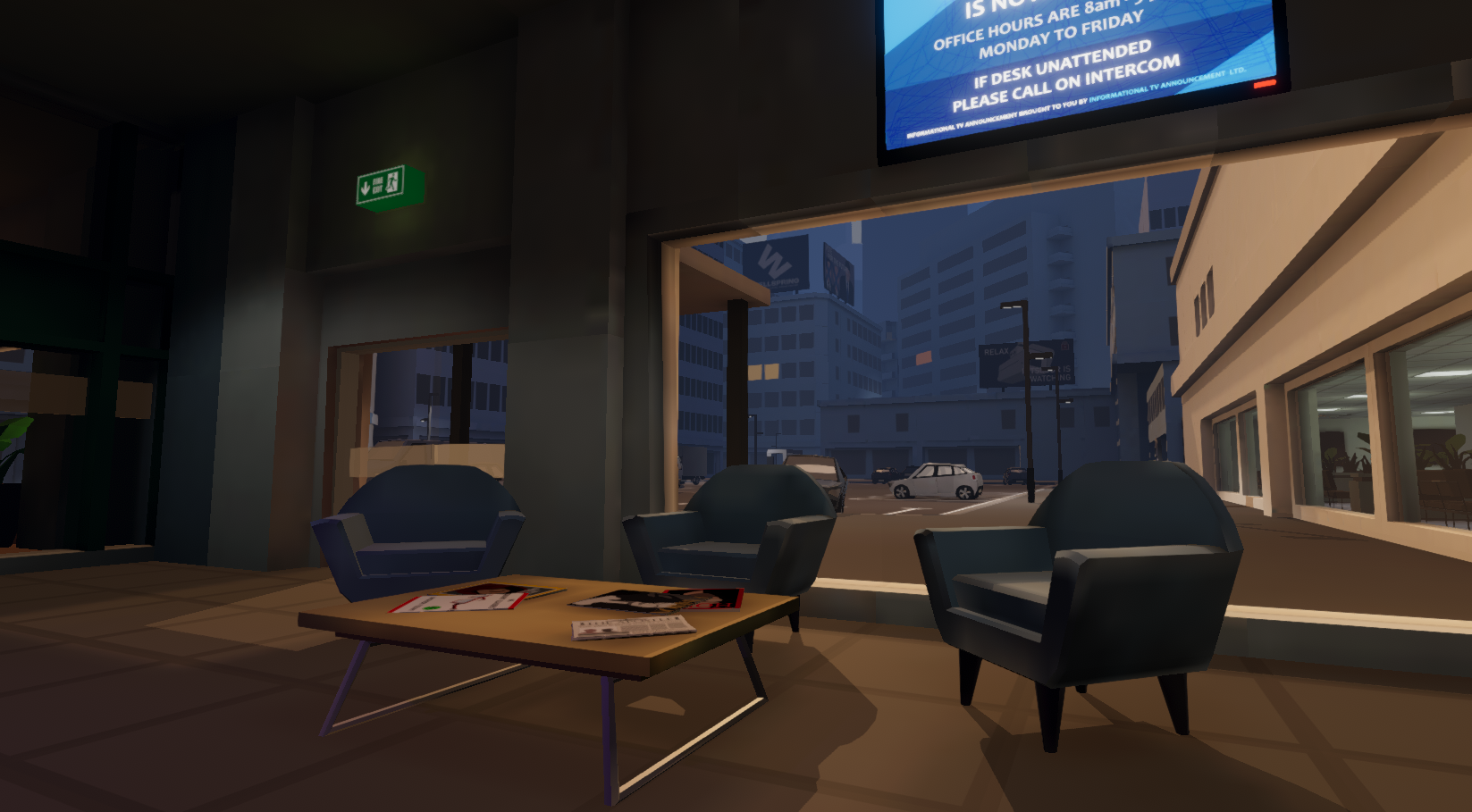
The workplace is one of the first areas you see in Off Grid, and it is a perfect setting to be playful as an artist. I love that this is a shared building of two thoroughly different companies. On the one side you have Joe's place of work, Ascent Auditing, a company that is so boring and stuffy you'd be forgiven for thinking you'd gone back in time. On the other side is FIRESTREAM (Reliable, Fast, Smoking Hot Internet), an ISP that thinks it's Google, but like, cooler, you know? When Rich and Pontus first described Firesteam to me, they said "you'll probably need to make some beanbags".
So here are some progress shots of the contrasting lobby entrances.
...and now for an update from the game mechanics side of things:
Pontus:
This is something I actually started working on even prior to our last blog post, but had to push aside for some other features we needed quickly, plus the big clean-up work we talked about in the previous post. But now that we got the chance to pick up Off Grid development again it was easily the first thing on my list to deal with:
Problems with the old App system
Using apps and the data view as your main "tools" to progress in the game has always been one of the core features of Off Grid, and something we've iterated on over time a lot. The Lua scripting side for apps alone has seen some major changes over the years to get things to a point where apps have a lot of power and flexibility and as much of it as possible is on the Lua side, rather than something hardcoded by us on the game side. And I've spent *months* tweaking the tracking system to balance the time the player can use the data view, and then even implemented a second cost mechanic just for the apps themselves. But even then there were some major issues with the mechanic, and using the apps & being aware of the tracking time was more tedious than it was fun. So I sat down and started writing some bullet points about what was wrong with the apps, and what the mechanic really *should* be like instead:
Player needs to be aware of which apps they are using at a given time
App wheel only shows some of the apps the player has in use, and while there is support for showing a stats icon for an app, that's separated from the apps themselves, and since they aren't something the player actively uses during gameplay, it's easily ignored.
Player should feel like using one app over another is a choice they make
Currently the apps are just something you are required to switch on, and there rarely is any good reason to toggle them off. When you might need to do it, it feels like a chore rather than a choice.
There needs to be a clear difference between active and passive apps
Some apps are like tools or weapons in other games, something the players can actively
use* to do something. Others just run in the background, maybe providing some information (like the light level monitoring app), or even just toggle some game features on & off (like the Flutter and Guide apps). But how each app actually behaves is not communicated in any way.
Cost of using an app needs to be known before using it
Apps that have multiple possible features make it hard to show the cost, for example DataUtil app allowing the player to both download & delete data should really cost more when you do both these things at the same time to be balanced, but that's not doable with the current system.
App options that make major difference in the app's behaviour can be lost and forgotten easily
No (or less) options, more separate apps!
Spectrum/DataView should not be an app, it has it's own special keys and behaviours unlike any other app
It creates a weird requirement for other apps of always needing to combine them with another app (Spectrum) or they are useless
It's cost is handled in a different way (tracking time rather than NetPoints)
For anyone who has actually played the game these might sound pretty familiar. And if they don't, they definitely are familiar to me based on standing behind people's shoulders and observing them play the game at different expos and events.
...and my attempts at fixing them:
To fix all this, I decided it's best to consider apps same as using different skills, spells, or weapons in RPG games etc, something the player would actively choose and switch around during gameplay based on both the situation, but also their preferred play style. This meant actually adding some limitations compared to the old mechanic, automating some things, and then adding some more features to make the apps more interesting and powerful, just in a different way from the previous system. And, ultimately, just making more apps, with more variations, and creating a path to even getting upgraded apps over the span of the game.
For starters, I got rid of the old AppWheel, and instead replaced it with a fixed-size quick selection dock. This means the player is now limited in how many apps they can have available to use at the moment, and need to be more active in switching the apps based on the situation they are in the game. Which actually is an advantage in terms of being aware of which apps the player has and swapping them to others more a part of the gameplay loop. It also has the added benefits of all apps now being visible, which means things like app icons notifying the player of something are actually doable. Also, we can add some nice keyboard number key shortcuts for them...
App icons themselves also got a bit of a redesign, since they now need to make a clear difference between an active app and a passive one, and provide the player with some information about how much using the app will cost (and if the cost is by consuming NetPoints, like active apps do, or by reserving them like passive ones do). To make room for all this I moved app name to the dock side, and that also gave more space for displaying additional information and app description there.
The next big change was limiting the player to using only one active app at a time. The apps are the player's tools, and following my beloved Unix philosophy, each app should do one thing and do it well. And switching to different ones for different things you do should become a natural part of the gameplay.
This links with the removal of the Spectrum app to access the data view. It was always a weird thing, something you had to turn on *in order to use some other app*.* So I automated it. Switching an active app that uses data view on now also turns data view on automatically, and switching the app off disables it again, which makes it much less tedious to quickly use apps and then switching them off again, avoiding the data view timing out. I also adjusted the tracking time behaviour so as long as you don't let it time out, it'll quickly start recovering from where you left it, again making it favour quick use of apps and then switching them off again instead of just leaving things permanently on until you run out of tracking time and NetPoints.
The player *does* still have the option to turn of data view, as that's an useful tool beyond it's connection to using the apps, it's just not displayed as an app any more since it never worked like any of the other apps, and now it's represented as a separate game mechanic with it's own keyboard/controller buttons like it always *really* was anyway.
Beyond all this, there's of course a lot smaller changes and additions, for example I've added Lua API support for the apps to print out text into the console window next to the NetPoints/tracking meters, and set up support for coroutines with time delays, to allow for more feedback to the player directly from the Lua Apps we and modders can make. And I also made better use of the AppWindow system that was used by the SSH app in some very specific situations (you might have seen a weird window with a skull&bones background pop up briefly when trying to connect to a device that was locked, you didn't have password for it, but had collected enough metadata about the devices owner to try to guess the password). That's now available for all the apps to use. Hopefully these options will help make the apps feel more like they are actually *doing* something, and to distinguish them from each other better.
There's still some work to be done related to this, I'm currently working on Apps page in the pause menu, and how it deals with assigning the apps to the specific slots in the new AppDock. And the whole RadialUI and how it'll work with all these changes is a bit of an open question at the moment. But I've updated some of the existing apps to use the new features, split some of them into different versions (for example a data copy app with shorter range and low cost, plus one with longer range but higher cost), and even created some new more complex ones (FlutterSearch, which searches for all the valuable data of a NPC and downloads all of it, but at very high NetPoints cost, plus an app that let's you install a routing program to devices you've hacked, gaining you extra NetPoints and through that the ability to use more expensive apps for the rest of the level), and at least to me it feels like my way of playing the game and using the apps has changed and all these changes have helped resolving the old app system's issues. We'll see in the long term as more people get to test this, and as we write more new apps of course!
See you next time!
...hopefully in a lot shorter time than between this and the previous blog post :D Meanwhile, we appreciate anyone wishlisting Off Grid on Steam, and of course if you haven't done so already, you are more than welcome to join our Discord channel to chat with us!
OFF GRID devblog "Keep it Clean"!
Hello and welcome to the latest devblog.
As we are now firmly into tech and feature lock and finalising all systems to help speed up developing content, this last couple of sprints we decided to get to grips with the AI and get it cleaner and easier to write and use for gameplay. It made sense to do a pass to tie up loose ends and close the door on some of the AI designs or features that had been left open ended (thanks to the modular system they can always be further added to later!). But in digging around and doing code review, we came across a few other things that deserved some attention too...
OnMissionStart()
While doing AI clean-up, we ran (once again) into the complicated mess our mission start-up process had grown into over the years, and decided it's time to give that a thorough look as well. Since this all was something that had just been built gradually as we've added new features and changed design requirements, it wasn't all making awfully lot of sense any more, with confusingly named functions both on C# and in the Lua API, half the game system starting up in an event called "OnMissionStart" which was actually executed way before the mission starts, halfway through then mission setup, before we've spawned in any characters or even started loading any save data and so on...
A good months worth of digging around, and documenting the relationships between everything into a graph, and searching through the codebase for all kinds of legacy systems and checking what it's all doing, we now have pretty good documentation of all the things that happen between loading a level and letting the player in, and were able to re-organize and rename our way through it to create something that makes a bit more sense. And had a good chance to update some truly ancient systems here and there to work with same logic everything else does, and remove some that had no purpose any more.
Apart form some renamed Lua API functions, this is of course all completely hidden from the player's point-of-view. But it certainly makes it easier for us to work with and keep track of what's supposed to happen, and when, and also smooth out the level start experience and even improve our fail-safe systems in case something goes wrong when trying to load a save or start a level from a mod. So while it took ages to get done, and certainly wasn't as interesting work to do as creating new game systems is, it was definitely maintenance work worth doing!
AI cleanup
In the last couple of sprints the majority of the work related with the AI all revolved around doing a big cleanup and review of all the corresponding systems. It was significantly more broad and complicated work than we initially thought, but thanks to that in the future it is now going to be easier and quicker to tweak or add new features or systems, and more importantly much cleaner for modders to expand the AI too!
Some unfinished and unused systems were removed, several AI actions were improved with cleaner code, there were systems we tidied up that in the past were needed but have been deprecated because improvements in the overall game and AI design, or thanks to a more flexible agent creation system. We also had a spell bringing the documentation up to date and inline with these changes, and so OFF GRID’s wiki, especially in the agent definition page now gives a much more accurate and detailed portrayal of these systems.
Change List:
Core Systems
refactored mission startup
AI
Much AI code tweked and cleaned
Global AI Systems (GOAP system and ModularAgent for when spawning NPCs)
Agents Personality
Chairs (for agents to sit)
Every AI action (generic, use point and specials)
Drone specific code
Flashlight related code
NPCs Animation Control
Code related with AI using devices on amok
Unfinished and unused AI systems and actions removed because they were outdated
Added information in our wiki about some actions already added and overall information in the Agent Definitions page
Bugs fixed
AI bug fixes and tests
If you haven’t already - be sure to wishlist Off Grid on Steam - each wishlist makes a big difference to us, and we really appreciate your support!
Development Update: "Look who's talking!"
Welcome back to another episode of the OFF GRID DevBlog, lots of interesting interactions to tell you all about, so let's dive right in!
You talkin' to me?
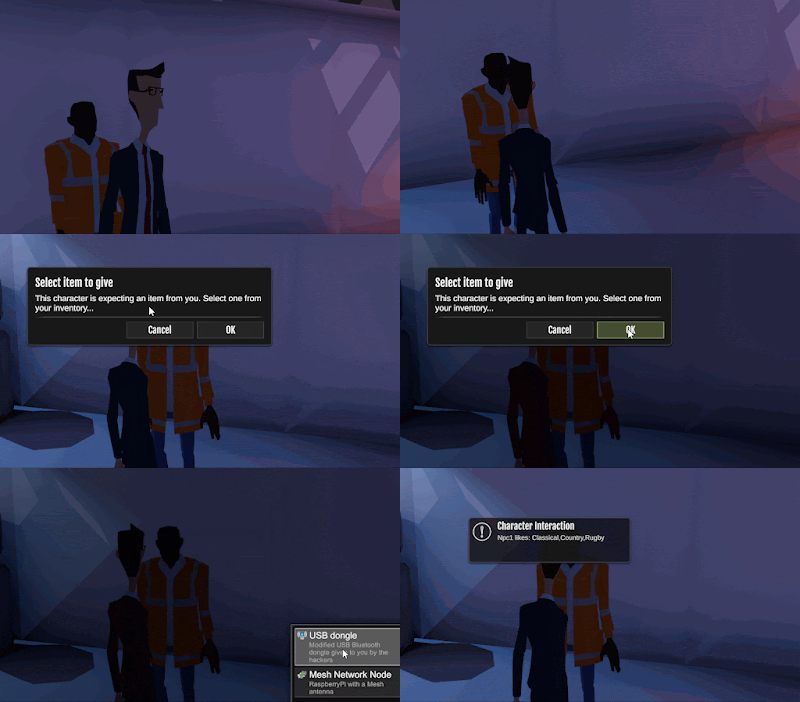
We've recently been working on some levels that have more neutral NPCs around, rather than just guards you'd need to avoid. So it started making sense to add some way of just walking to someone and having a conversation with them. And why limit that to just conversations, when we could just as well allow the level creator (or modder) to script any kind of interaction, in the same way that you can script what MissionObjects do... Turns out that this was a bit of an awkward addition at this point in development, we hadn't really planned for it when making our interaction system in the first place, it was all set up for targeting and interacting with devices only. To add to that, the setup we'd used for MissionObject scripting wasn't compatible for doing the same with characters either. So what we hoped would have been a week's work, based on everything on the outside looking a lot like what we already had in place, ended taking a full sprint worth of modifying the code and finding ways to fit this all in nicely. But we got there in the end, and luckily it all ended being as simple (and powerful) from the user's point of view as we hoped, so all the headaches trying to fit it in were worth it... If you remember from the last blog post, we worked on streamlining the way how the player interacts with devices, replacing the old Quickslot system for using an item with a device by a popup menu that opens, if/when needed, as the player tries to interact with something. Well, the same system seemed like it would make sense for interacting with characters, so we just added that at the same time. Now it's possible for the NPCs to request some item from you before they'll talk with you, or whatever the person writing the mission script comes up with. It's all very flexible, and makes for some interesting conditional interactions, task setting, and progress gating. This means a couple of additions to our Lua API, and some new stuff you can do in your mission scripts, but we'll leave the technicalities out of here, it'll all be in the wiki for anyone interested.
Re-designing Apps
Character interactions are not the only major changes we've been working on, we have a plan for a bit of an overhaul on how the apps are used in the game, aiming to make them more of an active gameplay feature and fixing some of the downsides and oddities with the current setup, as well as adding a bunch of usability improvements and ways to better communicate app states and other things to the player at the same time. But you'll have to wait a bit longer for details on that, it's pretty early on with the changes still...
"I see you over there!"
In the last couple sprints we worked on several new actions for the AI, the raise alarm action, that makes nearby guards investigate a certain point, and two actions related with the aiming phone at player action, to simulate NPCs recording the player with their phone, one action for following the player at the same time, and the other to do it standing still.
Both of these actions were created out of necessity of having non-guard NPCs reacting to the player when they are in a place that they shouldn’t be: for example walking in the middle of a busy courtroom. So, these actions can make the game somewhat more realistic and also create some different gameplay situations for the player.
The Raise alarm action can directly affect the progression of the player, this action is responsible for emitting a noise that can alert any possible guards around a specific radius, the guards that hear this respective noise are going to investigate the noise source point (as long as their agent profile definition has the investigate action and respective goals to accomplish it). Even if the player is seen, so long as they are quick enough to move from that point without being spotted by a guard, they can continue the level without being followed by that same guard. This is fine in a sparse environment, but doesn't make sense when there are multiple NPCs of varying neutrality or hostility in the same room.
The other actions, that are still in development but very closed to being finalized, are about the reaction of NPCs when they see the player in a unusual place, by aiming a phone to seem that they are recording them. This action is about giving more possible behaviors for NPCs to make the game more diverse and alive, and can be combines with the raise alarm action described above to make for an interesting situation.
These actions only aim at the player, but in the future we want to create a similar action but for aiming the phone at some objects when they are not behaving normally, for example it’s perfect for when a soda machine is running amok and is firing soda cans. That way unusual occurrences created by the player can form a crowd or distract NPCs for a short time even if they don't have a direct effect on them. With the way NPC AI can be built out and added to by modders there could be lots of room for modders to write dynamic and emergent behaviour.
And that's all for now, look forward to catching you in the next DevBlog!
Change List:
Gameplay and Mechanics
Added Character interactions system, for speaking and handing items to NPCs
Controls and UX
Added localisation for the UIs used for character and device interactions
AI
Added several AI actions for aiming phone at the player to record / take pictures of them
Added AI action for NPCs to raise an alarm in such instances (and beyond)
Modding and Lua API additions
Added Lua API calls for checking a character's background profiles
Bugs fixed
Various small bug fixes (profile tags and location data points related)
Off Grid Development Update November 2021
Once again it's time for a new Off Grid development update, and we certainly have a bunch of interesting changes to the game to talk about this time!
Streamlined item use and interactions
Deciding to continue with the gameplay and user experience-improvements we started in the last sprint by adding visual indicators for game characters to better telegraph their actions and state to the player, we've made some more major changes to the the game.
The old Quickslot system where the player had to select the item the player character would use for interactions beforehand, by pausing the game, and assigning an item to the character's "hand", is now gone. If that item was something that would be sued constantly during gameplay that system would have made sense, but since it's pretty much always just a single-use for a specific interaction, we wanted to replace that system with something bit more dynamic and less interrupting.
Now, the whole Quickslot system is gone, and instead interactable MissionObjects (various devices around the game levels, for example), can be set to require an item or a data file for interaction. When player tries to interact with such item, we automatically pop open a menu listing items (or data) in player's inventory for the player to select what to use for the interaction.
Not only does this mean that interactions now require less menu-browsing, especially if the player didn't know an item was needed and to assign one to Quickslot beforehand, but also more flexibility like being able to ask for a data file instead of a physical item. Now we also have the option for even more specific filtering in the future should we find good uses for that. For example, requesting only key files for unlocking a doors, avoiding the need for the player to search for the keys from all the data they have in their inventory.
While small (but surprisingly nice feeling) change for the player, this required a fair amount of refactoring things on the game systems side, so this all comes with a bunch of changes on our Lua scripting API side as well.
Finding the needle from the haystack
Another gameplay aspect we wanted to improve on was finding the meaningful data in the levels. With metadata being more important in the game now (for example gaining enough knowledge about specific character in a level to gain access to their devices), we needed to do something to help the player spot the data worth downloading, but without having to reduce the total data in the levels. All data is useful to the player, but only some of it is worth downloading, while the rest is mainly locational information about the areas and routes different characters use in the levels.
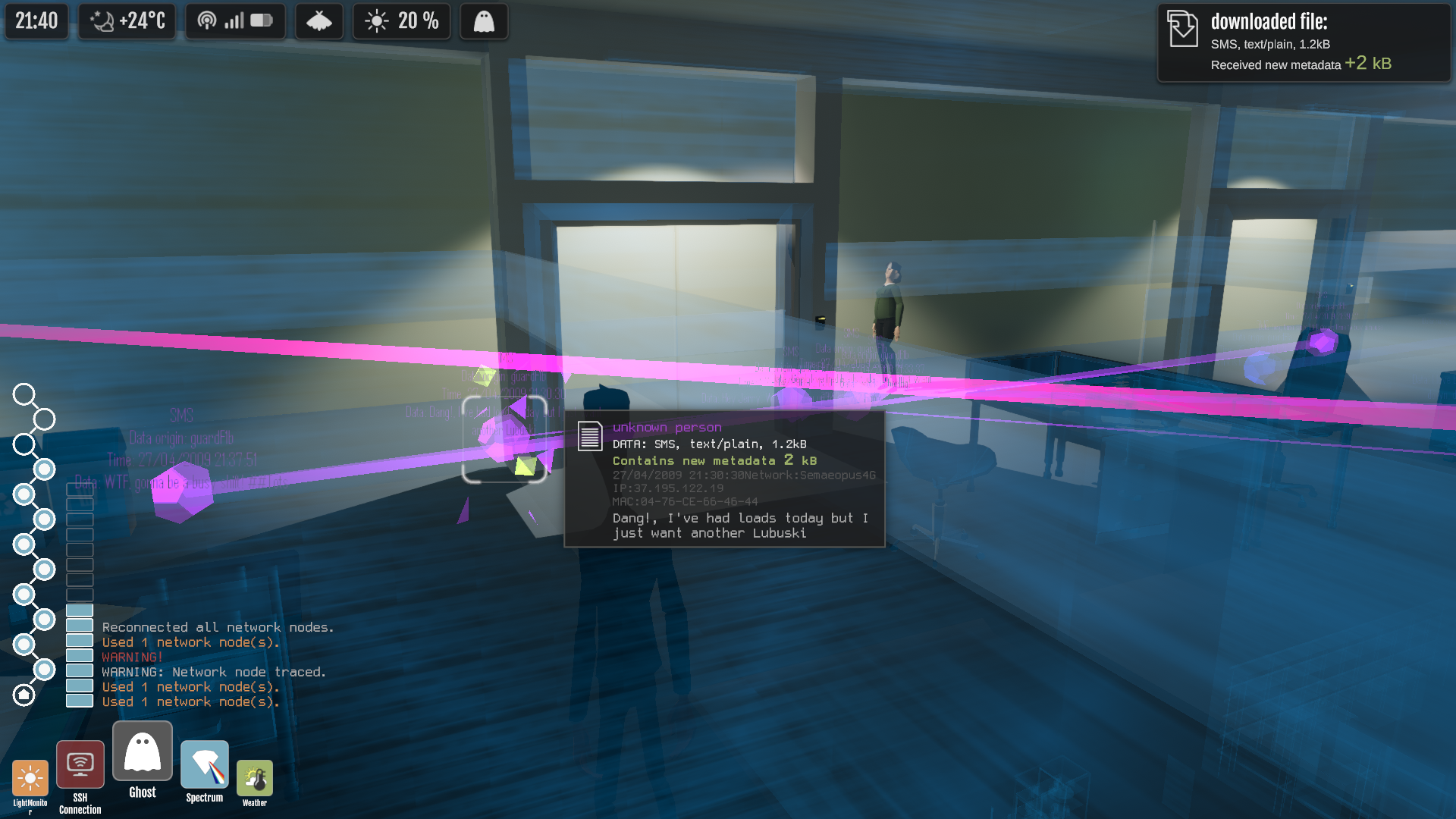
The old setup we had used different visual Data shapes for different types of data; one shape for Image files, one for text, one for SMS and so on. This is now replaced with different shapes (and sizes!) based on how *valuable the data is to the player*. Data points with only locational value are small and easy enough to ignore when scanning through the level for data to download, while the ones that contain useful information, and metadata about characters, are displayed in different and larger shapes that help them to stand out. And then there's even higher special tier for data the level's designer (us, or the modder) has specifically marked as being mission critical and that the player should always be able to spot easily. Apart from that mission critical data, the game determines each data point's value automatically and assigns the correct shape for it.
While working on that improvement, we also add a bit of extra "juice" to data interactions, with some popup notifications and particle effects related to the amount of new metadata the player gained from downloading a specific data file.
New main menu
And talking about visual improvements, we've finally gotten rid of the old static background image in the main menu screen. In it's place you'll now find some animated data points and trails. This looks a lot nicer and also scales to different display aspect ratios better than an image does. There's a bit more to the main menu screen but than just animation, but we'll leave that all to the players and modders to find out... ;)
Giving the AI a break
We implemented a new AI action called RestAction, giving us one more action to diversify the NPC’s behaviour. it's especially useful because it can benefit the player as well giving a more natural behaviour for the NPCs.
The RestAction has two different important behaviours. The first, more common one, makes the NPC will rest when their energy is low, so when they want to rest they'll find the closest available chair to sit on a while and partially restore their energy.
The second behaviour is that if while the NPCs are seated their world state that indicates their sleepiness value is true, then they will fall asleep. The sleepiness level can only become true through specific player action, or if set so in the level's design. (For example anyone who's played our demo/ First Access builds might remember the guard sleeping near the beginning of the Apostle level).
By player’s action we mean interactions with the world to make that change. For example when a guard is hearing a calm music while resting. For that to happen the player needs to hack a radio and set it on a station that plays calm music. When the NPCs are asleep they'll wake up to unexpected noises, so the player will need to be careful walking or running near them.
So the RestAction can be perfect for when a player wants to “disable” a guard to sneak past it, and also gives a more unpredictable factor for the player to be always careful about the guard's behaviour.
Another important thing to mention about the RestAction is how to make a chair sittable, as every chair that a NPCs can sit on needs to be set up for the NPCs to use it. For that purpose we created a tool that helps in the process. The user can drag one or various “chairs” (these “chairs” can be any GameObject possible, even Unity’s default cube can be a chair if you really want) to the "Gameobjects" section of the tool. If any GameObject is a prefab then the respective prefab will also be updated and saved. The tool also allows you to set the chair direction, determining the direction the NPC will sit on. After setting things up as desired, it's just a question of clicking a button (and baking the level’s navigation mesh) and everything is set for any NPC to use the respective chairs.
Small bug fixes etc:
Fixed Lua Snippet file & API documentation generation, updated our wiki (kind of nice after all these recent changes of the game systems and the API ;))
Fixed UI layout issues that caused overlapping text in some places
Optimized tracking status console, and changed it to allow displaying more lines of text and handle long lines of text/overflow better
Fixed localisation of text when viewing data files in the Data Inventory menu
Fixed various Lua script errors in levels/conversations/devices
Added alternative keyboard bindings for selecting/using apps, to make the buttons easier to reach with left hand without moving your hand away from WASD
Camera now always starts behind the player when a level starts
When a guard has a flashlight they'll will aim it correctly, depending on their path
Graphics settings now only affect the level main camera
Fixed NPC status icon spawning various times in a short time or spawning incorrectly
Saving in the game now saves information about MissionObjects interaction changes
Secretary in the secretary level fixed to react better and quickly to the player entrance
Fixed Drones not stopping movement when the game is paused
Fixed camera rotating continuously when the player is caught by a guard
NPCs now use chairs to rest when their energy is low
When the NPCs are resting in the chairs it’s also possible to make them fall asleep
If you've been following along on the devblog for a while you will know that OFF GRID's NPC A.I. is quite extensible, moddable and able to create interesting dynamic behaviours, we've been continuing to refine and polish this of recent, and this blog will dig into a few of those changes.
One of the things those of you who are players in our First-Access testing groups have commented on regularly is that these complex behaviours can be hard to pick up on some times. Fundamentally there is one word used in game development to describe this, it's down to having a lack of "Juice". Creating juice in a given system is essentially the art of designing satisfying player feedback with animation and audio, and we have been digging into this specifically in the context of our AI recently.
NPC reactions
It's a small thing, but up until now you could only tell NPCs were receiving data by watching the networks in data view. We have now improved the NPC reactions so that they physically respond to data too.
Similarly - showing what an NPCs behavioural model is upto has been tricky just through animation. We had hoped to just show what NPCs were thinking for players to deduct their next move from purely through character animation, in reality in a 3rd person game you are often so far away from the characters you are watching that this proves very difficult.
We decided to move to a more Metal Gear Solid Style system of core NPC thoughts and behaviours being identified as icons above their heads at certain times. It's pretty early in testing but it certainly seems to have improved things, more on this in future blogs as the feature evolves.
Another is the fact that the modders we have testing the tools to make their own levels tend to want to be able to make more expansive environments and put more random background NPCs in to their content without having to write or design specific AI routines. They want to be able to drop random wandering NPCs in, *in walks the Wander NPC system*
So this doesn't end up becoming a book rather than a devblog we'll focus on this particular system as the deep dive for this post, and we can dig into the others previously mentioned here in future posts as they mature.
The Wander NPC System
Essentially the bulk of AI work last sprint was creating a new system to easily have more neutral or non-enemy NPCs in a level without the need for the resource intense AI calls the main NPC system uses. This helps bring to life many of the environments and makes levels set in public spaces seem somewhat more realistic. We decided to call this lightweight AI the WanderNPC system, to differentiate it from the core and more complex NPC AI.
With the "normal" NPC system, every character has an agent definition to control its behaviour. This is good for having various types of NPCs in a level, but every NPC needs to be defined in the mission script, so it's not exactly a quick and simple way to spawn various characters scattered in a level. We needed a system to spawn NPCs more easily and without any specific AI, just different characters with different props and colors wandering in a level without any bigger purpose, except filling the level. To use this new system you only need to use the respective function in the LUA API, specifically the function "Mission.SpawnWanderNPCs", this function has some parameters to easily change the spawned characters. They are the following:
As you can see, with this new system it's very easy to spawn various wandering NPCs, and it's also very flexible, by just changing some parameters it's possible to have a diverse crowd in a level, making it possible to have even more unique looking levels!
New Content - The Harbour Terminal
Since the last blog post we've spent more time designing and modelling for the Harbour level's main building. This one is a bit different from many of our locations, the main building itself is big enough to be a full level on it's own.
Like the rest of the Harbour, we've made it to support lots of alternative routes through the level, more than what we'll likely enable for when you play this level the first time. Let's just say that we have some interesting plans for that...
Changelist and other updates :
Content (Level Design and Art)
AI
Modding and Lua API additions
Bugs fixed
If you haven’t already - be sure to wishlist Off Grid on Steam - each wishlist makes a big difference to us, and we really appreciate your support!