Well, I finally have access to a Norwegian laptop, so I wanted to at least come back to this game and add support for Nordic keyboard layouts. The settings now differentiate between QWERTY (US) and QWERTY (NORDIC), with AZERTY and QWERTZ still being options, too, of course.
I know there are still many more keyboard layouts out there that I could be supporting, so don't hesitate to let me know what you all need!
v1.0: Ready for Launch!
Well, we've finally tweaked On Key Up enough to consider it "done" and ready to leave Early Access. We'll be making the switch in the next week or two, along with another price increase, so grab the game now if you haven't already!
In this latest update, we've also made the following changes:
A new playground level unlocks after finishing all of the regular levels. We hope to do more with this "playground," so let us know what you'd like to see!
The order of the levels has been adjusted, so the difficulty should scale more reasonably now. This is based on average times from players during Early Access and is still subject to change.
Sound effects have been improved.
Top 10 leaderboards are available in-game. After you've completed a level, click on the ✪ icon that appears next to your score.
We know development of this game has taken longer than it should, so we really appreciate everyone's patience and support. And, as always...
v0.9.0: The Final Levels!
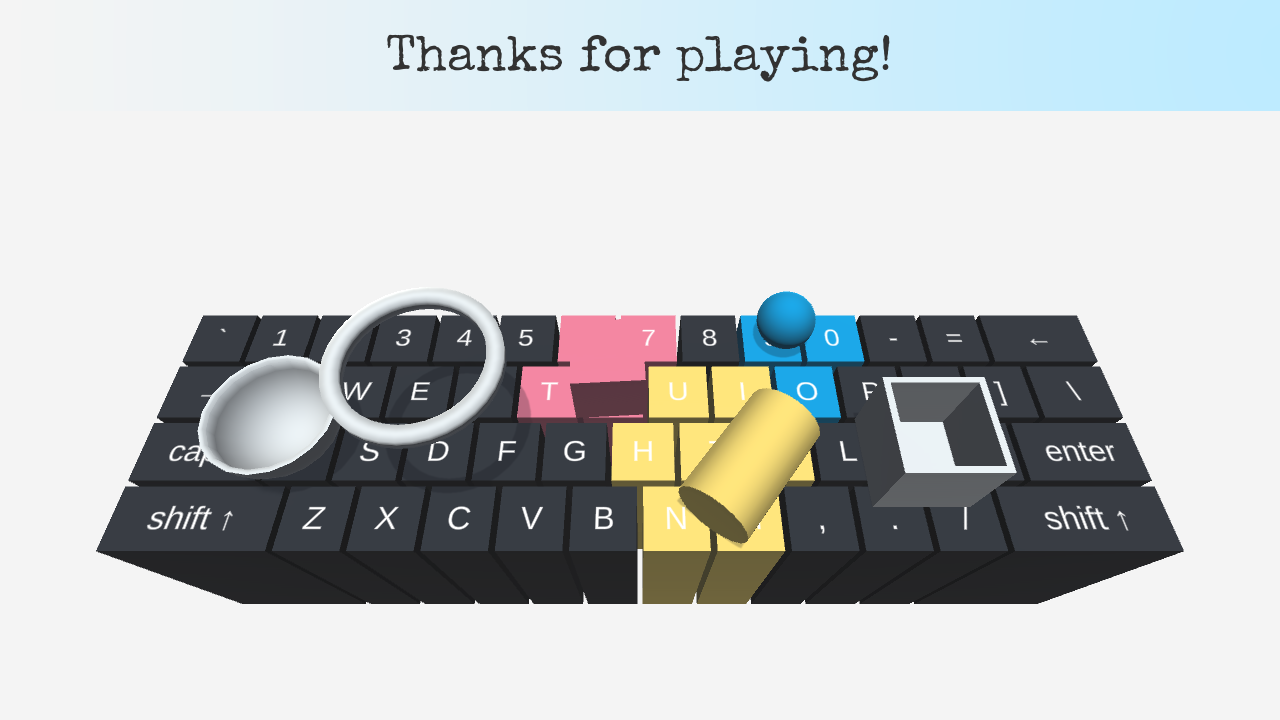
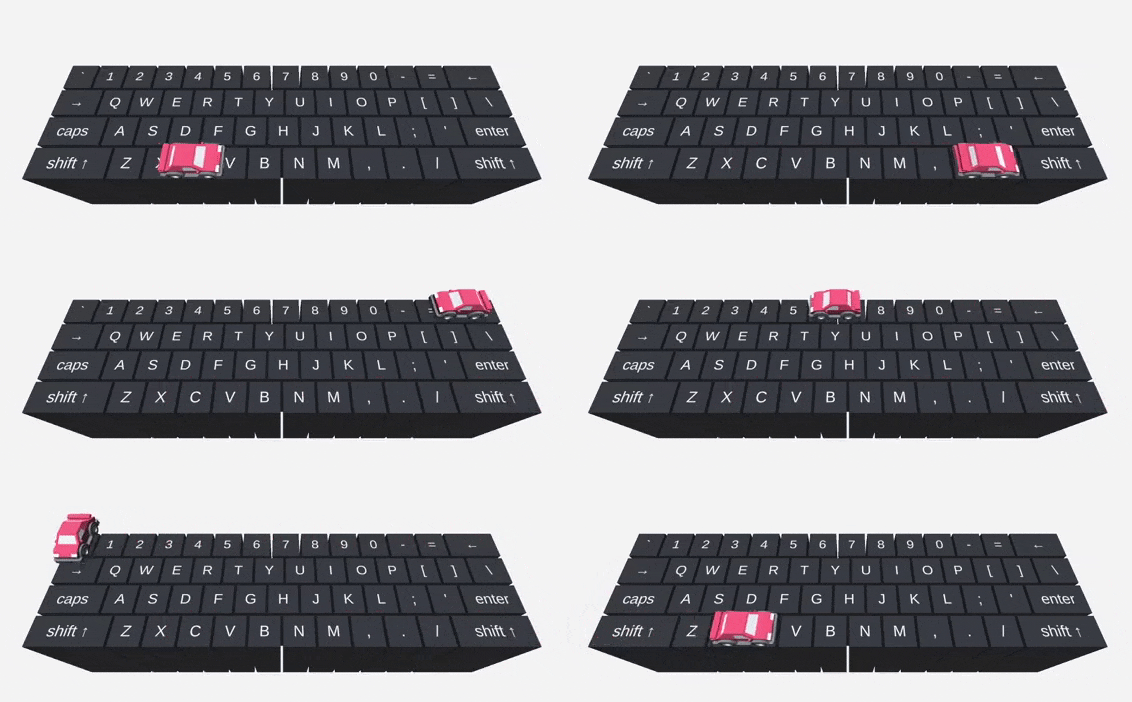
Whew! It has been a long wait, but the last set of six levels is finally ready to play. This update brings the total level count to 24 and adds some interesting new challenges that include chains, lasers, balloons, and race cars:
These levels have been placed right before the notoriously difficult Make a Picture level. So you only need to have beaten the Toss Rings level to access the new content. Make a Picture is now the last level in the game, though the level order is still subject to change.
However, we have no plans to add any more levels at this point. On Key Up will remain in Early Access for a little longer, though, while we continue to make other improvements and adjustments.
As always, thank you for your support, and thanks for playing!
v0.8.5: Dark Mode
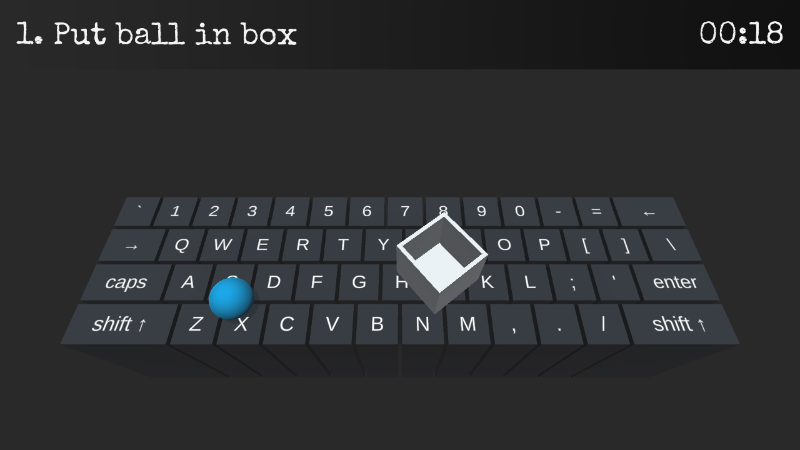
To celebrate the upcoming Halloween season, we've released a new Dark Mode that changes the background and UI colors. Check it out:
In other news, we're finished with four of the next six levels. We expect the entire level set to be ready sometime next month. Stay tuned!
v0.8.4
New Keyboard Layouts
On Key Up now supports AZERTY and QWERTZ keyboard layouts! The layout can be changed under Settings in the main menu. Please note that these layouts come with caveats, however. Due to how the game engine reads key inputs, some keys can't be pressed simultaneously, and others require a double tap. But this should still make the game much more playable than sticking with the default QWERTY layout.
Other Improvements
Version 0.8.4 makes a few other adjustments, including:
It's now more clear that the timer is supposed to stop at 1 hour.
Collision detection has been improved to cut down on objects glitching through each other and/or getting stuck.
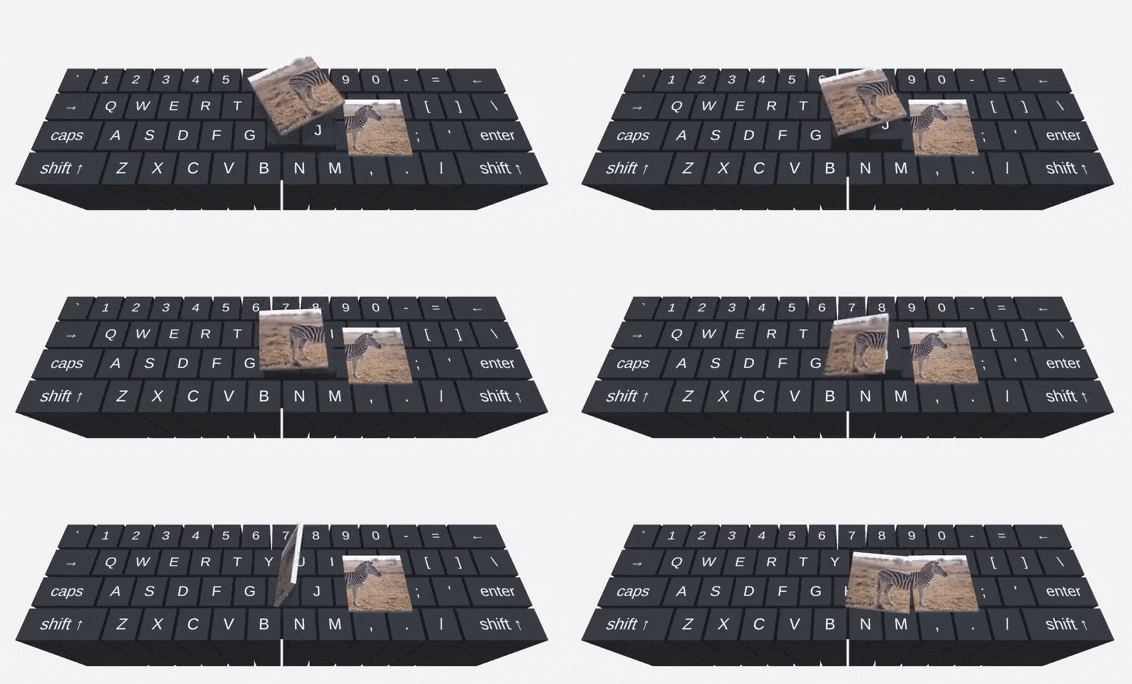
The Make a Picture level has been slightly tweaked. Most notably, you can rotate the picture pieces by tossing them in the air like so:
Price Increase
Now that we're back on a regular development cycle and getting closer to the finished version of the game, the price will start increasing alongside major updates. The first increase will take place in about a week, with the next one coinciding with the release of the last set of levels later this year.