
 Genre: Puzzle, Role-playing (RPG), Strategy, Adventure, Indie, Card & Board Game
One Deck Dungeon
What's New in Version 1.6.6
What's New in Version 1.6.5
- Windows 7 SP1+, x64 architecture
- macOS High Sierra 10.13+, Apple Silicon or x64 architecture
- Linux: Ubuntu 20.04, Ubuntu 18.04, and CentOS 7, x64 architecture
Version 1.6.4 is available on a beta branch for use with older computers that no longer meet the minimum system requirements.
We've also made a few bug fixes and small improvements, notably:
- Added an achievement for winning a game with Mist.
- Fixed a problem where the game could get stuck loading in certain situations with Dragoon.
- Improved performance and text legibility on Steam Deck.
Optimized for Steam Deck in Version 1.6.4
On Steam Deck, the game will have larger text areas and fonts, and will show button graphics specifically for that device.
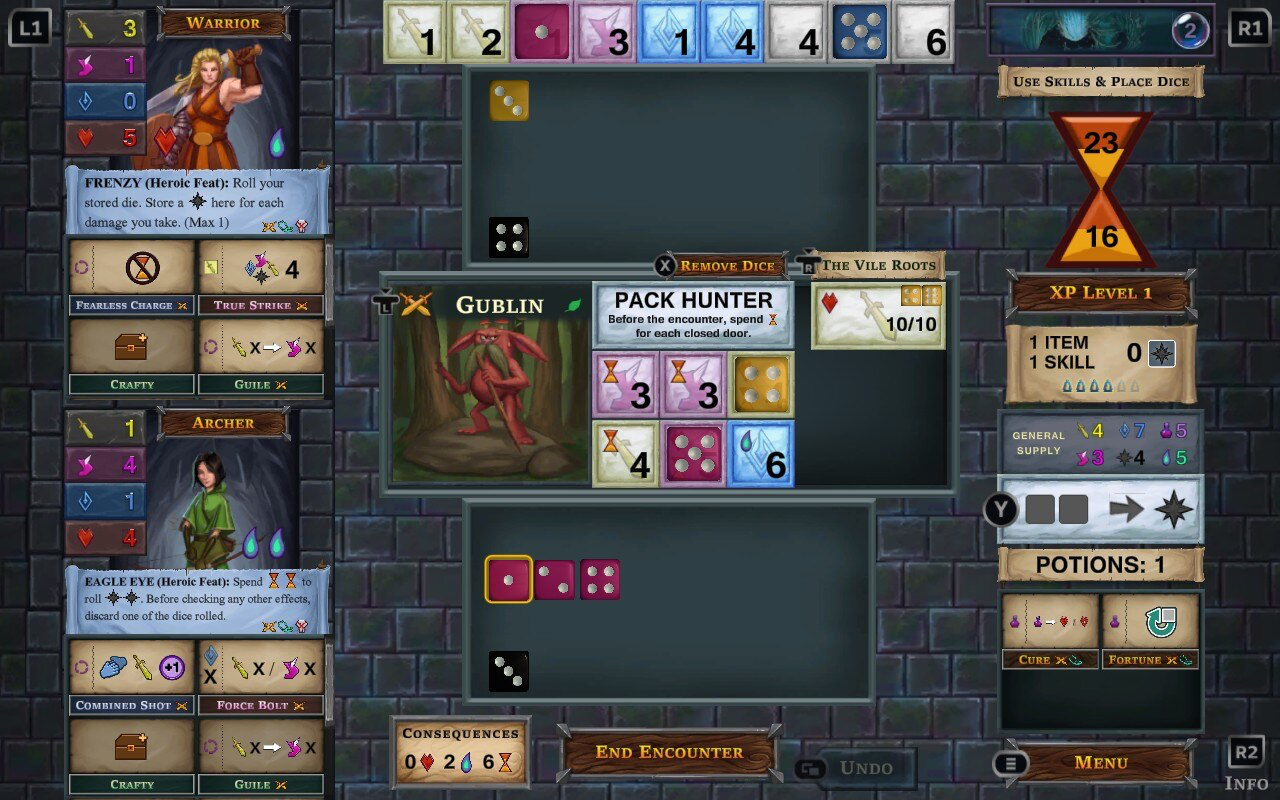
In case you're wondering why the game isn't showing as "Steam Deck Compatibility Verified" - there's quite a long queue of games waiting to be reviewed by Valve. Once it's our turn, we're confident we'll get a green checkmark! Until then you can rest assured that the game is 100% compatible with Steam Deck.
This update also includes a few bug fixes and small improvements, notably:
- Fixed a problem where Terrorshell's level 3 ability did not always work properly.
- Right-stick click will now dismiss the full dungeon card after you bring it up.
- Start button will now close the menu after you bring it up.
- On the main menu, the back button now correctly quits out of the game.
What's New in Version 1.6.3
This update also includes various bug fixes and small improvements, notably:
- Fixed a problem where undo could cause the game to get stuck in certain situations.
- Undo will no longer incorrectly skip triggered effects after die rolls.
- Precision Strike can now be used while the Confront Fiend button is available.
- Guile now works properly when there are no agility dice left in the supply.
What's New in Version 1.6.2
Version 1.6 with Gamepad Support
We officially support Xbox, PlayStation, and Switch Pro gamepads, but most gamepads should work. The game switches seamlessly between gamepad and mouse depending on what you use.

If you have feedback about how the gamepad interaction feels, or if you run into any bugs, please reach out to us directly in-game using the Send Feedback button in the in-game or main menu. One Deck Dungeon is coming to Nintendo Switch soon, and we're looking to make the gamepad support the best it can be.
This update also features a brand-new tutorial, more interface improvements, and bug fixes. If you're an experienced dungeoneer and want to try the new tutorial, visit the How to Play screen.

Other Fixes and Improvements
- The stairs card now shows time icons instead of hearts. It works the same way as before - whenever 3 icons are on the card, a hero takes 1 damage and 3 icons are removed from the card.
- The boss card now shows a skull icon for its total HP instead of a heart icon. It works the same way as before - once you've earned at least that many skulls by striking the boss, the boss is defeated.
- On wide screens, hero skills are now shown in 3 columns instead of 2.
- Identical effect notifications will now only show once per game state.
- The Piercing Blast effect can now stack with multiple uses.
- Fixed a problem with replacing items when using the Bandages talent.
- Transmute and Prep now work together correctly.
- Various other bug fixes and small improvements have been made.
Gamepad Public Beta Now Available
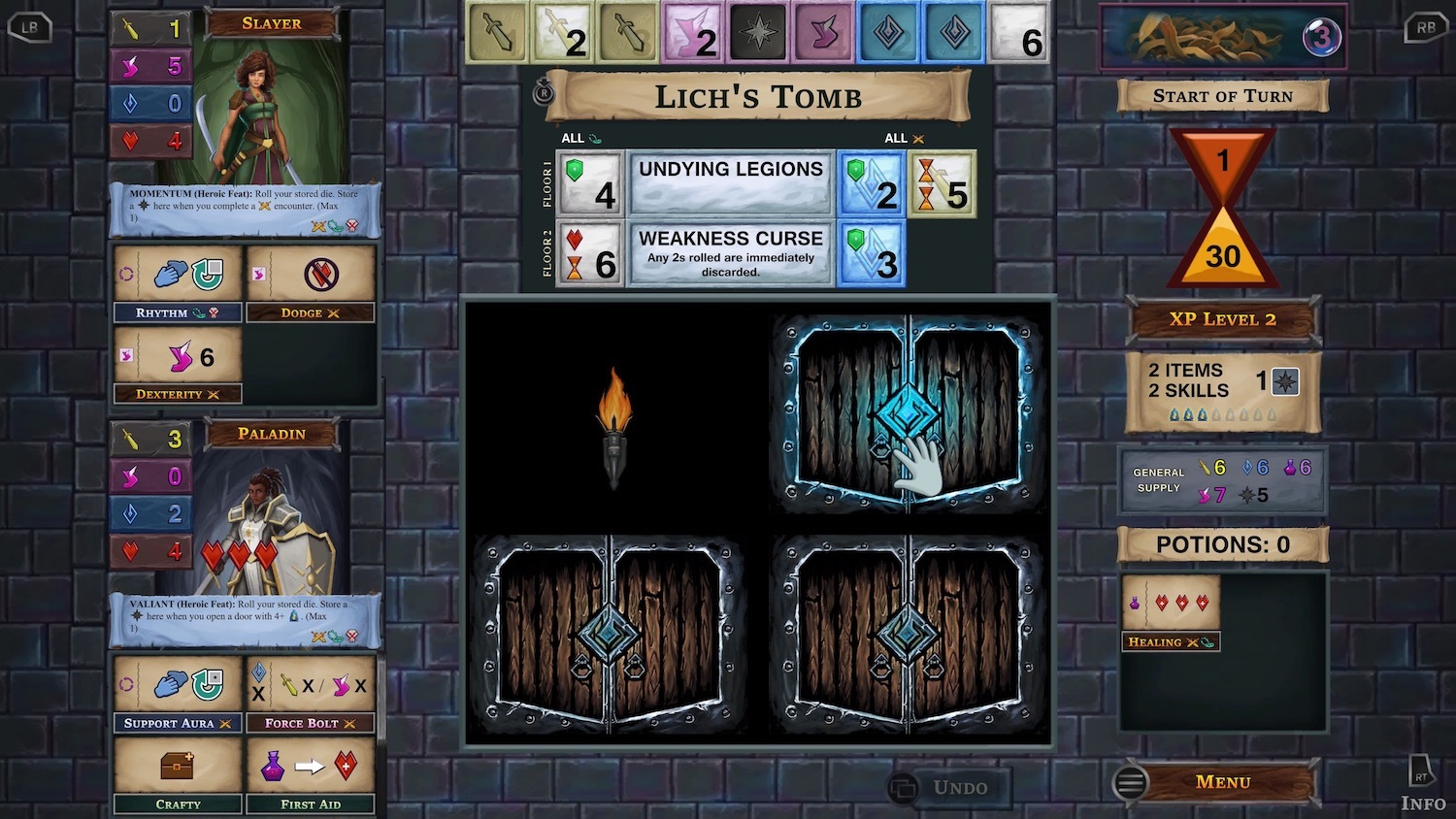
So far we are primarily supporting Xbox, PlayStation, and Switch Pro gamepads, but most gamepads should work. The game switches seamlessly between gamepad and mouse depending on what you use.
We're looking to gather feedback from you about how the gamepad interaction feels, uncover any lurking bugs, and in general make sure the feature is as solid as it can be. Please post general feedback in the special sub-forum, and report bugs directly in-game using the Send Feedback button in the in-game or main menu.

The beta version also includes a brand new guided tutorial that replaces the freeform hint system. You can give it a try from the How To Play screen. Let us know what you think!

Using Steam to participate in the beta:
To access the Gamepad Public Beta, do the following:
- Quit and restart Steam, then open the Library tab.
- Right-click on One Deck Dungeon and select Properties.
- Click the BETAS tab and choose “gamepad - Gamepad Public Beta” from the dropdown list.
- Steam will update the game automatically.
You can switch back to the non-beta version of the game at any time. To restore the regular version of the game, do the following:
- Right-click on One Deck Dungeon and select Properties.
- Click the BETAS tab and choose “NONE - Opt out of all beta programs” from the dropdown list.
- Steam will update the game automatically.
My gamepad is acting as a mouse! Help!
This problem can occur because Steam does not yet know the game has controller support. It tries to make your gamepad control the mouse cursor instead. Once gamepad support is shipped in the public version, this problem will go away. Until then, please do the following:
- In Steam, open Settings (or Preferences).
- Select Controller.
- Click General Controller Settings.
- Uncheck the “Configuration Support” box corresponding to your controller (or all of them, if you like).
If that doesn’t work, try:
- Go into Big Picture Mode.
- In Library, select One Deck Dungeon, then Manage Game.
- Select Controller Options.
- Set "Use Steam Configuration for Non-Steam Controllers" to "Forced Off".
What's New in Version 1.5.1 - Bug Fixes
- The Dragoon's skill has been changed to gain 2s instead of 1s.
- Fixed a problem where playing with roll dice animations turned off could result in dice not being rolled properly in some situations.
- The Dehydrated Dice achievement will now be awarded correctly.
- The Aquamancer's 2P heroic feat is no longer limited to storing 4 heroic dice.
- The Dragoon can discard dice on her heroic feat to make room for different dice at the end of the encounter.
- Piercing Blast no longer causes the game to possibly freeze in the Yeti dungeon.
- Fixed an issue where the game could get stuck on descending if both Sharkwisp and the Warden are in the game.
- The game no longer gets stuck if Endless Kelp discards the only door left in the deck when you explore.
- Fixed a problem that could occur when multiple healing effects happen at once.
- The Immunity skill now works properly with encounter and dungeon effects that add time to the consequences.
Abyssal Depths now available with Version 1.5
https://store.steampowered.com/app/1418480/One_Deck_Dungeon__Abyssal_Depths
Find Abyssal Depths with the Choose Fiend button on the New Game screen, or by scrolling to the new heroes.
Fiends
Abyssal Depths includes 6 different Fiends, each with two levels of difficulty:
- Endless Kelp
- Merflection
- Sharkwisp
- Spout Elemental
- Terrorshell
- Tidal Snake
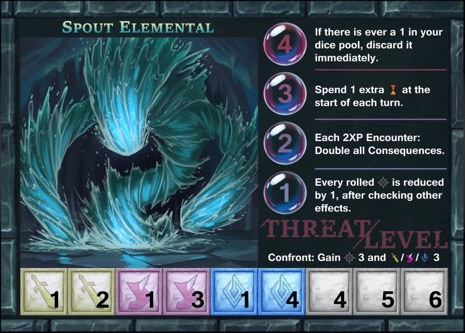
Fiends have their own challenge boxes that can be filled at any time, even over multiple encounters. By filling all the boxes you can confront the Fiend, reduce its terrible effects, and claim a bonus! However, the Fiend won't give up so easily - the Threat Level rises again whenever you descend.
Note: The Tidal Snake Fiend requires Forest of Shadows.
Heroes
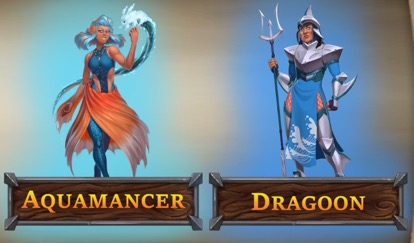
Abyssal Depths also brings 2 new heroes to the fight:
The magical Aquamancer brings a tsunami of heroic dice to the fight, while the Stalwart Dragoon wields her trident with considerable strength.
Additional changes in version 1.5:
- Notification popups now appear for various effects that occur due to the dungeon card, encounter card, Fiend threat levels, or other sources.
- Fixed various small bugs.
Hotfix Oct 29 (build 221): Fixed an issue with disabling Roll Die Animations and Dragoon's Heroic Feat.
What's New in Version 1.4.5 - Bug Fixes
- Fixed a problem with Blind Luck where one of the selection buttons could be off-screen.
- If the game crashes or is quit before assigning checkmarks at the end of the game, you are given the opportunity to assign checkmarks the next time the game is launched.