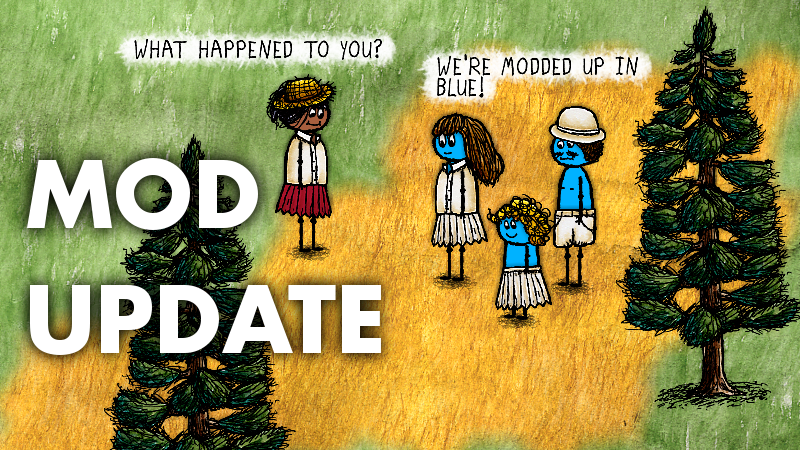
Mods can completely overhaul the look, animation, or sounds of any object in the game.
To install a mod, simply drop an .oxz file into your mods folder. Multiple mods can be installed together by putting multiple files in there (but if they overlap in terms of which objects they change, one of the mods will override the other according to some kind of mysterious filesystem ordering).
When you launch the game client again, your mods will be loaded. Note that they don't change the game content permanently. Simply remove a mod file from the mods folder and re-launch the game client---the game will go back to normal.
Mods can be made using the Editor, which is now included on Steam. No programming required.
To make a mod, in the Editor, use the Objects tab to edit various objects. Be sure to use the "Replace" button when saving them inside the Editor. You can also use the Anim tab to edit animations. I'm pretty sure that live sound recording isn't working in Windows, but you can experiment with it.
If you want to add new sprites, you can import them using the Sprites tab. Note that you will need to change settings/editorImportPath.ini to the location of the sprite sheet that you want to import. Sprites should be on white backgrounds with black outlines (though you can get fuzzy edges by also importing a separate Line Import layer). I draw the sprites in the game on paper and scan them in, and my scanner puts the scanned page in default.png in my home directory, so that's why the import path is set the way that it is by default.
After you get your objects looking the way that you want them to look (remembering to Replace existing objects, not add new ones---your edited objects should appear mixed into the list on the Object Picker, not at the top of the list), you're ready to export them as a bundle. Use the Export tab to pick a set of objects. Give it a name Tag, then press the Export button to save the bundle. Look in your exports folder for your exported bundles.
Note that any mods in your mods folder will be loaded into the editor for further editing and exporting. You actually need to load each modded object in the Editor and press Replace at least once before trying to export them. Whatever is actually saved on disk is what's exported (the live RAM-only data is only temporary, and not saved on disk by default).
However, whatever changes you actually make while creating mods are permanent in your game data folder. It's usually a good idea to make a working copy of the game data when modding. Just copy your OneLife folder somewhere else, and run EditOneLife from inside that copied folder.
Weekly Update #143
The four different groups of people in the game have had different specialties for a while. Three of the groups have biome specialties, making them the experts who can obtain resources from the jungle, the desert, or the arctic. The forth group had no specialty biome to call their own, so they became the language experts---the one group that could talk to all the other groups with no language barrier. The idea was that they could serve as a kind of trading group, traveling from area to area in the world and exchanging specialty resources.
But in the harsh survival reality of the game, this fourth group, the language experts, were always seen as dead wood. While the other groups were necessary for collective survival, because they provided access to necessary resources for technological advancement, the players could really care less about the fourth group. If they died out, the rest could still survive and progress just fine.
This week, the language experts get an additional buff: they can travel and settle anywhere, even outside of their homeland. This means that they can join other villages and help out long-term, across generations, which will give them more opportunity to put their language translation abilities to good use.
There's also a fix to the way /DIE cycling works on the low-population servers, making parallel solo play on low-population servers viable again.
And finally, there's a new, more detailed food consumption log, which will allow third-party statistics services to compute some interesting things. The log gets populated on a 24-hour delay, but data will eventually start posting here:
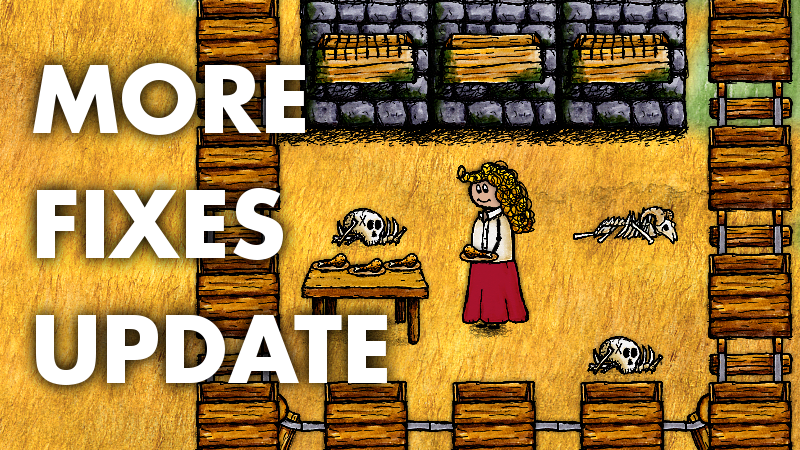
Eating a drumstick from a plate no longer causes the leg bone to vanish. This might seem trivial, except that a full set of turkey bones are needed to make turkey broth. People ended up with a bunch of useless partial sets of bones that piled up.
You can now reclaim rope from the long shaft, along with being able to reclaim it from other wooden shafts. This was a small oversight that has been lurking in the game content for years now.
And the biggest change this week: what happens when you type /DIE as a baby (succumbing to SIDS).
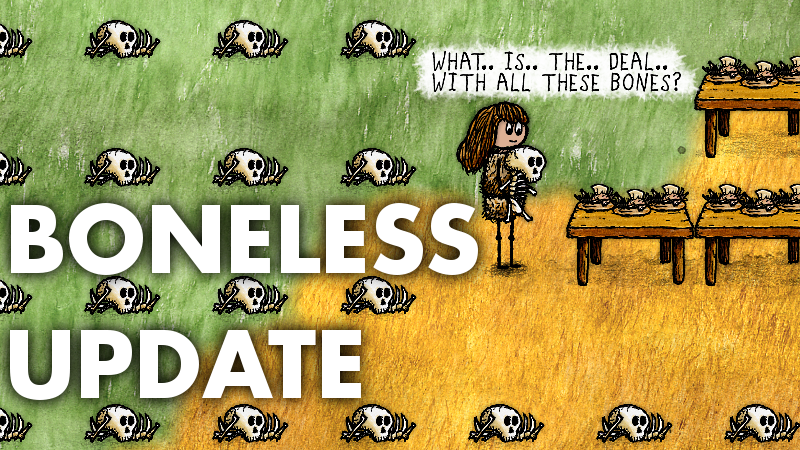
Before, the server would remember only your previous SIDS mother, avoiding her for your next birth. After you typed /DIE for a second mother, that mother, that second mother would be remembered, allowing you to potentially return back to the first mother. There are also other factors that are taken into account in birth placement, such as lineage bans, birth cooldowns, etc. These factors together could mean that if you typed /DIE repeatedly, you might ping-pong back and forth between two different mothers. This would cause lots of annoyance for these mothers, as well as an accumulation of baby bones.
Now the complete list of every mother that you typed /DIE to avoid is remembered, and you avoid all of them in subsequent births, without ever returning to one. However, what happens when you run out of mothers by doing this? You go to Donkeytown. This is your signal that there are no mothers left for you to try, or at least that the mother that you're looking for is not available based on some other factor. However, upon visiting Donkeytown, you aren't stuck there: your SIDS list is cleared entirely when that happens. After that, you can use /DIE to cycle through the mothers again. But Donkeytown is a signal to you: you've run out of options. Hopefully, this new system will help to alleviate the annoyance of repeat visits from /DIE-cycling babies.
Weekly Update #141
More fixes this week, based on some newly reported issues.
A possible exploit that would allow a daisy-chain of carts to be used as an impenetrable wall has been fixed. Trash pit behavior has been improved to avoid nuisance trashing of some items, and accept some other waste items. Large animal bones now decay faster. Defaced graves are no longer permanent (and defaced baby graves decay after two minutes, just like regular baby graves). Stone walls with shelves can become ancient. And you can FINALLY place a drumstick down on a plate.
Weekly Update #140
It might be more than just your imagination.
Weekly Update #139
Thanks to everyone who helped by posting One Thousand Seven Hundred and Ninety bugs and issues over the life of this game. I'm sure there will be more things discovered in the future, but for now, I've finally made it to the end of a very long list.
While that seems like a lot of bugs and issues, it helps to keep the complexity of this game in perspective. There are 2400 hand-drawn sprites, which are assembled into 4339 unique objects. And those objects interact with each other through 5106 transitions. To put it a different way, this is a game with 4000+ pieces and 5000+ rules. Obviously, there are lots of opportunities for little things to get overlooked along the way, or for things to not work quite right.
This week, you can spoon ice cream back and forth between bowls, you can no longer walk through rail carts (but you can deconstruct them), there's a new large storage box, stuff inside closed chests doesn't stick out through the lid, you can throw old boots back in while fishing, and blocked bears no longer get stranded in front of their caves forever. Several bugs with the new gesture system have been fixed. There are new notifications when you try to assign property (for both success and failure), and brand new players, who might have inflated gene scores, are removed from consideration for special roles until they have lived at least 25 lives.
Weekly Update #138
Lots of fixes this week, still pushing through the list of user-reported issues.
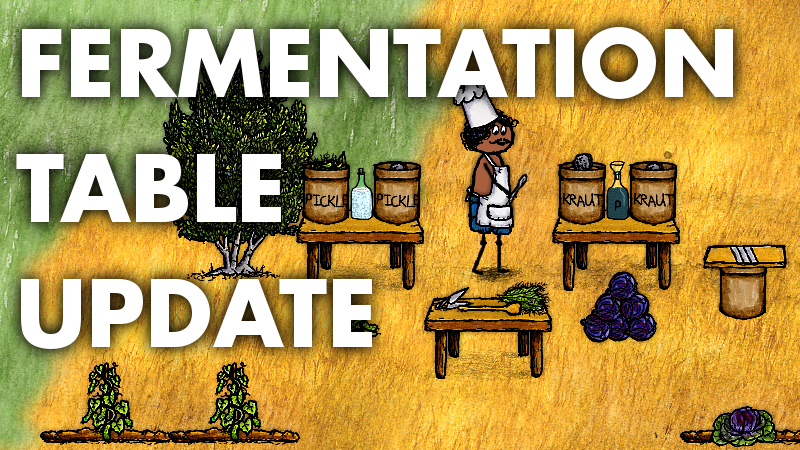
You can now carry out most fermentation steps on top of the food preparation tables, and the full fermentation crocks are (slowly) moveable.
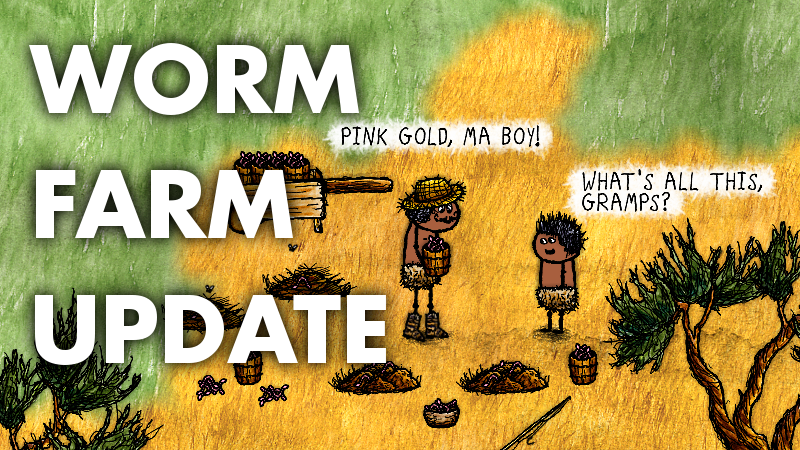
There's a way to farm worms without generating loads of excess soil, and worms themselves speed up the composting process.
A bunch of different sub-mechanisms from the machine shop can now be disassembled.
Hand carts no longer decay.
You can detach carts from a hitched riding horse, so the carts are no longer stuck attached to a horse.
Weekly Update #137
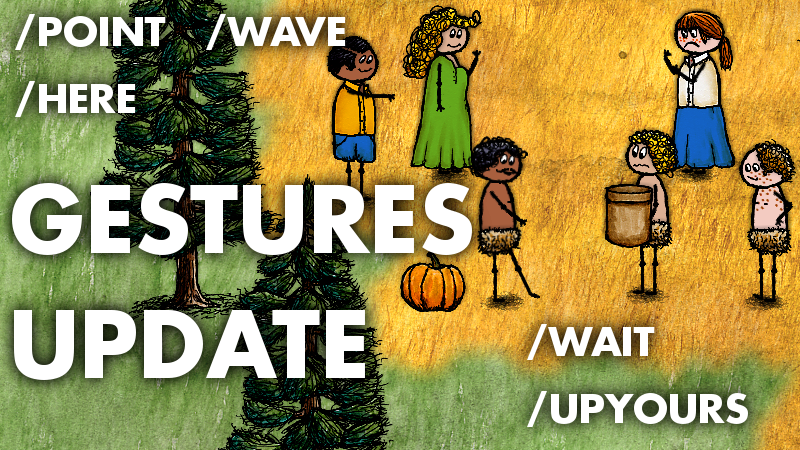
A new feature this week: Emotes can now go beyond facial expressions and include full body poses and animations. Five new gestural emotes have been added:
/POINT /WAVE /HERE /WAIT /UPYOURS
There are some limitations to this system, since the animations have to work well for all age ranges in a person's life. While an animation for jumping around is possible for an adult, given that babies actually share the same body sprite as an adult (hidden behind their head), it's very hard to make one body motion work well for all ages.
Even for these some of these gestures, babies have to "phone it in" because they don't even have elbow joints. They tap their waiting foot to the best of their ability, though.
Weekly Update #136
Many fixes this week, including domestic production of worms through compost piles and mass-transportation of worms in buckets.
You can now cultivate willow trees and bald cypress trees, though only in swamp areas. But these are the only trees in the game that can be cultivated without irrigation.
You can cut a rope back into its component threads. You can remove cool glass from bowls and stack it.
There's a more sensible camera failure condition when the photo server is unreachable.
Popcorn and garlic behave more consistently when eating out of a bowl. Antennas are containable. You can fill bowls with fresh peppercorns. You can fill backpacks with charcoal, just like you can fill them with soil. Extracting an arrow from someone no longer causes the arrowhead to disappear from their corpse.
Weekly Update #135
Lots of fixes this week.
Straw piles get damp after an hour of neglect, and decay to nothing after another hour. Simply touching the pile fluffs it back up again and dries it out. Unwanted straw will no longer accumulate eternally. Shelves can go on stone walls. You can now bottle sugared cream and mango-infused cow urine---separately, of course. The chisel now has a visual change when it enters its first semi-used state (when it can no longer be installed in the mining rig). Visual glitches in the overlap between cart tracks and open doors have been fixed. Paved roads no longer visually hug nearby walls.