Patch 16 Changes (Steam only, other platforms coming soon):
This minor patch is now out on Steam only, but will be brought to all other platforms except Nintendo Switch in late May. If you’re not on Steam, don’t worry, you’re not missing out! This is a minor patch mainly for adding a couple folks to the credits and fixing two PC-only bugs: clicking out of the game disabling certain inputs (such as the key for the ship’s lock on), which affected streamers in particular, and diagonal movement being faster than normal with mouse and keyboard.
Why stagger the releases like this? It’s to increase the chance that, if any bad bugs on Steam slipped through testing, they’ll get caught and fixed before the release of the other platforms. This is no shade to our QA testers, we’re just trying to be extra risk averse and conservative with the resources we put toward Outer Wilds since our new game is our priority!
This is also why we’re not bringing the patch to the Switch for the time being: it’s a risky platform for us to touch and the most important of these bug fixes don’t even apply to the Switch. We plan to reconsider once we decide if we’re going to bring Outer Wilds to Switch 2.
Once we put out Patch 16 on Epic, PlayStation, Xbox, and PC Windows Store, we’ll make a note of it here and on our socials.
Gameplay
The Scout no longer clips through a planet and into space after being tossed into a certain black hole
Leaving the Scout in certain volumes on an astral body no longer deorbits that astral body
The player can no longer hold two items at once in a very specific situation in Echoes of the Eye
Gabbro's technique can now be used to make the credits roll in more situations
Fixed a peephole-related softlock in Echoes of the Eye
Using Gabbro's technique just before your light source goes out no longer puts the player into an incorrect state in Echoes of the Eye
Fix for raft lights remaining interactable after vanishing in Echoes of the Eye
Certain stones can no longer be dropped on certain rocks (prevents them from floating after a sudden change in scenery)
Fix for the Attlerock locator playing audio when only two of the three rings are aligned
Certain items are now returned to their shelves when the player exits certain dark areas in Echoes of the Eye
The Scout now correctly sticks to the ship's cockpit if the player flies into it while seated at the flight console
Certain Nomai computers now deactivate when a charged platform is used
Various fixes to collisions
Art & Visuals
Slightly improved the resolution of the glow effect on a certain probe
Removed a small blue square that could be seen floating in space in certain circumstances
Dark Bramble fog lights are now visible while walking around the ship's cabin
Fixed missing peephole eyelid animations in Echoes of the Eye
Updated some images on a certain satellite
Various fixes to missing or low resolution textures
UI
Fix for the Scout HUD marker appearing when it shouldn't be visible in specific situations
Fix for the UI of the Signalscope not appearing in some circumstances
Fix for some button prompts covering up the pause menu
Fix for the Lock-on UI not disappearing when a targeted meteor gets destroyed
Various UI fixes
Text & Localization
Fix to the Signalscope's "Unidentified Signal Nearby" prompt having a confusing meaning in Chinese
The projection stone used at Brittle Hollow's north pole now displays correctly colored text
A couple minor credits updates
Various text and localization fixes
PC Only
Diagonal movement is no longer faster when playing with mouse and keyboard
Clicking out of the game (or otherwise changing window focus) no longer disables certain inputs, such as the ship's lock-on function
That’s the End of This Update
As mentioned before, there are no more major updates planned for Outer Wilds or Echoes of the Eye because we are hard at work on our next game. There may be smaller updates like this from time to time, but no guarantees. Nevertheless, always feel free to report issues or reach out for help on our support page.
Thanks for your support and keep exploring! Mobius
New Merch Roundup
Hello Travelers,
There’s been so much new Outer Wilds merch the past year that we’ve made a little guide to it all! There have also been restocks of some of the more popular items, like the Outer Wilds Soundtrack Vinyl. A lot of our partners are doing sales and promotions for the holidays, so be sure to take a look.
In particular, we want to highlight a project over 2 years in the making: The Hearthian Lander Model Kit!
The Mobius Digital team worked incredibly closely with the manufacturer to produce this high quality, 100% accurate, 1/58 scale model kit. When fully constructed, it’s about 7.9 inches tall and 10.6 inches wide – about the size of an average adult human skull! The box art was specially designed by our very own Ian Jacobson. And we all pitched in on the infomercial above. We had a lot of fun putting this together and we hope you enjoy it. You can purchase it – while supplies last – at Fangamer for $99 plus shipping.
Here is everything else new and currently available from each of our official partners.
Lost in Cult
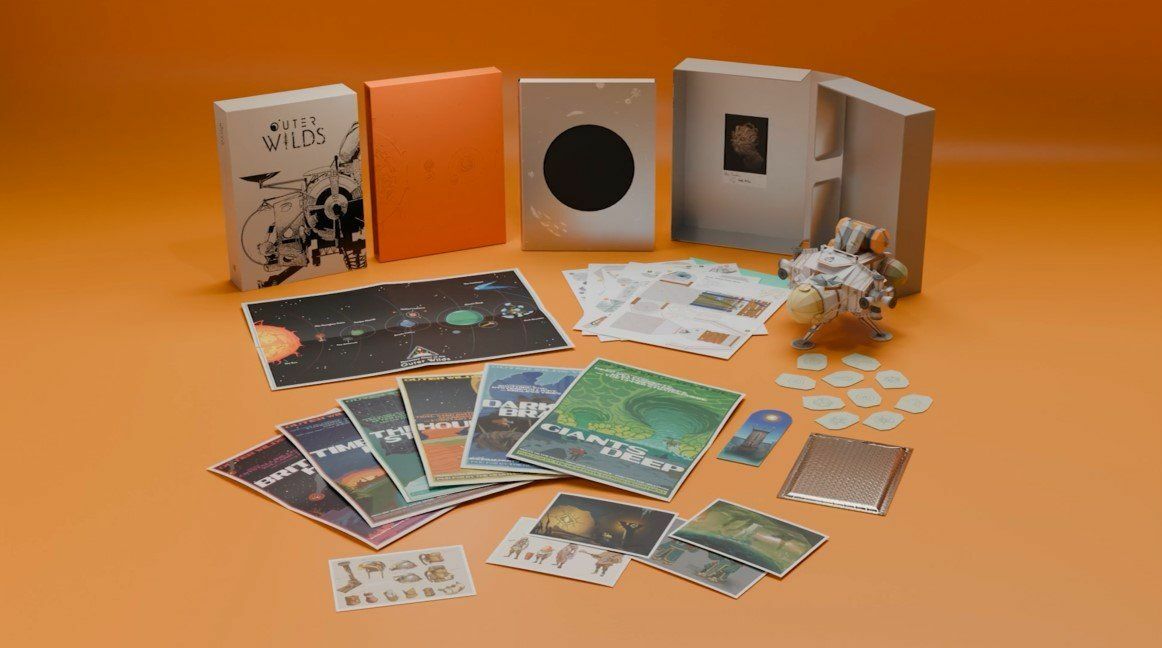
Preorders for Lost in Cult’s upcoming Outer Wilds: Design Works book and deluxe edition, which features a papercraft ship model and other goodies, are available until December 2nd. This Design Works will include exclusive interviews with us and the community, some new behind-the-scenes art and commentary. Pre-order before it’s too late!
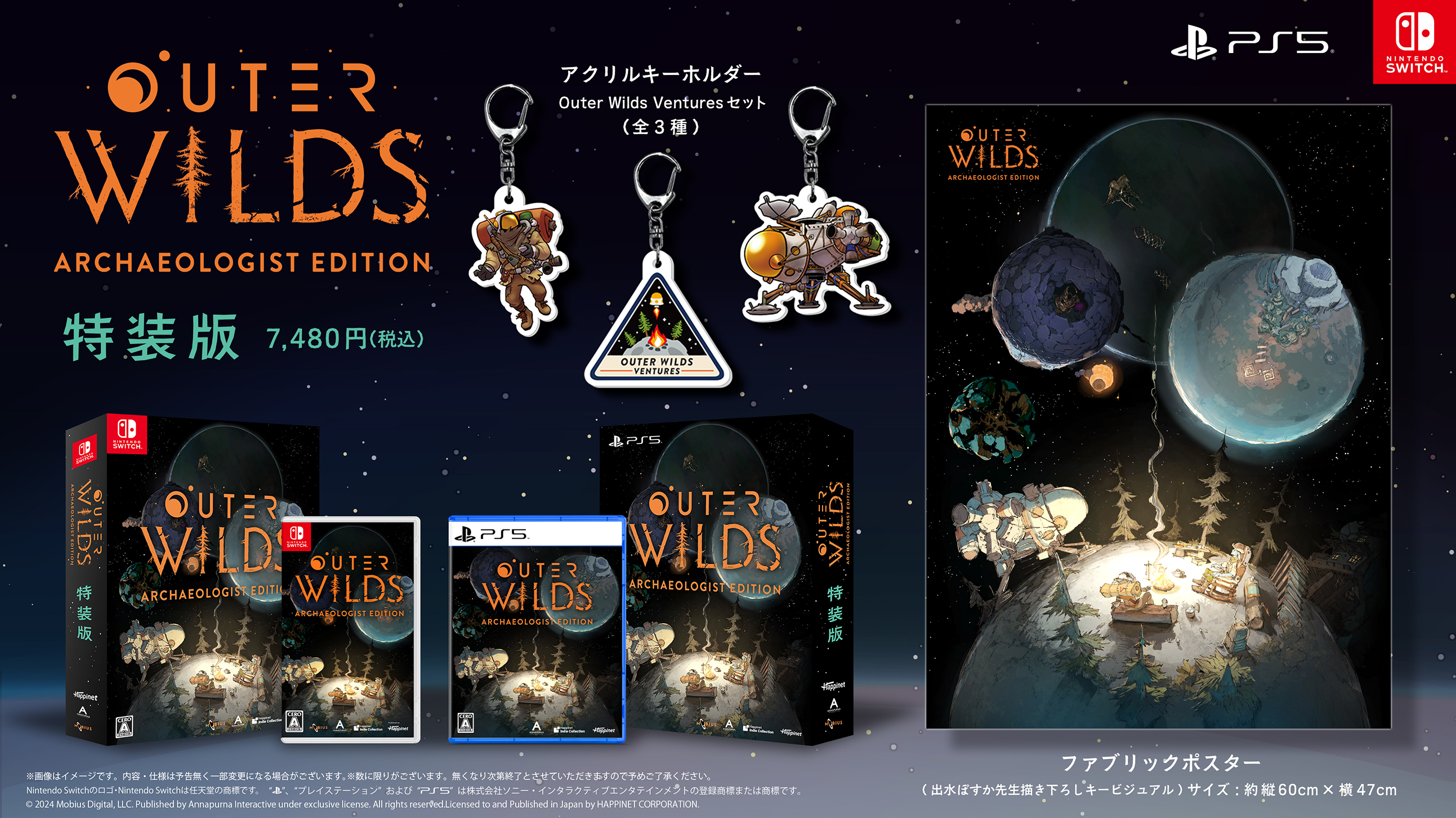
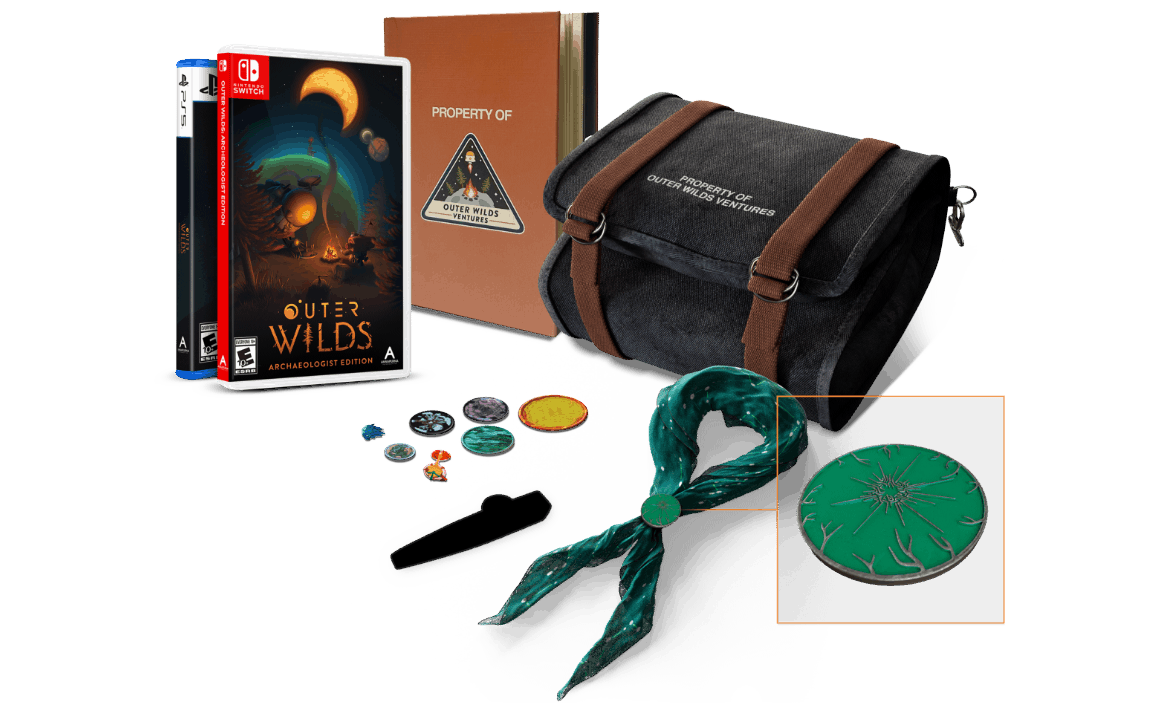
We’ve been working super closely with iam8bit to bring you some of our most requested physical items, including worldwide physical releases on PS5 and Switch. Everything is limited quantity, so be sure to grab a copy before it’s sold out!
For a list of all retailers selling Outer Wilds: Archaeologist's Edition on PS5 and Switch, check out the site below: outerwilds.iam8bit.com
*Note: If you purchased the PS5 edition from a retailer and the game is not complete on disc, please reach out to iam8bit Support at support.iam8bit.com.
This Japan-exclusive retail release features exclusive art by Demizu Posuka, illustrator of The Promised Neverland! Available as a standard edition and a special edition with extra goodies. There are also some retailers doing special, first-come-first-serve free goodies with purchase of either edition. Check out all the details here: outerwilds.happinet-games.com
Fangamer
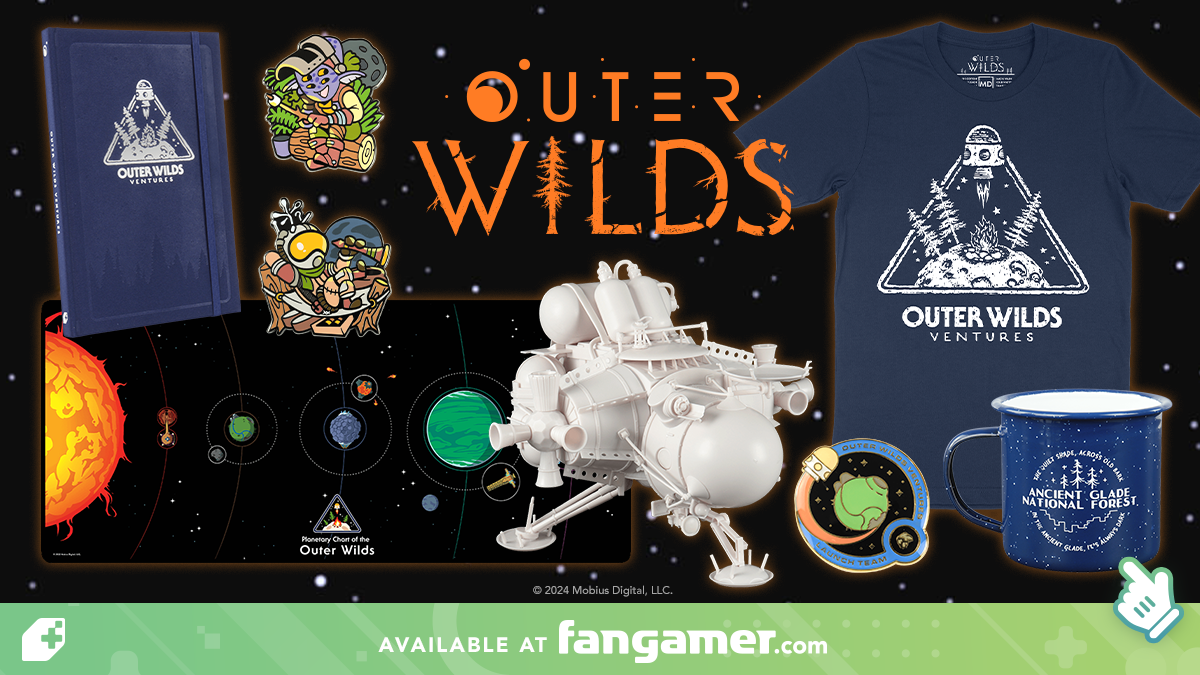
We’ve collaborated with Fangamer on a lot of merch this year. First of all, there’s the ship model kit–we’re thankful for Fangamer’s help with warehousing, fulfillment, and creating the paint guide. There are also five literally-just-released items: a mug, journal, and three pins! For anything out of stock, you can sign up to be notified when it’s back in stock.
Whew, yep that's all our new merch. Maybe we went a little overboard this year, but it’s fun, and our partners always do a fantastic job. We hope you enjoy any new souvenirs you pick up!
Thanks for your support and keep exploring! Mobius
Steam - Overwhelmingly Positive (95%) Metacritic - 85 Winner - Game of the Year (BAFTAs), Grand Prize (Independent Games Festival)
If you loved any of these games, we hope you'll give some others a shot. The bundle is available now, with an extra 10% discount on top of ongoing Summer Sale discounts.
Thanks to Patch 14, you should now be able to play Outer Wilds on your Steam Deck with default settings. We hope this update makes Outer Wilds more enjoyable for our Steam Deck players! As always, you can reach us via email to report any issues.
Patch 13 available on Steam
If you want to go back in time a bit, we’ve made Patch 13 available via Steam’s Betas. With this addition, Steam players can access versions of Outer Wilds as early as Patch 10. Our standard disclaimer applies: these builds have known issues that were fixed in later versions. Recent save files might also be corrupted if you use them with previous versions. Before reporting any issues, please switch to the latest version and double check whether you still have problems.
For common troubleshooting or other issues, please visit our Support Page.
Thanks for playing and happy exploring!
Outer Wilds Patch 14 is Now Available
PATCH 14 IS NOW AVAILABLE
9/22/2023
Outer Wilds and Echoes of the Eye Patch 14 is now available! This is a small patch to address some issues on the Steam Deck, and we fixed some bugs while we were at it. It includes accessibility improvements on all platforms: a new Large UI Mode, improvements to the legibility of some button icons, and an FOV slider on consoles!
Introducing: Large UI mode!
We hope this mode will help folks playing on smaller screens or who just wish the text and UI was a bit bigger. By default, the game will automatically detect what size the UI should be based on your platform and display. If you’d like to manually set the size, simply go to Options > Audio & Language > UI Size. You can then choose between Auto, Regular, or Large.
Patch 1.1.14 Changes:
Gameplay
New Gamma calibration screen. Currently, there is an issue with the new Gamma Calibration screen where mouse input doesn’t work. This can be worked around by pressing "E" or "Enter" on your keyboard to confirm your selection.
Damage received only in your mind no longer counts toward the "Die Hard" achievement
The player's dead body can no longer trigger ship log entries
Translator tool bug fixed where it would sometimes break when "auto-equip translator" is turned off
Pursuers no longer pass through certain barriers
Minor adjustments to the Starlit Village
You can no longer parkour yourself out of [REDACTED]
Art & Visuals
Plants no longer appear to "glow" when gamma is set to High
Lights no longer glow through the Ship dashboard
Players probe no longer gets mis-scaled when fired at certain spots
A certain cosmic event is now correctly visible through a specific screen
Fix for certain weather phenomena not correctly forming on Giant's Deep under specific circumstances
Materials on certain masks now match
Various fixes for assets floating or intersecting in odd ways
Various fixes for incorrect, misaligned or missing textures and materials
Various fixes for issues where the player could get stuck
Various fixes for missing or odd collisions
Various minor visual fixes
Tech
Fixed invisible gravity crystals
Fix for certain areas thinking the player is outside of its LOD zone when the player enters the area under specific circumstances
Fixed leaving a specific type of item on a certain craft causing the item to disappear under certain circumstances
Fix for the screen going black during some vertical transitions in the DLC
Fixed a few issues with the ship's align-with-target behavior in landing mode
UI
New Large UI mode! To manually set UI size, go to Options > Audio & Language > UI Size
Improved legibility of button icons for control sticks, shoulder buttons, and triggers
Reorganized the Graphics Menu Options
HUD markers now display the correct distance to objects inside Dark Bramble
Various UI bug fixes
Text & Localization
Fixed missing characters in various languages most notably Chinese, Japanese, and Korean
Improved line breaks and spacing in various languages
Fixed various typos
PC Only Changes
Workaround for NVidia driver bug is now disabled by default. If you have an NVidia card, please make sure that you have updated to driver version 528.02 or later. (Workaround can still be enabled by editing the secret settings file.)
Updated default graphics settings when playing on Steam Deck
Minor code fixes and improvements for the modding community. Happy hunting!
Other
A can of marshmallows somewhere seems to have expired...
That’s the End of This Update
We want to say thank you all again! As we said last time, there are no more major updates planned for Outer Wilds or Echoes of the Eye because we are moving on to new projects. There might be smaller updates, like this one, as we have time, but we cannot guarantee more updates. Regardless, you can reach us via email to report any issues.
Thanks for your support and keep exploring!
Mobius
Echoes of the Eye is here!
Outer Wilds: Echoes of the Eye is now available on Steam!
Along with the expansion comes patches version 1.1.8, 1.1.9, and 1.1.10. Here's what's changed in the current version:
1.1.8 Changelog
Writing
Turkish is now an available language
Fixed writing and localization throughout the game
Polished clue for Southern Observatory and fixed a contradiction regarding the museum statue
New Nomai computer on Hollow’s Lantern
Tech
Overhauled input rebinding system and controller support
Planetary bodies and the sun no longer become invisible beyond a viewing distance of 50 km
Ocean shader optimizations
Fixed some behavior involving Nomai viewing platforms
Numerous bug fixes
UI
“Gear Options” menu revamped to “Pre-flight Checklist” menu
Major menu revisions
Design
New building and campsite added to Timber Hearth
The doze off ability is now unlocked after getting the launch codes
Future exhibit site added to observatory museum
Hearthian Deep Space Satellite added to solar system
Increased player jump responsiveness
Boost can now be activated even if boost/jump input is pressed slightly before up thrust input
Made it easier to launch Scout through certain ruined walls
Hide-and-seek frequency is now removed after the tutorial
Traveler instruments are now affected by a certain event
Revised a visual aid in the Southern Observatory to be less misleading
Art
Improved lighting model on ghost matter crystals and similar shaders
Added ambient occlusion volumes to improve lighting in dark spaces
Updated credits sequence
1.1.9 Changelog
New music and SFX throughout Echoes of the Eye content
Numerous gameplay improvements throughout Echoes of the Eye content
Numerous optimizations to improve performance
Numerous bugfixes, particularly to input and controller rebinding
Props and small art fixes throughout Echoes of the Eye content
Hotfix 1.1.10 Changelog
A hidden treasure was added
Fix to rumble on multiple controllers
A fix for UI textures for input bindings being incorrect in certain situations
Logan's fix for shadow seams along the river cubemap
Fixed a nullref for a certain ending
Fixed the silhouette of ruins not showing up in post-credits scene
Fix for BH white hole proxy thing that caused BH chunks to float in space
Fix for Radio Tower signal
For those who are just downloading version 1.1.8, please ensure that all subsequent patches are installed; in particular 1.1.9 significantly improves the gameplay experience.
Legacy Branch Announcement!
Accessing the Legacy Branch
Hello travelers!
Firstly, thank you all for making fun and engaging content for fans of the game! We wanted to share with you that we are releasing a legacy branch of Outer Wilds because Patch 8 introduces a massive overhaul to our input system which could make mods from previous versions of the game unplayable. To ensure everyone can continue using their favorite mods, speedrun, or just enjoy this version of the game, we are making this branch publicly available.
Please see below for how to access this legacy version of Outer Wilds:
This will require a Steam version of the game bought on Steam to install.
Log into Steam on its native launcher.
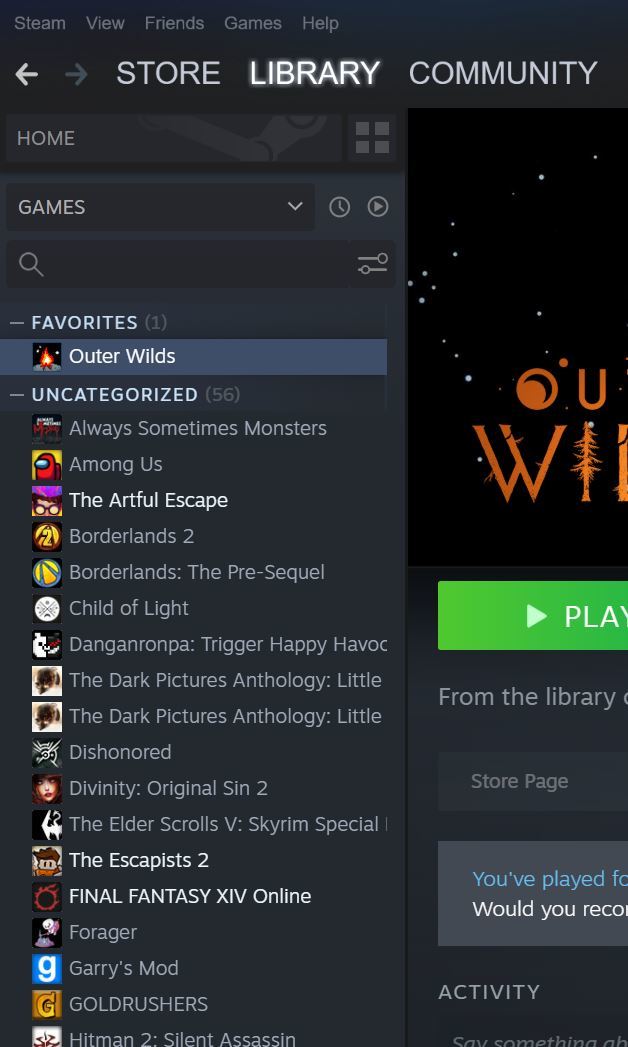
Navigate to your “Library” and look for Outer Wilds which should now be added to your list of games on the left side of your screen.
Right click Outer Wilds in this list and go to “Properties.”
A new window should come up, navigate to the “Betas” tab.
In the text field “Enter beta access code to unlock private betas” enter in “moddersGetYourStuff” and click Check Code.
You should now have access to the “Outer Wilds: Patch 7” branch, have it start downloading and start exploring! It should look like this!
Now that we have zipped through the solar system, we’re going to take a look at the playable characters alien race, the Hearthians.
Hearthian Introduction
The alien race known as the Hearthians are an amphibious race with four eyes, little sense of self preservation, and great curiosity for the outside world. Their home planet is Timber Hearth, which was discussed in a previous update. On their redwoods-inspired home planet, the Hearthians work together through to reach a greater understanding of the solar system they live in.
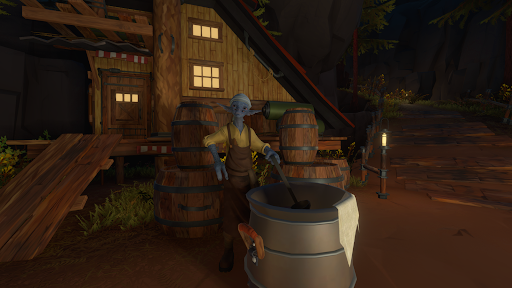
Porphy, a Hearthian who brews sap wine.
Hearthian culture was inspired by the unusual mix of Apollo-era NASA with backpacking and camping at a national park. Sit out on the porch at sunset and roast marshmallows while you watch your neighbor test out their new model rocket thrusters. Because Timber Hearth has geysers powerful enough to send things into orbit, early Hearthians learned through trial and error how to launch things into space, and it wasn’t long before they started to build ships to explore their tiny solar system.
Marl is more than up to the task of cutting all the lumber required for any new projects.
The Hearthian space program, Outer Wilds Ventures, was founded by Hornfels, Gossan, Slate, and Feldspar. During its early years, Outer Wilds Ventures collected objects of interest (often Nomai in origin) and brought them back home, further enriching the culture and technology of the Hearthians. Many of these technologies have been used to enhance Hearthian exploration technology, granting systems such as artificial gravity or the ability to remotely retrieve a scout with warp technology.
The observatory’s lower floor functions as a museum of curiosities brought back from other locations in the solar system.
As the latest Hearthian traveler, you are the first to be equipped with a tool that will allow you to translate Nomai text - the first of its kind. You and your friend Hal developed this technology to gain a greater understanding of the ancient mysteries that lie dormant in the solar system.
The upper level of the observatory is where Hornfels studies the stars.
Before you can take off on launch day, however, you need to grab the launch codes from Hornfels up at the observatory, so make sure to say your goodbyes to the other villagers as you make your way up. You can play with Mica’s model rocket, hear about the other travelers from Gneiss, or play hide and seek with Tephra and Galena. Make sure to stop by your old flight coach, Gossan, for a refresher on your zero-g training, and check out the nearby scout launcher to get a feel for the planet outside of your home crater. Once you’re ready, grab the launch codes and go explore the Outer Wilds!
The Village Crater: the Observatory at the left and Launch Tower on the right.
We’re making our way to Brittle Hollow in this week’s developer update.
Meaningful Play
Our writer Kelsey Beachum will be presenting a talk at Meaningful Play this year, October 11 - 13th. This talk will address the challenges of writing for an open-world game and in telling a linear story through a nonlinear delivery. This would be an excellent talk to listen to for those who are interested in writing for video games!
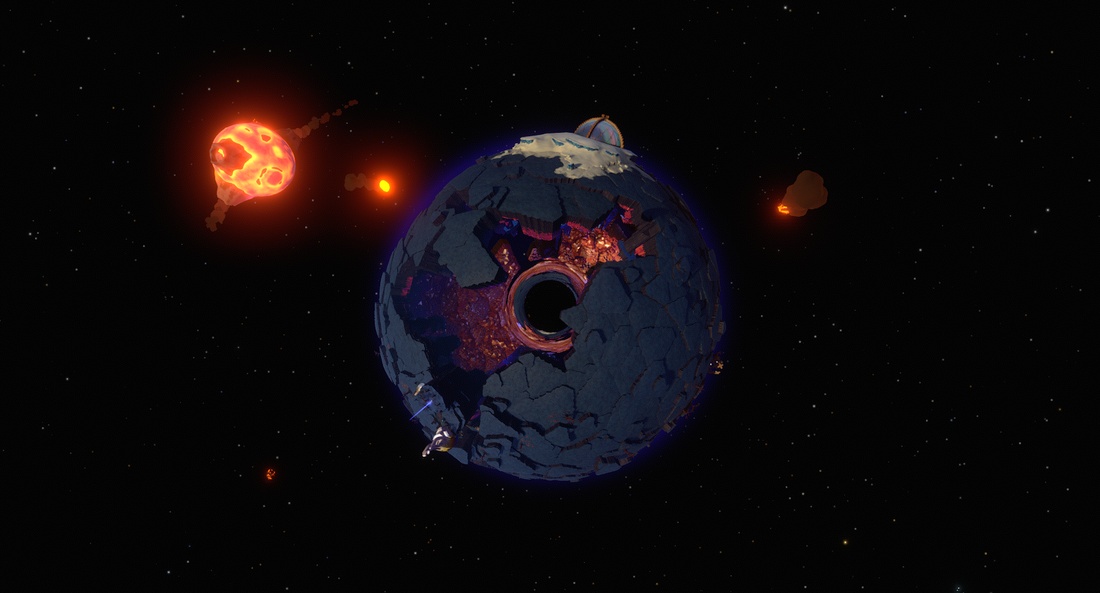
Brittle Hollow is one of the most alien locations in Outer Wilds. From the outside, it appears to be a rocky planet with glacial poles, orbited by a volcanic moon known as Hollow’s Lantern.
The fragile geode, Brittle Hollow.
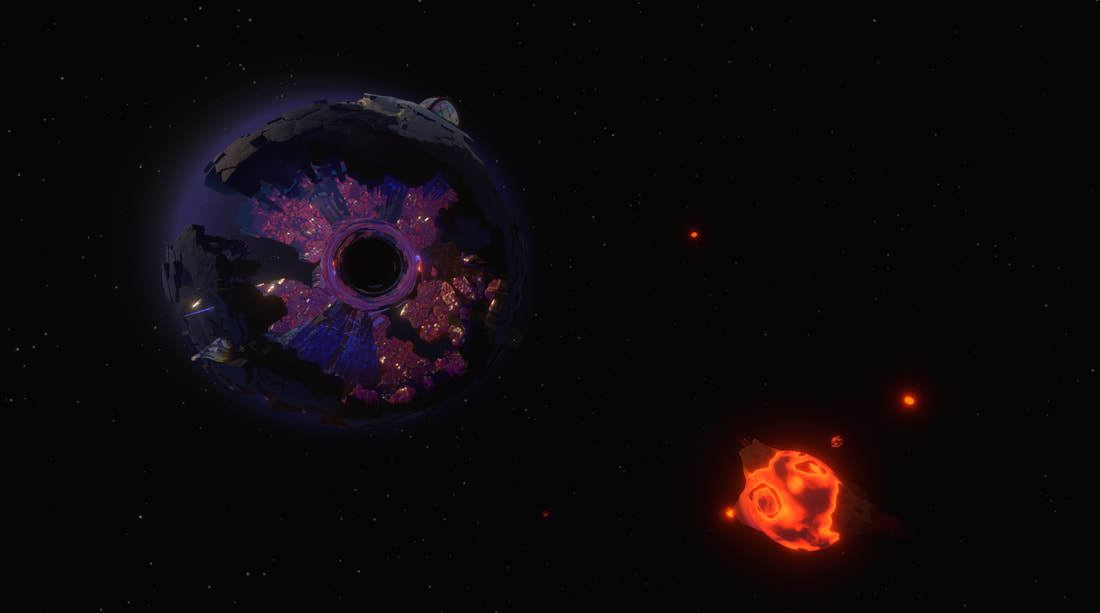
As time passes, however, it is revealed to be a planet-sized geode that crumbles to pieces as it is bombarded by meteors ejected from its moon. When a chunk of the planet’s crust takes enough damage, it falls into a black hole at the planet’s core. The interior of the crust is covered in striking crystal formations and a variety of Nomai structures.
Most of Brittle Hollow’s fragments destroyed.
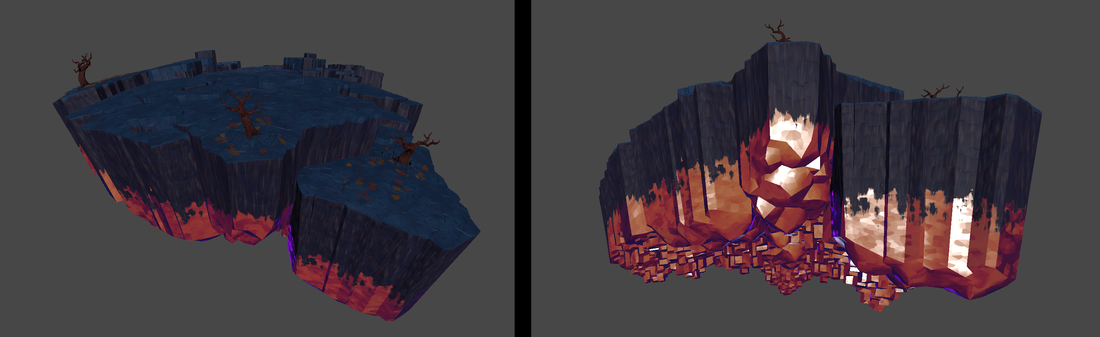
Brittle Hollow’s geode crust is made almost entirely from an extensive rock kit. The rock kit is composed of seven different sets, each defined by its size, and within each set there are around eight variations of the rocks, totaling over 50 pieces. All of these pieces add up to a highly adaptable kit that works to support the hand crafted level design.
Top and bottom of one of Brittle Hollow’s fragments.
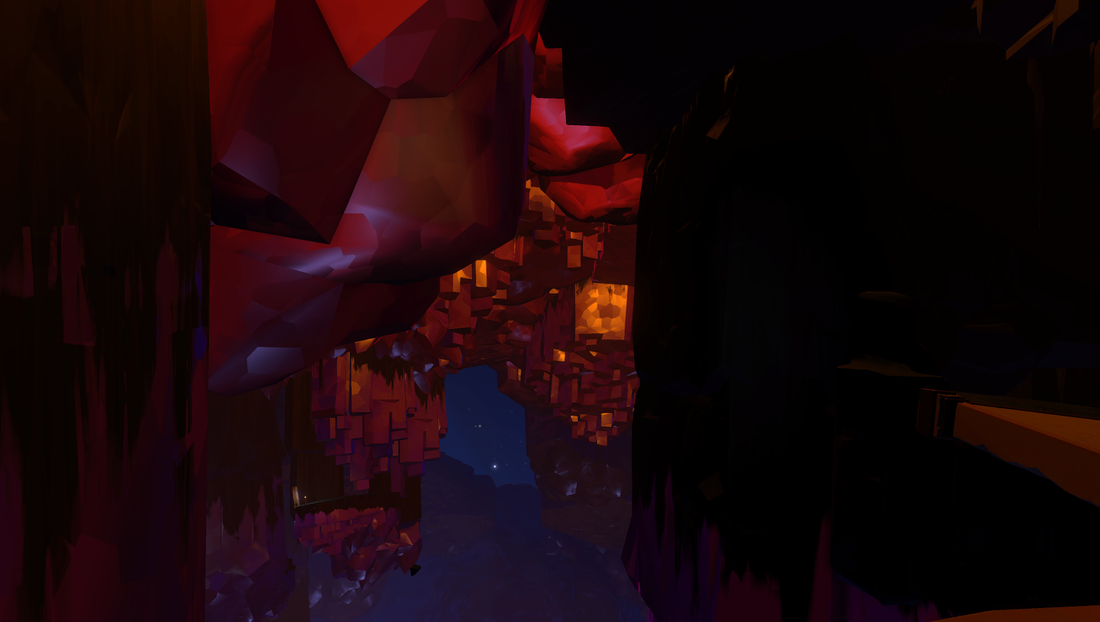
The crystalline portion of the crust uses the same custom BRDF shader we talked about in our previous update, which allows us to give it a unique lighting model that appears to refract and scatter light in unusual ways.
Under the crust of Brittle Hollow.
Other than the modular rock kit that is unique to Brittle Hollow, this planet’s poles are capped with snow. The glacial poles also contain many modular ice chunks, combined with a lot of custom work to carve out their interiors. Using Brittle Hollow’s unique rock and ice kits the team was able to support the complex nature of the planet’s level design.
PAX West 2018
Just another reminder that Outer Wilds will be at PAX West! More details in the coming weeks!
PAX West is August 31st through till September 3rd 2018 in Seattle, WA.
That’s the End of This Update
Join us in another two weeks for another development update. Have a great weekend everyone!
Before we get into our development update, we’d like to recap our E3 experience.
E3 Recap
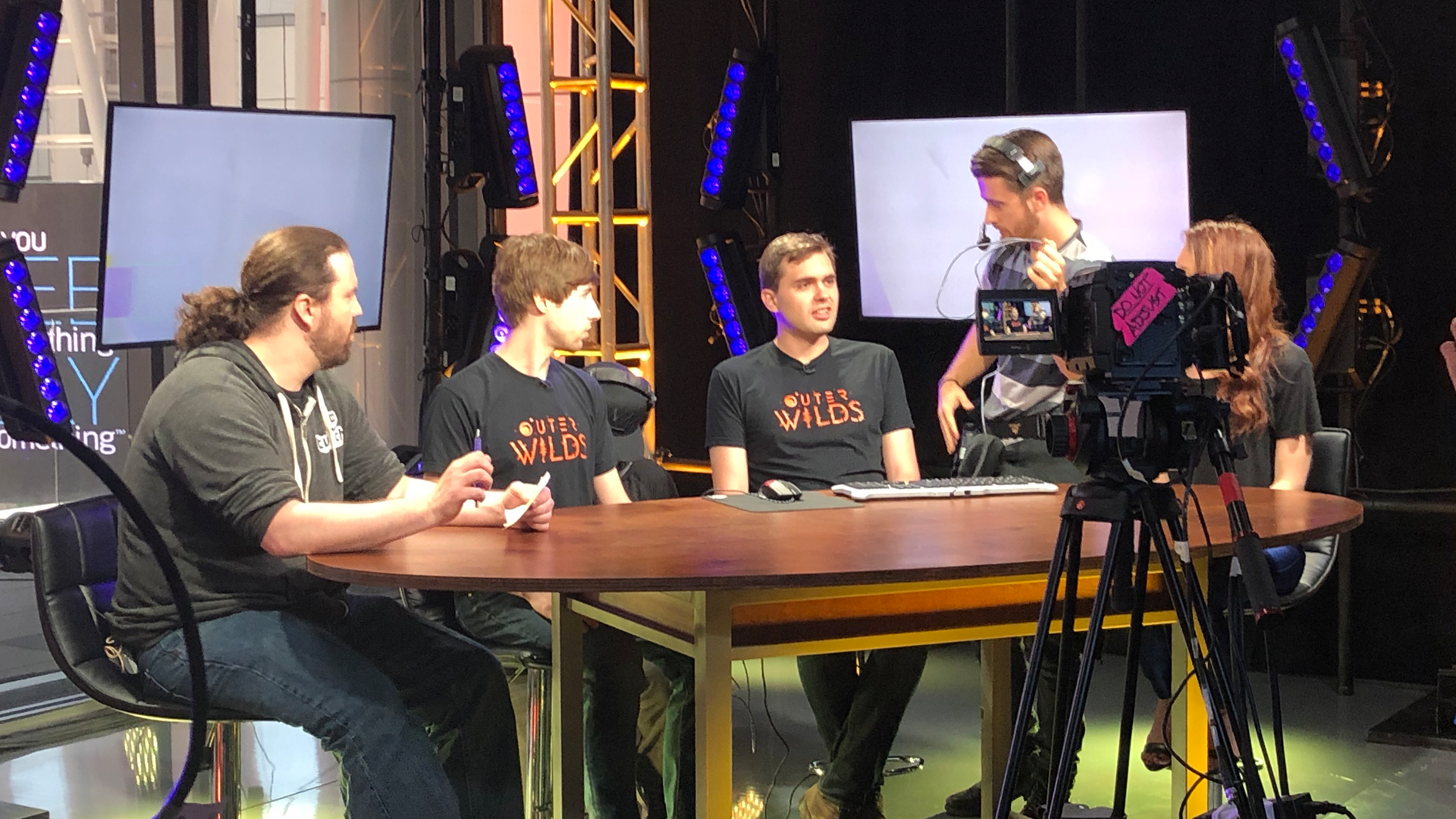
We won one of the Rock Paper Shotgun’s Editors Choice Award 2018 and received two nominations from Game Informer for Best in Show 2018 and PC Gamer for Best of E3 2018.
Thank you to all of you who made it out to E3 and for all the enthusiastic responses to everything we show!
Before our Twitch segment at E3.
For those curious, here are links the various articles that mention Outer Wilds from E3:
While we haven’t announced a specific day or month yet, we will definitely be releasing Outer Wilds in 2018. The crazy date listed on the Xbox One store was the result of placeholder shenanigans. Let us reassure you that you won’t need to employ the services of a cryostasis lab to get your hands on a copy of Outer Wilds.
Giant’s Deep: Visual Effects (VFX)
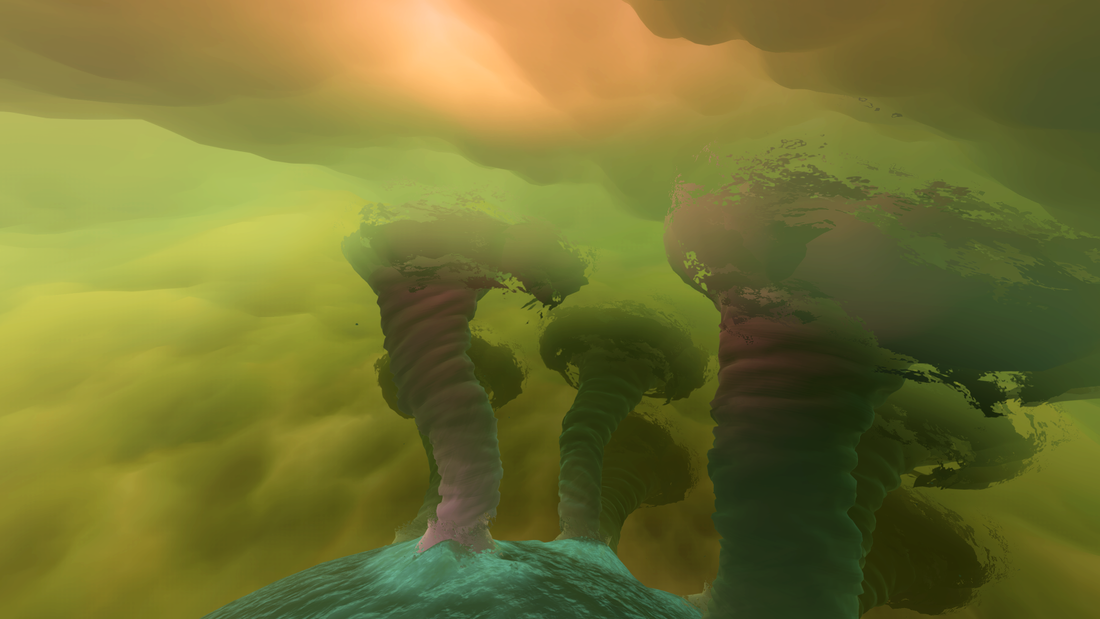
From the outset we knew Giant’s Deep would be our most visual effects (VFX) heavy planet. As a gas giant with an ocean that is dotted with tornadoes that send islands flying, Giant’s Deep was our testing ground for developing and refining many of the VFX techniques that we use throughout the game.
The first and largest feature of Giant’s Deep is its various layers of atmosphere. At its outermost layer, Giant’s Deep uses the same atmosphere shader as Timber Hearth, with different settings to reflect its non-breathable atmosphere. Below that is a thick swirling layer of clouds, created with multiple overlapping textures to create the churning effect, with special rotating spiral caps on the poles. To add to the stormy nature of the planet, we created a dynamic heat lightning generator that spawns randomized chains of lights inside the cloud layer. This was made translucent so that the lightning shows up brighter in the areas where the clouds are thinnest.
Lightning arcs through the clouds of Giant’s Deep.
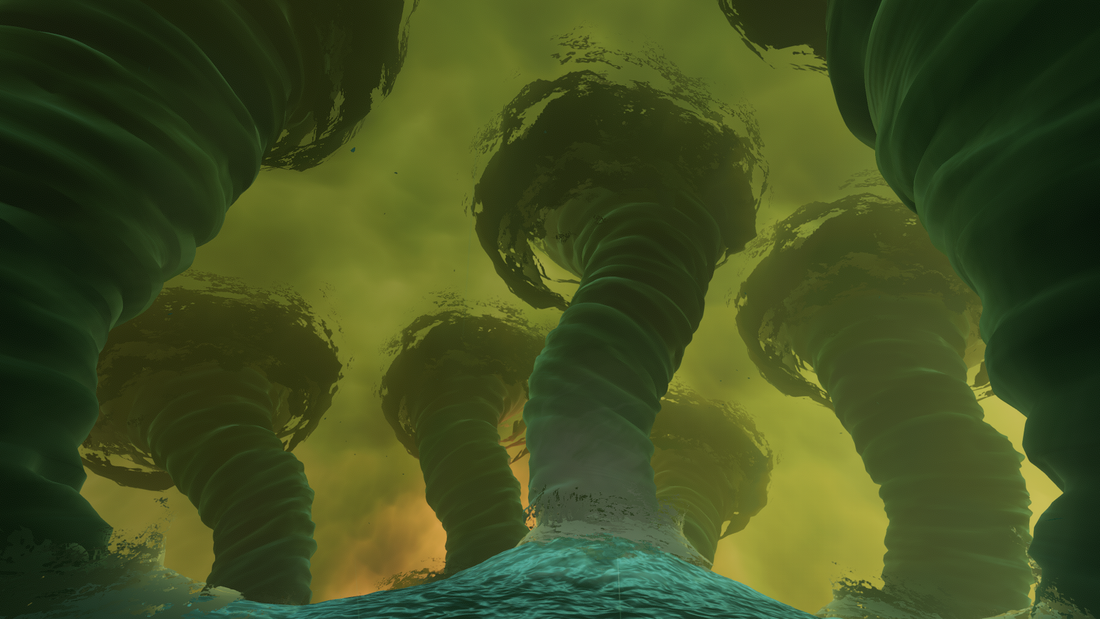
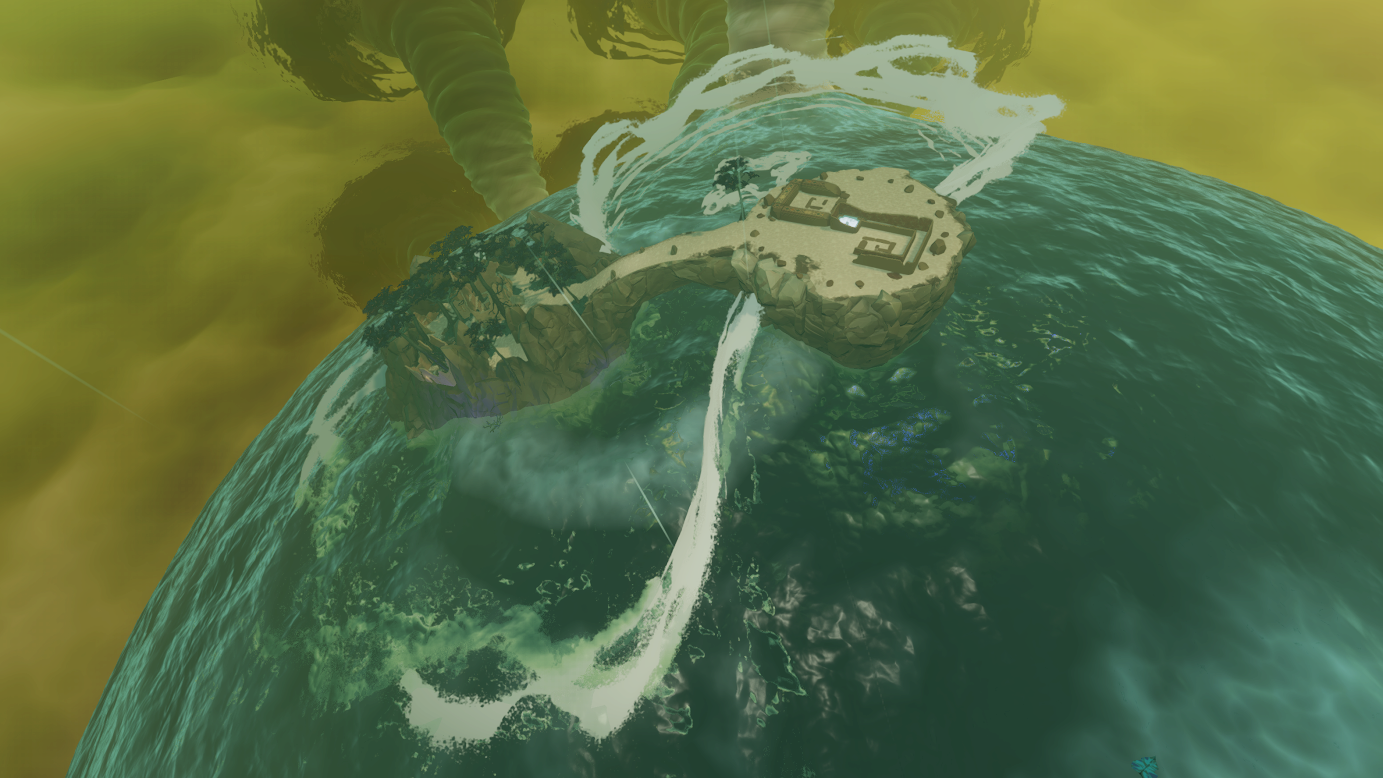
Dotted across the surface of the ocean are the wandering tornadoes that form Giant’s Deeps’ complex physics system. As the tornadoes wander, they will toss islands (or the player) into orbit, where they will float in Zero G before plummeting back down through the clouds. It was important for us that these tornadoes all look unique, so we created a system of joints for each tornado that each move in randomized circular patterns, much like a sand pendulum. We also created volumes at the base of each tornado that modify the height map of the ocean so that the water is pulled visually into the cyclones.
A field of wandering tornadoes.
In addition to the massive structural elements like the clouds, ocean and cyclones, there are a number of other effects that help to sell the physical nature of the stormy surface. There is a rain system that dots the player’s helmet visor with refractive water droplets and streams that respond differently based on whether you look up at the sky, drop your head down, or dunk under water. There are leaves fluttering on the wind that intensify when a tornado is near. Finally, we created massive, complex splash meshes so that when an island crashes from space we have an appropriately large scale effect to signal the impact.
An island dropped into the sea of Giant’s Deep.
The underwater layer of Giant’s Deep also contains a variety of challenging visual effects problems, but those secrets must remain hidden until you explore them for yourself!
That’s the End of This Update
Join us in another two weeks for another development update. Have a great weekend everyone!

 [/td]
[/td]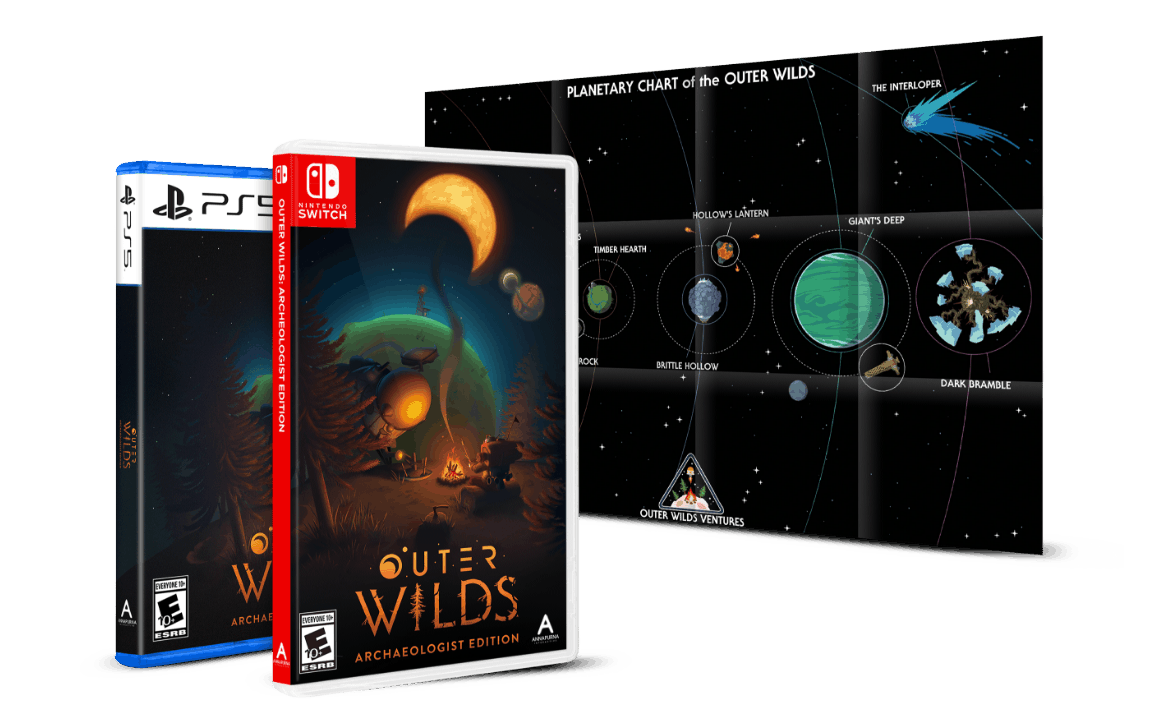 [/td]
[/td]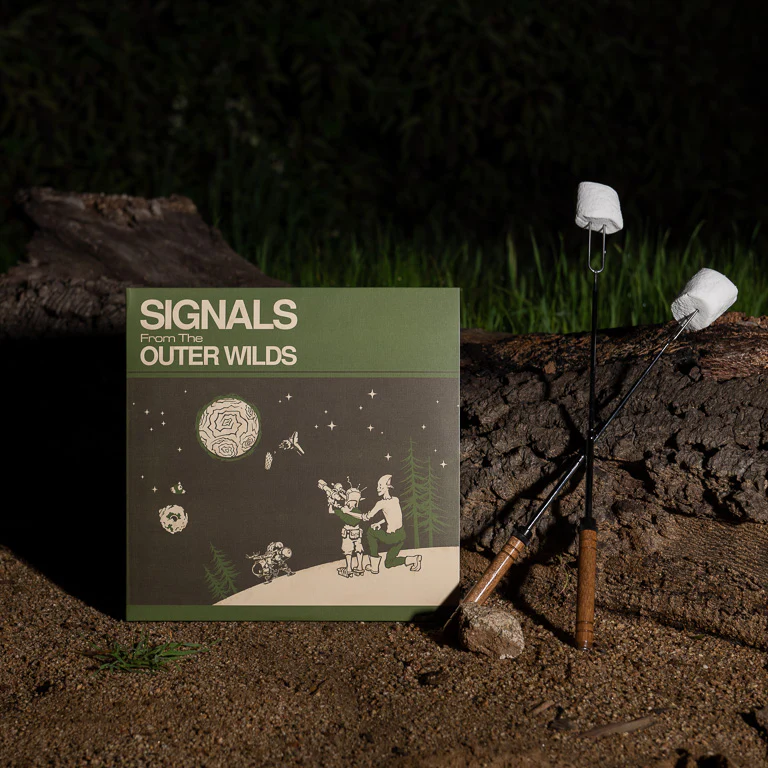 [/td]
[/td]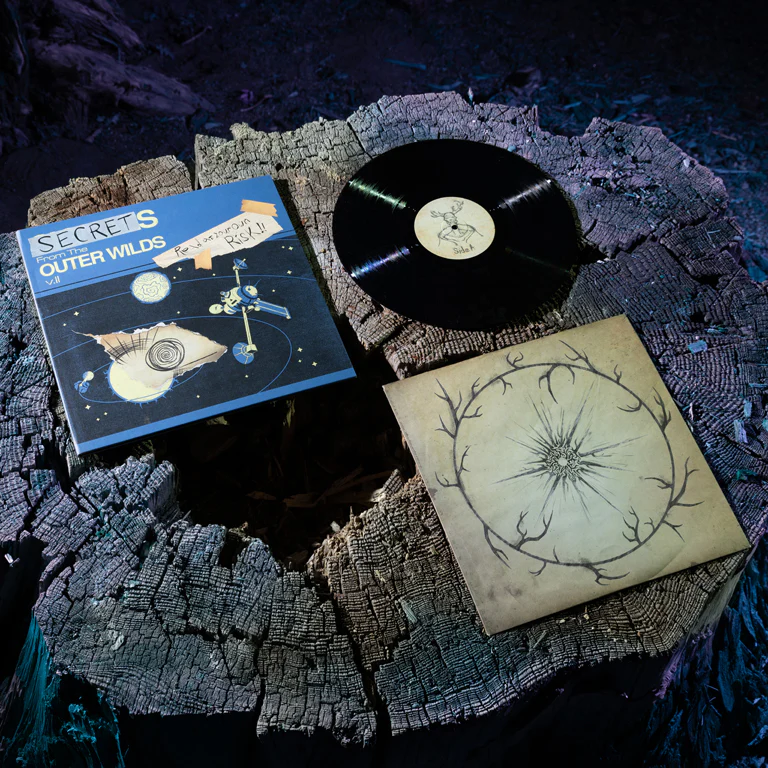 [/td]
[/td]