

Overgrowth
Overgrowth Beta 5 is live!
Blog post available here: http://blog.wolfire.com/2017/09/Overgrowth-Beta-5-video-changelog
Full change log is available here: https://docs.google.com/document/d/1332pAglqebOMYaxQZTqtO7jIYzmRKKfRkF7bLi6L1cg/edit?usp=sharing
Abridged Changelog:
Gameplay
- Added game difficulty presets to Top Bar -> Settings -> Game (Casual, Hardcore, Expert)
- Added the new Overgrowth story to the mods menu, for people who want to play it before it is complete
- Made dogs throw weapons again, but now only within a certain range to prevent player fleeing
- Several small enhancements to make stealth more interesting (harder, but a bit more effective)
- Made it easier again to fight wolves with weapons
- Added death hint support, with the particular hint chosen based on how the player died
- Added ? or ! symbol over characters that you can talk to (configurable per level/character)
Editor
- Added player invincibility setting to Top Bar -> Settings -> Debug
- Added setting in Graphics -> Debug to disable fog, so you can more easily edit levels without messing up the fog setting
- Added "ragdoll" collision painting option, which automatically ragdolls characters that touch the painted surface
- Added per-level settings for color saturation, under Scenegraph -> Level -> Script params
- Added "Stick To Nav Mesh" option to characters, to keep enemies from running off lethal cliffs
- Added support for loading text and background images to be displayed while a level is loading
- Kill hotspots can now be set to only kill NPCs, only players, or both
- Added several new idle animations
Performance
- Many more assets are now pre-loaded to reduce hitching from asset loads during gameplay
- Added checkboxes to disable level shaders and GPU particle fields
- Added "simple water" option to Top Bar → Settings → Debug → Graphics, it disables screen space reflections for water
Graphics/Sound
- Improved dialogue graphics, and support for custom color/sound for each character
- Added victory/death music stings in new campaign
- Added camera Depth of Field effects to dialogues and when you take damage
- Improved choke-out, sword, and knife animations
- Added screen space refractions to raindrops, and added time-based squash and stretch
Bugfixes
- Fixed Versus camera flipping. It may look straight down at combattants, but should no longer flip upside down
- Fixed menu UI resizing when resolution is set through settings menu
- Fixed render problems for lighting/shadow of plant detail objects
New Overgrowth story
- Most levels: Added new loading screen text and loading screen images
- Most levels: Final draft of story - updated character dialogues
- Most levels: New music tracks
- Arena levels: Added crowd cheering, with cheering level based on your performance in the arena
- Most levels: Tweaked shaders, improved environment art and lighting, customized NPCs/enemies more, made gameplay tweaks
If you find any bugs, please email a full description along with your system specs to bugs@wolfire.com.
Overgrowth progress blog post - late August
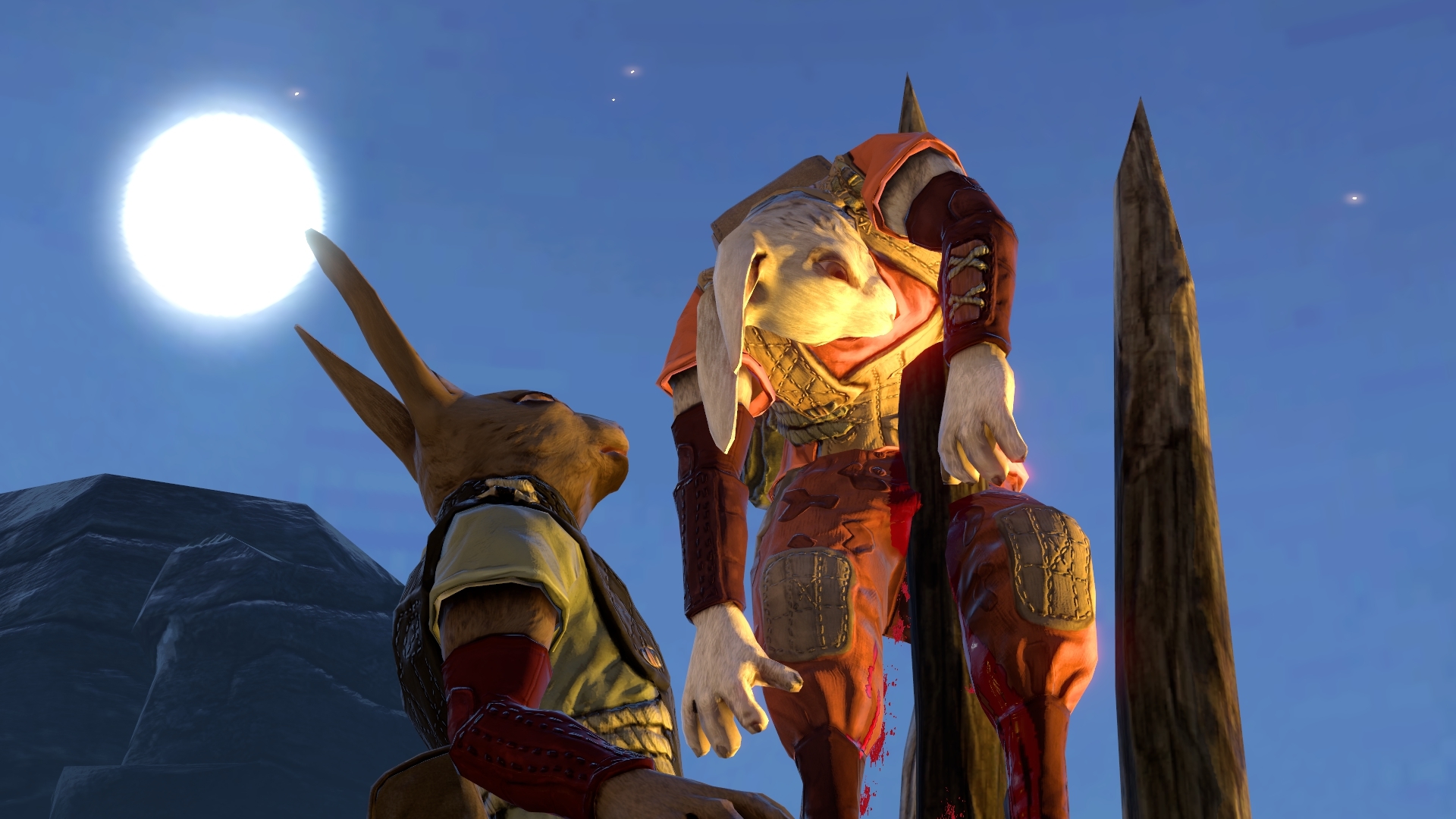
Another blog post up. Big change log, and status on Beta 5 / 6:
http://blog.wolfire.com/2017/08/Previous-two-weeks-in-Overgrowth---Late-August
Overgrowth progress blog post - mid August

New blog post up. New change log and a brief update on milestone planning:
http://blog.wolfire.com/2017/08/Previous-Week-in-Overgrowth---Mid-August
Mod Highlight: Weapon Spawner Mod
Overgrowth progress blog post - early August
http://blog.wolfire.com/2017/08/Previous-month-in-Overgrowth---early-August
If you want to try out internal_testing, be warned that it can be unstable, and cause crashes or strange behavior that you might not see in full Beta releases. It is an automatic nightly build of the game, and we cannot run a full test pass on it every day.
Library -> right click Overgrowth -> Properties -> Betas tab -> switch from "NONE" to "internal_testing".
I also forgot to post early July's blog post here, so here's a link to that as well:
http://blog.wolfire.com/2017/07/Previous-two-weeks-in-Overgrowth---Early-July
Mod Highlight: Flying Mod
Mod Highlight: Lugaru Campaign Co-op mod
Hotfix for Beta 4 out now
- Fixed partially black sky in some levels on Intel GPU/Mac
- Fixed campaign saving progress on Mac
- Fixed white halo around plants/waterfall objects on nVidia when simple shadows were enabled and anti-aliasing was off
Level Highlight: Suraks Playground
Overgrowth Beta 4 is live!
Blog post available here: http://blog.wolfire.com/2017/07/Overgrowth-Beta-4-video-changelog
Full change log is available here: https://docs.google.com/document/d/12tPguXp66gAWnuLhtvSFMcM24GrKrjqD6Th40bTimR0/edit?usp=sharing
Abridged Changelog:
Gameplay
- Made dogs no longer throw swords at you
- Added auto ledge grab feature (while pressing a direction) to make climbing simpler for new players
- Made dodge work a little better against knives (2nd attack doesn't get through now if you've timed your dodge correctly)
- Fixed some spawn points in magma arena that were causing character to fall through the world sometimes
Several improvements to new campaign
Graphics
- Added fog, moving water, and rainbow effects, and tweaked lighting in waterfall arena
- Added smoke and cinder particles and tweaked lighting in magma arena
- Added rain and gradient fog effects, and tweaked lighting in cave arena
- Preserve motion blur while pausing world for better screenshot angles
- Improvements to weather effects
Modding
- Revamped mod menu to make it much easier to see a bigger list of mods, and get a better preview area
- Added Disable All Mods button in mods menu to make it easier for players to debug problematic mods they've installed
- Added mod voting buttons to mods menu so mods get more votes (better feedback on mod quality)
- Added improved prefab support. You can now update the objects in the prefab and it update all levels it is used in, and maintain connections to other objects (weapons, dialogs, etc)
- Added search for objects by name in the scenegraph search, tagging objects with a name in the editor, filtering to only show named objects in scenegraph, and access to object names in angelscript
- Added scenegraph window and search hotkeys to editor ("Y", "CTRL + F")
- AI patrol path points can now trigger arbitrary animations instead of just Sit, Stand, etc
- Added progress unlocking to "simple campaign" mods, and hotspot so progress can be saved
- Added more parameters to nav mesh generation, to better control cases where small gaps aren't added to nav mesh
- Exposed Dear ImGui UI functions to mods
Sound
- Added ability to select preferred audio device, when default device isn't preferable
- Fixed some looped sound issues and playback stalls by switching to software mixing
Performance
- Pre-load most (if not all) assets for Lugaru campaign to reduce in-game content loads and hitching
- Improved loading speed of lugaru campaign menu
- Removed some sources of log spam, which should improve framerates in some cases
Many more reductions of CPU and GPU utilization
General improvements/bug fixes
- Put nav meshes in their own directory so it's harder to File -> Load a non-level file on accident
- Display list of mods when crashing so users know to try disabling them
- Fixed some bugs related to handling of IMPulseAlpha (should make some crash error messages more clear so we can debug them - won't fix the underlying crashes)
- Fixed some bugs where cursor disappeared when steam overlay is on
- Fixed some memory allocation and initialization issues
- Fixed some bugs when Steam Workshop APIs return errors
If you find any bugs, please email a full description along with your system specs to bugs@wolfire.com.