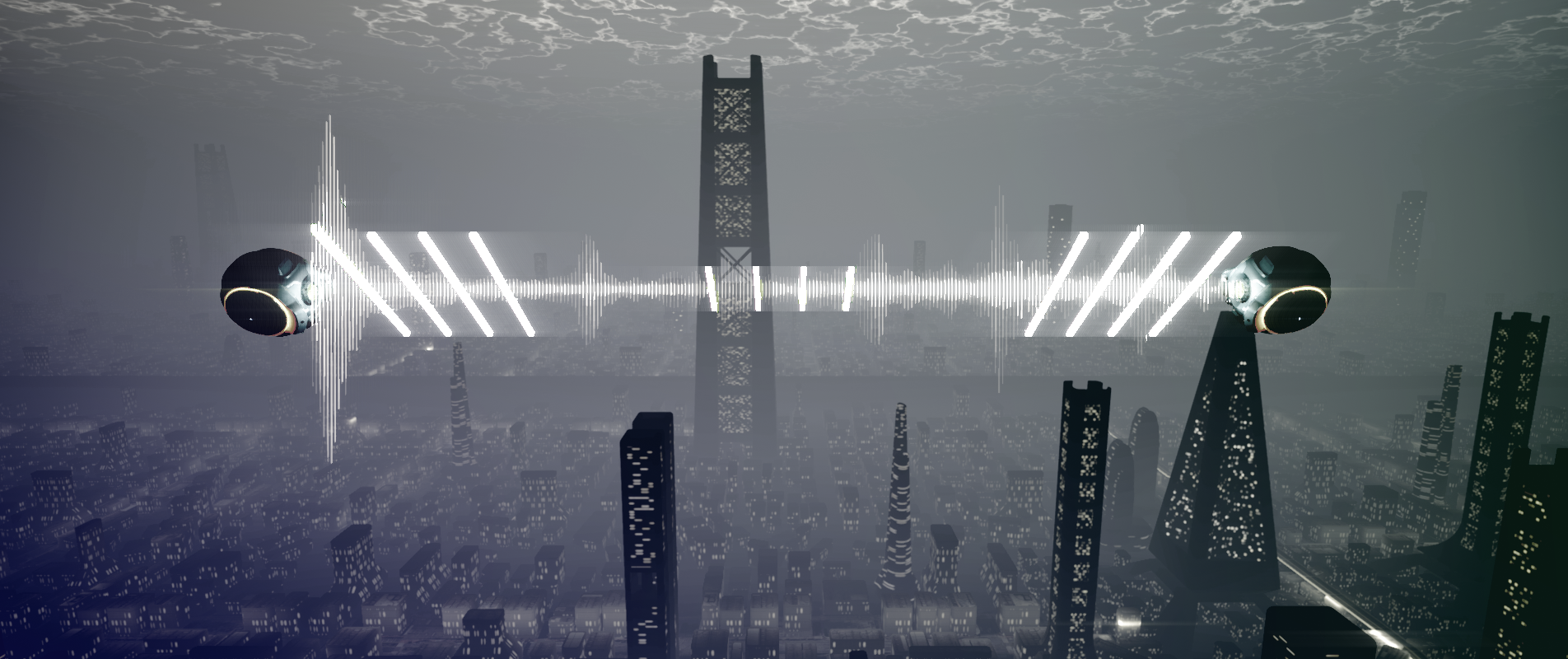
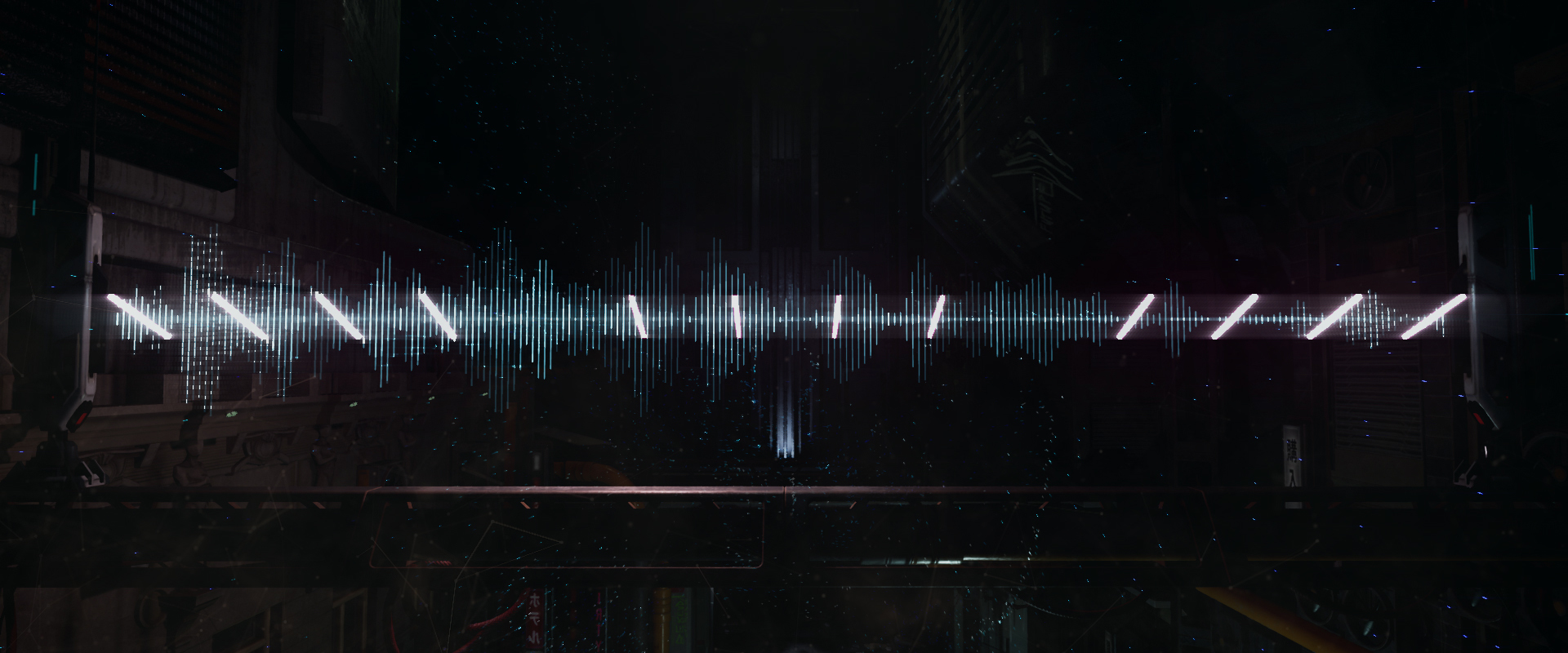
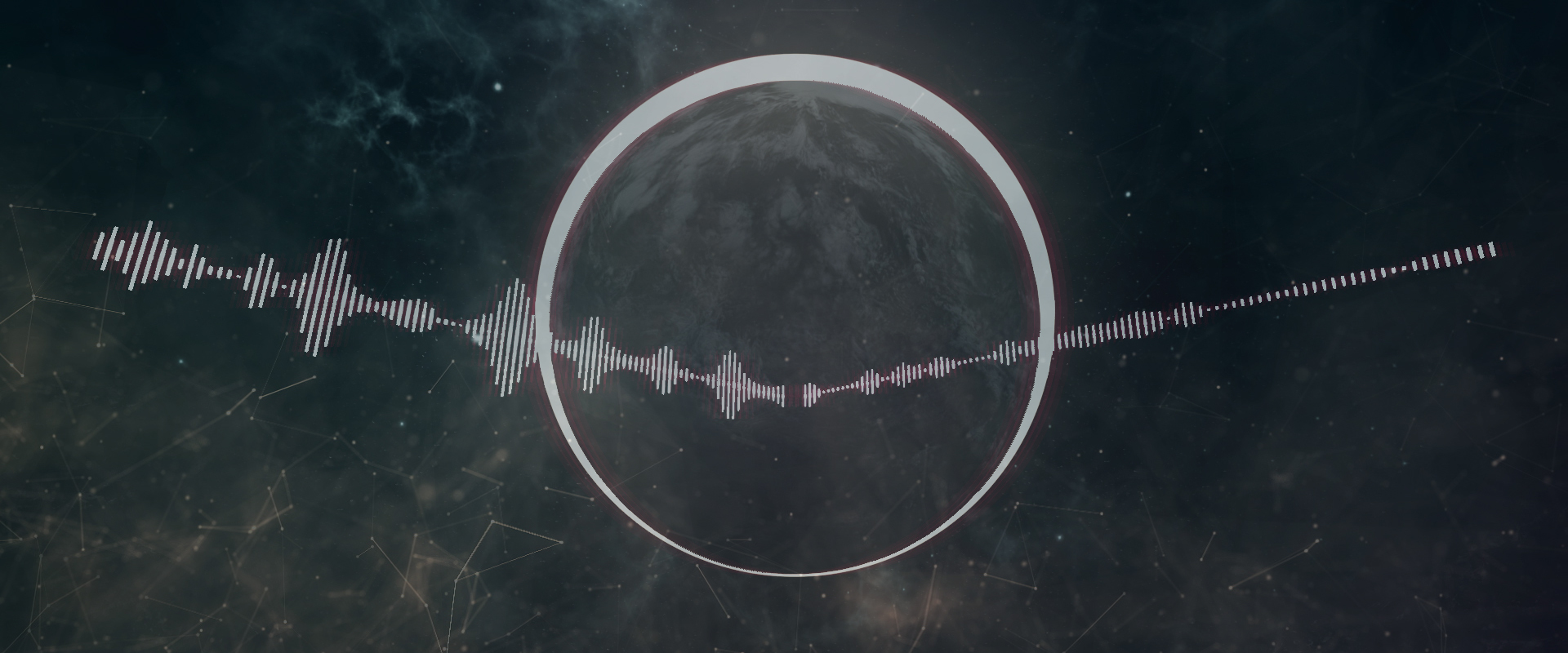
After two years of development, Overture Music Visualization is finally leaving early access. This last major update knocks out a couple of big issues and a host of small ones:
App Size I've managed to trim almost 10gb from the total size of the project - unused textures and meshes, deprecated scripts, outdated maps from previous major builds, etc. This update almost cuts the total size on disc by half, bringing it from ~20gb to 11gb.
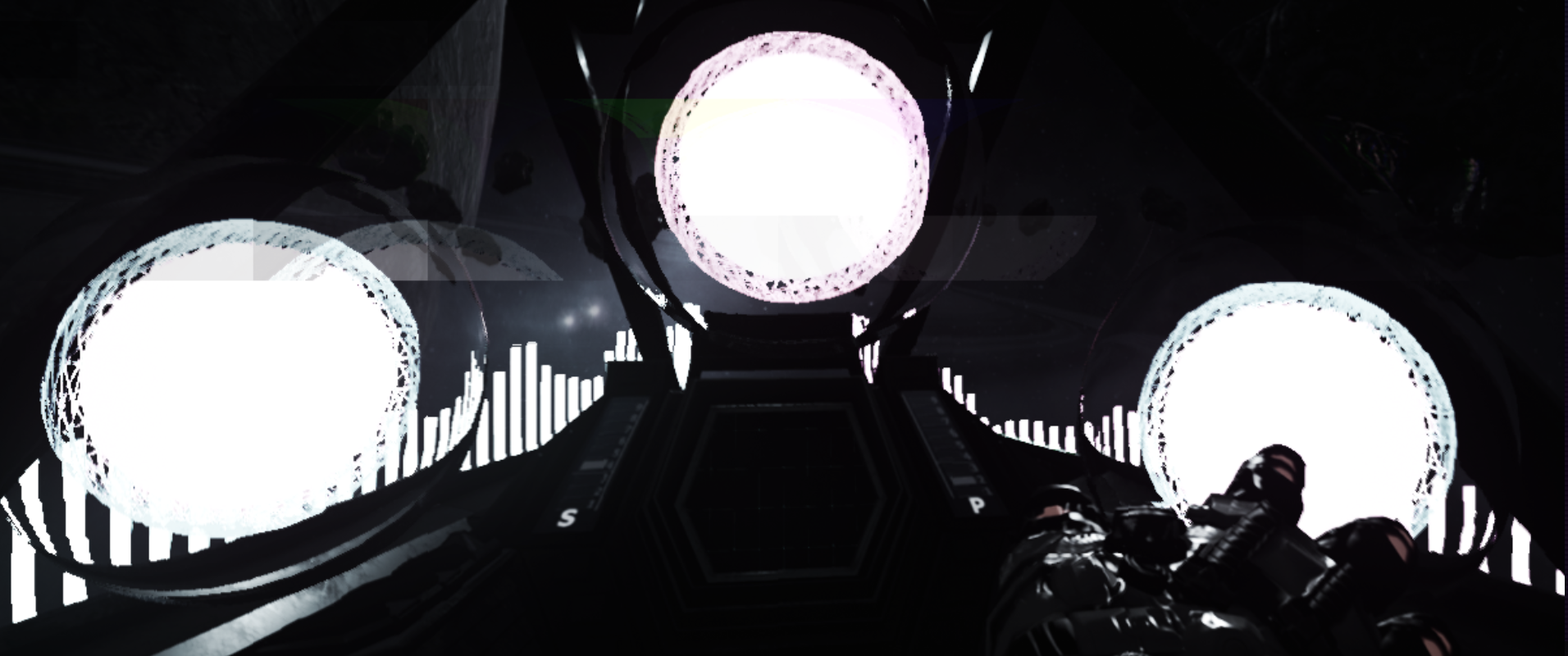
VR Fixes The VR spaceship scene has been basically functional for a while now, but contained many features that either didn't work properly or weren't an option at all. With this update, all VR features are implemented and functioning as they should. You can now use the motion controller to tap the screen in the cockpit and change post effects on the fly, as well as spawn additional reactive effects.
Miscellaneous Bug Cleanup Fixed a number of small issues:
Sensitivity smoothing for split-spectrum scenes
Leader screen bug fix (replayed after every return to main menu)
Playlist editor not saving some configurations
Audio bitrate auto-detection initialization
Effect color switch on select scenes
Particle effect disabling/enabling on scenes with no particles
Just wanna take a moment to thank everyone who took a chance on the project during early access. It's been a hell of a journey to get to this point and it never would have come this far without support from the community. There are a lot of features I would still like to implement in the future (mostly quality of life stuff for audio professionals and streamers) and with some luck I'll pick back up on those in the coming weeks or months. For now, though, the project is what I originally envisioned it to be plus a lot more thanks to initial feedback from users.
Anyway, thanks again and enjoy!
Hotfix - Level Select
Quick hotfix to address an issue with two levels in the menu system that was causing menu breaks and crashes.
Playlist Editor + Road to Full Release
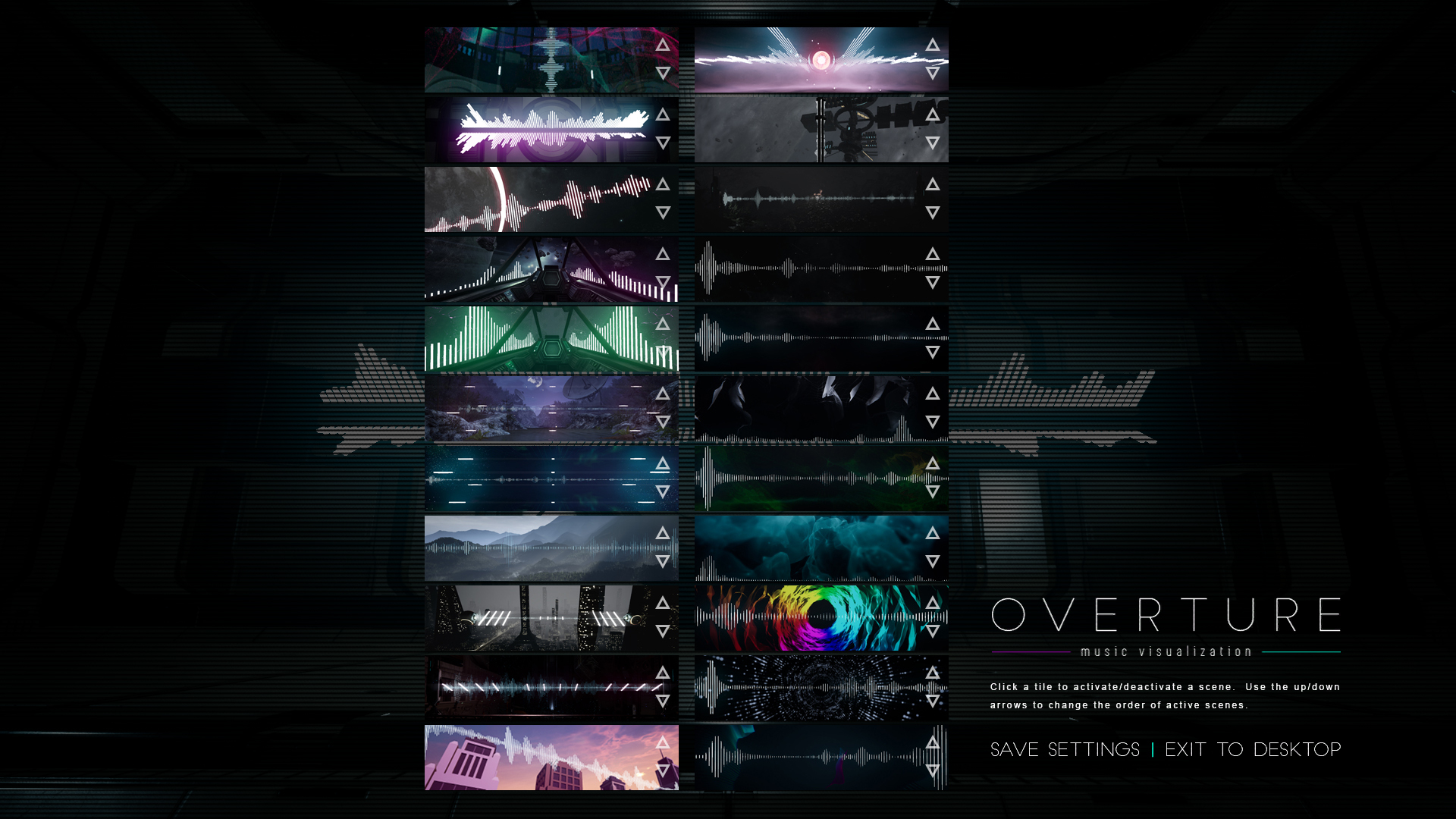
This update is likely the last major update before Overture leaves early access. It adds a scene playlist editor which allows you to activate/deactivate any scene and reorder them however you prefer.
I have completely reworked the way scenes automatically change from one to another to use the new playlist system, so any outstanding issues with scenes auto-switching are now resolved.
Additionally, the old "low, medium, high" graphics settings have been replaced with a more standard graphics options menu. This includes settings for antialiasing, post processing, shadows, textures, effects and v-sync.
Here's a list of other small issues addressed in this update:
Microphone input added to save state
Microphone auto-activates when switching scenes (if it was on previously)
VR demo button now shows on the main menu
All effects auto-apply when switching scenes (some were broken)
Lighting fix for several scenes where low graphics settings were too dark
Overture will remain in Early Access for one week from the time of this post, so that I can test it further, receive any bug reports from users and apply whatever hotfixes need to happen. After that, I plan to launch out of early access. We'll see how it goes. :D
If you're reading this and you'd like to submit a feature request, report an issue, or just say hi, then check out these links:
This update adds a frequently requested feature for microphone input. You can find the new setting in the in-game effects menu in the upper-right-hand-corner (it's a little circular icon that looks like a microphone). It can also be toggled on and off without bringing up the menu with hotkey 'M'. This captures your OS default microphone device just like your audio device, so all effects react accordingly based on your bitrate and sensitivity settings. You can switch seamlessly between audio and mic capture without any extra configuration.
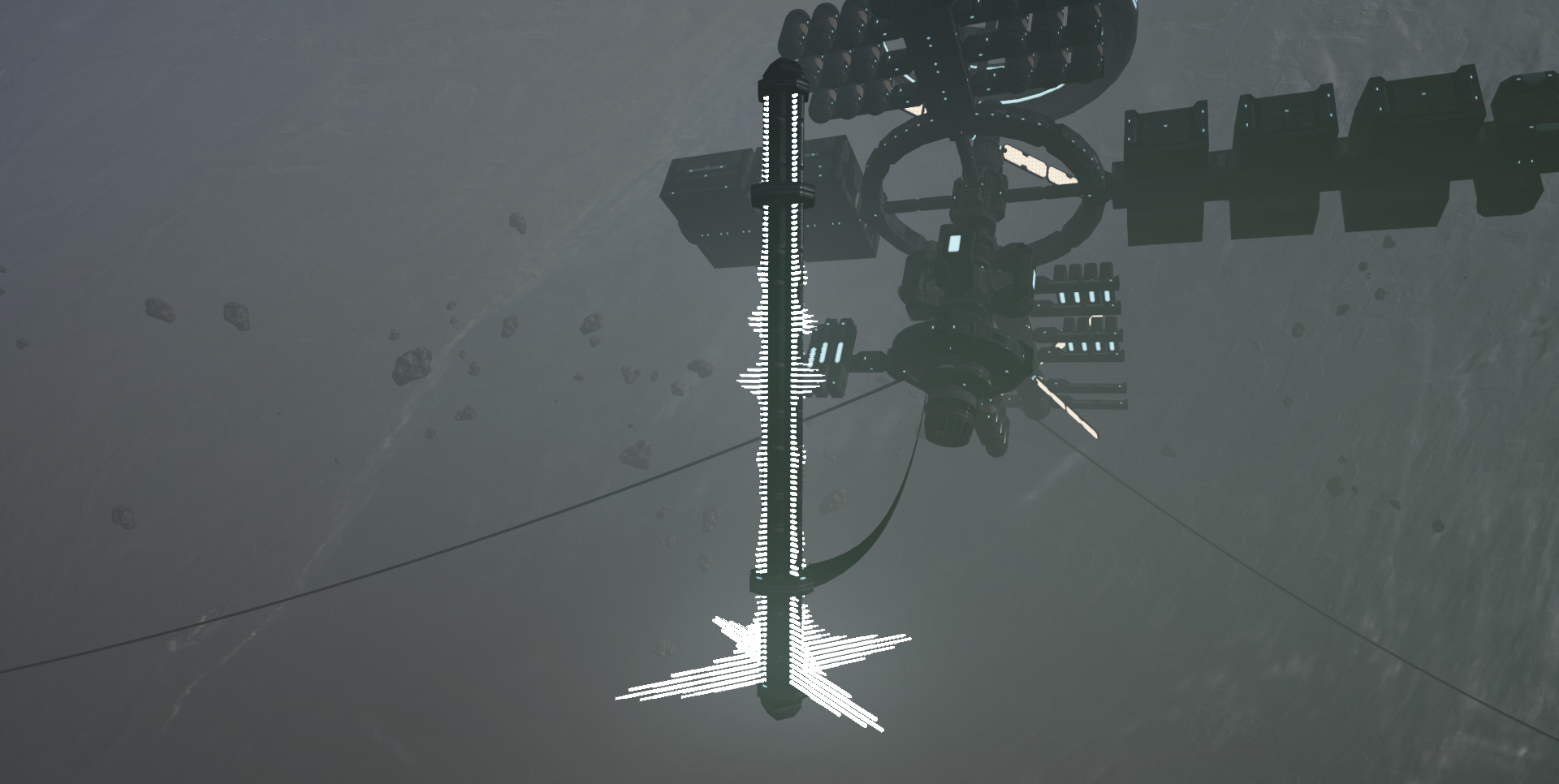
Additionally, the main menu has received a bit of a face lift, as I've added two brand new scenes to the mix. You can now select the new 'Space Station' and 'Campfire' scenes from the main menu or game options menu within a scene. Here are a couply of youtube videos showing them in action:
Update #5 | Save State for Effects Update | [Desktop]
Another semi-major update adding autosave functionality for all configurable effects - now you can configure your effects exactly how you like them, once, and they'll load automatically whenever you change scenes or restart the app. In addition, I've added the first round of scene-specific visual effects (full or mirrored bar spectrum on scenes with a split row of bars i.e. both spaceship scenes) and updated the "Change Scene" feature so that any amount of time in minutes can be specified. Previously, the only option was to automatically change scenes every 30 minutes.
Also the VR demo is back! I've converted it to the new framework so it now has all of the benefits of standard desktop scenes.
Autosave feature for all visual effects and options (including new ones)
Auto change scene every X minutes instead of only every 30 minutes
Scene-specific options for split spectrum scenes
VR Demo is back!
If you're reading this and you'd like to submit a feature request, report an issue, or just say hi, then check out these links:
This is a major update for desktop that's been around two months in the making, and marks the biggest step toward full release yet. I have removed the old audio capture framework entirely and replaced it with a much more stable one. This is an important step because it lets me update the engine version beyond what was possible with the old framework. It also adds a number of benefits for you guys:
100% better bass recognition (bass was basically ignored by the old framework)
All known instances causing crashes and/or incompatibility issues are now resolved
General performance improvements across all scenes
Possibilities for new features in future updates
There are a couple of caveats with this update. The VR demo has been temporarily removed while I continue working to update it to use the new audio framework. Furthermore, every scene had to be manually updated, so some functionality that was present in the old version may now be broken. I have done quite a bit of testing on my own, but I'll be keeping a lookout for bug reports in the coming days/weeks and deploy hotfixes to address any simple ones that come up.
And finally, this update also includes two new scenes. They are available from the main menu and scene selection in the pause menu. Check out the Youtube for a video of one of them in action. :)
If you're reading this and you'd like to submit a feature request, report an issue, or just say hi, then check out these links:
Update #3 | Countdown Timer for Content Creators | [Desktop]
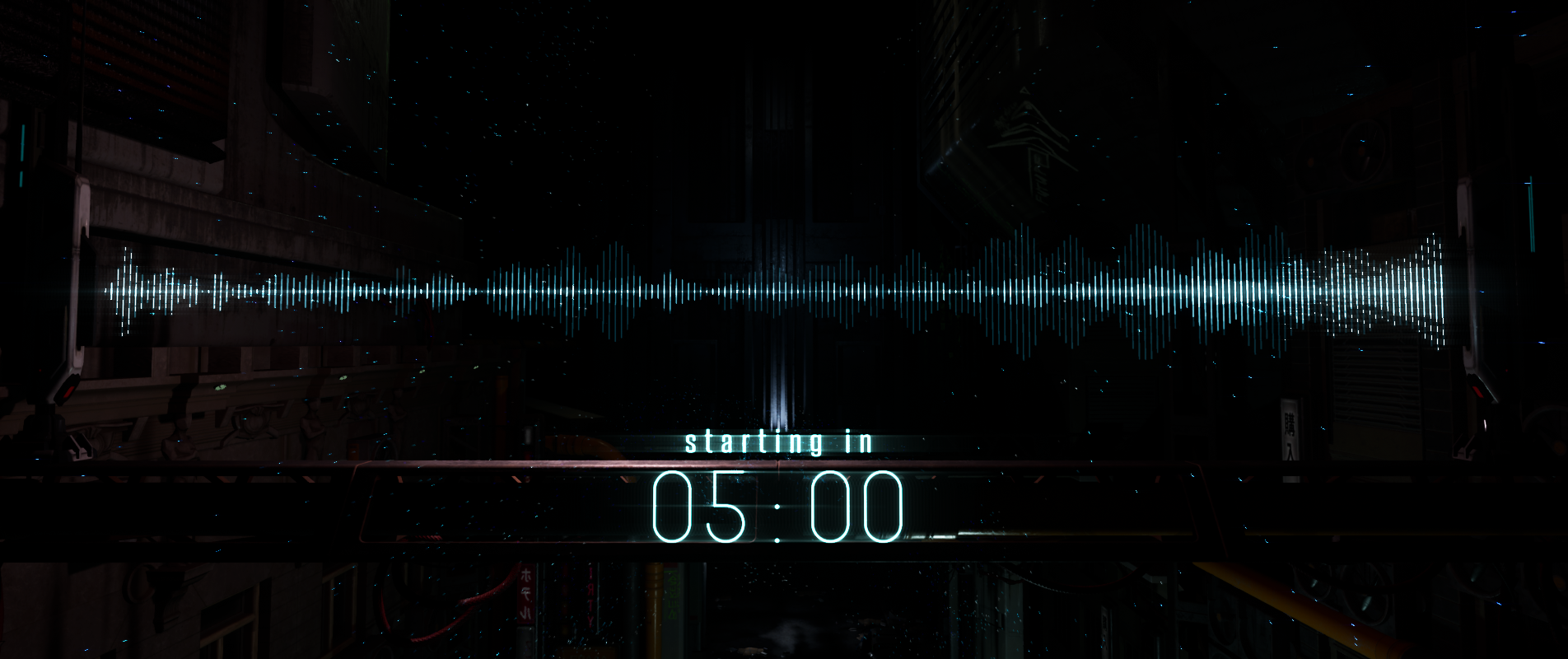
Today's update adds an optional countdown timer with configurable settings for use in streams or other types of OC.
Content Updates:
Countdown timer added to all desktop scenes
New options in effects menu related to timer
Fixes:
Bad reference in one minimal scene causing framerate issues
Small animation update for bars targeting smoother anims on z-axis
Countdown Timer Functionality
The new countdown timer is hidden by default, has configurable options for minutes and seconds, controls to start/stop the timer, controls to show/hide the timer, and some extra settings that let you customize the color and appearance. The new options are present in the in-game effects menu within a new panel that slides down from the top whenever the menu is displayed.
In a future update, I'd like to provide a few more options for changing the font and choosing the position of the timer. Just wanted to let you guys know that's on the radar. The next update will include more content creator functionality that is still in the works right now. :)
Thanks to discord user Yuppy for the suggestion for a countdown timer. If you're reading this and you'd like to submit a feature request (or just say hi) then check out these links:
This week's update adds some new content to the VR demo and a small fix. Details below:
Content Updates:
VR sphere effect - grip trigger on motion controller to spawn, right analog to change colors
4 new VR effects - available in touch-screen menu
Optional 144 FPS cap - updated from 120 for desktop and VR
Fixes:
Thin horizontal line was appearing across viewport in VR, resolved now
Weird/broken transitions from free cam to fixed cams in desktop mode
New VR Effects Breakdown
Reactive Spheres Spawn floating spheres with VR motion controllers which hover in the air and react to the music. Can be placed anywhere, dismissed/despawned by holding the trigger on either controller and poking them, and for now you may spawn an unlimited number of them. Maybe wanna be careful with that, depending on your specs.
Color Grading Two new color grading options: Sunset and Greyscale. These are already supported in all desktop scenes and can now be selected via the VR touchscreen interface.
Screen Effects Two new screen effects: Hue Pan and Fade. Also supported in all desktop scenes, also now available in the VR touchscreen interface.
I did a quick Youtube video showcasing the new sphere effect in VR. You can check that out here, if you like. Thanks for reading!
Update #1 | The Experimental Update + Hotfix | [Desktop]
Today's update addresses a couple of small issues and expands desktop resolution support by a lot. Here's the details:
Hotfix Issues
fixed issue with VR hands spawning in front of camera on non-vr scenes
fixed issue with scenes changing every 6 minutes instead of every 30 minutes when change scene option is enabled
Experimental Settings
These new settings appear in the pause menu from inside any scene (not from the main menu), and expand desktop resolution support with 6 new options.
New Experimental Resolutions:
2560x1440 Fullscreen (2k)
2560x1440 Windowed (2k)
3840x2160 Fullscreen (4k)
3840x2160 Windowed (4k)
3840x1080 Fullscreen (Dual Display)
3840x1080 Windowed (Dual Display)
These settings are considered experimental pending feedback. I'll be working with a friend to test the UI scaling in 4k so I can make any necessary adjustments for full support. In the meantime, the UI is not available in any resolution considered experimental, but you can press "Enter" to return to standard 1920x1080 fullscreen at any time in order to access the effects settings and pause menu.
Thanks to discord user Croome for dropping by and suggesting expanded resolution support! If you have any feedback regarding this update, suggestions for new stuff, or just wanna say hi:
Now that I'm wrapping up all the small tasks related to the launch, I figured I'd go ahead and post the immediate development roadmap for Overture Music Visualization. I thought a bit about using semantic versioning because it looks cool and it's fun, but I'm a solo dev and there are effectively two branches bundled into one (Desktop and VR), so I think we'll just stick to a simple number, name, and tag system. Here's the format and some definitions:
Update Number | Update Name | Tags
Update Number: Starting from 1 and increasing by 1 whenever a new update is applied (This Friday's update will be Update #1)
Update Name: Friendly name that provides a general synopsis of the update content (The Quality of Life Update, for example). Hotfixes will also be denoted here.
Update Tags: Simple tags used to denote whether the update applies to Desktop, VR, or both. For both, I'll probably use Desktop/VR just for clarity.
As for frequency of updates, my personal goal is to launch at least one update per month until it's ready to transition out of Early Access. I'm also going to be working across three broad categories of updates: content, optimization, and user experience. Content could be anything like new scenes, new effects, a broader range of configuration options for existing effects - basically anything that adds something substantive and new to the experience. Optimization is my umbrella term for both general performance and the expression of the different types of effects as they react to audio. User experience is where the quality of life stuff comes in: it can range from simple UI updates/additions to features related to utility (countdown timers, text labels, and other functionality useful for video creation or streaming).
Immediate Goals - New Utilities for Content Creators
On to the good stuff. Here's what on my radar for Update #1 coming in the first week of April 2019:
Desktop:
Custom video import
Text overlays
Graphic overlays
Countdown timer
New UI elements to support the above features
VR:
New effects in existing demo scene
One new demo scene
Custom video import is one of those goals that came up about mid-way through the development cycle, but didn't make the cut for launch. I've already laid some of the groundwork for it and consider it to be a high-priority update, so that's getting my immediate focus now that launch is out of the way. Text overlays, graphical overlays, and a countdown timer for streams have also been suggested in both Steam reviews and elsewhere during development, so I'm moving those up the list with custom video import in order to provide a basic toolset for the users who'd like to use OMV to create content. Once that's established we'll have a basic framework geared toward content creation that can be further refined/developed in future updates.
General Short-Term Roadmap
Here's an incomplete list of things I plan to address but have no specific release timeframe:
More graphics options - Something a little more robust than Low, Medium, and High.
Effects refinement - There's some room for improvement in how some effects react to audio. This is more of a lifespan goal, as I'm always testing and applying refinements to the effects. Milestones will be denoted in update notes.
Full VR release - I'd like to complete a comprehensive VR experience spanning 3-5 levels with full effects customization. The VR Demo will ultimately transition into a full VR mode.
Experimental branch - A password-protected experimental branch with more abstract scenes and potential functions.
Save states for effects - A comprehensive class for saving all effects options per scene that persists on game start/end and when transitioning from one scene to the next.
Profiles and presets for effects - An extension of the effects save state that will add effects presets and custom user-created effects profiles that can be saved.
Compatibility fixes where possible.
These are all things I'd like to get knocked out within the next six months. It's a pretty ambitious set of goals, and it's subject to change for any number of reasons, but that's where I'm at right now. I'm also looking forward to more community feedback on the current version and I'd love to hear your thoughts on what you'd like to see in Overture Music Visualization, so hit me up!