Congratulations to all the winners! And thank you for all for joining the contest! We plan to hold future events as well, so please continue to enjoy using our software!
Thank you very much for using Pixel Game Maker MV. Version 1.0.5.2 has just been released.
This time, the update has been uploaded to the ""1.0.5"" branch as a beta version. If you wish to use 1.0.5.2 update, please select “1.0.5” from the Beta tab. The default version is 1.0.4
Release Notes
Bug Fixes (Player)
Fixed a bug that caused the Field of Vision/Lighting to behave unexpectedly
Fixed a bug that caused the Child Objects of a Child Object to behave unexpectedly after a Scene changes
Fixed a bug that caused issues after using Change Game Speed
Fixed a bug that caused the Field of Vision of Object set as Tank movement to be reversed
Bug Fixes (Editor)
Fixed a bug that caused the Resources tabs to slow down
Fixed a bug that caused the program to freeze when switching Objects in the Object list
How to switch to Branches 1. Open "Properties" for Pixel Game Maker MV in your Steam Library. 2. Select the Beta tab and select the target version and close Properties.
How to switch to Default Please execute the following process to revert from other versions to the current release. 1. Open "Properties" for Pixel Game Maker MV in your Steam Library. 2. Select "None - don't participate in any Beta programs" and close Properties.
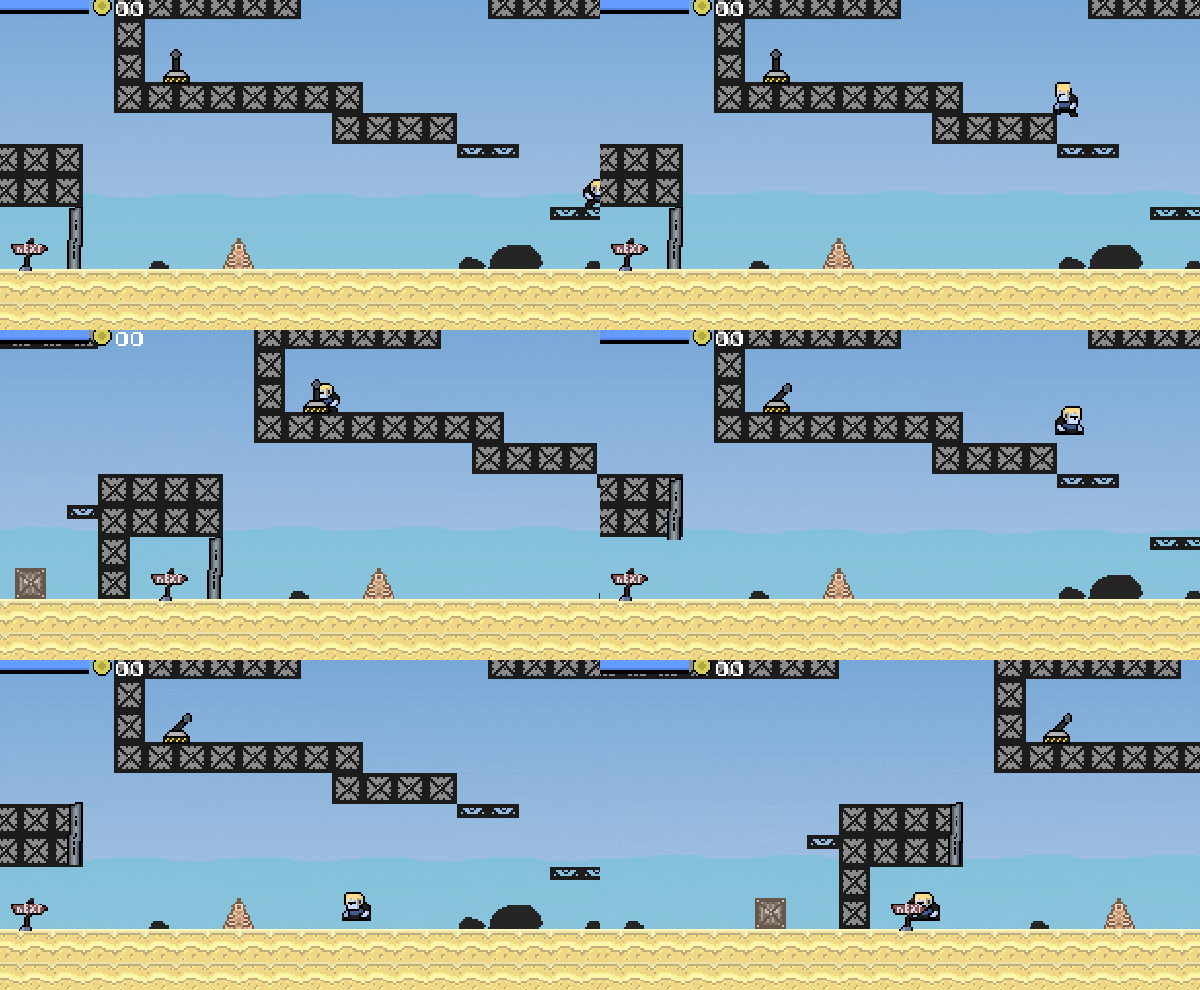
This mini game has swimming mechanics, cool music, and excellent pixel art! The game starts with a couple simple puzzle to solve which leads you to a giant ocean to explore. The way the game went from small to vast exploration was very clever and we really liked the spinning swim attack! Congrats to Kaizen_Nero!
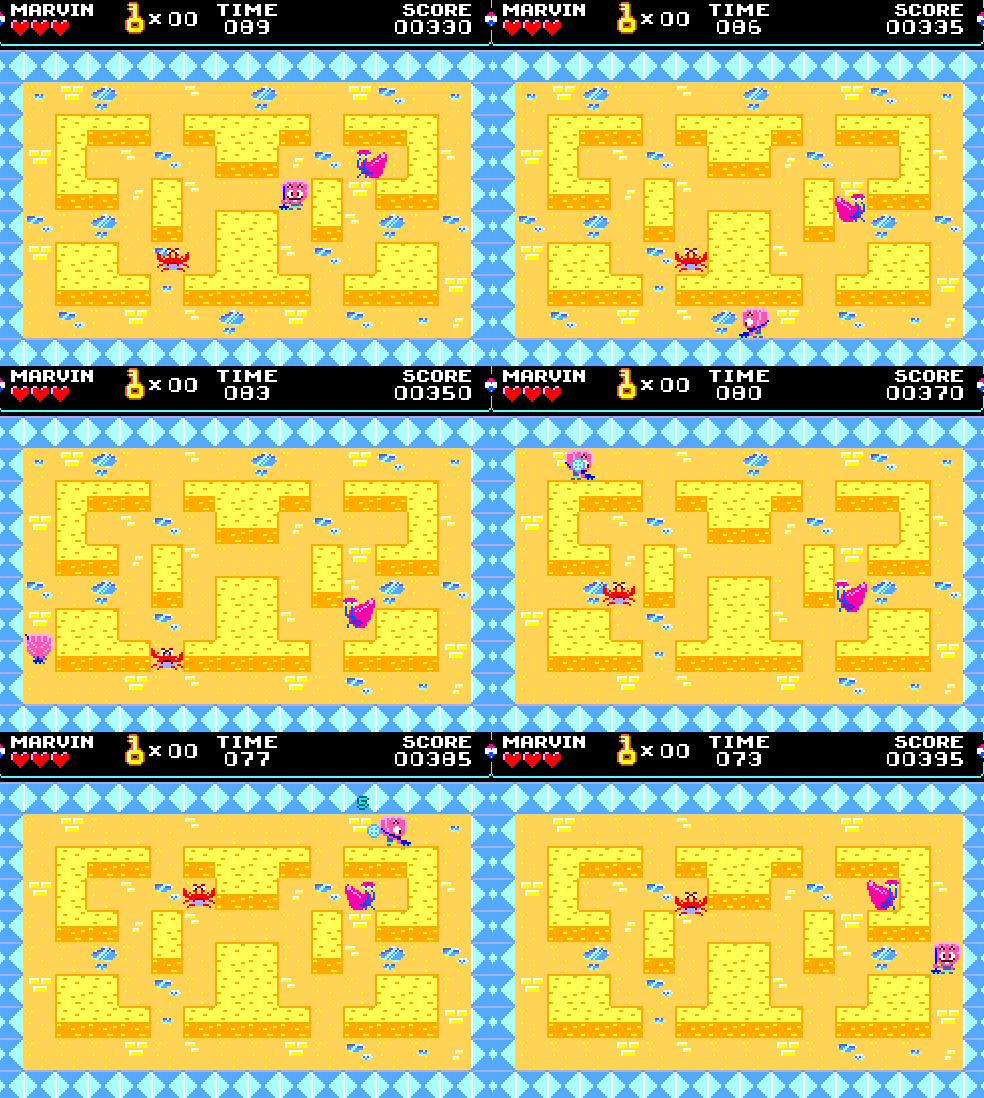
Wow, Narehop does it again with another masterpiece! You play as a young clam named Marvin who has to pass through 17 puzzle levels to become a legendary ClamKnight. The game even comes with a retro style manual to view! Simply a must play and we hope to see more!
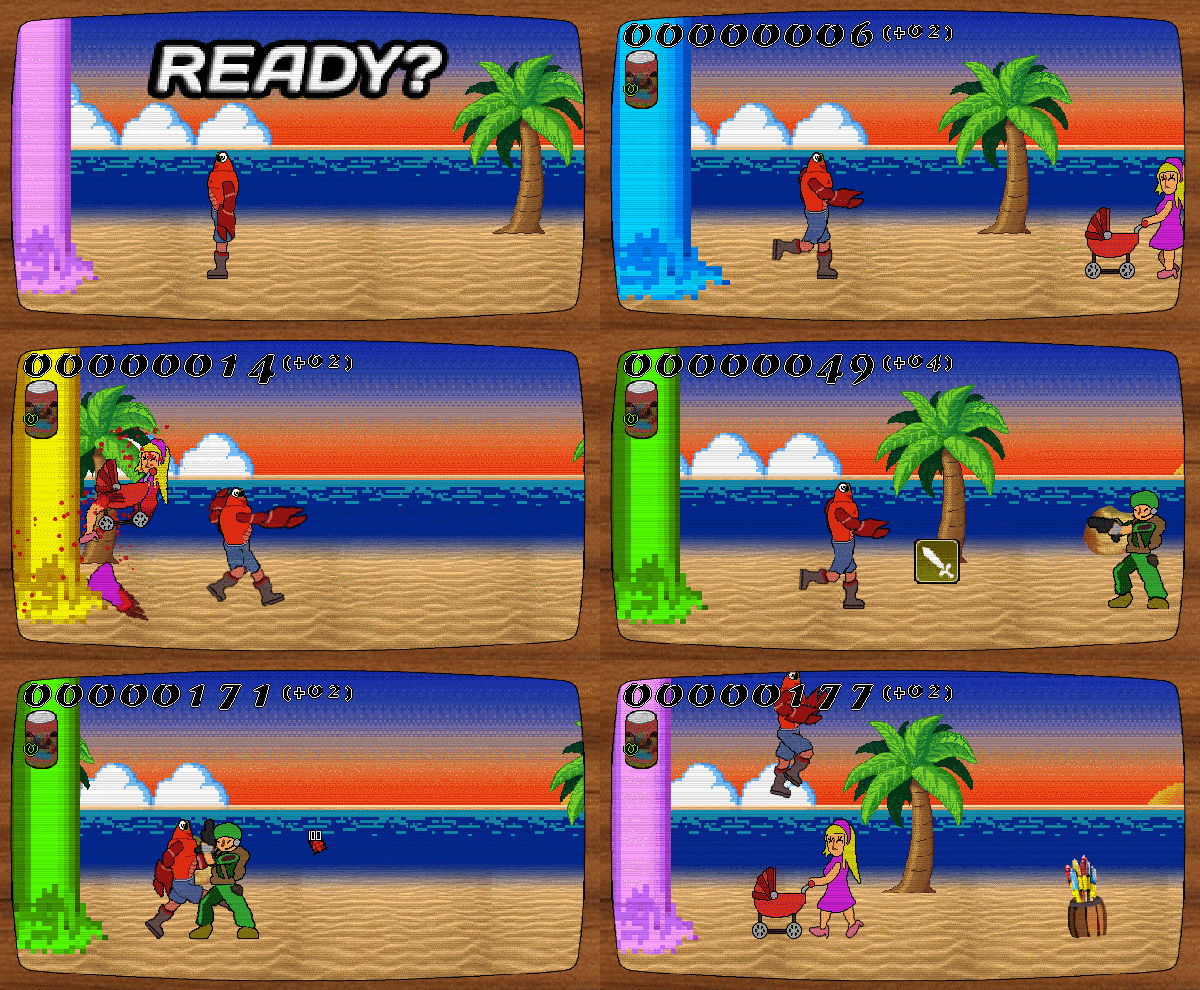
If you weren't crabby before, you will be crabby after playing this fun game by Studio Daeera! Help a crab run through the beach while dodging military personnel, explosive barrels, and giant lasers! The digital artwork and chip tune music were top notch!
We want to also congratulate all the participants of the Jam, there were so many good games and we enjoyed playing every one of them! If you haven't already, please take a look at the Submission Page to download and play!
Thank you very much for using Pixel Game Maker MV. Version 1.0.5.1 has just been released.
This time, the update has been uploaded to the ""1.0.5"" branch as a beta version. If you wish to use 1.0.5.1 update, please select “1.0.5” from the Beta tab. The default version is 1.0.4
Release Notes
Additions
Added Baz and Noobk's sample project "Swimming"
Plugins
Corrected the Plugin "SE Volume Adjustment"
Works only from 1.0.5
Bug Fixes (Player)
Fixed a bug that caused Objects to move in the opposite direction of the Display Direction
Fixed a bug where system keys (F1, ESC, F5) would determine Controller ID
Fixed a bug that caused Objects not to work properly when the Origin point was changed and the Objects were overlapping another
Fixed a bug that caused field of vision on Objects with Tank movement to be shifted by 90 degrees
Fixed a bug that caused priority order of gauges not to be displayed properly and that caused gauges to disappear during scene transitions
Fixed a bug that caused jump power to be lowered when FPS were decreasing, when the FPS is not fixed
Fixed a bug that caused errors in the display when opening multiple detail widows of objects with the same name in debug mode
Fixed a bug that caused "Maintain State at End of Scene" not to work as expected
Fixed a bug that caused Objects with "Destroy When Off Camera" to be destroyed when saving and loading
Fixed a bug that caused the display order of Objects to be incorrect
Fixed a bug that caused Objects to slip through or get stuck at the contact surface between the Slope and Tile
Fixed a bug that caused Objects to move by pressing ESC key
Fixed a bug that caused errors in the display of decimals
Fixed a bug that caused a crash when play testing
Fixed a bug that caused controllers not to work
Fixed a bug that caused "Hide Menu Screen" not to stop Objects completely
Fixed a bug that caused animations effects to become thinner or thicker
Fixed a bug that caused an offset in the tile area detection of animations made with Sprite Studio
Adjustments (Player)
Adjusted so that input changes made in Operation Settings (F1, Settings) will not affect game while entering the keys
Bug Fixes (Editor)
Fixed bug that caused "Move Object" to not function as expected
Fixed bug that caused tutorial not to function as expected from ver. 1.0.4
Fixed bug that caused Projects opened in 1.0.5 and reopened in 1.0.4 to crash
How to switch to Branches 1. Open "Properties" for Pixel Game Maker MV in your Steam Library. 2. Select the Beta tab and select the target version and close Properties.
How to switch to Default Please execute the following process to revert from other versions to the current release. 1. Open "Properties" for Pixel Game Maker MV in your Steam Library. 2. Select "None - don't participate in any Beta programs" and close Properties.
We are very excited to announce our first Game Jam on itch.io! Why not participate while waiting for the results of the Game Development Challenge?
PGMMV - Summer Game Jam 2020 is a 2 weeks-long Jam for users of Pixel Game Maker MV hosted by Playism/Active Gaming Media Inc. The jam runs from June 26th, 10AM JST to July 10th, 10AM JST.
This time, the rules are pretty straightforward: - Get inspired by the theme and make a game using PGMMV related to it! - Anyone aged 16 or older can enter. - Work in team or alone, it is up to you! You can use the Community board to find teams. - You must create and work on the game during the dates specified for this contest. ー You can use pre-existing assets for the Jam, and any assets you have the legal right to use. However, the game project must have been created specifically for the contest. The details of the Jam's terms and conditions can be found here.
Only games made with the game engine Pixel Game Maker MV will be accepted, but don't worry if you don't own the software: a free demo is available here!
Note that with the demo you cannot build the game, so you can send us your project file to maker_support@activegamingmedia.com and we will send you back a build project. Please kindly note that this service will be offered until July 9th, 5pm JST
The games will be evaluated by the public! Criteria are the respect of the theme and the gameplay.
The winning game will be showcased on our Steam page in English, Japanese and Simplified Chinese!
If you have questions, please ask directly on the itch.io community board or by email to maker_support@activegamingmedia.com !
Get 50% Off Pixel Game Maker MV via the PLAYISM Publisher Sale!
Hi all,
PLAYISM is celebrating its 9th anniversary with a Publisher Sale. Check out all the applicable titles here - there's sure to be something for you!
As one of the sale titles, Pixel Game Maker MV is now 50% off! If you'd like to try creating your own games, now is your chance to get started! Also, thanks to the success of our Game Development Challenge, we have plans for a really exciting new contest in the works!
Once again, thank you all for your invaluable support!
We have updated the 1.0.5 version as a response of below bug:
Fixed a bug that caused projects saved in 1.0.5 to crash when opened in 1.0.4 and "Control Keys management" was opened.
When opening any item from "Project settings" to "Group Management" in the editor settings, the "Control keys Management" tab was opened at the same time, causing a crash. The problem can be corrected by saving the latest project data with 1.0.5.
If you are using 1.0.5, please update your version. Thank you for using Pixel Game Maker MV.
How to switch to Branches 1. Open "Properties" for Pixel Game Maker MV in your Steam Library. 2. Select the Beta tab and select the target version and close Properties.
How to switch to Default Please execute the following process to revert from other versions to the current release. 1. Open "Properties" for Pixel Game Maker MV in your Steam Library. 2. Select "None - don't participate in any Beta programs" and close Properties.
Max 80% Off Steam Golden Week Sale Now On! Including titles going on Sale for the first time!
Dear Fans,
Golden Week is about to start in Japan and so Steam will once again be holding a Golden Week Sale.
PLAYISM titles will be available at up to 80% off. This sale will include some titles only just released in February and March!
Giraffe and Annika 20% off
Recently announced for release on Nintendo Switch and PS4, heartwarming adventure rhythm title is on sale for the first time on Steam!
The phenomenal soundtrack is also on sale, with a nice bundle available too!
Record of Lodoss War: Deedlit in Wonder Labyrinth 20% off
After setting the old school anime community a buzz with the release of a trailer, this Lodoss metroidvania title finally entered early access this March. Available for the first time on Sale now!
The title has overwhelmingly positive reviews so far following in the steps of the previous title from Team ladybug, Touhou Luna Nights.
Your average everyday deer game, DEEEER Simulator 20% off
Extend your neck and hook onto stuff with your antlers, swing about town and enjoy your deer life.
Recent updates include a Dog police officer and a collaboration with I am Bread which introduces a toaster which transforms your deer into a slice of bread.
A near infinite combination of stats and effects for weapon drops.
Mix and match your loadouts to draw out the full potential of your gear.
The utterly dope soundtrack, containing 12 tracks produced by developer Grayfax Software, is also available on sale. Overflowing with 90s Hip Hop vibes, this is a great opportunity to pick it up bundled with the game.