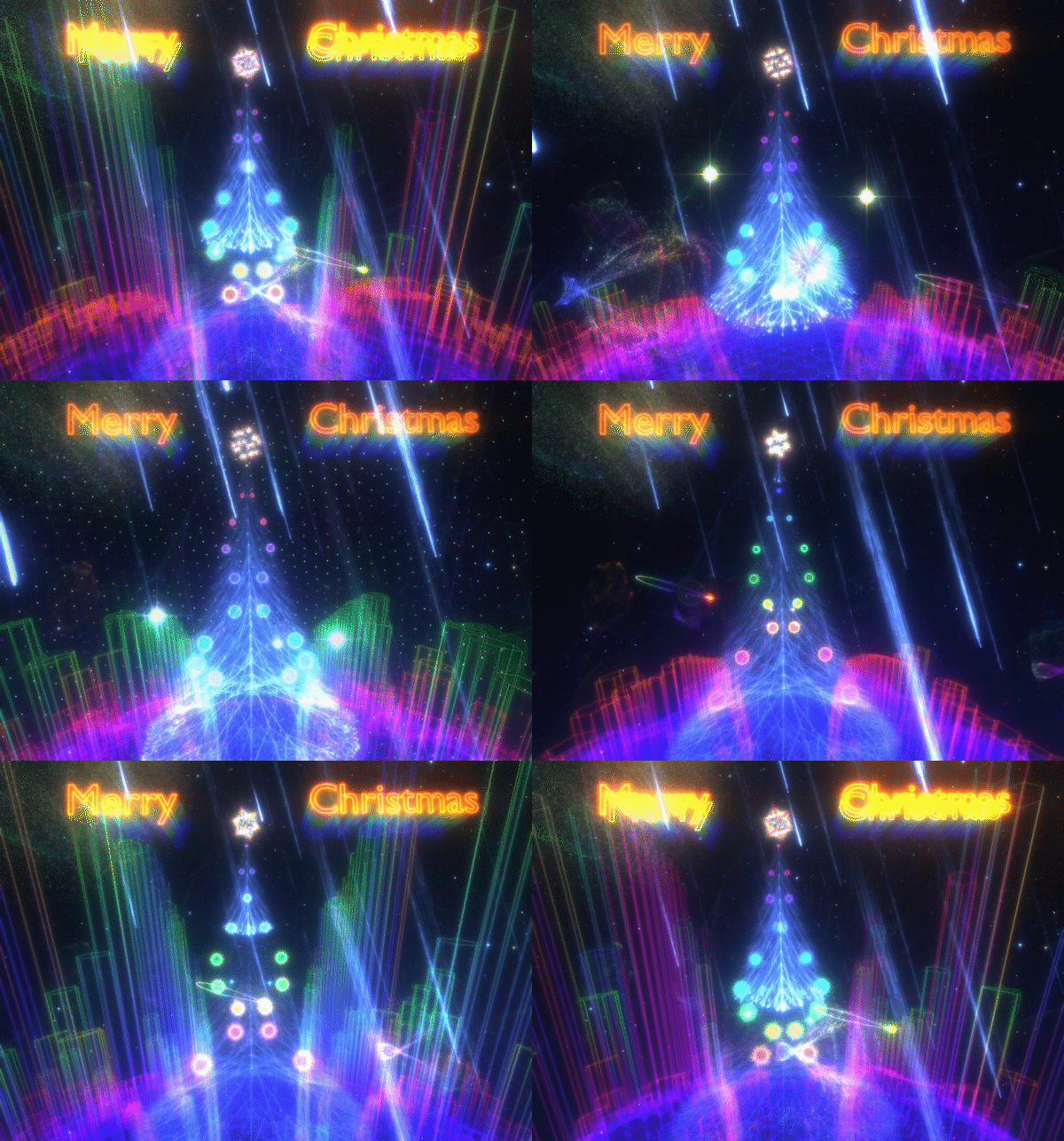
The new update adds a Christmas level and a lot of new music.
Make sure to reset your playlist ("Reset" button in Music menu) so that the new soundtracks show up.
I have to go spend some time with the family so I don't have time to write the list of all fixes that made it into the release.
If there are any critical new bugs you can roll back to "old_version" by right-clicking on the game in the steam game list and choosing "betas" tab, then choosing old_version beta.
Update v237-990ac54 (formerly v237-fb4c1f7)
This update improves the visuals in the campaign, makes the gameplay more difficult at places, adds some new enemies, some achievements, adds direct Oculus SDK support, and fixes a bunch of bugs and UI problems.
For those who like to create art, it is now possible to take screenshots in HDRI, saved in OpenEXR format (enabled via options -> video -> miscellaneous, screenshots taken using f2 key).
Changelog:
Steam Achievements
HUD rendering improvements
Performance improvements, for VR and otherwise
Explains how to aim if you keep aiming wrong
Extra levels available via --debug=1 launch option
Fixed an issue with ATI cards when adding music files
Visual variety improvements in the campaign, gameplay improvements
Fixed unreliable weapon toggle using controller
Improvements to FPS stability in Insane
New laser impact sound
Added crash log uploader
3D audio improvements
More chill out levels
Direct Oculus SDK support when launching with --vr_api=1
Audio what-you-hear capture fixes
Controller sensitivity set with 2 separate sliders for horizontal and vertical
Option to boost contrast of dark colours (especially useful on Oculus Rift)
Option to save HDRI screenshots in .exr format when taking a screenshot using F2 key (miscellaneous video options)
Also, if you have HTC Vive you can now get a little taste of the the work-in-progress (currently, very unfinished!) roomscale gameplay by adding --debug=1 to the launch options and trying out the experimental roomscale level. Note: that level is in god mode (you can't be killed) and may be disorientating/nauseating - the floor texutre is absent, You're standing on a perfectly black square. I am still working on adapting enemies for roomscale; as they are they're too difficult to dodge. Note, this roomscale mode is not yet actually playable as a game and still needs a LOT of work. edit: another note you'll have to enable vr controllers in the options.
edit:
A minor update for Oculus compatibility, v237-990ac54 , not worth making a separate post over - fixed projection issues with the previous update, when supersampling is not set to 1 .
Note: the achievements are not presently active!
The store page is displaying a list of achievements (and saying it includes 14 achievements) even though they are not set as supported in any of the metadata, and are not yet actually achievable in the game. (Note that the list of steam features does not list achievements).
I just want to let everyone know that the achievements are not yet supported (but the support is being added). Disregard the "Includes 14 Steam Achievements". I can't find how to make that go away without deleting the achievement set up.
edit: now achievements should work if you opt into the latest_build beta . I'm making a fairly large update so it needs quite a bit of testing and it may be a couple days until I update the non-beta.
Visual quality update (234-19fba2e)
This update improves visual quality, especially so on Oculus Rift but also on other VR headsets and on the regular displays when viewing it under dark conditions.
Changelog:
Visual quality improvements across the board, most noticeable in VR or on the screen in a dimly lit room.
Improved error logging.
Also I'll now be posting version IDs in updates as reported in "about" so that you can check if you are running the version mentioned in update.
Many fixes and UI improvements
This update mostly addresses UI functionality and game controllers.
Changelog:
Toggle fullscreen without restart under Windows
Improved sounds
Improved font rendering
VR menu bigger, closer, curved, and auto-centers on start
Increased VR UI rendering resolution
Eliminated unwanted horizontal clicks when navigating vertically with a gamepad stick
VR: Option to choose between not copying the view to the window, copying both eyes, and copying one eye
Re-show HUD when starting a new game
New chill out section for non gameplay levels
Automatically visualize music playing in other applications when built in player is paused
Controller bindings view with a picture of the controller
Older changes that I made live earlier in the month:
HUD markers improvements in VR
Joystick (i.e. non gamepad) support under windows
More intuitive inverse Y option
VR Supersampling
HUD improvement in Insanity
Controller shoulders and triggers can work as a pseudo-axis
Avoid spinning player when killed in VR mode when using a controller
Disabled screen flash in VR (too irritating)
Linux: use ffmpeg as a decoder for unknown audio formats, can use a different external decoder by editing ~/.polynomial2/config.txt , see audio_decoder_cmdline parameter. The decoder needs to output raw audio in the same format as for the ffmpeg command.
Fixed oculus audio
More Vive controller work (latest_build beta branch)
You'll need to enable vive controllers from the Options -> Virtual Reality Controller menu (sorry, I had to turn it off by default because it's too unfinished).
The current control scheme:
Left-hand touchpad: Thruster control. The direction is set by the combination of the touchpad point and the controller's physical direction in space (e.g. touching left and right when the controller is turned sideways will strafe you up and down).
Warning: this seemed like a good idea but in practice takes getting used to. I'm trying to come up with something better.
Right-hand touchpad: Attitude control. Holding your finger on the right touchpad makes the right controller work as a control stick (relatively to it's orientation when you touched it). Due to the nauseating effect of rolls (rotations on the forward axis), it only does pitch and yaw.
Swiping the right touchpad works like a touchpad mouse-look in an FPS. Clicking the right touchpad ties or unties the aim reticle to the headset (may be disorientating when combined with stick control).
Right-hand trigger: shoots different weapons depending on how deep you press it.
edit: And grip buttons still let you rotate the spaceship with your controller (even though it is not a very usable control).
I'm still working on it and this control scheme is by no means final. I also want to add some customization at a later point but it's not yet clear how customizing the effects of tracked movement should work.
It seems I'm literally the first person who's implementing 6-DOF space combat controls using Vive controllers, and it's rather hard to come up with a good control scheme. A lot of ideas that sound good do not actually work out in practice.
edit: changed to enable vive controllers by default, they can be disabled in the vr menu.
edit: changed it back to disable them by default (too sickening)
Working on HTC Vive controller support.
Got it working in menus (in latest_build beta branch)
Still working on the actual game. Did some experiment where pressing grip button lets you rotate and move by grabbing the space, that didn't work nearly as well as I hoped (you can try it out yourself if you select latest_build).
Virtual reality support is now officially out!
Supports both Oculus Rift and HTC Vive headsets in the seated configuration.
This update should improve VR performance quite a lot.
There's a new control: the control bound to "zoom" (right mouse button, left trigger) now aligns the spaceship with your head - if you hold it down you can use your head to shoot the enemies, which feels pretty cool (but can get old after a while; no worry, you can shoot them with your mouse or gamepad as usual).
Change list:
Massive performance improvements
Eliminated menu judder
Disabled copy to screen by default (with a 10 second timeout) due to it causing problems for some users
The "zoom" control now aligns the ship to your head (It is kind of cool to shoot things with your head)
Fixed LOD and clipping issues (also helps performance)
Eliminated HUD text jitter
Hud readability improvements (more to follow)
Fixed rocket targeting bug for some bots
Better HUD area defaults
Tweaked colours for VR
A setting to limit maximum number of HUD items
Improved controller precision
Improved compatibility of "What You Hear" music capture
Latest updates
- VR support
- Xbox controller sticks control precision improvement