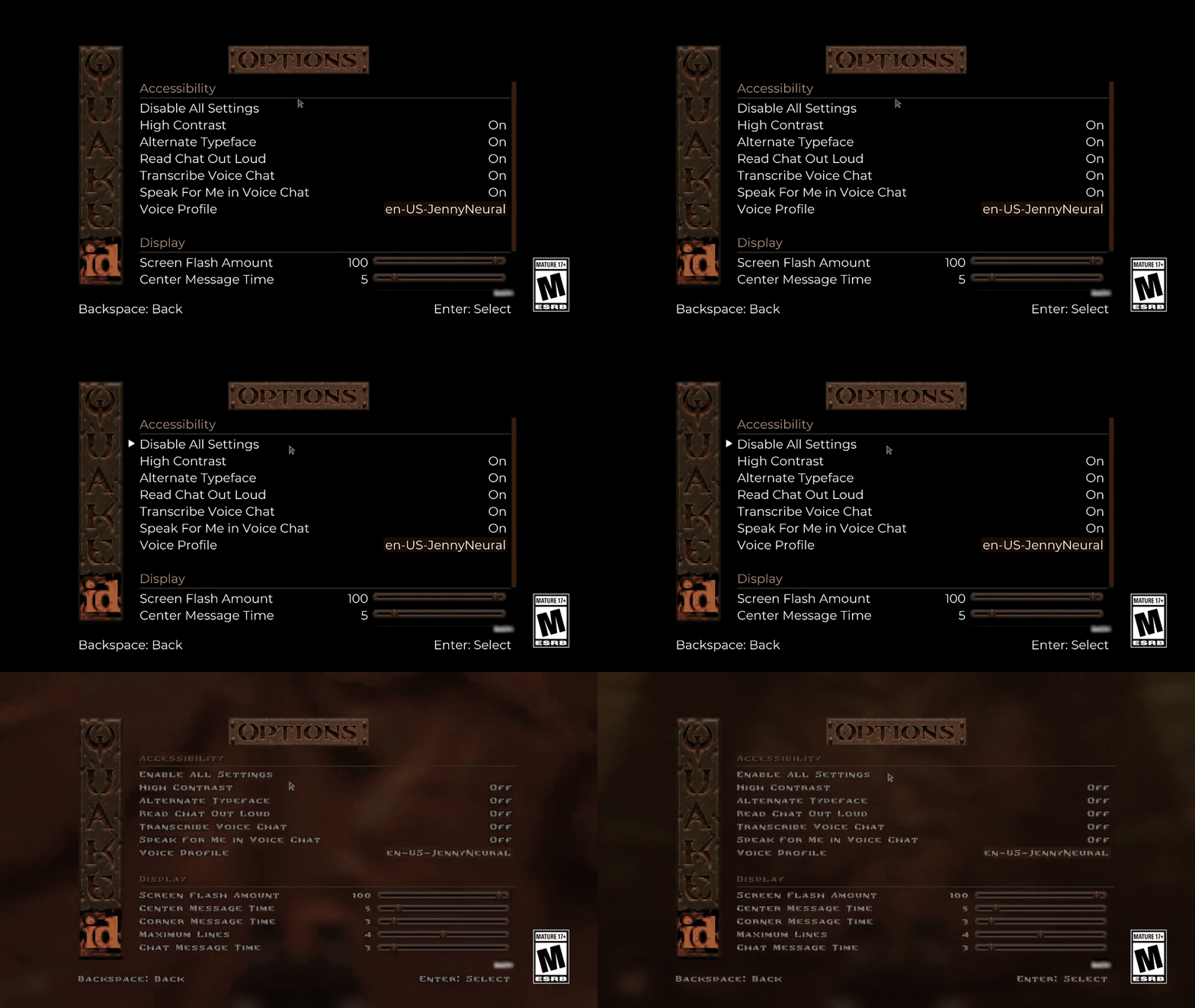
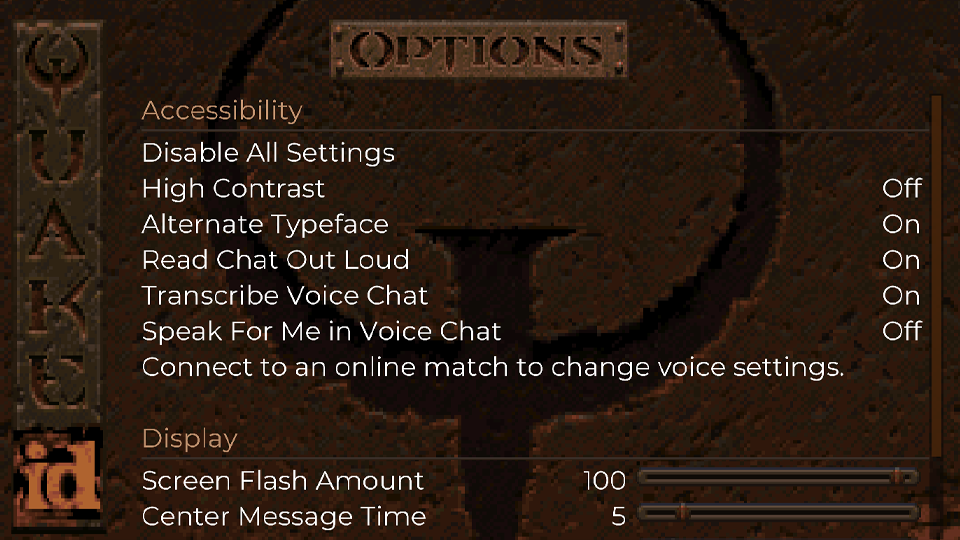
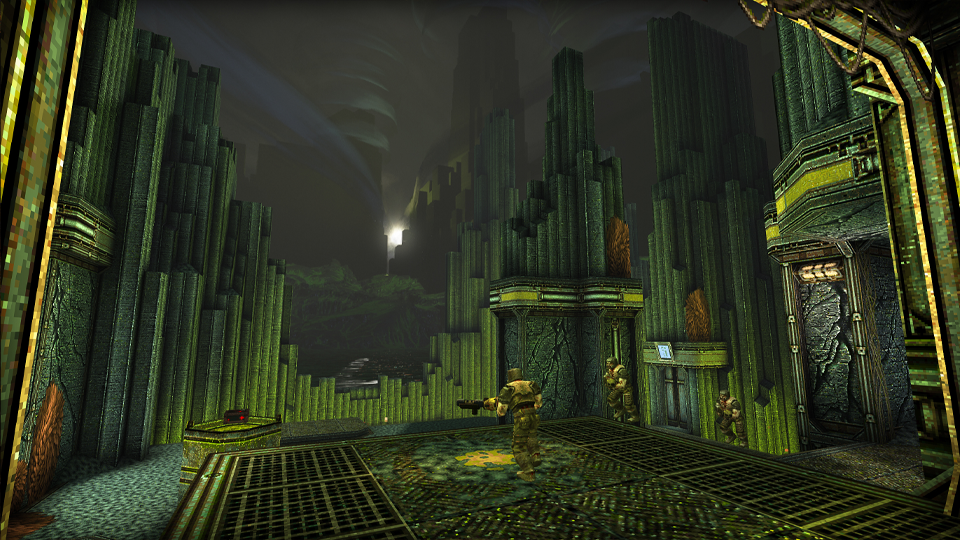
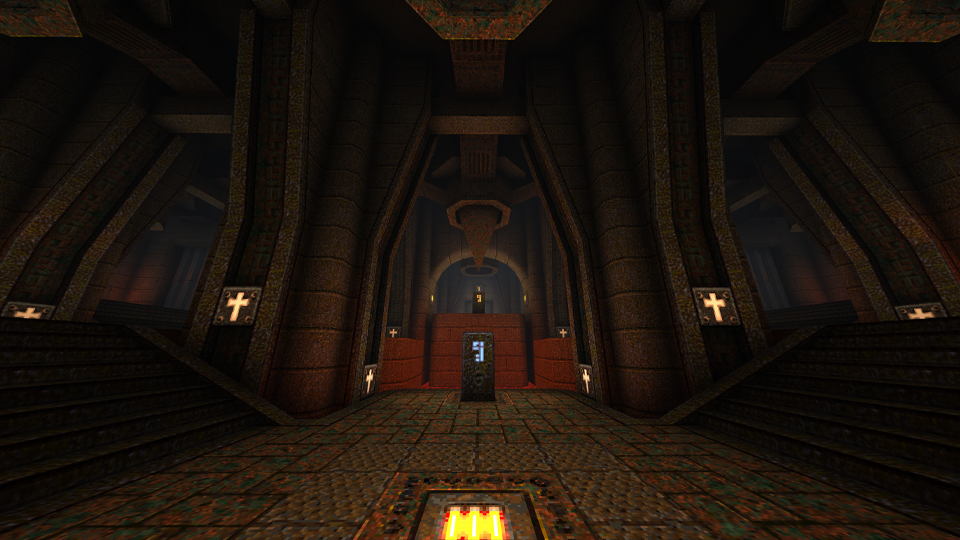
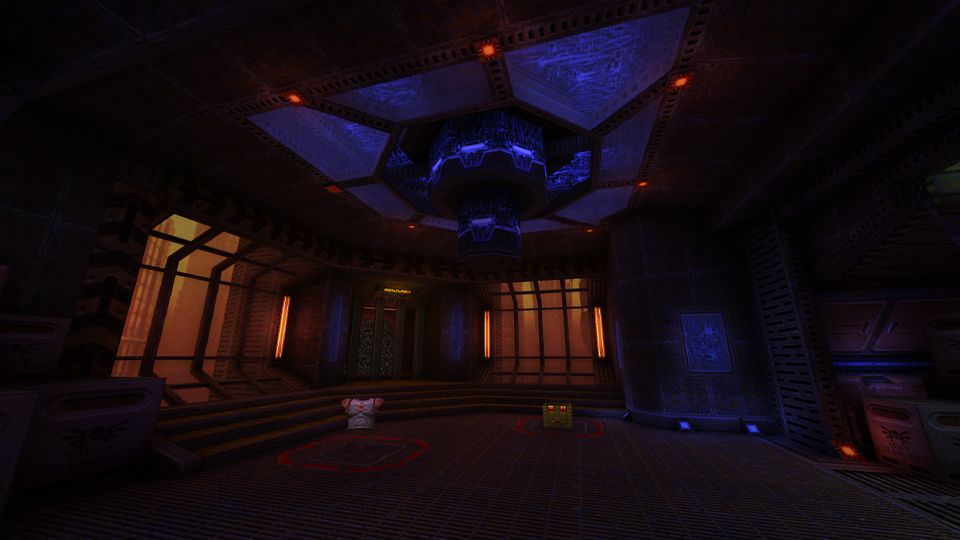
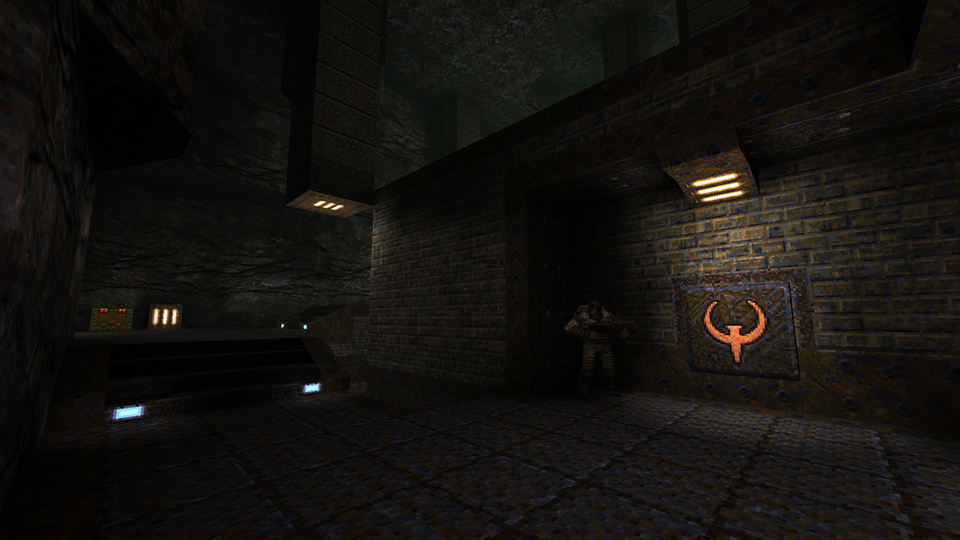
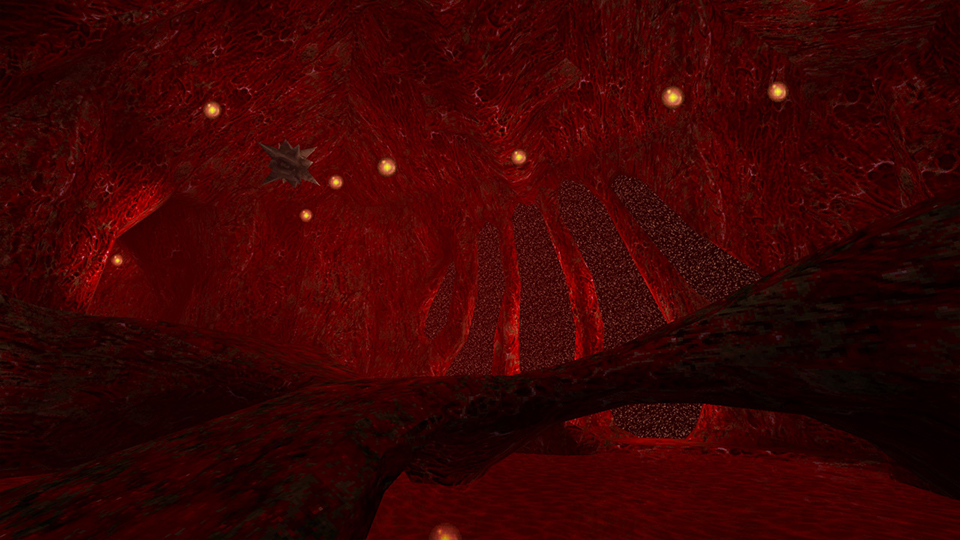
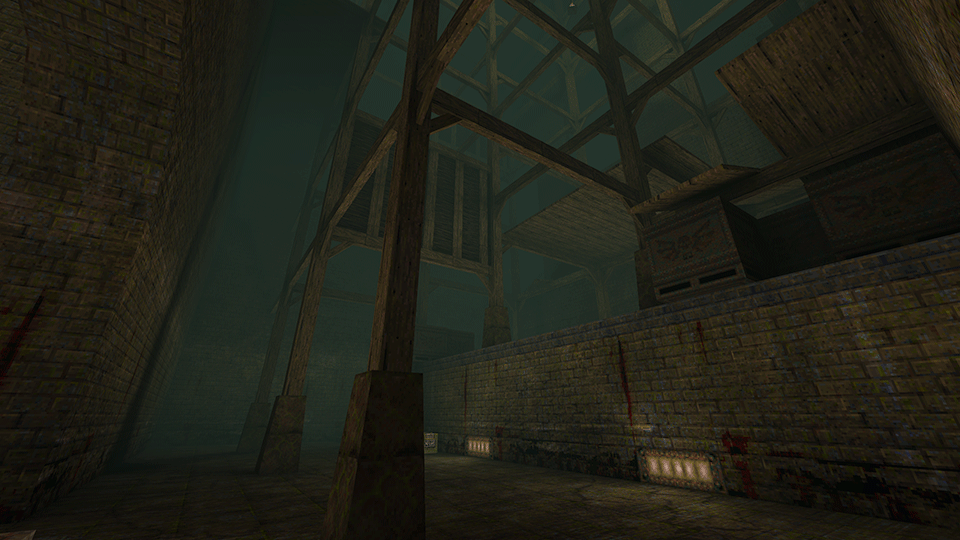
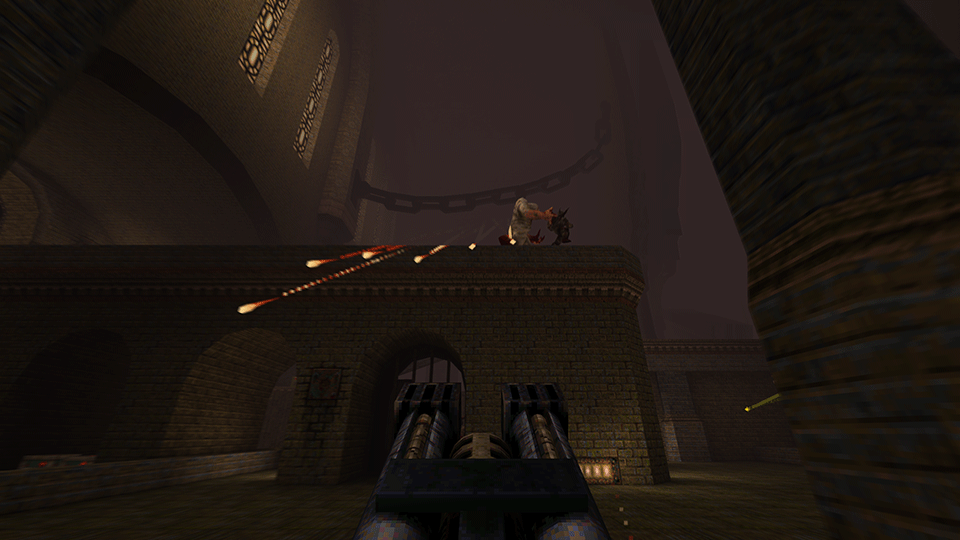
Update 4.1 for Quake includes an improved initial Accessibility options setup and a few other minor changes. Thanks to your feedback from the menu flow of Accessibility options we introduced in Update 4, we've improved the initial flow. On first startup, you will be presented with the following screen and have to choose one of the two options: Choosing Disable all settings will disable all Accessibility options and return you to the main menu. Choosing Customize accessibility settings… will bring you into the Accessibility Menu to so you can access the full list of settings. We hope this helps players who were confused in Update 4 by the high-contrast and alternate typeface options being enabled, but weren’t sure how to disable them, while allowing players looking to dive into our Accessibility options quicker access.
OTHER MINOR UPDATES
Level Select Menu
Restored missing level MGEND: Chthon's Vengeance to the Level Select menu
Add-ons Menu
Add-ons menu selection images are now 16:9 aspect ratio
Threewave CTF
Restored Threewave CTF spawns to original intended system: players will spawn for the first time in their own base, but afterwards will spawn randomly at deathmatch spawn points. This will prevent players from spawncamping a team inside their base
ICYMI - Read the full release notes from our last major release: Update 4 here.
Quake - Update 4
Update 4 for Quake includes the return of the legendary progenitor of team-based multiplayer: Threewave Capture the Flag! We have resurrected nine iconic levels from the original mod just in time for QuakeCon to bring you and seven of your closest frag friends back together again!
THREEWAVE CAPTURE THE FLAG (CTF)
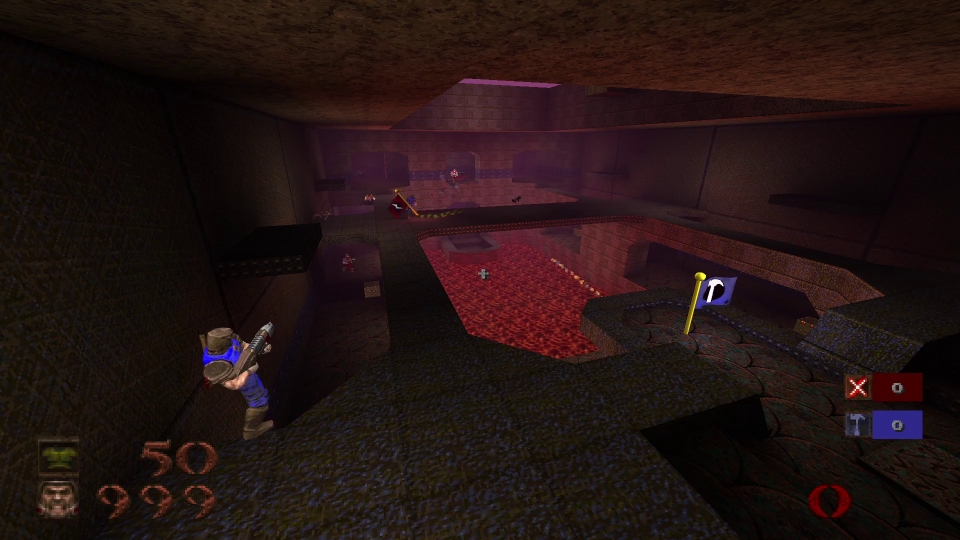
The rules for Capture the Flag are similar to the backyard game: protect your flag, steal the enemy’s, and return it to your own flag to score a point. Threewave CTF comes with some extras to this basic formula by adding power-up runes for teams to fight over, and the famous grappling hook!
A BRIEF HISTORY
For all those scholarly Rangers out there, here's a brief history... Threewave CTF was first released in October of 1996 by Zoid Kirsch. The mod back then was simple, and remixed existing game content to create something new. Matches took place on the single player levels modified to create bases. Keys were used in place of flags, and the grappling hook was an axe that fired a Vore ball. While a little bit of imagination was required, this didn’t hurt the mod’s reception at all. It caught on fire immediately and built a large fanbase of players looking for a deeper alternative to deathmatch. Over the course of many updates, and eventually a QuakeWorld version, Threewave CTF would go on make Capture the Flag a household name in multiplayer game modes, and even spawn websites that exclusively covered Capture the Flag modes in games. Threewave CTF would be released officially as a part of Quake II, and the Quake III version of the mod would bring in new flag-based game modes and maps that would later make their way into Quake Live. Quake multiplayer and Threewave CTF have always been intertwined, and now the mod that started it all is now available for free in the enhanced Quake re-release
NEW ENHANCEMENTS
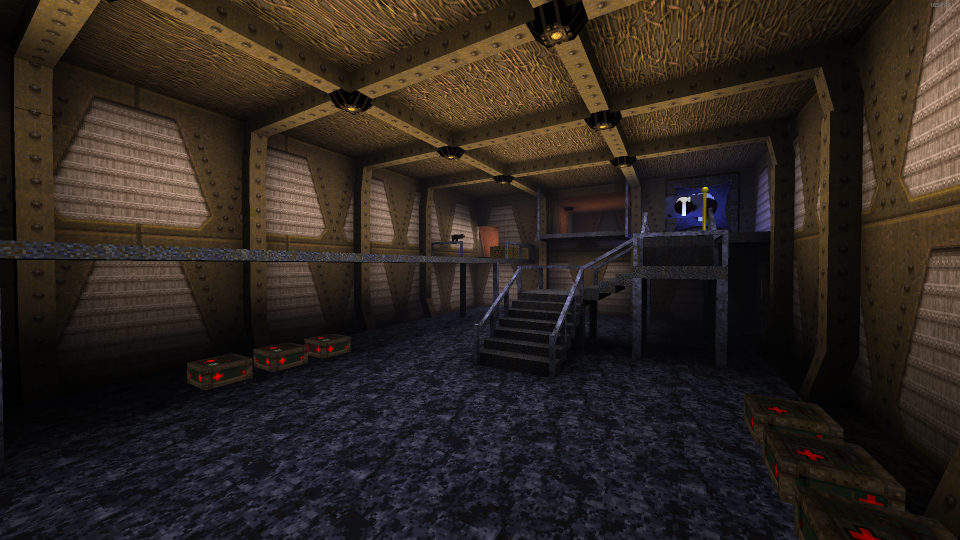
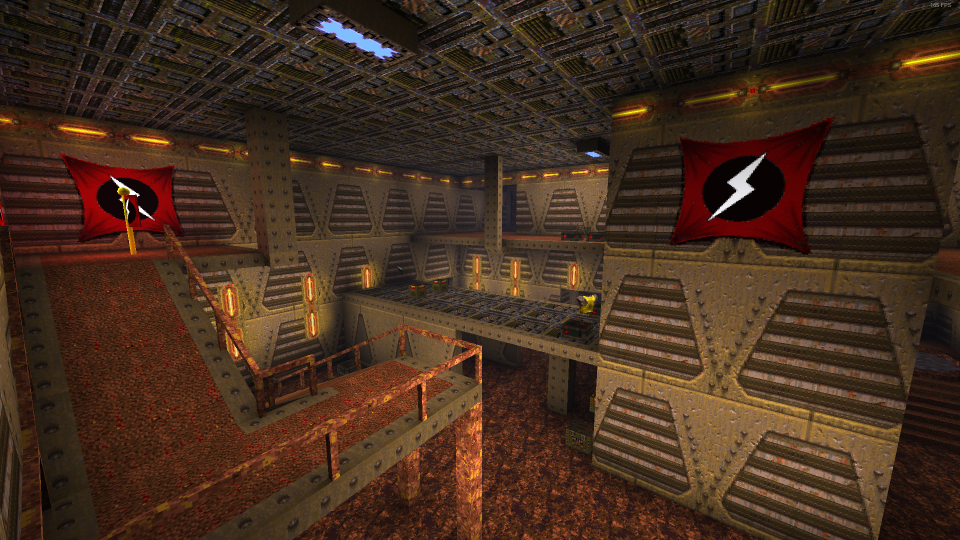
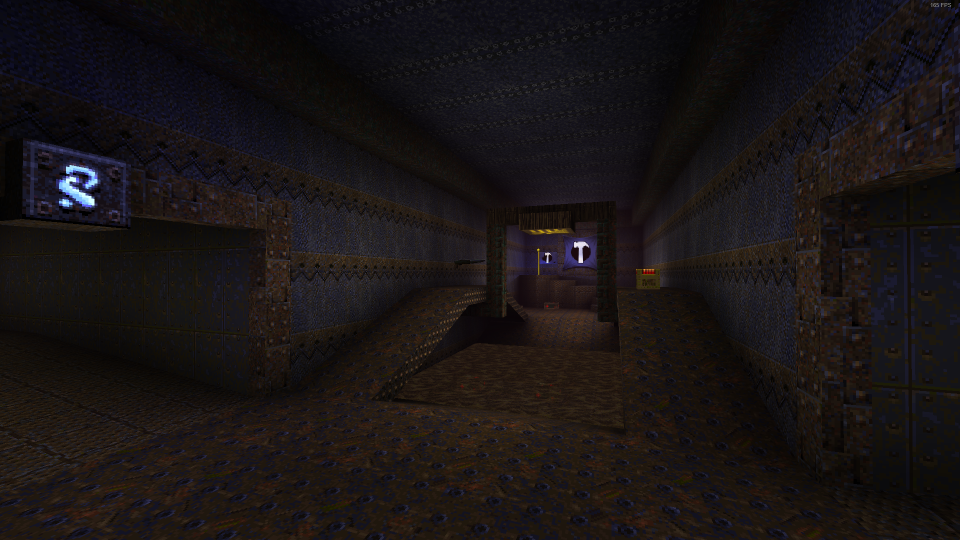
This latest version of Quake has been enhanced, with an improved flag status display showing if your flag is safely in base, team scoring, and a modern interface. The maps included have been updated with improved lighting and fog effects. All of this is included free in Update 4, and requires no additional download
RUNES
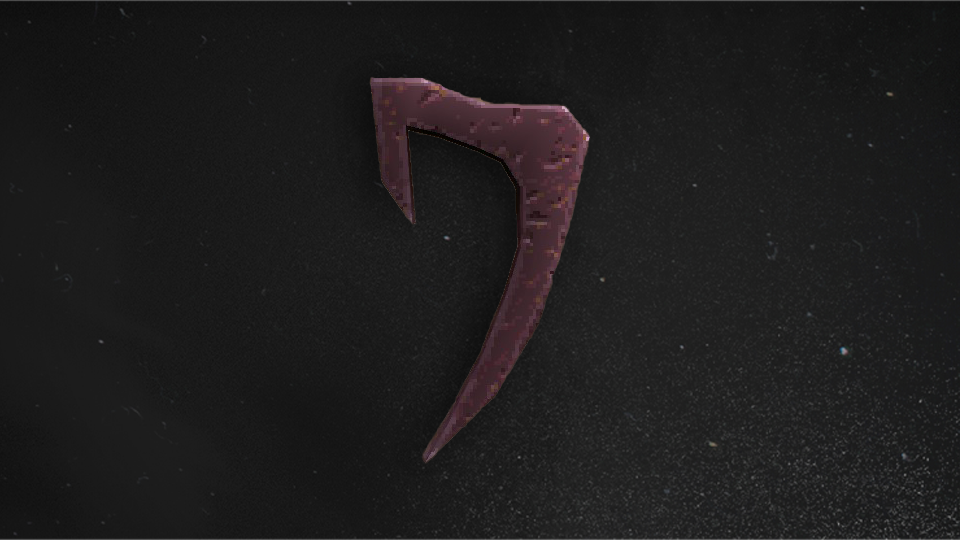
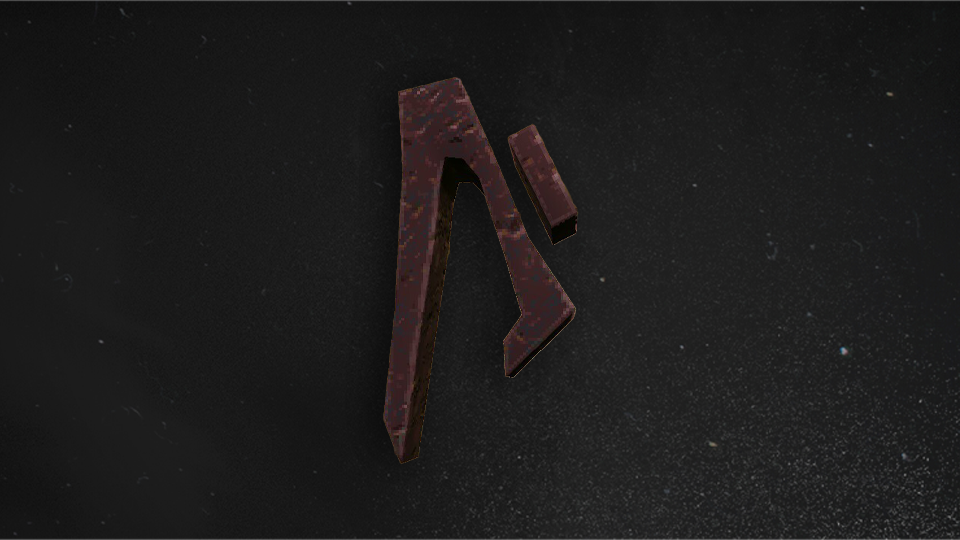
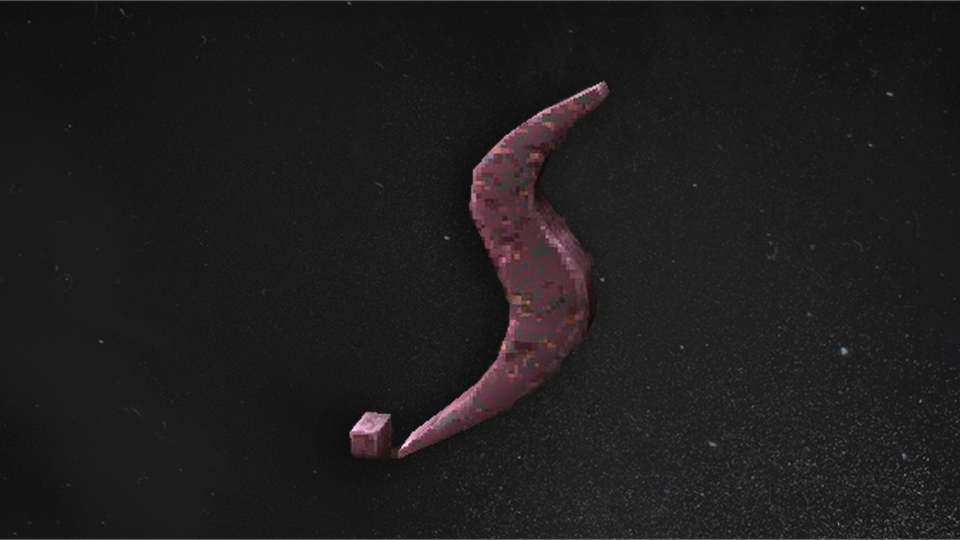
Four power-up runes spawn randomly throughout the map at the start of the match. Teams will vie for control over them, as they bestow their holders great benefits, and will stay with them until death. They fly out of the player on death, so keep an eye out, and grab them as quickly as possible to posses their power. If nobody picks them up eventually, they'll respawn elsewhere. Holding these runes are key to giving your team the edge to win! Rune of Earth Magic | Resistance - Take half damage from all weapons Rune of Black Magic | Strength - All weapons deal double damage Rune of Hell Magic | Haste- Most weapons fire twice as fast, and nail projectile speed doubles Rune of Elder Magic | Regeneration - Regenerate some lost health and armor every second, up to 150
GRAPPLING HOOK
The grappling hook, accessed via the weapon wheel or by pressing the key bound to the Axe, is more utility than weapon than most options in your armory. Holding down the fire button will shoot the hook, where it will fly straight forward until it hits a wall. Once attached, the hook will pull you in at a very high speed. The hook can be attached to players to do a constant stream of damage; however this will leave you vulnerable to the player you are attached to. Switching weapons while the hook is attached will allow you to hang off walls and fire, however you will be vulnerable as you will be unable to move, doing your best impression of a turret. Using this to ambush an attacker can be an effective tactic, however it should be used sparingly as ambushes only work if they are unexpected! Advanced players can shoot the hook at the ground, and then immediately let go as soon as the hook starts to pull you. This lets you launch into a bunny hop at a very high speed, and makes you less predictable of a target as you weave your way around the map
MAPS
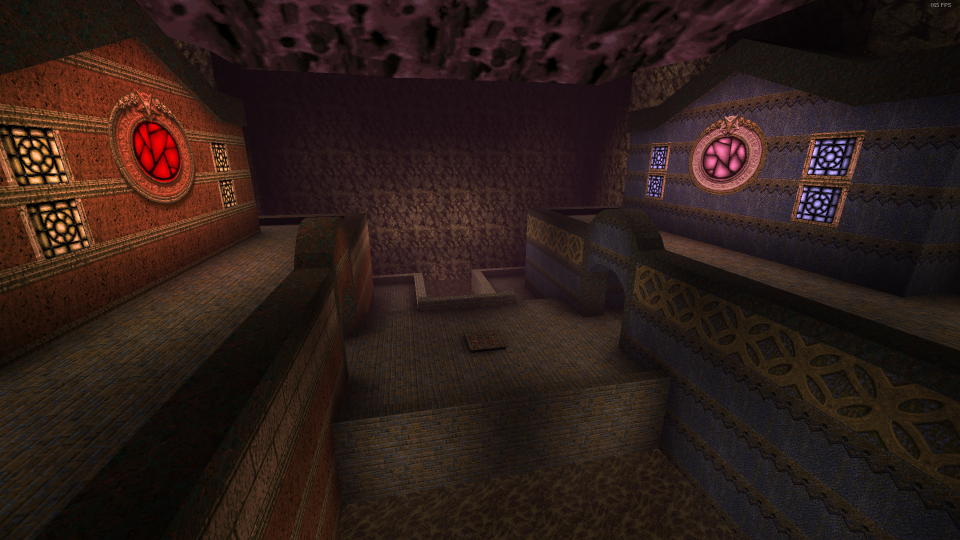
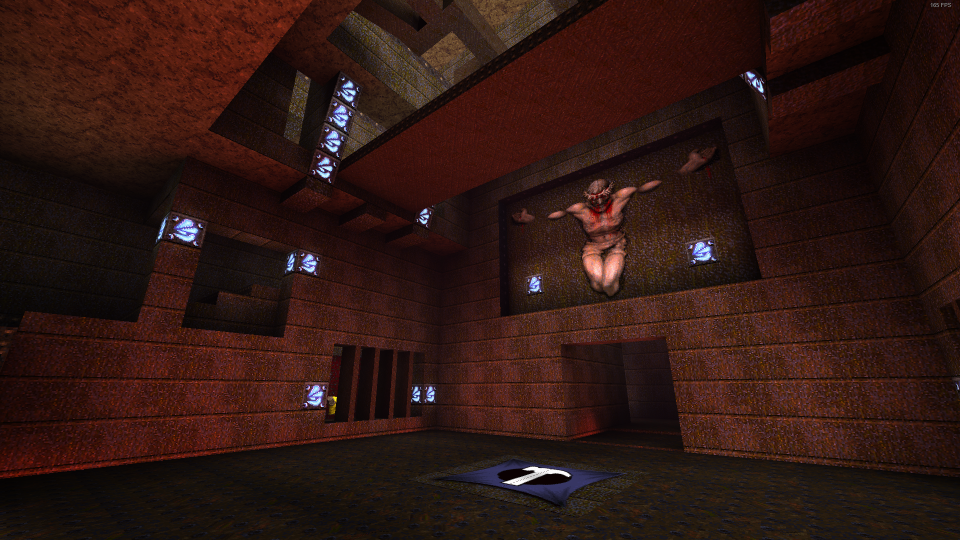
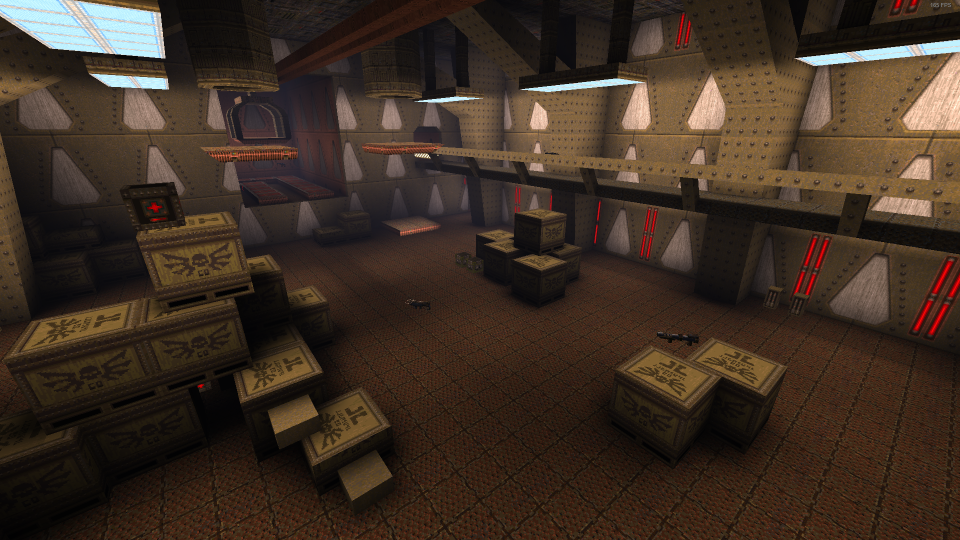
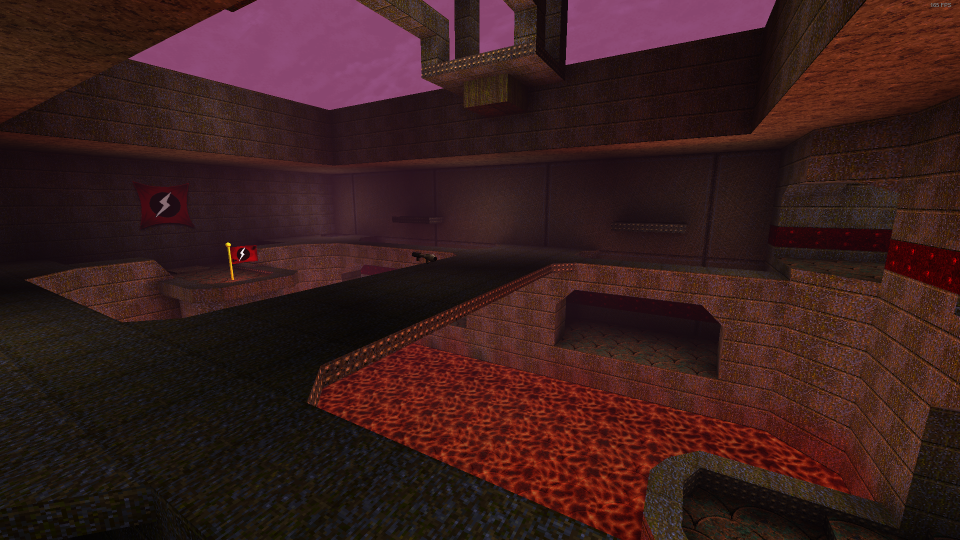
Our update includes nine of the maps from the original mod
CTF1: MCKINLEY BASE
Created by Zoid Kirsch Two bases connected by bridges, and an underwater route. An instant classic, and the most iconic map of the mod
CTF2: MCKINLEY STATION
Created by Zoid Kirsch The sequel to McKinley Base, with bigger bases, a bigger flag room, and more routes. A classic, refined
CTF3: SPILL THE BLOOD
Created by Dale Bertheola Catwalks and bridges hanging over lava and acid, with a wind tunnel into the flag room that provides ample opportunities to overwhelm the defense for some skeet shooting practice
CTF4: GLOOM CASTLES
Created by Tim Willits A CTF version of the classic E1M5: Gloom Keep. Two Gloom Keeps, face to face. The front door is the shortest route, but also the riskiest. Lose the defense by taking the long way around
CTF5: CAPTUREPHOBOPOLIS
Created by American McGee The mouthful of a map returns, but now with flags! This time, the bases are stacked on top of each other: red team on top, and blue team below
CTF6: VERTIGO
Created by Dale Bertheola Each flag is flanked by a hulking Quake Q, looking over three paths out of the flag room and one-way wind tunnels
CTF7: THE STRONGBOX
Created by Brent McLeod With a warehouse at its center, elevators and trains between bases provide ample grapple opportunities into tight flag rooms
CTF8: CHTHON’S CAPTURE HOUSE
Created by Tim Willits Chthon’s hellish domain has been converted into a base in our smallest map of the set, providing intense combat with nowhere to hide
CTF9: DA ANCIENT WAR GROUNDS
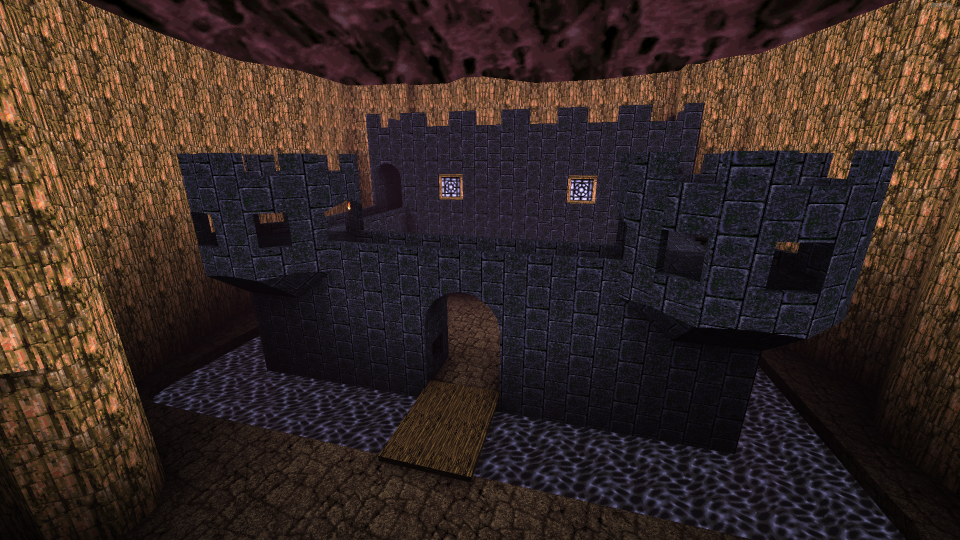
Created by Matt Hooper Catapult yourself over the moats into two traditional medieval castles and grab the flag from the throne room
BUG FIXES
Fixed Fiend arm clipping into the floor at death
Fixed auto aim debug variables that could be used to cheat in multiplayer
Fixed loading lightmaps in huge levels, such as when users side-loaded "Tears of the False God" in Arcane Dimensions
Quake - Update 3
Quake Update 3 includes new Accessibility features, three new Horde Mode maps from MachineGames, as well as QOL improvements, and bug fixes
NEW ACCESSIBILITY FEATURES
We are happy to add new accessibility features to Quake so that the gameplay experience can be enjoyed by even more players
Accessibility Options Notification
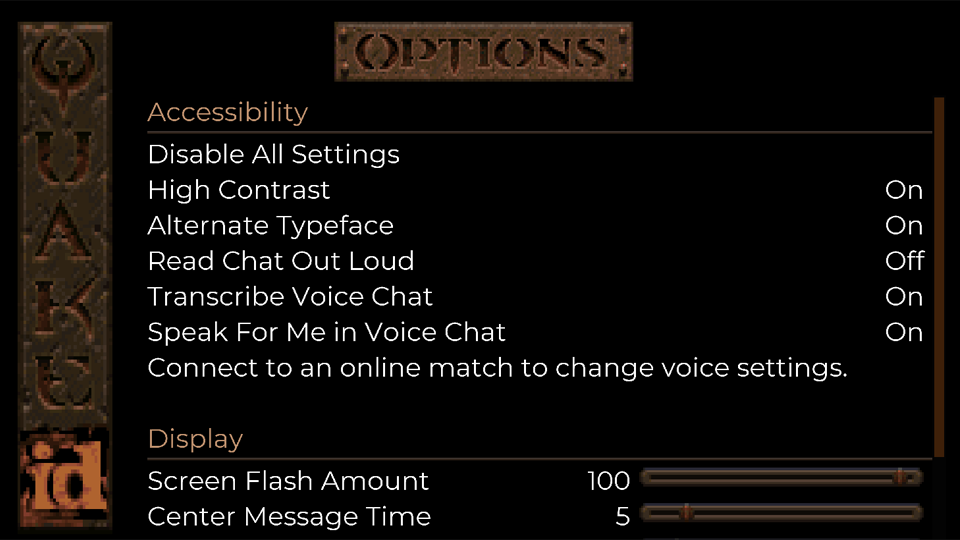
After installing Update 3, you will be presented with an Accessibility Options notification. Read through the available options to make sure they are set to your preference. Once in-game, these options can be accessed from the Options/Accessibility sub-menu via the Main and Pause Menus
(Note: All Accessibility options default to ON during first launch after install - but can be easily toggled OFF/ON via Disable/Enable All Settings) Accessibility Options Read Chat Out Loud '*'
Converts incoming multiplayer text chat into a synthesized voice
Transcribe Voice Chat
Converts incoming voice chat to text in the multiplayer chat window
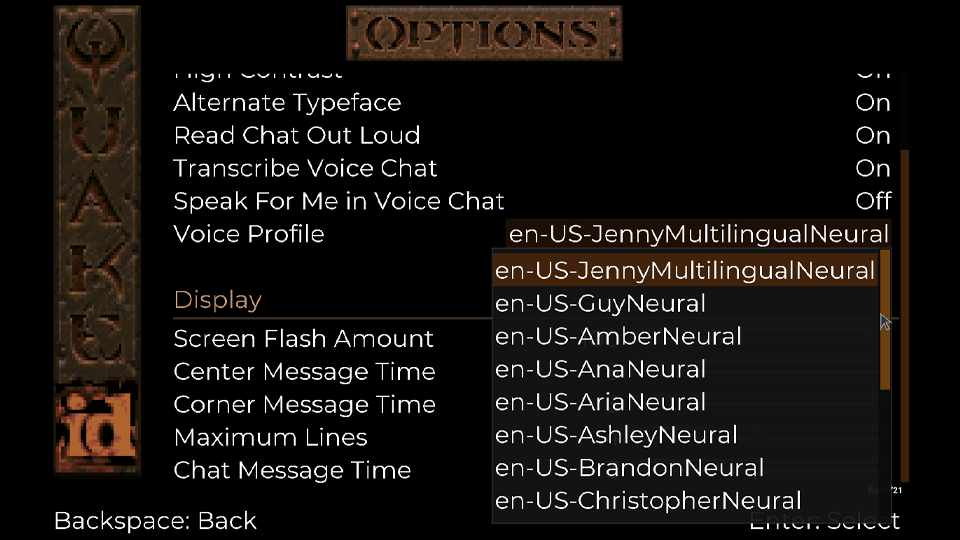
Speak For Me in Voice Chat '*'
Converts outgoing multiplayer text chat into a synthesized voice audible to other players
'*' Voice profiles can be selected from the Accessibility menu when connected to an online multiplayer session '*' Text-to-Speech menu narration is not supported Note: There are several Voice Profiles now available in Quake. The number available per language may vary High Contrast
Changes the default text field backgrounds to improve User Interface legibility
High ContrastOFF High ContrastON Alternate Typeface
Changes the original in-game font to a more modern one for improved legibility
Screen Flash Amount
Decreases opacity of onscreen effects to reduce flash intensity
Center Message Time
Changes the display duration of center print HUD messages
Corner Message Time
Changes the display duration of corner print HUD messages
Maximum Lines
Changes the maximum number of onscreen corner print HUD messages
Chat Message Time
Changes the display duration of multiplayer text chat messages
HORDE MODE
Three New Levels
Enjoy three new Horde Mode levels courtesy of our friends at MachineGames!
Relic The Trial The Tower
QUALITY OF LIFE IMPROVEMENTS
General Gameplay
Added option to disable automatic weapon switching on pickup (Note: This may not work with certain Add-ons)
Improved spawn logic to avoid spawning enemies when the player is on a spawn point
Horde Mode
Skill selection balance adjustments: We’ve received community feedback that Horde Mode is too hard on Easy and too easy on the more difficult skill selections. To accommodate this feedback, we’ve made Horde Mode less difficult on Easy and more difficult on the Hard and Nightmare skill levels. We hope these balance changes are to your liking and look forward look forward to hearing from you on them!
Fewer enemies are spawned in each squad on Easy skill selection
Boss enemies will start showing up in earlier waves on Hard and Nightmare skill selections
Hard skill selection now starts with as many enemies as wave 3 had previously
Nightmare skill selection now starts with as many enemies as wave 6 had previously
Additional balance adjustments:
Ammo now respawns every 20 seconds instead of once per round
Enemies are now more tenacious – they will now route around the map and obstacles to find you. No more hiding and safely picking off harmless monsters from a distance!
Four player games will now spawn in double the enemies in each wave
Multiplayer
Removed ability to enable cheats in public multiplayer matches (Note: Cheats can still be enabled from a PC host in private matches)
Changed color of enemy text chat from red to green for increased contrast and improved legibility
Online multiplayer text chat messages can now be sent via the Pause Menu (Note: Only PC versions support text entry from physical keyboards)
Added option to toggle the scoreboard on/off with a button press instead of a button hold (in Gameplay Options)
Multiplayer Bots
Added Deathmatch bot support for all single player levels in the original campaign, courtesy of Jorge Martins (Check out their super useful guides made for community modders here)
Bots now roam around if the current map doesn't have items, finding their own roam goals
Bots now better handle maps with lots of air blasts that push them around
Improved bot navigation on MGDM1, and E1M2
Bots now roam around if map doesn't have items, finding their own roam goals
Bots now better handle maps with lots of air blasts that push them around
Improved bot navigation on MGDM1, and E1M2
BUG FIXES
General Gameplay
Fixed an issue in which music was not playing correctly on certain Add-ons
Reduced audio latency throughout the game
Fixed a bug in which the House of Doom achievement was not unlocking when finding the secret level in Dimension of the Past
Resolved an issue in which the Corner message would print the incorrect one for a single frame
Fixed an issue in which menus would not scroll all the way to the top of the screen
Resolved the issue where the text chat window was too small while playing at 4K resolution on supported platforms
Horde Mode
Fixed a bug in which suicide in Horde Mode would not deduct points and immediately respawn you
Resolved an issue in which killing a teammate would incorrectly grant a frag and not end kill streaks
Removed the random offset from dropped powerups to prevent them from falling out of the level
Multiplayer Bots
Fixed an issue in which bots would sometimes miss shootable triggers
Fix bots incorrectly using Mjolnir when they don’t have ammo
Addresses the issue where bots wouldn’t chatter when killing an enemy, or if teamkilled
MODDING IMPROVEMENTS FOR MODDERS
The following changes apply to users who may be developing Add-ons that work on the PC version of Quake
General Modding Improvements
Our QuakeC source code is now available! This includes the QuakeC source for the base game, Scourge of Armagon, Dissolution of Eternity, and the new Dimension of the Machine, which includes Horde Mode. This code is released under the GPL license and can be obtained from the id Software GitHub here
QuakeC built-ins that are unique to the rerelease are now looked up by name, rather than hardcoded builtin numbers which could interfere with other engines
Fixed issue with long centerprints disconnecting clients when sent, which could occur when using long custom intermission end texts in Copper
Added "walkpathtogoal" QuakeC built-in. This can be used as a drop-in replacement for the existing AI movement to allow any entity to take advantage of bot pathfinding without needing them to be a bot client. Create a friendly dog that does your bidding, or haunted items that run away from the player to avoid being picked up. The world is your oyster!
New entities are available for ranged, flying, and boss spawn points. The horde spawning logic will use these points if available
Monster spawners can be controlled by using trigger_multitouch entities to enable or disable them as the player moves throughout the map
Multiplayer Bots
Added "bot_movetopoint" - new QuakeC built-in to give bots a high level command to move to a point
Added "bot_followentity" - new QuakeC built-in to give bots a high level command to follow any entity that they are aware of
Added Bot_PreThink - new QuakeC function that gets called before bots run their update logic in the engine
Added Bot_PostThink - new QuakeC function that's called after bots run their update logic in the engine
Added "objective" flag to items.txt processing. This allows you to tag any item as an objective. Bots track these as a special case, but rely on you to tell them what to do about it
Warn at startup if weapons are not correctly setup with a power of two number in QuakeC
Add cvar "bot_entityRespawnFunc" to tell the bots which function in a QuakeC mod handles respawning items. Bots use this knowledge to understand when items like the MegaHealth will actually respawn
Bots can receive and will react to two stuffcmds: “color” and “kill”
Update monster teams regularly - allows mods to add/remove monsters from teams during the game, and have bots understand the change
Support idea that monsters can "belong" to a player in DM
Bot Navigation Editor
Add cvar "navEdit_removeNoclipOnExit" to disable turning off noclip when exiting nav editor
Expose bot pathfinding heuristic value to users in the nav editor, and save the heuristic into the nav file
Rename cvar navEdit_waterLookPointDist to navEdit_inWaterLookPointDist for clarity
When underwater, place nav node centered on crosshair
Fix nav node placement in shallow water
Add ability to clear start/goal nodes when testing paths in the editor by pressing F8
Add ability to toggle seeing traversals when testing paths in the editor by pressing F5
Add "NoMonsters" flag to nav nodes. Allows you to mark nodes that AI shouldn't use (eg. if the node is too close to a wall or obstacle that might get an AI stuck, but are not issues for bots)
Enjoy battling through new maps in Underdark Overbright as well as experience the original game with community-driven gameplay adjustments with a bonus to this Add-on, Copper.
Underdark Overbright is an eight-level episode set in a mix of medieval architecture and overgrown environments, serving as a prime example of the modern Quake modding community. The new episode brings you through some unique moments such as an underwater gauntlet, a fight to survive on sinking lava platforms and single-player revisitations of Deathmatch classics. As a bonus, the original Quake episodes are available from the Underdark Overbright hub map as well as a whole new end level, so definitely check it out!
UNDERDARK OVERBRIGHT & COPPER
Speaking of the original Quake, also included in this Add-on is Copper - a modification that slightly alters Quake’s gameplay! With adjusted behaviors for items, monsters and weaponry, Copper’s quality-of-life changes offer a new take on your next trip through the Slipgate.
HONEY
Encounter waterlogged crypts and underground temples as you face the darkness, combating a deadly plague blighting the land. With expert use of fog effects and silhouettes, traversing through Honey’s maps are just as good at ambiance as they are obscuring the deadly threats you’ll face in this fan-favorite Add-on!
Download Honey, Underdark Overbright & Copper for free via the Add-on menu in Quake today! Learn more how Underdark Overbright & Copper were developed with our exclusive interview with the original creators, Lunaran and Scampie! And of course our exclusive interview with Honey creator and MachineGames alum, Christian Grawert!
Quake - Update 2
Update 2 contains a brand-new Horde Mode made by MachineGames with 1-4 player co-op (including optional bots), new Add-on "Honey", some quality-of-life improvements, and bug fixes. It also marks the Quake release on the Epic Games Store (for PC). With Horde Mode you can play solo, with bots, or friends, and face off against waves of enemies of increasing difficulty. Earn Silver Keys to unlock access to better weapons. Survive long enough and earn a Gold Key, which will allow you to escape, or stay behind and fight against the armies of Quake until you fall
HORDE MODE
Overview
All new multiplayer PvE experience designed by MachineGames
Supports 1 - 4 players or bots in local multiplayer and online modes (Custom matches only)
Playable on all difficulty levels
Includes 4 new maps specifically designed for Horde Mode
Rules
Score points by killing enemies
Kill multiple enemies in quick succession for bonus points
Your progression is reset after the last player dies
Every 3rd wave has boss monsters but once you clear it, you get a Silver key to unlock more weapons and items
After the 9th wave, you get a gold key to unlock the exit, or you can keep fighting as long as you are able
Monsters have a chance of dropping quad damage and the pentagram of protection (powerups last for 5 seconds once picked up and despawn if not picked up after 10 seconds)
NEW ADD-ON: HONEY
Expand your Quake experience with the free Honey Add-on and delve deep into the darkness to conquer a deadly plague infecting the land
For a unique look behind the curtain, check out our Nods to Mods interview with the author of "Honey", MachineGames' own Senior Level Designer - Christian Grawer here
Improved auto aim to reduce amount of snapping and view locking onto enemies
Crosshair color and type can now be changed from the Gameplay options menu
Add-ons menu can now be used to play previously downloaded add-ons while offline
Text chat and push to talk voice chat are now available in pre-game lobbies
Added ability to invite friends across PC platforms using players on your Bethesda.net friends list (optional)
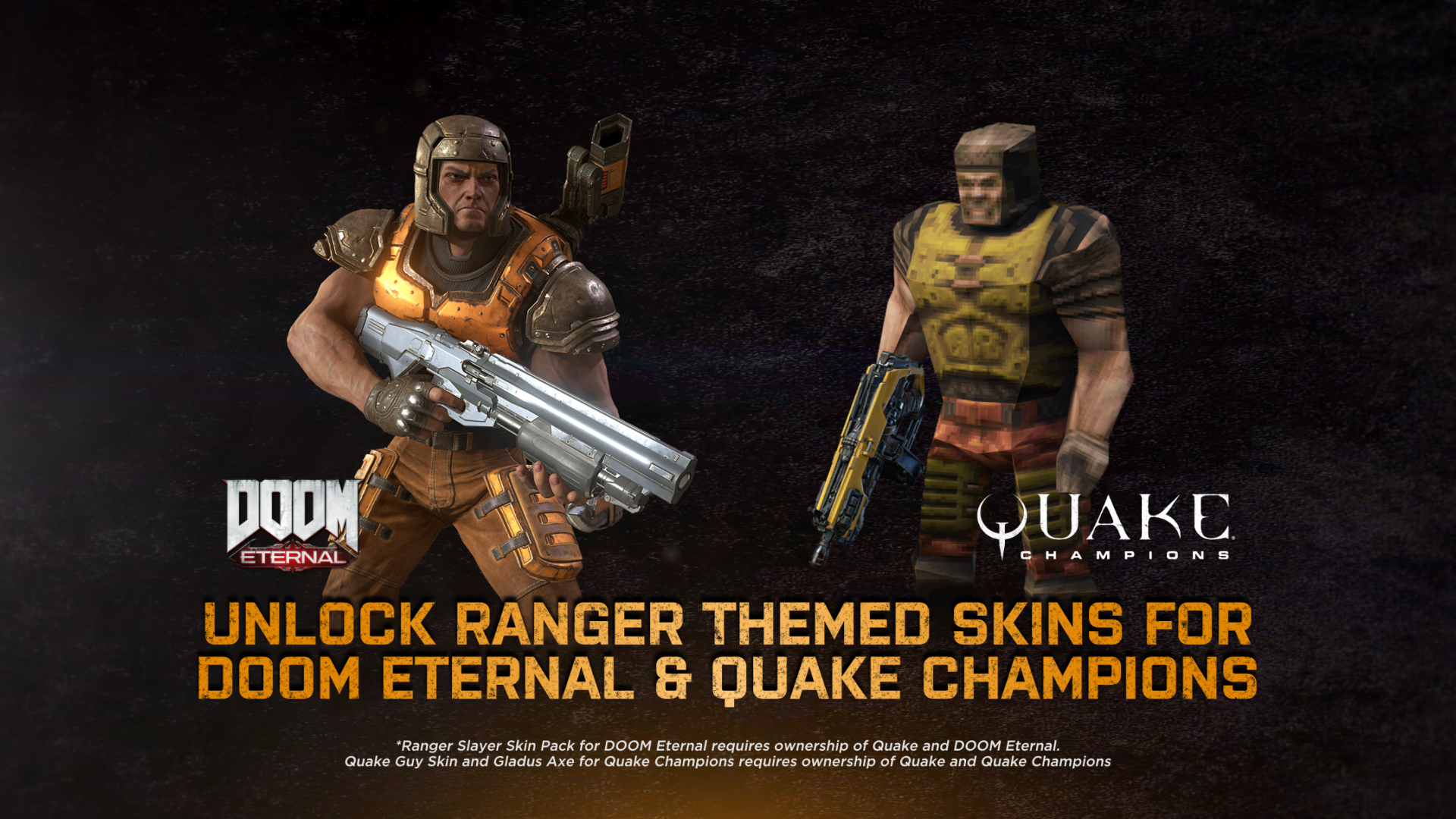
RANGER SKINS IN QUAKE CHAMPIONS AND DOOM ETERNAL
Owners of our Quake re-release can log in with their Bethesda.net credentials in-game to earn the Ranger Slayer Skin for DOOM Eternal and the Quake Guy Ranger Skin with the Gladus Axe in Quake Champions! (NOTE: In addition to owning Quake, players must also own DOOM Eternal or Quake Champions to use their respective skins)
Note: Nintendo Switch users can unlock the Ranger Slayer Skin in DOOM Eternal alongside Update 6.66 sometime in early 2022. Stay tuned to the Slayers Club for updates!
BUG FIXES
Fixed Death Knight incorrectly referred to as Hell Knight in the main Quake campaign
Bots now chat less
Fixed cases where texture borders were visible around certain HUD elements
Fixed weapon firing immediately after respawning in multiplayer
Turning off Enable Microphone before connecting to online services now properly mutes the microphone
MODDING IMPROVEMENTS
The following changes apply to users who may be developing add-ons that work on the PC version of Quake
Added new cvar navEdit_onlyTraceAgainstWorld to validate look position only against the world (skipping all other entities). This cvar is exposed as a user option in the nav editor
Added new cvar navEdit_skipLookPointValidation which completely skips look point validation, allowing user to place nodes anywhere • Bots now understand Zombies are killed easier with explosives and will switch weapons if possible
Further improved bot control of powerups on the map in DM
Bot characters are now reloaded when loading a new mod/Add-on
Make sure FL_ISBOT flag is set on the bot client when the bot calls "ClientConnect" and "PutClientInServer" inside QuakeC. This allows mods to run bot specific logic when a bot spawns in
Fixed bots trying to pick up weaker armors, when wearing a stronger set
Added nav editor cvars that are handy when switching back and forth between editor and game for testing, navEdit_removeGodModeOnExit, and navEdit_removeNotargetOnExit
Added g_removeAllAI to remove all AI that are on the map. Will check regularly for spawned AI to remove them as well
Added nav editor cvar navEdit_showLinkType. Useful for debugging pathing issues. Cycles between showing all links/nodes, only nodes with one way links, and only nodes with non-walk links
Quake - Update 1
Update 1 includes improvements to user controls, the addition of bot support to multiple Deathmatch maps, improvements to bot functionality and several notable bug fixes
Improvements
Controls
Improved analog stick input on controllers – now more responsive by default
Added deadzone, aim acceleration, exponent and aim smoothing options to tweak gamepad input in the Input Options menu
Map Improvements: Dimension of the Machine
Hell or Dark Water (MGE3M2): added checkpoint spawns in co-op after traps section
Grave Machine (MGE4M1): added checkpoint spawns in co-op and fixed pain triggers around pentagram
A Grave Mistake (MGE4M2): added checkpoint spawns in co-op and pain triggers to prevent falling through and skipping them
General Improvements
Save game process is faster on large levels
Hosts are now identified by an icon instead of a color to make it easier to distinguish for color blind players
Weapon wheel HUD element is no longer cut off on local multiplayer vertical split-screen
Online Multiplayer
Removed visible game limit in match browser
Improved Scourge of Armagon client-side prediction
Bots Added bot support for the following levels:
The Slipgate Complex (E1M1)
Castle of the Damned (E1M2)
The House of Chthon (E1M7)
The Elder God Shrine (E4M3)
Shub-Niggurath's Pit (END)
The Edge of Oblivion (HIPDM1)
The Pumping Station (HIP1M1)
Improved bot melee attack, swimming and weapon selection behaviors
Added text dialogues for when bots make kills or get killed
Improved bot handling of elevators
Improved bot navigation on The Abandoned Base (DM3)
Misc. Improvements
Added monitor select option
Control Updates:
Added quick save and quick load key binds
Added default keyboard binds for the Laser Cannon, and Mjolnir in Scourge of Armagon
Note: Users with existing save data may need to bind these manually from the Input Options menu
BUG FIXES
Gameplay
Fixed backward movement speed accidentally being set to walk
Game speed now correctly resets after using the Weapon Wheel
Resolved a bug that could result in the player getting stuck when jumping out of the water
Turning off friendly fire no longer prevents self-damage
Audio
Fixed rare audio crash in Scourge of Armagon
Resolved issue that caused excessive clipping when multiple sounds play simultaneously
Resolved an issue in which the wrong audio track was playing during the Scourge of Armagon demo
Fixed an issue in which Track 11 was playing instead of Track 10 on Gloom Keep (E1M5), The Wizard’s Manse (E2M5), The wind Tunnels (E3M5) and Hell’s Atrium (E4M5)
Maps
The Silver Key no longer shows up in Hell’s Atrium (E4M5) on Deathmatch
Fixed an issue in which some decals were oriented incorrectly in Scourge of Armagon
Fixed a lighting bug in The Door to Chthon (E1M6) that caused the darkened path to be lit prematurely
Darkened lighting on the roof to restore the original visual effect on Shub-Niggurath's Pit (END)
General
Usernames with quotation marks now appear correctly in game
Spanish episode end slate text is no longer cut off
Texture smoothing setting restores correctly after deactivating the Quake 64 add-on
Fixed bug in which enhanced Ogre model would sink into ground plane after death
Online Multiplayer
Resolved issue when sounds would drop and entities disappear or flicker during online play
Bots
Resolved issue where bots would not grab needed pickups
Bots should now see all triggers and doors as shootable
Bots no longer linger in slime or lava for too long
Removed Bot support on maps that lack waypoints
Fixed issue in which bots tried to re-use single-use buttons and triggers
Misc.
Fixed an issue in which the Max FPS option did not correctly display custom settings in drop down menu
Disabled GPU culling to improve performance in Dimension of the Machine
MODDING IMPROVEMENTS
The following changes apply to users who may be developing add-ons that work on the PC version of Quake
Added the pr_checkextension cvar and checkextension ("QUAKE_EX") function in QuakeC to detect if the mod is running under the updated Quake client
Added the cl_nocsqc cvar (it is permanently set to 1 to indicate to modders that CSQC is not supported)
Removed the -heapsize command line parameter. It is no longer used in favor of a dynamically sized heap
Added FL_NO_BOTS edict flag (Instructs bots to ignore specified object(s) in QuakeC)
Added a QuakeC built-in for playing a sound on a client: void localsound( entity client, string sample ) = #80;
Added the following QuakeC built-in functions for drawing debug shapes on clients (these are intended to help mod authors visually debug logic in 3D space):
Added logic that resets AI state to neutral when activating the bot navigation editor
Added bot nav editor fullbright toggle key bind to F2
Added "CheckForFloor" flag to nav nodes (this can be used for drawbridges, floor traps, etc.)
Added "CheckForSolid" flag to nav nodes (this can be used for crushers, traps, movable walls, etc.)
Added ability to place nav nodes in shallow lava
Added the following cvars to change nav editor window positions:
nav_properties_xpos
nav_properties_ypos
nav_legend_xpos
nav_legend_ypos
Added navEdit_defaultNodeRadius to set preferred default nav node radius Added ability to lock node height in place when moving nodes around Added navEdit_defaultNodeRadius to set preferred default nav node radius Added navEdit_waterLookPointDist to control how far away nodes will be placed in front of player when in water
MODDING FIXES
Fixed an issue in which the save command was appending an "s" to the beginning of filenames, resolving auto-save in mods like “Copper”
Fixed Alpha not being applied to brush models
Restored original behavior of centerprint, sprint, and bprint built-ins to fix issues with mods expecting arguments to concatenate instead of a string format
Quake | Minor Update Release Notes | September 2
Multiplayer Update for All Platforms
This minor update fixes an issue that caused multiplayer lobby instability for some users
Release Notes & FAQ
Quake – the legendary dark fantasy FPS that revolutionized the genre is now enhanced! This new offering features cross-play, dedicated servers for online deathmatch matchmaking, free optional Add-ons, split-screen support for local deathmatch and co-op, AI opponents in deathmatch and more!
Note: Steam users who already own Quake will automatically receive the new enhanced version with a free download!
Read the FAQ below for details on how to access the enhanced version.
RELEASE NOTES
Enhanced Graphics Better lighting, new models, updated maps, and a dynamic shadow system headline the graphical features available in Quake. Individual features of the enhanced graphics can be turned on and off to your preference
Includes Original Expansion Packs The two retail expansion packs, Scourge of Armagon, and Dissolution of Eternity are both now bundled with Quake, and are integrated into the main game. The downloadable expansion pack, Dimension of the Past, has also been upgraded and included
Includes Soundtrack The iconic original soundtrack by Trent Reznor of Nine Inch Nails is now included on all versions for the first time. The soundtracks for Scourge of Armagon, and Dissolution of Eternity are also included when playing those expansion packs
Brand New "Dimension of the Machine" Episode Created for Quake's 25th anniversary, Dimension of the Machine is a brand new experience created by the MachineGames team. Continue your fight through brand new dimensions, figure out the secret to restarting the machine, and come face to face with an old foe
Free Optional Add-ons Similar to our re-releases of DOOM (1993) and DOOM II, we will also be periodically releasing free optional Add-ons available to download in the in-game "Adds-on" menu. Our first Add-on is Quake 64, which includes the original alternate soundtrack by acclaimed composer Aubrey Hodges
Split-Screen Multiplayer Quake includes 4 player split-screen multiplayer on all platforms, in both deathmatch and co-op modes. Fight against your friends, or with your friends in all five campaigns. AI bots are also available to play against in deathmatch mode
Online Multiplayer Play custom matches on player-hosted servers, or hop into matchmaking and play on dedicated servers. Quake also now includes the extra levels Acrophobia, and The Edge available in deathmatch mode. Dimension of the Machine also contains all new deathmatch levels
Cross-Play Multiplayer Play with friends no matter which platform they prefer. Cross-play is available on all platforms, so you can play Quake with everyone
Supported Languages English, French, Italian, Spanish, German, Russian
Minimum 2GB free space on hard drive (additional space required for optional Add-ons)
High speed broadband connection required for online play
*Compatible display required
FAQS
I bought Quake already, how do I get access to the new release? Previous owners of Quake on Steam will automatically receive the new version with a free download. It may already be updated by the time you read this! Additionally, if you didn't own Scourge of Armagon and Dissolution of Eternity on Steam, you will also be granted access to the original versions of those in-game
How do I access the original versions of the game on Steam? Steam: Launch options are available to launch the original versions of the games, and the original files are still on disk in the same place
How do I play with friends on other platforms via cross-play? The easiest way to join a cross-play match with friends is using the room code system. The room code is a 4 letter code that can be seen inside the pre-game lobby. Send this to your friends over text message, Discord, or yelling very loudly, and they'll be able to join through the multiplayer menu without having to search through the match browser or enter passwords. Note that on some platforms, cross-play can be disabled at the system level. If you have problems joining cross-play matches, ensure that this is enabled
If I already own Quake on Steam, will my saves carry over? Existing save games do not carry over from the original to the enhanced versions of Quake and Steam and Bethesda Launcher. You can continue to use original Quake save games by launching the original version of the game on both platforms
Will I need a Bethesda.net account to play the game? A Bethesda.net account is required for online multiplayer, and Add-ons. Everything else in the game is playable without linking your account
What are the resolutions and framerates for PC? PC: Maximum supported by video card/display
What input devices are supported on PC? On the PC, mouse and keyboard and most controllers should work. Split-screen is available with mixed mouse/keyboard and controller
Do I need an always online connection to play the game? Quake can be played offline. Currently, official Add-ons require an internet connection to play even if previously downloaded, however we hope to address this in a future update
Are existing mods supported on PC? The PC enhanced version will load any mod that the original version supported (when existing mods have been placed in the game install directory). However it will not support some mods that require a new/different source port from the original game
Note: We did raise some engine limits from the original version in our new enhanced version but cannot confirm compatibility with all modern Quake mods
Could Not Join Lobby' error on when trying to join Multiplayer? This error occurs on all platforms when you're system clock is out of sync. Please consult you system manual for how to re-sync your system clock.
KNOWN ISSUES
In local multiplayer, the weapon wheel will be partially cut off in vertical split screen. This does not occur in horizontal split screen
If the player uses the Attack input to respawn in multiplayer, they will fire a shot as they respawn
Users are unable to access downloaded Add-ons without being connected to the internet. This is not intended functionality and will be fixed in a future update
While in local multiplayer, if you wish to remove players from the lobby, you need to back out of the local multiplayer menu and re-enter it
Some player movement issues may occur in online co-op matches in Scourge of Armagon
The Guardian death sounds in may repeat indefinitely in Scourge of Armagon. If this occurs, either save and load your progress or exit the level
Players switching away from Quake by using ALT+TAB, may notice that they lose control over the cursor. If this occurs, simply return to Quake, and interact with the game to restore control