Vikings, it’s time to grab your hammers and prepare for an epic new challenge! We’re excited to announce that new Ragnarock content is coming your way on April 4th – and you won’t want to miss what we have in store.
📣 Exclusive Trailer Premiere Be the first to witness the new content reveal during the Ruff Talk VR Gaming Showcase on April 4th. This will be your chance to see what’s next for Ragnarock!
🤘 Guess this next DLC artist! Follow the clues we’ll be sharing across our socials and drop your best guesses in the comments.
Stay tuned, and get ready to rock harder than ever!
50% Off during Spring Sale
⚡Vikings, it’s time to grab your hammers and set sail! Ragnarock is part of the Spring Sale, and you can get it for a massive 60% Off until March 20!
🔥Challenge your friends or go solo in epic Viking ship races, smashing drums to the rhythm of legendary music. Whether you're aiming for the top of the leaderboards or just rocking out, now’s the best time to join the battle!
Although Ragnarock has no more secrets for most of you Vikings, there are still a few raiders out there seeking guidance to master the beat. We figured there was no better way to start the year than by gathering the most frequently asked questions into one dedicated article. Whether you're a new challenger or a hammer-wielding veteran, this FAQ has got you covered!
1️⃣Can I play Ragnarock without VR?
Absolutely! The game has been available on PC since 2023. So grab a controller or a keyboard and drum your way through the rocking playlist curated with love.
2️⃣Can we play in a local multiplayer mode?
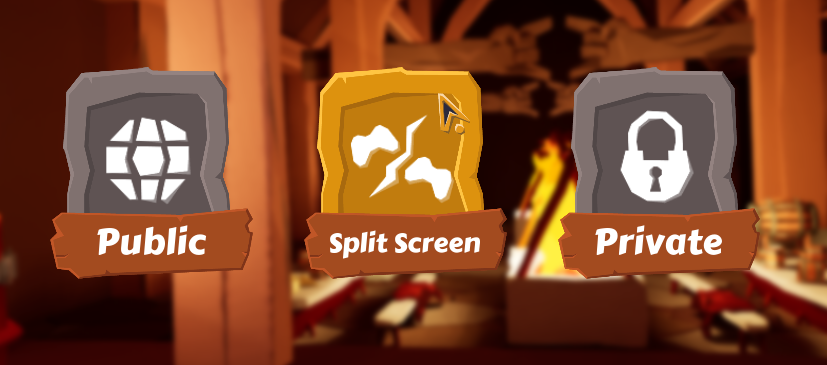
Yes, there is a split screen mode available in the Steam PC version. Get comfortably seated in your living room with your friends and compete against up to 3 of them. Note that VR players won’t be able to join.
3️⃣In online multiplayer, are we playing against VR and PC players?
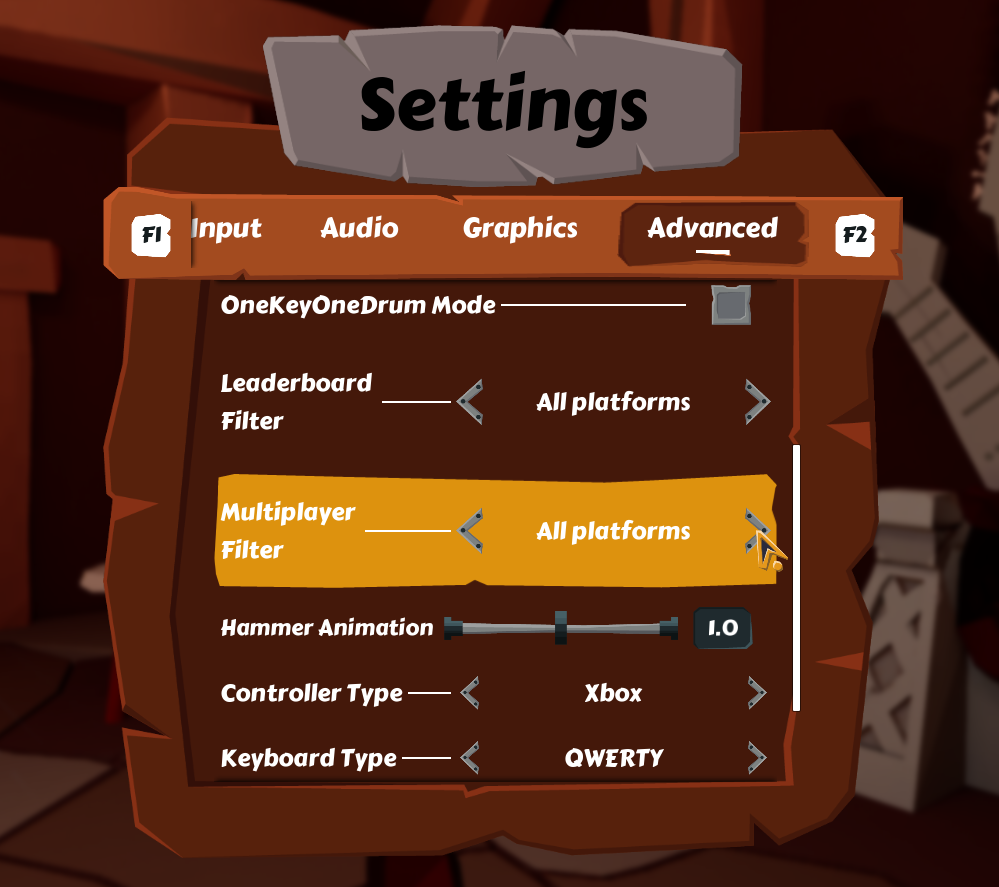
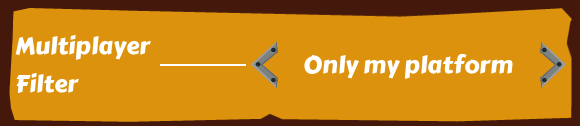
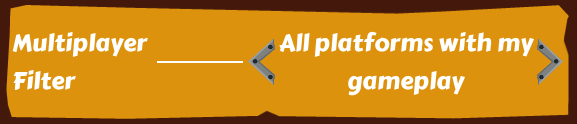
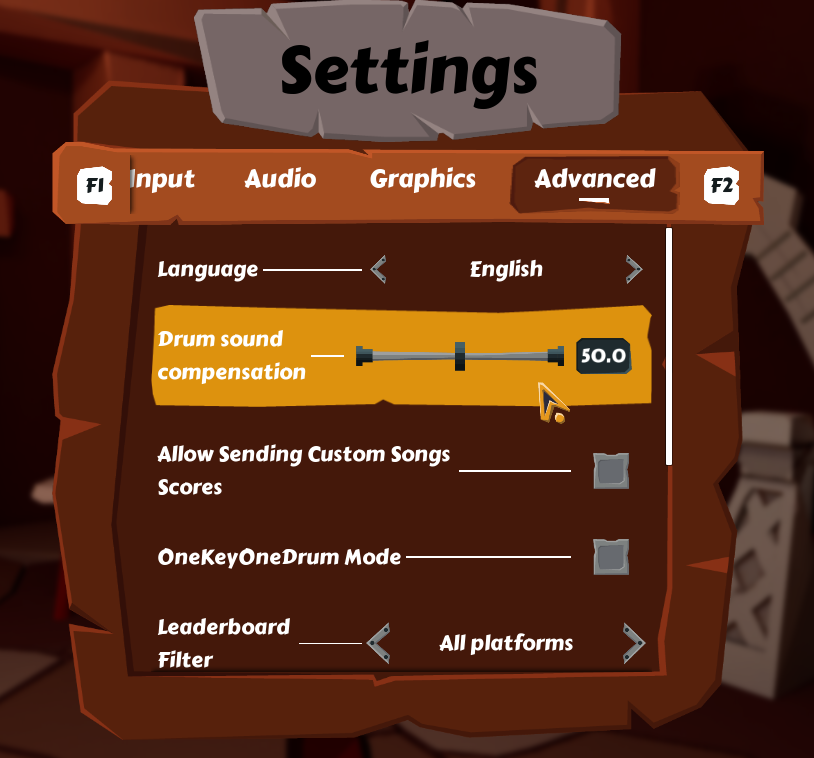
In online multiplayer, you are playing against both types of players by default. You can choose to play only against players from your platform by going to the Advanced Settings and selecting whichever option feels better to you.
4️⃣What can I do to improve my scoring?
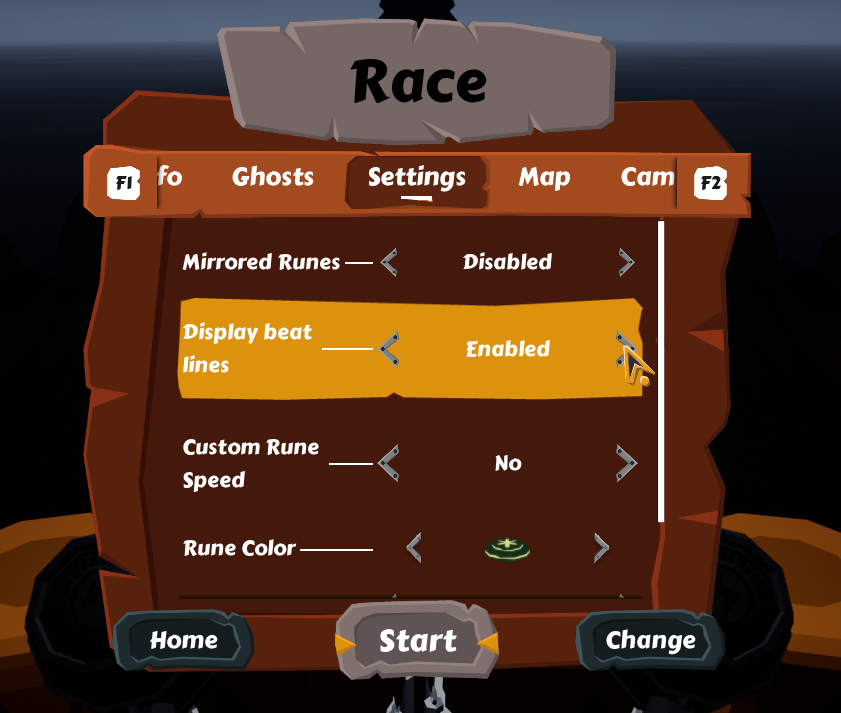
Add beat lines to help you keep up with the tempo by going to the Settings right before a song starts.
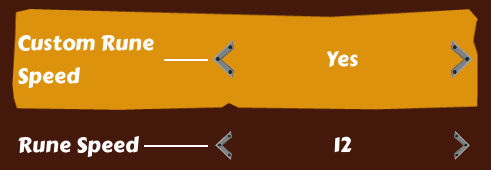
Change your rune speed to your liking so you can anticipate more easily what’s coming. This setting is right below the Display beat lines one and can be changed from one song to the other.
Turning down Drum sound compensation in the Advanced Settings. This will allow you to hear exactly when you hit the drum, rather than the corrected, more in sync, drum sound. This can help you realize whether you hit too early/too late.
You can find more tips on how to improve your scoring here.
5️⃣VR Only : Can I change the drums’ position?
Yes, you can choose to place the drums in an arc position if you feel like it would help you aim for the runes more easily. Go to the Advanced Settings to enable the option and then place the drums however you want by going to the Display setting right before a song starts.
6️⃣Can I turn off the vikings in my boats?
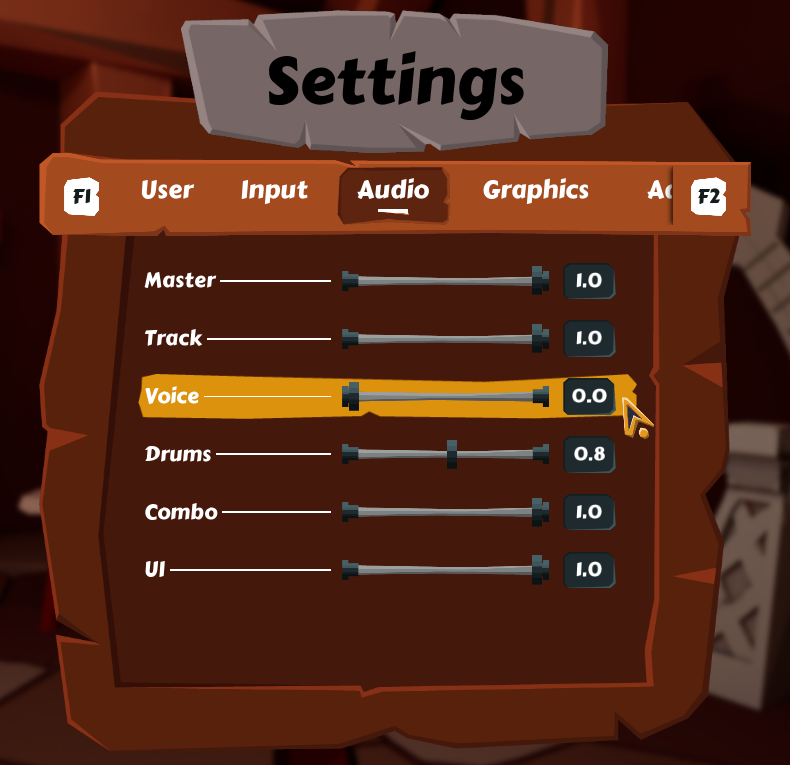
Yes, in the Audio settings just lower the voice to 0 and you’ll have a quiet ride !
7️⃣Are the DLC available offline?
Only the base game and its 46 songs are available to play offline.
8️⃣How many songs are available in the game?
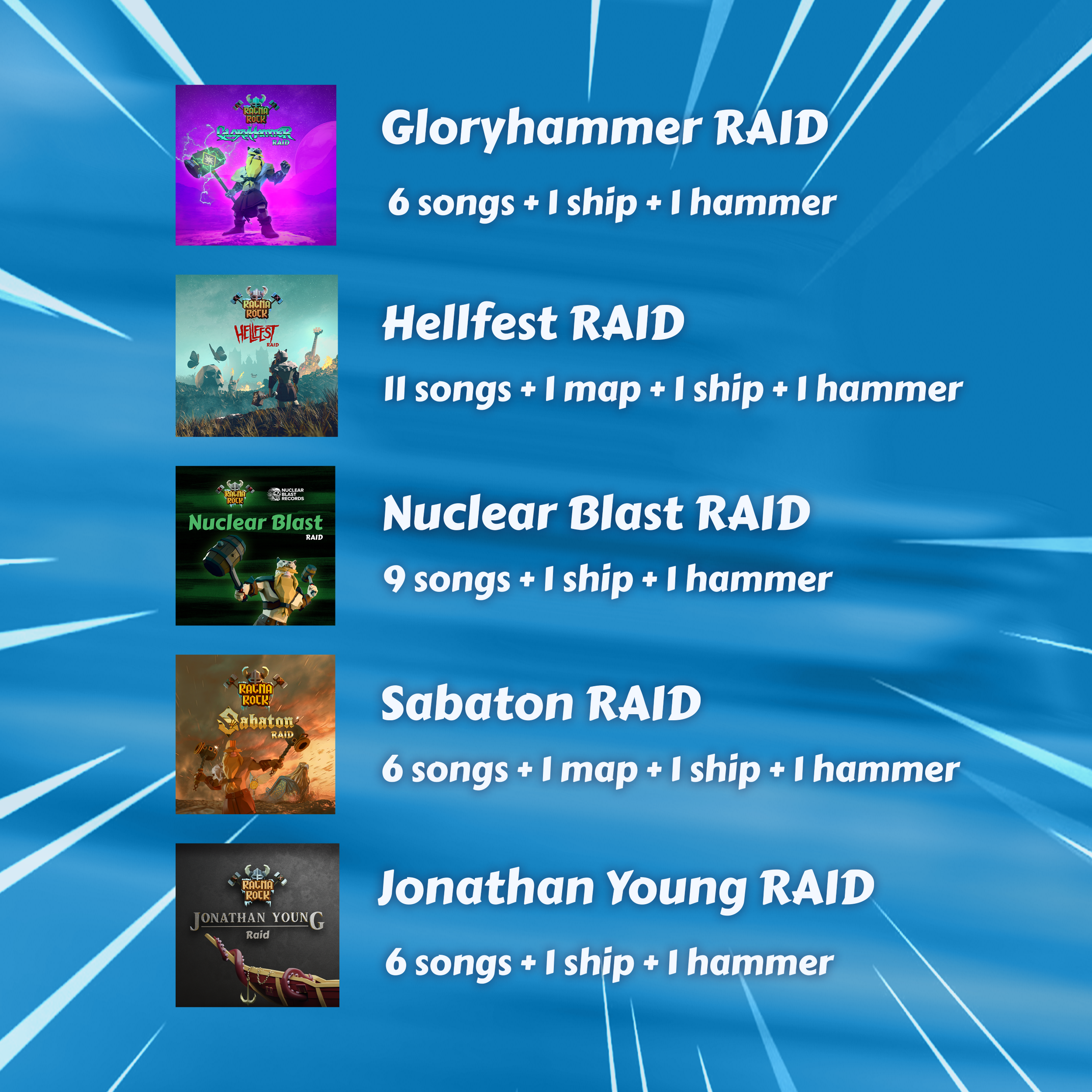
46 songs are available in the base game. 38 more are part of Raids (DLC) so that makes 84 songs in total.
You can find more questions about the game in general here.
If you still have questions or if some of those answers aren't helpful enough, don't hesitate to write us either here, on our Discord, or by email at contact@wanadevstudio.com.
Keep rocking on !
Couch Coop Festival
Ragnarock is rocking the Couch Co-op Steam Festival until February 17th!
Get confortably seated with up to 3 of your friends, and conquer epic Viking races together in local multiplayer (PC only). The split screen mode will definitly bring competition to another level!
Grab the game with a 50% discount for the occasion !
Please note: the split screen mode is only available on PC.
Update 2.5.1
The Local Multiplayer mode comes out of beta! That includes:
Keyboard support for Player 1
Full support for Local Profiles, with local scores/ghosts saved and customized avatar (except color determined by Player number)
End race podium just like in Online Multiplayer
No song selection timer
And various bug fixes
Also :
Increased maximum custom Rune Speed to 50
VR Headset position reset now triggers in-game reset to correctly match the wanted position
Fixed inconsistency between the Ghost selection panel and the Ghost Boats visible in game
Fixed a crash that could still occur when downloading Cloud Save
Fixed empty Favorites
Myths & Legends fest
As the Chinese New Year festivities begin all around the world, discover folklore and mythology themed games in this special Steam Fest organized by Maximum Entertainement and grab special deals before Feb4.
It's 2025 and we want more for Ragnarock this year. Help us shape the future of the game by taking a few minutes to answer the short form we've created.
I know that your time is precious, but we believe that your input can make a real difference. Please be as honest as possible with your answers. Your feedback is incredibly valuable and will help us shape the future of the game!
Thank you !
Update 2.5.0 - Hotfix 2
Fixed a crash that could occur on game launch
Update 2.5.0 - Hotfix 1
Fixed a crash that could occur when uploading a Cloud save