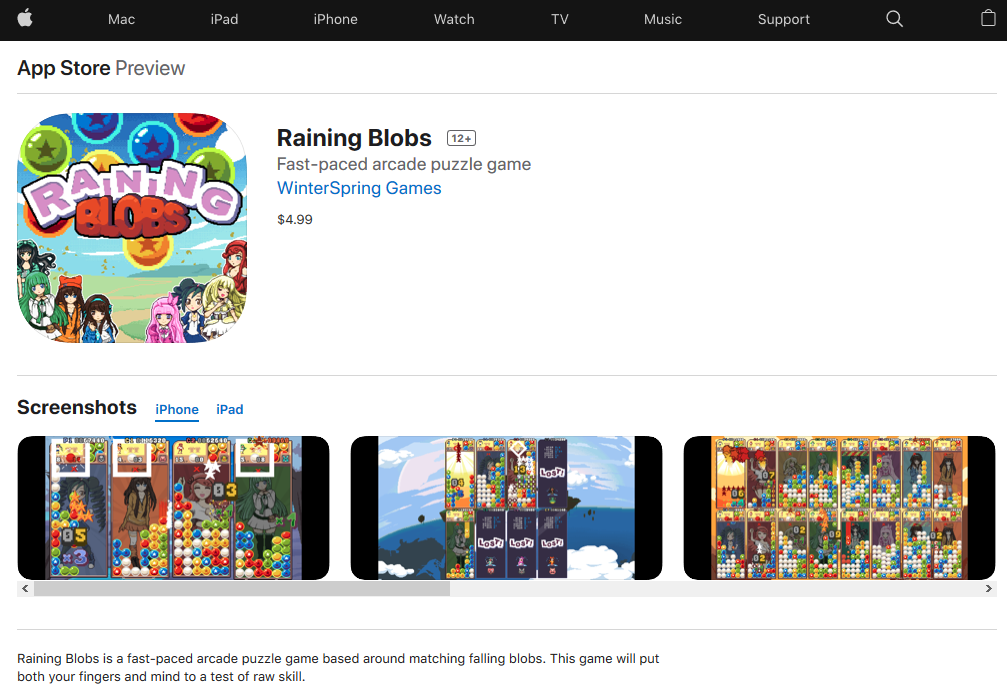
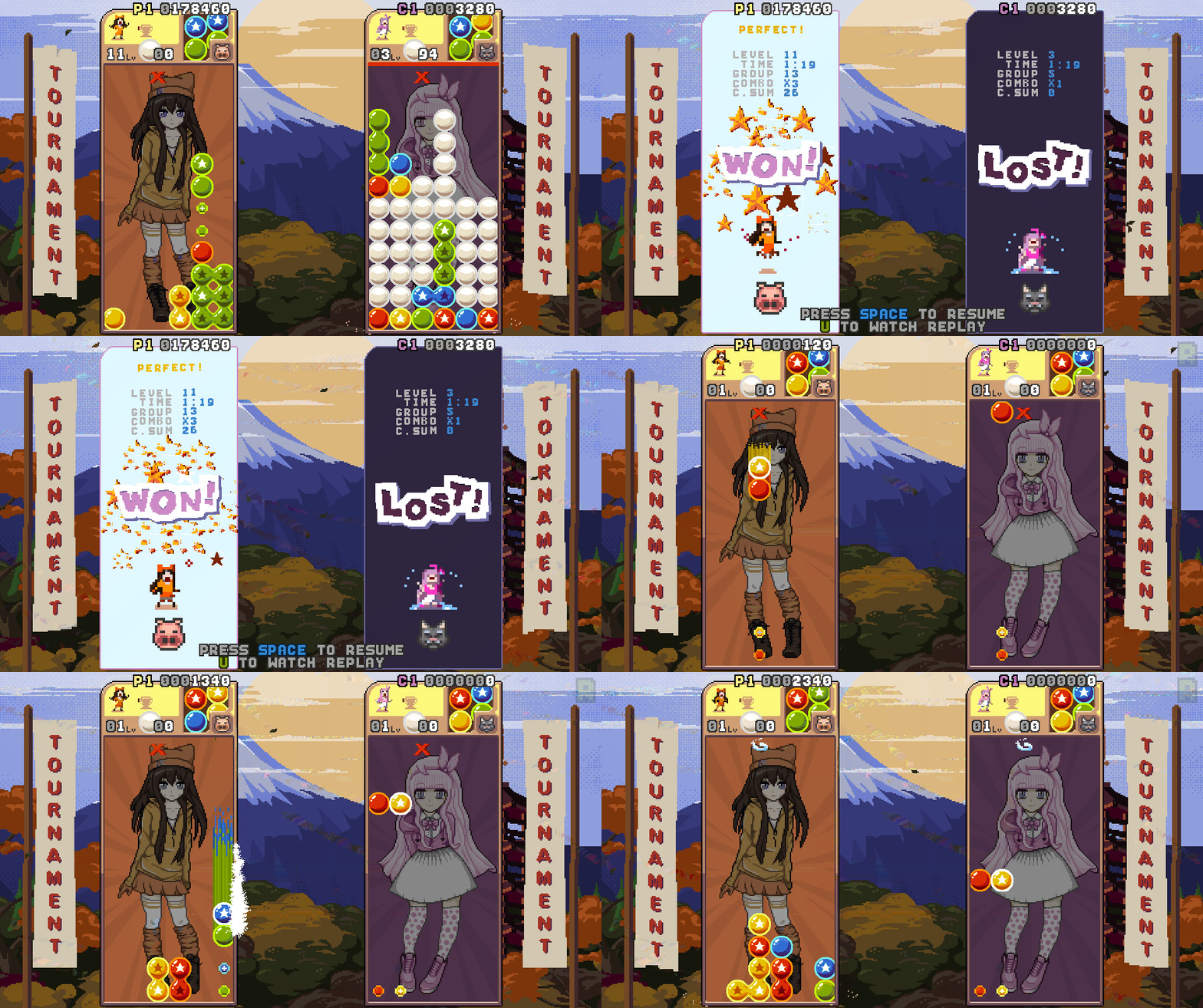
You can see all the available platforms on the official website: http://rainingblobs.com
And this port should be the end of Raining Blobs!
I am thinking about completely overhauling the game with new graphics, features and more polishing. This would be Raining Blobs Ultimate, or something similar. Let me know what you think about that.
Regards, Endi
Raining Blobs on Nintendo Switch!
Raining Blobs is now available on Nintendo Switch for US/EU/AUS regions!!!
And don't forget that you can now play Raining blobs online with friends through Steam with the new Steam feature! ;)
Enjoy, Endi
Small update and exciting announcement
Raining Blobs has been approved for Nintendo Switch release and the port is in progress! So excited, stay tuned for more info!
Small update brings:
Replay Skip option, finally! You can still fast forward with button A and skip at any time with button B.
Endless Battle is tweaked and should allow skilled players to go much further. New colors are introduced much later which makes this game mode much more enjoyable. If you could not get around 20 wins, this change will not make a difference to you.
Core libraries update. Better gamepads support.
Minor leaderboards score formatting tweak to properly handle 10M+ scores.
Enjoy,
Endi
New update
New update brings (plus previous update changes that were not announced):
Slower AI difficulty increase in Endless Battle.
Added visual cue when blobs are being switched in tight gap.
When going back to menu score is automatically saved even if you don't enter player name and press OK.
Finishing with continues in Tournament will get you on the leaderboard but it will include all retry times so players that finish without continues will still have advantage.
Game Zoom options is removed from Options since it was useless and it is replaced with Game Effects. Under Game Effects you have 5 options that can be turned on and off by your liking. Some players complain that there is too much going on on the screen at some point that they can't focus on the actual gameplay so this will help those players enjoy it more. Available options are: board combo flashes, board speed-up rotating background, flying star trails, main background animation, main background visibility.
Board combo flashing effect is disabled in Puzzle mode.
Bug fixed when going from watching match replay to How To Play screen.
The DEMO is also updated.
Let me know if you have any remarks.
Enjoy,
Endi
Game modes, rules, tips and strategies explained
Here are details of everything that you can play and how to do it properly.
Arcade
There is plenty to play in Arcade mode.
-You can play alone or put all real/cpu players on same team to compete for high score and reach level 100. In this mode score matters the most and it is saved to local and global Leaderboards. Beside making high score and reaching level 100 you would also try to complete many of the achievements.
-If you play Arcade mode with multiple real/cpu players on different teams you will fight each other. There are many achievements that can be completed in this mode.
You can enable Fast Drop in Variants. With Fast Drop on you can instantly drop current blobs by pressing Up. There are many other things you can change in Variants like type of the garbage, number of colors and so on.
Note: by changing Variants you can disable achievmenets. For example if you start the game with 2 colors and reach level 100 you will not get any of the achievmeents you would if you started with 4 colors which is default.
Tournament
Fight against all girls and hidden character at the end. After finishing Tournament you unravel your character's story and unlock last hidden character and stage that become available in other modes.
Finish Tournament to compete on local and global Leaderboards.
You can compete on Tournament leaderboard even if you use Continues but all play times will be summed. The faster you finish it the better you are placed on the leaderboard.
Other player can take control of the CPU any time by pressing Start on their controller. But in this case you will unlock nothing at the end.
Endless Battle
Try to win as many consecutive battles as possible. Compete on the leaderboards with the number of wins. Complete achievements.
Up to 8 real/cpu players can play together.
Note: you need to play alone to compete on the leaderboards.
Puzzle
Try to solve as much as possible of the 100 randomized puzzles grouped by difficulty. Puzzles are randomized from a pool of total 150 puzzles.
Puzzle mode can also be played with other real/cpu players.
Note: you can't complete Puzzle achievements if you play with cpu players.
Playing with different RULES -Beside DEFAULT rule where you stack blobs by color and clear the groups by adding 2 or more same color stars you can also play with completely different rules that require different way of thinking and different strategies.
Main focus with default rules is to create groups as big as possible and set up combo chains along the way. All game modes except for Puzzle mode can be played with any of the rules. Many of the achievements can't be completed when playing with other than default rules and also you can't compete on the leaderboards with it. But there are some achievements created for the non-default rules.
-MATCH 4: no stars or gems. You need to connect 4 or more blobs to clear a group. Main focus with this rules is setting up big combo chains.
-1 STAR: all blobs that fall are without stars. Stack the blobs by color. Only one star is required to clear a group. Stars can only be added to the current falling blobs by pressing Up. Main focus here is to stack the groups as big as possible and as fast as possible.
Tip and tricks -One of the biggest mistakes that new players make is that they try to clear color groups as fast as possible in order to keep clear board. THIS IS THE WORST STRATEGY! When you play like that you send very little garbage to the opponent/s when fighting and you also score least points when playing for high score.
In short, BEST STRATEGY would be to maintain one or more big color groups and clear other color groups as small and as fast as possible so you can maintain and grow the big ones. When you clear less than 4 color groups you are not releasing the pending garbage to fall on your board.
While you are building that one or two big color groups try to set up couple combo chains. Clearing big group/s with combo chains is the best thing you can do for sending a lot of garbage and scoring big points.
This is much easier said than done but with practice it becomes natural way of thinking and it makes huge difference.
-Have in mind that one random color always is dominant so try to figure it out and stack that one the most.
-When next blobs show up, there is tiny drop-delay window in which the blobs are not falling but you can make moves. Learn to utilize this in order to play much easier when the extreme speed ups kick in.
-Watch next blobs and decide where to place them before they even start falling.
Take a quick look at Monster Group achievement.
https://www.youtube.com/watch?v=FU4dmpOY-do
I am planning to create more videos with detailed explanation for best strategies and tips.
Let me know what you would like to see explained in more details or what kind of video you would like to see.
Enjoy,
Endi
Small update, ver 1.998
Hope you are all having great holiday time and wish you all the best in the upcoming year!
Small new update brings:
Now you can compete on Tournament Leaderboard even if you finish it with continues. Those that finish without continues will still have advantage since times from the matches you loose are added to the final score. Plus whenever you continue the points are reset but those are not so important since Tournament Leaderboard is ordered by fastest finish time.
Replay is now working on last stage in Tournament.
If you press Start on name input to go back to the menu without pressing OK to confirm the name, the name is automatically confirmed and the score is added to the appropriate local and global leaderboards. I have noticed that some players enter their name without selecting OK at the end and because of that they are not placed on the leaderboards.
Some minor tweaks.
The game is now available on Xbox One store with free Trial and Play Anywhere!
https://www.microsoft.com/en-us/store/p/raining-blobs/9p8r3jmr87s9
Xbox One and Windows 10 versions support 8 Xbox controllers unlike the Steam version where you can have max 4 Xbox controllers and if you want more you need to add players on Keyboard or add non-Xbox controllers.
Xbox One version also supports keyboard.
Enjoy,
Endi
Xbox One certification passed!
Stay tuned for release date.
New update, ver 1.996
New small update brings
New font design for Leaderboards now shows thinner lower and uppercase letters.
Some under the hood improvements for Replays. There were extreme cases that could break Replays but not anymore. Also some minor Replay UI changes.
Small UI tweaks.
If Player 1 gamepad is disconnected during gameplay the game will pause and notify the player to connect the gamepad.
Things are going great on Xbox One side, wait just a little bit more! ;)
New update. Replay FF.
Small new update adds Fast Forward to Replays.
While watching Replay just hold button A to fast forward and release for normal speed.
Enjoy,
Endi
New update - REPLAY!
New update brings ability to watch REPLAY of all ARCADE and TOURNAMENT games.
Also now you are able to look at the board stats for longer period between matches and continue when you want by pressing START or watch a REPLAY by pressing button A.
This works in both ARCADE and TOURNAMENT modes.
Replay is not available for ENDLESS BATTLE and PUZZLE modes.
In future updates I might add ability to save the replays, right now you can just watch them. You can watch them as many times as you want but once you continue they are gone.
Please give it a try and let me know if you find some issues.
The game had 0 bugs and 0 performance issues before this update so all these changes make me nervous before the Xbox One release :)
NOTE: I am able to break REPLAY by abusing PAUSE/RESUME during regular plays and replays. I am working on this but if you are playing it normally you should be good.
I am planning to enter Xbox One certification very soon!