

RC Simulation 2.0
September 30th, 2016 (Build Version # .901.p1)
(Build Version # .901.p1)
- Small Maintenance patch containing some small bug fixes and tools for helping me debug issues simpler and faster.
- Updated Rewired Input Controller for many more default controller layouts.
- Added a new outputLog.txt to help me diagnose different setups and bugs easier.
Windows Location: C:\Program Files (x86)\Steam\steamapps\common\RCSIM2\RCSIM2_Data\output_log.txt
MAC Location: ~/Library/Logs/Unity/Player.log
Linux Location: ~/.config/unity3d/devotid/RCSIM2/Player.log
NOTE:
On Windows, the log files are stored in locations that are hidden by default. In Windows XP, make hidden folders visible in Windows Explorer using Tools > Folder Options… > View (tab).
On Windows Vista/7, make the AppData folder visible in Windows Explorer using Tools > Folder Options… > View (tab). The Tools menu is hidden by default; press the Alt key once to display it.
September 24th Update Bug Fixes and Controller Mapping Helpers.
September 24th 2016
(Build Version # .901)
SteamBuild # 1362352

- Quadcopters: You can now change from Acro Flight Mode to Gyro Flight Mode while flying. Press "F" on the keyboard (default) or you can map this action to any controller button. (Y button on a XBOX360 Controller) Before you had to open the Quadcopter setup file menu to change this. This will allow you to switch on the fly and help save some stress of learning to fly the quads in Acro mode.
- Added a new Input menu to show the current "output" to each car in the Input Mapper screen. This should help users when setting up a new custom controller. You can now see if the mappings are affecting the output the way you desire. NOTE: You need to set up your custom controllers so that all axis are reading 0-1. You can click on the small round circle logo next to the axis name in the input mapper to invert an axis.
- Input Mapper Menu now built for larger screen resolutions. Added new "break points" for the dynamic input control mapper menu. (some users could not use the control mapper screen on double and triple screen setups.) Tested up to 5720x1200.
- Completely rebuilt the way the land vehicle setup files are saved, updated and loaded into the game. The old way was writing the wrong data for the Stadium Truck, 2WD Buggy and 4WD Buggy and resulted in them not functioning at all on some users computers. The new way will run a check on your computer and then replace all of the default setup files for all vehicles. If you had any custom setups they will be deleted as we are not saving the same data as before this update. The old setup files will not work with the new updated system. Im sorry for this trouble but in Early Access things will be changing as new features get added.
- All Land vehicles now have Reverse as a default setting. No more adjusting the maxthrottleinreverse in the electronics tab.
- Added new backend graphics optimations.
- Added a new versioning system to be able to tell the exact build that is being used. You can see the current version you are running in the bottom corner of the game screen.
- Added a new option to Reset the game to default settings. Just open the game and go to the Options menu and press the rest game settings button. Then the game will close. You will then go into the Steam Client in your Library. Right click on the RCSIM2 game and go to Properties. Then in the "Local Files" TAB you can click on the "Verify Integrity of Game Cache". Then restart the game.
Sept 2nd Update: Controller fixes, Linux Workshop Tracks, lighting, reflections, post processing effects and more...

Sept 2nd 2016:
- Added a "Cancel Menu" button to leave ANY menu and back to the game. If you use it in the opening main menu (when you have not chosen a track yet) It will ask you if you want to close the game.
- New Post processing filters added to all camera views to spice up the shine and glow effects on all objects.
- Added Reflection Probes to all vehicles for chrome/High Gloss like reflections.
- Updated the Larry walking animations and camera movement on the larry FPV cam. It will be a little nicer walking around now as the camera will not have the annoying bob effect. Also the run camera is a little different.
- Changed all the bump mapping on the vehicle tires.
- Added a new Tire Particle Roost system that will stay on the ground for a few seconds. It still changes color too fast when progressing from texture to texture but I will work on that in the future. (Still A Work in Progress V0.89)
- Fixed a bug were only one rear tire would shoot a dirt roost. Now both rear tires are working properly on all cars.
- Updated MUD Textures on all of the terrains.
- Changed the Rotate cam Min zoom. You can now zoom in a bit more on all vehicles.
- Added a DirectX controller fallback option for all non XInput controllers. (Game will now auto install DirectX libraries on a fresh install).
- LINUX: Changed the way the path is created on Linux for the Workshop Track paths. You can go into Options and reset the game settings and then restart the game. The path will be auto generated again and then you should be able to load all the Community Workshop Tracks on a linux machine.
July 20th Update NEW 3D TIRE MODELS!
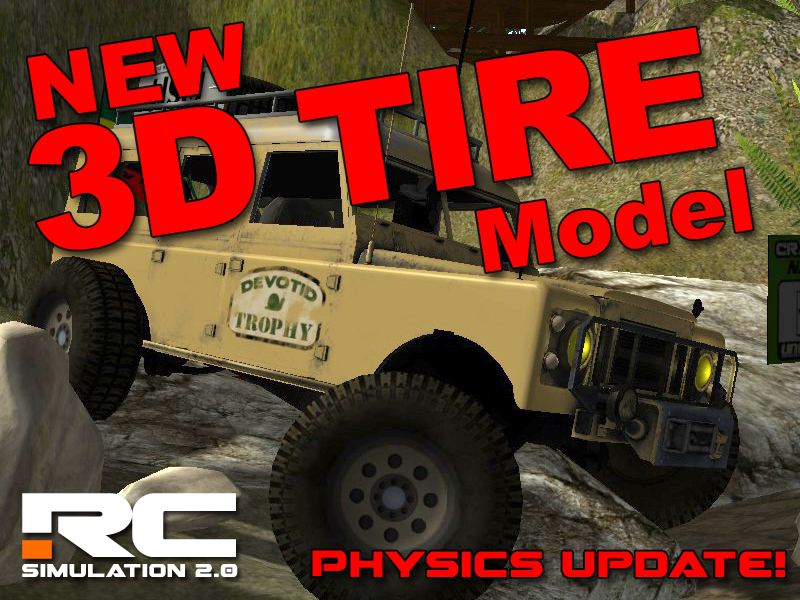
3D Tire Physics are here!
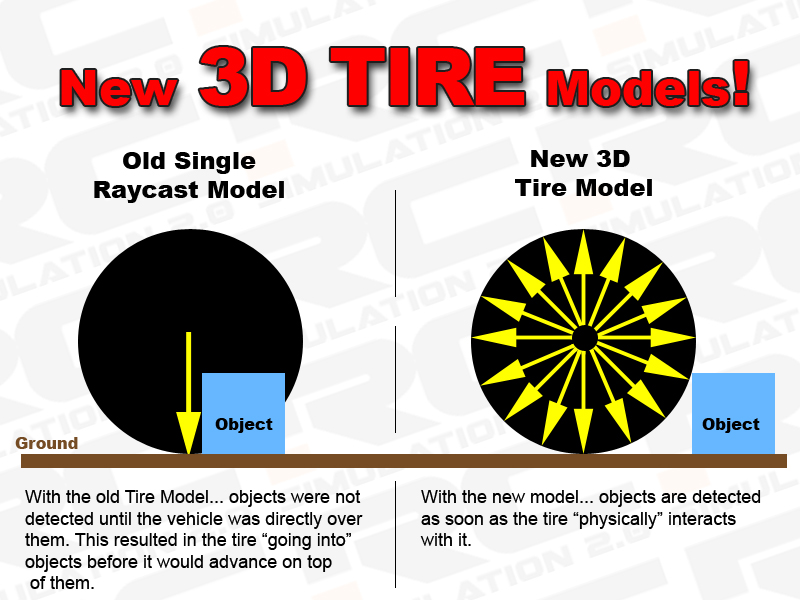
This update brings all new 3D Tire models and updated physics to all land vehicles. I have been working on these for a while now to get the rock crawling part of RC Sim up to par. You simply cannot crawl anything when the tire does not contact the thing you are trying to crawl over. With the new 3D Tire Colliders most 4X4 vehicles can "crawl" up the face of almost anything in game now. (as long as the bumper clears...;) ). You will also notice all other non crawling cars to be more precise with their contact with the ground and all track objects.
The image below shows the difference of the old single downward raycast model compared to the new 3 Dimensional one.
Small simple video showing the new tire colliders in action.
https://youtu.be/_nAgBMfKMhw
Other notes...
- Weight Dist: The vehicle physics model now also accounts for the weight of the wheels in the total "balance" of the vehicle. The vehicles will now corner and "jump" a little different. I think they are a bit more stable in the bumps and jumps now too.
- Damage: I had to remove the damage system for now as it is not playing nice with the new multiplayer/career mode that I am working on. More to come on that....
- Marshals: Now the marshal should not step on your cars and fall down. You can still hit them any other time.... but while you are getting flipped, Larry trigger colliders are turned off. This helps when he would come to grab you and then make contact with your car. This will change a bit in the future but this will make it more user friendly for the time being.
- Fixed some Linux Build GPU Shader Stuff. Should run on More Linux machines now.
As always just restart the RC Sim game and all updates will happen automatically.
Thanks very much for the support! Happy RCing!
Kevin
devotid
All New Quadcopter Racing Drones and Boat physics! With inverted Acro Mode.
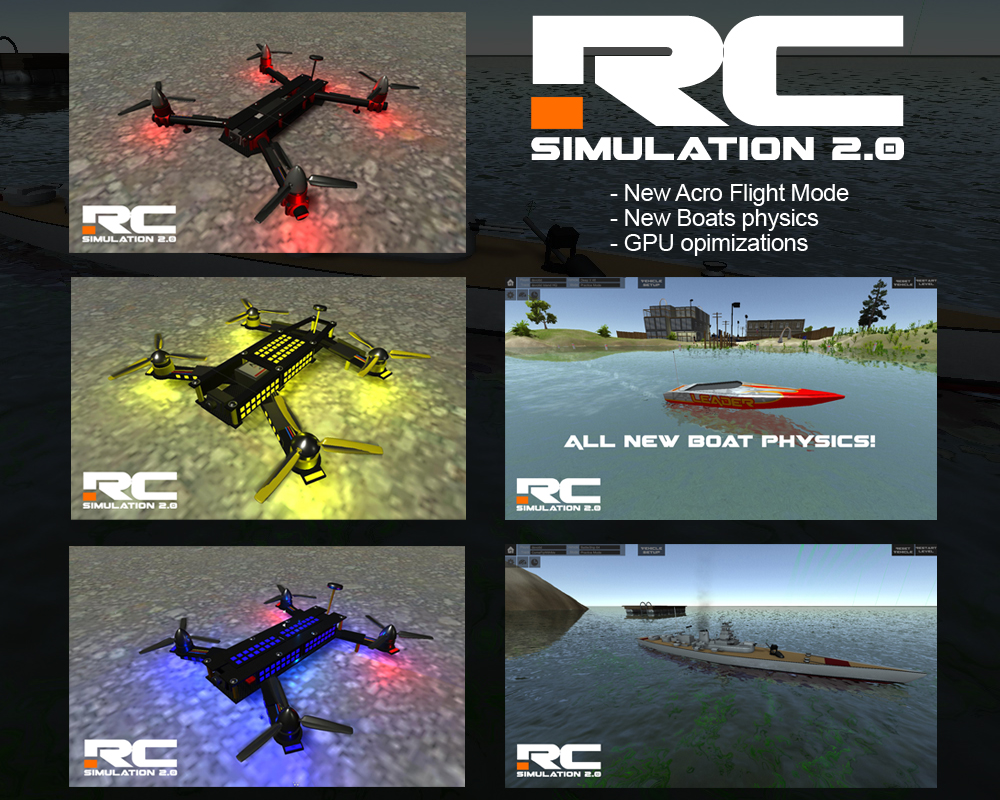
- Acro Mode (Acrobatic) for ALL Quadcopters.
- All New boat physics.
- New Track Objects
- New onboard Flying HUD
- Optimizations
- New assignable "Reset Car" button
I stink at flying....lol.
https://www.youtube.com/watch?v=NTfZrdVq5qM
NEW QUADCOPTERS:
Lately, I have been studying and learning all I can about the drone racing industry. You can def say I have "caught the bug". I have really enjoyed building these new drones. Im not much good at piloting these yet as you can see from the attached sample video but i am really having fun pretending and breaking them. :)
The initial version of drones were just a simple approach which made them pretty easy to fly. These new drones can be tough to fly if you are new to them. The new Acro mode will allow all the real life tricks and maneuvers you can think of. Immelmann turns, flips, S-turns etc. (This is explained more in the update notes below).
All Quadcopters now hover at center stick throttle. To land and to decend you must pull the stick down but be careful not to land too hard and break something. You can adjust the Yaw, Roll and Pitch rates in the setup menu now and they will save automatically. For acro mode, there is also three easy presets to set them to slow, med and fast.
If the Acro mode drones are not your thing, you can always fall back to the "Gyro" version (in the quadcopter setup panel). This version is more like the original quads and will fly the quad in relation to the stick position of the controller. (just let off the sticks and the unit will return to hover). The Yaw axis will also rotate the drone in relation to the ground and not the copter itself. This is good for filming and general cruising. You can set the max angle of Roll and Pitch in the setup menu as well.
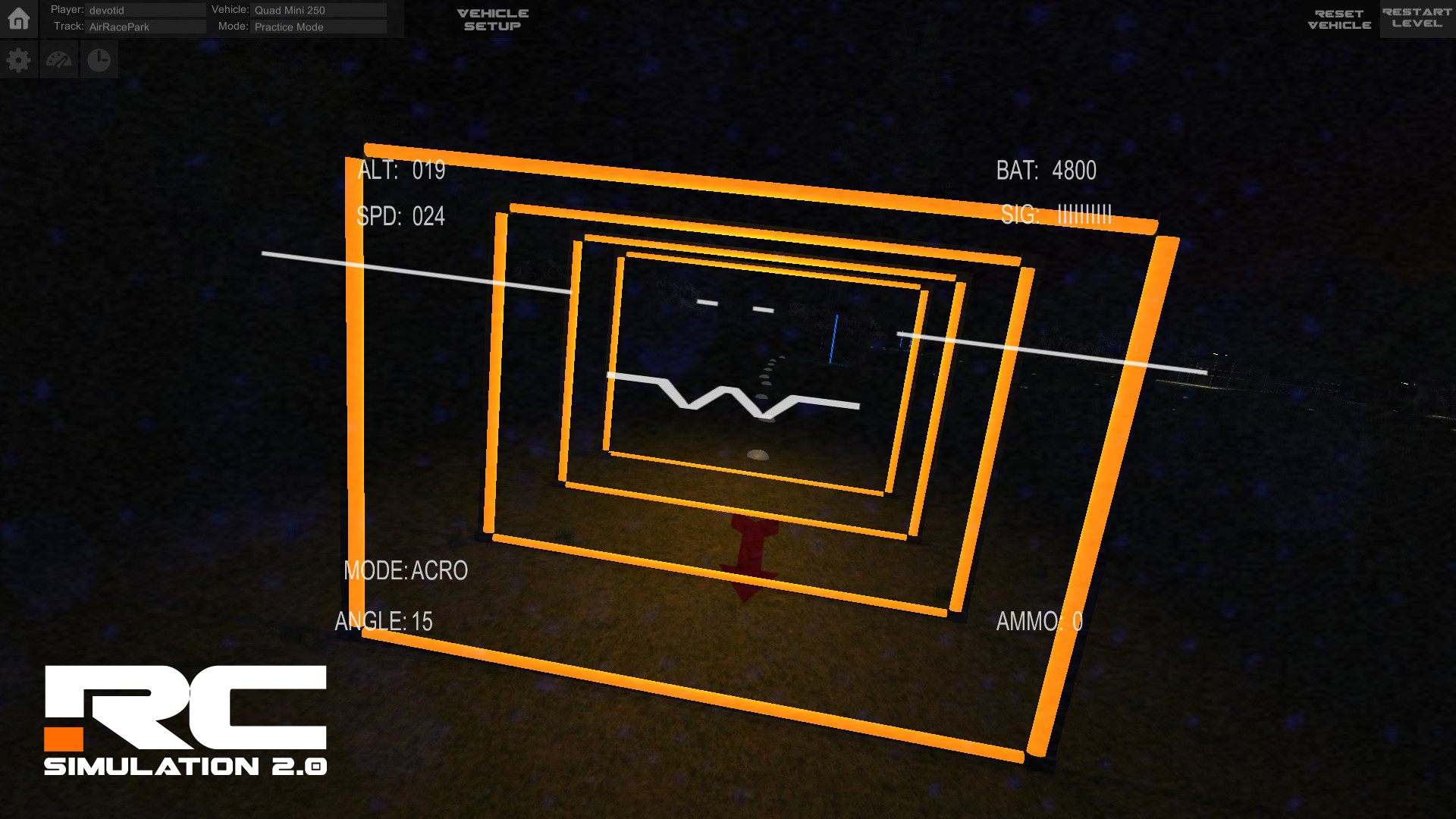
Seeing that the most popular way to fly the drones is Onboard FPV camera (F4 key), dont forget to adjust your camera angle (4,8,6 and 2 Number Pad keys on the keyboard) to make flying "forward" a little easier. This will be auto saved for each quadcopter. You can see the camera angle on the bottom left of the onscreen hud.
NEW BOATS:
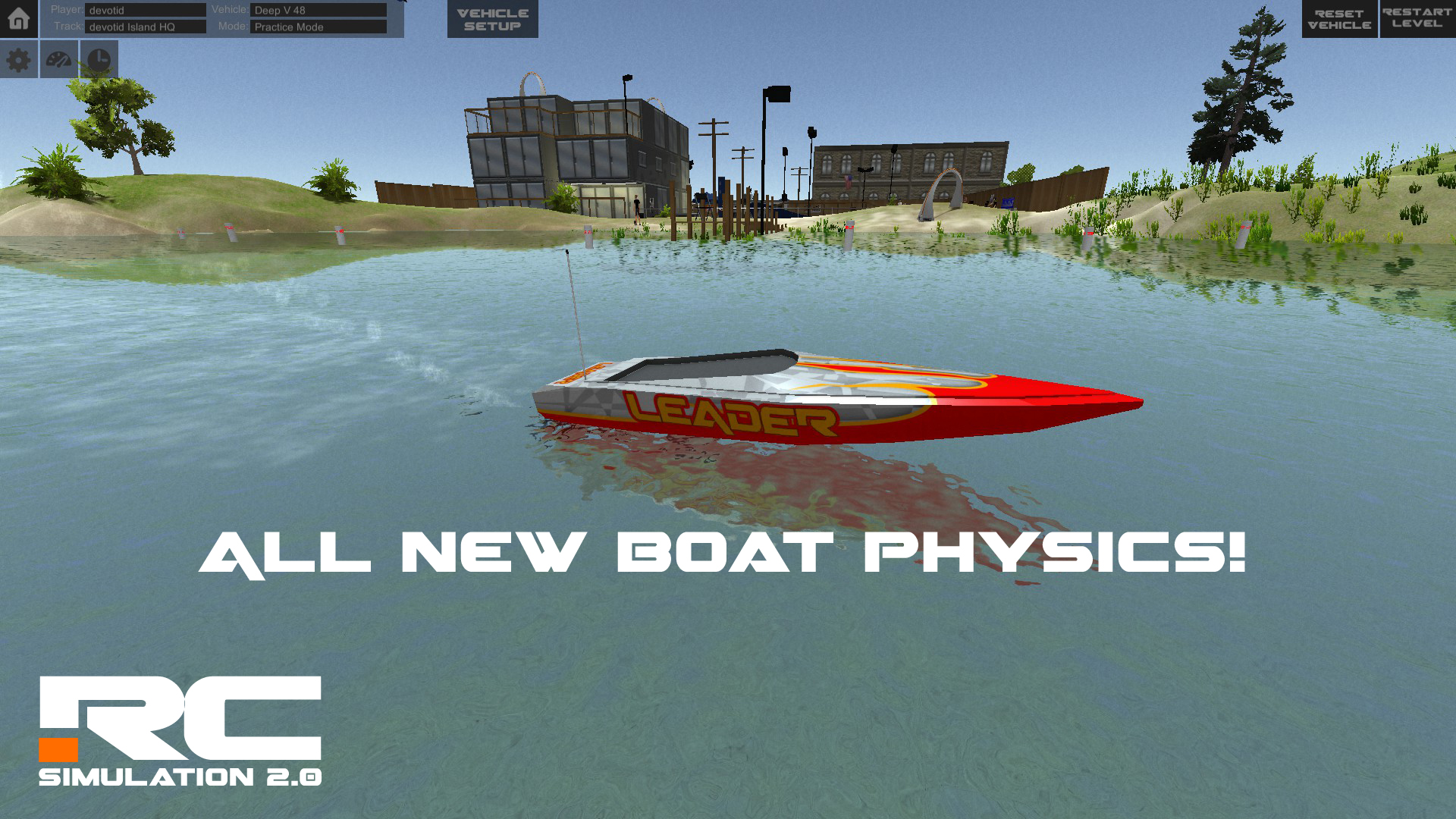
The new boat bouyancy model should run a little faster and be more precise. With the new changes, you have to watch your throttle finger a little or the front end of the boat may bounce and even come up too far. This will force you to get out of the throttle and lose time. I also fixed the silly "ghost turning" when landing (sorry about that...:\). The wake no longer dissapears when you leave the water. They all feature new adjusted Motor and water sounds. The rotate cam, when underwater will now have the same effects as the onboard cam.
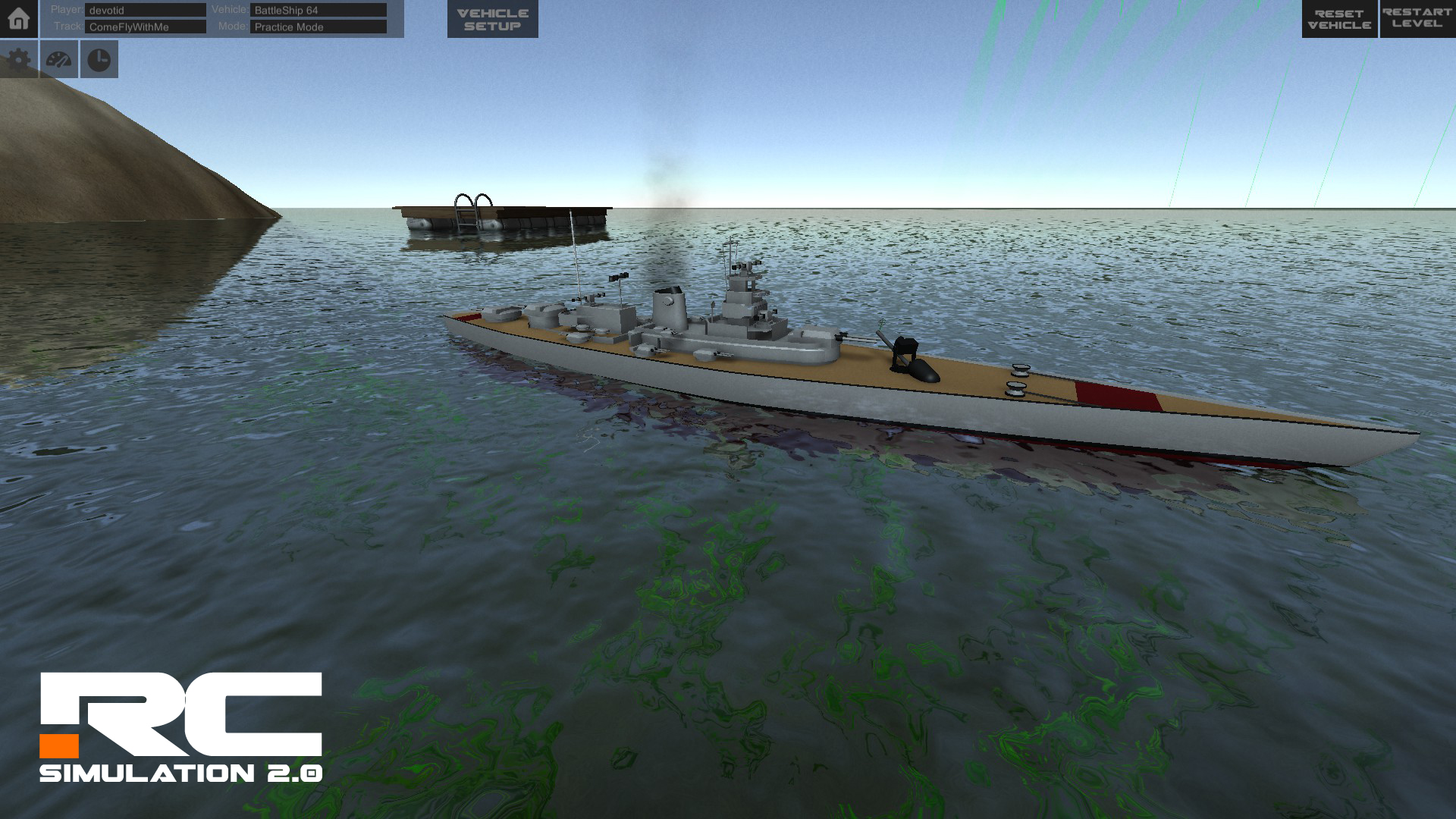
I also added a New Battleship 64 to annoy larry and other users with. Its big, slow and has a Paintball gun on the front to shoot down those pesky drones with. Make sure to try it out in F4 onboard cam and then use the camera aim to throw some paintballs!
UPDATE NOTES:
- Optimized most of the vehicle physics and particle systems and have seen about a 10-15% increase in FPS on all levels tested.
- Added a "Reset/Fix Vehicle" assignable Button/Key that you can now map to any Key or button. This is easier than reaching for the keyboard all the time to fix a quad or any other vehicle. As Larry DOES NOT FIX Vehicles, he only flips them over for now. The new action is under the ROAMING catagory in the controller mapping screen. The default Key is R on the keyboard. This will fix a broken car and also sets you back to the original spawn spot when the Level was loaded.
- New Boats physics: I rewrote about 80 percent of all the boat physics. I fixed the Boat "insta" steering bug after a large bump or jump over a land area.
- Added a new fun BattleShip 64 to go float around and harass Larry. It has a paintball gun mounted in place of one of the Gun turrets. Its not the fastest and doesnt turn all that well but did I mention it has a paintball gun on the front?
- Fixed the rear rudder on the catamaran boat that was on the wrong pivot.
- Fixed the missing boat water reflections and refractions on the water surface.
- Fixed the audio for the boats and adjusted all 3D sound settings for a much better 3D "feel".
- Fixed the dissaperaing wakes when the boats would leave the water.
- Quadcopters now have new physics and two different flying modes to choose from. Gyro mode and Acro mode. The defualt is the acro mode. The acro mode is completely new and the gryo mode is a tweaked version of the first version of quadcopters. I wanted to focus first on the acro mode for the advanced flyers. (And secretly I wanted to get better at acro mode flying) ;) I will be redoing the gyro mode in the future.
- Gryo mode: The quadcopters Roll and Pitch flight is proportional to the position of the stick for now. The default setting is +- 45 degrees. The Yaw Axis will always turn releative to the Earth. (Earth Relative)
- Acro mode: The quadcopter is its most agile in this state and also the hardest to fly. You can go inverted and all that fun stuff. The Yaw axis will alway turn relative to the Quadcopter. (Object relative). This will allow for all kinds of new tricks and stunts like Immelmann Turns, loops and S turns etc....
- Added all new Quadcopter Sounds and sound controller with wind noises. It def adds to the immersion of the onboard FPV flying.
- Added a complete new flying on screen HUD for all flying vehicles. It features a simple horizon indicator allong with some on screen data like.... Altitude, Speed, Flight Mode, Ammo, Battery MAH (not yet functional) and more.
- updated 3D models for 3 of the drones. New LED Lighting and some different components.
- Added a camera viewing angle "auto save" feature for all 4 quadcopters. It will auto save when you change vehicles.
- Added a simple quadcopter setup menu that will autosave your settings for each vehicle. You can set the flight mode, Rates and turn on an axis expo if you want to smooth out the center of the axis a bit. (makes the three flying axis slightly progressive).
- Added 6 new Track Objects for the new racing quadcopters. Neon racing markers to guide the way in night racing. There is three different colors and two different shapes to start with.
Just a small developers future road map...
Things I'm currently working on:
- The pre-game launcher turned out to be a little more work than anticipated and should be available in a future update.
- Still working the new multiplayer and finishing the ability to run a race weekend (Practice, Qualify and Race).
- Finishing the new boat physics and working on the better damage and collision model for all four of them.
- Working the new HUDs for the flying planes and quadcopters.
- Working on the new "acro" flight mode for the quadcopters.
- Tweaking the physics on the tire models for all the land vehicles to make them "snappier" and more precise.
- Fixing the lift controller on the planes and making them more accurate.
Things I am planning to work on:
- Better 3D tire colliders on the land vehicles for crawling and precision tire placement.
- Better Sounds on the land vehicles. I have ordered a new microphone for my recording stuff and cant wait to start recording some new samples.
- Adding the ability to paint your own vehicle and customize it. (add an image with a photo editing program and use it in game.)
- Some new track editor tools. (more news on that in a future update....;) )
- Adding some road tools to the track editor so users can create roads and tracks easier with prefabricated pieces.
I am still reading the Wish list every day and getting great input.... Keep it coming. :)
Im sure I have missed a couple small things that I have on my "bug lists" but nothing major that needs mentioning here. I have taken the advice of the community and have been working hard in the background to bring you the features that you want.
So have fun playing RC Sim and stay tuned. ;)
Kevin
February 22nd Quick Fixes and a New Default Air Race Track.
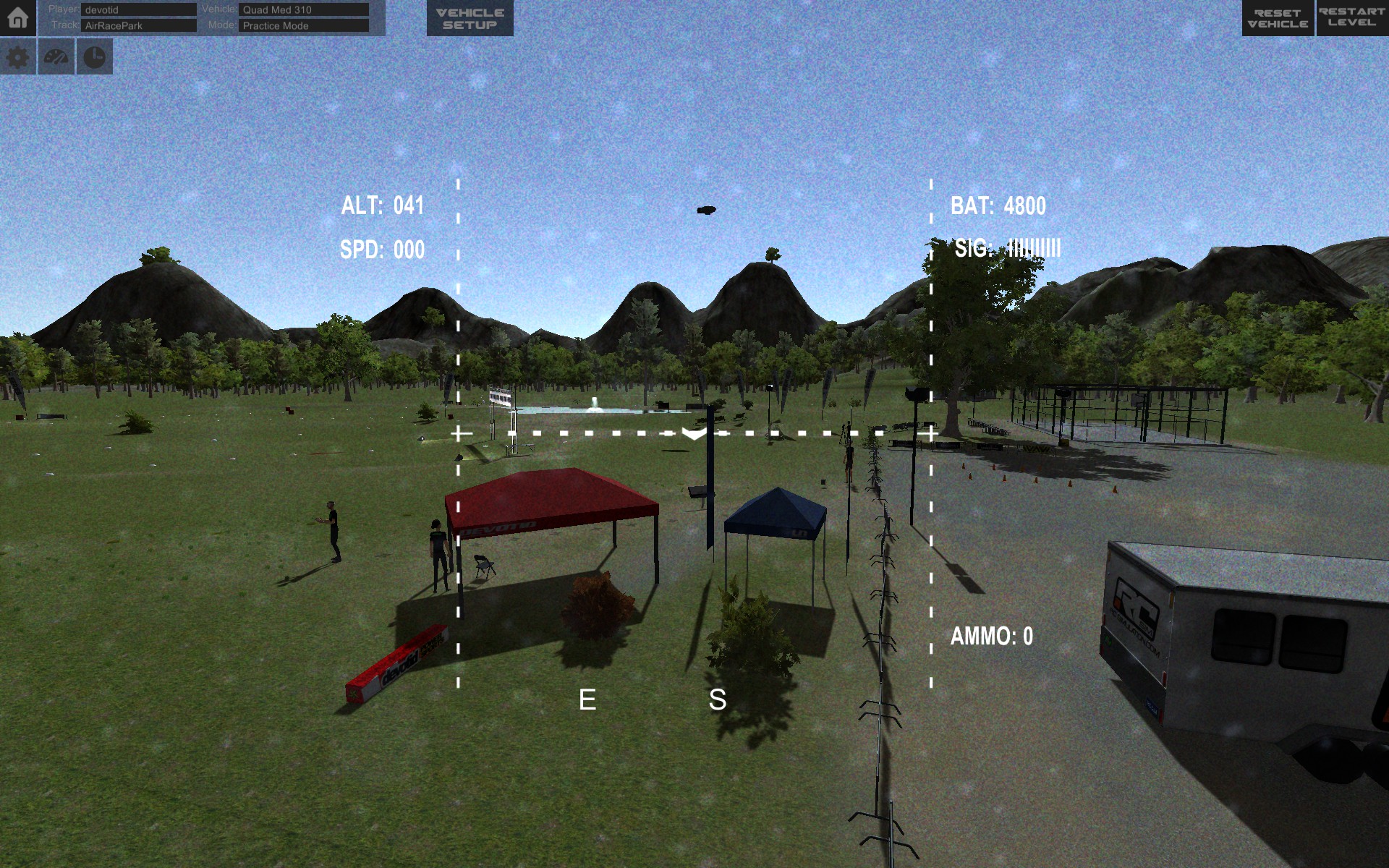
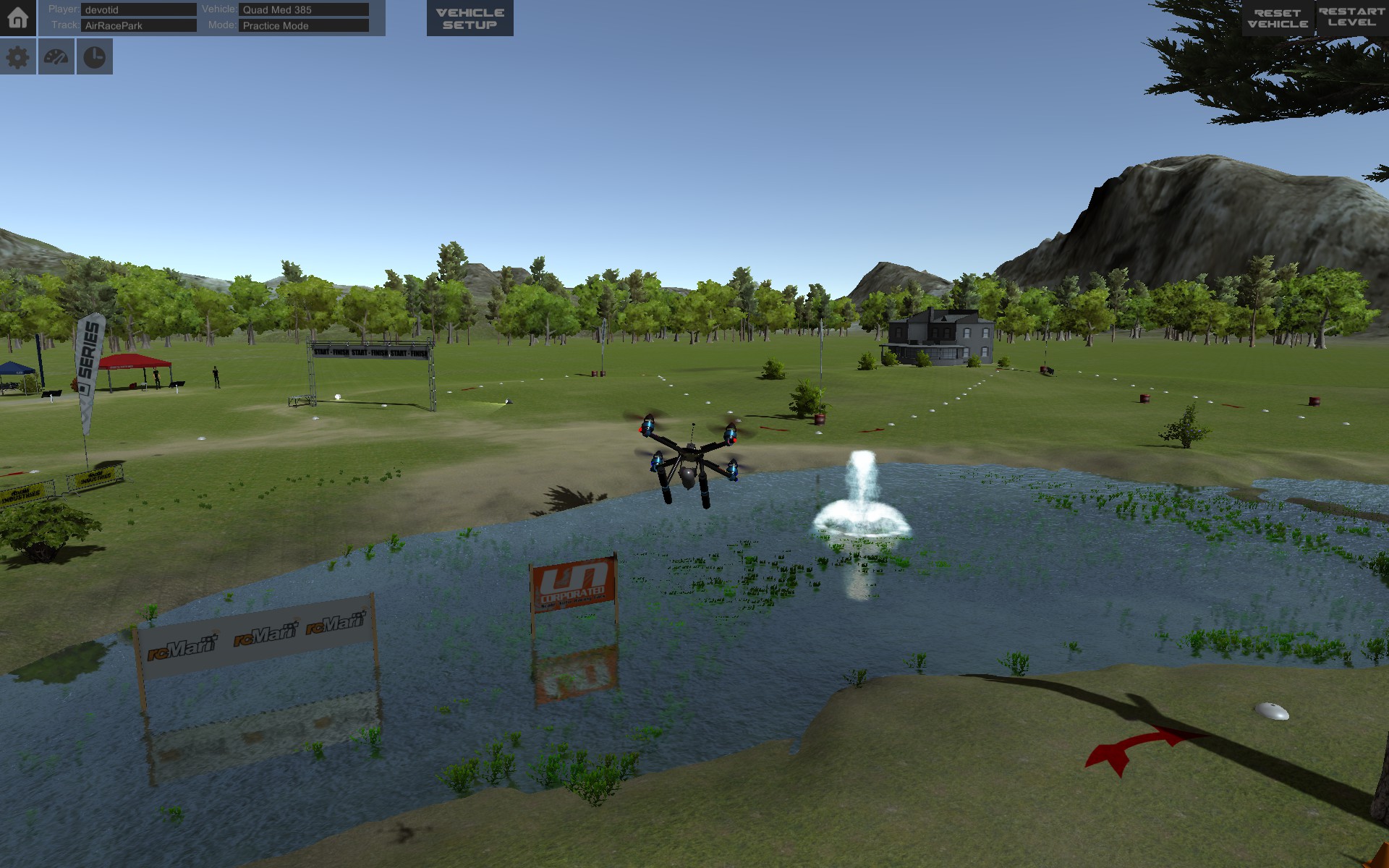
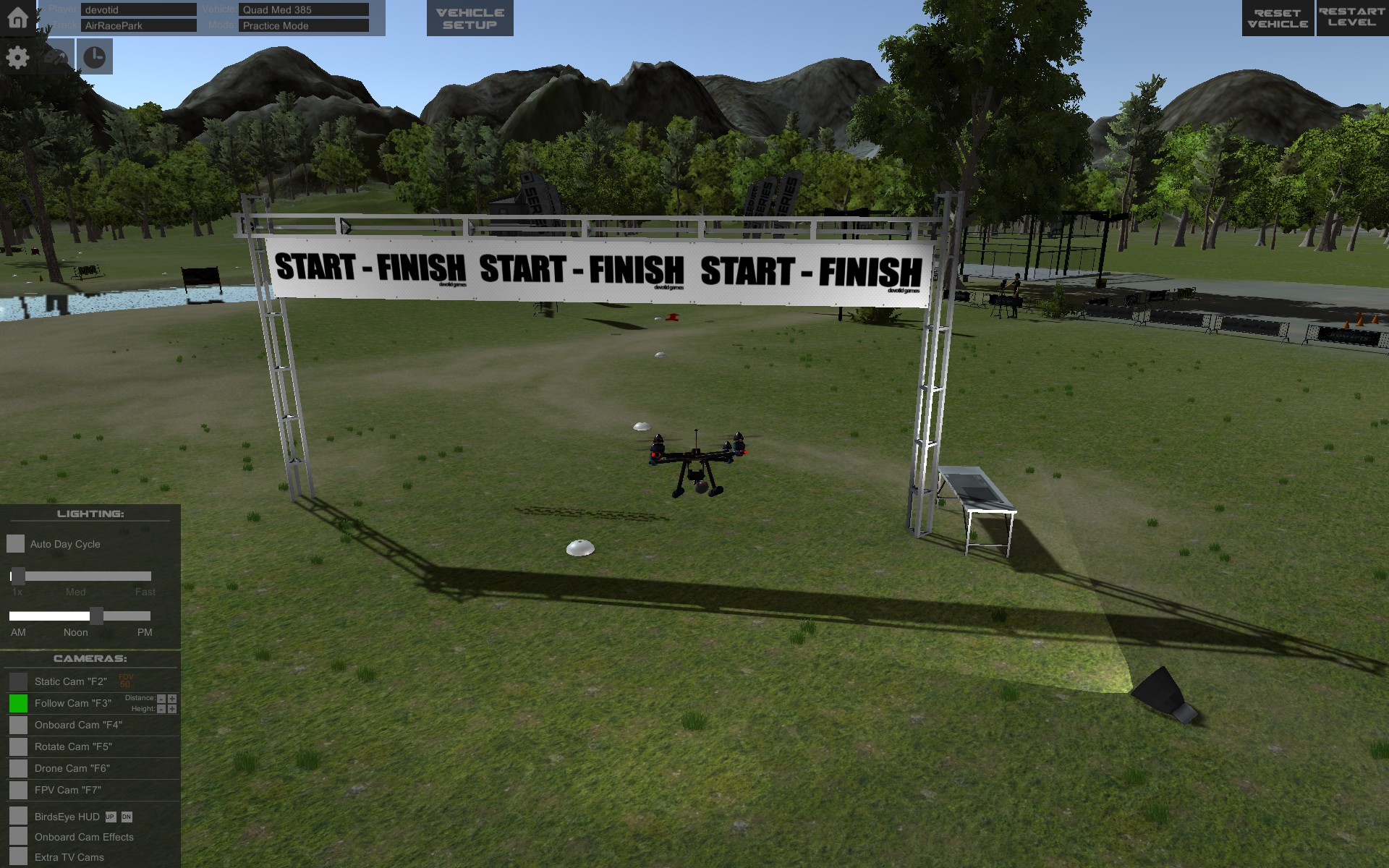
New Default Track to do some Quadcopter racing and practice. Nothing too hard and a good place to learn to fly them. Follow the white dots on the ground and remember slow is fast. It is in your Default Tracks Folder and it is called Air Race Park.
- Fixed a shadow on the terrain issue.
- Fixed damage on the off road rear wings. (wasnt turned on) Derp.
- Fixed the hinge on the tractor Trailer semi
- Fixed a BIG GLITCH when a water object would reflect the trees incorrectly and cause a big lag/spike in game play.
- Fixed a bug that would show Not Connected when users were actually connected.
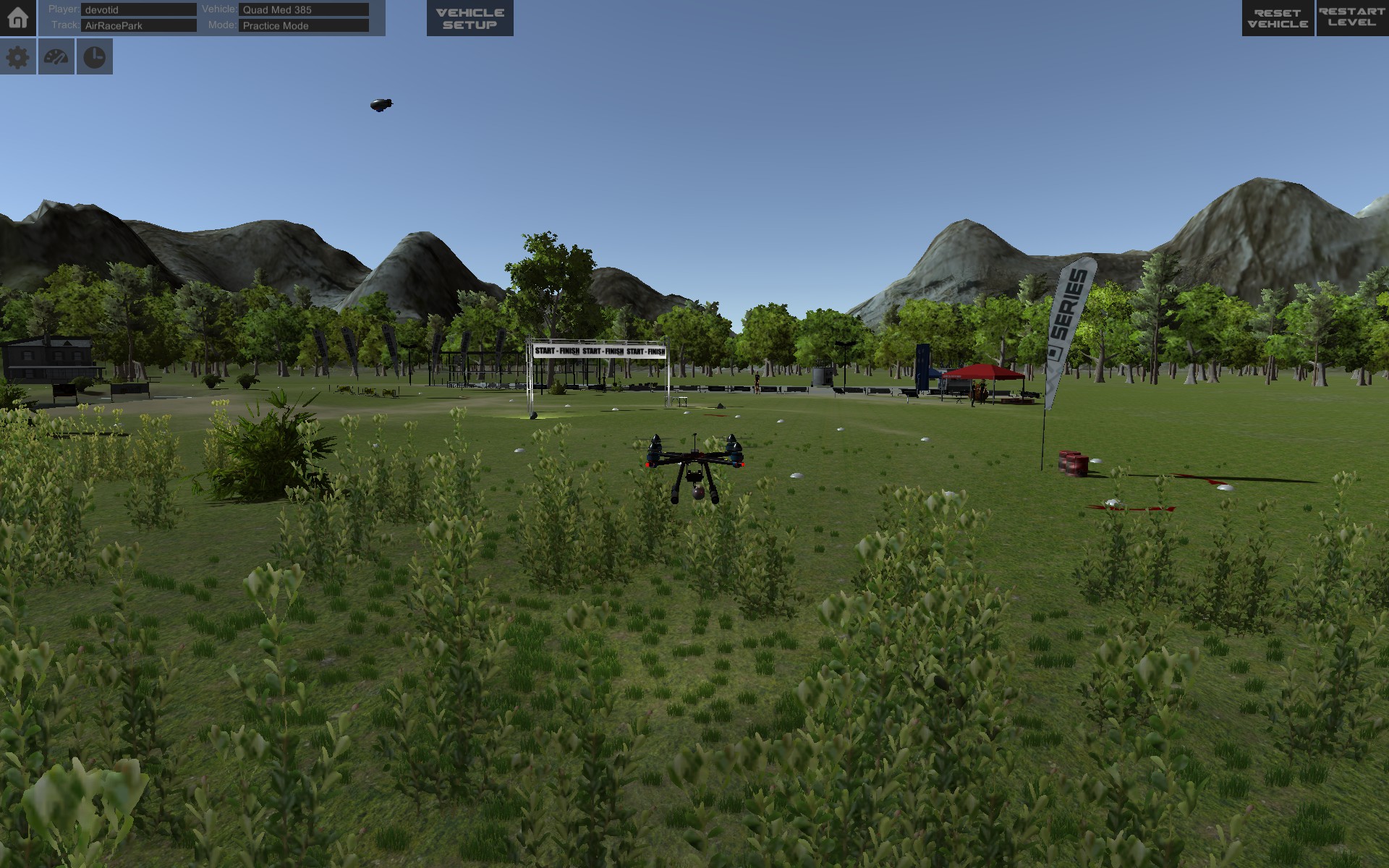
RC Simulation 2.0 Fixed Wing Planes and Vehicle Damage added!
One of the LARGEST UPDATES since launch!
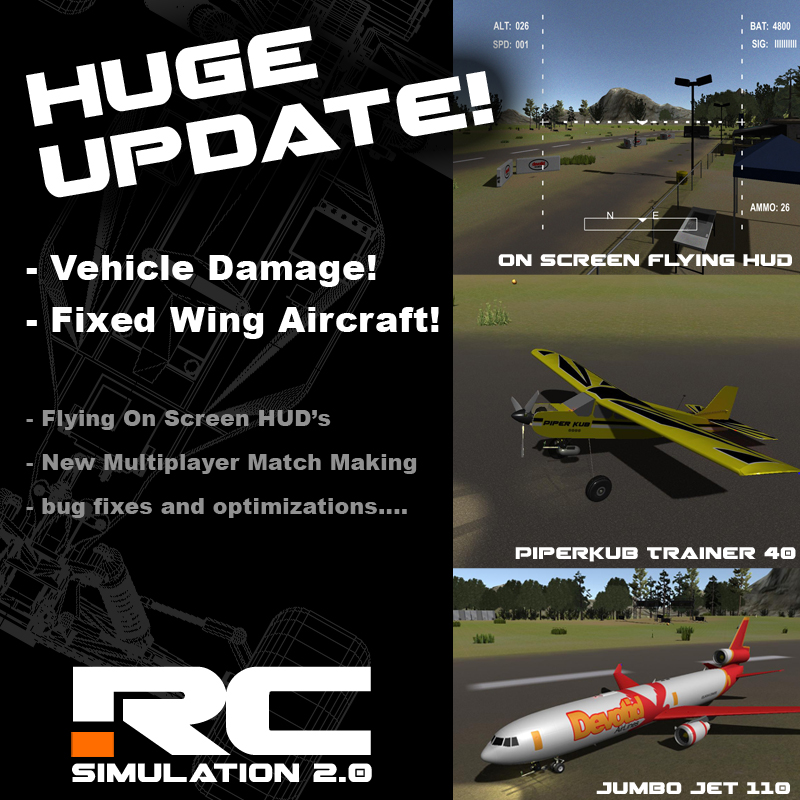
New Damage Models, Fixed Wing Aircraft, Default Tracks, Graphic Improvements and General Bug Fixes.
Check out the youtube video below to see the new features in action.
https://youtu.be/becWLqfUDGQ
I worked at a hobby shop for three years and saw how much money was spent on "crashed airplanes". So I def wanted them in the game to save me some money on balsa wood and CA glue. Soooo......I give you the first of the fixed wing planes to RC Sim 2.... The jumbo Jet and the Trainer 40 Piper Kub. I cant wait to see some great flying fields and maybe some good target practice venues in the workshop.
Make sure to check out a sample air flying field that I whipped up last night to fly around in an practice my dog fighting skills... :)
http://steamcommunity.com/sharedfiles/filedetails/?id=629282409
Vehicle damage is also turned on for some public testing. It is not done but thought it was ready for public view. I have to still set the "joint" force and torque breakage values a little better but we can all learn as we tweak them. You can set them in the Green Vehicle Debugger Menu that pops up when you open the vehicle setup menu. You must reset the cars for the effects to take effect. This will be changing frequently in coming builds.
For now the "broken parts" will just remain on the track but I will build something in the future to "sweep or clean" them up. There may still be some bugs and joints set a little too soft or a little too stiff but I will be updating these in the back ground with future updates.
The boats do not have damage yet as they are still getting a full revamp soon.
Made lots of backend fixes too.... Oh and I fixed the stupid Achievements bug... Who would have thought that a comma could do so much damage huh?
Well.... Now Im going to take the day off tomorrow and go RC Racing for a change...lol.
ENJOY!!!!!
UPDATE INCLUDES:
Fixed Wing Aircraft With Damage:
- Added NEW Fixed Wing Aircraft: New Jumbo Jet 110 features triple 800kv motors with ducted fans. Plane also includes new Damage model. (wings, Engines and more can break off)
- Added NEW Fixed Wing Aircraft: New Piper Kub 40 Trainer features a single 800kv brushless motor. Plane also includes new Damage model. (Wings, Landing gear and Props can break off)
- Added New crash sound controllers for the planes, Boats and Quad Copters. (Still a work in progress and sounds will be replaced in time with new recordings we are still gathering.)
- Updated all physics on all quadcopters and also added the damage model to the props so they will break off and kill operation of the copter. You must reset the vehicle to fly again. This could make some cool "flying" obstacle courses in the workshop. You will also be able to shoot your friend out of the sky in Multiplayer. ;) (Visual Damage does not update in multiplayer yet but they should not be able to fly anymore)
- Added Fire Cracker "Cherry Bombs" to the Jumbo Jet. They are in place of the Paintball markers and will explode on impact of anything they collide with. You can use this to disable other vehicles/targets as well.
- Added New Flying On Screen HUD with Altitude, Signal Strength, Battery MaH, Air Speed and Current Ammo Amount. (Battery Mah does not discharge yet)
- Added the ability to angle the other Quadcopters camera up and down to aide in angled "Fast" flight. (D-pad Up and Down buttons on controller and Keyboard numbers on keyboard)
Land Vehicles with damage:
- Added damage to all the LAND Vehicles (not including the Semi) you can adjust the "breaking strength and Torque" in the vehicle "Debbuger Data" menu (The green Menu bottom right hand corner called Vehicle DeBUGGUER Damage Tool:) Turn on the Vehicle setup to activate it.
Some vehicles have breakable Axles, Wheels and wings with more coming in the future. You must hit the reset car button for the debugging changes to take effect or to fix a broken vehicle.
Lighting:
- New SSAO (Screen Space Ambient Occlusion) Lighting and shadow adjustments for DX 11
- Fixed a big bug that was causing the water refraction's to crash the camera in the track editor.
Models and Objects:
- Adjusted bushes, trees and rock shadows/Lighting.
- Adjusted the Light Lamp poles "light intensity" and made them go a little farther as well. Track Creators may have to adjust some of the lighting in some of the Workshop tracks.
- New more precise colliders on Light poles and Some of the Pole objects to "hit" the planes and quads out of the air.
- Blimp cam will now focus on the Current vehicle until the the user moves the camera. (Key Pad or the dpads on controllers) Reset the level to reset the camera again.
- Added the ability to shoot down the blimp cam..... in a fiery mess. :)
Multiplayer:
- Fixed Multiplayer: Found a error that would default ALL USERS to the local server for their region. Now users should be able to see everyone who is in the game. (Work in Progress) I am still building the multiplayer and it is next on the list for major overhaul. The ping rate will be a little slower but there is simply not enough people playing the game to have it broken down into regions. This WILL change in the future as the multiplayer is overhauled.
Level Editor:
- Changed the menu title from "Level" to "Save" to avoid confusion.
- Added wind zone to blow the trees around on the surrounding terrain. (Ads a little more life to the surrounding terrain.)
General Fixes:
- Fixed a bug that would give 25 free achievements right away when a new user signed in for the first time.
- Added New Trees and Colliders to all the surrounding Terrains.
- Fixed a weird shadow bug that was making a weird "Shadow Acne" across the ground from the air.
Make sure to let us know what you think.
Thanks again for your support!
Kevin
devotid
January 22, 2016 Small Update
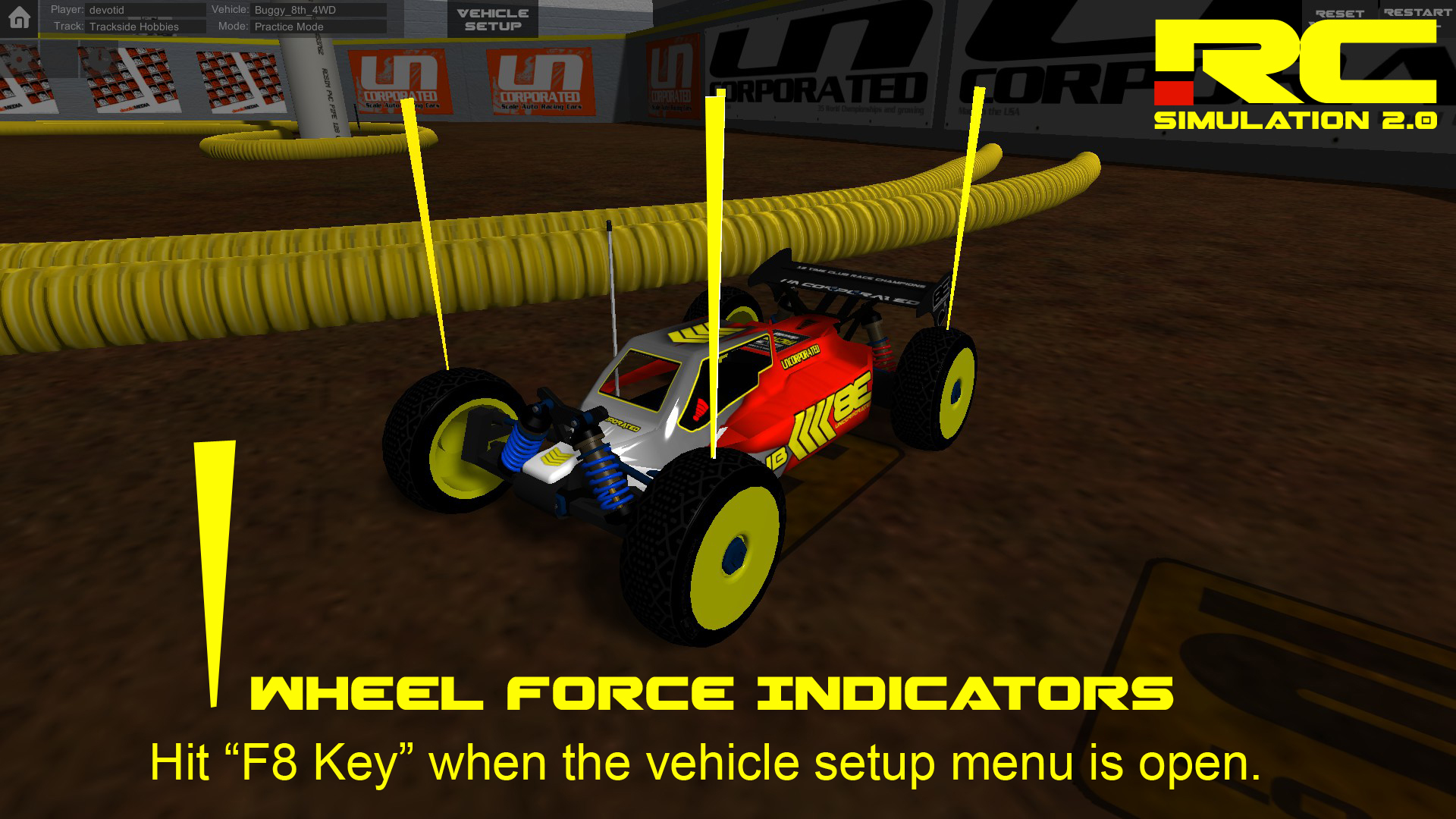
- Added a Tuning aid when the setup screen is open on land vehicles you can now hit the F8 Key and there will be force indicators over each wheel. Hit F8 again to turn it off. (Setup Screen must be open to turn it on or off). This will give a better visual to the weight transfer of a vehicle.
- Review Screen: Steam will introduce the game to more of an audience as it gets more reviews. So I added a review screen after the closing screen. You can choose to skip if you have already made a review of the game. Thanks very much. :)
- Fixed Semi Tires that had flipped axis resulting them being on the truck backwards.
- Adjusted the Air "drag" on the boats when jumping. They should now continue to fly after you jump something. (These are not the new boat physics but just a adjustment on the "flight" of them) They still act funny when landing from a jump. I did not originally plan on "Jumping RC Boats" but i guess that is what games are for. ;) I am stil working on the new boat and Quad copter physics.
January 16th, 2016 Vehicle Setup Menus and 2 New Default Tracks:
https://www.youtube.com/watch?v=zcU4UC66d7M
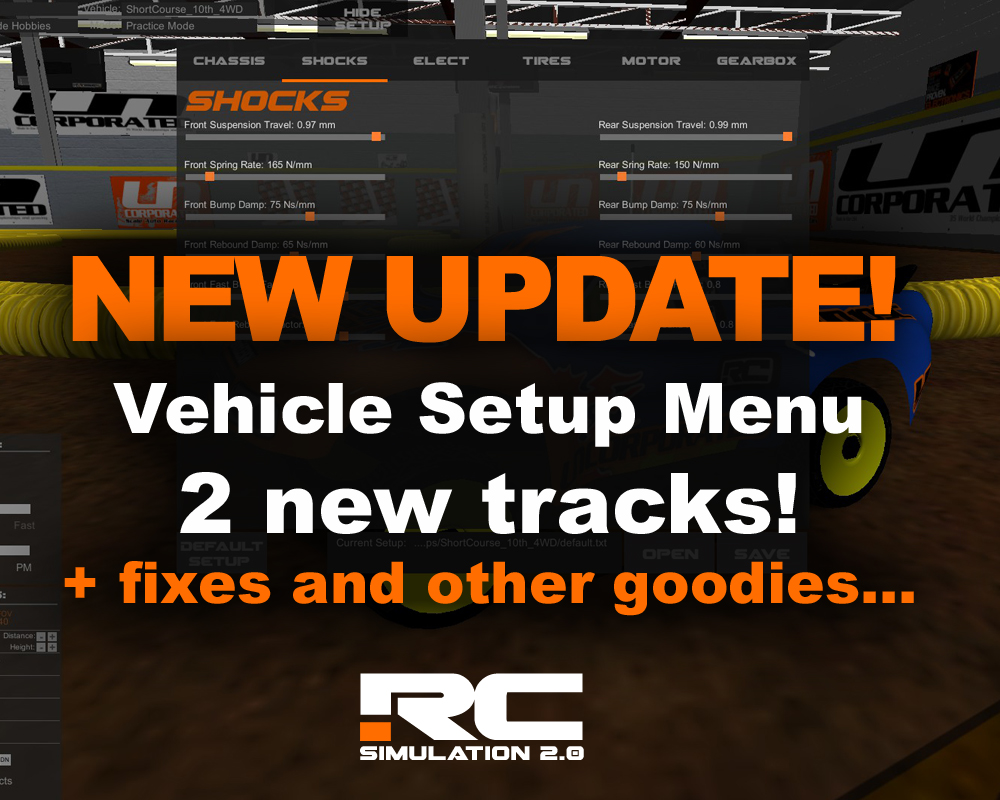
- Added the New Version 1.0 of the Vehicle LAND Setup Menus!
With the addition of the new Vehicle setups menu you can change many settings per vehicle to tune them to each track or venue. Most all of the settings are all real time and you will see them affecting the vehicle on screen. I have only finished the Land Vehicle setup menus for now as I am still finishing the physics for the boats and quads. (Quads and Boats will be getting a physics update in the future...)
The "Setup Files" are simple text files that are stored in a folder called "Setups" on your local Machines persistent data path. (Location is different per Platform.) Until the "internal sharing system" is finished....you can simply share them to someone as a text file and all they have to do is place the file in the folder of the vehicle that they are using and it will be available in game to choose as a setup for that vehicle.
If you uninstall the game (Steam Client "Delete Local Content") the vehicle setups will not be deleted.
WINDOWS SETUP FOLDER:
C:\Users\YOURCOMPUTERUSERNAME\AppData\LocalLow\devotid\RCSIM2\Setups
MAC SETUP FOLDER:
/Users/YOURUSERNAME/Library/Application Support/unity.devotid.RCSIM2/Setups
LINUX SETUP FOLDER:
"Work in progress"
OTHER VEHICLE SETUP NOTES:
- You can load the default setup by clicking the "default setup button". WARNING! you can change the default setup for now. You will not be able to save under the name "default.txt" in the future.
- The adjustment sliders Minimum and Maximum limits are not set yet and may make the car act crazy. Its best to make small adjustments and test until we settle on some default setups.
- This is a beta feature and will be changing in the future.
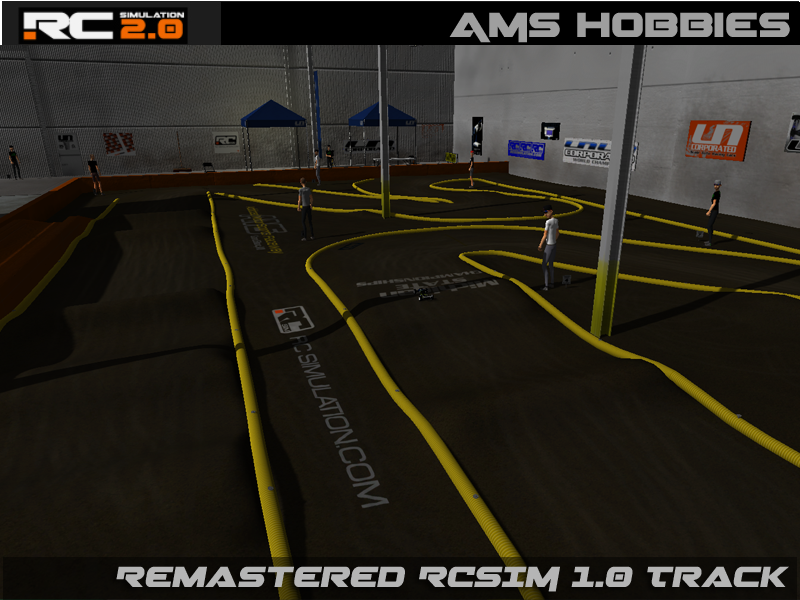
- Added New Default Track: AMS Hobbies in Grand Blanc MI
(This is my local indoor offroad track :) ) This is a nice simple layout to get the hang of driving an RC Car on a track. Check them out on Facebook at AMS Hobbies Grand Blanc, MI
- Added New Default Track: Trackside Hobbies
Trackside Hobbies is one of the Premier RC Track Destinations of the Midwest and home of the Horizon Indoor Champs every year in the early winter season. Small tight racing and always a wonderful track surface.

Other Game Fixes and Updates.
- Set the Main Multiplayer Region to US Server so all users can see each other. This should help people find more people to drive with.
- Fixed the Game close bug were it would show the track loading image.
- Adjusted the Keyboard Controls for eaiser driving with the arrow keys and any "buttons".
- Added a volume control for the MAIN Volume and the ability to turn it off by setting it to "0"
- Added a volume control for the Music Volume and the ability to turn it off by setting it to "0"
- Made a new Shader for the texture picker menus as they were really dark on some video cards and people couldn't tell the difference.
- Fixed the main terrain shader that was making everything on the ground shine like it was wet and raining.
- Fixed Bug in semi trailer vehicle using the wrong CarController for the Attached Trailer.