RC Simulation 2.0 Build Notes Nov 24th Launch Day!
RC Simulation 2.0 Build Notes Nov 24th Launch Day!
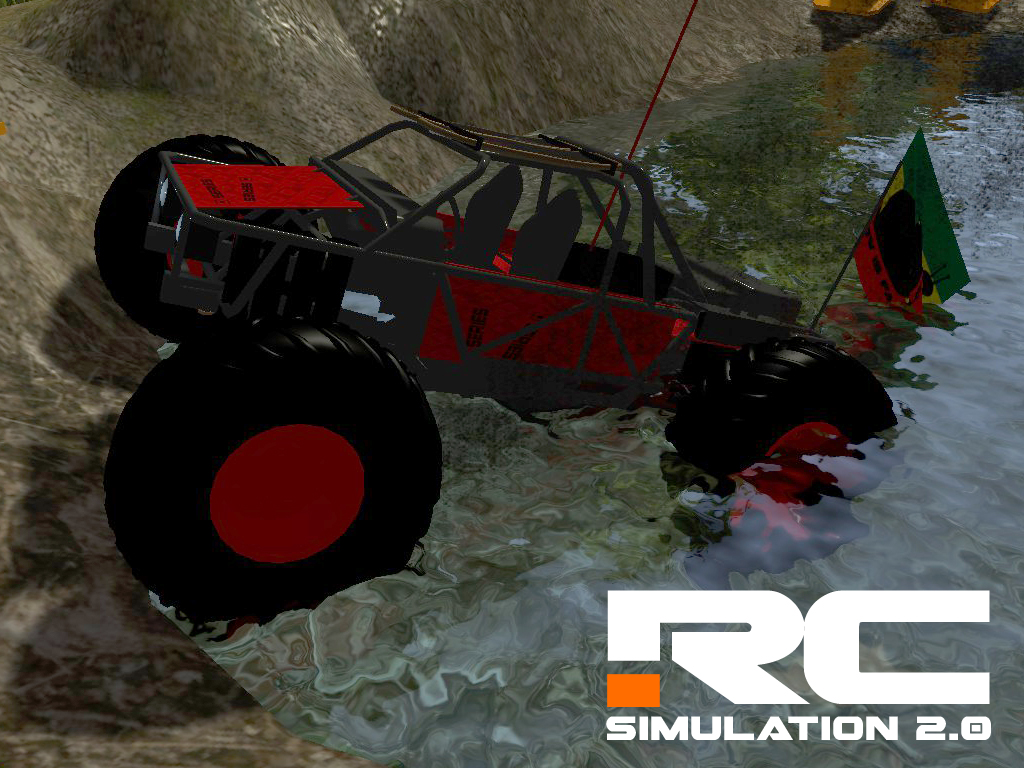
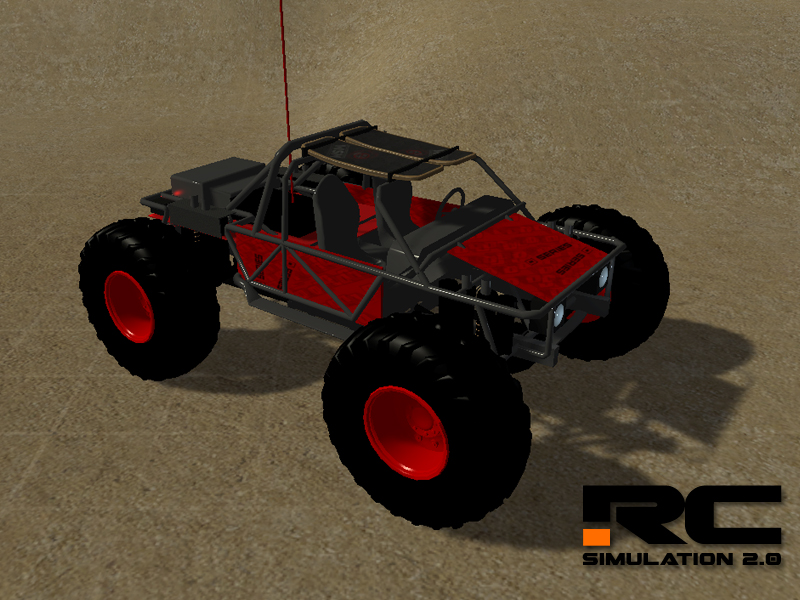
- Brand New Vehicle! Squatch 10th Scale Solid AXle Crawler with 4 Wheel Steering
- Added Steam Stats (Total Laps and Total Races)
- Added Steam Acheivements with reward icons (11 Total rewards/acheivements)
- Added a 2 more tracks to the Workshop to show more track examples.
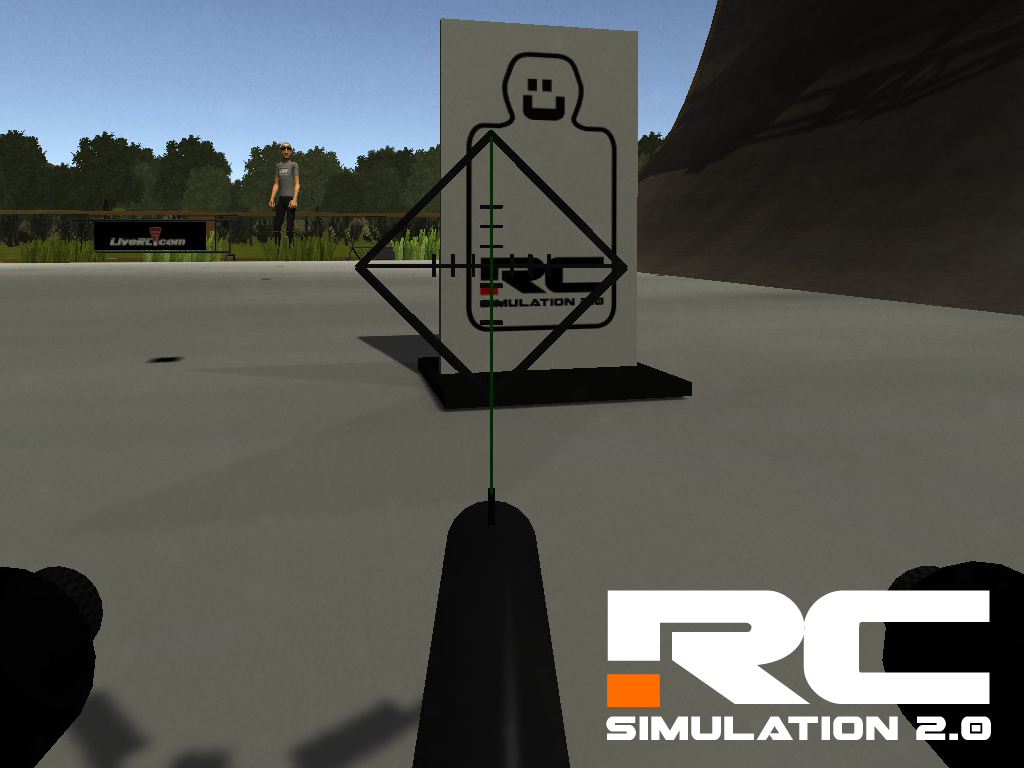
- Added New "shootable" Targets to Shoot with the Paintball Markers.
- Added 8 New platforms for the Level Builder. (Round Freespin, Round Sprung, Round Powered, Round Hinged, Square Freespin, Square Sprung, Square Powered, Square Sprung) Still a Work In Progress with the Wheel Colliders going through them.)
- Adjusted the rigidbody weights of all paintball ammo and targets.
- Adjusted all light distances to make them brighter and cover more area.
- Reseting Vehicle will now Reset the amount of paintball ammo to Full (25 rounds)
- Adjusted the distance that larry will slow down when approaching a marshalled vehicle
New Crawler Released for Launch Day! "Squatch 10"
Less than 9 hours till launch and Im still adding content. Am I looney? or just excited for Release? Who cares!
because Surprise......You get a CAR!
and YOU get a Car!
Everyone gets a car!!!!
(Sorry for the bad Ohpera reference...im really tired) :)
New Vehicle Name: "Squatch 10"
Specs: 10th Scale Solid Axle Crawler with 4 Wheels Steering
Makes Rubicons into the deep woods a breeze!
2 Days Until Launch! RC Simulation 2.0 on Nov 24th
Only Two Days until launch of the New RC Simulation 2.0!
Like our facebook page to win free gifts and Random Free Steam Keys on during next weeks launch period!
http://store.steampowered.com/app/381750/
RC Simulation 2.0 Build Notes Nov 21st
- Added New Default Track "Worlds" Remastered from RCSim 1.0 Version 0.9 (Some items are out of scale but the driving surface is correct. Still finishing)
- New Menu Music
- Added the ability to adjust the Field of View "FOV" on the "Look At" Cam (Regular Drivers 1-10 Cam) You can map the IncreaseFOV and DecreaseFOV- under options/input.
- Added XInput Support the Steam Controller support. WIP TESTING (Works in Emulation Mode for now but I want to offer full support soon)
- Adjusted shadows on the Player Scene to stop some Shadow acne that was happening on thin objects.
- Fixed some spelling errors in The Dust_Controller.
- Adjusted 8th 4wd Wheeler Physics. Less Rebound Front and Rear, less Damp Front and Rear, Less roll Bar on the rear. Less Brakes Front and Rear.
RC Simulation 2.0 Build Notes Nov 19th
November 19th 2015:
- Adjusted the 8th scale buggy front Suspension and front wheel diameters
- Adjust the Rear down force on both of the short course trucks
- Adjusted the locking differentials on the crawler
- Updated Quad copter physics V0.8
- Angled On board Quad copters camera up +14.0 degrees
- Activated the camera effects on the On Board Camera for signal fade on camera.
Menus:
- Activated the all new menu system with new loading screens
- Removed a bunch of unused buttons
Track Editor:
- Added the ability to read the selected object in the scene. (This will be used for future features.)
Track Objects:
- Added a water fountain for the ponds
- Added a Neon flouro tube for illuminated night tracks
- Adjusted the colliders on the balloons (For popping them)
Mac Only:
- Fixed a file path building bug when creating a new Track.
- Game now launches in Full screen mode
RC Simulation 2.0 is only 7 DAYS from Launch!!!
RC Simulation 2.0 will be coming to steam Early Access in less than 7 days. I am so excited to be sharing the game with Steam. You can get your own copy on November 24th (15:00 PST).
I cannot wait to see all the amazing and crazy tracks that all the new users will come up with. Make sure to get your track building skills in line because we are going to be giving away some real RC Goodies to the winners of a track "Themed Contest" that we will be having over the holidays and the initial launch period.
Thanks for checking out RC Simulation and I cannot wait to see you on track!
RC Simulation 2.0 Build Notes Nov 12th
November 12th 2015:
Beta fixes and additions for the early access build. Mac, PC and Linux
- Fixed the Terrain texture shader to fix the night time "shadows not working" bug
- All new textures on all terrains and level creator
- Added Game auto-save option for Last camera used
- Added 5 "generic tracks" to the My Tracks folder (These get copied over to your local machine on install)
- Added Game auto-save option for Menu scaler (For different size resolutions)
- Fixed a install path bug when users reinstalled the game without deleting old tracks
- Changed the follow cam distance and damping rates (Will be adding sliders and a few other dynamic settings in the future)
- Fixed a bug where the Red BirdEyes Globe was showing in the water reflection
- Adjusted game volumes and added a new slider for Master Volume
New Vehicle Editor:
- Added a new scene were users can view their vehicles in the same way the track editor works. This in the future will work the same way you can edit Tracks/Maps. I want to be able to give the user the ability to "build" their own cars with motors, Chassis, and other components. This may come in the future through the early access program.
Track Editor:
- Added a "Reload Station" for all the on board paintball marker/Guns. You must put one in a level if you wish the users to reload. They simply fly into the red globe above the X. Otherwise they will only have 25 rounds total. (Maybe you want that though... ;) ) The new item is in the Track Objects in the track editor.
- Added the ability to show the shadows in the track editor
- Added the ability to Hide the sun in the editor (Useful to check your night time lighting quickly)
- Added a menu to show the currently selected object in the track editor menu. In the future this will show info about each object and how to best use it in the game.
Controllers:
- Added a extra line into the Controller config area to be able to map multiple controllers at once to same action
Mac Only:
- Added Ability to Hold ALT when Launching game and change the resolution and graphic settings. (You can still change the settings in the game but cannot change from Full screen to Windowed yet. so this gives a work around for now. Never adjust the Input settings in the Launch menu... Only adjust and map those ALL IN GAME.
Early RC Simulation 2.0 Build notes Oct 21 2015
Build Notes for Beta Testing
RCSIM 2.0 Version Change Notes:
Oct 21 2015:
Pre alpha fixes and additions for the early access build. Mac, PC and Linux
- Added Headlights and accent Lighting to the Med Quad 385 Utility Quadcopter
- Fixed Multiplayer Rotation and Positioning and adjusted Lerping on all Vehicles
- Fixed the Steam Workshop Uploading Problem with Published File Id's
- Added internal check for which car "style"(Air, Land and Sea) is being used to load the right start and spawn Spots
- Fixed the Changing Track/Level Name Crash (Was going to a crap file path)
- Removed the Change path buttons on the Launch Menu (Redoing a different way now)
- Removed Damage on ALL VEHICLES until the Multiplayer is fully ready (Makes optimizing and bug fixing easier for now)
- Added Hobby Shop background to the Vehicle Editor
- Added Red Glow Box to the Bird Eye camera to locate other users on the map like a "GPS" or "Radar" )Will expand on this more later)
- Changed the way Larry marshals a Vehicle. He will now turn it 90 degrees each time to get you out of a bad spot with no reverse (Race vehicles dont have reverse only brakes.)
- Changed how long Larry the marshal will be "stuck" behind something before the car gets marshaled any ways. (was 10 seconds now is 6 seconds.)
- Added Ragdoll physics to Larry Marshal. (He can be shot or driven/flown into to knock him down)
Track editor:
- Added a new small menu with some helper tools for track editing
- Added a Hide Water toggle (So you can grab things under the waterlevel in the level editor)
- Moved the Defualt Tracks back into the Application Data Folder (No Need to edit those)
- Changed the Camera rotate and move to "Right click" instead of the center mouse bitton. (Some mac machines dont have a center mouse button)
- Changed the amount of checkpoints you can place on a race course. Only one of each now and each user must hit each checkpoint once, (IE; 5 checkpoints and then the finish line to complete one lap.
- Now Hides the Level Editor Glowing Cubes from the Track/Level during the Track/Level Preview Screen Capture.
- Fixed the Changing Track/Level Name Crash (Was going to a crap file path)
- Added 10 Spawn Spots for Boat (Sea Racing Levels) start positions (Purple Balls in editor)
- Added 10 Race Start Spots for water Levels (Boat Racing) (Aqua Balls in editor)
Controllers:
- Added the Sony Dual Sport Controller as Officially supported
- Added the XBOX One (Windows 10 Edition) Controller as Officially supported
- Added the XBOX One (Regular Windows XP and 7,8) Controller as Officially supported
- Added the XBOX 360 for PC Controller as Officially supported
- Added a Universal 2 Axis USB Controller Support (VRC Style, Radio Controller Transmitter to PC Adapters (Axis 0 Steering and Axis 1 Throttle/Brake))
-
MAC only:
- Changed the storage location of the MyTracks Folder to hidden in the Library folders (Hold Alt after clicking Go in the menu in a finder window to see your hidden OS Library Folder.)
- Changed the way the Menus are adjusted and scaled to work on some older GPU's