Rebound Raver V1.20 - New stage 7 with 10 new levels
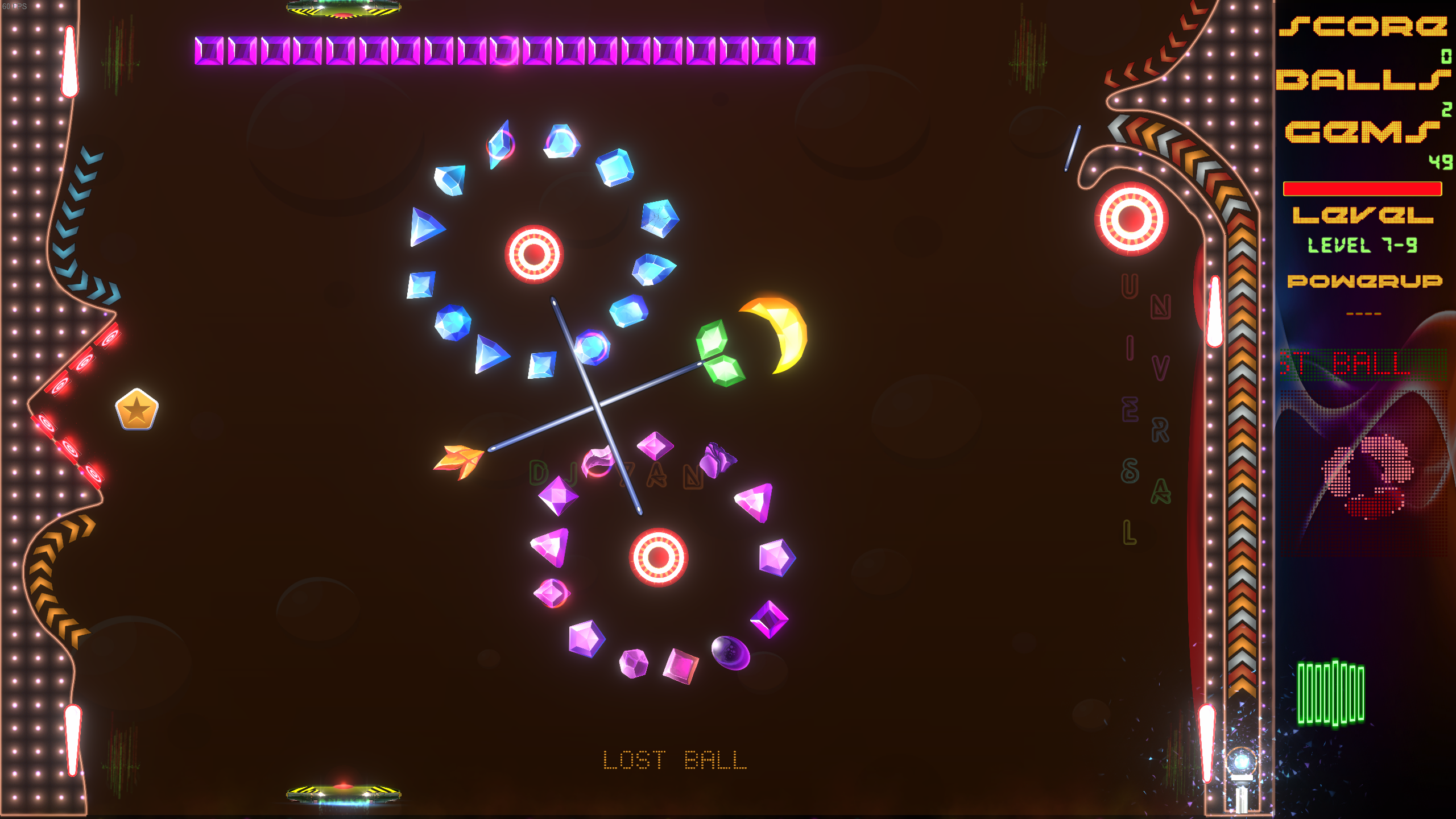
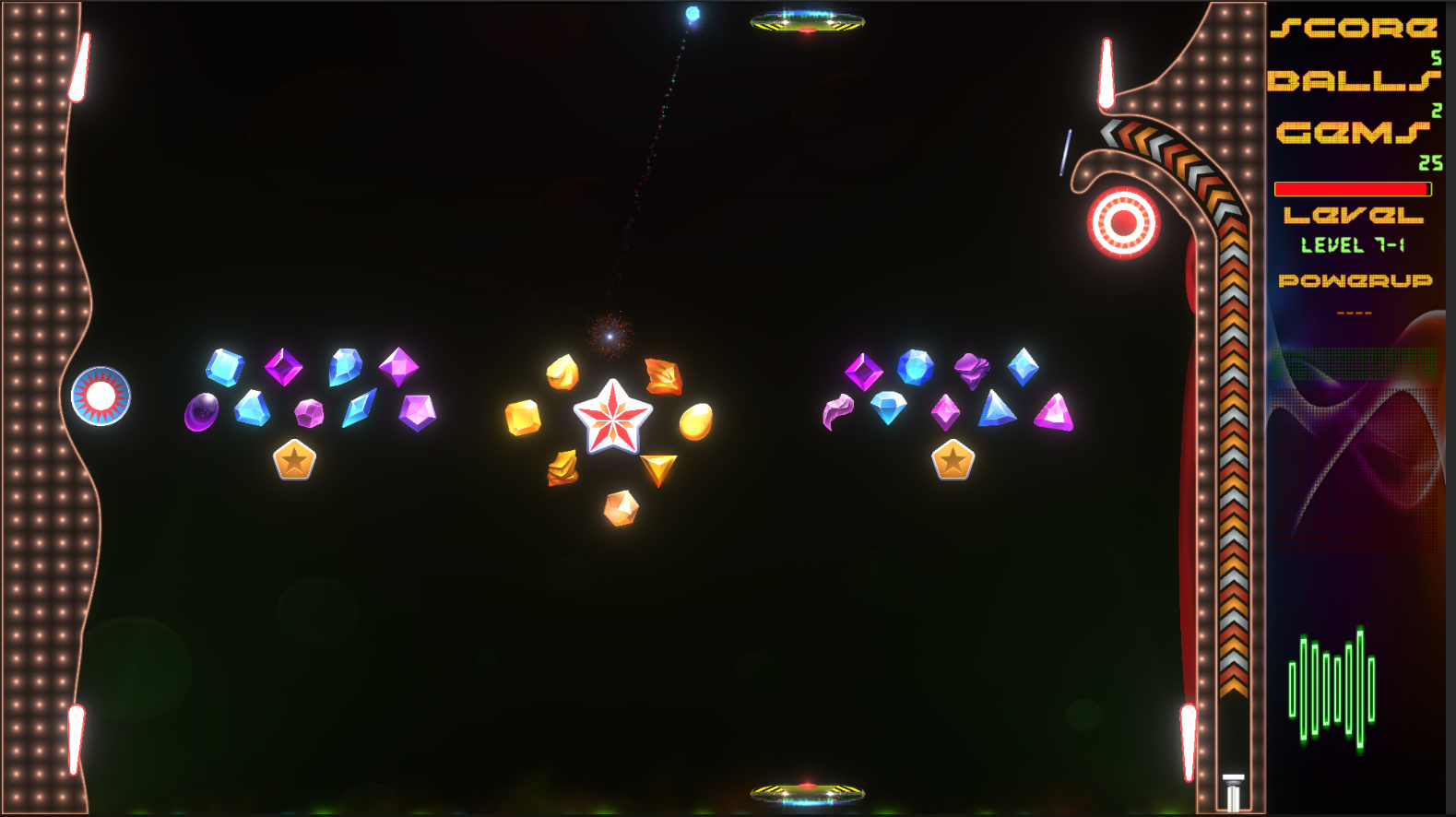
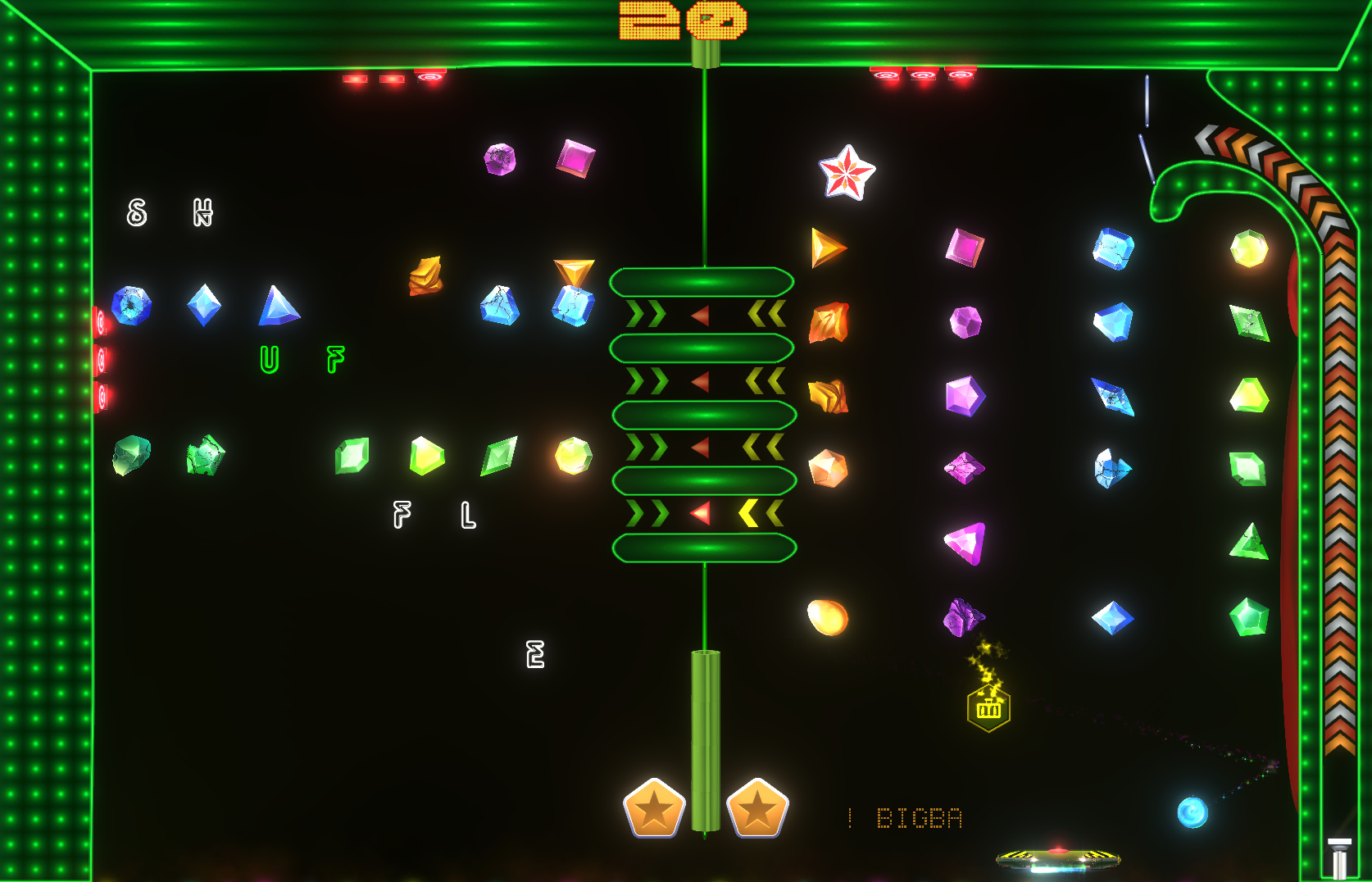
New stage 7 with 10 levels and a new Twist
Including 10 new levels that will be the toughest levels yet, try and keep your eyes on the bottom and the top controlling two Rebounders at the same time to deflect the balls.
If you get time please write a review and let me know what you think. If there's anything you would like to see added to the game, suggestions for improvements or just want to give some feedback.
Keep on Raving..
Rebound Ravers price is now reduced & new levels to be released soon
Rebound Raver now has a new permanent low price for more people to join the rave.
Also working on a new exciting Stage 7 which will include 10 new levels with an extra Twist.
Coming soon....
Version 1.12 - improved Controller settings and Menu Navigation
Improved controls - Xbox controller and buttons assigned are displayed on main menu screen.
Added a Boost Button - when held down the rebounder speed will increase to help catch the ball in time.
Menu navigation - now works with Keyboard, Controller or Mouse, useful for handheld PCs or if gaming with a controller
Controller Input - No need to change input type in settings so can now switch between using Controller, Keyboard or Mouse during play.
Bug fix - level 6 border lights were not working in time to the music - now resolved[
V1.11 - minor bug fix - music volume on splash screen
When starting the game the splash screen was not using music volume settings set in the settings menu. This has now been resolved.
Version 1.10 - More Levels and Settings
Added Stage 6 which includes an additional 10 Levels, bug fixes the ability to now change the intensity of the Lasers, Strobe and Floor lights & a Mystery Random Powerup drop.
Stage 6 with 10 new levels 10 new fun and challenging levels to complete and get your name on the high score tables.
Lights and Laser intensity can now be modified In the main menu settings you can modify the light settings from 0 for no lights to 15 for maximum.
If your playing the game and want to tweak the lighting you can do. Simply press the Esc key and modify the lights as you go.
Mystery Powerup The Mystery Powerup when collected will randomly assign a powerup. So take a chance and see what you get.
Other changes include: - Ball speed will now go back to the normal speed after the speed ball or slow mo powerup has finished. - Bonus Points FX are more visible and other minor tweaks
V1.08 - Controls speed & Replay Level options
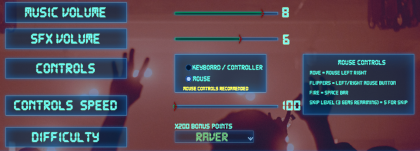
Settings added Controls Speed option to modify how fast (Keyboard, Mouse or Gamepad) will move the players Rebounder on the X axis.
Can now change Controls and the Controls Speed during play via the Pause Menu.
Added Replay Level button at the Game Over popup prompt. You can immediately restart game at the level you lost.
V1.07 - Mouse and Keyboard recommended controls
Have had some feedback where players were having difficulty with the controls using a gamepad controller.
I have added a notification on the main menu screen to make it clearer that the recommended method of controlling the Rebounder is using Mouse and Keyboard. Also added in the gamepad controller settings a message to let players know the left and right flippers are controlled with the gamepads bumper buttons and not the trigger buttons.
I will be looking at tweaking the controller settings in a future update to make the game more playable with a gamepad such as an Xbox controller, but for the time being it is highly recommended to play with Mouse and Keyboard.