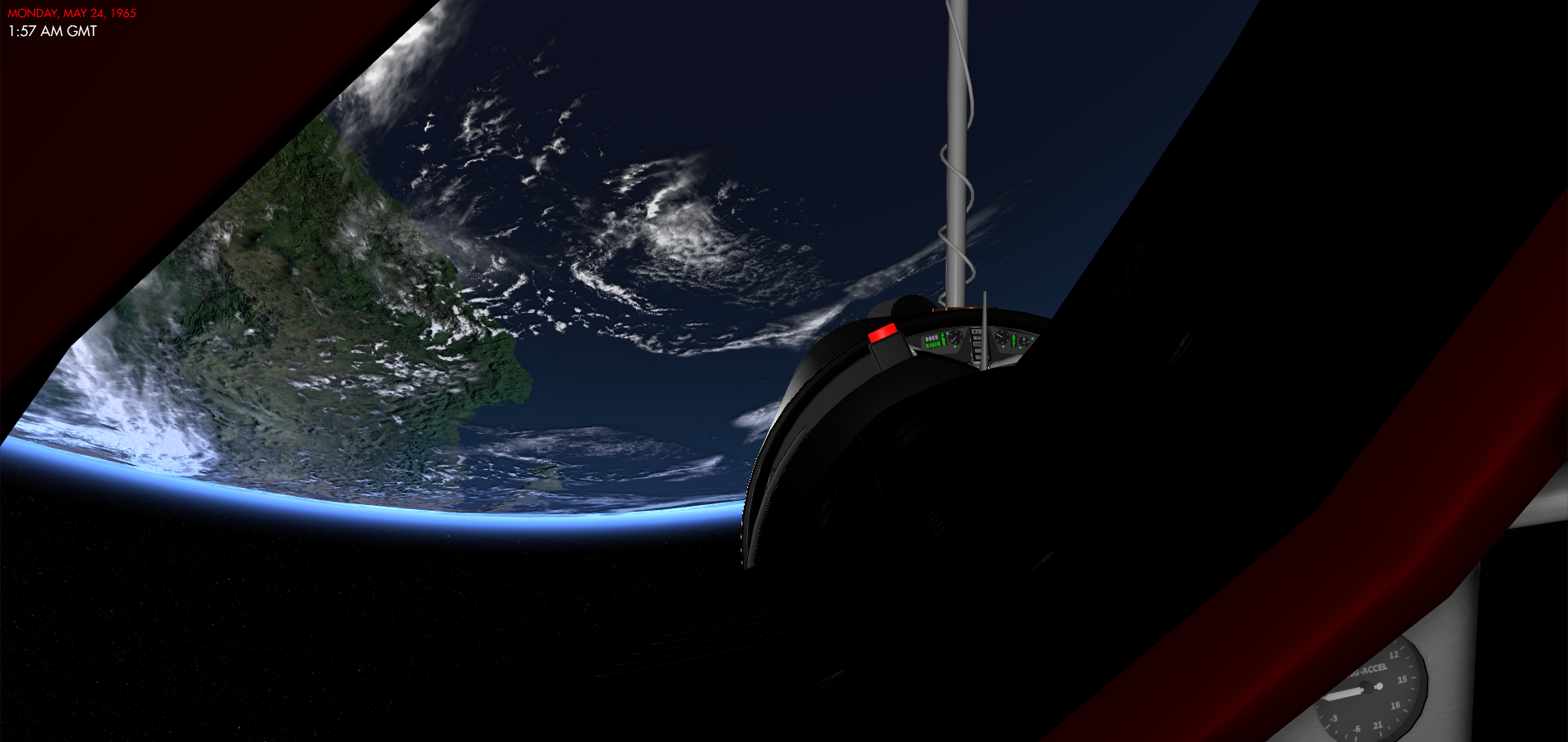
Reentry: An Orbital Simulator
Addressing launch weekend feedback and bug fixes!
I hope to roll out an update very soon that will contain a lot of these fixes and features that you have suggested. More will follow as I want to have small and frequent updates.
Thanks again for helping me make this a better simulator for all of us!
Thanks,
Petri
Workshop integration!
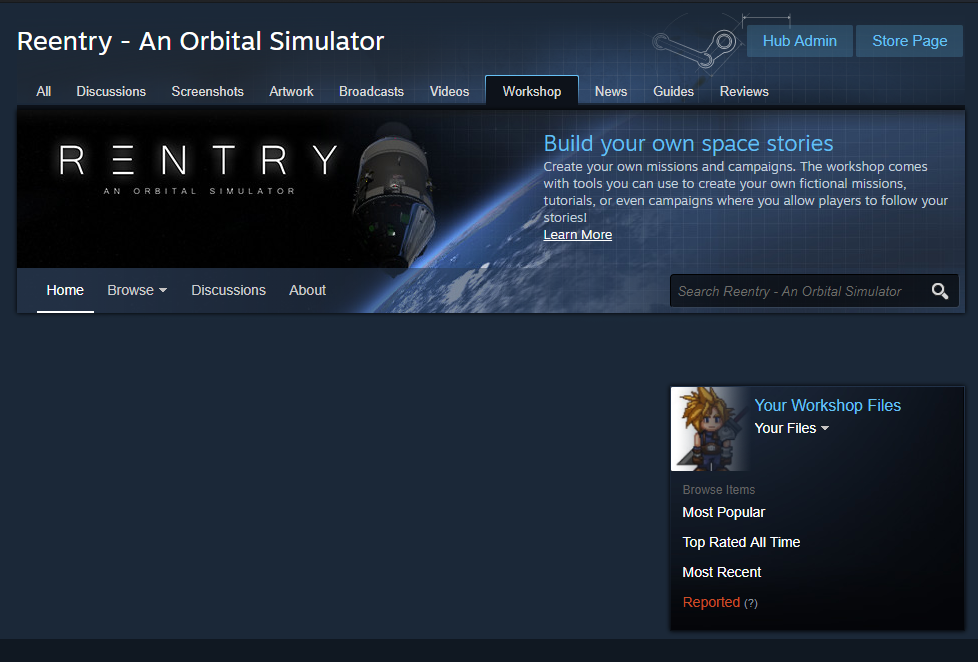
To create missions, you will use the Mission Editors and the Campaigns. Then from the Reentry Main Menu, you will be able to select the folder where the Campaing/Mission is located and create a Workshop Package directly from the game.

The same menus allows you to find and download missions created by others.

Announcing the Campaign Mode!
The campaigns are selected from the main menu, and the campaign screen will let you select what campaign to play. The name, tile image and the campaing itself are fully customizable by the campaign designer.
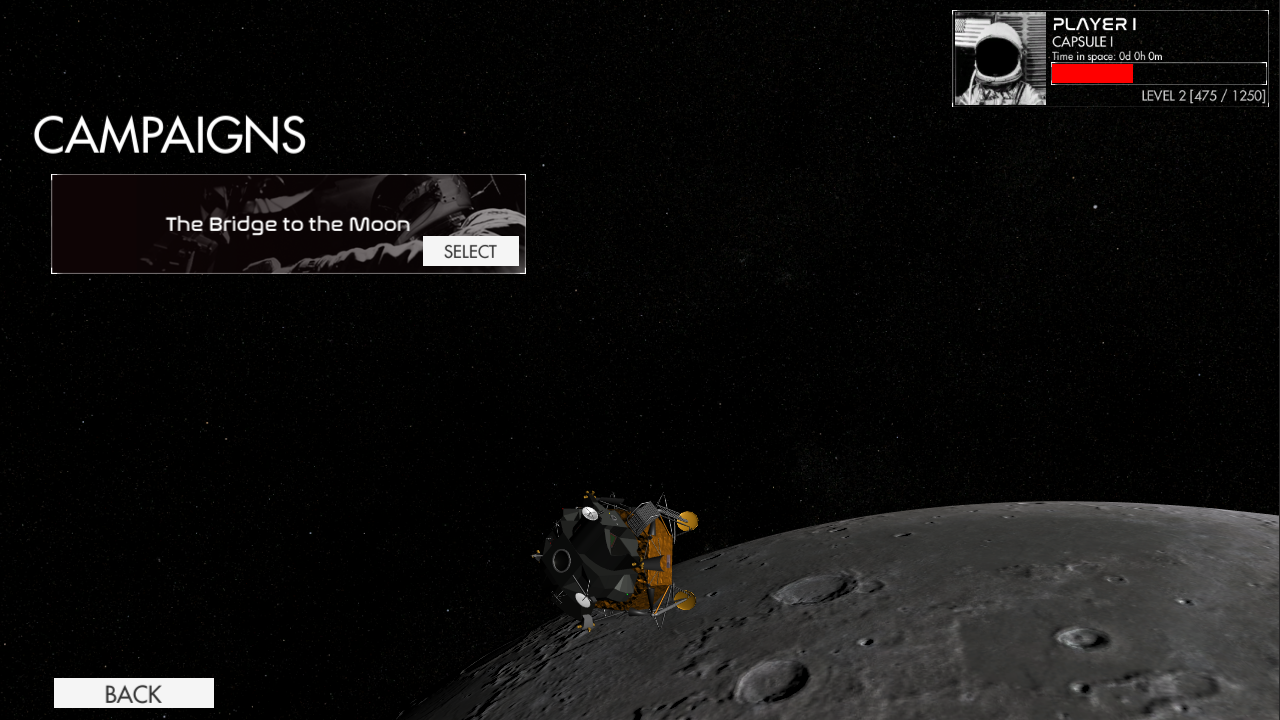
A campaign is a story driven mode where you are given a setting, and missions that needs to be completed. Each campaign can have multiple missions, such as two Mercury missions, one Gemini mission and one Apollo mission for example.

Campaign progress is saved, and each mission can have a dedicated story and progress text to update the player of the situation as they advance.
The game will have a few campaigns ready during the Early Access period, but also the new Campaign Maker tool will be available so you can create your own campaigns.

The tools are still WIP, but the screenshot above gives you an idea of how it works. You simply add sections with headers, text or images, and they will be rendered in-game in the order you set. Missions are added and configured through the MISSIONS button.
Apollo Academy: Boost preparation
You can find the video here:
https://www.youtube.com/watch?v=6xGfZRnDcGY
Enjoy!
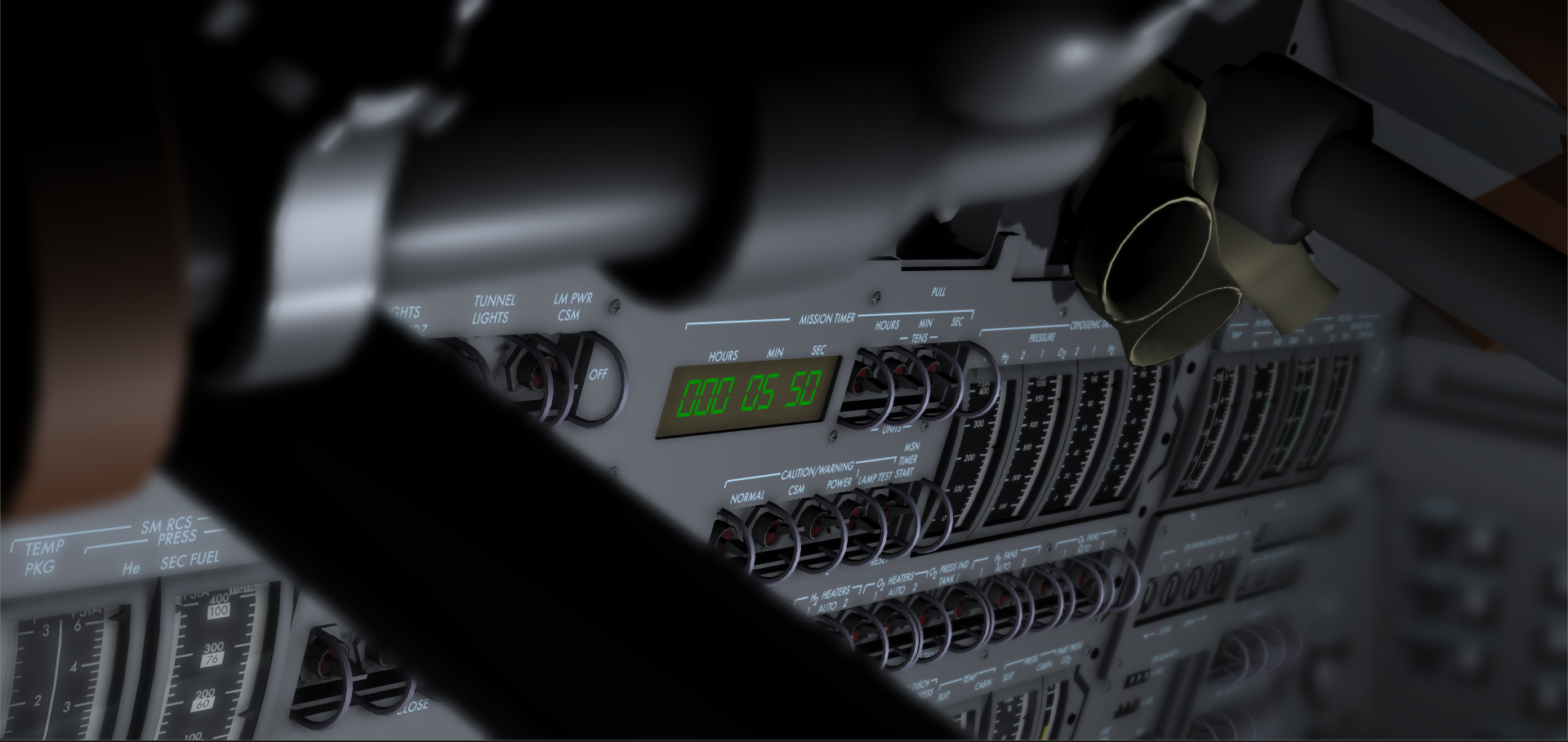
Cockpit Photo Mode
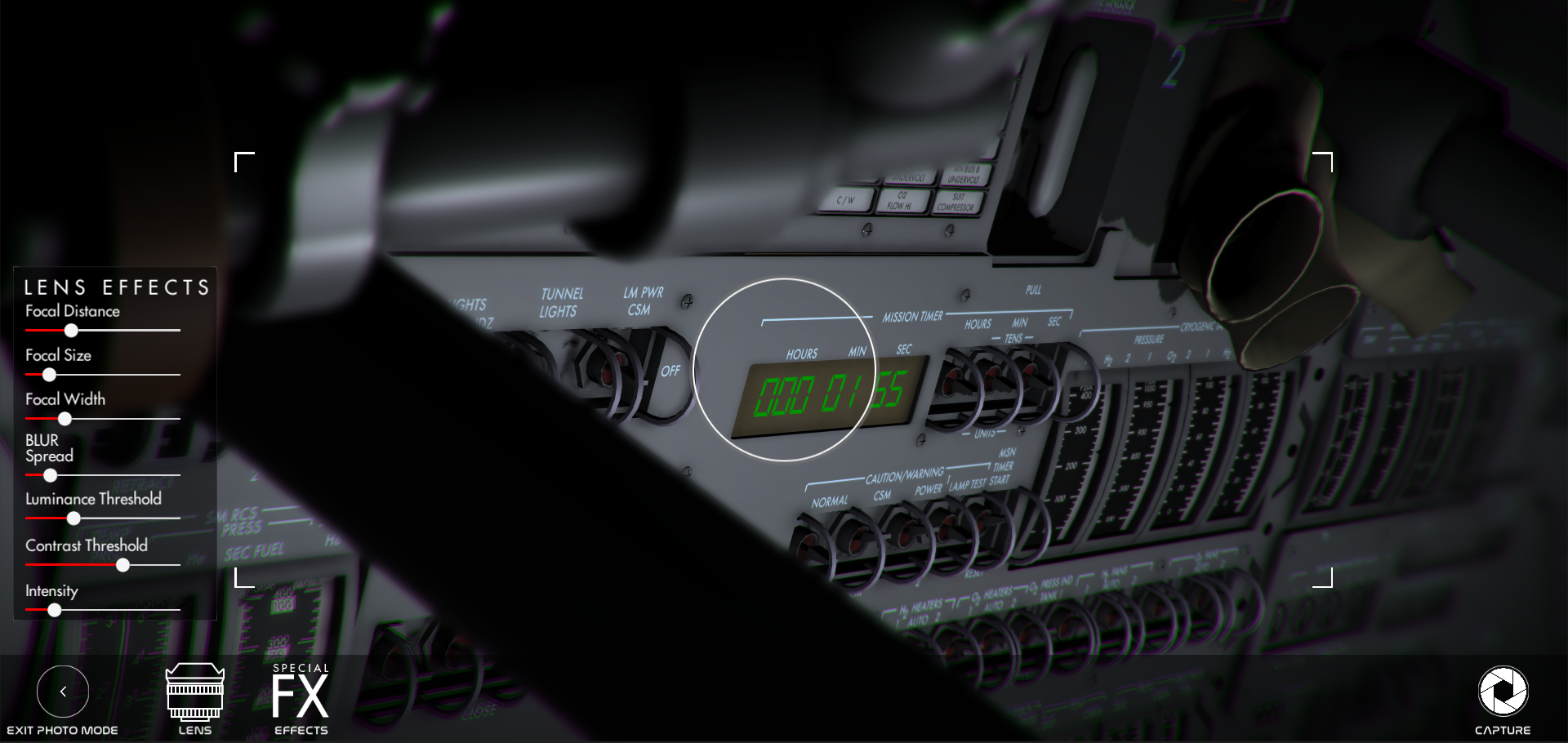
The Photo Mode lets you to set the focal distance, size etc to control the focus point and the depth of field. There are settings to control how the blurred area outside of the focus point should look too.
In addition, a vignette and chromatic aberration can be used to add some FX to the shots.

A new View Selector allows you to change the view using a user interface menu instead of the F1-F12 hotkeys, or access the new Photo Mode.

Below are a few shots taken with the on-board camera.


Project Apollo: More systems in-place, better interior
Here is a quick update from the Command Module of Apollo. I have now spent some time modeling more of the interior and the missing systems. For example, the ORDEAL is now in place (used to drive the FDAIs in a LVLH manner around both Earth and the Moon), and the COAS (Crewman Optical Alignment Sight) is fully functional, reflecting a reticle on an angled glass surface.
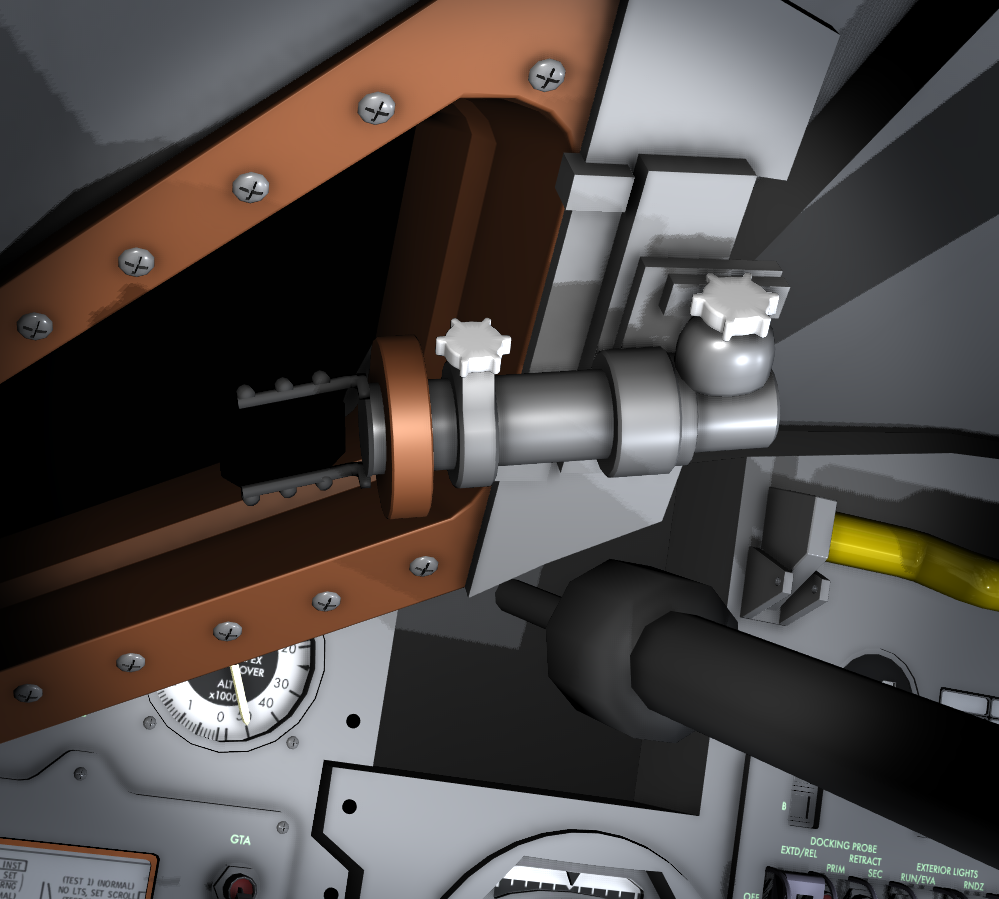
The COAS is used to align the Command Module or the Lunar Module for docking. In the screenshots attached, you can see it in action. The COAS is attached to the window when in use. Looking through the reticle, I can now point the spacecraft in the correct direction.

However, it's not that simple. The alignment needs to be correct too. Using the docking assembly on the target vehicle (the white and red dots), I can see if the white dots are aligned with the red dots on both axes. If they are, I can center it in the reticle and proceed with the docking.

Other things has been added as well, such as minor but important details around the Main Display Console panels and in the interior. Far from done, but the feeling of sitting in-front of these panels is feeling amazing and I can't wait to share it with you all.

Flight Manuals to help you study the spacecrafts in Reentry
A flight manual for Project Mercury, Project Gemini and Project Apollo will be available at the Early Access release.


Project Gemini: Controlling Agena
By using similar checklists as the real astronauts in Gemini, I powered up Agenas Primary Propulsion System and ignited it in the pro-grade direction to raise my Apogee to 1,368 km, giving me an orbit of the record setting 298 km x 1,368 km orbit from Gemini 11.
The views from this orbit was so amazing so I decided to share some of them with you - it was my first time seeing them as well after implementing the PPS of Agena!