Hello Gadgeteers! You awaited with a lot of patience the announcement of the release date and finally, we are ready to share this information with you.
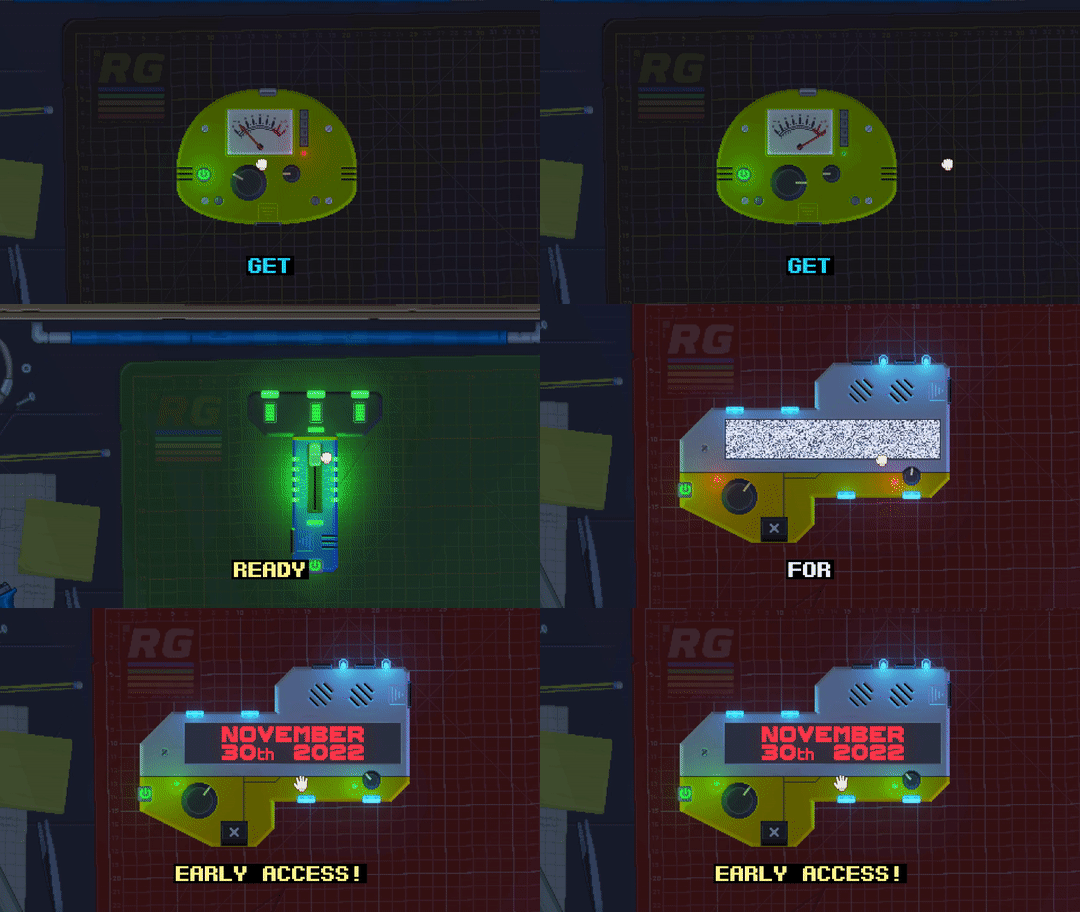
Retro Gadgets will be released in Early Access on November 30th!
In less than a month you will be able to share with the rest of the community all your wonderful creations and be actively part of the last month of development. Since the demo you tried during Steam Next Fest we implemented some new cool features, and many more will come in the upcoming months!
Don't forget to support us by adding your game to your wishlist and, if you don't want to miss all the sneak peeks we'll share with the community before the release, join our Discord server and follow us on Twitter!
Retro Gadgets demo will soon stop working
Time is up for the Steam demo. It will be disabled really soon, so now is a good time to backup your gadgets if you want to transfer them to the future Early Access release.
You can find the Gadgets Directory in your windows user Documents directory:
WindowsUser\Documents\my games\RetroDemo
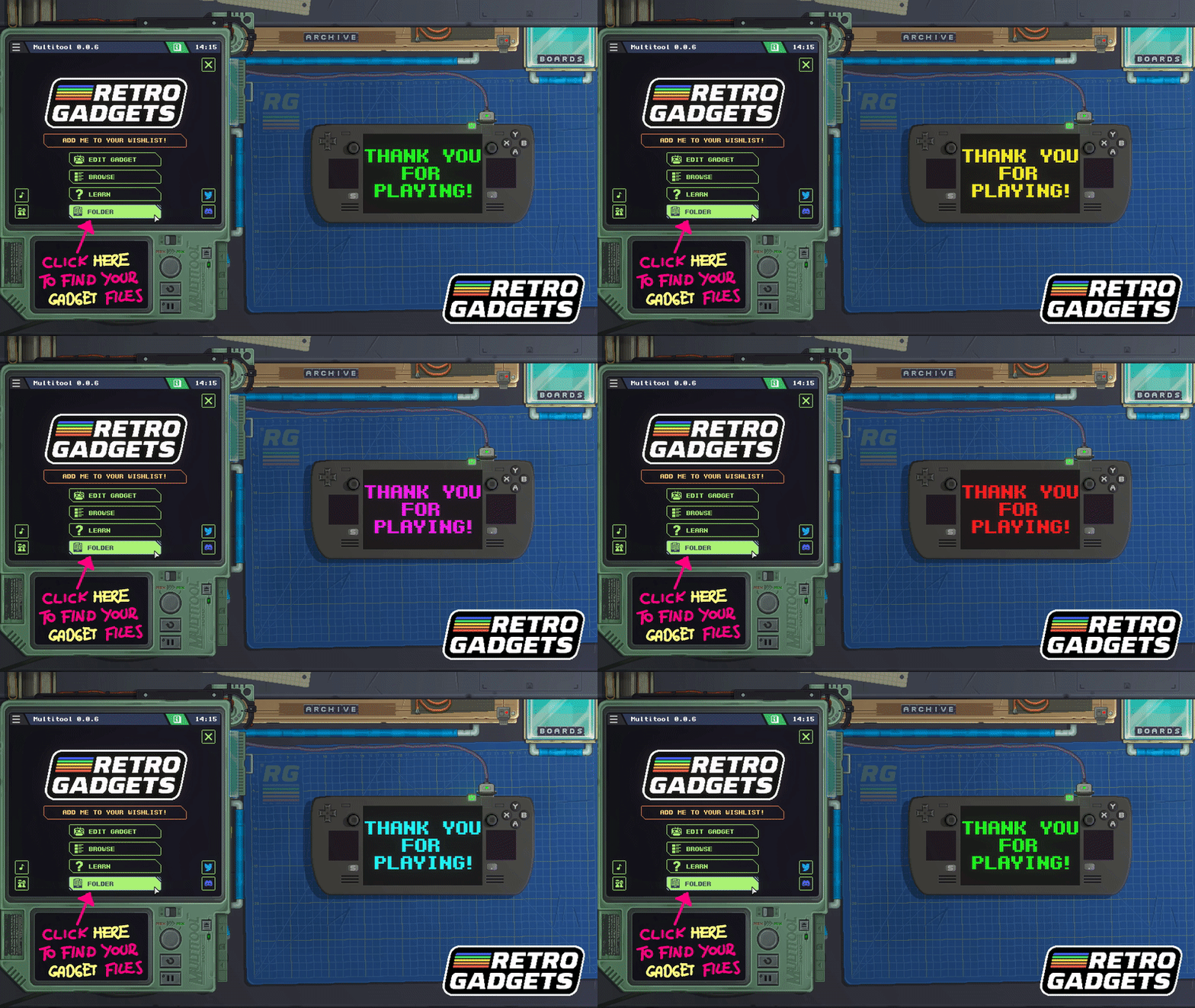
You can easily reach this directory by pressing the “folder” button in the Multitool main menu and moving up one directory from the import folder.
Update 0.0.6
Retro Gadgets update 0.0.6 is available for everybody! This update contains mostly bug fixes and quality of life improvements. We wanted you all to enjoy this last week of demo in style.
Thank you again for all the feedback and bug reports! These are the complete patch notes:
FIXES AND CHANGES:
Fixed a bug that deleted all your code by pressing CTRL-z twice.
Fixed a bug that locked the sprite editor into having the current tool always active
Fixed a rendering bug that misaligned screen rendering
Fixed an issue with multiple screens not being properly rendered while turning a PCB
Fixed a crash when using a gadget in in widget mode
Fixed a bug that allowed some gadgets to and up outside the workbench area
Fixed an issue with the multitool connector that was too big to fit in certain shapes of boards
Fixed an issue with screen components sticking out from gadget cover in some limit positions
Fixed a bug with the rendering of the paint color on the backside of a gadget case
Fixed an issue with the palette editor not working on unused palette slot when importing a sprite from outside RG
Fixed the shape of the border power button to be compatible with some board shapes
Fixed minor visual glitches on smaller board shapes
Changed the shape of the multitool connector to be more compact and visible.
Changed the shape of “Cassette Switches” to have a smaller size in the back of the PCB
Changed the effect of the lamp. The Workbench is now brighter when the lamp is on, and darker when the lamp is turned off. We also disabled the projected shadow of the lamp when it’s dark.
Fixed a bug that locked many boards in an invalid position if clicking really fast on top of the boards folder.
Fixed a bug that did not allow grid sizes with width greater than 64 px in the sprite editor
NEW FEATURES:
We added a simple search bar to the gadget browser. It can currently only search for gadget names, but it’s a start.
We added some options to the grid display in the sprite editor. It can now display pixel borders and cell borders. You can also change the background color for transparent areas and define grids colors and transparency.
Screens now have some new properties:
Screen.Width Screen.Height Screen.Offset (offset of the screen in the Video Chip rendering coordinates)