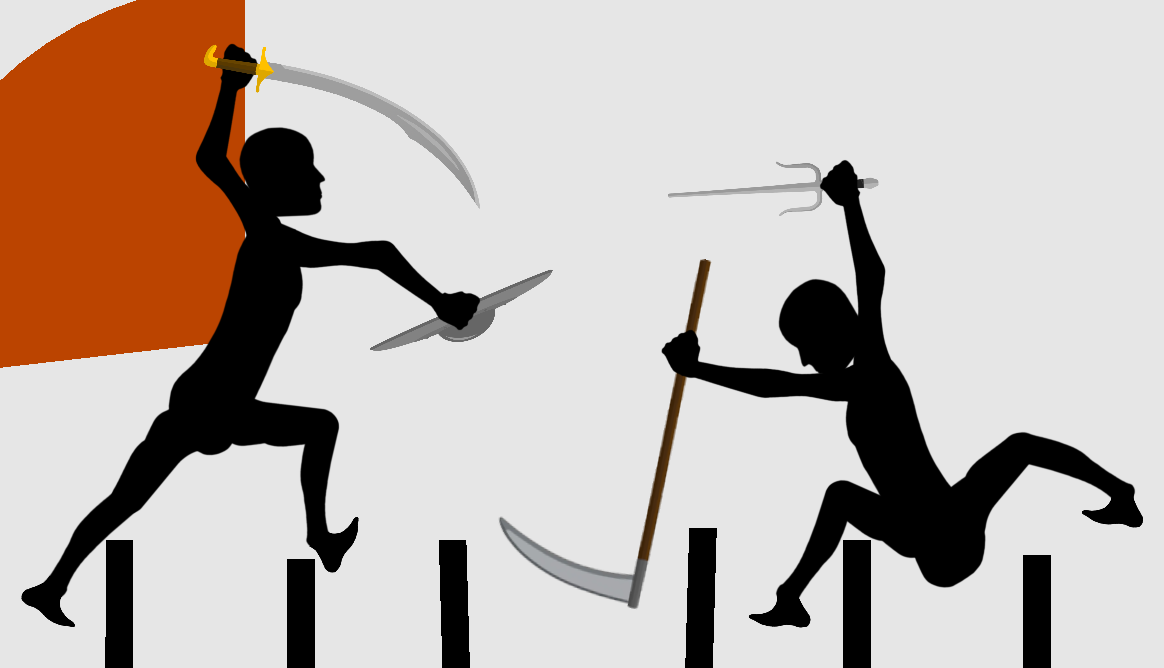
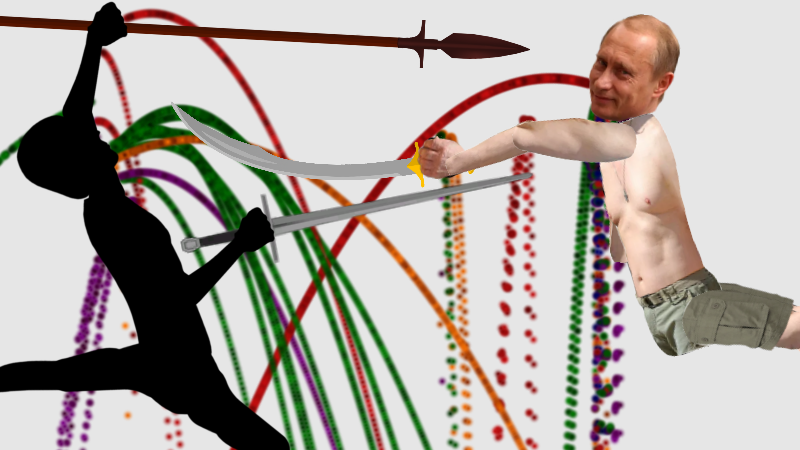
Rivalry Status Update #112 - ARENA UPDATE LAUNCHED
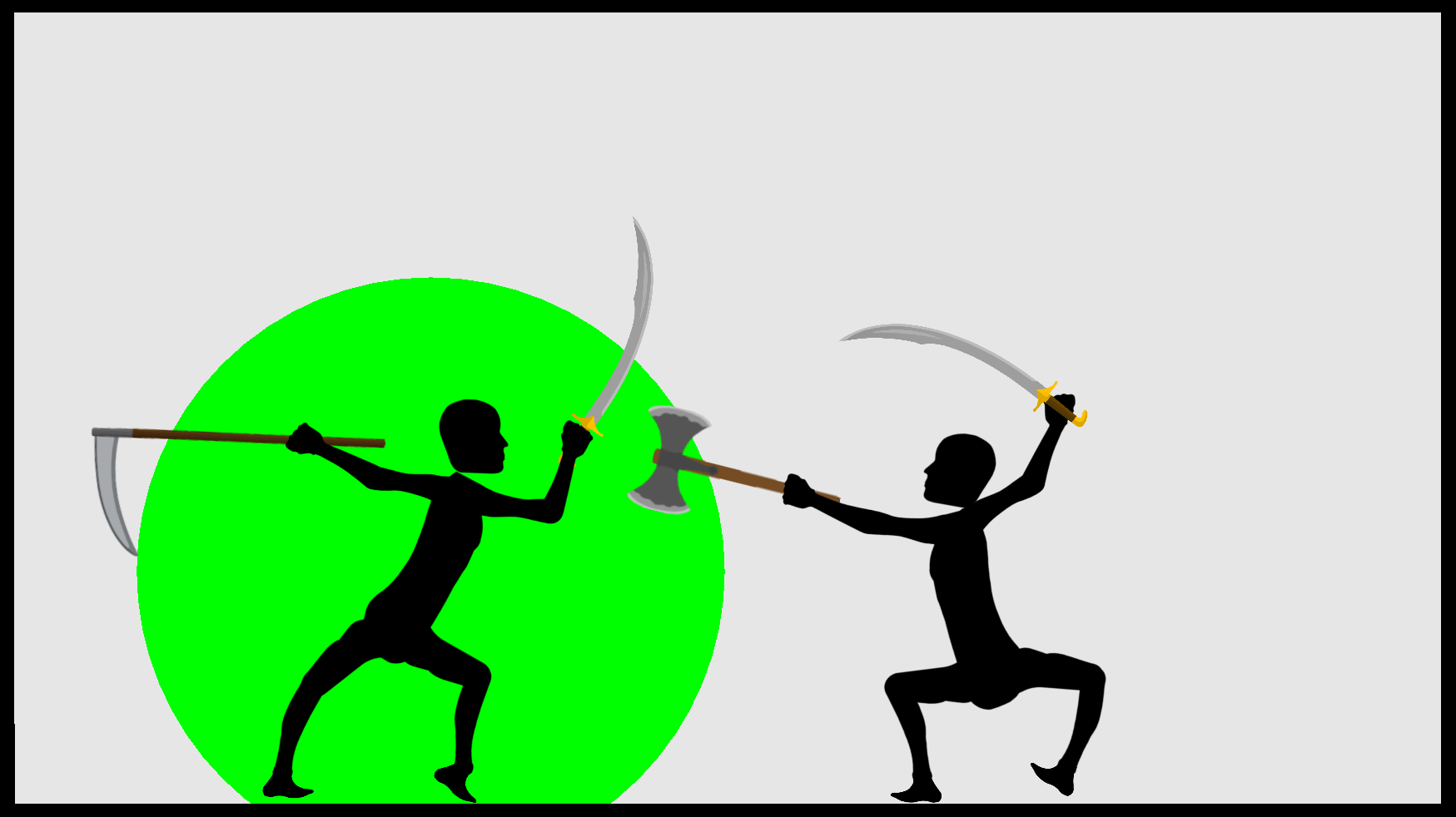
The new arena update has been released!! All you need to do is update Rivalry when it prompts you too and you can start playing on the new Arenas! Overall the update includes:
NEW ARENAS
The largest addition to this update are the eight new Arenas you can fight within. Originally you could only fight in a small box. Now you can not only fight in a series of different arenas but also move and zoom the camera to better position your view of the fight! The following arenas that have been added include.
The Box
The Original Rectangular Arena
The Inner Circle
Simple Arena inside a Circle
Bamboo Forest
This is the first arena to include physics objects which are the Bamboo Stalks. The player walks on top of these stalks and the stalks will bend under their weight.
Sparta
This arena consists of a large pit that separates the two players.
https://youtu.be/O7Oo5GASbFE At the bottom of the spit there are spikes that deal damage to both players. There are also two Grecian vase props that can be kicked into the enemy to deal damage!
The Colosseum
The first new Arena to be added after Sparta is the Colosseum! The new Colosseum starts both players in the “arena” of the Colosseum where skulls, gladiator helmets and weapons (careful they’re sharp!) litter the battlefield. These can be kicked around to your advantage.
https://youtu.be/AxcBxXqBINM However, if given the chance you can escape the gladiatorial combat and fight in the stands.
The Tavern
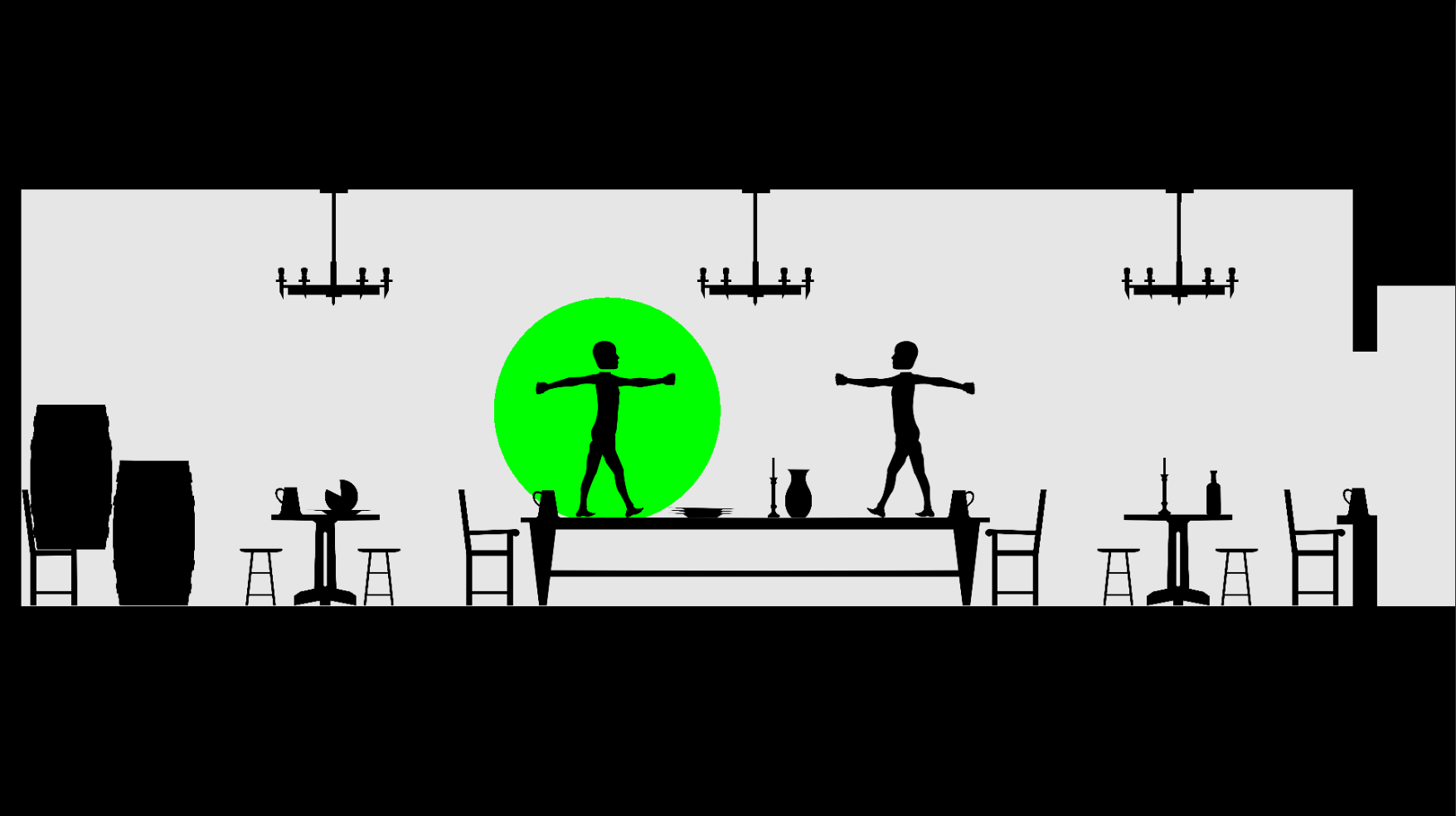
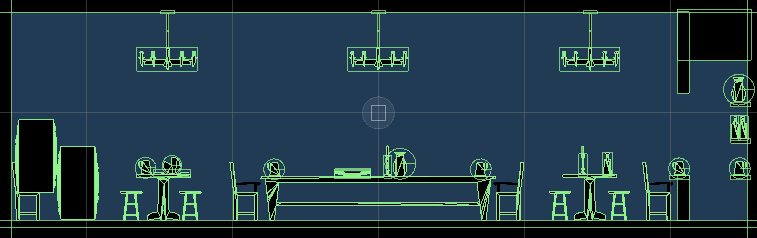
The tavern starts with both players on a long table. Various plates, candles, pints and other objects scatter the table. These objects can be kicked and thrown at the enemy to inflict light but noticeable damage.
https://youtu.be/raCv-zuQD8g Three large hanging chandeliers swing when hit and can even fall onto your enemies if you hit them hard enough! This map has the largest number of props of any map.
The Henge
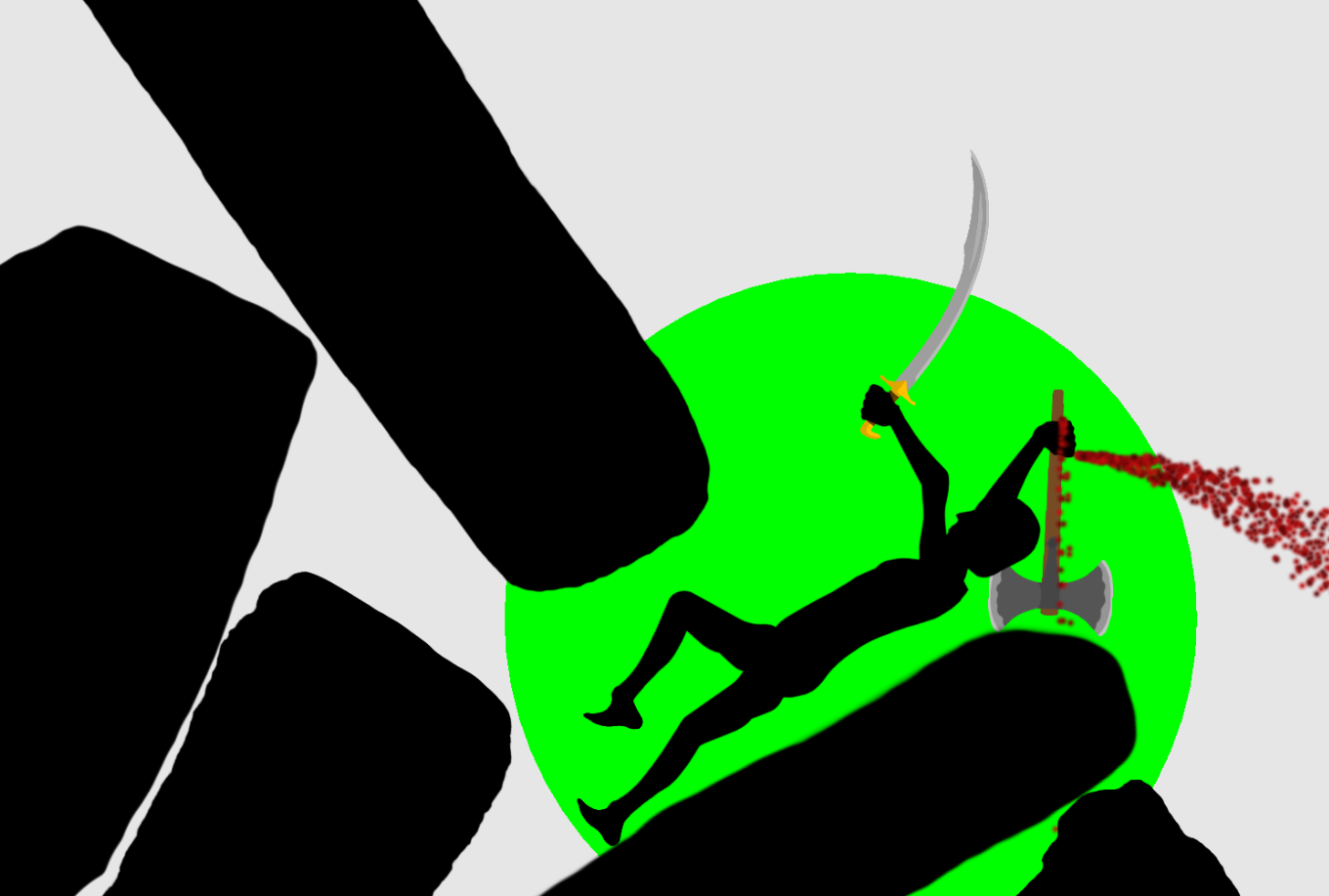
The second Arena is called the Henge! The Henge is built mostly out of stones. These stones can be pushed around by the player and are very heavy so be careful not to get pinned.
https://youtu.be/CTl3jbehFQc
The Great Wall
Then there's "The Great Wall''. The Great Wall features the two players fighting along the crenellations of a Great Wall. Two watchtowers extend from either end that can be mounted. However, the most exciting feature of The Great Wall are the two ballistas planted on each tower, and one placed in between the two players at the beginning. The ballistas can be aimed by pushing and then fired by pushing down on either of the large buttons placed on either side of its frame.
https://youtu.be/SZT6bf5_gwA When pressed the ballista will shoot a bolt that will tear through any player in its way. (Warning: Prone to misfiring).
https://youtu.be/AHOaGNo9WB8
The Throne Room
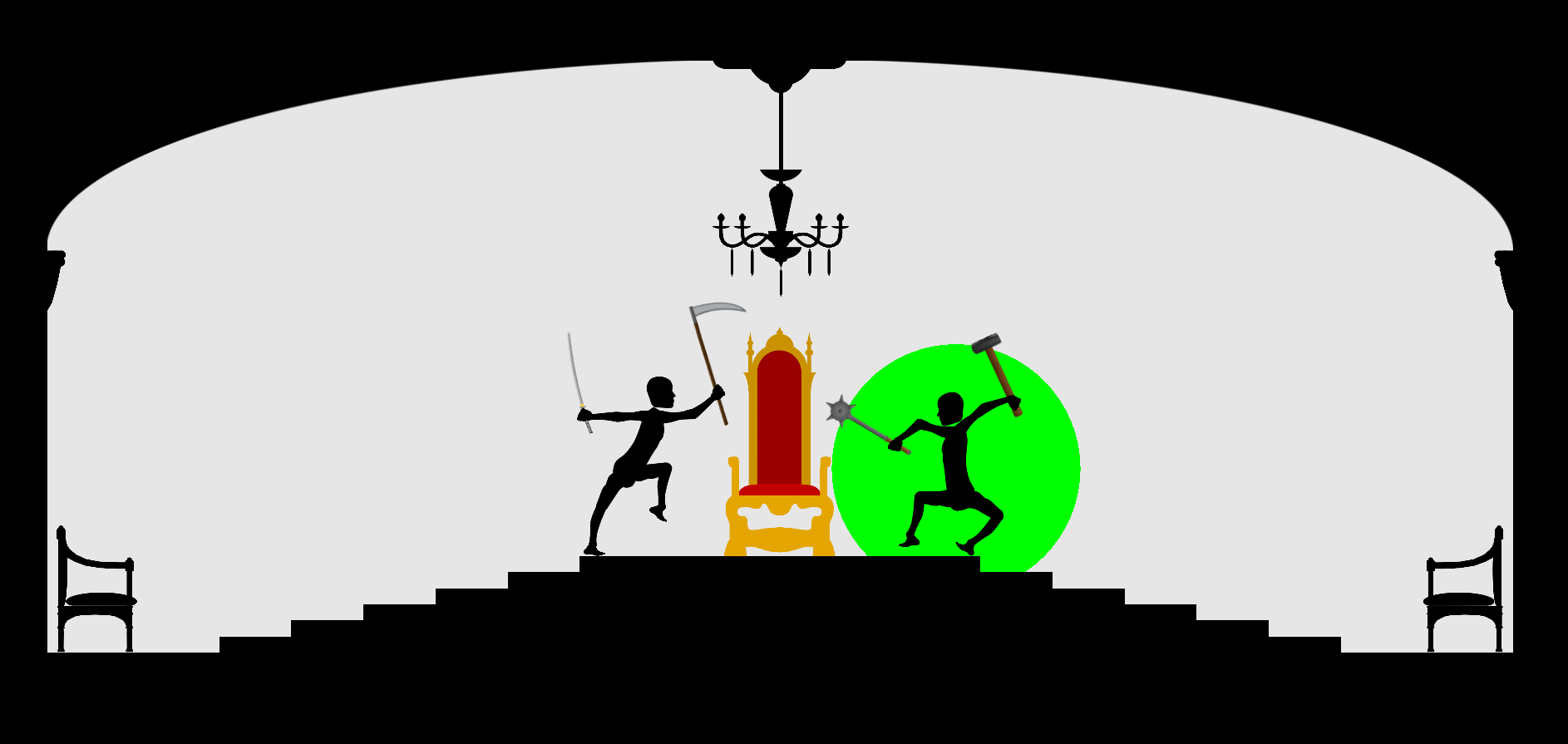
Last but not least, "The Throne Room''. The throne room consists of a throne placed on the top of a pyramid of steps. The players begin on either side of the throne and battle over its ownership. A large destructible chandelier hangs above the throne but unlike its tavern counterpart, this chandelier is much heavier and includes dangling sharp crystals that can cut. (It's also a lot fancier).
https://youtu.be/EKDRtktl4pM
BLOOD
I have also added YouTube / Family friendly blood colours to the game which can be changed in settings UI. A large array of colours can be chosen including my personal favourite "clown". (An example of Clown Blood)
NEW WEAPON
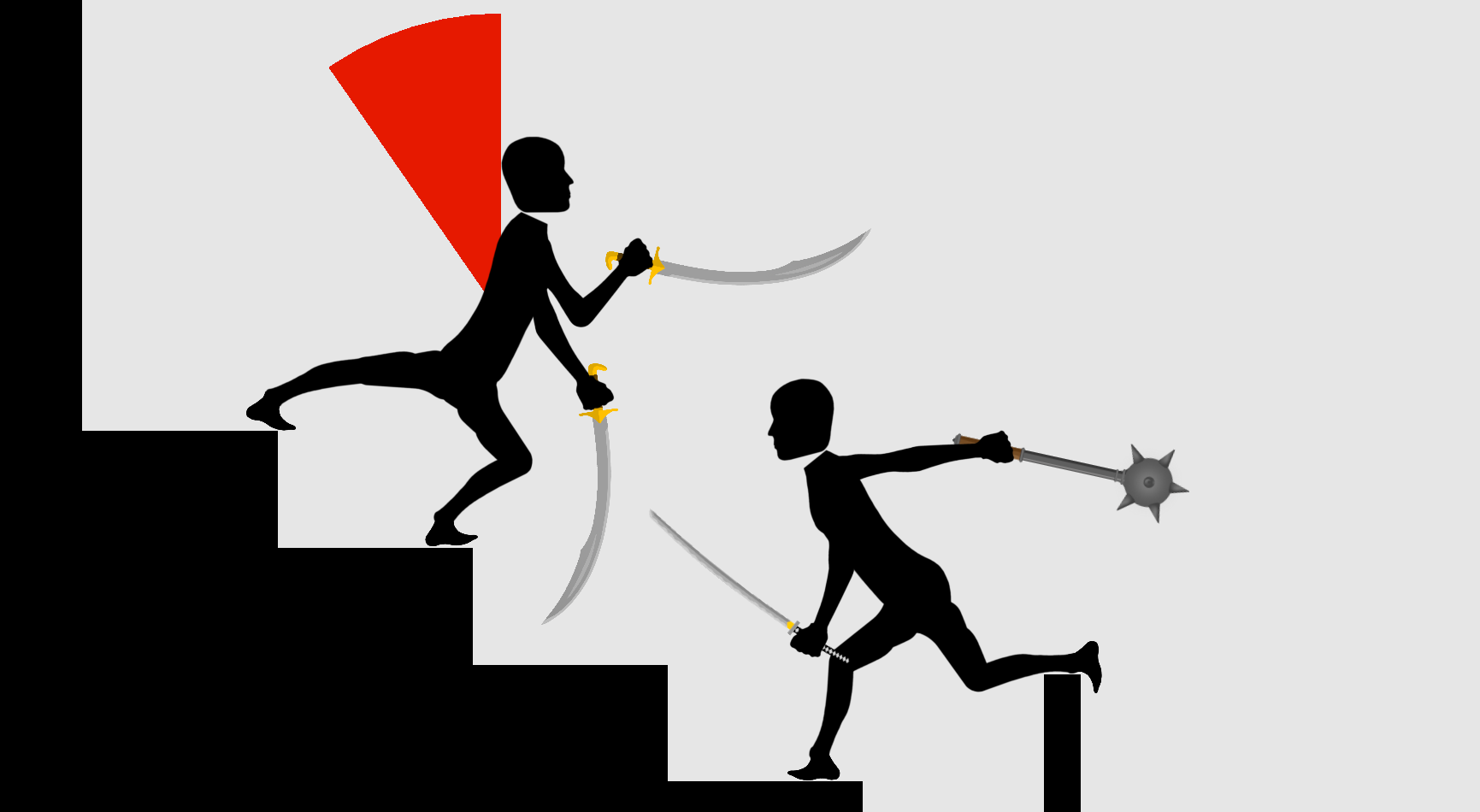
Lastly a new weapon has been added… The Sai! A blunt, defensive weapon which is light, manoeuvrable and easy to catch other weapons blades. However like the real weapon it has no sharp points and only does blunt damage like the sledgehammer.
NEW COLOUR
Also... the background is white now.
I’ll be playing network mode occasionally throughout the week! Hope to see you all there!
Also, If any of you have any future map or update suggestions message them below!
Remaining tasks are now
Sound effects and music
Complete network game lobby UI (make pretty and complete all network game modes).
Complete network game restart UI (make pretty).
General bug fixing, tidy up and enhancement of look and feel..
Rivalry Status Update #111 - Maps Update On Open Beta + March 13th Release
After ironing out the networking issues and polishing the remaining features I'm happy to announce that the Maps feature is now live on the Open Beta with the camera zooming feature fully functional!
To access the open beta right click on Rivalry in your library, go to properties, choose Betas and select "beta - Open Beta - Latest Unity Version"
Update the game and you should be able to play! I'll be playing occasionally throughout the week to test the new features.
I'm hoping to fully release the Mapping feature on the default version of Rivalry by Monday the 13th of March!
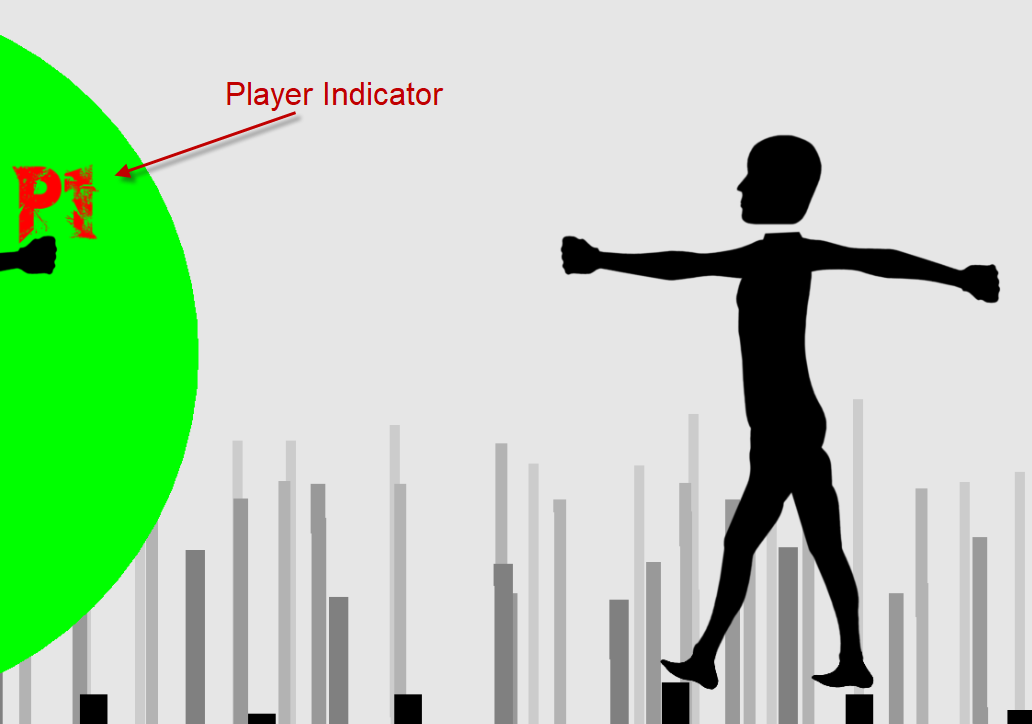
Aside from just zooming another new feature that has been added is the ability to quickly jump to each player by pressing its player position indicator.
This enables quick camera movements on larger maps and limits the amount of time it takes to drag the camera from player to player.
The chat feature has also been updated to work with the new maps such that players can chat to each other without having to move the camera around and see the chat conversation. Previously the text was not scaled for the maps and it would be difficult to follow a conversation as the constant moving of the camera would result in losing the location of the conversation. Now the chat follows the camera and can be seen by each player, even when both players' cameras are in different positions.
The last big improvement surrounded the network system and allowing peer to peer networking to work with different arenas. Fixing this was the major hurdle that was needed to get the arena features released. And now that it's been fixed expect the update notification on 13th!
Remaining tasks are now
Finish up arenas
Sound effects and music
Complete network game lobby UI (make pretty and complete all network game modes).
Complete network game restart UI (make pretty).
General bug fixing, tidy up and enhancement of look and feel..
Rivalry Status Update #110 - Camera Zooming
Hey guys! Rivalry progress has been slow. My university work has been my number one priority which hasn’t left me much time to work on the game. Progress is being made but just at a much slower rate.
The latest improvement is camera zooming! This allows players to zoom the Camera in and out of the Arena. I originally thought this wasn’t worth investigating as it would be too difficult to control the players when zoomed out but it’s actually quite easy! This makes fighting on large maps far more enjoyable as you can always see your opponent and don’t have to drag the camera as much!
The current issue I'm facing is testing the mapping feature on the server, more specifically facing a couple of issues surrounding websocket connections randomly breaking. Once I have figured this out usual progress should hopefully be able to be made.
Remaining tasks are now
Fix server websocket disconnection issue
Finish up arenas
Sound effects and music
Complete network game lobby UI (make pretty and complete all network game modes).
Complete network game restart UI (make pretty).
General bug fixing, tidy up and enhancement of look and feel..
Rivalry Status Update #109 - Final Bug Fixes and Arena Tweaking
With the start of university break I have started once again working on the map feature!
I initially fixed some bugs surrounding arena choice rubberbanding and different edge cases in the network UI. After this I focused on tweaking each map. I added a velocity threshold to all props and crush damage weapons (Sai, Sledgehammer) so that you need a certain threshold of velocity before damage can be dealt.
This was originally implemented so that when the boulders on the stonehenge map are thrown at enemies they actually cause damage instead of pushing the player around. Before this threshold, simply walking on boulders would cause explosions of blood to spray out the bottom of each player's feet as any velocity (even close to zero) would result in a small amount of damage and therefore blood.
This threshold has been applied to all props so lightly pushing plates and glasses in the Tavern won’t cause blood explosions.
As well as this some weapons have been updated to be more powerful / fun. For example, the sledgehammer has been updated so that it is both more powerful and more forgiving when hitting something lightly. The spear is now more maneuverable but slightly less damaging. I’ve found this makes it more satisfying to use whilst still maintaining its strength at long distance and weakness at short distance. Hopefully these changes will make both weapons more fun to use!
I’ve also been setting up an official discord server which should hopefully launch at the same time as the new update releases!
Maps coming soon!
Remaining tasks are now
Finish up arenas
Sound effects and music
Complete network game lobby UI (make pretty and complete all network game modes).
Complete network game restart UI (make pretty).
General bug fixing, tidy up and enhancement of look and feel..
Rivalry Status Update #108 - Player Indicator And Back To Work
Over the past three months I’ve had to put my head down and focus on university study, who knew machine learning courses could be so time consuming? At least what I have learnt from these courses could possibly be applied to making AI opponents for Rivalry further down the line!
In the spare time I did have to work on Rivalry I have tweaked many of the soon coming maps and added an indicator that points towards players when they are off screen.
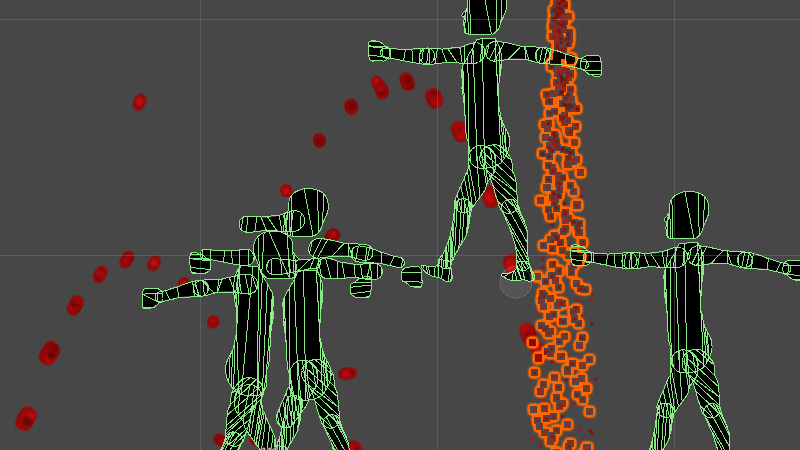
I also fixed a bug where in replay mode, blood would spray out in intense jets instead of the usual fan that we are used to.
https://youtu.be/AHOaGNo9WB8 (Old Blood) https://youtu.be/5l7GV3w4bpI (New Blood)
Over the coming weeks I’ll be further tweaking these maps, eventually trialling them online before finally releasing them! Also, official discord is on it’s way!
Remaining tasks are now
Finish up arenas
Sound effects and music
Complete network game lobby UI (make pretty and complete all network game modes).
Complete network game restart UI (make pretty).
General bug fixing, tidy up and enhancement of look and feel..
Rivalry Status Update #107 - Tavern, Great Walls and The Throne
Over the past two months I've implemented the last three maps that will be included in the Map Update!!
The first one being "The Tavern". The tavern starts with both players on a long table. Various plates, candles, pints and other objects scatter the table. These objects can be kicked and thrown at the enemy to inflict light but noticeable damage. Three large hanging chandeliers swing when hit and can even fall onto your enemies if you hit them hard enough! This map has the largest number of props of any map.
https://youtu.be/raCv-zuQD8g Then there's "The Great Wall''. The Great Wall features the two players fighting along the crenellations of a Great Wall. Two watchtowers extend from either end that can be mounted. However, the most exciting feature of The Great Wall are the three ballistas planted on each tower, and one placed in between the two players at the beginning. The ballistas can be aimed by pushing and then fired by pushing down on either of the large buttons placed on either side of its frame. When pressed the ballista will shoot a bolt that will tear through any player in its way. (Warning: Prone to misfiring).
https://youtu.be/SZT6bf5_gwA https://youtu.be/AHOaGNo9WB8 Last but not least, "The Throne Room''. The throne room consists of a throne placed on the top of a pyramid of steps. The players begin on either side of the throne and battle over its ownership. A large destructible chandelier hangs above the throne but unlike its tavern counterpart, this chandelier is much heavier and includes dangling sharp crystals that can cut. (It's also a lot fancier).
https://youtu.be/EKDRtktl4pM Next, I will be tweaking and testing these maps both in local and network play. If all proves to function correctly, then I will move into the release stage! I will also be adding arrows that point to the players when they are off camera.
Remaining tasks are now
Finish up arenas
Sound effects and music
Complete network game lobby UI (make pretty and complete all network game modes).
Complete network game restart UI (make pretty).
General bug fixing, tidy up and enhancement of look and feel..
Rivalry Status Update #106 - New Arena's and Bug Fixing!
Over the past month I have managed to update the Replay UI to work with the Arena update as well as added two entirely new arenas!
The Replay UI now correctly displays mice and can record, render and playback all props involved in an arena.
The first new Arena to be added after Sparta is the Colosseum! The new Colosseum starts both players in the “arena” of the Colosseum where skulls, gladiator helmets and weapons (careful they’re sharp!) litter the battlefield. These can be kicked around to your advantage.
https://youtu.be/AxcBxXqBINM However, if given the chance you can escape the gladiatorial combat and fight in the stands. The functionality of the arena is all in place. Only the artwork needs to be further developed.
The second Arena is called the Henge! The Henge is built mostly out of stones. These stones can be pushed around by the player and are very heavy so be careful not to get pinned.
https://youtu.be/CTl3jbehFQc
The next arena currently in development is the tavern which will involve plenty of fighting on tables and behind the bar.
If anyone else has any suggestions for arenas that would be fun / interesting to fight in please comment below!
Remaining tasks are now
Finish up arenas
Sound effects and music
Complete network game lobby UI (make pretty and complete all network game modes).
Complete network game restart UI (make pretty).
General bug fixing, tidy up and enhancement of look and feel..
Rivalry Status Update #105 - Bug Fixing
Over the past week I have fixed a variety of bugs relating to the mapping feature with now only a few remaining!
Initially there was a problem whereby props in the Arena would begin to jitter more and more violently as time went on until they began to teleport in and out bounds of the game. I found that this was caused because of the inbuilt Unity physics fighting against the server which was trying to update each props location. This was fixed by ensuring prop objects are stripped of certain physics components.
The second bug to be fixed was whenever a network game was restarted the previous arena and players would fail to be destroyed. This meant that while you were choosing your weapons and skins the players from the previous game were able to climb in and around the new players. When you started the new game all arenas would be destroyed and the new and old players would fall into the void below.
(This is a recreation of what it looked like when restarting a network game)
This was a result of the game trying to destroy the actual reference to the prefab itself instead of the instance of the prefab.
The third bug was simply that when joining a game if the previous player had already chosen an arena, your game would not know what arena had been chosen. This was fixed by adding the current chosen arena into the join game command.
The fourth bug was an issue whereby on the client side, network mouse cursors were limited to a small square in the centre of the screen. If they tried to surpass this square they would teleport to the opposite of the square. This was caused because the mouse coordinates were parsed as a “short” which is a 16 bit integer value. This meant the maximum a mouse coordinate could travel was 32,767 and when this was surpassed it would overflow to -32,768. By changing this to a 32 bit value the maximum a mouse coordinate can travel is 2,147,483,647. Which should surely be enough…
Now with the major bugs fixed... It is time to design and make Arenas!
Remaining tasks are now
Finish up arenas
Sound effects and music
Complete network game lobby UI (make pretty and complete all network game modes).
Complete network game restart UI (make pretty).
General bug fixing, tidy up and enhancement of look and feel..
Rivalry Status Update #104 - Arena Prop Information Now Being Sent Over Sever.
My final term of University has now ended! I was able to get some work done last break but I wasn’t able to get the Mapping feature complete in time.
This was because the server protocol was not designed for dozens of prop transforms to be relayed by the server. This, and the changing of the coordinates system from screen space to world space required lots of unforeseeable changes to be made. This and the combination of final University exams made it very difficult to work on Rivalry.
However, I can now say that the arena feature for the most part is functional with only a few minor bugs needing to be fixed. After these bugs are fixed, all that needs to be added is art for the arenas themselves!
Remaining tasks are now
Finish up arenas
Sound effects and music
Complete network game lobby UI (make pretty and complete all network game modes).
Complete network game restart UI (make pretty).
General bug fixing, tidy up and enhancement of look and feel..
Rivalry Status Update #103 - Back To Development!
My term of University has now ended which means I can get back into development! I’m planning on assigning a couple hours every day to working on the game and hope to get the mapping/arena feature fully implemented by the end of next week. More news updates coming shortly!
Remaining tasks are now
Finish up arenas
Sound effects and music
Complete network game lobby UI (make pretty and complete all network game modes).
Complete network game restart UI (make pretty).
General bug fixing, tidy up and enhancement of look and feel..