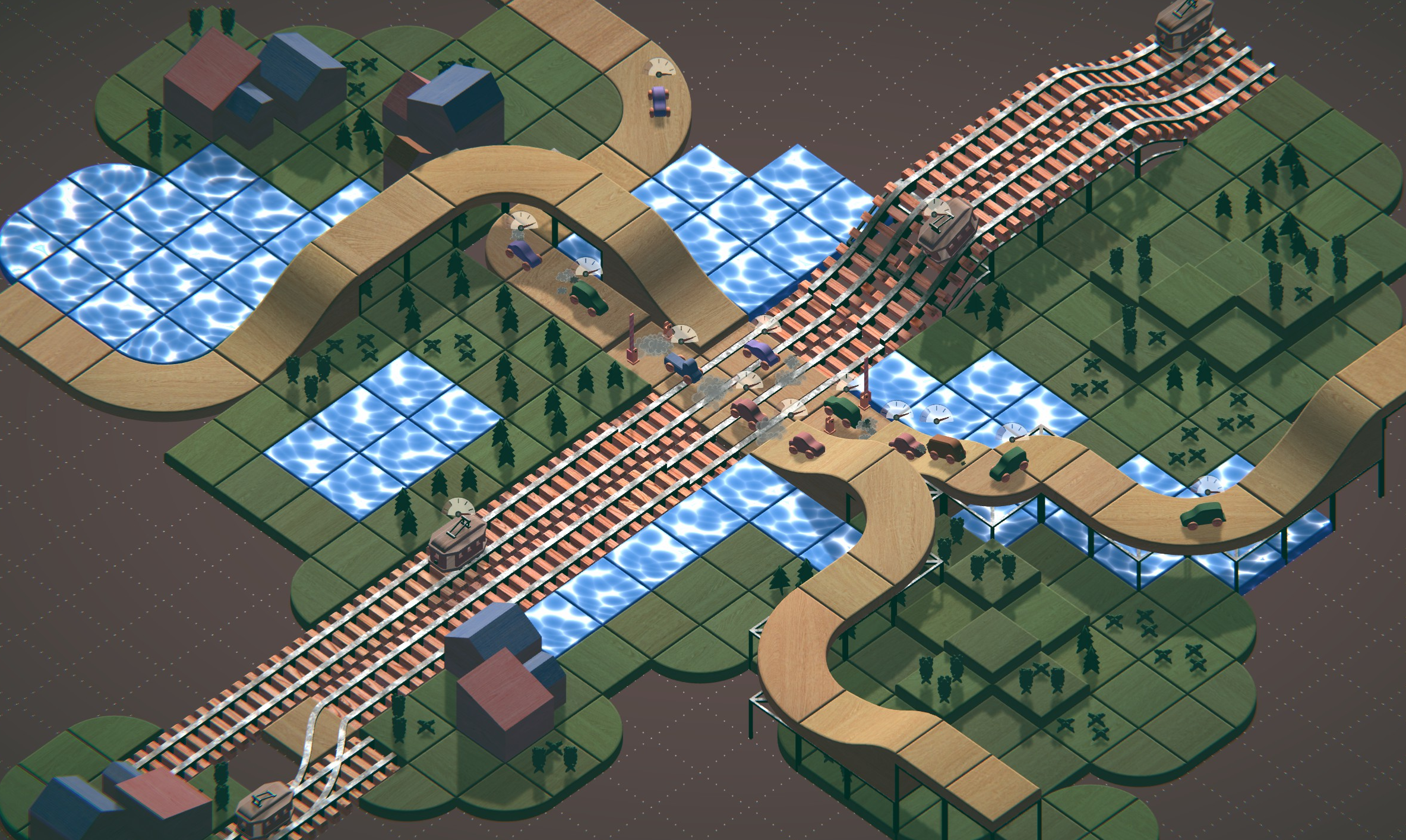
We added new mechanic to Road Builder - Rail Crossings!
Railroad crossings work completely differently than traffic lights. It doesn't open and close automatically but on mouse click. In this update you will receive 3 new puzzles.
If you want to open crossing for cars, you just need to click on gate during simulation mode.
First two are only available in level editor mode, but third, the biggest one, is available during campaign in second chapter.
Despite new puzzles we add some small QoL and fixes: - Now you can enter levels in world map by using space button. - Fixed error, where cars has tree on roof in summer theme in main menu. - Fixed some collision errors. - Fixed blur in main menu in winter theme. - Fixed black overlay in main menu in winter theme.
We can't wait to see what you gonna create with it!
Update 1.4.1214. Happy New Year!
Dear Players!
We prepared a special update for you to celebrate the upcoming New Year.
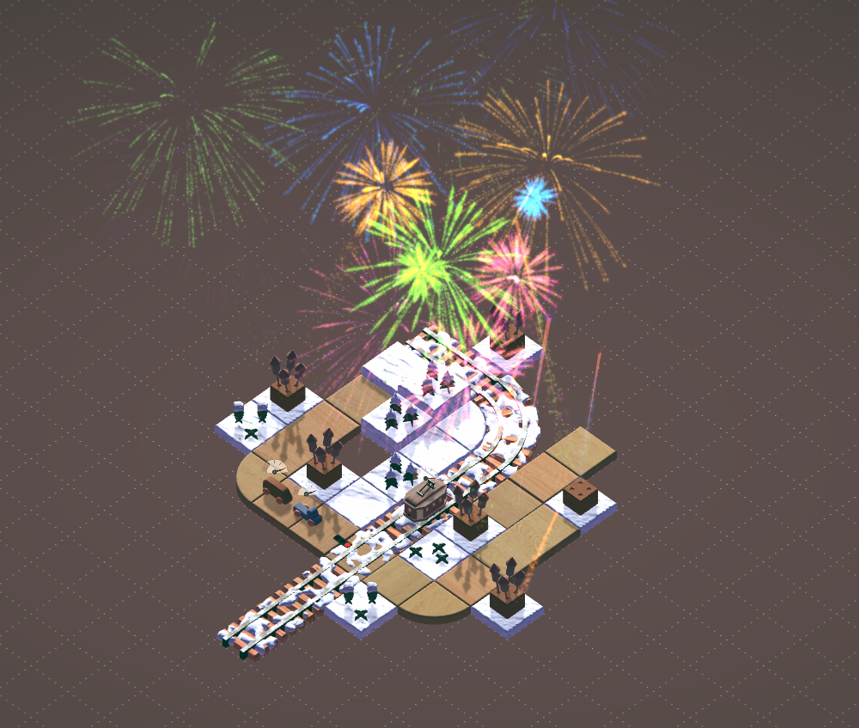
It includes minor bug fixes as well as a unique puzzle with fireworks.
We wish you a Happy New Year. Stay safe during all 2022!
Update 1.4.1175. Winter Update.
The Winter is coming to Road Builder!
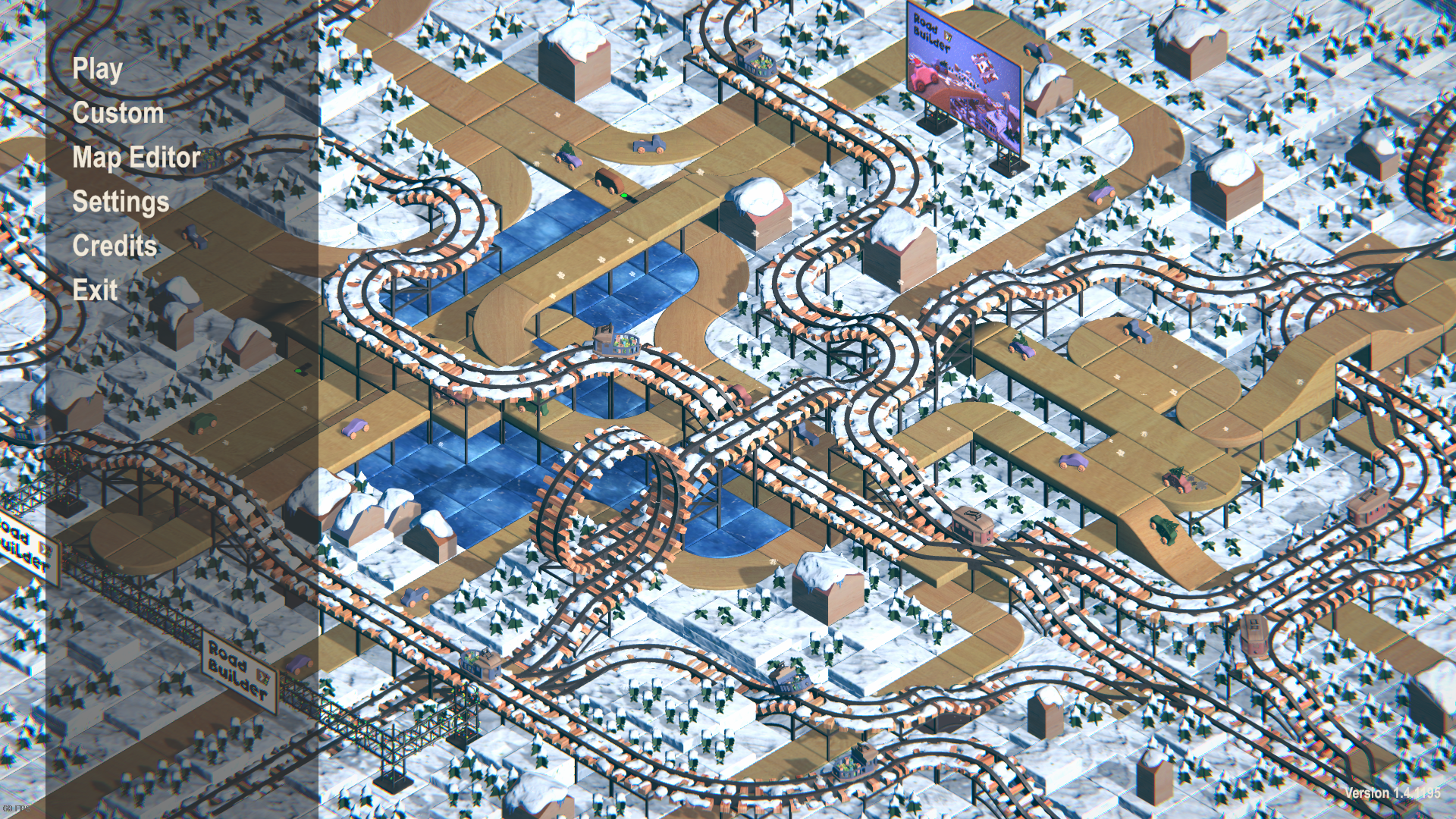
We've been working hard on a winter theme. The theme will become active as default after the update. To change it, go to Settings in the Main Menu, and in the Other Tab section, you will be able to choose it.
Features: - Winter Main Menu map,
- Each level is covered in snow,
- Snowfall VFX,
- Snow-covered puzzles and ice puzzles,
- Some cars will now carry Christmas trees on their roof,
- Some trams will carry presents,
- Ability to change the weather from sunny to snowy,
- A brush tool that will allow you to paint snow on puzzles on your level,
- Christmas tree lights around some objects.
Changelog: 1. Reworked house puzzles. Colour is selected randomly at the time of placing (it's preparation for future house content updates). 3. Fixed issue where some elements changed their rotation rotation after copied. 4. Fixed the issue, which allowed to use locked puzzles. 5. Corrected elements order from the intersections category. 6. Improved changing the puzzles to the opposite. Now new puzzle keeps previous rotation. 7. Fixed issue on level 2-15, which prevented its completion. 8. Fixed a problem that prevented the user from saving level if Undo action was used on specific puzzles. 9. Fixed the issue in Main Menu where cars got blocked after time at the intersection. 10. The number of stars required to unlock the second chapter has been reduced from 30 to 25. 11. The number of stars required to unlock the third chapter has been reduced from 30 to 25. 12. Overall game optimization, which reduced the space taken by the game by 0.5GB.
Update 1.3.1124. Connection points view.
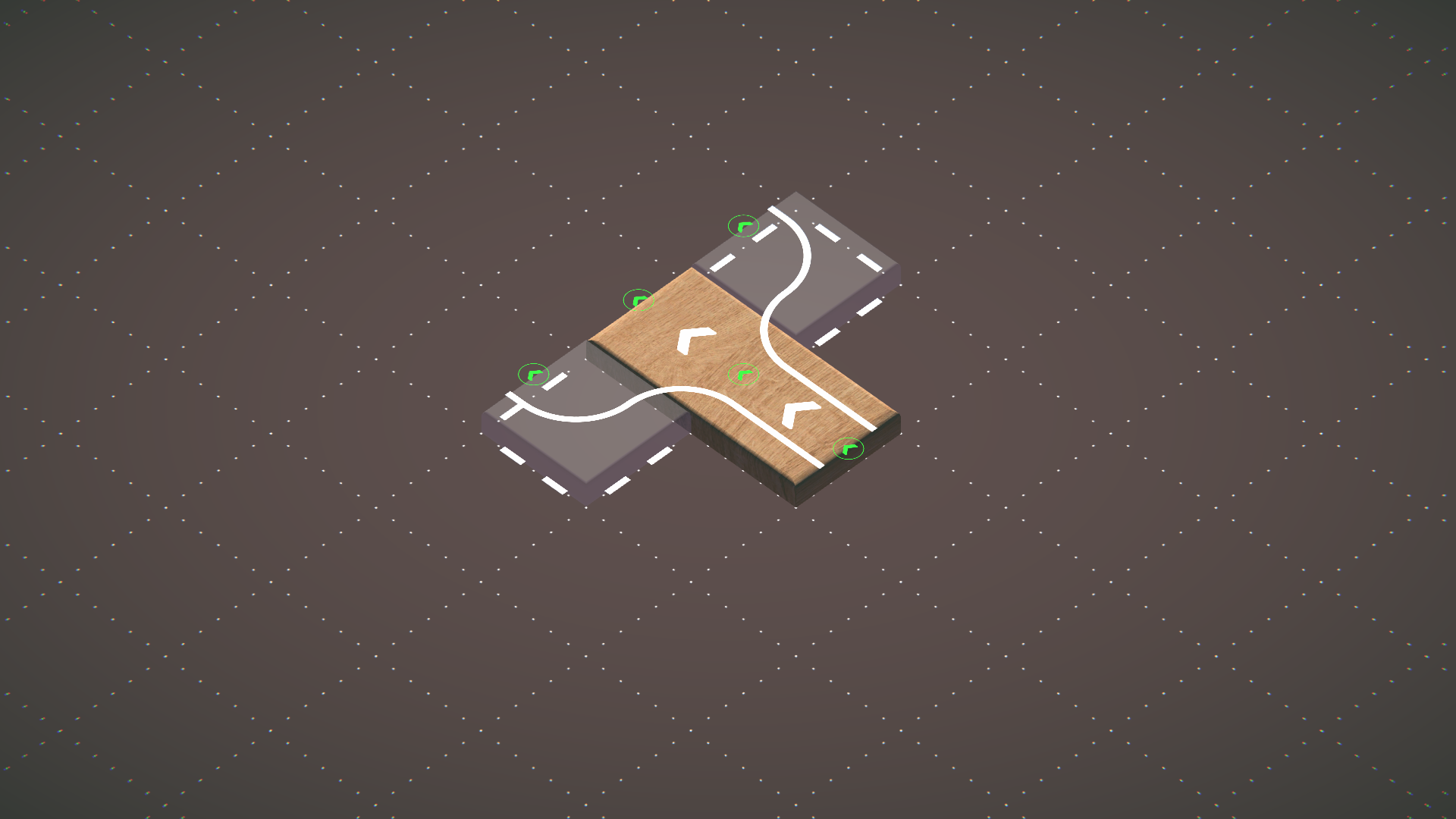
In response to your suggestions in subject of puzzle connections, which was not so intuitive and hard to understand we've added road connections points on puzzles, they will help you to understand how road connection mechanic works. And the rule goes: Two puzzles will connect into one road only if one of its connection points will overlap each other and will face the same direction.
Other changes:
1. Fixed an issue where scrolling through puzzle selection would sometimes not fully scroll blocking half of the first and the last puzzle on the list. 2. Corrected names of start and end points in third tutorial. 3. Added the ability to reduce the number of the traffic light sequence with the right mouse button. 4. Added the ability to pick up a built element with a shortcut (ctrl + x). 5. Added the ability to copy selected elements with a shortcut (ctrl + c). 6. Removed an invisible blockage in the level editor that blocked the detection of a mouse click on the left edge of the screen. 7. Fixed an issue where start and destination points didn't display names on mouse hover in tutorial levels.