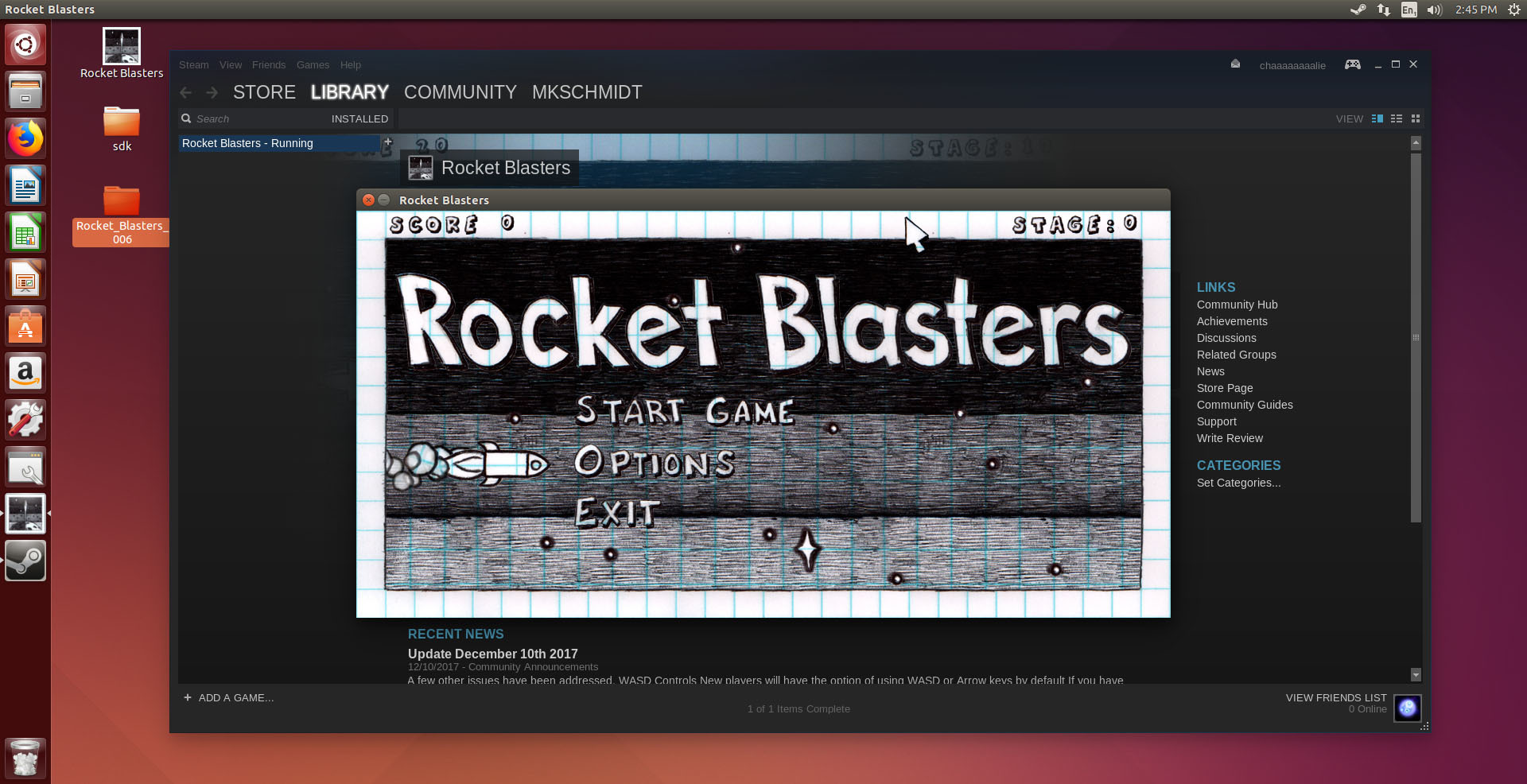
I have a working build of Rocket Blaster ready for Linux users. There may be a few bugs, but if anyone is interested in trying it, you can go to Properties>BETAS and opt in to the Beta version, if you're using a Linux machine.
After getting some feedback from testers, I will be making this availabel in the default build, and putting it up on the store.
Update December 10th 2017
A few other issues have been addressed.
WASD Controls
New players will have the option of using WASD or Arrow keys by default
If you have already played the game, you can still assign these keys manually under Options > Controls
Or just hit the "Reset" button on the Controls menu, to revert to the default controls
Overlapping Menu Issue
Hitting Escape while in the Options menu caused the menu to stay there while the game resumed
Escape will now pause or resume the game, and remove any open menus in the process
Escape has also been disabled during the start up screen
Connecting to Steam
When the game starts it tries to connect to Steam
You can skip this by pressing "Enter"
If you do not connect to Steam, you will not get achievements or join the global leaderboards
Taskbar Icon
I updated the game to have a unique icon in your taskbar
If you discover any other problems or have suggestions, I am always open to feedback!
Update December 8th 2017
A couple issues were pointed out by a kind curator who reviewed the game.
Icon
The game should now have a unique icon when installed.
If you are still getting the default GameMaker icon after the update, try following these steps (if you care) https://neosmart.net/wiki/clear-icons-cache/
Name Entry
The game will now store your name, and does not require that you re-type it after each session.
Also, if you mistype your name, backspace will clear the string and allow you to type it correctly.
Controls
The game allows you to rebind keys for controlling the rocket, shooting and more.
I had included this feature in the earlier release, but had failed to test it after adding controller support. The controller script was causing an error, and did not allow you to rebind keys.
Click Options>Controls to assign new keys to control the game.
The game does have partial controller support, it should allow you to fly and shoot. But you will need the mouse and keyboard to use the menus.