

Rote2: RoteSquare
2023-03-06(v1.0.2)
-Change to show records for current mode in the music select
-Change to display current speed when adjusting speed in-game
-Fix bug where special key settings are not applied
-Fix screen transition animation bug
-Modify result screen
-Fix bug where the selected pack changes with "a" and "d" even after selecting a pack in the pack selection screen.
2023-03-05(v1.0.1)
-Fix bug where OK does not get recorded on the leaderboard
-Fix error where A+ is displayed instead of D in result scene.
2023-02-12(v1.0.0)
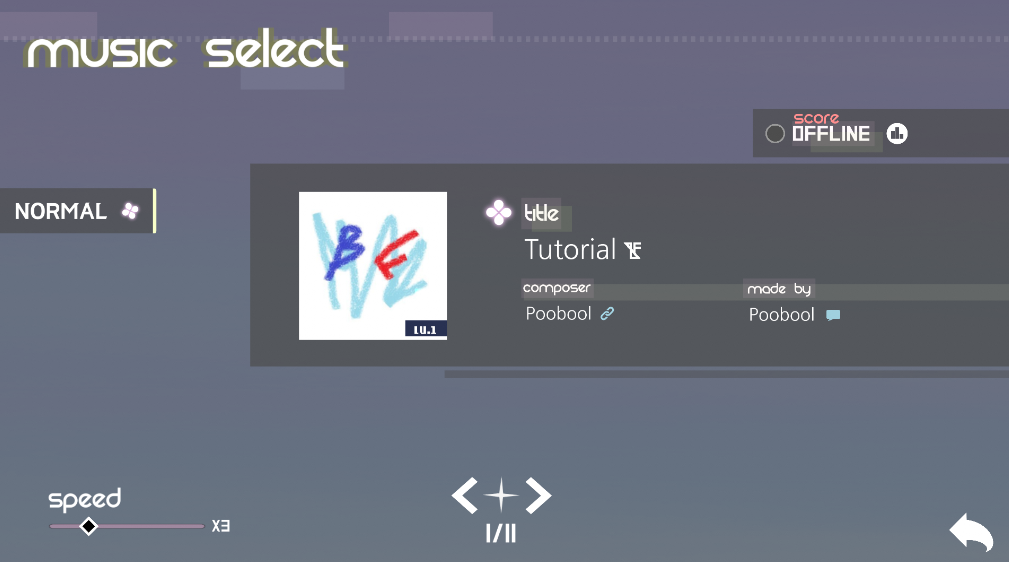
Poobool - Tutorial (NORMAL)
Ruya & KiTSUNE - Caffè Americano (NORMAL/HARD)

Claires - Pastel Moon (NORMAL/HARD)

Okumori - After rain (NORMAL)

[System changes and improvements]
The music pack system is added.

The "OK" judgment is added and the existing judgment range is adjusted.
Good play will be added. If all judgements are good or perfect, it will be good play.
The perfect score will be changed to 100.00%.

The color of the score shows your state, whether it is All perfect, Good Play, Full Combo, Clear, or Fail.
The rank system is added. (A+, A, B+, B+, C+, D)

From now on, Game background will be a gradation. (not solid color)
Input thread seperation feature is added. it will use more computing power, but judgements will be
more accurate.
You can adjust the sync in 0.001s.
If you press the Windows key when you play game, then the game will be paused automatically.
Game loading optimization: Modify loading logic to reduce loading time.
Added NVIDIA Low Latency.
[Changing the UI]
The setup UI will be renewed.

2022-12-25(v0.6.0)
Okumori - After Rain (HARD)
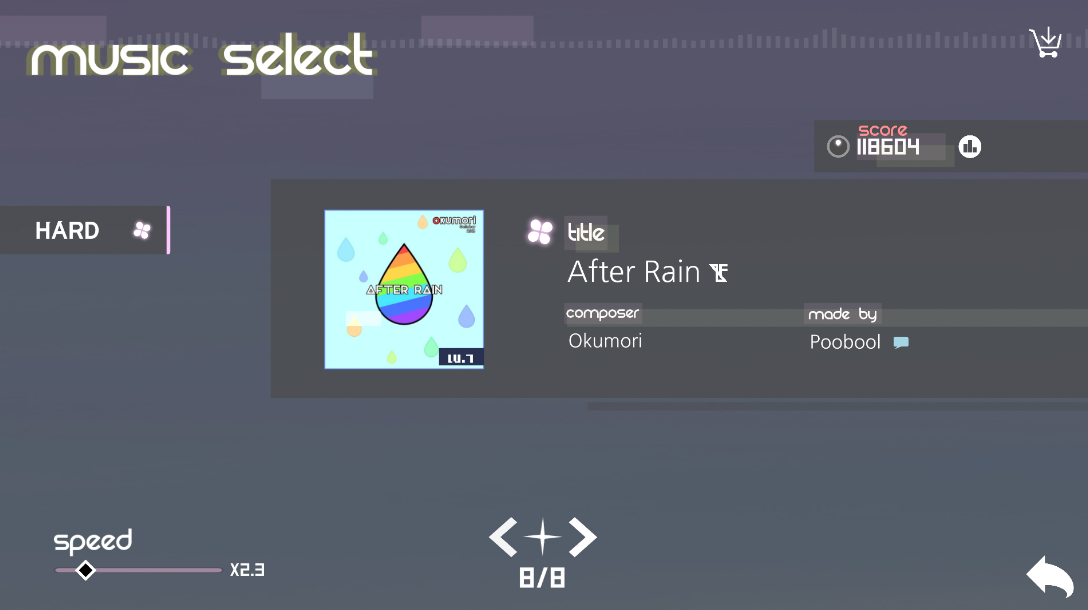
[In Game]

게임 내 UI가 위와 같이 변경됩니다.

From now on, the lines that process the notes will be alternated.
For example, when processing the note above, if you start processing with line 2, press line 3 and release line 2, the processing will not be interrupted.
[level editor]


You can invert the color of the head and tail of the note.

You can use skip event. it makes you to jumps part of music which is specified.

You can modify length of music, by inserting silence interval or removing tail of music.
[Bug fix]
Fixing the bug that icons do not load properly
Modify long note rendering order
2022-11-07(v0.5.4)
-Delete the note color effect of "your canon". (Reason: Readability)
2022-11-04(v0.5.3)
- After adjusting the difficulty level, fixed a bug that starts with a change in difficulty when you press enter.
- New song: BB Yukus - Game Clear! (NORMAL, HARD)
- Modify chart: Author wind - Aquamarine (NORMAL, HARD)
2022-10-21 (v0.5.2)
-Fixed a long note glitch bug
-Editor UI changed to tabbed
-You can use Ctrl+C, Ctrl+V in editor from now on
-Fixed a bug where "Line Width" are applied as squares
2022-10-25(v0.5.1)
- Fixed bugs related to editor pbrff and audio file loading
- Fixed a note rendering bug
- Fixed a bug that changes to the NORMAL difficulty when returning to the selection window after playing the HARD difficulty level.
2022-10-21(v0.5.0)
This is for levels which is not for playing. If you make a level just for watching, you can put it on "GIMMICK" class.
[New Song]
- HEAVYgiant - Spring Breeze(NORMAL, HARD, GIMMICK)

[Editor Renewal]
- You can modify individual note with "Note Setting UI". "The Key sound Editor" will be merged here.

- The key sound setting list UI is changed to a vertical list format.

[Adding an event]
- You can set the speed for each note.
- Note image events are added. (Basic, rhombus)

- Note Path events are added.

2022-10-02(v0.4.2)
-New Level: oSeann - Radiant moment (NORMAL)
-Fixed a Vsync Bug