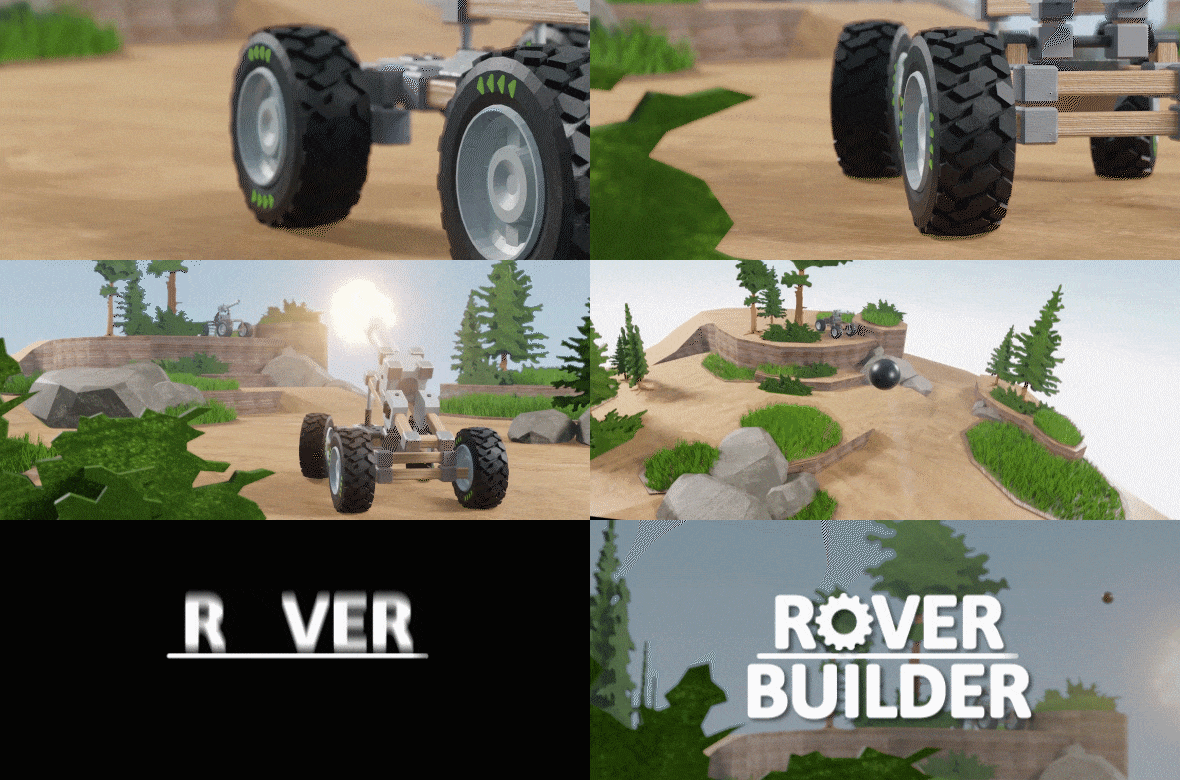
Don't miss grabbing a copy of Rover Builder for 50% off!
There's never been a more perfect time to purchase the heavily customizable vehicle building simulator as it prepares for its first of five major updates!
Unleash your creativity - from solving increasingly challenging puzzles, to engineering impressive automobiles from buggies & trucks; to carts and rockets using an impressive array of parts, materials and machinery.
What will you build?
Rover Builder discount will be applied at 10am PST (6pm BST), so make sure you don't miss out!
We know we have been quiet for a while, but we have some exciting news for you all today. We are pleased to announce that Rover Builder is back! We'll be working together with our new publishing partner PQube to bring you a new, reborn Rover Builder.
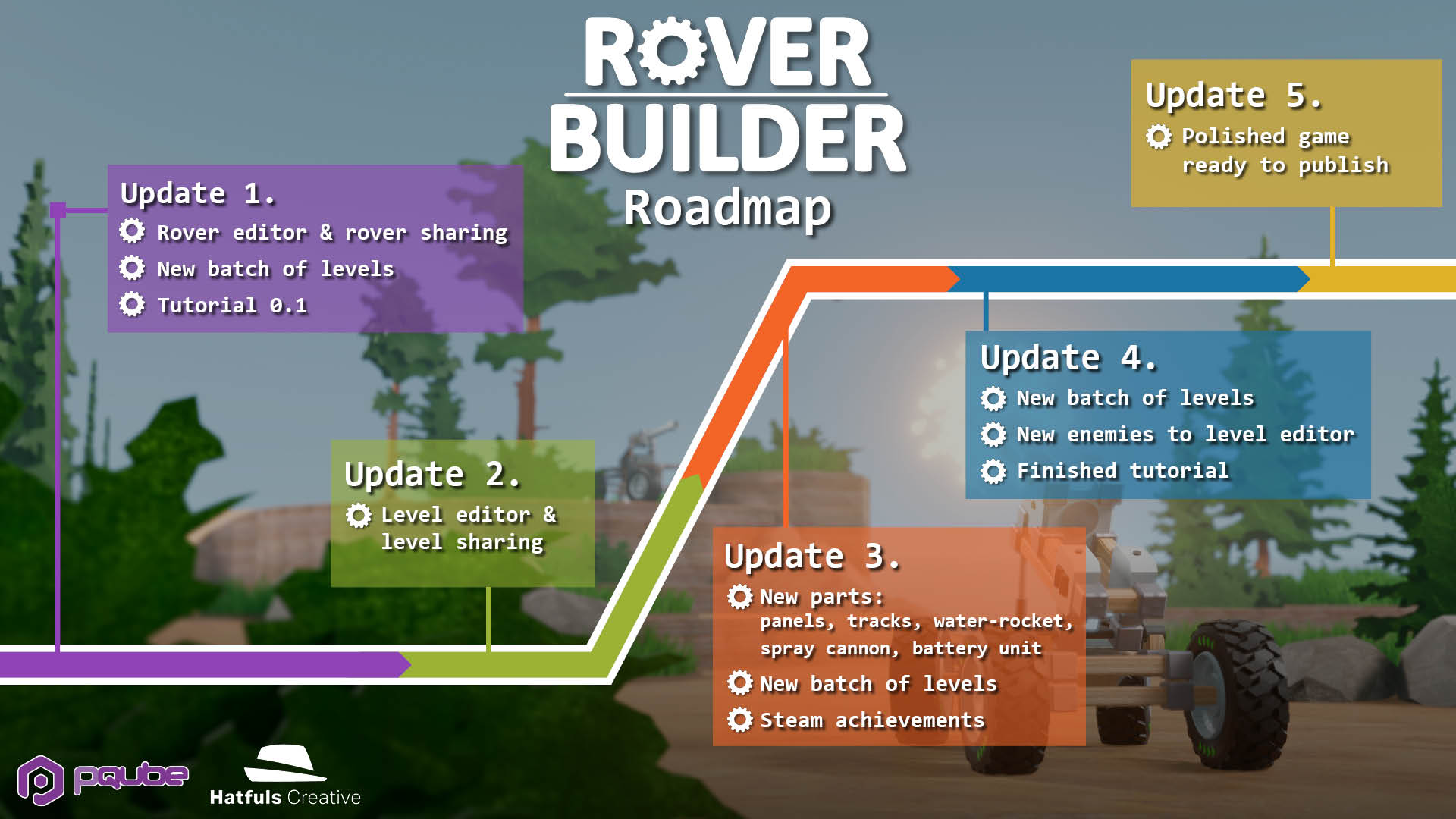
We appreciate everyone who already purchased and enjoyed the game, and for all the feedback you gave us; we thank you for your patience and support. We have been working hard, listening to your comments, and overhauling many aspects of the game. Over the next 6-12 months we will be rolling out multiple early-access gameplay updates that have been dramatically improved since our initial release.
Some of the new features to get excited for include: - Cannons and AI enemies - Building, editing and sharing your own levels - Sharing and downloading community made rovers - New rover materials and parts, including tank tracks - Overhauled keystroke system with a centralised UI
Please join us over on our Official Twitter and Discord to keep in the loop about our upcoming updates throughout development of Rover Builder.
For now, have a sneak peak below from the upcoming build of of the game, coming April 2021.
Rover Builder Update - Plate material, new tutorial
We just shipped an update! Here’s what’s new:
There’s a new Plate material! Basically it’s sheets of (breakable) material that you can build from existing steel beams. It attaches to the middle of the beam, and breaks apart if one or more connections fail. The broken pieces vanish after 10 seconds. You can make all kinds of stuff with it: cart floors, scoops, bridge vehicles, decorations etc. Get creative!
There’s now a completely new tutorial that’s not a single video with narration. Instead it’s a slideshow of auto-repeating short clips with texts that you can navigate as you like. The tutorial guides the player through building a rover with a rotating scoop. The tutorial is displayed in the top corner so that you can build along while the tutorial is playing! Unfortunately we made the new tutorial before adding the plate material so it’s missing from there :P Oh well.
Other fixes:
<*>The steel parts (beams, plates) now have considerably less friction against <*>the ground to improve stability
<*>Fixed a bug where pressing O while writing the name of the rover in the <*>Gallery opened the options menu (if a part was selected)
<*>A couple other bug fixes
Rover Builder update - New planet, new tools!
The 3rd planet is here! You get to fly with rockets on this snowy planet, trying to complete the missions with limited fuel. Can you do it?
The central unit now has damage, so you have to complete the mission without destroying the unit. The unit is relatively strong. The damage was added mostly to prevent being able to slam to the telepad with high speed (in the rocket planet) and still get the mission completed even though the rover is obliterated. You also have to wait for a couple seconds on the pad in the traveling missions.
There’s also 2 new tools: Split and Join. With Split (shortcut: Alt) you can split a steel beam in 2 or more pieces that are connected together. You can then e.g. remove the unwanted part. Very handy for shortening steel beams without having to delete the whole beam, or cutting parts of the rover off to be moved with the Move tool. You can also join 2 parallel&connected steel beams together by selecting both of them and pressing the Join button (or J key).
The driving camera is now fully rewritten, to make it more intuitive and less jittery. The camera now rotates so that it always keeps the rover dead centered, i.e. no more weird swinging when rotating the viewpoint while driving. There was also a stuttering problem with the camera’s movement (when the rover was going fast), and that’s also fixed.
Other changes/additions:
- There’s now a music mute button in the menu
- Rover Gallery now has custom naming for rovers
- Tutorial video is now hopefully less laggy (a completely new tutorial coming
soon!)
- Selecting, deleting and part placing are now also mirrored when mirroring is
turned on
- Many small bugfixes
Rover Builder update - Slider part (previously steering), move tool and keybind display
We just shipped an update! Here's what's new:
The old steering part is now rebranded as a Slider part. It looks the same, but has a lot of new functionality:
There’s now a “motored”-option. It’s checked by default, but if you uncheck it the slider will just slide freely across the whole steel beam it’s attached to. Lots of new possibilities!
There’s now a couple options for the motored mode:
- Movement range: you can now define how long you want the slider’s movement to be
- Motor speed: Lets you control how fast the movement is
- Return to center: Checked by default. If unchecked, the slider will just leave where it is after you stop pressing the movement keys, without returning to the center. This opens up a whole new world of cranes, balancing systems, active suspensions etc!
The sliders can now be placed directly above each other for more compact slider systems (before the gears would’ve gotten in the way)
You can now flip the sliders sideways on the axis of the steel beam, for more flexible placing
Another new thing is the updated toolbar in top left corner of the building mode. There’s now a selection tool, and a move tool. The selection tool works like the rectangular selection has worked before, but the move tool is new.
Right now the move tool will only move everything that’s attached to the part you’re moving, so it’s not yet possible to only move selected parts. However you can disconnect e.g. a steering system from the rest of the build and move it independently. The moving works in 90 degree angles. Keep in mind that the mirroring plane will not move with the central box, so there’s center lines visible in the grid while you move, to help to keep the rover centered.
Shortcut for moving is Ctrl.
(We are working on a splitting/joining tool for steel beams, which will also make it a lot easier to disconnect certain parts of the build for moving. Hopefully that makes it to the next update)
The selection logic has also changed a bit. Now you need to have the selection tool active to select multiple parts, otherwise only the last clicked part will get selected. This basically means you have to hold Shift to select multiple parts when e.g. the steel material is active. (as the shortcut will temporarily activate the selection tool)
There’s now a panel that shows all the different parts’ keybindings in the building and driving mode. You can minimize it by clicking the little arrow in the top left of the panel. The keys will also act as clickable buttons in driving mode. We are planning to add more functionality to this panel in the future, but right now it’s mainly a place to easily see all the key commands.
Other smaller changes/fixes:
The wheel joints are now a bit stronger, so they don’t fall off as easily
The wheels now have a little less friction, which should help with overall stability and skid steering. It also feels more natural.
There’s now a confirmation box when loading/removing rover designs. You can choose to not show it again.
In the launcher window’s “input” tab there’s now some more relevant keybindings to modify
Left/Right arrow keys reversed for the horizontal rotation of the camera in building mode
Fixed a bug where the mission scene would get messed up if you clicked Start repeatedly
We are working on making the steel joints a bit more durable with bigger structures, but it’s still a work in progress and there’s no big updates on that yet. The physics have gone through some refactoring already though, so hopefully you’ll see a little less explosions with this update already!
Rover Builder update - Sandbox mode with rockets
We just shipped an update! Here's what's new:
Sandbox Mode:
A brand new mode that you can find in the mission menu (in the player information box)
White, flat and clean environment for testing designs without having to start a mission everytime
New Rocket part in the sandbox mode! Pretty self-explanatory, a part that provides thrust with Space key by default. As of now you can't use this in the existing planets, there will be a rocket planet in the future. We just wanted to already let you play with it in the Sandbox :) In the missions rockets will have limited fuel, but Sandbox has infinite fuel.
"Drop a box" -feature that drops a random box behind the rover, so that you can easily test lifters
Sandbox mode is also ideal for stylish screencasts!
UI / Usability features:
Minor Update - Bug fixes
Another small bugfix update while we work on new features.
- Fixed a bug where steering boxes could be placed partially on top of existing ones
- Fixed a bug where motors would disappear if they had a wheel attached close to them
- Fixed a bug where the teleport option wouldn't show up if the central box was too high up
- Added a missing collider to a stone pillar in planet2 mission5
Rover Builder update - Bug fixes, shortcuts
A small update, mostly bugfixes and a couple new shortcuts.
- Fixed a bug where motors could be placed on top of existing motors
- Fixed a bug where you couldn't build a steel beam straight out of the steering part's side
- Fixed a bug where you could build overlapping steel beams
- Bug fixes for the mirroring. Now if you build overlapping steel beams with mirroring, the mirrored beam is deleted.
- Added WASD (+QE) shortcuts for camera movement in the building mode
- Added Esc shortcuts for opening and closing different menu's
- Added Enter shortcut for teleporting