
🖌️😁👍📜

RPG in a Box
Voxel Editor Basics 10 (Tutorial #11)
🖌️😁👍📜
Voxel Editor Basics 09 (Tutorial #10)
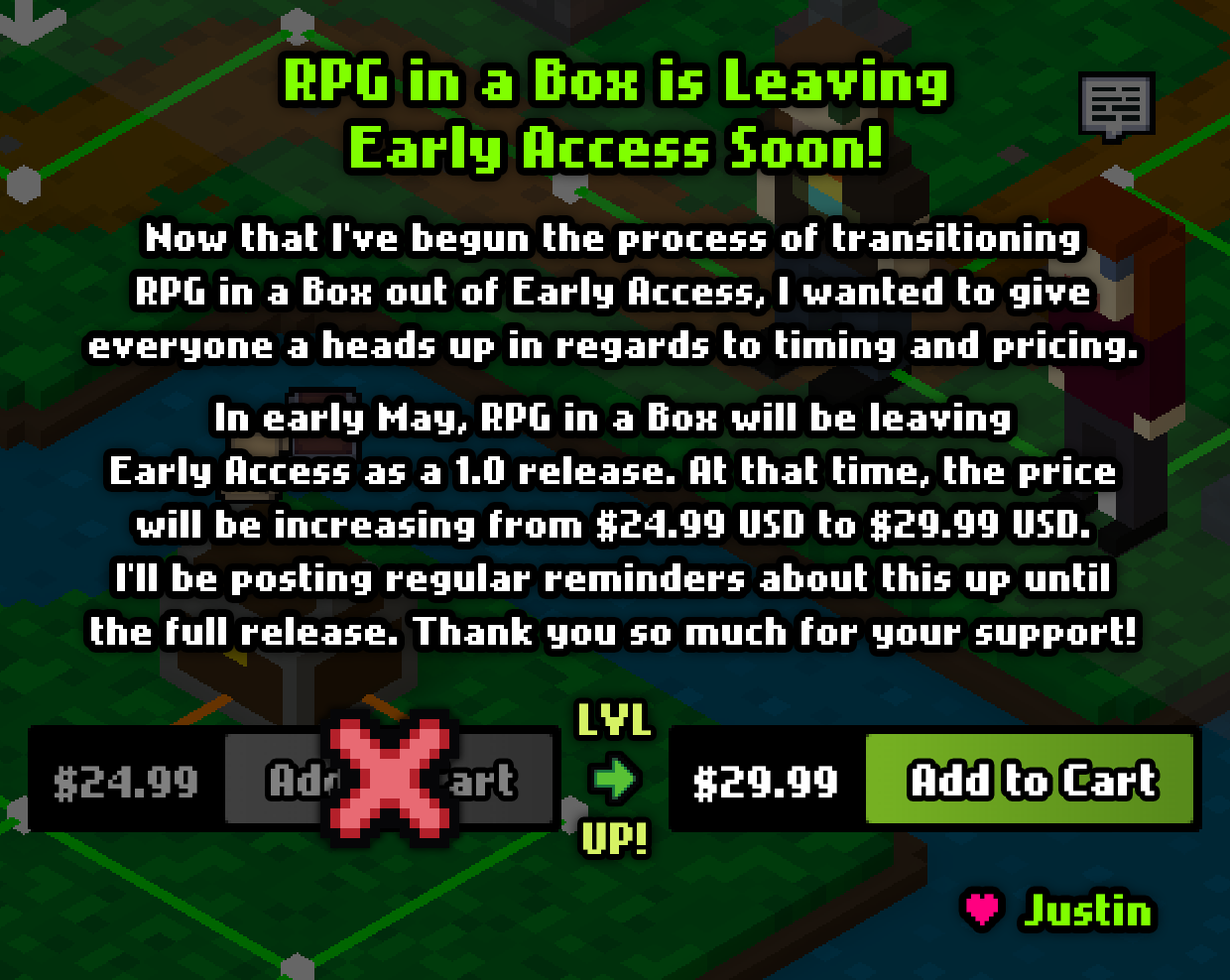
Leaving Early Access (Part 2)
Buy on Steam: https://store.steampowered.com/app/498310
Buy on itch.io: https://zeromatrix.itch.io/rpginabox
Buy on Humble: https://www.humblebundle.com/store/rpg-in-a-box
Leaving Early Access (Part 1)
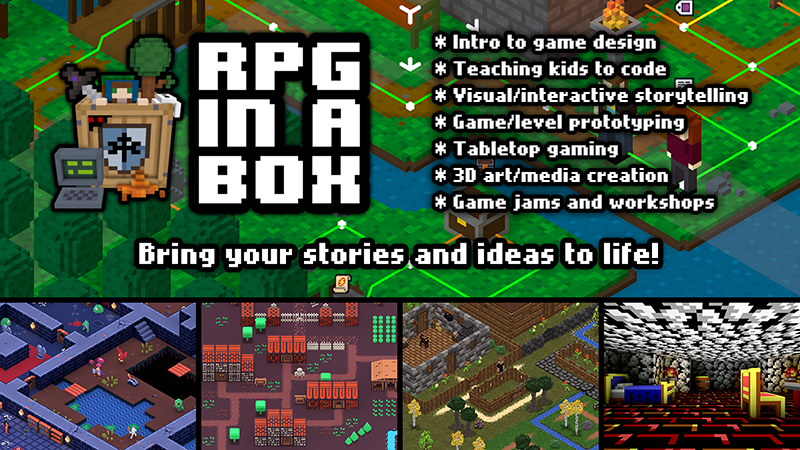
Future of RPG in a Box (Part 2)
Press Kit: https://rpginabox.com/press
Trailer: https://youtu.be/M4OWahrBlsQ
Steam: https://store.steampowered.com/app/498310
itch.io: https://zeromatrix.itch.io/rpginabox
Patreon: https://patreon.com/rpginabox
(Both Steam and itch.io include a free demo version)



Kenney 1-Bit Starter Project
[previewyoutube="P_lnWNJJQ94;full"]
Release Notes for v0.7.3.1
- Added support to the Voxel Editor for transparent colors when using the "Billboard Sprite" mesh option
- Updated "Billboard Sprite" option in the Voxel Editor to work properly with the texturing functionality (i.e. multiple textures per model frame)
- Increased maximum limit of camera zooming when using the isometric camera mode in the Map Editor
- Fixed issue where using transparent or emissive colors in a model could cause the Voxel Editor to freeze when saving
- Fixed issue with "Replace Color" tool not working when adding new voxels to a model then using the tool on the new voxels of a non-default texture
- Fixed issue with importing a palette from a PNG file having more than 64 colors (only the first 64 colors were included in the imported palette)
- Fixed issue where the eyedropper cursor would display in the Voxel Editor when holding Shift + Alt to deselect voxels with the selection tool
- Fixed issue with "Textures" dropdown on the Model Tools panel incorrectly reverting to "Default" in some cases when switching between models
- Fixed issue with "Texturing Mode" box not displaying and grid dimensions/move panels not being hidden when first adding a new model texture in the Voxel Editor
- Fixed issue with "Texturing Mode" box not being hidden when undoing the creation of a new model texture in the Voxel Editor
- Fixed issue with documentation button on the Translations tab of the Game Configuration dialog no longer working
- Fixed issue where the documentation button on the Key Bindings tab of the Game Configuration dialog was opening the localization documentation
- Fixed missing localization text for RENAME_TEXTURE, CONFIRM_TEXTURE_DELETION, and PRESS_KEY_TO_BIND strings
Billboard Sprites
Check out the video below to see some billboard sprites in action!
[previewyoutube="BvNXcvMLiDM;full"]
Release Notes for v0.7.3.0
- Added support for custom functions to the Bauxite scripting language (see "Script Syntax" docs for syntax and example function)
- Added support for multiple textures per model frame in the Voxel Editor (add/switch textures from the Model Tools panel)
- Added "Set Entity Texture" scripting function for changing an entity's texture (e.g. set_entity_texture(player, "Pajamas"))
- Added ability to set the initial texture of an entity's model after placed into a map (via the Entity Properties panel)
- Added built-in "textures" entity property for getting an array of all texture names (as strings) defined for an entity (e.g. entity["xyz"].textures)
- Added "Request Entity" scripting function that prompts the player for an entity (e.g. $selected = request_entity("validate_entity") - visual node coming soon)
- Added "Request Coordinate" scripting function that prompts the player for a tile coordinate (e.g. $selected = request_coordinate(0, -64, 64, 16, "validate_coord") - visual node coming soon)
- Added "Set Entity Scale" scripting function for setting the X/Y/Z scale of an object or character (with optional duration, e.g. set_entity_scale(player, 1.5, 1.5, 1.5, 2) - visual node coming soon)
- Added "scale" entity property to get or set the scale of an object or character from a script (via number or array, e.g. player.scale = 1.5 or player.scale = array[1, 1, 1.5])
- Added "scale_x", "scale_y", and "scale_z" entity properties to get or set the scale of an object or character from a script (e.g. player.scale_z = 0.5)
- Added ability to define terrain types for pushable objects in the Map Editor (similar to vehicle terrain types)
- Added "Set Terrain Types" scripting function to change the terrain types of characters/vehicles/pushable objects (e.g. set_terrain_types(entity["xyz"], PROHIBIT_FROM, array["water"]) - visual node coming soon)
- Added ALL, PROHIBIT_FROM, RESTRICT_TO constants to the Bauxite scripting language for use with the "Set Terrain Types" function
- Added in-game free camera mode for debugging and other purposes (toggled via "noclip" command from the debug console)
- Added absolute value, floor, and ceiling math functions to the Bauxite language (e.g. abs($num), floor($num), ceil($num))
- Added ability to get and set the cost of an item in a widget's shop item slot using the ".cost" syntax (e.g. widget["my_shop"].element["0001"].cost)
- Added ability to get the cost of an item (as defined in the Item Editor) from a script using the ".cost" syntax (e.g. item["ITEM_0001"].cost)
- Added ability to hide/show widget elements using a new "visible" property (e.g. widget["my_widget"].element["0001"].visible = false)
- Added "Missing Dependencies" check to the Map Editor when saving maps in order to prevent them from becoming corrupted in cases where models they used were renamed or deleted
- Added buttons to the About dialog for Reddit and YouTube that link to the official subreddit and YouTube channel for RPG in a Box
- Added button to the About Dialog for viewing the license text of SFXR (on which the Sound FX Generator is based) in a popup box
- Added "Connect with RPG in a Box" section at bottom of Game Manager with links for social media and other related sites
- Updated pushing functionality to also allowing pulling by directing the player character away from the object being pushed
- Updated color palette in the Voxel Editor and Image Editor to support up to 256 colors instead of only 64
- Updated "Predefined Animation Names" dialog in the Voxel Editor to include "push" and "pull" for character models (triggered when pushing/pulling objects)
- Updated "Set Entity Tooltip" scripting function to support a third optional Boolean parameter to indicate whether or not the tooltip should always show
- Updated editor to prevent deletion of models that are currently open in the Voxel Editor or that are used in any maps currently open
- Updated Patreon credits in the About dialog to reflect the up-to-date levels for each patron based on the number of months pledged at each tier
- Updated About dialog to include Oryx Design Lab credit for the Tiny Dungeon tileset (on which the Dungeon in my Pocket assets are based)
Bug Fixes:
- Fixed issue where the player would move in unexpected directions when using the standard camera with "relative to camera" movement and the camera was at a 45-degree increment
- Fixed issue where the movement control type setting for projects would incorrectly default to "Tank" instead of "Relative to Camera" in certain scenarios
- Fixed issue with Global Illumination in the Map Editor not recalculating map boundaries until toggled off then back on again (now only a "Bake" is required)
- Fixed issue with data being null when using the "Load Data" function to load a JSON file that was previously stored without a password using the "Save Data" function
- Fixed issue with "Set Entity Tooltip" not immediately updating the tooltip text when the entity's tooltip was currently being displayed
- Fixed issue with visual scripts where nodes would display above the darkened overlay after moving them and then editing the source code
- Fixed error that would occur in the Script Editor when the "Put Player" function was used without explicitly including the "Player Direction" argument (after applying the source code)
Documentation:
- Updated "Script Syntax" built-in docs to include info about custom functions along with some example code
- Updated "Script Syntax" built-in docs to include info about math functions ("round", "mod", "pow", "sqrt", "abs", "floor", and "ceil")
- Updated "Scripting Reference" built-in docs to include function signatures for "Request Coordinate", "Request Entity", "Set Entity Scale", "Set Entity Texture", and "Set Terrain Types"
Patreon, Release, and Promo Graphic
Patreon: https://patreon.com/rpginabox
I'm planning to release v0.7.3.0 later this week, so keep an eye out for that! I'll be posting about some of the new features on Twitter over the next few days: https://twitter.com/rpginabox.
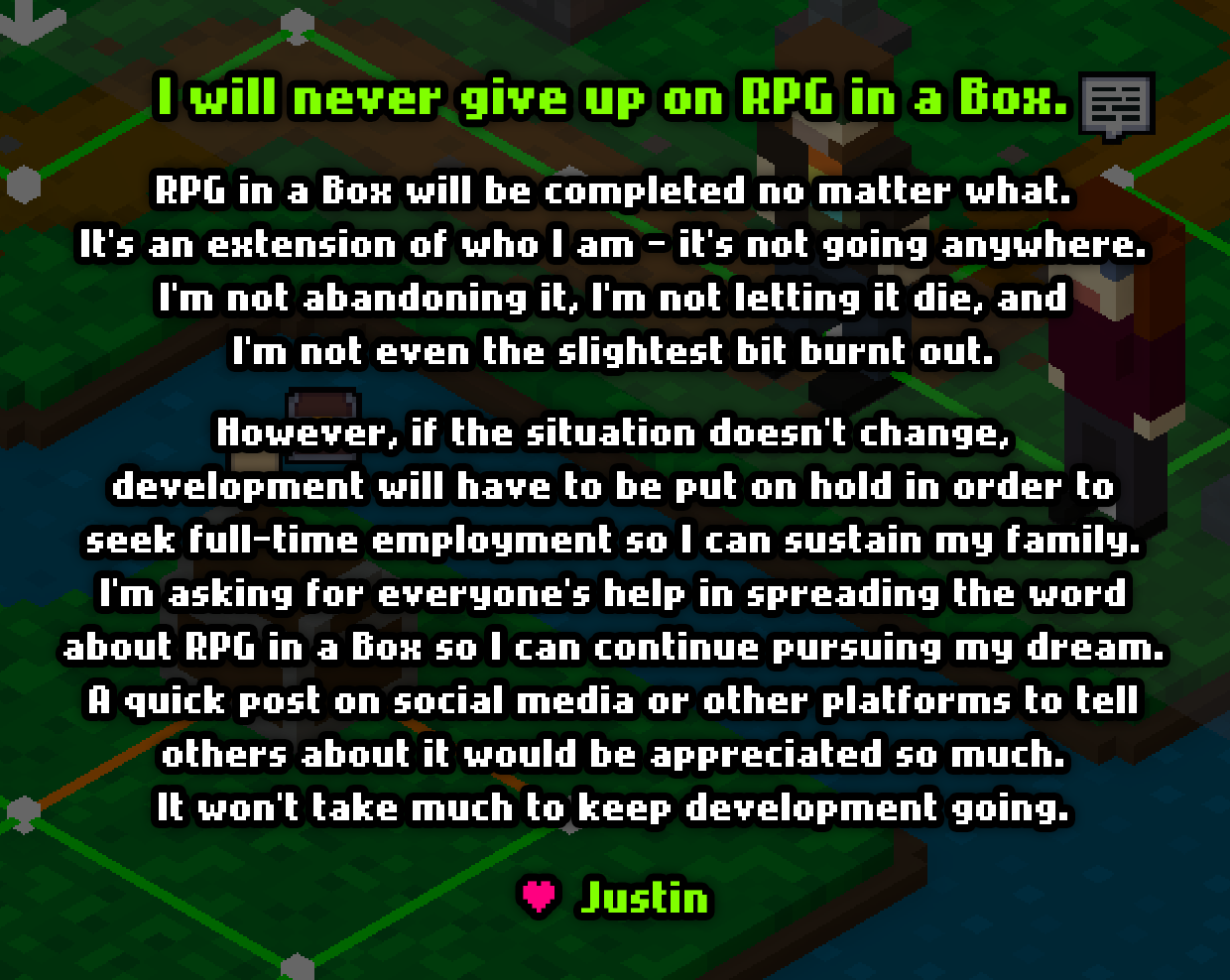
Also, I recently created this promotional graphic to help show that there are many other uses for RPG in a Box outside of just making RPGs and adventure games. Feel free to use this and share it anywhere you think there could be interest or when an opportunity arises! Here's a link to a higher resolution version: https://i.imgur.com/eTOoXxp.png.

Thank you so much again! I hope everyone has an awesome week! 😁👍