

RPG in a Box
Rage Craft
Horror in a Box
RPG in a Box v1.1 has arrived!
This update's "Leap Day" release represents the huge leap forward being taken with the extensive improvements and new additions. I'm so excited both for the possibilities that it brings and the stage that it sets for future growth!

A quick glimpse at some of the major new features in v1.1:
- Combat/skill system updates (more skill options, custom combat scripting, and much more)
- Free movement updates (zones, climbing, moving platforms, and other gameplay options)
- Thingy system (item pickups, doors, conveyors, turrets, with more thingies to come)
- Experimental support for Blockbench model importing
- Experimental support for fully sprite-based models
- Lots of new scripting functions for triggering events in your game
Stay tuned as I cover these in more detail over the coming weeks, as well as what's next for RPG in a Box! As hinted at in Stumpy's Epic Adventure, this means FINALLY starting the migration to Godot 4! Thank you so much for your continued support as I take RPG in a Box "Beyond 1.0" and pursue the vision I have for it. Your support really means a lot. It's been so cool seeing all of the awesome and wonderful games you're making with RPG in a Box! 💖
You can find the full release notes for v1.1 on the official forum here:
https://rpginabox.com/forum/d/254-release-notes-for-v11
Release Notes for v1.1
Platforming 101 + Stumpy's Epic Adventure
Platforming 101 Teaser
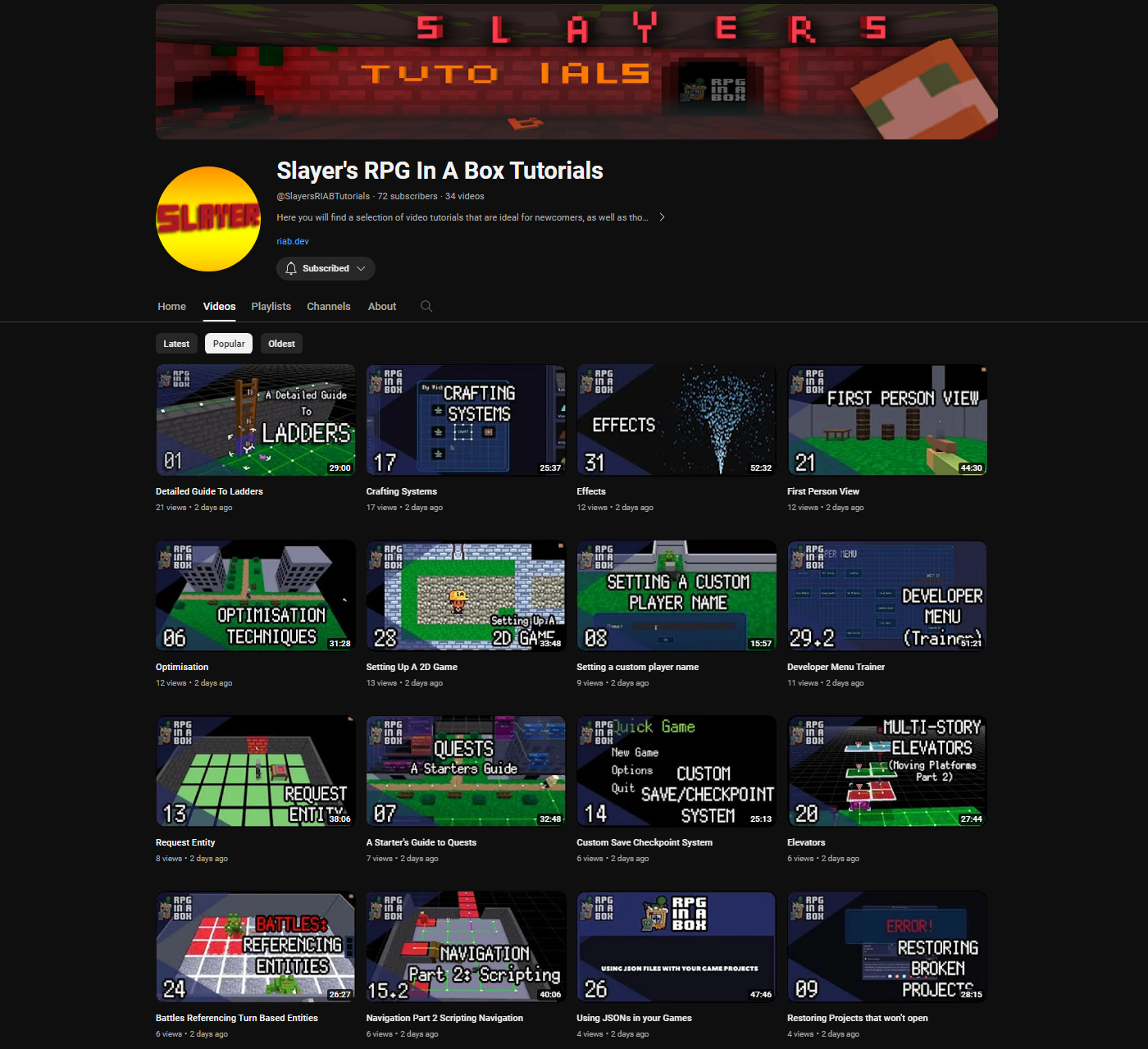
Slayer's RPG in a Box Tutorials
https://www.youtube.com/@SlayersRIABTutorials
From Slayer's channel description: "Here you will find a selection of video tutorials that are ideal for newcomers, as well as those wishing to further understand the concepts of RPG in a Box with detailed, thorough explanations and examples."
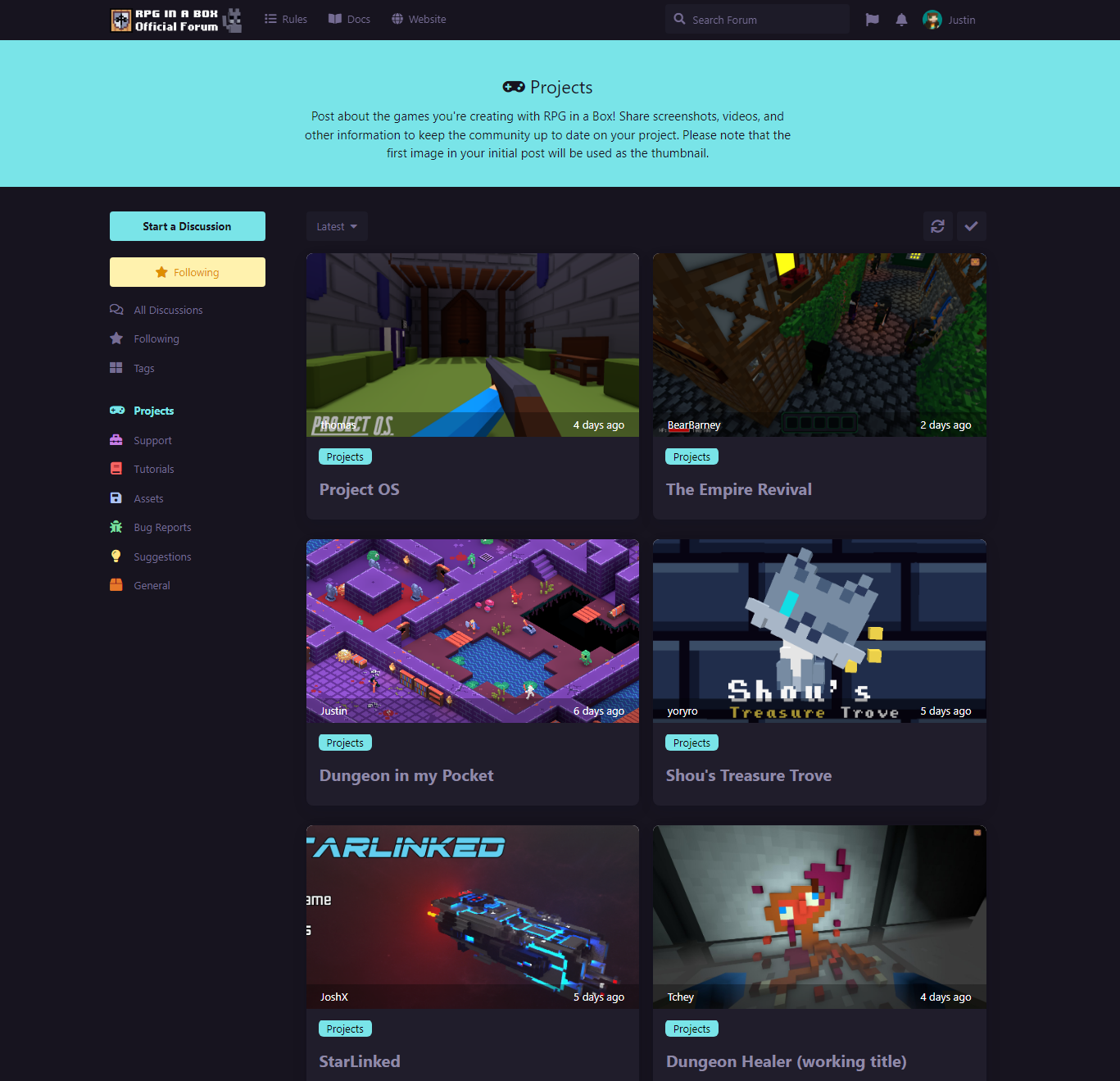
Official RPG in a Box Forum
I encourage everyone to go register and create a project post with screenshots of your game so more people can see the awesome things you're making with RPG in a Box!
Check out the official forum here: https://rpginabox.com/forum
Release Notes for v1.0.8.6
- Added initial implementation of ranged enemy projectiles in free movement (i.e. projectiles will no longer track the player when fired in free movement)
- Added initial support for using skills during tactical turn-based battles (via the "Use Skill" action if the active character has any available skills)
- Added initial support for using skills during menu-driven turn-based battles (via the "Use Skill" menu if the active character has any available skills)
- Added "Cooldown (Turn-Based)" setting to the Skills section of the Stats Editor for specifying a skill's cooldown when used during turn-based battles
- Added "Usable in combat" setting to the Skills section of the Stats Editor for indicating whether or not a skill is able to be used during battles
- Added "Tick On Apply" setting for "Healing/Damage Over Time" status effects to indicate if the effect should tick when first applied to a character
- Added "Duration (Turn-Based)" and "Duration (Roguelike)" settings for the temporary stat buff and debuff skill effects in the Stats Editor
- Added "Party" as a target option for skills in the Stats Editor (when using a script as an effect, the $target variable will contain an array of members)
- Added "VHS/CRT Monitor Effect" feature to the Map Editor for enabling the effect on a per map basis, with settings for customizing its appearance
- Added ability to assign placeholder images to storage, equipment, and crafting slots (i.e. an image that will be displayed whenever the slot is empty)
- Added ability to use custom currencies for an item's cost in the Item Editor (used by widget shop slots when the player buys an item from the slot)
- Added new "Select Attach Point" mode for the attach point tool in the Voxel Editor for selecting and deleting attach points via the 3D viewport
- Added ability to cut, copy, and paste single objects and characters in the Map Editor via the Ctrl + X, Ctrl + C, and Ctrl + V shortcut keys
- Added support for removing enemies and party members via script during tactical turn-based battles, either via damage or the "Remove Entity" function
- Updated Stats Editor to prevent a custom stat from being removed if it's tied to a custom currency (an informational dialog will display indicating this)
- Updated free movement disclaimer dialog to indicate that bugs can now be submitted and that the use of free movement should be noted in the bug report
- Updated About dialog to include credit to Peter Höglund of Godot Shaders for the VHS/CRT monitor effect used by the Map Editor and in-game functionality
Bug Fixes:
- Fixed issue where the "Interval (Turn-Based)" setting for status effects in the Stats Editor was not being properly saved when modified
- Fixed issue where using the "Put Player" function in first-person free movement mode could cause the orientation of the player model to become out of sync
- Fixed issue where any skills assigned to a character were lost when their model was changed using the "Set Entity Model" scripting function
- Fixed issue where the "Effect Details" section was incorrectly displaying when the selected skill in the Stats Editor didn't have any effects assigned to it
- Fixed issue where custom stats added in the Stats Editor would not show in the "Associated Stat" dropdown for currencies until the project was reopened
- Fixed issue where the mouse cursor wasn't being hidden/shown when using the "Change Camera" function to switch between camera types in free movement
- Fixed issue where the player was unable to seamlessly transition into strafing left/right in first-person grid-based mode when holding down a strafe key
- Fixed issue where dragging an item outside of a widget could cause the item to disappear when using free movement with the management screen disabled
- Fixed issue where defeated enemies could still move in roguelike mode if they had a "death" animation and the "Remove Defeated Enemies" setting was disabled
- Fixed issue where a battle could fail to start if it was the first one created in the Combat Editor without changing maps and no "combat.json" file existed yet
- Fixed issue where the built-in player health bar would display during tactical turn-based battles even with the "Show Player Health" setting disabled
- Fixed issue where floating health bars were not being properly removed when using "Remove Entity" to remove a character or a tile occupied by characters
- Fixed issue where any existing floating health bars for the current map were not being hidden when transitioning to a turn-based battle
- Fixed issue where widgets were not being updated when a skill with a stat buff/debuff effect was used (e.g. text labels displaying the stat)
- Fixed issue where the main player character would disappear after transitioning from a free movement map to another map for a menu-driven turn-based battle
- Fixed issue where the camera could become incorrectly offset after transitioning between free movement maps (camera is now reset when loading a free movement map)
- Fixed issue where the dialogue window would remain visible if the "Restart Game" scripting function was called while the window was being displayed
- Fixed issue where the dialogue window would remain visible if the "Load Map" scripting function was called while the window was being displayed
- Fixed issue where entity tooltips would remain visible if the "Restart Game" scripting function was called while the tooltip was being shown for an entity
- Fixed issue where entity tooltips would remain visible if the "Load Map" scripting function was called while the tooltip was being shown for an entity
- Fixed issue where the "death" sound effect would play after finishing a tactical turn-based battle then damaging an enemy in free movement
- Fixed issue where enemy spawns containing a character stored within a subfolder could cause the spawn to break when killing an enemy or loading a save
- Fixed issue where the "Character Collides" trigger event for objects was incorrectly triggering in free mment mode when the player entered the object's tile
- Fixed issue where the "When Player Collides" NPC behavior was incorrectly triggering in free movement mode when the player entered the NPC's tile
- Fixed issue where the "Interact" control icon/text was not being hidden whenever a dialogue or message was being shown in free movement mode
- Fixed issue where dialogue couldn't be progressed by clicking the left mouse button (only using the space bar) if the screen was currently faded out
- Fixed issue where entities could no longer be interacted with by the mouse cursor if a clamped or one-time animation was played followed by a looping animation
- Fixed issue where a "Remove Entity" error would sometimes display in the debug console after the player character had been defeated by a projectile
- Fixed issue where deleting an entity in the Map Editor then undoing the action would not properly add the entity's ID back to the map's entity ID lookup
- Fixed issue where the eyedropper tool in the Map Editor would not always select the proper model if there were multiple with the same name within subfolders
- Fixed issue where undo/redo actions were not being created when assigning an entity ID to an entity from the Map Properties tab in the Map Editor
- Fixed issue where the Voxel Editor would be marked as having changes when switching to an attach point with scale values differing from the previously selected one
- Fixed issue where cancelling out of the "New Attach Point" dialog then changing to the "Attach Voxels" tool could cause the cursor to inadvertently add voxels
- Fixed issue where conditional expressions in the Dialogue Editor would show the default expression in compact mode after saving and reopening the dialogue
- Fixed issue where duplicating a "Display Choices" node in the Script Editor would use the "Assign Value" node for the copy instead of "Display Choices"
- Fixed issue where compound operators (+=, -=,
- =, /=) were not working properly when used to modify the value of a custom numeric item property
- Fixed issue where built-in entity properties were not being accepted when used with a local variable and the "==" operator in a conditional expression
- Fixed issue where names for items assigned to a container in the Map Editor would display as blank if a translations file didn't exist for the default locale
Release Notes for v1.0.8.5
- Added ability to swap out items in equipment slots without first needing to remove any existing item that's currently assigned to the equipment slot
- Updated icon for skill slots in the Widget Editor to use the new "spell" icon in place of the "jump" icon (which is now used for free movement/physics)
- Fixed issue where dragging an existing skill slot in the Widget Editor to move it to a different position would cause the skill slot to disappear
- Fixed issue where the "!contains" conditional operator was returning the incorrect result when checking that a codex didn't contain the specified key
- Fixed issue where the "Assign Value" visual script node wasn't properly accepting some expressions as valid when entered into the "Variable or Property" field
- Fixed issue where the "Interact" control icon/text was incorrectly remaining visible in the bottom right corner after a turn-based battle was started
- Fixed issue where the "Attack" control icon/text was not properly showing during tactical turn-based battles if the player turned to face an adjacent enemy
- Fixed issue where the icon for the item held with the cursor would sometimes incorrectly display a count of 0 when grabbing an item from an equipment slot
- Fixed issue where changing the action for an existing input binding in the Game Configuration dialog was not being properly applied to the binding