

Ruins Survival
Crash Server FIX
Here is what has been fixed:
- Inventory replication
- Some icon display fixes
- Fixed server crash due to overflow of inventory when trying to craft tools for mining or building a house.
All changes are also added to the single mode.
Database Deployment Update
Today's update is the introduction of the database.
Soon, the servers will work 24/7/365 =) We are striving for this with all our might.
Thank you for being with us!
UPDATE: Single Player Mode Update!
- Minor NPC behavior fixes
- Some player spawn points located far from settlements removed
- Minor NPC spawners fixes
New features:
- Singleplayer mod added
- Added extra NPC spots specifically for singleplayer mod (roads between settlements)
- Tutorial messages added to load screen
- Network errors messages output added to main menu
Gameplay rebalancing:
- NPCs sight and hearing distances increased
- NPC amount at some spots (presented in multiplayer mod) slightly increased
- More shooter NPCs added (in multiplayer and singleplayer modes)
- NPCs respawn delay decreased
Guidlines about singleplayer mod
While playing in singleplayer mod whole world and character progress saves on player's computer. Local game save will be synchronized to Steam Cloud so you can proceed to play your own world on different computers.
Note: before play we strongly recomend to delete following folder C:\Users\{user}\AppData\Local\RuinsSurvival to prevent unpredictable issues with game client.
Update #7 NPC Optimization.
Fixes:
- NPC spawn spots optimozation. Significant server performance cost reduced
- Minor NPC behavior tweaks
- NPCs now have exact rout to patrol
- Shooter NPC aiming further improved
- Melee NPCs sight point fixed. Now it completly follows character's head rotation
Improvements:
- Extra NPC spawn spots added ( small camps, roads, small villages and warehouse)
- Overall NPC amount on the level encreased
Recomendations
- There are small camps populated with only melee NPCs which are easier for loot farm
- Shooter NPC spawns on the roads, so keep eye on the roads while exploring map
- While rading camps and settlement keep eye on NPCs patrol rout. It's easier to strike NPC group from their back
Note:
- Saved gameplay progress will not be wiped with this update
Performance Update #6
Joke! Here is what has changed and improved (by the way, this update will allow us to introduce a lot of content and new mechanics very soon):
Bug fixes:
- Improved server stability
- Improved network stability
- Fixed shooter NPCs aiming. NPC bandits with firearms have vertical aiming
- NPCs always have extra loot along with default weapon and ammo
- Body armor affects whole body
New features:
- Completely new building system (build preview follows camera view, new rules for blocks placement)
- Weapons dropped by NPC bandits now half broken
- Toolbox now can be dropped by NPC bandits
Gameplay rebalancing:
- Headshot damage received by NPC bandits increased
- Limbs damage received by NPC bandits slightly increased
- NPC's lost enemy search time increased
Guidelines about new building system
Foundation is base building block. Foundation required to place walls (door frames and window frames as well), pillars and stairs including foundation stairs. Foundation placement height can be aligned manually. It's not allowed to place foundation to deep in the ground. If one of the sides of foundation covered by landscape you still can place walls or pillars on it.
Floor placement requires at least 3 corners to be supported by walls or pillars. Floor blocks can't hold each other. Pillars placement recommended to make wider constructions. Foundation stairs required foundation block support and ground support as well.
To build second floor or higher floor blocks required. Floor also can support walls, pillars and stairs. If stairs placed instead of floor you can place walls and pillars above. Building destruction follows same rules as building placement.
Attention! With this global update, all previous game progress has been reset.
Note: before play we strongly recommend to delete following folder C:\Users\{user}\AppData\Local\RuinsSurvival to prevent unpredictable issues with game client.
Server startup fix
Performance update #5
- Server network performance optimization
- Fixed unavailability of building after player reconnect to server
- Fixed issue when player could not respawn properly after mattress (personal respawn point) destruction
- Fixed issue when weapon items randomly become broken after moving to player death bag or putting loot to storage box
- Fixed issue when broken weapon stuck in player's hand forever
- Fixed sounds whose volume was not affected by the volume setting
- Fixed weapon shot duplicating sound
- Fixed issue when ammo count in weapon becomes -1
- Fixed issue when stamina amount becomes 101 after restoring
- Fixed weapon aiming correction. Actual aiming point now matches to crosshair at any distance
- Weapons and ammo descriptions changed. Now you can see what type of ammo required to specific weapon. Click on item in the inventory to see full weapon and ammo description in the "EQUIPMENT" tab in the left part of the screen
New features:
- Mattress (craftable personal respawn point) can be renamed. Interact with mattress once you placed it to activate respawn point
- Each mattress displays as a respawn point in the left part of respawn screen
- Each player can use only mattress placed by him-self
- Respawn screen now inform about cause of death (player's nickname, fall, dehydration, hunger, poisoning)
- Poisoning status damage added
- Swamp water now causes poisoning status to player
- "Take all" button ([F] hotkey) added to external inventories HUD (storage boxes, dead bodies). You can loot all items with single click now
- Credits tab added to main menu
- Servers list tab opens by default in main menu
- Background music in main menu changed
- In-game background music added
- Items dropped from the inventory now disappears after time from the world
- Highlight surroundinds button added. Press [Left Alt] button (by default) to highlight interactable items around you
Gameplay rebalancing:
- Weapon and tools durability decreased
- Building blocks durability increased
- Bandit NPC's health slightly increased
Attention! With this global update, all previous game progress has been reset.
Note: before play we strongly recomend to delete following folder C:/Users/{user}/AppData/Local/RuinsSurvival to prevent unpredictable issues with game client.
Update # 4 from 09/06/19
[previewyoutube="AweVApeuKwA;full"]
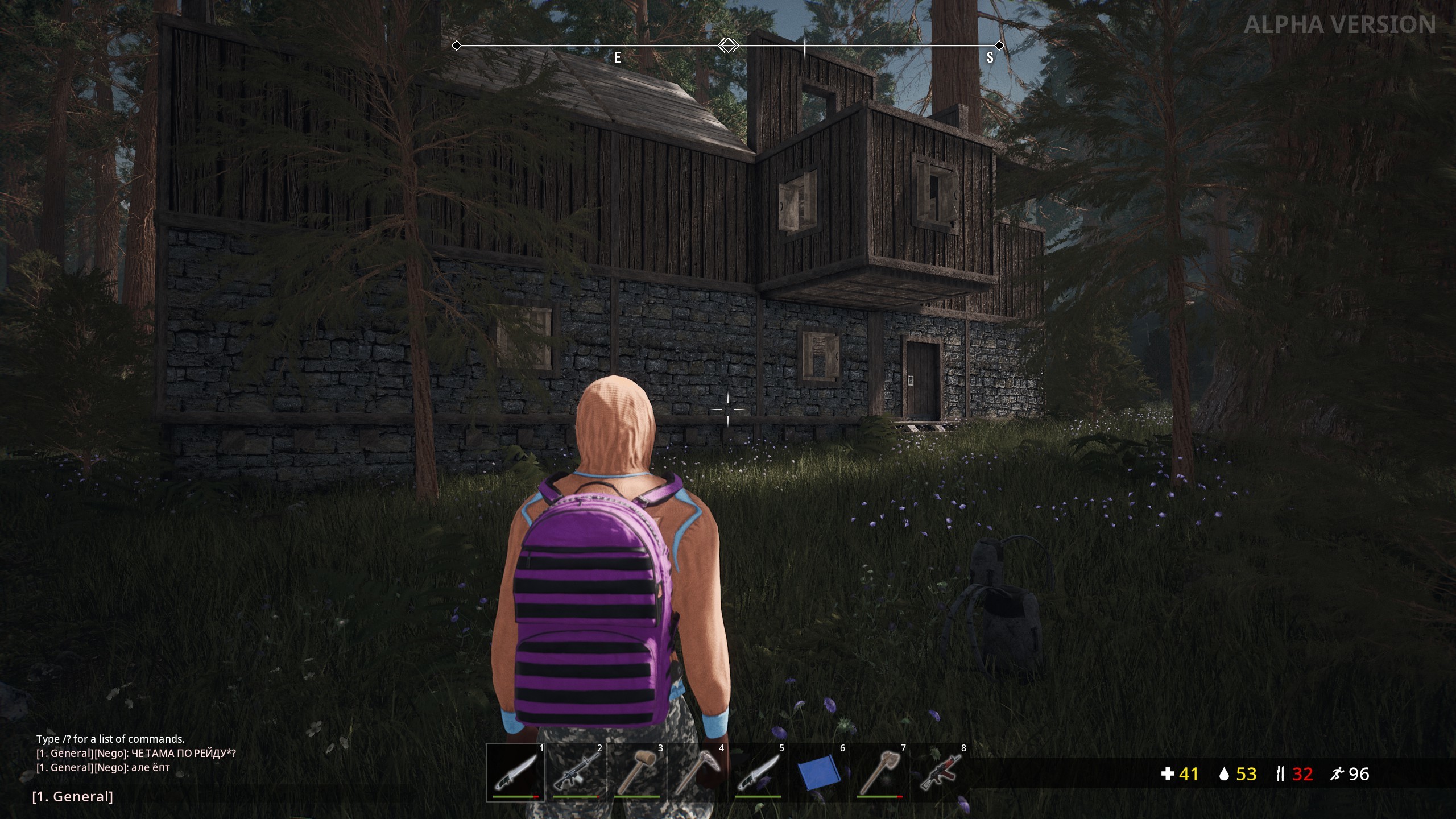
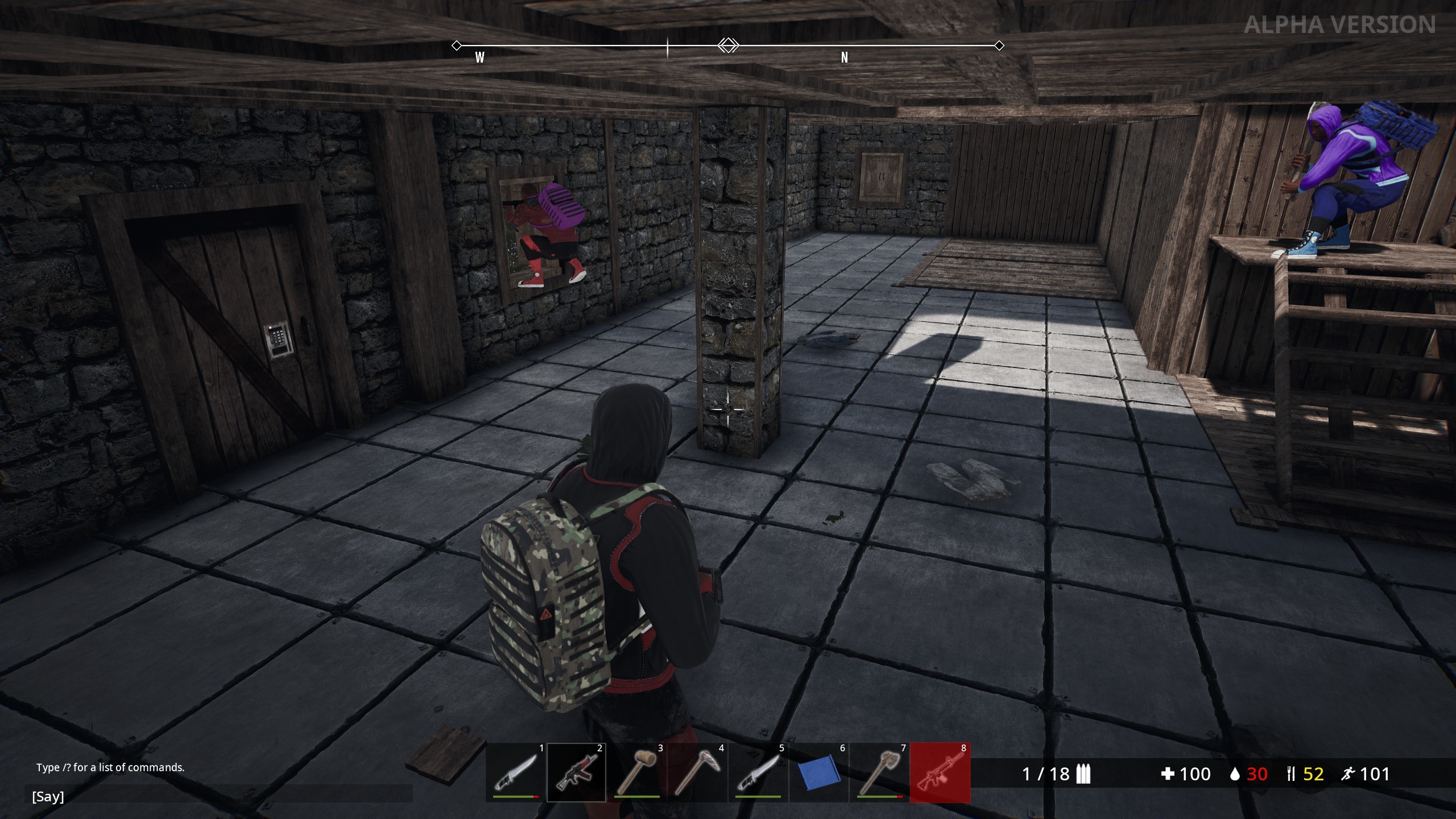
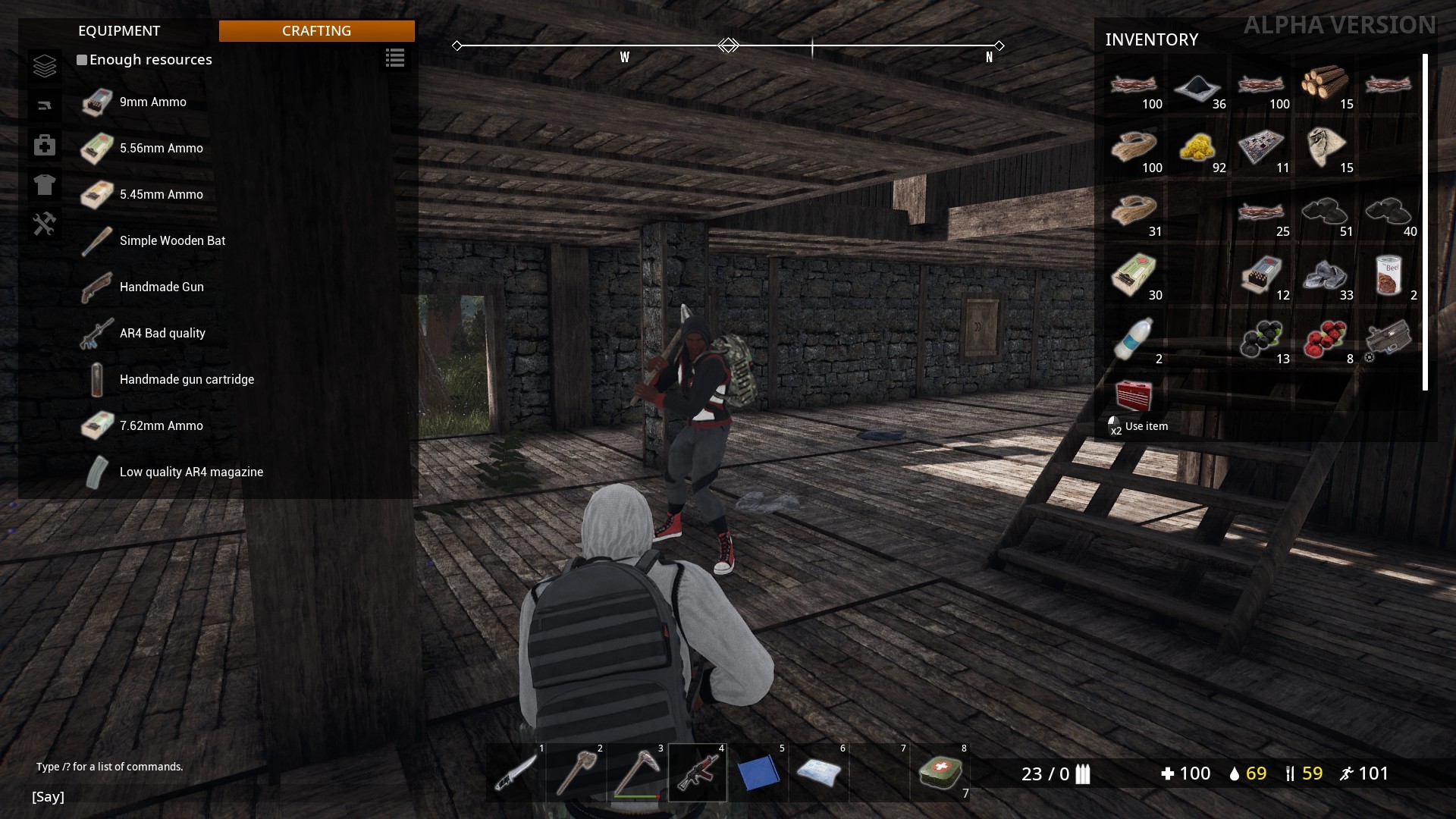
- - Construction of bases (storage of loot, respawn points, personalization of the territory)
- - Game chat (groupings, global messages, chat commands)
- - New resource harvesting system
- - More items
- - More crafting recipes
- - Tools and weapons are breakable and can be repaired
- - New animations
- - New clothes, weapons, tools
- - More harvestable objects on the map
- - Redesigned interface
- - Added sounds of interaction with the world and inventory
- - Added hit effects on different materials
- - Redesigned lighting and decorations on the map
Attention! With this global update, all previous game progress has been reset.
Note: before play you should delete following folder C:/Users/{user}/AppData/Local/RuinsSurvival to prevent unpredictable issues with game client.
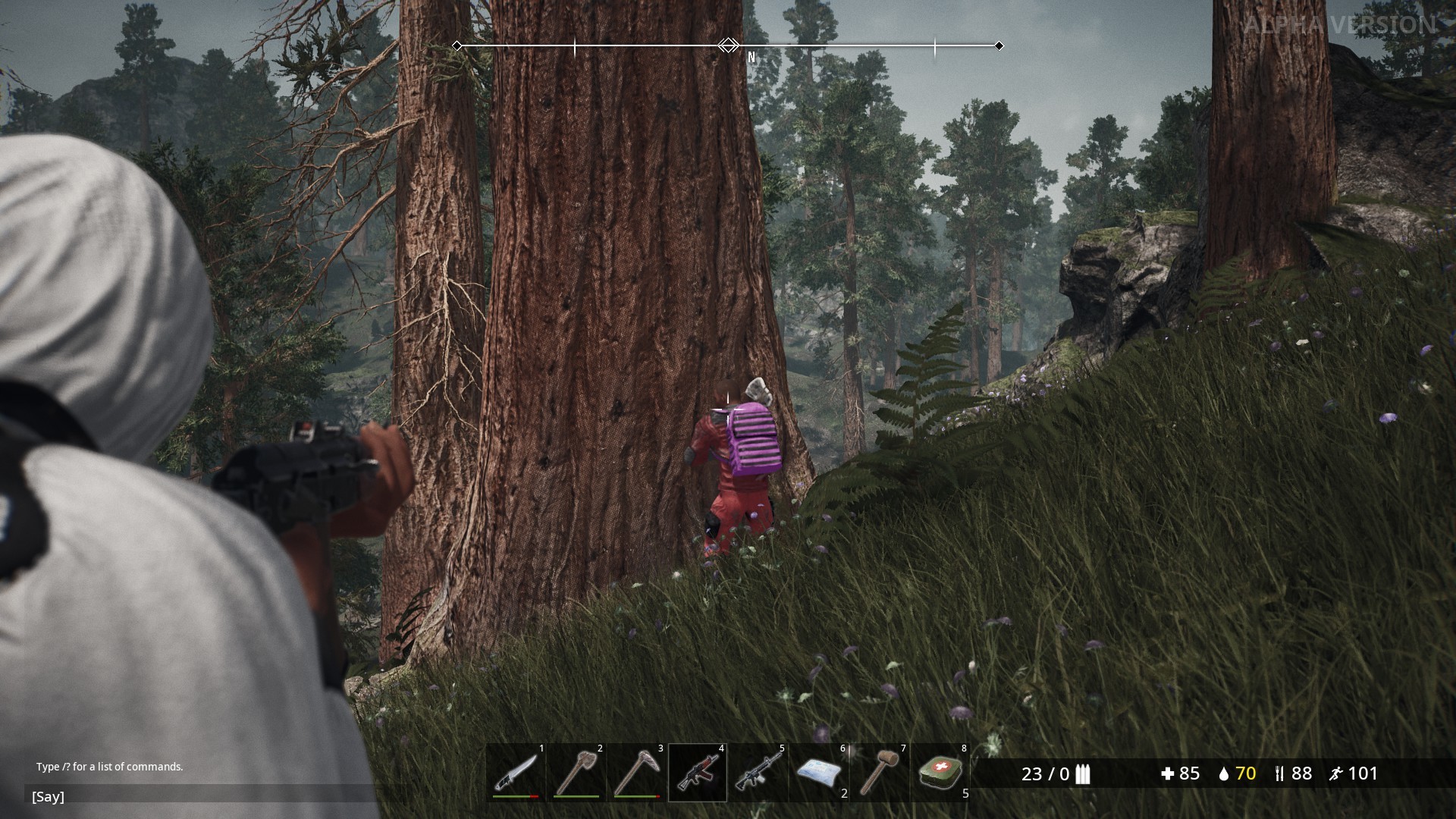
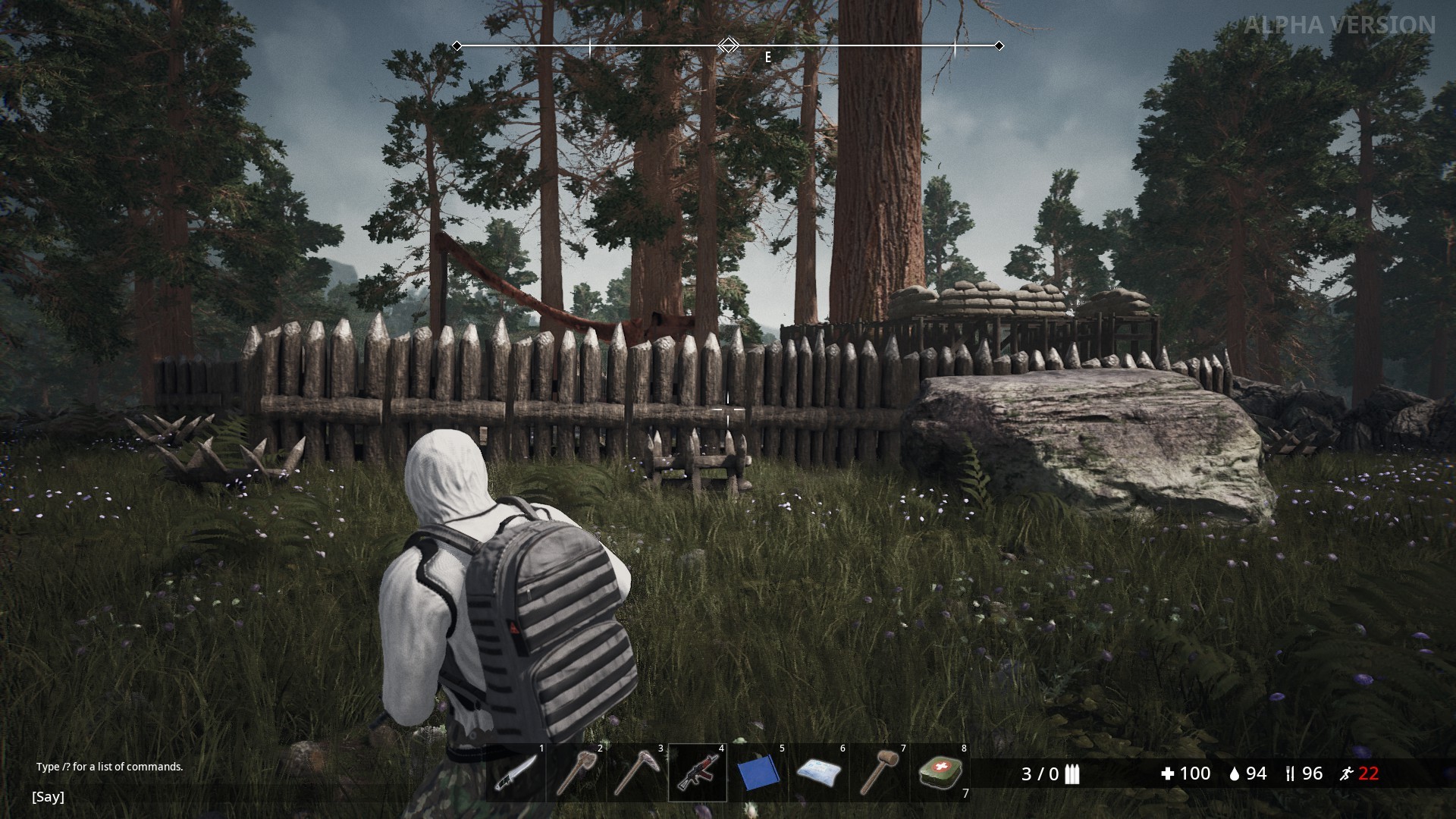
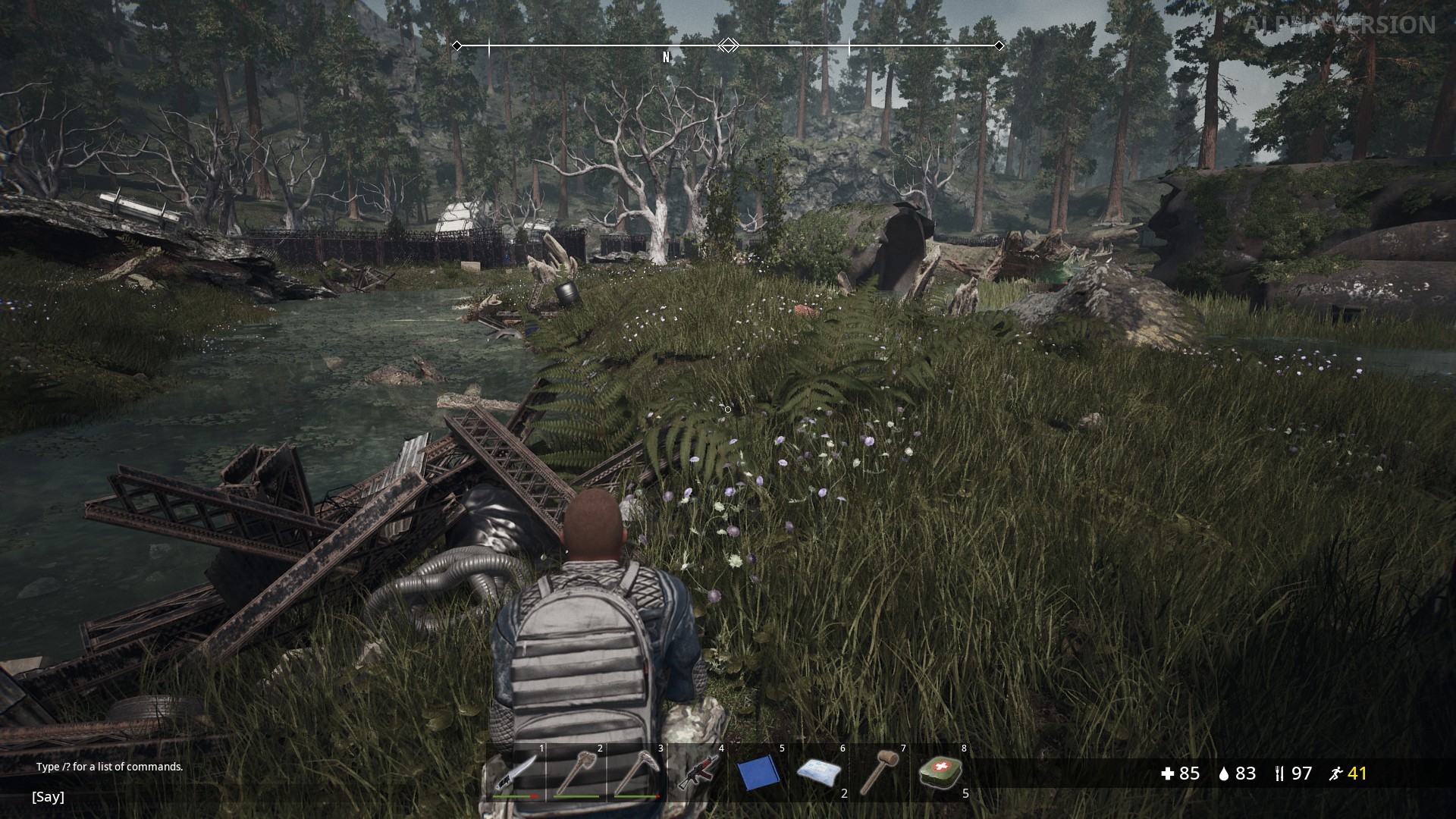
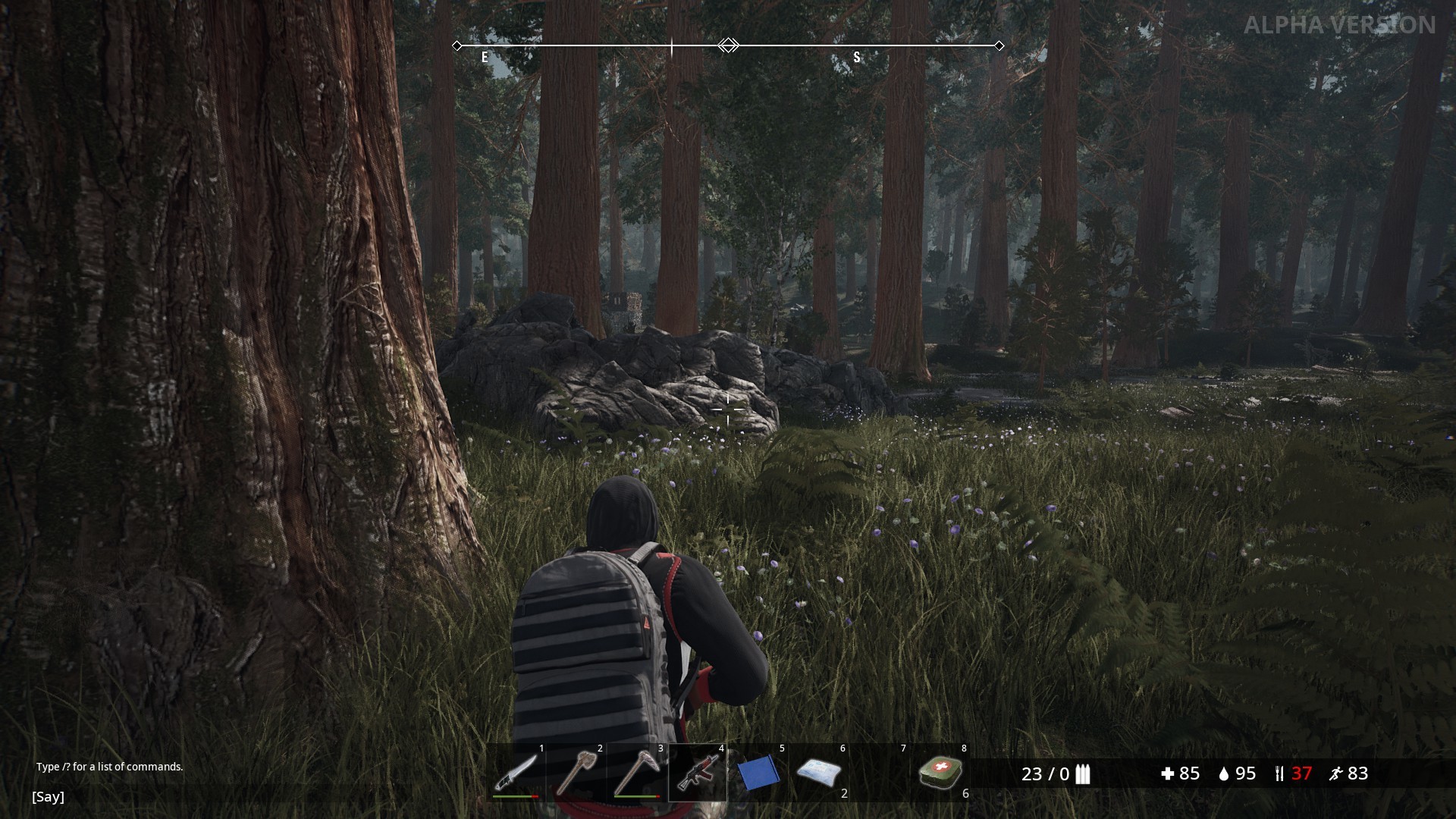
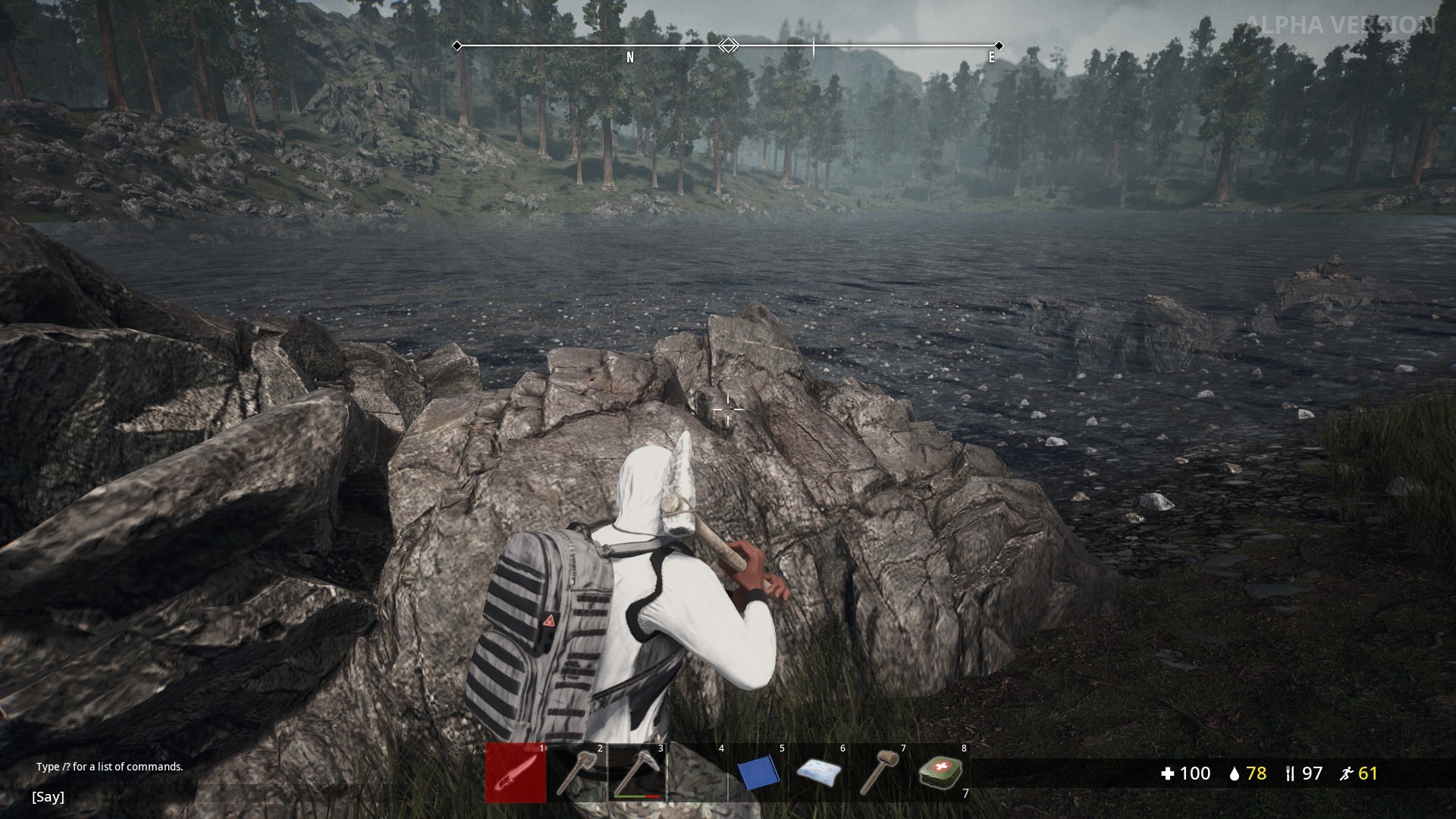
A few screenshots

Untitled
Update # 3 from 07/13/19
- Fixed run to sprint transition (no lags)
- Fixed decorative objects on the map
- Melee weapon hit register improved
- Melee weapon damage rebalanced
- Loot amount rebalanced
- Fixed bug when player get stuck on aiming down the sight