

ScrewUp
Update for ScrewUp 1.0.3.8 hotfix 1
Fixed an issue with the display of pants.
ScrewUp 1.0.3.8 Update:
- Adjusted Pve mode so that players will no longer lose items when they die.
- Increased fall damage height to twice its previous amount.
- Fixed various bugs reported by players.
Thank you for playing ScrewUp!
Screwup 1.0.3.7 Update
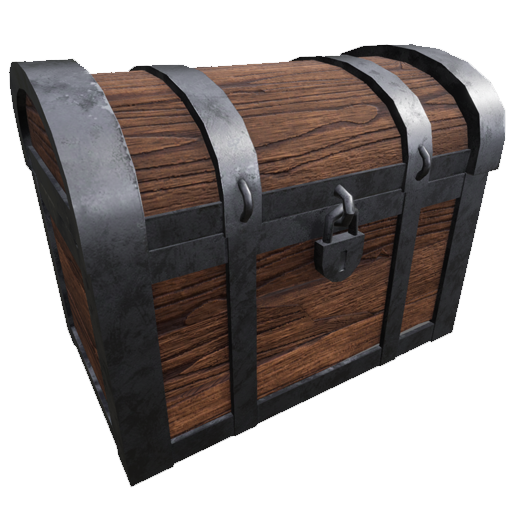
- Added crafting recipe for Storage Chest
- Added White Chicken and Small Animals to spawn on the mining island for ammunition
- Fixed mouse issue in inventory slots
- Increased maximum capacity for empty bottles
- Fixed various bugs
Thank you for playing Screwup!
Update ScrewUp 1.0.3.6
ScrewUp 1.0.3.6 Update
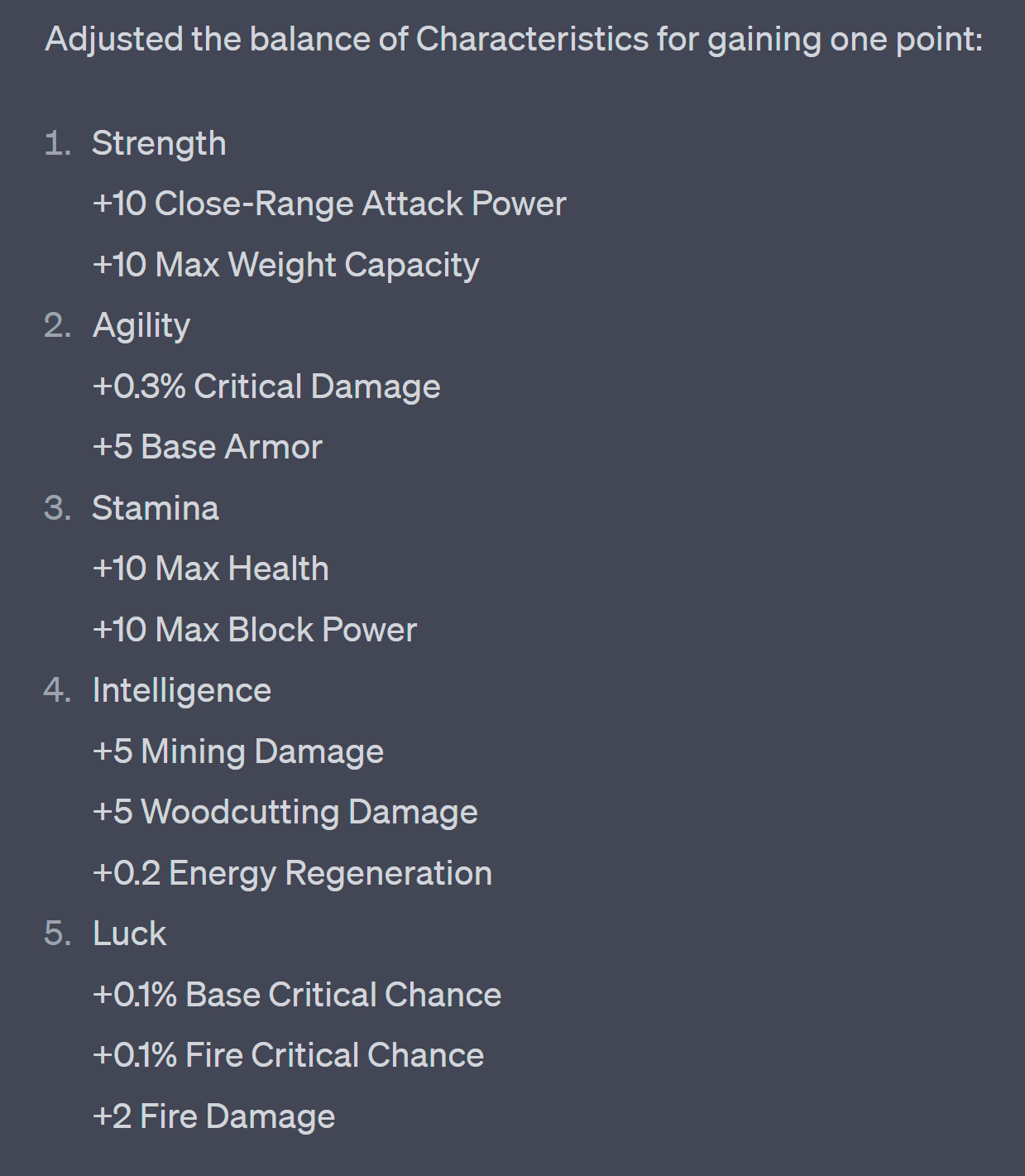
Update screwup 1.0.3.5 hotfix 3
-Rebalanced all ranged weapons. Gives 300-400% more damage and reduces weapon durability to lie down instead.
Update screwup 1.0.3.5 hotfix 2
- Added all wolf pelt crafting recipes.
- Fixed a problematic formula
- Increased the storage capacity of some items.
ScrewUp 1.0.3.4 hotfix 2 update
- Fixed an issue where the window while crafting items stuttered.
ScrewUp 1.0.3.4 hotfix 1 update:
- Added the ability to toggle HUD on/off by pressing P
- Fixed a bug where the weapon's grip did not align correctly.
ScrewUp 1.0.3.4 Update:
ScrewUp 1.0.3.4 Update:
<*> Added crafting recipe for pocket gun bullets
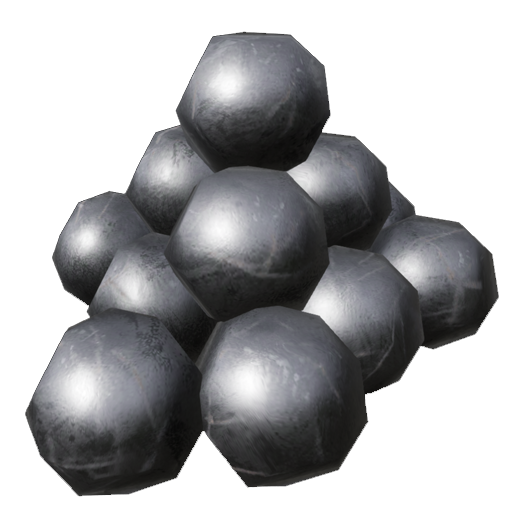
<*> Added crafting recipe for pistol

<*> Added crafting recipe for grinder
 to create soil gun
<*> Added new mining area for new minerals

<*> Increased daytime duration and sunny weather occurrence
<*> Fixed various bugs reported by the Steam community and Discord
ScrewUp 1.0.3.3 Hotfix:
- Fixed a bug that caused buildings to overlap with constructions in the scene, causing characters to fall through the scene.
- Added a separate item button, accessible by both left-clicking and using the third mouse button.
- Use in conjunction with the Shift button to split stacks in half, and the Ctrl button to separate one item from a stack.