

ShapeSim
Update: bug fixes
-When using the white or blue glove to place item from hand to world, the placed item no longer disappears after items are scrolled.
-When switching workspaces, the teleporter grabbed would no longer appear detached from its hierarchy once moved.
-Background is now a more majestic abstract landscape
Release: Leisure Town construction set
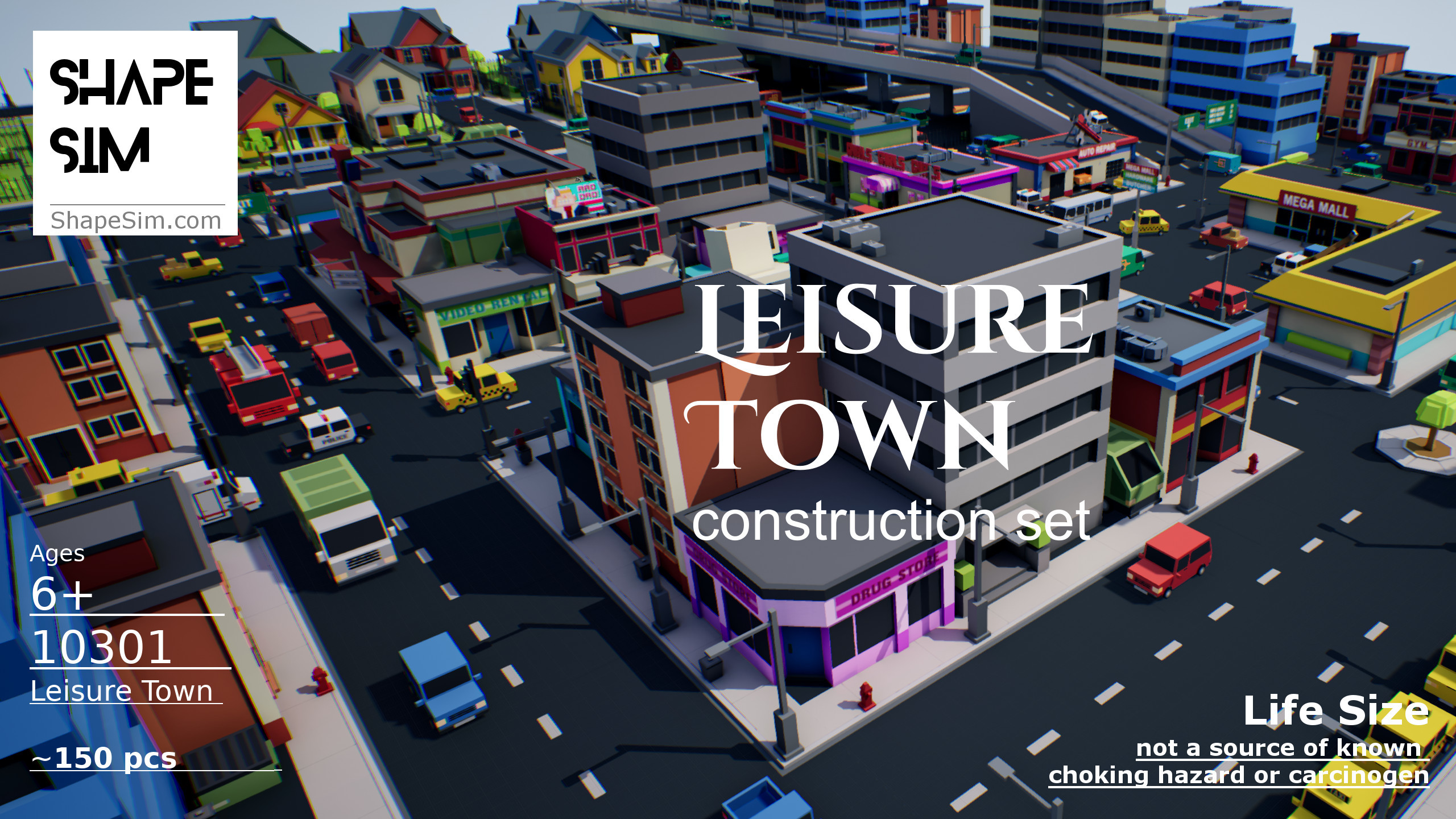

Update: new user interface & home
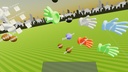

We have a new home. It has some tips on how to get started
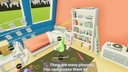
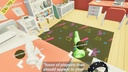
Update: updated control scheme and new construction sets
Video
https://youtu.be/BV3OAAIR4jc
New features:
Both PC and VR interface updated. The main tools have been condensed to:
Grab (Blue glove)
Grab with physics (White glove)
Duplicate (Green glove)
Delete (Red glove)
Current construction set
Construction set selections
Workspace selections
New sets:
New construction sets are available and are currently for free for testing
New workspaces:
new Workspace 1-4
Update: new non-VR mode with mouse and keyboard
Feature:
----------------
Experimental non-VR mode with keyboard and mouse controls
You can use this application on your desktop with keyboard and mouse
Use AWDS to move, mouse to look around
Mouse left button is to grab objects and move them around
Mouse right button is to rotate grabbed object
Mouse middle button is to loop through construction sets and tools. Or use ('[' and ']' if you have no middle button)
Use the page up/page down keys to loop through objects in each construction set
Use keyboard 1,2,3,4,5,6,7,8,9 keys to copy corresponding construction set object into the scene
Update: New control scheme, new graphics & NPCs
1. Better graphics
2. Pre-furnished with simple furniture
New:
A few experimental NPC avatars are now in home to offer guidance
New
Control and movement scheme:
Vive/WindowsMR:
1. Press on left touchpad to move in the direction you pressed.
2. Press on right touchpad to levitate or turn.
3. Tap on touchpad's left and right edges to cycle through tools.
4. Tap on touchpad's top and bottom edges to pad either shrink/enlarge, or cycle through objects.
Oculus:
1. Use left thumbstick to move in the direction you push the stick.
2. Use right thumbstick to levitate or turn quickly
3. Press the A,X or B,Y buttons to shrink/enlarge, or cycle through more objects
4. Tap the Oculus thumbrest pad to cycle through more tools
Update: new Home + user environments
1. Home environment:
A modern style home with multiple rooms is now yours. It's empty and waiting for you to place some furniture and ornaments inside
2. User contributed scenes:
By swiping left/right, navigate to a group of picture frames. They are user added scenes online. Grab any with your other hand to visit. Requires internet connection
3. Go back home from anywhere:
By swiping left/right, navigate to a group of pictures depicting your home environment. Grab any with your other hand to go back home. Previously you must find a portal to go back.
Others:
1. Oculus is now supported, with similar controls
2. Windows mixed reality is now supported via Steam
Update: Castle town, editable NPC dialog, zoom, + more
1. We have a castle town
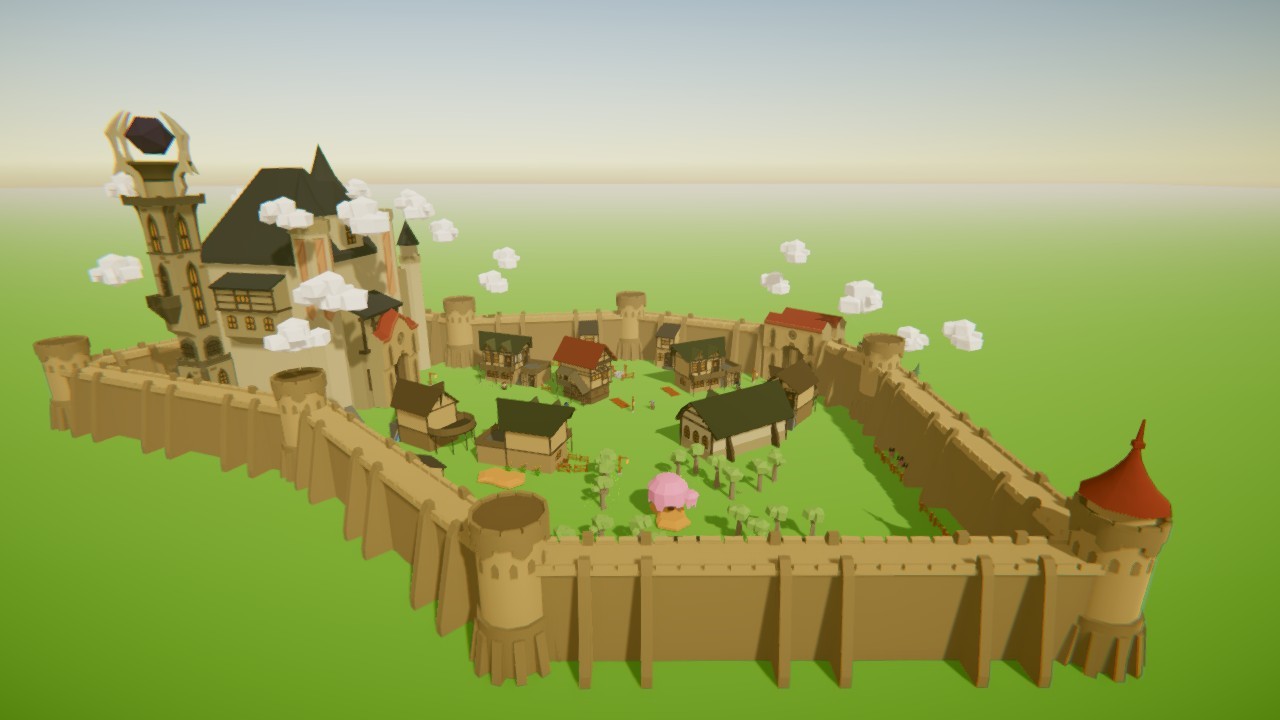
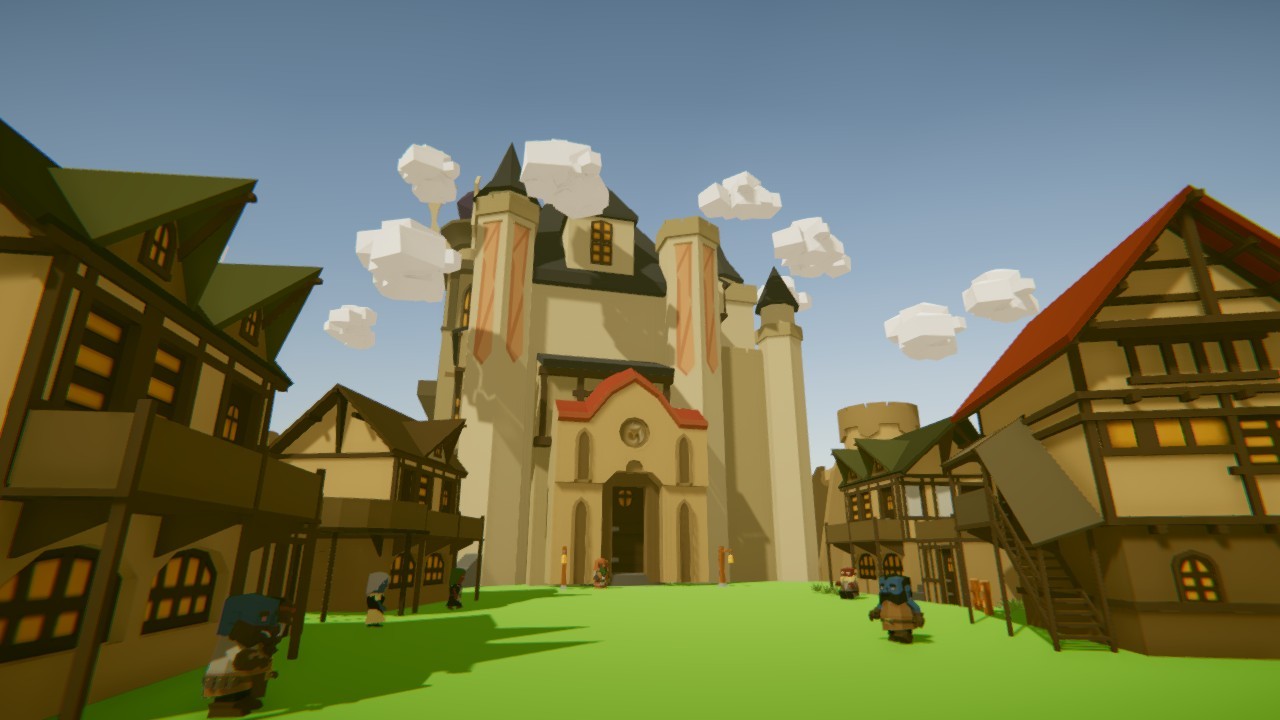
It's made from an upcoming castle set. In it a lot of NPCs can talk to you.
2.
Characters can now learn dialog texts located in your install directory, such as:
C:\Program Files (x86)\Steam\steamapps\common\ShapeSim\ShapeSim_Data\StreamingAssets\npc_dialogs\
Each text in this directory will appear in your inventory as a stack of paper:

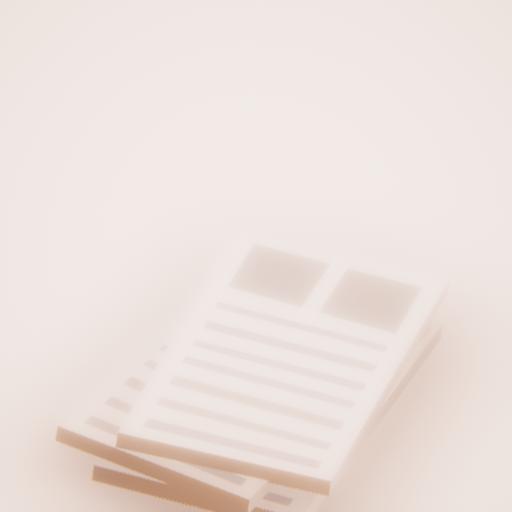
Use your other hand to copy it, and release it onto a character you created. He/she will learn the dialog.
3.
World scale zoom in and zoom out:
If not holding anything, swiping the pad up/down will make the whole world larger or smaller. This is useful for constructing houses which are too large to hold in your hand
4.
Move objects while keeping it right side up
While holding any object, press the trigger to cycle through rotation modes. For example, you can move objects keeping it always right side up, and to rotate in only 45 degree increments. This is useful to construct walls with the right angles using the wall and roof set in your inventory.
5.
Other visual changes.
-The starting gallery room now has a sky and clouds background
-Locations in the starting gallery are now each represented by distinct icons
Known issues:
Save file format has changed, which may cause previously saved objects' orientations to be incorrect.
Next update changes & BREAKING changes
While the next update will have quite a few new features, there will also be some breaking changes:
1.
Your saved file will have to be moved to a new 'ugc' directory. Otherwise your saves won't show up
2.
Your saved objects may be rotated 90 degrees. Still thinking about what to do for this. Best to start anew after the update. But if you built something you really want to keep let me know and I will see what can be done.
--------------------------------------
Now the new features:
--------------------------------------
1.
A tool to always keep objects right side up while grabbed
2.
A way to snap rotations to 90 degree angles
3.
A way to shrink the world, so you can build ordinarily large structures like walls and buildings.
Update
New 3d models/props
-------------------------------------
Hundreds of new models can now be previewed for a future DLC release.
architecture
art
transportation
food
...
Swipe left/right to switch categories
Swipe up/down in category for next page of objects
The first 9 objects of each category is unlocked free
--------------------------------------
Experimental scaling feature
--------------------------------------
While an object is held, swipe up/down to enlarge/shrink the object