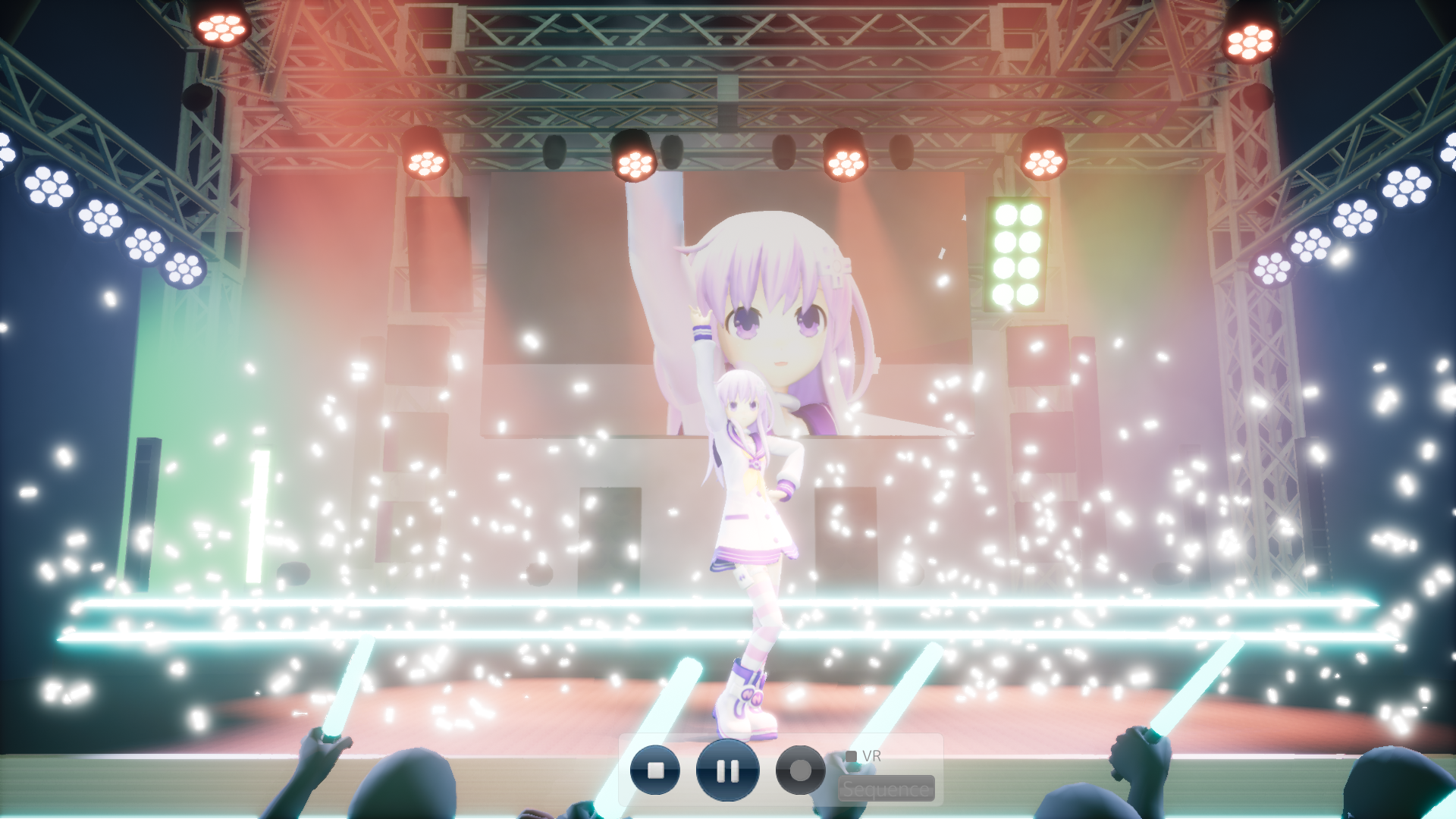
As a suggestion that has been brought up, we have finally brought in Workshop! You can now share save data on the Workshop. We are still undergoing preparation for other items such as models and motions, so please stay tuned!
How to share save data
1. Create a SHOW as usual.
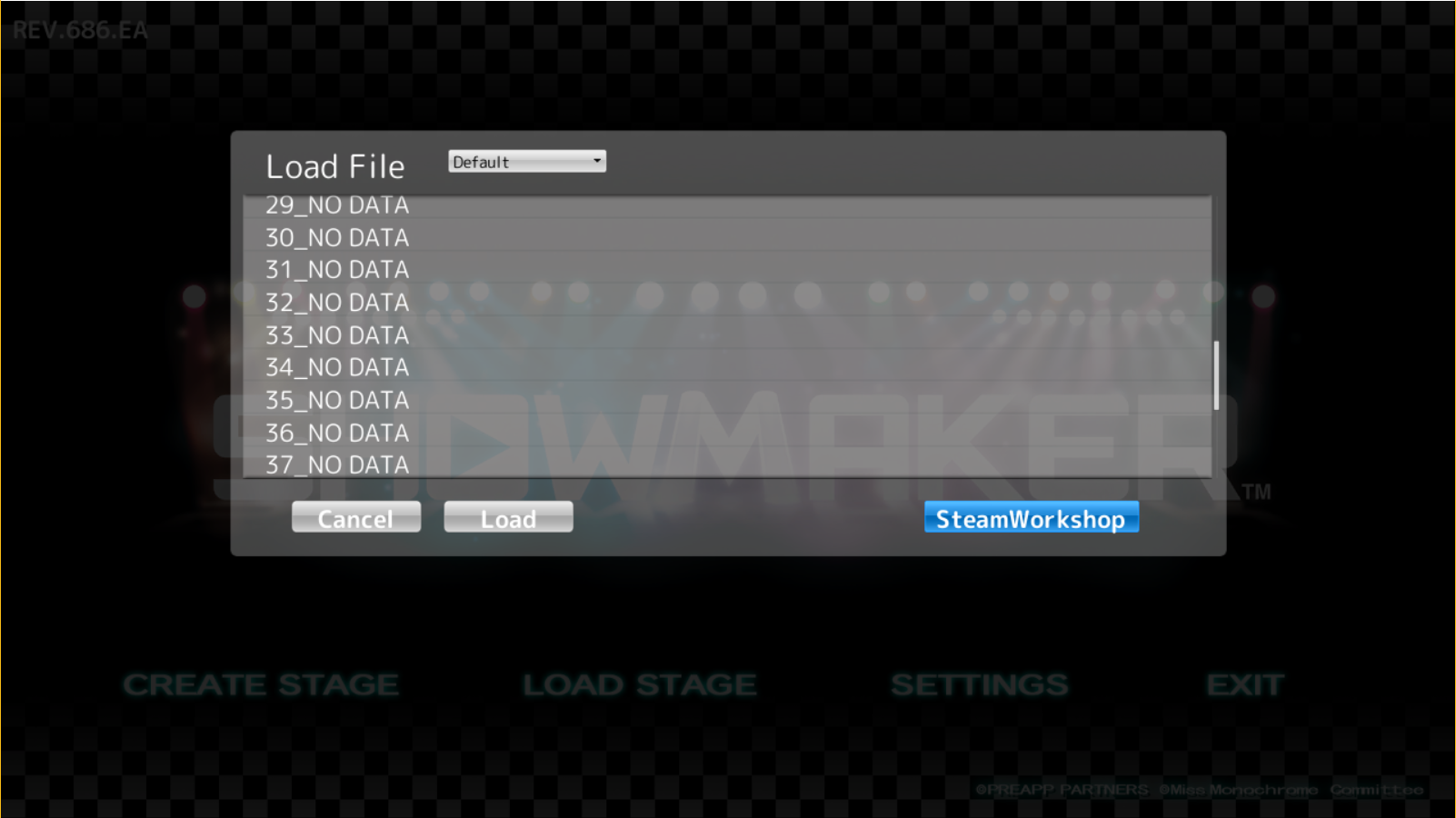
2. Now, you will see a "Steam Workshop" button on the bottom right when you save/load. Click it.
3. After inputting the title, description and release notes, you are able to upload to the Workshop!
How to load a save file downloaded from the workshop
1. First, go to "Load Stage."
2. Now, you will see a drop down. Select "Mods" from the list, and you can load all the save data you have subscribed for!
Motion Updates
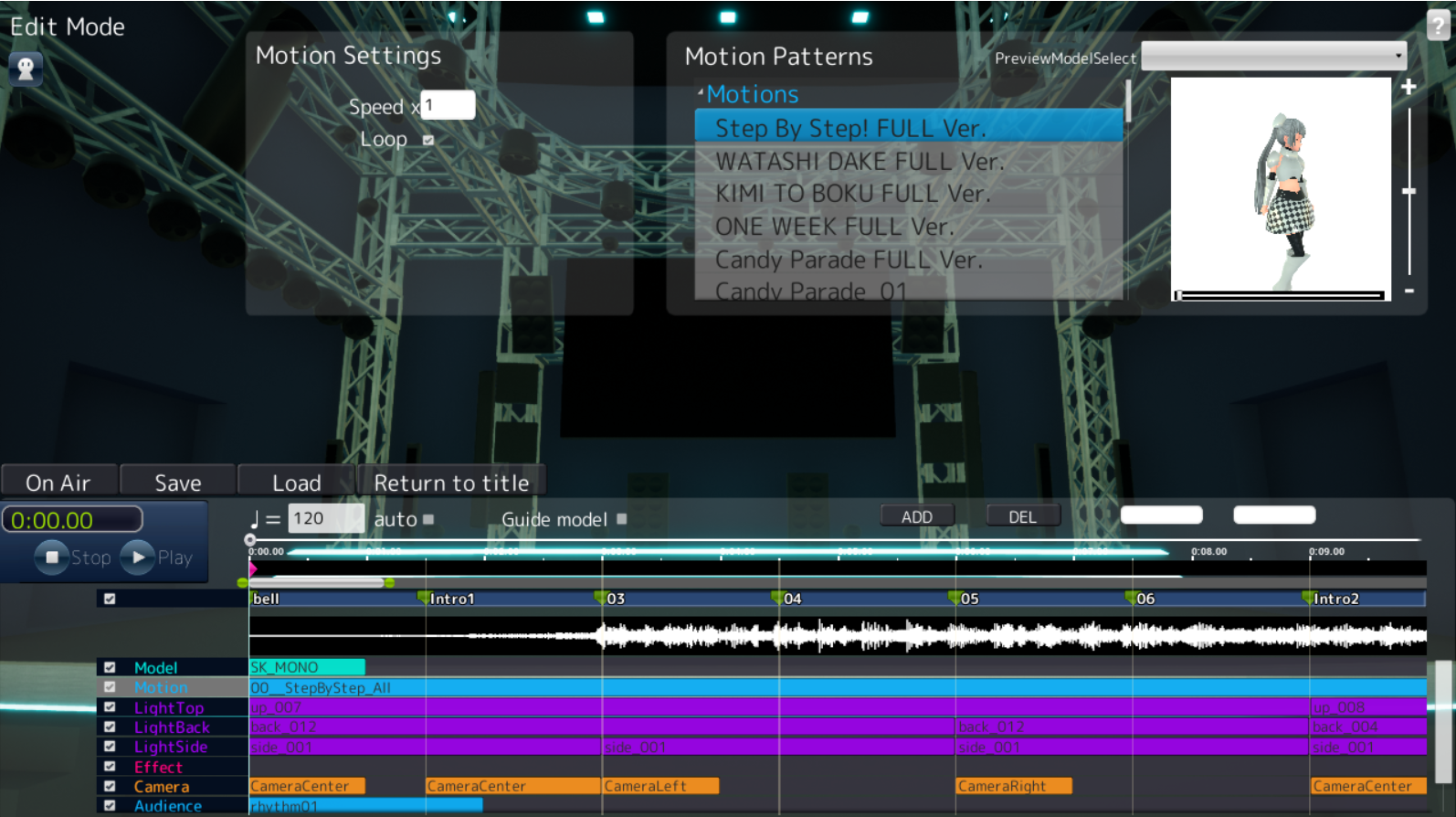
We have renewed models and motions! There are different types of dance moves included, and easier to use! Take this opportunity to create various videos!
Changes
- Added full motions (5 songs)
- Added split motions for Watashidake no monogatari/OneWeek/Candy Parade/StepByStep (105 types)
Others
- UI Update
Although we updated the UI before as well, this time it looks even better! Check it out in-game as well!
- Added 36 new sample savedatas! Use these samples as a reference to create your SHOW!
- Added full versions to 5 songs.
As always, thank you for using SHOWMAKER.
--------------------------------------------------------------------------------------------------------------------------
SHOWMAKER Update - Trading cards, beaches and other cool stuff 06/21/2018
Updates
Trading Cards are now available!
Play SHOWMAKER to get trading cards! Collect them and create badges to obtain backgrounds and emojis!
New costumes and stages!
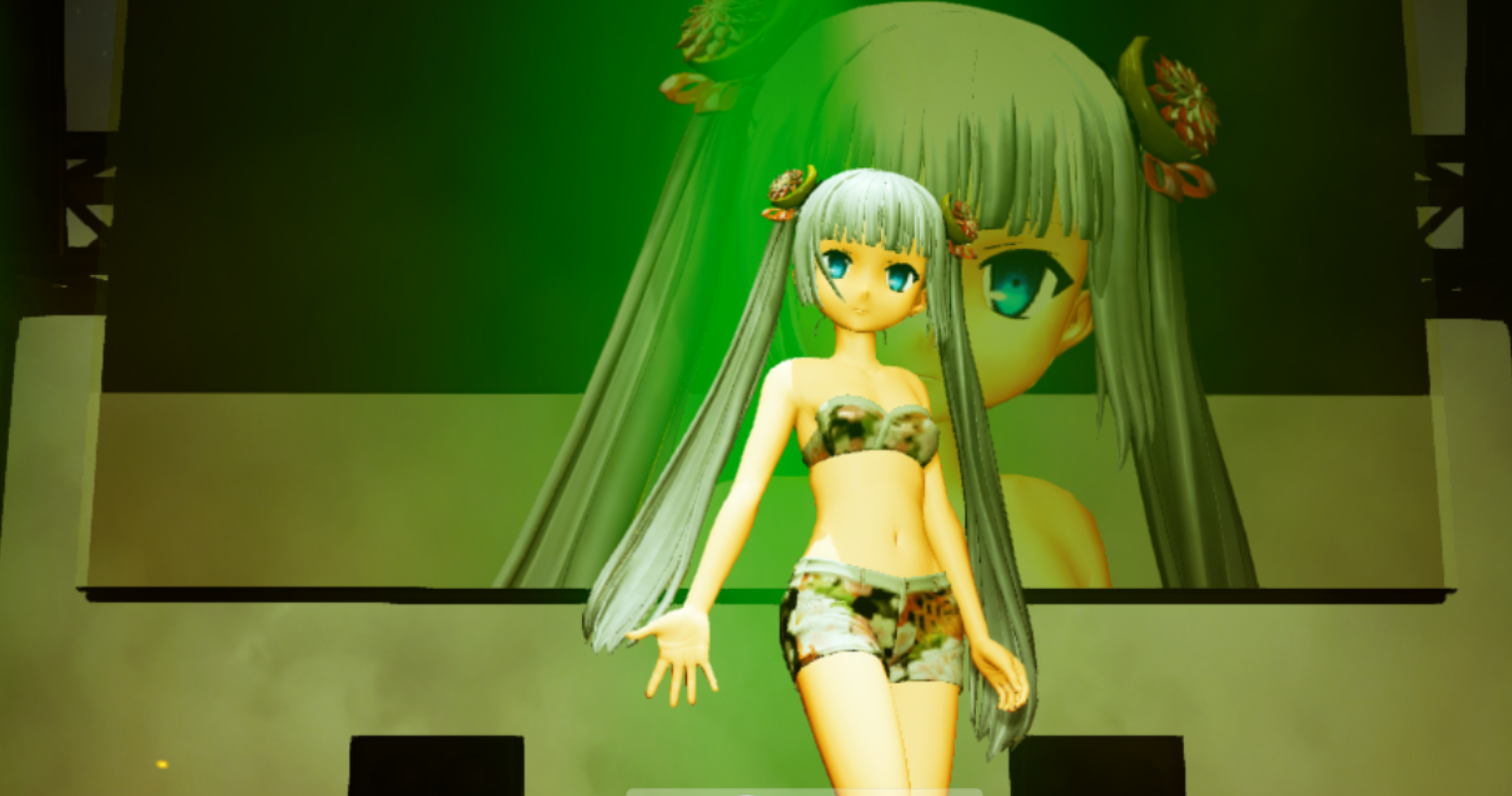
New costume!
- "Swimsuit" Miss Monochrome
New stage!
- "Beachside" Stage
As before, new models can be used by dragging them into the track.
With July coming around the corner, the weather is getting hot. Take this opportunity to create some cooling, summer-themed performances!
Added samples
A complete savedata for one SHOW will be included in the app as default.
Watch the live performance in VR! Looks amazing!
Use this savedata as a reference or edit it to your liking for your SHOWMAKING needs!
New Cameras!
- Additional camera angles
- Free camera
Twelve new camera angles are available!
The free camera allows for free camera movement!
How to use
Switch to Camera Mode
Click "Position Save" to save your current camera location!
Use "StartPosition" and "EndPosition" to save your starting and ending locations!
Now all you need to do is put in the number of seconds to adjust the time!
New effects!
- Fire
Columns of fire you see at a live performance!
- Effect-in
- Effect-out
These 2 effects are for dynamic stage entries and exits!
You can now add sound effects! We have added sound effects to match the beachside stage!
Audience track
- Idle
- Rhythmic
- Wave
After getting feedback, we have decided to include this feature!
New tempo feature!
Depending on the type of song used to import, it was a hassle to adjust each and every dance move to match the song.
Now, by using this tempo feature, you can manually imput a number to adjust all moves all together! You can also use "auto" for the app to automatically adjust the speed for you.
Other
- Transferring Karaoke music to DLC content
We are going to be offering karaoke songs in the form of additional DLC, so you can only download the necessary songs. The songs included in the app will still be offered for free. Until then, these songs will be unavailable. Please give us a moment.
- Added a on/off function for motion looping
- Added a function in which the camera will automatically adjust the movement in between
- Now the camera can be controlled with the mouse
- New UI!
- Changed the font!
- Added settings
- Other minor bug fixes and improvements
As always, thank you for using SHOWMAKER.
-------------------------------------------------------------------------------------------------------------------------------------
The date has been set!
After June 1st, 8pm (PDT), SHOWMAKER will no longer be free-to-play. $14.99 will be the price.
For those who already own SHOWMAKER, don't worry. There are no additional fees involved.
Hello, everyone!
Thank you for using SHOWMAKER.
Today, we would like to announce that SHOWMAKER is going to be transitioning from free to paid.
Releasing as early access in February, about 3 months have passed.
Taking in all the feedback given during this period, we are planning an update including some of those suggestions, and with it a small fee. Details about pricing and the updates will be posted at a later date.
Download now for free while you can!
Thank you for your continued support of SHOWMAKER.
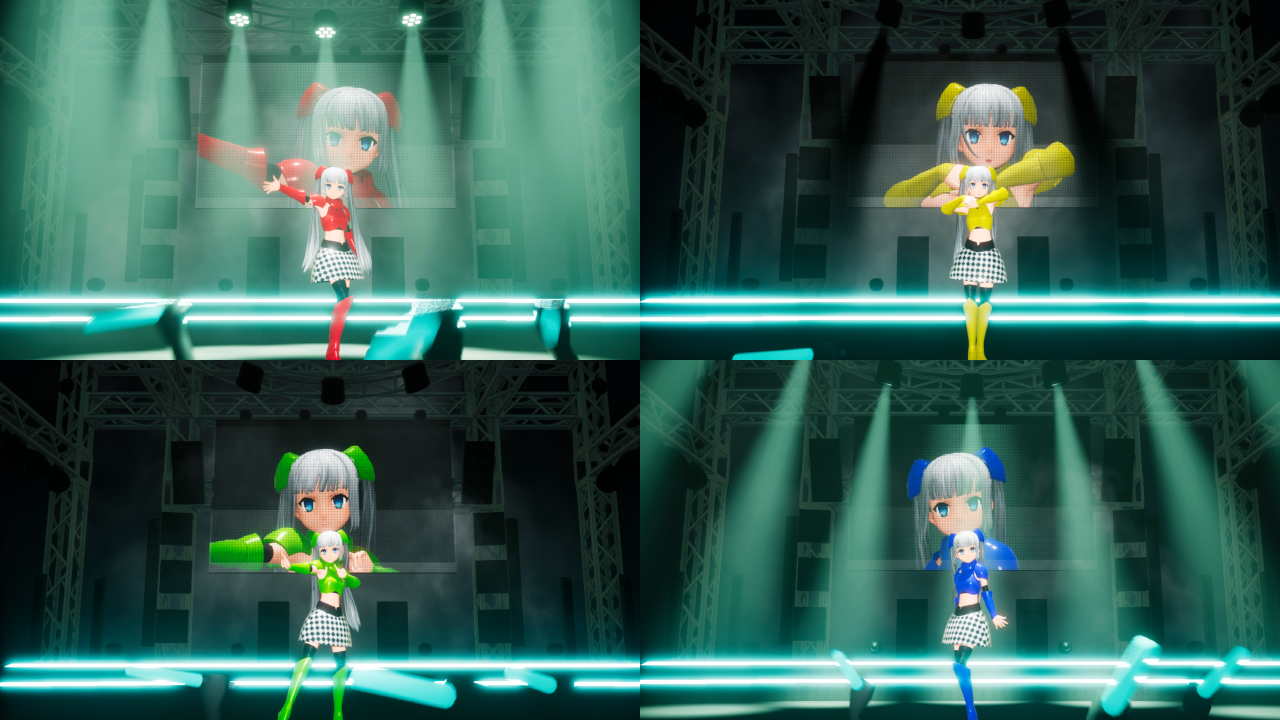
New costumes for Miss Monochrome!
Red, blue, green, and yellow versions have been added!
We have plans for other costumes as well, so please stick with us!
As always, thank you for using SHOWMAKER.
----------------------------------------------------------------------------------------------------------------------------------
ミス・モノクロームの衣装が追加されました!
赤、黄、緑、青の4色となっております!
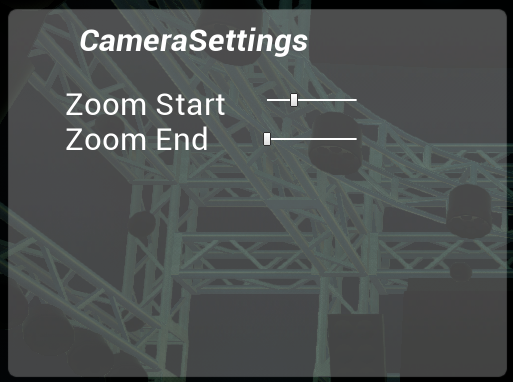
-In sequence mode, click on the camera of your choice.
-Use Zoom Start to determine the start position of camera zoom by dragging the slider.
-Use Zoom End to determine the end position of the camera zoom by dragging the slider.
-If you do not want the camera to zoom, place Zoom Start and Zoom End on the same position.
-Lighting colors
Easier color selections are now available!
How to use
-In sequence mode, choose either LightTop, LightBack, or LightSide.
-By clicking the color on either LightColorStart or LightColorEnd, a color picker will appear.
-Drag the mouse to change the color.
-You can also drag the RGB colors separately, or input values directly.
As always, thank you for using SHOWMAKER.
----------------------------------------------------------------------------------------------------------------------------------
Is everyone enjoying SHOWMAKER so far?
As you may know, SHOWMAKER is still in early access, and there is still much more improvements to be made. Today, we would like to share what we have in mind so that you know what direction we are headed in.
About Early Access
We launched as early access in February, and we are still looking for more suggestions and ideas. Thank you to all who has given us feedback so far. Especially as a still work-in-progress application, we truly appreciate it. While in this early access state, we would like to implement all the suggestions and ideas to the best of our ability, so that we can create a better application for you all.
We have a Twitter account! Post your ideas and feedback here as well.
Models and Motions
To increase variety, we are planning a function that allows importing a model of your choice!
You will be able to import your model by using the Unreal Engine 4 Mod Editor.
We also have plans on adding more characters, so stay tuned!
What character would you like to see a SHOW of?
Let us know in the comments below!
Stages
We also have plans for new stages! What kinds of stages would you like to see?
Workshop
We are planning to implement workshop features as a place to share models and SHOWs.
For those who want to watch other's SHOWs with VR, we are also considering a way to be able to share savadatas.
Any other features you would like to see on Workshop? Let us know.
Effects
Additional camera angles and stage effects are some of the functions we are looking to add, as well as allowing you to adjust these positions directly.
(Features seen in these images are still under development. What you see here may be subject to change.)
What do you think?
Any other suggestions and feedback is appreciated.
Ru-chan is a precious member of Miss Monochrome's family. Ru-chan appears in the TV animation Miss Monochrome -The Animation-.
Updates
-Added stage effects(Ru-chan)
How to use Ru-chan
-Go into sequence mode and select effect.
-Click "Ru-chan" from the list to see a preview.
Once checked, now drag "Ru-chan" onto the track!
Bugfixes
-Fixed a bug when launching the application would cause a crash.
(This is an experimental fix for DirectX 10 compatibility. However, if your DirectX version is less than 11, you would still have not met the system requirements. Therefore, there is no guarantee that the application will launch and/or be able to be played.)
-Fixed a bug in which the character would glow when there are no lights hitting the character.
-Tweaked so that the audience could be seen when going "On Air."
-Other minor bugfixes and adjustments were made.