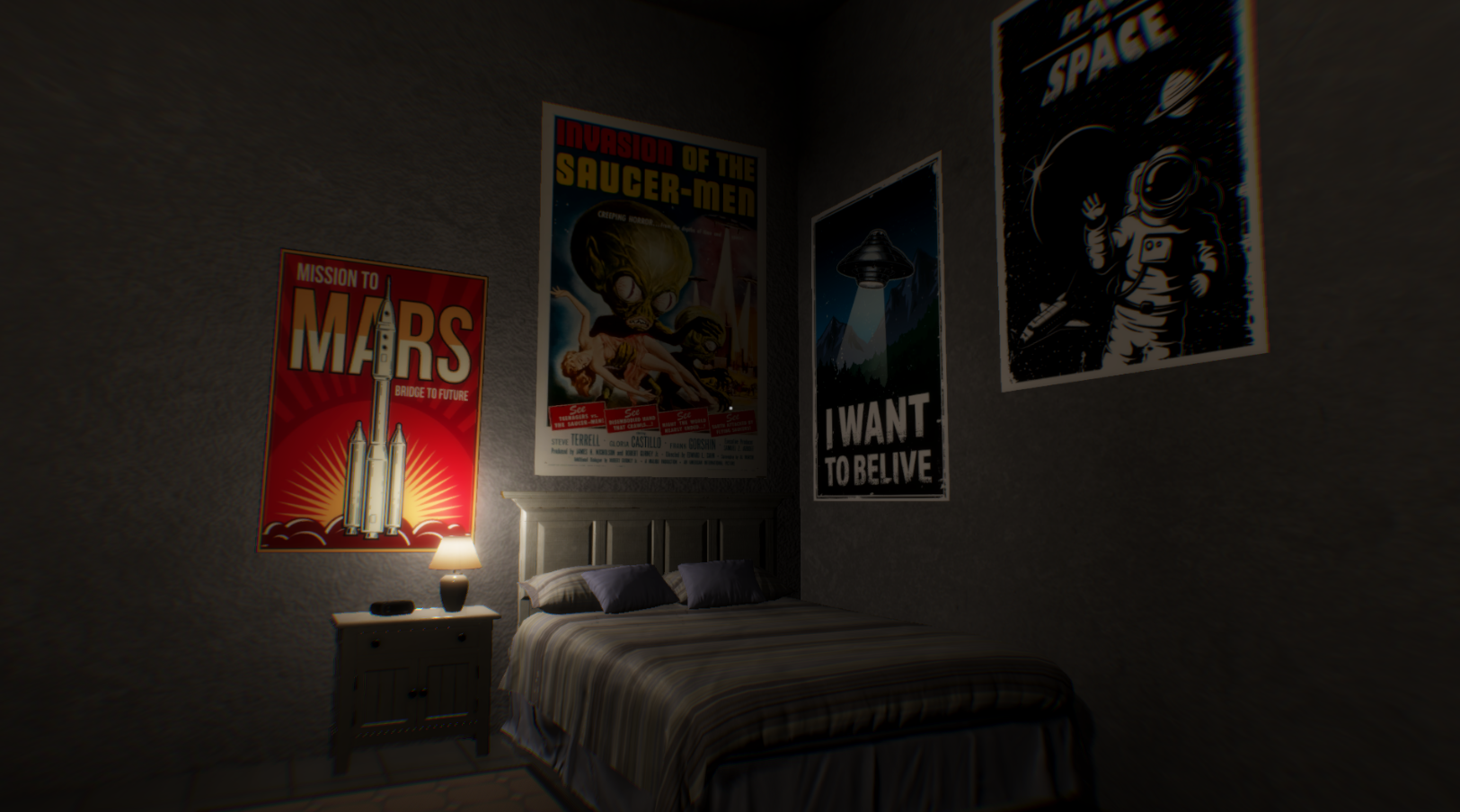
Resting, every 20 minutes you can use the bed. This will forward the time in the game.
Coffee is now drinkable.
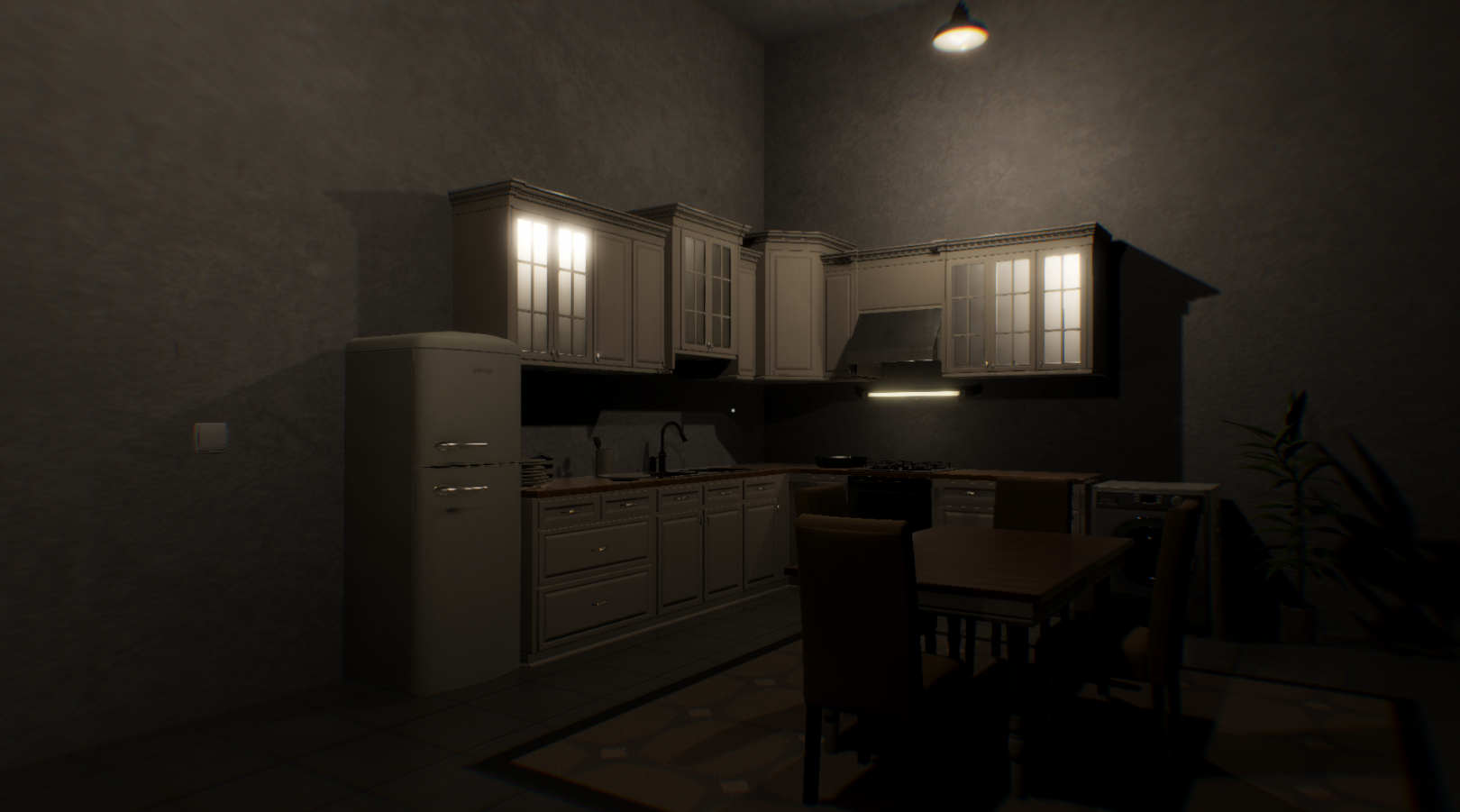
A Coffee machine in the kitchen to prepare you coffee.
Rain and Snow Collision Particles
Storage doors can be closed and opened
Added the default terminal password to be visible. Easier to be found.
Preparation for some random things :)
Fixes
Mouse Rotation on X Axis
Tracking light is not active even if you are able to use tracking
PS : I couldn't add some of the requests as locking doors for example, but will be there in the next update. I am working as fast as i can and try to keep up with all the request.
Coming next....
In case you're wondering what is hidden in the new room :
Update 1.6.0
ADDS :
Menu where you can choose the difficulty level.
Easy Mode - In this mode the strength detector will update in realtime. Reduced credits earn by 30%.
Normal Mode - In this mode the strength detector will update once the antennas stop moving.
Hard Mode - In this mode the strength detector will update once the antennas stop moving. Increased Credits earn by 30%. Decreased antenna detection by 30%.
Audio Visualization - Based on the audio there will be a different graph like equalizer
UPS Upgrade - DECREASE THE CHANCE OF POWER OUTAGES
Calibration Upgrade - Decrease the antenna calibration error
Energy DIstribution Upgrade - Increase the energy distributed to the systems. Affects only the reduced ones.
A panel where you can reroute the energy to different systems
You can now switch Graph View for the coordinate detection
In Laptop DOCS, documentation for all the systems.
TERMINAL :
LogIn Screen before entering the terminal. Default password is ADMIN.
You can change the image of the login screen by adding your image in the save folder of the game. The image should be in .png or .jpg with name 'profileImage'.
'SETUSER' Change username -> SETUSER NEWUSER
'SETPASS' Change password-> SETPASS NEWPASS . Default pass will stay.
SHOWAZIMUTH or SHOWA fetch and display current azimuth alignment
SHOWAELEVATION or SHOWE fetch and display current elevation alignment
CURRENT fetch and display current azimuth and elevation
STATUS list values from status screen (efficiencies, speeds, detections, temperature)
TIME report current date and time
CHECKTEMPEXTERNAL or CHECKTEMPE report external temperature
POWER list values from power screen (efficiencies, rates)
COORDINATES report current min/max/averages for azimuth and elevation, if these values exist
Add reboot sequence when servers are rebooted
IMPROVEMENTS
When Efficiancy is 0 call for Stop Rotation Antenna
Graphics option to tune ambient light at night
Door Opens Based on Player Position
ESC close the Console
0.01 tuning for the antenna in Antenna Control panel
Controller control and Keyboard Controls are separated now. You have options to enable the controller Axis from the Controls -> EnableController
Database visual changes
A lot of retexturing and model improvements
FIXES
Str Detector Progress flickering
UI background offset on pages like Upgrade, Database, Modules
Based on screen size some UI elements overlap and can't be clicked
In pause state the HUD UI will hide properly
Smoke particle alpha for some events and vehicle
When exiting the game in a animation state, in some cases the camera position is broken.
Using coffee cup multiple time eventually breaks cup position and rotation.
Pressing multiple times Use button, using the coffee cup breaks the animation. While drinking the coffee the HUD will be hidden.
Small rotation offset while repeatedly using Desk, Bench ,Vehicle.
Mouse movement when the game is paused
Fix a bug where in very rare cases main Camera can't be found causing a crash.
Laptop can be open only when sitting on the desk.
Terminal ESC button doesn't work while accessed on the desk
Some models LODs
Calibration Buttons Rotation
CONTROLLER ISSUES I have made some changes of the code splitting the keyboard/mouse code from the controller code. An option to ignore controller axis is added in the Options menu where you can fully disable the controller axis.
The update also includes preparations for future updates
More stuff.....
Haven't update the game for 2 weeks, but be sure there will be a new one :)
https://www.youtube.com/watch?v=Zoxsy5PSnb0
Update 1.5.8
IMPROVEMENTS
- Overall terrain improvements - retexturing, foliage, etc.
- Terrain texture detection. This allows me to activate different walk sounds based on the texture you are.
- Walking on the metal floor of the antennas will produce different step sounds.
- Ambient light changes
- Rain effect improvemets
- Cloud improvemets
- Skybox color improvemts
OTHER
- When in the game Space Shooter in the Settings or Upgrade Menu pressing ESC will now close the current menu, this will prevent from stucking in the menu. Just a backdoor while i found the bug causing it.
- Controller Deadzone changes and some code improvements. Some players reported that they have experienced player and camera movement without pressing any keys. Most of the time this is caused by plugged controller. I hope this will prevent it. Still wait for a feedback.
- Metal materials now look more metalic and realistic.
- Fixed light passing through the observatory wall.
- Fixed rain and snow visible indoors.
Update 1.5.7
This updates adds ten new event signal in the game.
- Ambient light at night is increased as suggested. Not the buildings and the antennas will be more visible.
- Increased the range of the outdoor lights of the antennas.
- When camera is not looking at an object it will be disabled and not rendered increasing the performance of the game a little.
- When there is a storm or thunders and lightnings there is a chance of a electric shock that will reboot your systems.
This update is the final small update. I am starting working on the new 1.6 Update adding more features and will try to add more of your suggestions in the game.
Once again thank you for the feedbacks and the reviews. Even some of them to be negative, it helps me improve the game.
https://www.youtube.com/watch?v=gj3_pg3oRxA
Few small Updates
As you have noticed there were small updates in last few days.
All of them are small fixes and mostly i am adding more event signals.
Till the end of the next week i plan to add 7 more event signal.
After that i am start working on a new futures and improvements for the next big update.
Update 1.5.6
Changes and Improvements :
Improved Sky Scanner System
Generator will now add energy and will not be based on the energy consumption. With fully upgraded Generator, Module System and Energy Consumption can even recharge the systems a little.
Turbo temperature reduction changed from -1 per second to -0.2 per second.
Day Night Circle will be separate from the time of the local clock, and pausing the game will also pause the Circle.
Current Time will be saved and loaded when you continue the game.
Local Time Minutes will not affect the events. If it is night they will be generated it it is night time. This will increase a little the range of time when event signal is generated.
Desk material illuminating in the dark. Green ambient light near the monitors when lights are off.
Interaction with the coffee cup. It is simple for now, but will be improved in future.
Laptop new stuff and small changes
Fixes
Set Azimuth and Set Elevation explanation error
Corridor light switch not saved
Server room fluorescent tubes material not updated.
Sun illumination through walls
Update 1.5.5
FIXES
- Missing walking sounds
- Antenna 10 can't be rebooted with "REBOOT" command
IMPROVEMENTS
- Weather system optimisation
- Lightning optimisation
- More stable FPS - in the last version there was a fps drop with about 50% when it was a day, not there is almost no difference between day and night
- Improved fog and sunshafts optimization. There is almost no performance hit when active
Update 1.5.4
FIX
- Brocken font using the terminal
NEW
- New Improved Signal Strength System with hope it will not misleads you anymore :)
- EASY MODE option on start screen - this will enable signal strength to refresh in realtime while moving the antenna. Using Easy Mode will decrease the amount of credits earned when detecting a signal.
Using Easy Mode can be disabled in any time and you can use it with the old save file.
- New Ultra Option for Shadows. On High settings will only decrease the shadow details of the sun.
- More optimizations.